Mit der Registrierung bestätigst du, dass du mindestens 16 Jahre alt bist, und akzeptierst die AGB. Wie wir deine Daten verarbeiten, steht in der Datenschutzerklärung.
Screenshot erscheint nach ZustimmungScreenshot erscheint nach ZustimmungScreenshot erscheint nach ZustimmungScreenshot erscheint nach ZustimmungScreenshot erscheint nach ZustimmungScreenshot erscheint nach ZustimmungScreenshot erscheint nach Zustimmung
Zusammenfassung
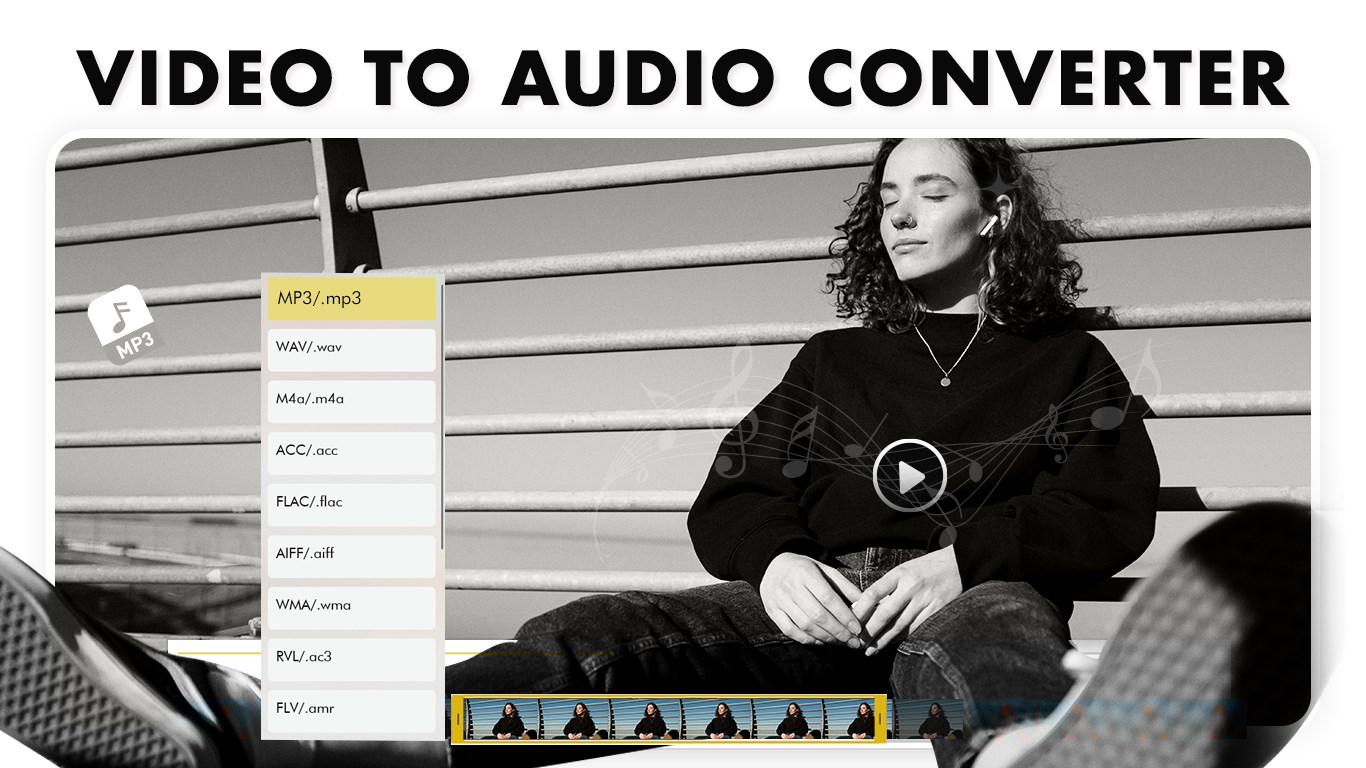
Video to MP3 Converter Extractor ist ein Videoeditor, mit dem sich Audio aus Videos extrahieren und in Formate wie MP3, WAV, AIF oder RVL umwandeln lässt. Die App erlaubt es, Videos zu trimmen, mehrere Clips zu einem Video zusammenzuführen, den Ton eines Videos stummzuschalten sowie Hintergrundmusik aus der App-Bibliothek oder eigenen Dateien hinzuzufügen. Beim Zusammenführen von Clips lassen sich Lautstärke und Auflösung anpassen und Filter anwenden, beim Trimmen können vor dem Speichern Unschärfeeffekte angewendet werden. Fertige Ergebnisse lassen sich direkt über soziale Medien, E-Mail oder Messenger teilen.
Originalbeschreibung des Entwicklers anzeigenOriginalbeschreibung ausblenden
Video to MP3 Converter Extractor is a versatile and powerful tool designed to extract high-quality audio from any video quickly and effortlessly. Convert videos to MP3 and other popular audio formats, trim clips, merge videos, mute unwanted sound, or add your favorite background music. This all-in-one solution makes it simple to create custom ringtones, audio tracks, or polished video content.
With support for a wide range of video formats, intuitive controls, and advanced editing options, this app is perfect for personal use, social media content creation, or multimedia projects.
Convert, trim, and customize your videos with ease.
Tutorial Link :- https://myexpressapps.com/video-to-mp3-converter-extractor-tutorial/
Main Features:-
1. Video to MP3 Converter
• Select any video and extract audio in MP3 or other popular formats like WAV, AIF, and RVL.
• Choose the portion of the video to convert for precise results.
• High-quality audio output for music, ringtones, and podcasts.
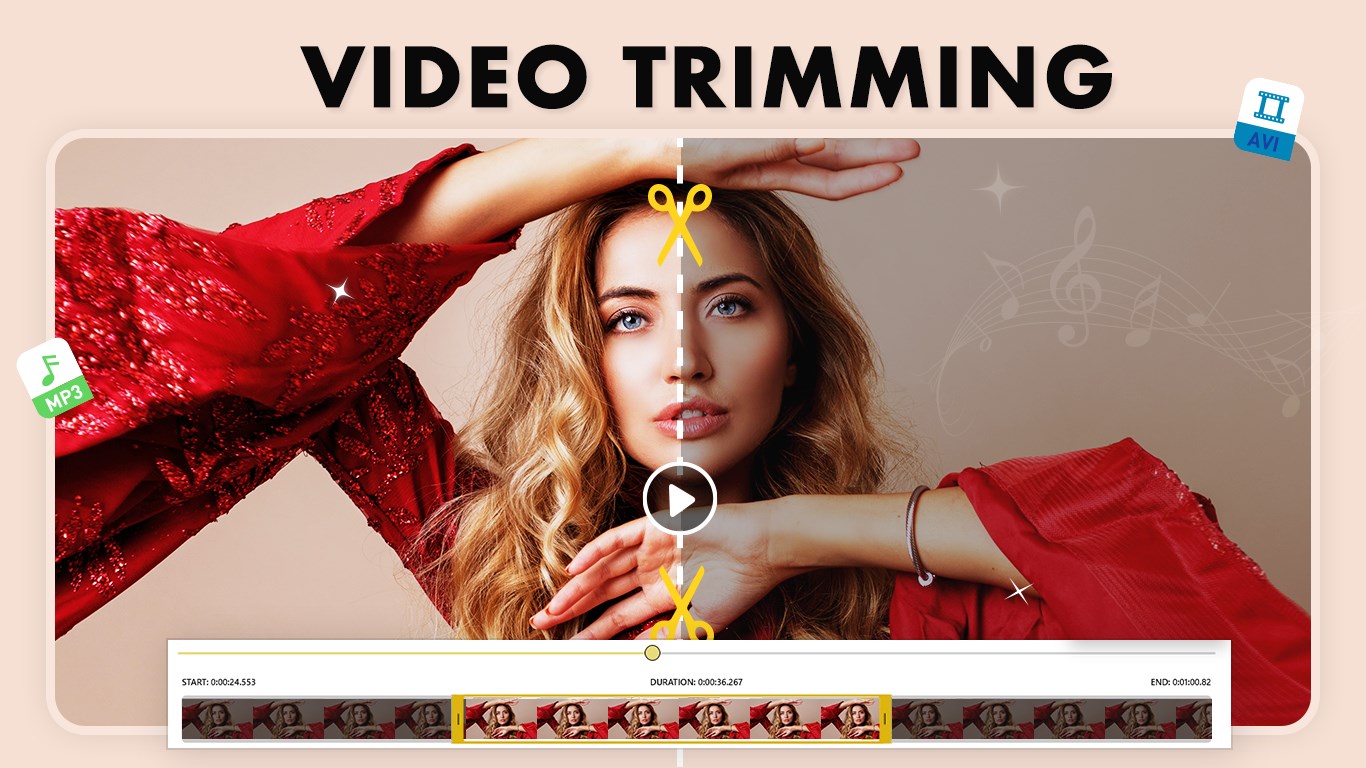
2. Video Trimmer
• Trim videos quickly using intuitive sliders.
• Adjust duration from both ends of the timeline.
• Option to apply blur effects before saving.
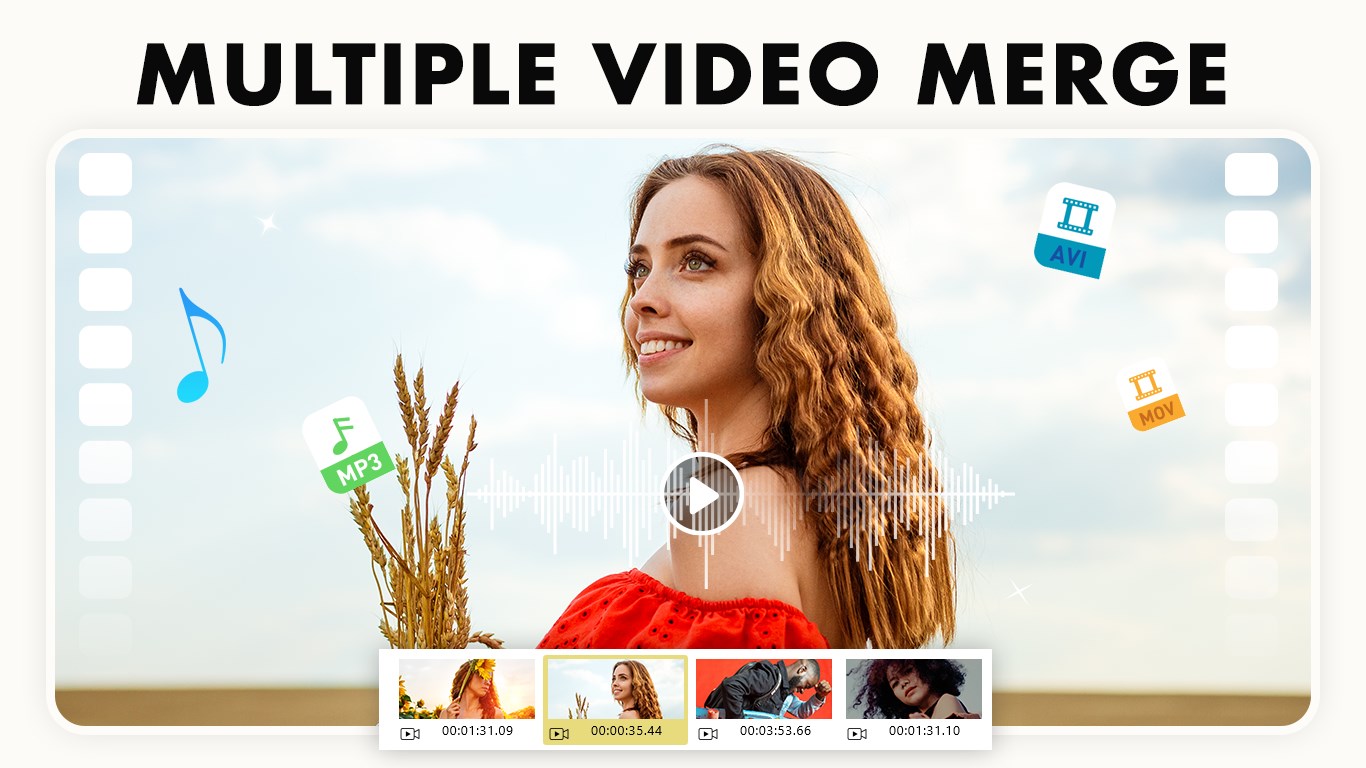
3. Merge Video
• Combine multiple clips into one seamless video.
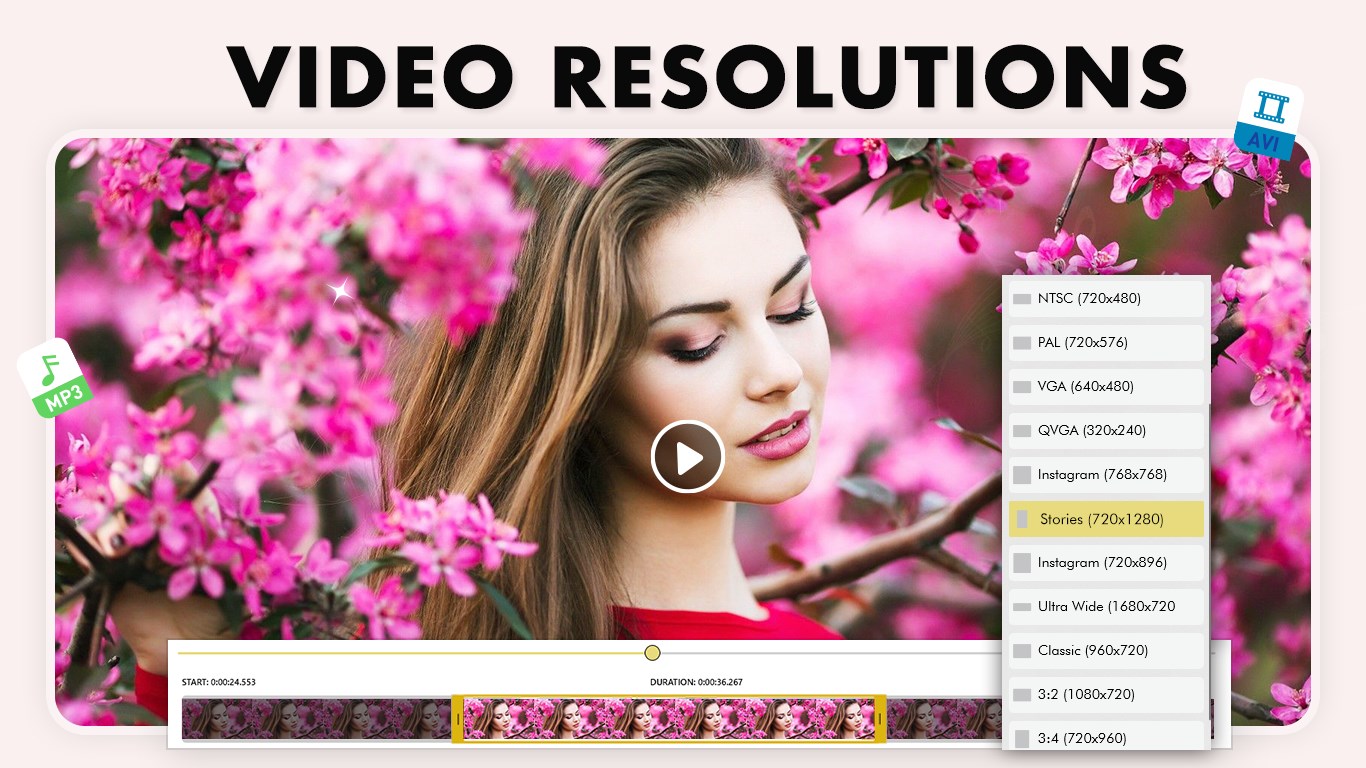
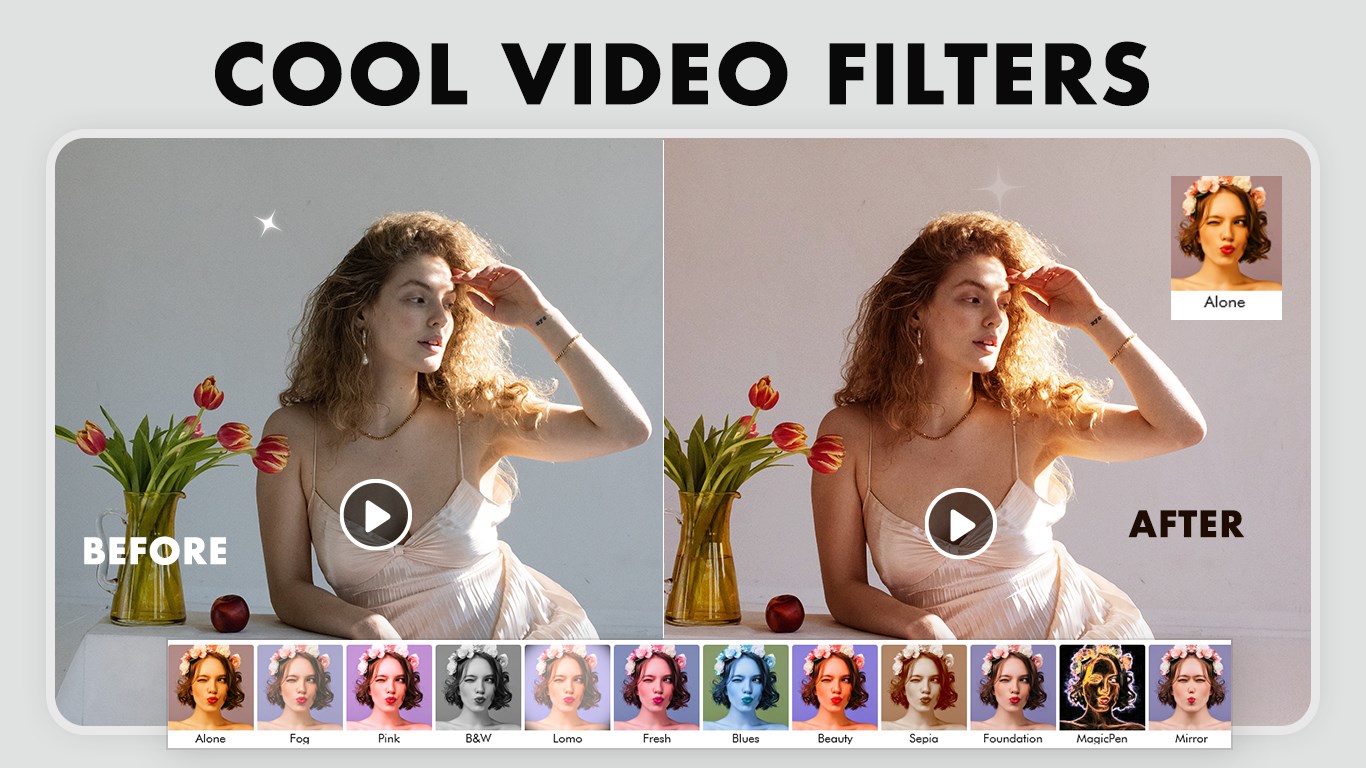
• Adjust volume, resolution, and apply filters.
• Delete unwanted clips easily.
4. Mute Video
• Remove audio from videos instantly.
• Create silent videos for presentations or social media.
5. Add Background Music
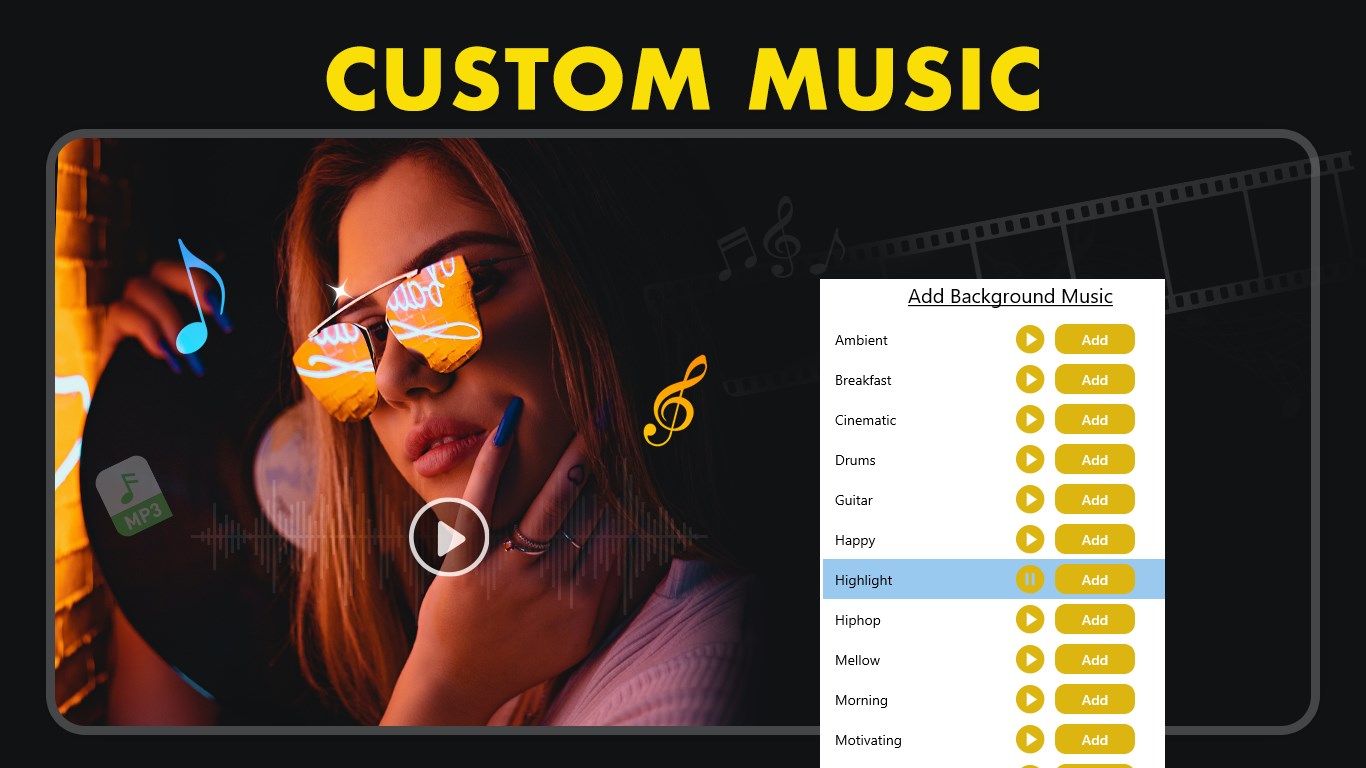
• Add music from the app library or upload your own audio files.
• Adjust volume, trim tracks, and replace music as needed.
• Save your edited video with enhanced sound.
Extra Features:
• Supports multiple export formats: MP3, WAV, MP4, AIF, RVL, and more.
• User-friendly interface for quick and accurate editing.
• Perfect for creating custom audio clips, ringtones, or social media-ready videos.
• Instant saving and sharing to social media, messaging apps, or email.
Sharing and Saving:
Save creations in high-quality MP3, WAV, MP4, AIF, RVL, and other formats. Share instantly via social media, email, or messaging apps.
Why Choose Video to MP3 Converter Extractor?
• All-in-one solution for audio extraction and video editing.
• Intuitive workflow for beginners and advanced users alike.
• Fast and reliable conversion without compromising quality.
Download and install this ultimate Video Converter to save your time and hard work.
★★★★CONTACT US★★★★
Tutorial: https://myexpressapps.com/video-to-mp3-converter-extractor-tutorial/
Web: https://myexpressapps.com
Facebook: @myexpressapps
Instagram: @myexpressapps
Twitter: @myexpressapps
Support: freebestapps@hotmail.com
Technische Details zu Video to MP3 Converter Extractor
Falls es eine App-Version für iOS/Mac oder Windows gibt, die wir nicht kennen, füge den Store-Link hier ein — wir erkennen automatisch, welcher Store.
So findest du die URL:1. Die App im jeweiligen Store öffnen. 2.In der App-Store-App: auf das Teilen-Symbol tippen → „Link kopieren“. Im Browser: die URL aus der Adresszeile kopieren — sie enthält apps.apple.com/…/id… oder apps.microsoft.com/detail/…. 3. Hier einfügen.
Füge den Original-Link aus dem Apple App Store oder Microsoft Store ein. Wir holen alle Details automatisch.
So findest du die URL:
1. Die App im jeweiligen Store öffnen. 2.In der App-Store-App: auf das Teilen-Symbol tippen → „Link kopieren“. Im Browser: die URL aus der Adresszeile kopieren — sie enthält apps.apple.com/…/id… oder apps.microsoft.com/detail/…. 3. Hier einfügen.
Android-Apps können nur von ihren Entwicklern eingereicht werden.



 MP3-Konverter – Video zu MP3 & Audio extrahieren
Audio aus Videos extrahieren und in MP3 umwandeln
 Video To Mp3 Converter,Video Trimmer
Videos in Audiodateien umwandeln und Audio schneiden
 Audio Converter - Mp3 Converter
Audioformate schnell konvertieren und Audio aus Videos
 My MP3 Converter
Audio- und Videodateien in MP3 umwandeln
 MP4 to MP3 Video Converter Pro
Konvertiert Video- und Audiodateien zwischen vielen Formaten
 Music Downloader & MP3 Video Converter
Musik und Videos als MP3 oder MP4 herunterladen