Mit der Registrierung bestätigst du, dass du mindestens 16 Jahre alt bist, und akzeptierst die AGB. Wie wir deine Daten verarbeiten, steht in der Datenschutzerklärung.
Screenshot erscheint nach ZustimmungScreenshot erscheint nach ZustimmungScreenshot erscheint nach ZustimmungScreenshot erscheint nach Zustimmung
Zusammenfassung
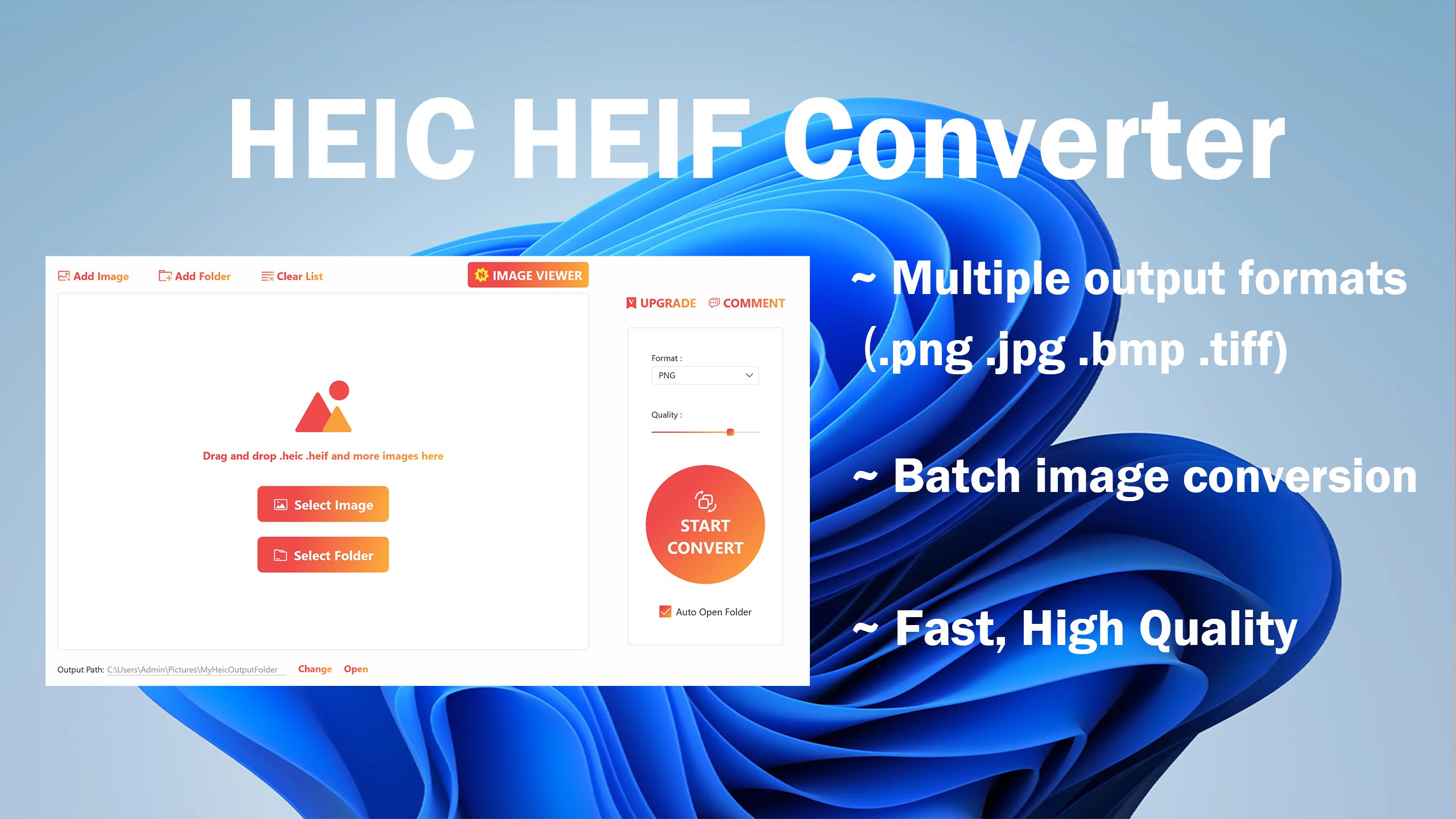
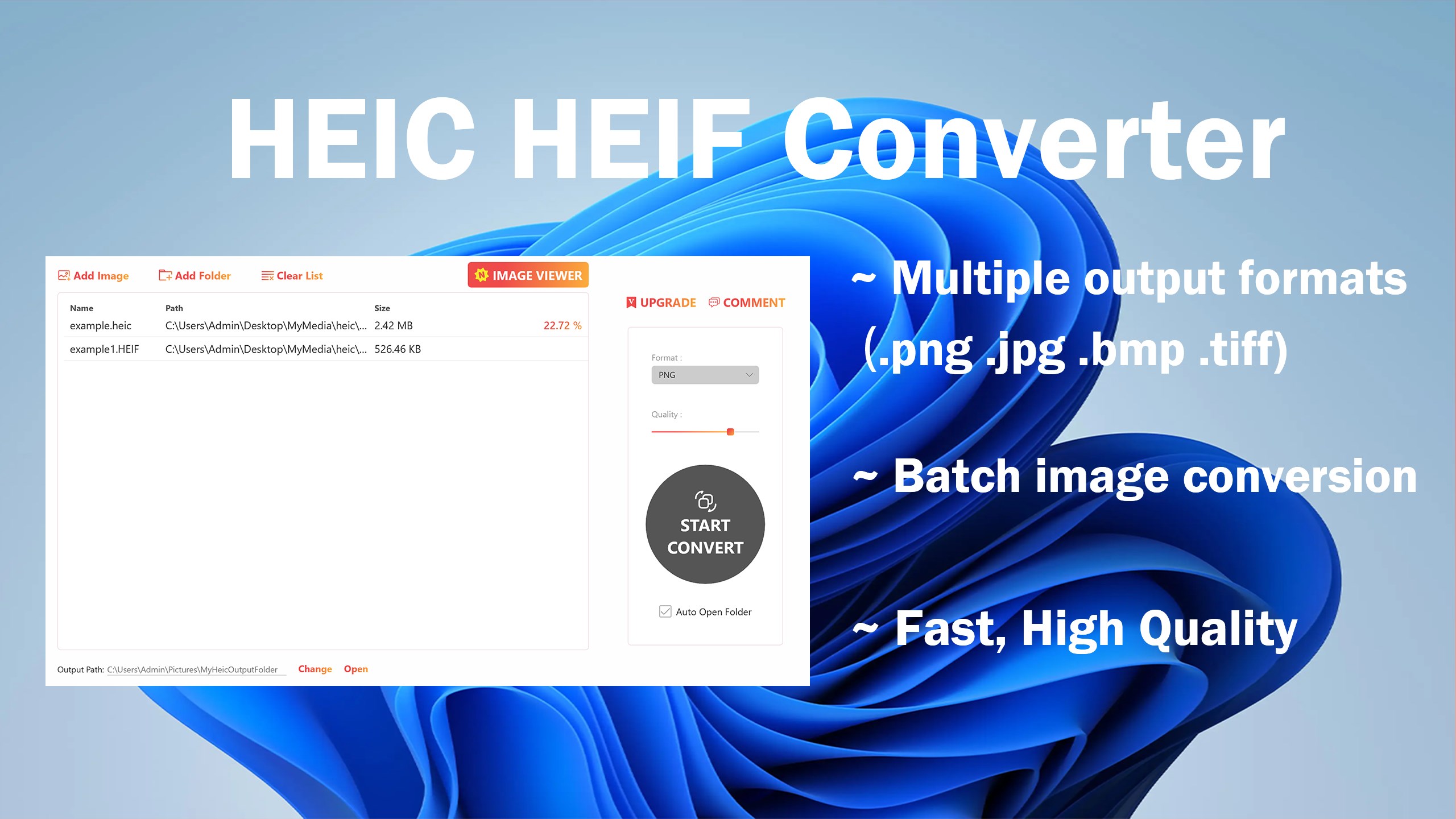
HEIC Converter - Any Image Convert ist ein Bildkonverter, der HEIC- und HEIF-Bilder in gängige Formate wie PNG, JPG, JPEG, BMP und TIFF umwandelt. Die App unterstützt die Stapelverarbeitung, sodass mehrere Dateien gleichzeitig konvertiert werden können. Die Bedienung erfolgt durch Auswahl der Bilder oder eines Ordners, Festlegung des gewünschten Ausgabeformats und Start der Konvertierung per Klick. Die kostenlose Version erlaubt die Umwandlung von bis zu vier Bildern gleichzeitig und unterstützt nur die Ausgabe in PNG und JPG. Eine kostenpflichtige VIP-Version bietet unbegrenzte Stapelkonvertierung und Ausgabe in sämtlichen unterstützten Bildformaten.
Originalbeschreibung des Entwicklers anzeigenOriginalbeschreibung ausblenden
Are you tired of not being able to open and view HEIC or HEIF images on your preferred devices? Look no further – the "HEIC Converter - Any Image Convert" is here to save the day! 🚀
This remarkable app is your ultimate solution to convert HEIC and HEIF images into commonly supported formats like PNG, JPG, JPEG, BMP, and TIFF. Say goodbye to compatibility issues and embrace the flexibility to view your photos anywhere, anytime. 🌐
One of the standout features of the HEIC Converter - Any Image Convert is its blazing-fast conversion speed. You won't have to wait around for your photos to transform from those tricky HEIC/HEIF formats into user-friendly options. It's as quick as a snap! ⚡
Are you overwhelmed by a massive collection of HEIC/HEIF images? Don't worry; this app has you covered with its batch conversion support. You can convert multiple files simultaneously, saving you precious time and effort. Whether it's a handful of pictures or an entire album, the HEIC Converter - Any Image Convert handles it with ease. 📦✨
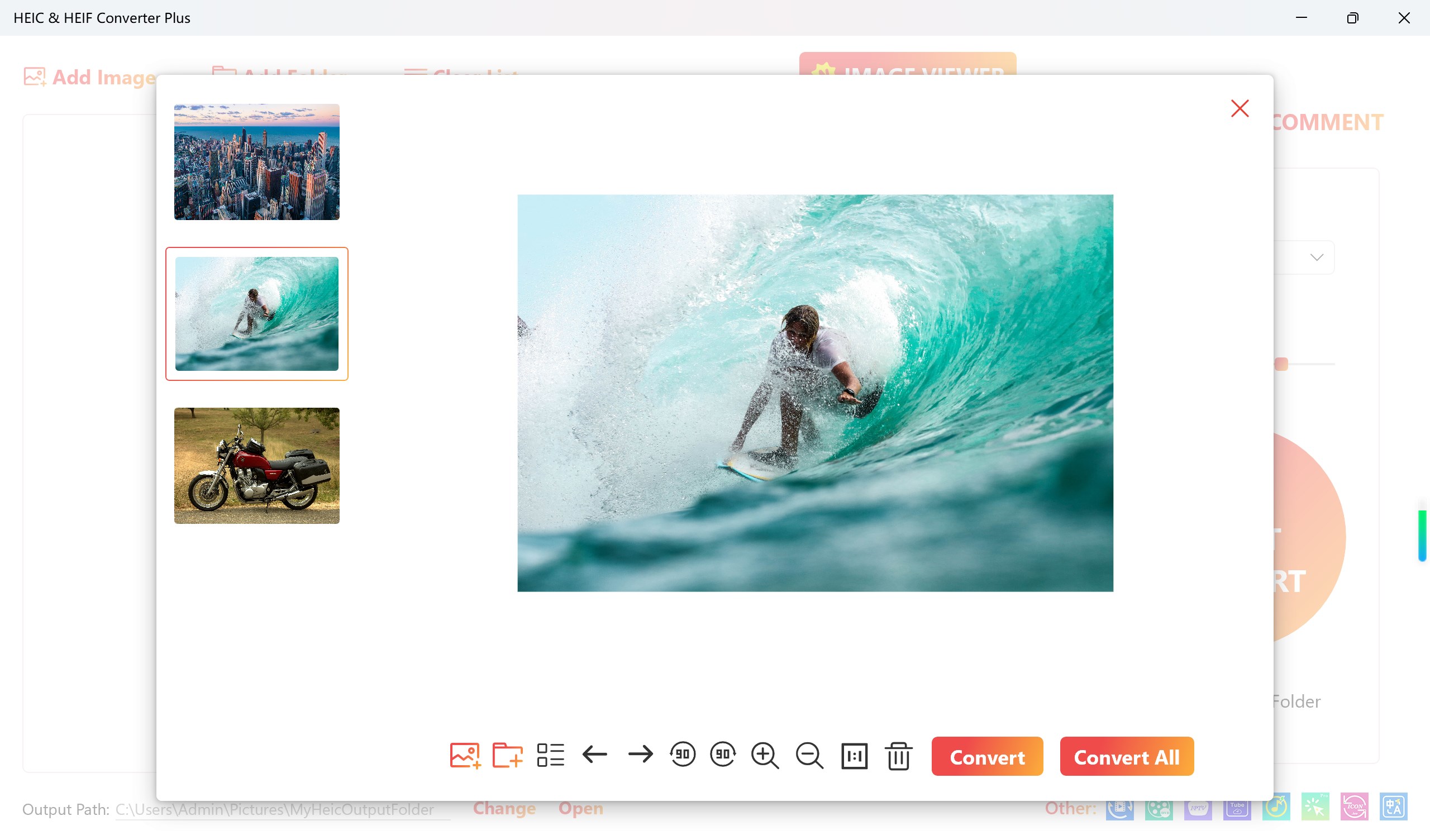
With a simple and intuitive user interface, this app is user-friendly and doesn't require any technical expertise. Just select the files you want to convert, choose your desired output format, and click 'Convert.' It's that easy! 🎯
Whether you're a professional photographer or just someone who loves to capture moments, the HEIC Converter - Any Image Convert is an essential tool for your image management needs. It's compatible with various platforms, ensuring that you can seamlessly view your photos on any device, from your computer to your smartphone. 📱💻
In a world where image formats are constantly evolving, the HEIC Converter - Any Image Convert is the bridge that ensures you're never left with incompatible files. Don't let HEIC and HEIF images restrict your photo viewing experience – download this app now and unlock a world of possibilities for your cherished memories! 🌟📸
Make the switch today, and let the HEIC Converter - Any Image Convert be your go-to solution for all your image conversion needs. Say goodbye to compatibility issues and hello to hassle-free photo viewing! 📷🔄💫
How it works:
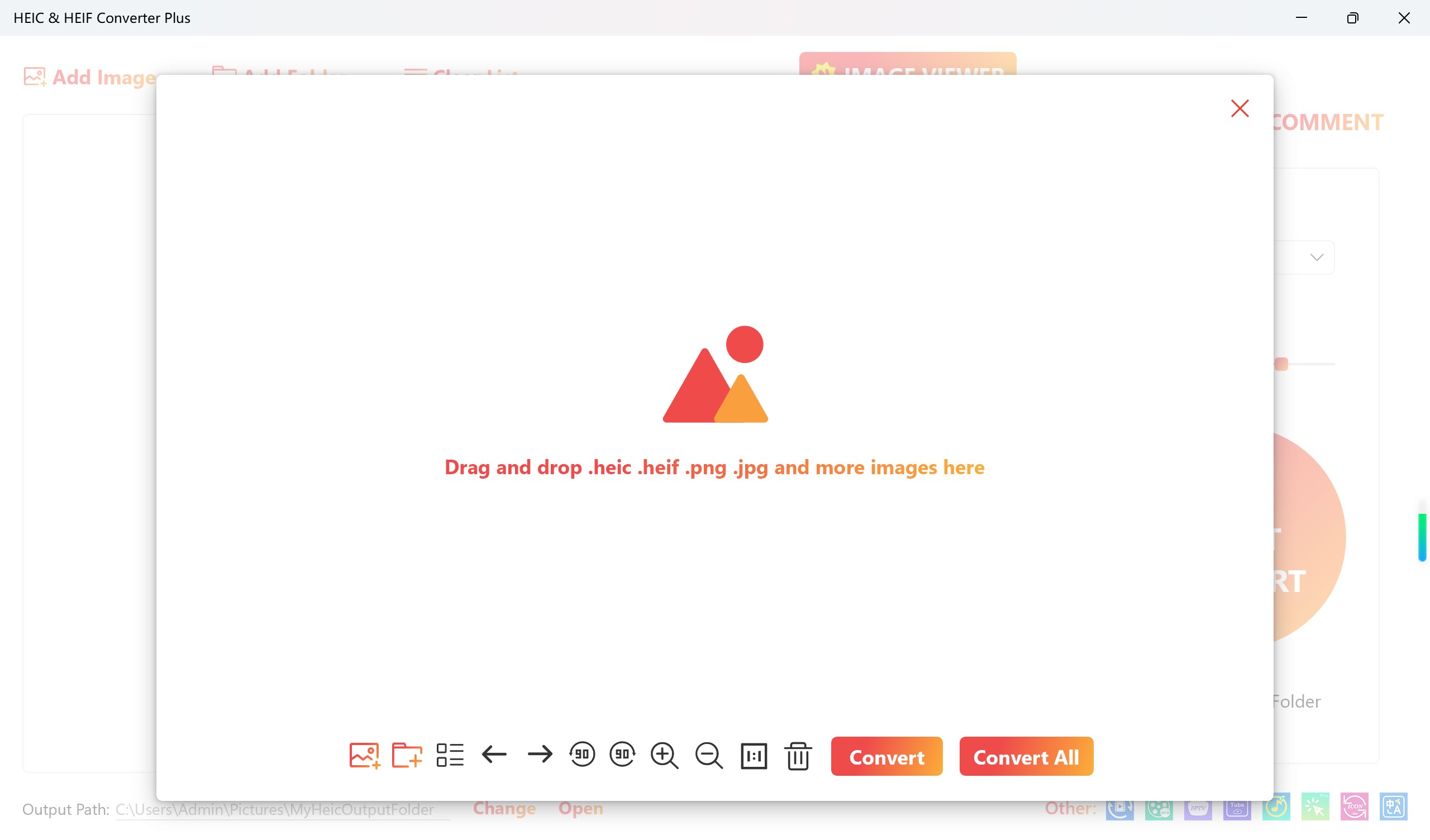
1. Click the "Add Image" or "Add Folder" button
2. Select the output image format
3. Click the Convert button
4. Click the "Open Folder" button to view the converted pictures
Free:
- Unlimited usage times.
- Only convert 4 images at a time.
- Only support output png jpg format
VIP:
- Unlimited usage times.
- Batch conversion is supported.
- Supports output all image formats
Store-URL für „HEIC Converter - Any Image Convert”
Falls es eine App-Version für iOS/Mac oder Windows gibt, die wir nicht kennen, füge den Store-Link hier ein — wir erkennen automatisch, welcher Store.
So findest du die URL:1. Die App im jeweiligen Store öffnen. 2.In der App-Store-App: auf das Teilen-Symbol tippen → „Link kopieren“. Im Browser: die URL aus der Adresszeile kopieren — sie enthält apps.apple.com/…/id… oder apps.microsoft.com/detail/…. 3. Hier einfügen.
Füge den Original-Link aus dem Apple App Store oder Microsoft Store ein. Wir holen alle Details automatisch.
So findest du die URL:
1. Die App im jeweiligen Store öffnen. 2.In der App-Store-App: auf das Teilen-Symbol tippen → „Link kopieren“. Im Browser: die URL aus der Adresszeile kopieren — sie enthält apps.apple.com/…/id… oder apps.microsoft.com/detail/…. 3. Hier einfügen.
Android-Apps können nur von ihren Entwicklern eingereicht werden.



 HEIC Convert Pro - Image Converter
HEIC- und HEIF-Bilder schnell in JPG oder PNG umwandeln
 HEIC to JPEG - The HEIC to JPG Converter
HEIC-Fotos in JPEG, PNG und weitere Formate umwandeln
 HEIC to JPG Real Converter
HEIC-Dateien lokal in JPG, PNG oder BMP umwandeln
 HEIC to JPEG
HEIC/HEIF lokal in JPEG, PNG und weitere Formate umwandeln
 HEIC Converter- HEIC to JPG & Photo Viewer, Printer
HEIC-Bilder in JPG, PNG oder BMP umwandeln, ansehen
 HEIC Converter | Heic to JPG
HEIC-Bilder lokal in JPG umwandeln