
PhotoMind - FREE Photo Editor & Photo Paint

Digitale Malerei mit Pinseln, Ebenen und Filtern KI-Zusammenfassung
Rang 1613
0 Aufwertungen, 0 Abwertungen
▲
0
▼
PhotoMind - FREE Photo Editor & Photo Paint gibt es nicht für Android und Apple — oder doch? URL einreichen
Diese App ist nicht in einer deutschen Sprachversion verfügbar.
Screenshots
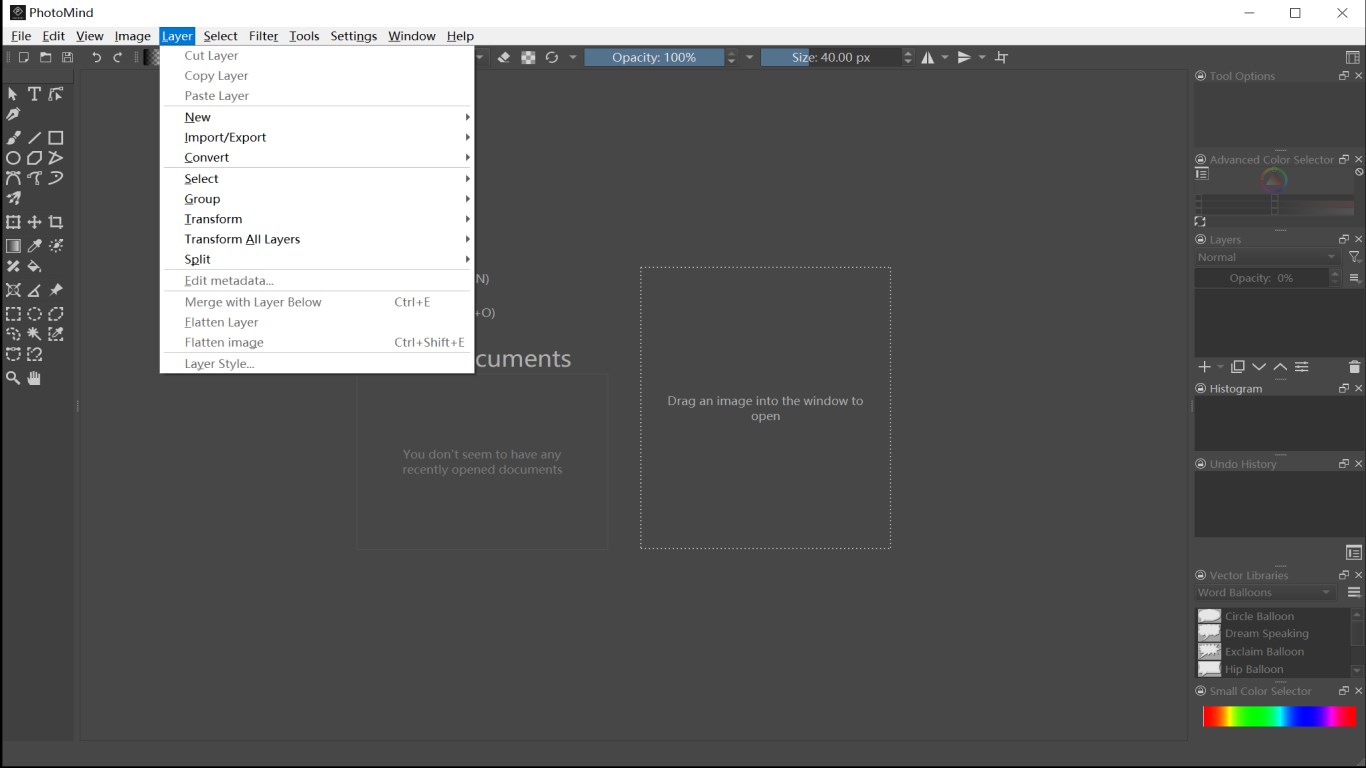
Screenshot 1 von PhotoMind - FREE Photo Editor & Photo Paint auf WindowsScreenshot
erscheint nach Zustimmung
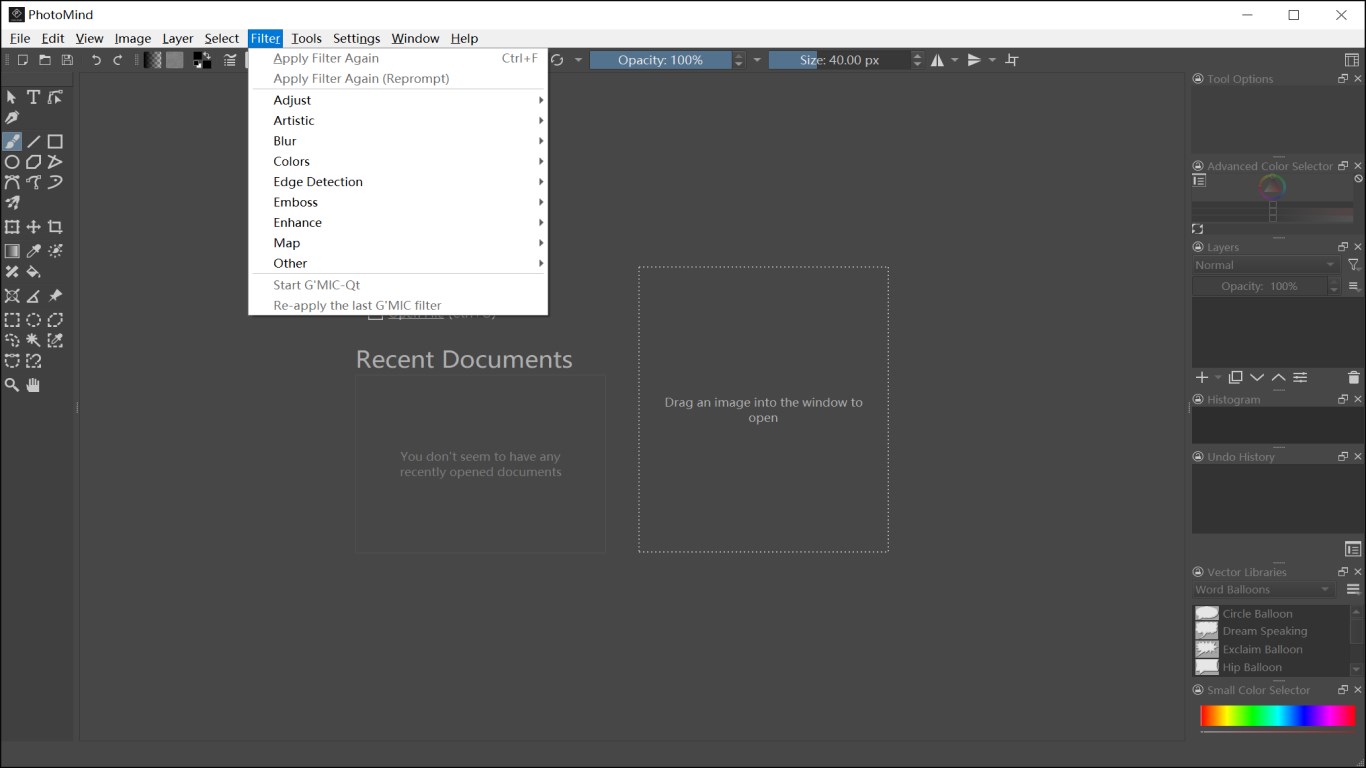
Screenshot 2 von PhotoMind - FREE Photo Editor & Photo Paint auf WindowsScreenshot
erscheint nach Zustimmung
Screenshot 3 von PhotoMind - FREE Photo Editor & Photo Paint auf WindowsScreenshot
erscheint nach Zustimmung
Screenshot 4 von PhotoMind - FREE Photo Editor & Photo Paint auf WindowsScreenshot
erscheint nach Zustimmung
Screenshot 5 von PhotoMind - FREE Photo Editor & Photo Paint auf WindowsScreenshot
erscheint nach Zustimmung
Screenshot 6 von PhotoMind - FREE Photo Editor & Photo Paint auf WindowsScreenshot
erscheint nach Zustimmung
Zusammenfassung
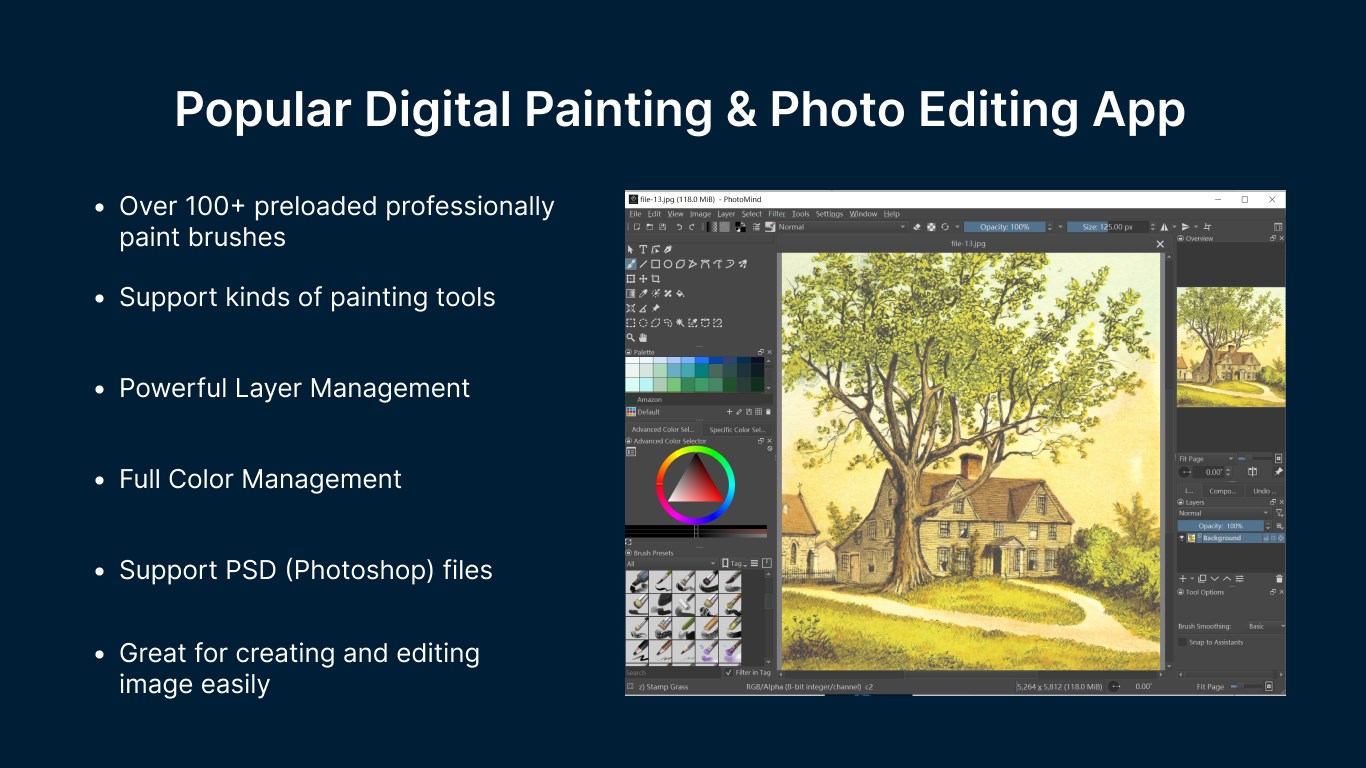
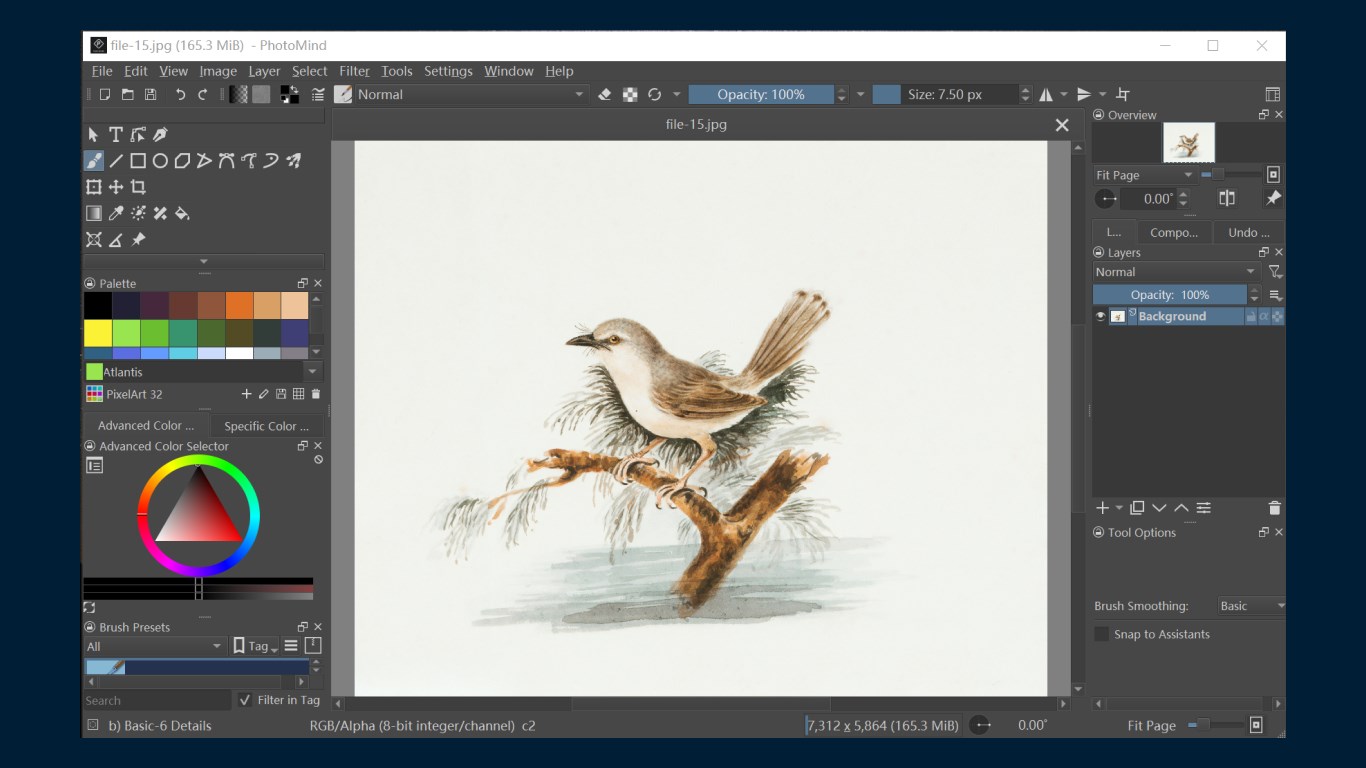
PhotoMind - FREE Photo Editor & Photo Paint ist ein kostenloses Bildbearbeitungsprogramm für Windows, das fortgeschrittene Werkzeuge wie Weichzeichnen, Ebenenarbeit, Farbmischung, Rendering, Spiegelung und Transformation bietet und zudem die Bearbeitung von HDR-Bildern sowie Fotomontagen ermöglicht. Damit lassen sich Illustrationen, Comics, Animationen oder Storyboards erstellen, unterstützt durch Freihandpinsel, Linie, Rechteck und Ellipse sowie Funktionen zum Zuschneiden, Zoomen, Drehen und Skalieren von Bildern. Ebenen lassen sich ausschneiden, kopieren, einfügen, gruppieren und zusammenfügen.
Originalbeschreibung des Entwicklers anzeigenOriginalbeschreibung ausblenden
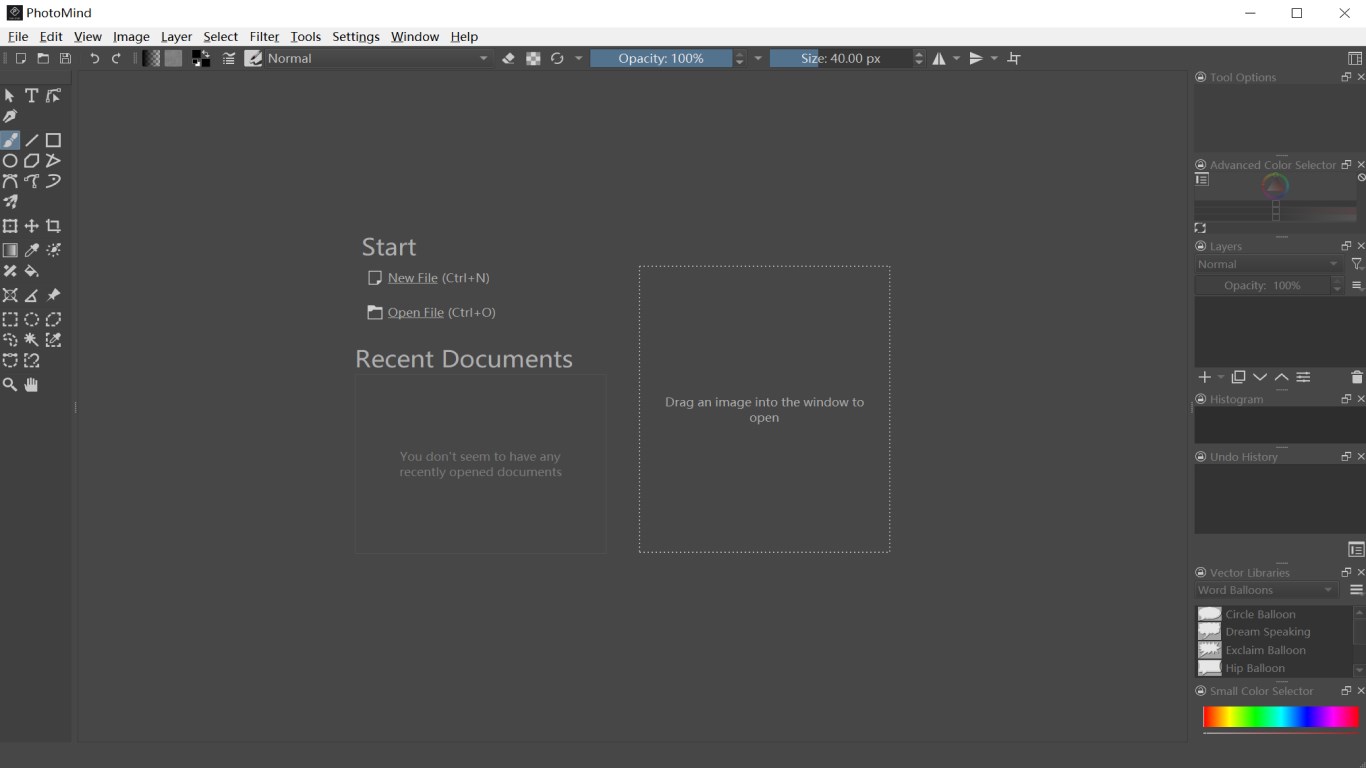
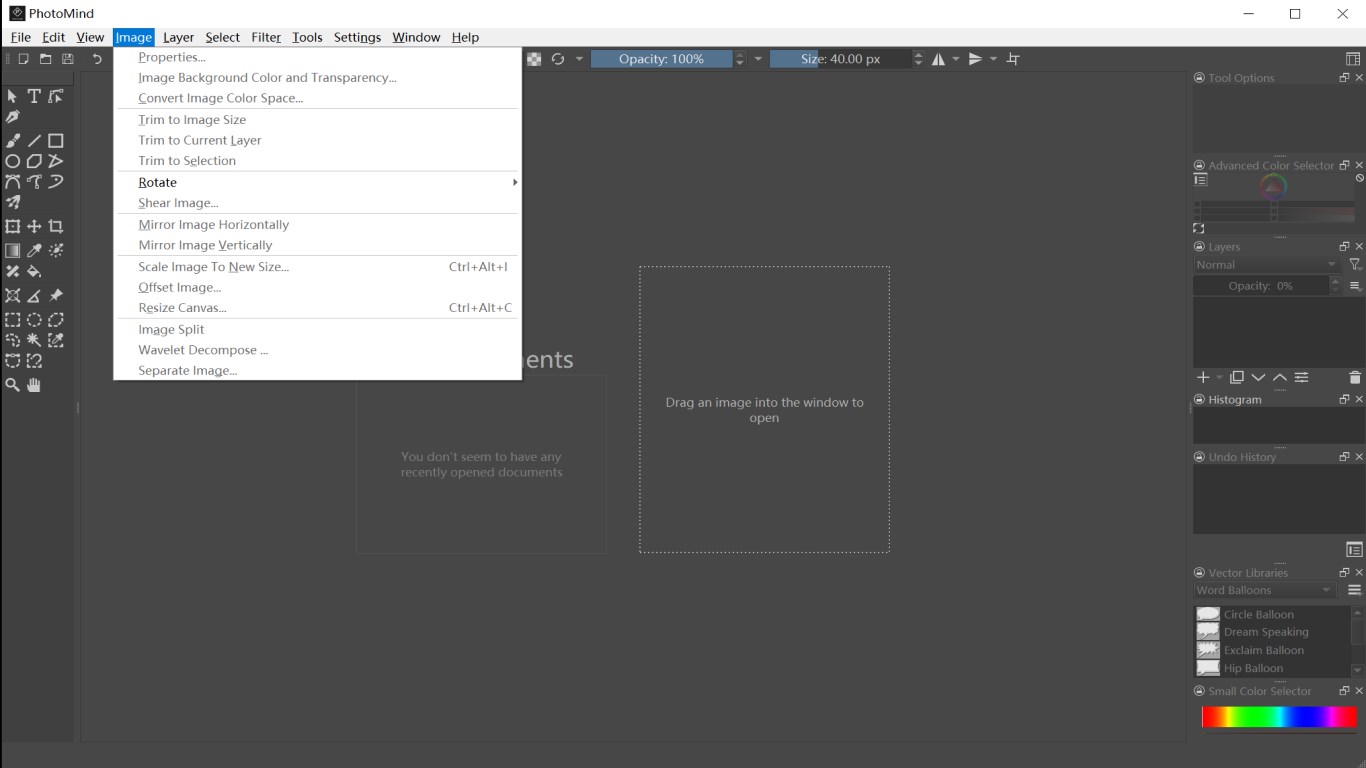
PhotoMind is a full-featured digital painting application for anyone who loves to draw. It is the best alternative to Adobe Photoshop Express (PSD), GIMP, Krita on Windows 10 & Windows 11, and is also compatible with the file formats of these software. PhotoMind is a best free digital drawing software, it helps you simple and easy to create, edit, and develop images and other art, without having to pay for software or a subscription. PhotoMind has many advanced painting tools such as smoothing, layering, colour mixing, rendering, painting, mirroring, blending and transforming. HDR images can also be modified and photo manipulation can also be performed. [Key Features] • Create illustrations, comics, animations or storyboards; • Supports a variety of painting tools, such as Freehand brush, Line, Rectangle, Ellipse, Move, Crop, Zoom, etc; • Cut layer, copy layer, paste layer, group layers, split layer, flatten layer, etc; • Edit metadata of image; • Filter on image; • View & edit your existing images; • Rotate image, split image, scale image, separate image, etc; • Various other drawing tools and image editor tools; PhotoMind supports the following file formats: Adobe Photoshop Image (*.psb, *.psd) HEIC/HEIF Image (*.heic, *.heif) Windows BMP Image (*.bmp) PNG Image (*.png) SVG Image (*.svg) Windows icon (*.ico) JPEG Image (*.jpg, *.jpeg, *.jpe, *.jp2, *.jpx, *.jpf) GIF image (*.gif) TIFF image (*.tif, *.tiff) GIMP Image (*.xcf) GIMP Brush (*.gbr, *.vbr) GIMP Image Hose Brush (*gih) Camera Raw Files (*.bay, *.bmq, *.cr2, *.crw, *.cs1, *.dc2, *.dcr, *.dng, *.erf, *.fff, *.hdr, *.k25, *.kdc, *.mdc, *.mos, *.mrw, *.nef, *.orf, *.pef, *.pxn, *.raf, *.raw, *.rdc, *.sr2, *.srf, *.x3f, *.arw, *.3fr, *.cine, *.ia, *.kc2, *.mef, *.nrw, *.qtk, *.rw2, *.sti, *.rwl, *.srw) AVIF Image (*.avif) TGA Image (*.tga, *.icb, *.tpic, *.vda, *.vst) R8 Heightmap (*.r8) R16 Heightmap (*.r16) R32 Heightmap (*.r32) PPM Image (*.ppm) PGM Image (*.pgm) PBM image (*.pbm) XBM Image (*.xbm) XPM Image (*.xpm) EXR Image (*.exr) WebP Image (*.webp) Krita document (*.kra) Krita Archival Image Format (*.krz) Krita Brush Preset (*.kpp) OpenEXR (Extended) (*.exr ) OpenRaster Image (*.ora)
Technische Details zu PhotoMind
Kategorie
Altersfreigabe
Preis
Größe
165,4 MB
Zuletzt aktualisiert im Microsoft Store
22.05.2026
App-Store-Bewertung
4.8 ★
Geräte
PhotoMind in den Bestenlisten
App verwalten

Gehörst du zum Entwicklerteam von PhotoMind?

Verifiziere dich und verwalte euren Eintrag auf Most Voted Apps.
PhotoMind kostenlos verifizieren
Die Verifizierung dauert in der Regel nur wenige Minuten.
Ähnliche Apps wie PhotoMind