Mit der Registrierung bestätigst du, dass du mindestens 16 Jahre alt bist, und akzeptierst die AGB. Wie wir deine Daten verarbeiten, steht in der Datenschutzerklärung.
Screenshot erscheint nach ZustimmungScreenshot erscheint nach Zustimmung
Zusammenfassung
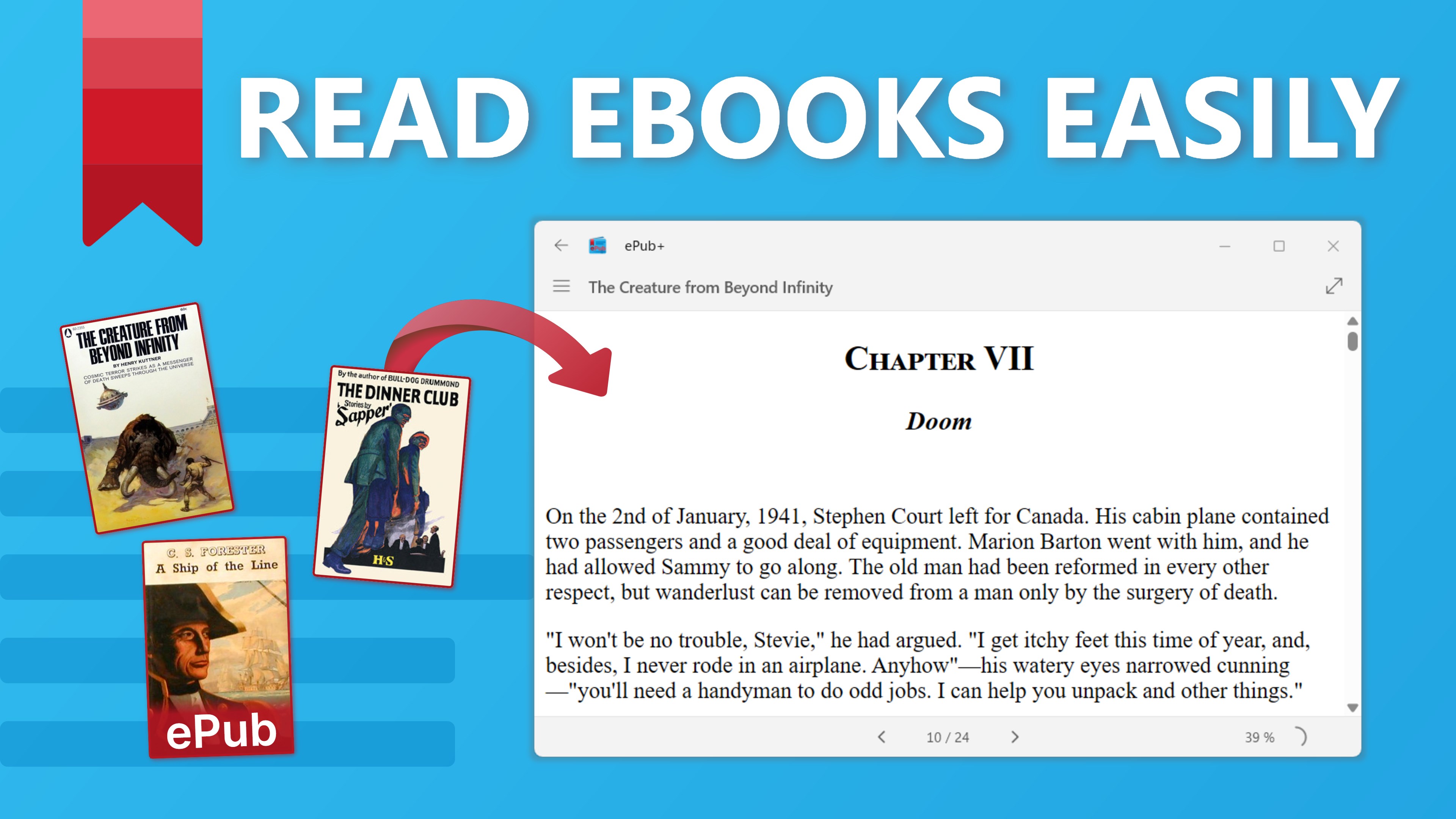
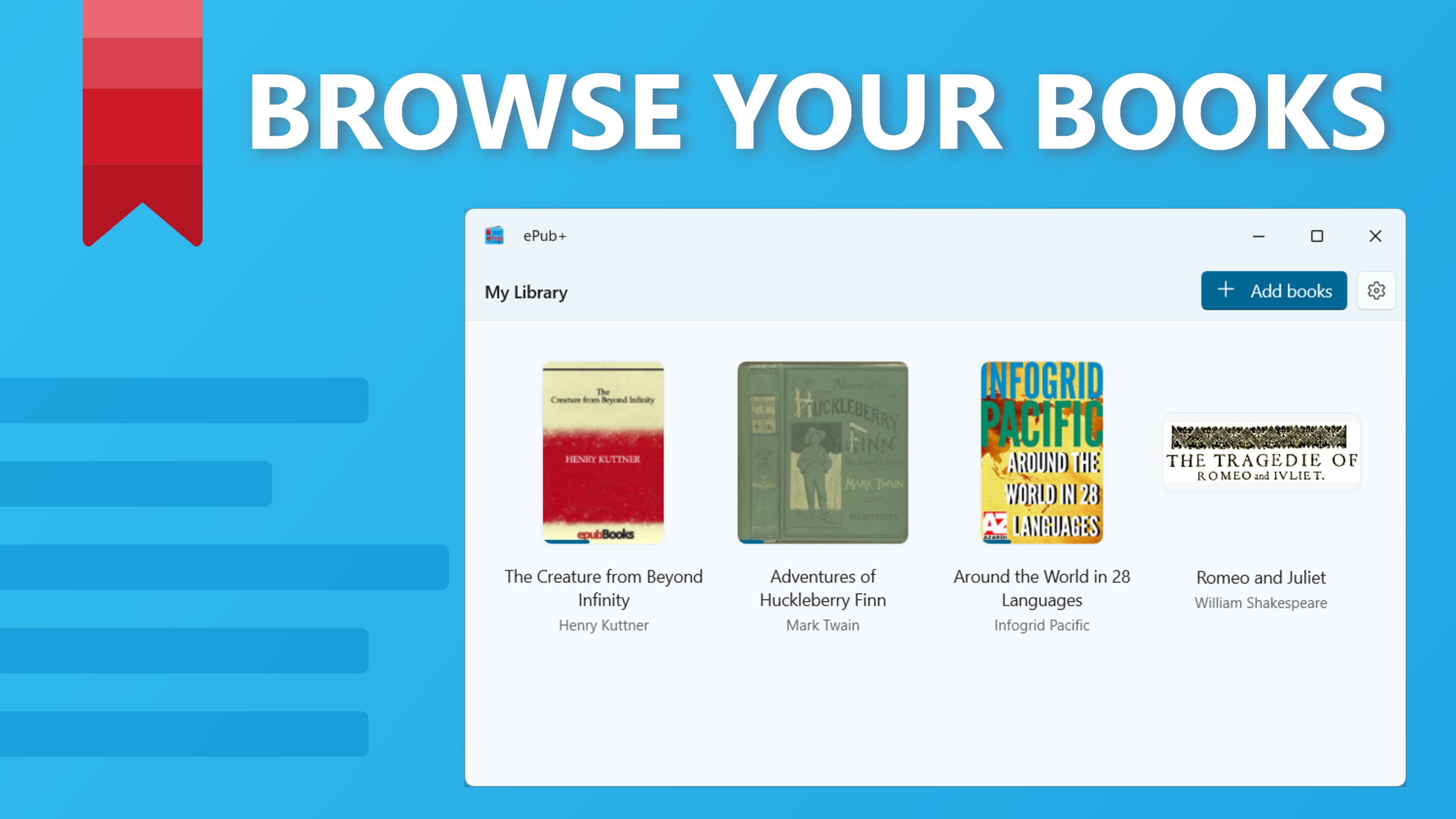
ePub+ ist ein E-Book-Reader für Windows zum Lesen von ePub-Dateien. Die App bietet eine Bibliotheksansicht, in der alle hinzugefügten ePubs nach zuletzt gelesenen Titeln sortiert erscheinen. Beim erneuten Öffnen eines Buches setzt ePub+ automatisch an der zuletzt gelesenen Stelle fort. ePub-Dateien lassen sich direkt vom Gerät öffnen und werden dann automatisch zur Bibliothek hinzugefügt. Die Navigation zwischen Kapiteln erfolgt über eine einfache, auf WinUI3 basierende Oberfläche. ePub+ ist kostenlos und werbefrei.
Originalbeschreibung des Entwicklers anzeigenOriginalbeschreibung ausblenden
ePub+: Your Ultimate eBook Reader for Windows! 📖✨
Dive into your favorite eBooks with ePub+, a sleek and user-friendly app designed for reading ePub files. Whether you’re a casual reader or a book enthusiast, ePub+ offers the perfect reading experience on Windows.
Why You'll Love ePub+:
• Seamless Navigation: Easily navigate through chapters and scroll to read with a smooth, intuitive interface. 📖
• Library View: All your ePubs are added to the library view, sorted by recent reads, for easy access. 📚
• Resume Reading: ePub+ remembers your last position, so you can continue reading exactly where you left off. 🔖
• File Activation: Open ePub files directly from your device, and they’ll be added to your library automatically. 📂
• WinUI3 Technology: Enjoy a modern, visually appealing reading experience with the latest WinUI3 design. 🌟
Get Started with ePub+:
Download ePub+ from the Microsoft Store for free.
Add your ePub files to the app or open them directly from your device.
Enjoy reading with seamless navigation and automatic bookmarking.
Key Features:
Chapter Navigation: Easily move between chapters with a simple click.
Recent Reads: Access your recently read eBooks from the library view.
Auto Bookmark: Resume reading from the exact spot you left off.
User-Friendly Interface: Intuitive and easy-to-use design for all users.
Free and Ad-Free: Enjoy your eBooks without any cost or interruptions.
Stay Organized and Enjoy Reading:
With ePub+, managing and reading your eBooks has never been easier. Keep all your ePubs in one place and enjoy a seamless reading experience with intuitive navigation and automatic bookmarking.
Future Enhancements:
ePub+ is currently an MVP (Minimum Viable Product), and we are committed to continuously improving it. Expect exciting new features and enhancements in future updates to make your reading experience even better. 📈✨
Ready to elevate your reading experience?
Download ePub+ now and immerse yourself in your favorite eBooks! 📚🚀
Falls es eine App-Version für iOS/Mac oder Windows gibt, die wir nicht kennen, füge den Store-Link hier ein — wir erkennen automatisch, welcher Store.
So findest du die URL:1. Die App im jeweiligen Store öffnen. 2.In der App-Store-App: auf das Teilen-Symbol tippen → „Link kopieren“. Im Browser: die URL aus der Adresszeile kopieren — sie enthält apps.apple.com/…/id… oder apps.microsoft.com/detail/…. 3. Hier einfügen.
Füge den Original-Link aus dem Apple App Store oder Microsoft Store ein. Wir holen alle Details automatisch.
So findest du die URL:
1. Die App im jeweiligen Store öffnen. 2.In der App-Store-App: auf das Teilen-Symbol tippen → „Link kopieren“. Im Browser: die URL aus der Adresszeile kopieren — sie enthält apps.apple.com/…/id… oder apps.microsoft.com/detail/…. 3. Hier einfügen.
Android-Apps können nur von ihren Entwicklern eingereicht werden.


 ePub Reader +
E-Books, PDFs und Office-Dokumente lesen und bearbeiten
 EPUB eBooks Reader
eBooks in mehreren Formaten lesen und anpassen
 BookFusion
eBooks, PDFs und Comics in einer Bibliothek lesen
 EPUB+ Reader – eBooks lesen und umwandeln
eBooks lesen und in gängige Formate umwandeln
 Total eBook Reader
E-Books und Dokumente in vielen Formaten lesen
 Free Ebook Reader
Öffnet und liest E-Books im EPUB-Format