Mit der Registrierung bestätigst du, dass du mindestens 16 Jahre alt bist, und akzeptierst die AGB. Wie wir deine Daten verarbeiten, steht in der Datenschutzerklärung.
Screenshot erscheint nach ZustimmungScreenshot erscheint nach ZustimmungScreenshot erscheint nach ZustimmungScreenshot erscheint nach ZustimmungScreenshot erscheint nach ZustimmungScreenshot erscheint nach ZustimmungScreenshot erscheint nach ZustimmungScreenshot erscheint nach ZustimmungScreenshot erscheint nach ZustimmungScreenshot erscheint nach ZustimmungScreenshot erscheint nach ZustimmungScreenshot erscheint nach ZustimmungScreenshot erscheint nach ZustimmungScreenshot erscheint nach ZustimmungScreenshot erscheint nach Zustimmung
Zusammenfassung
Xodo - PDF Reader & Editor ist ein PDF-Reader für Windows zum Anzeigen und Bearbeiten von PDF-Dokumenten. Die App ermöglicht schnelle Navigation, Suche und einen Dunkelmodus für die Lektüre bei wenig Licht. Nutzer können PDFs mit Kommentaren, Notizen, Hervorhebungen, Formen und handschriftlichen Anmerkungen versehen sowie Seiten einfügen, anordnen oder löschen, außerdem lassen sich Unterschriften hinzufügen und interaktive Formulare ausfüllen. In der kostenpflichtigen Pro-Version kommen die Umwandlung von und zu Formaten wie Word, Excel oder JPG sowie das Komprimieren, Schützen, Zusammenführen und Teilen von Dokumenten hinzu.
Originalbeschreibung des Entwicklers anzeigenOriginalbeschreibung ausblenden
Xodo is a trusted PDF reader, editor, and converter for Windows. Get more work done and save valuable time with essential PDF tools and features:
View PDF:
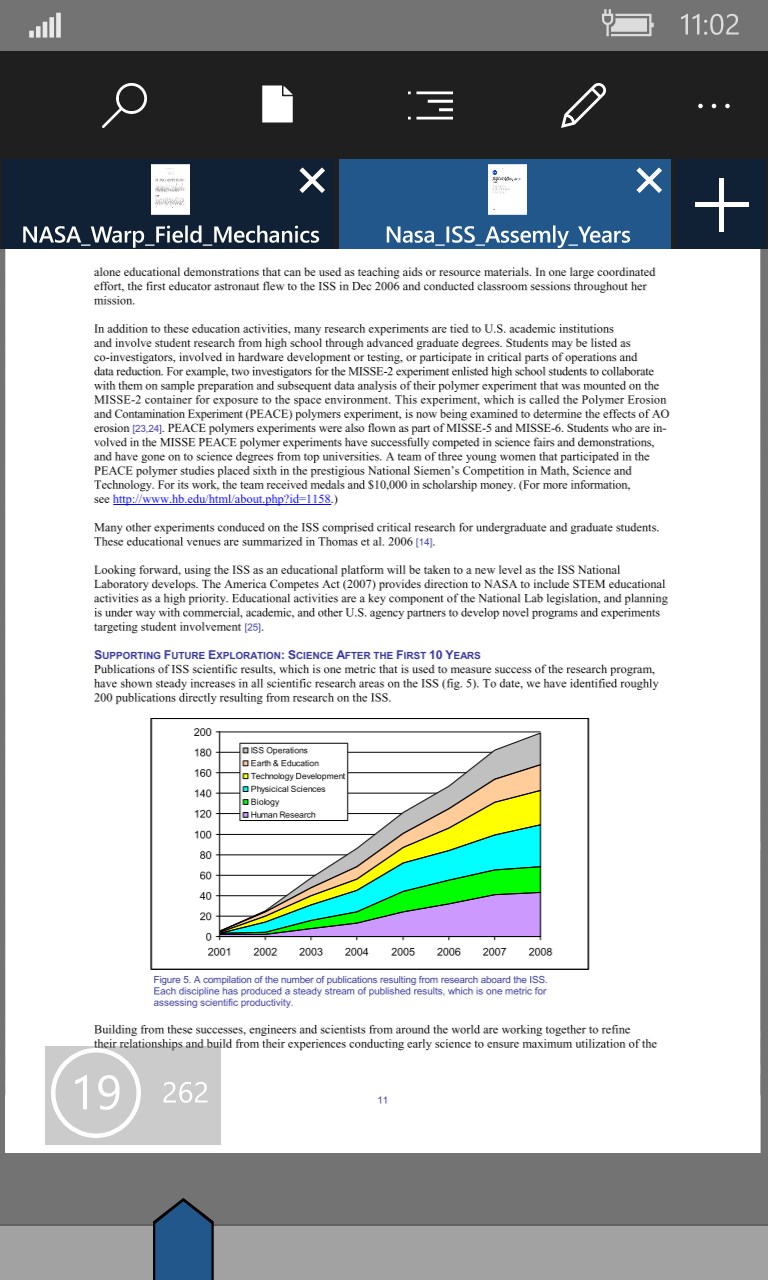
• Smooth navigation and fast PDF viewing engine
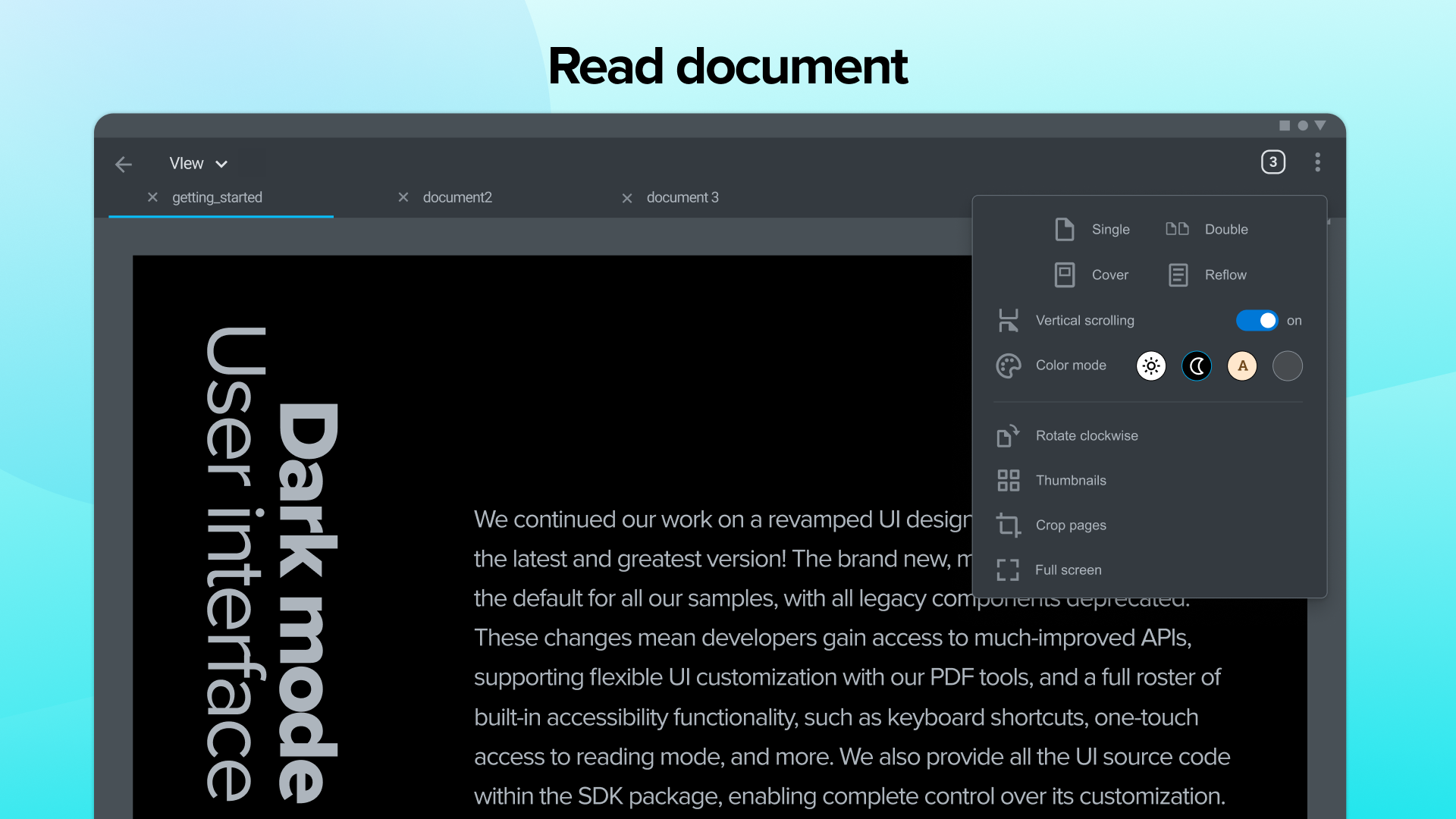
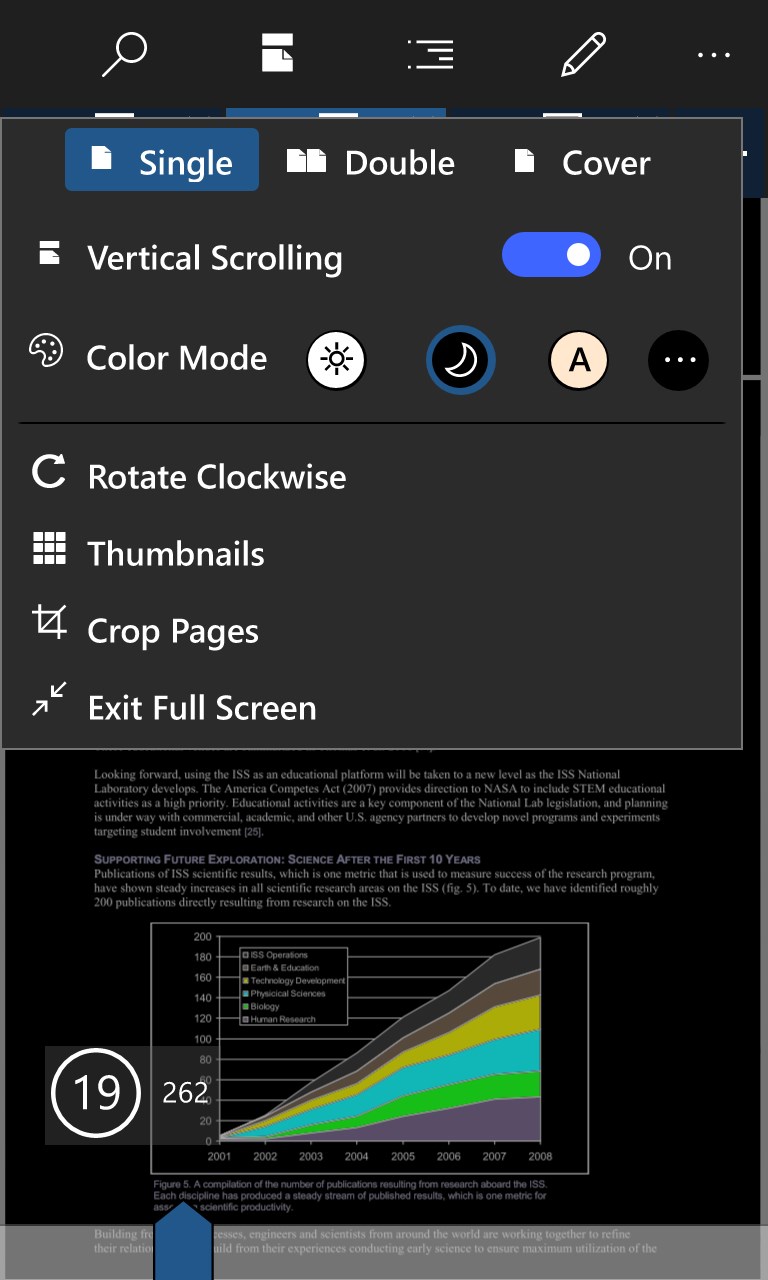
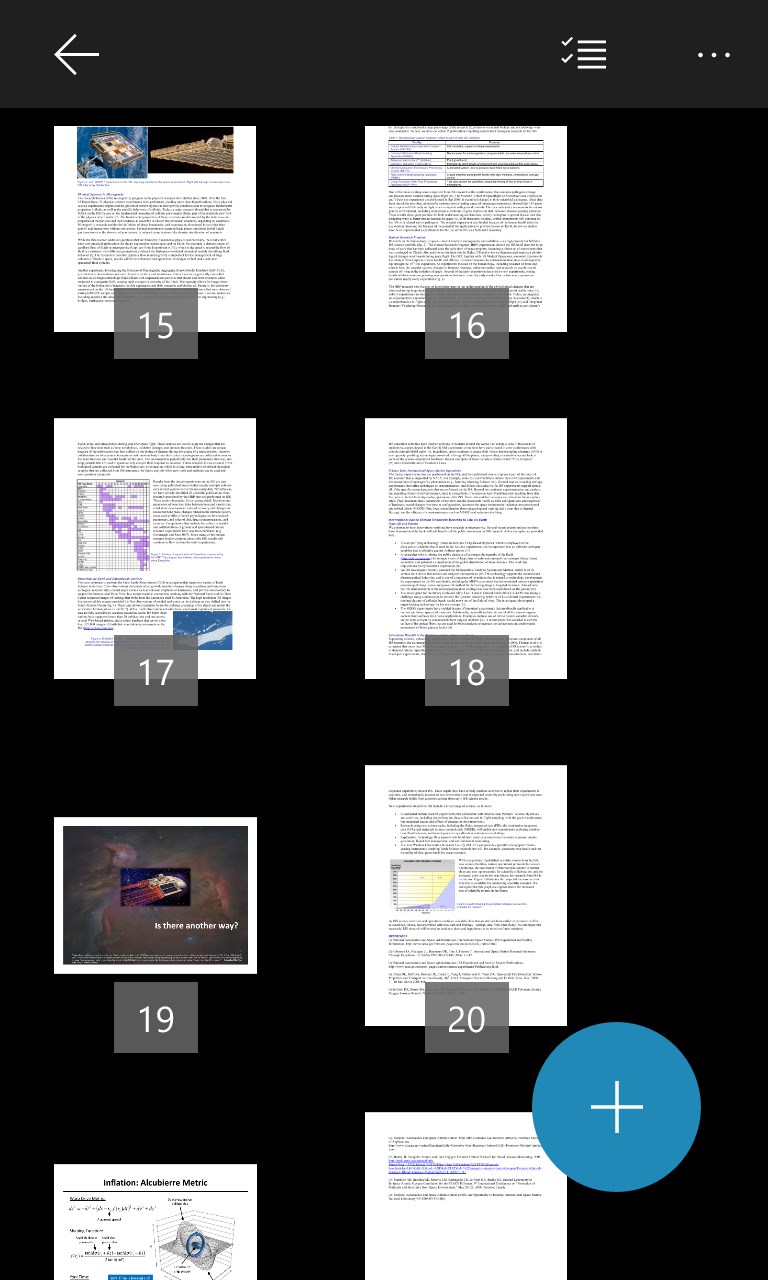
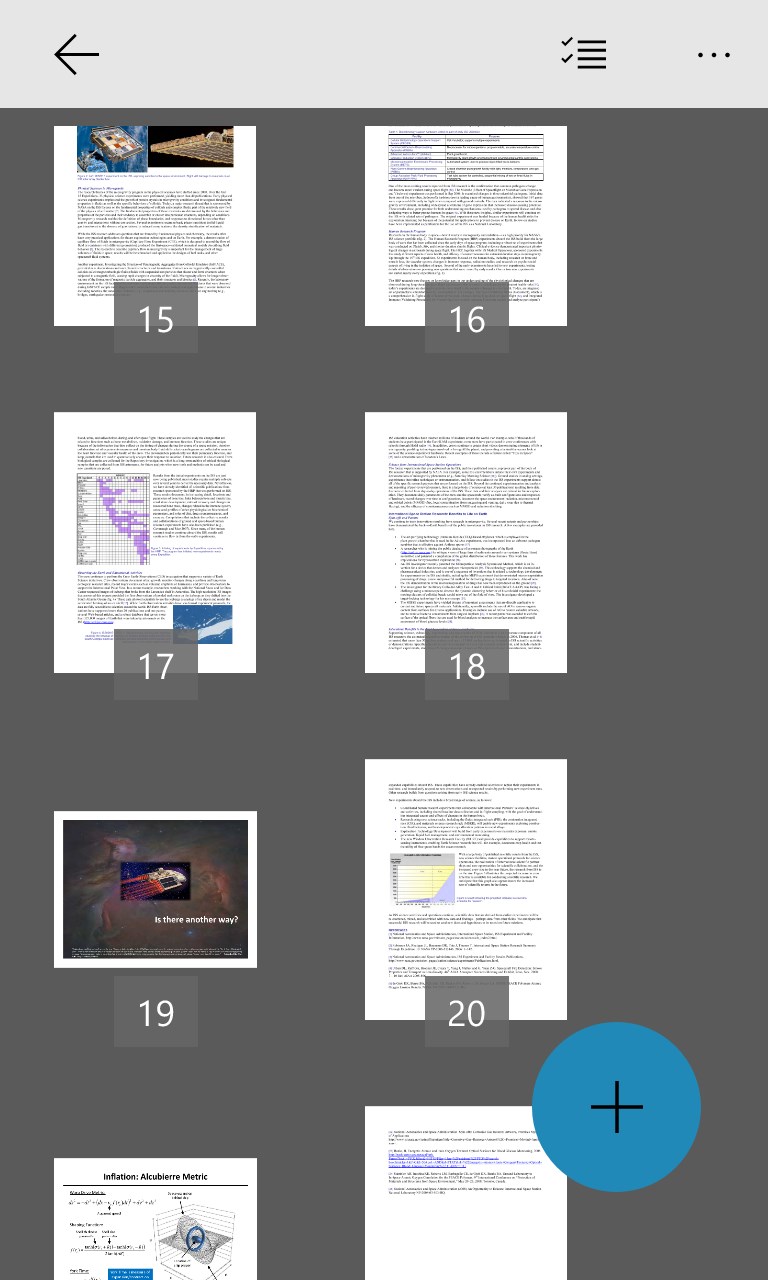
• Single or double-page, continuous scroll, and thumbnails view
• Dark Mode for reading in low-light environments
• Search, copy, and zoom in on PDF text
• Rotate PDF pages as you want
• Conveniently have your document read aloud
• Open an additional PDF viewer window (PRO)
• Compare two PDF files side by side (PRO)
Annotate PDF:
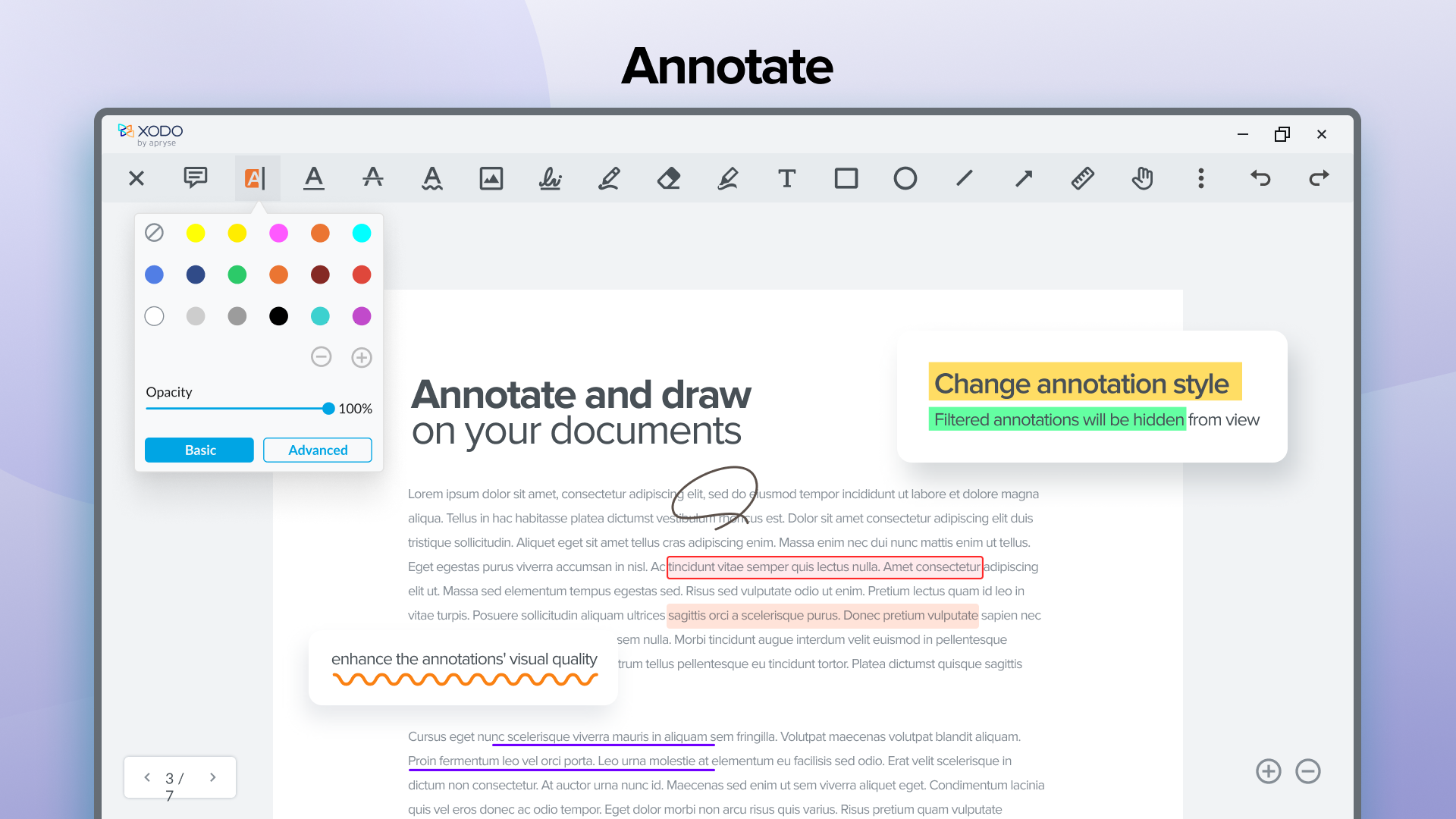
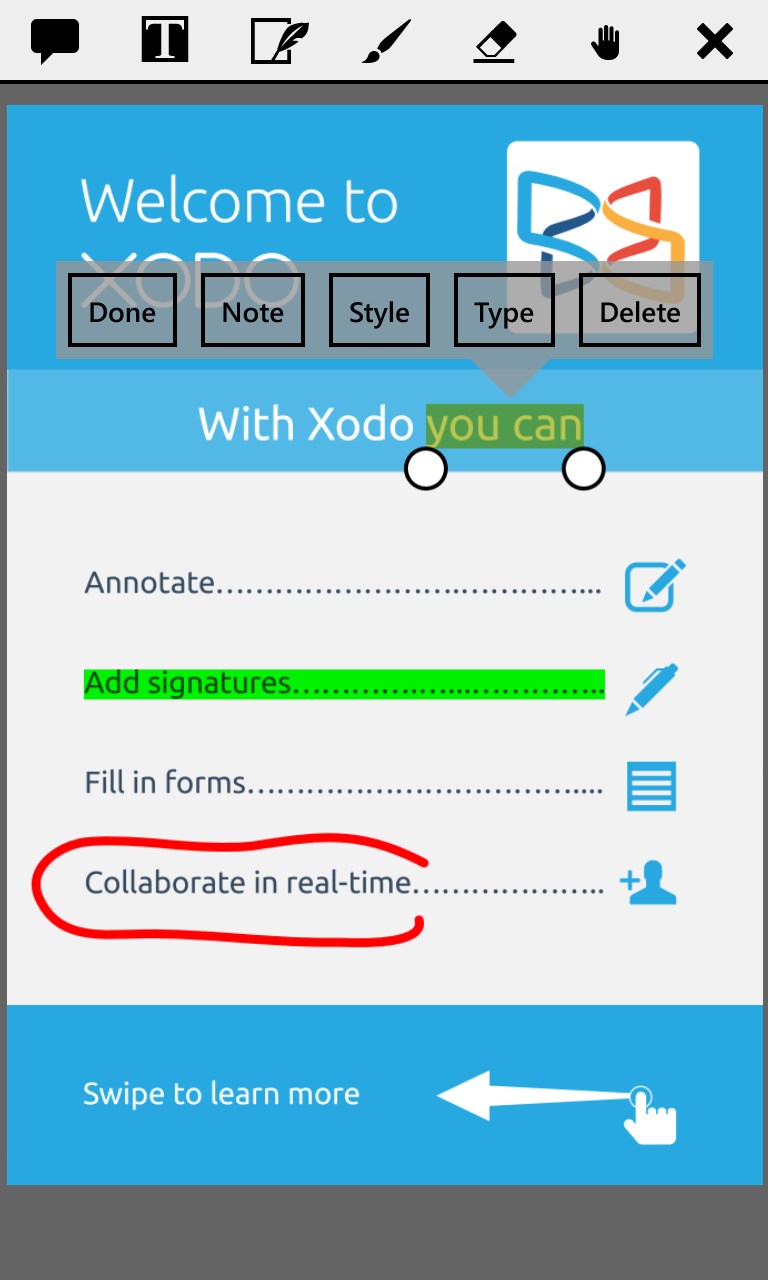
• Add comments, sticky notes, strikethrough, and other annotations
• Insert links, highlight and underline PDF text
• Easily see all annotations in the Annotation summary
• Insert shapes like lines, arrows, circles, and rectangles
• Add image, page, and text stamps (PRO)
• Flatten and remove annotations (PRO)
Edit PDF:
• Write directly on your PDF with ink and marker tools
• Add text, and take notes on blank PDF pages
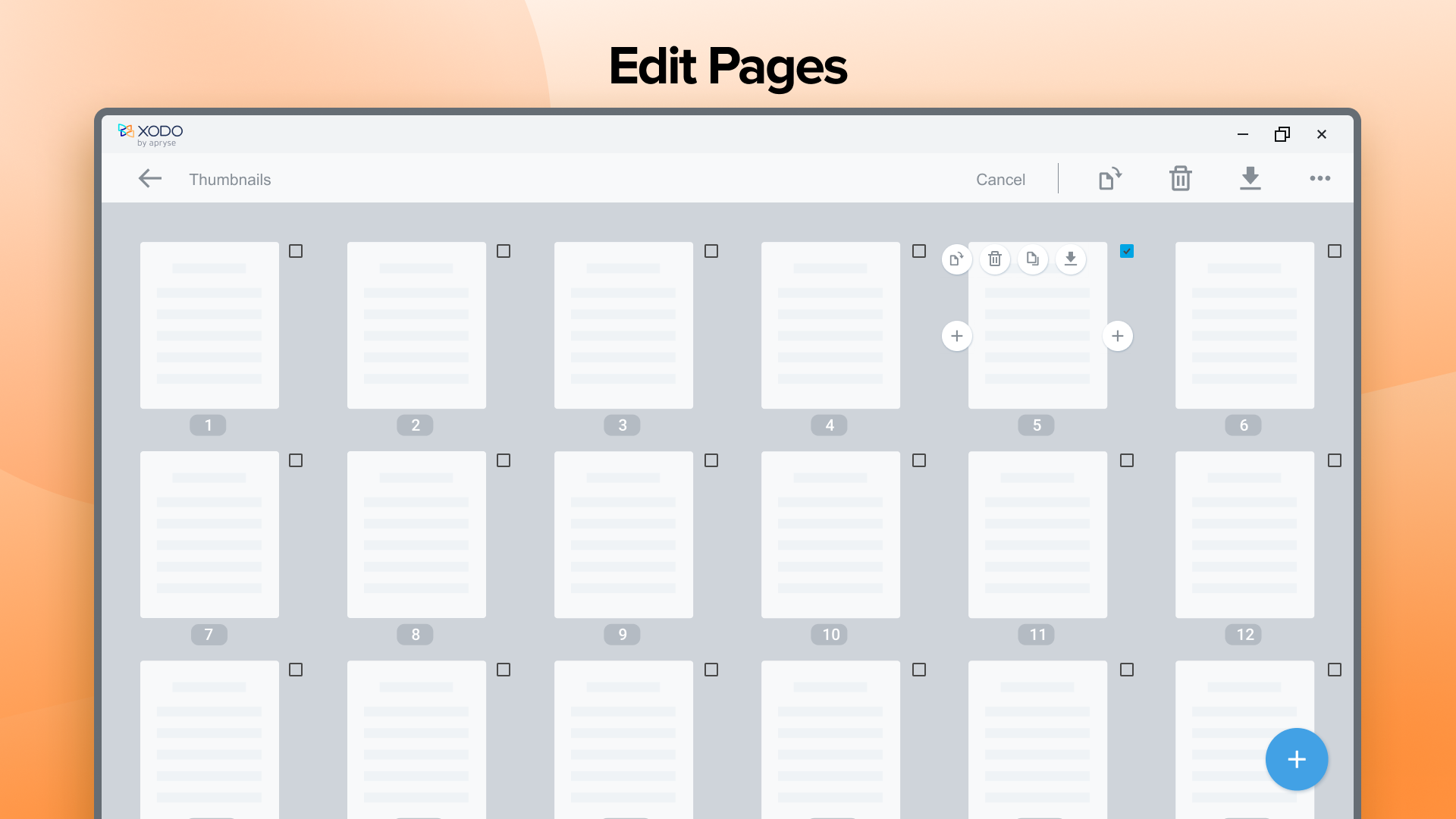
• Insert, rearrange, and delete PDF pages
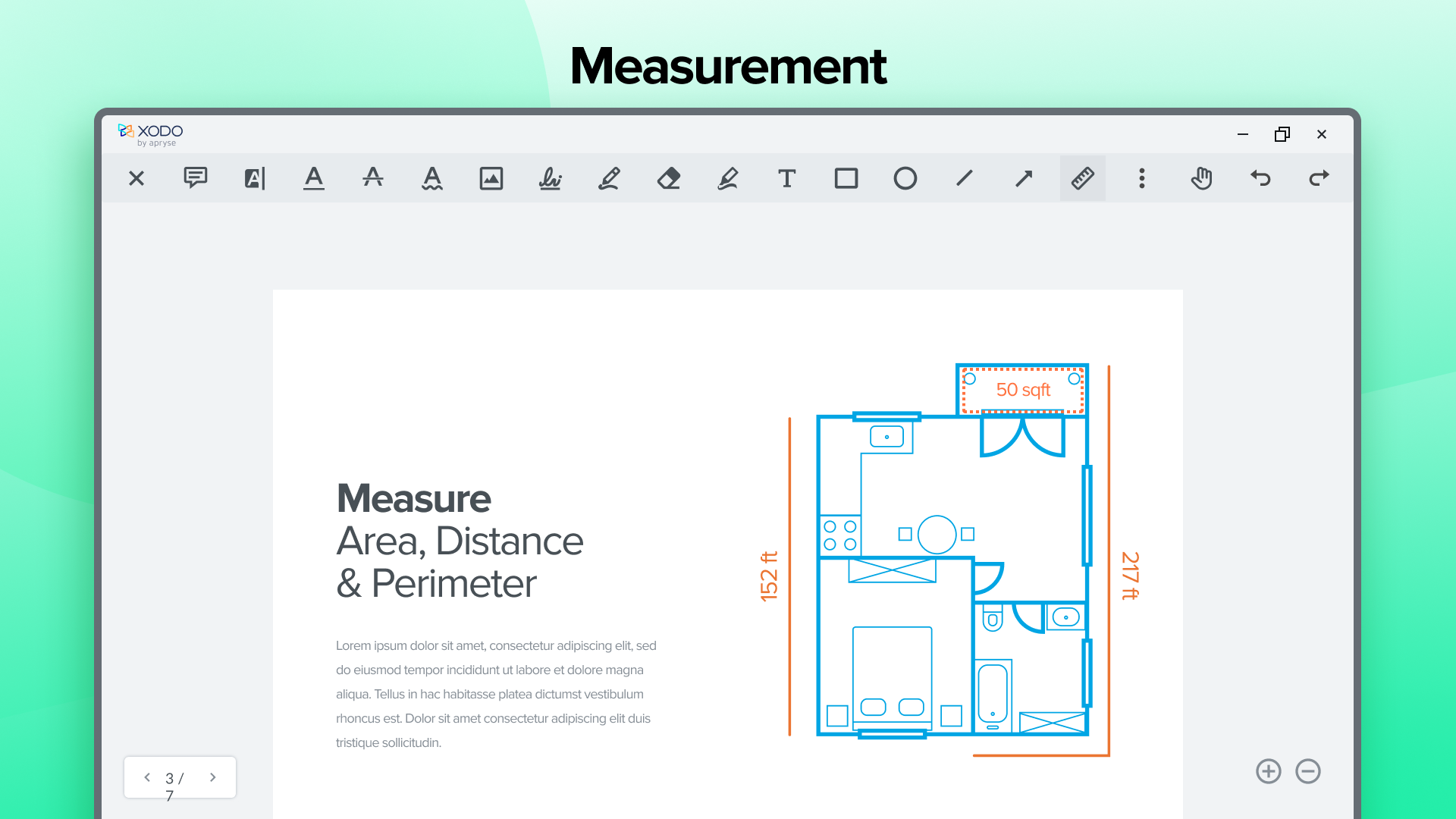
• Use area, perimeter, and ruler PDF measuring tools
• Compress PDF to reduce file size (PRO)
• Redact PDF text and images (PRO)
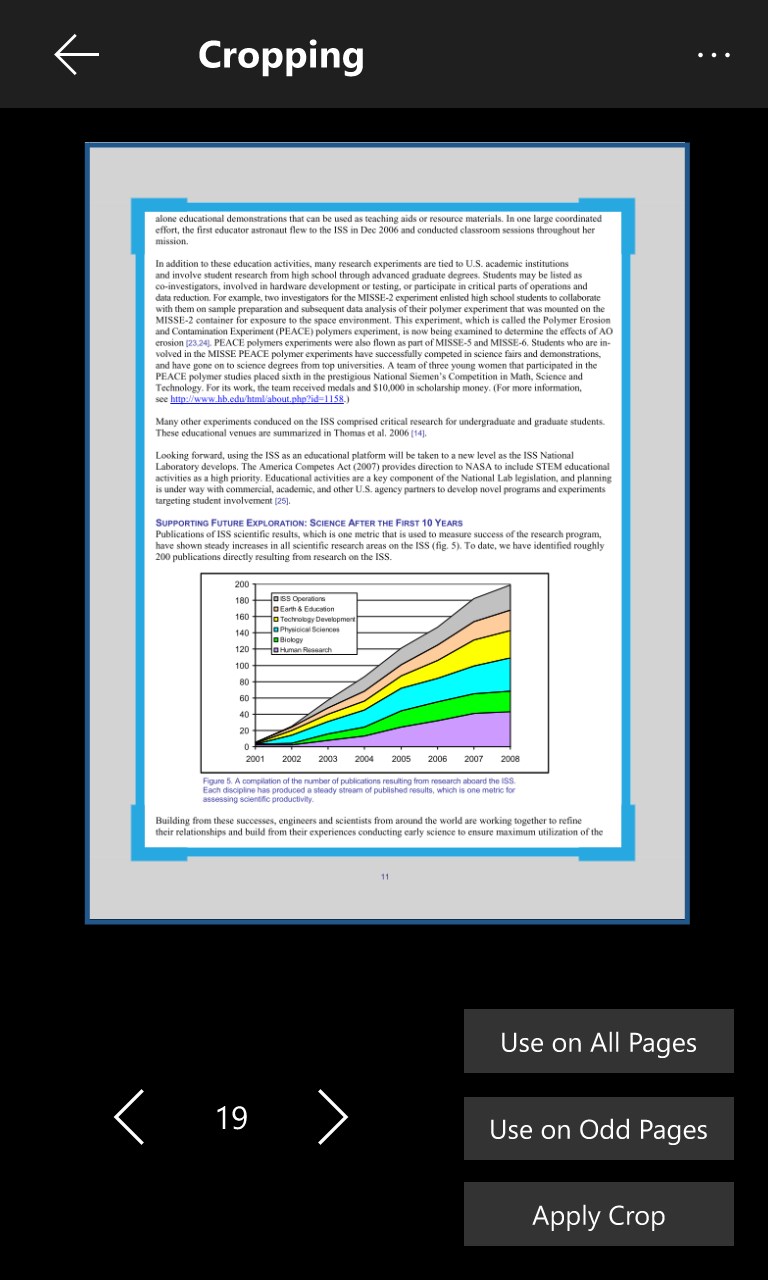
• Crop PDF pages as you desire (PRO)
• Merge and split PDF documents (PRO)
Sign PDF & Fill Forms:
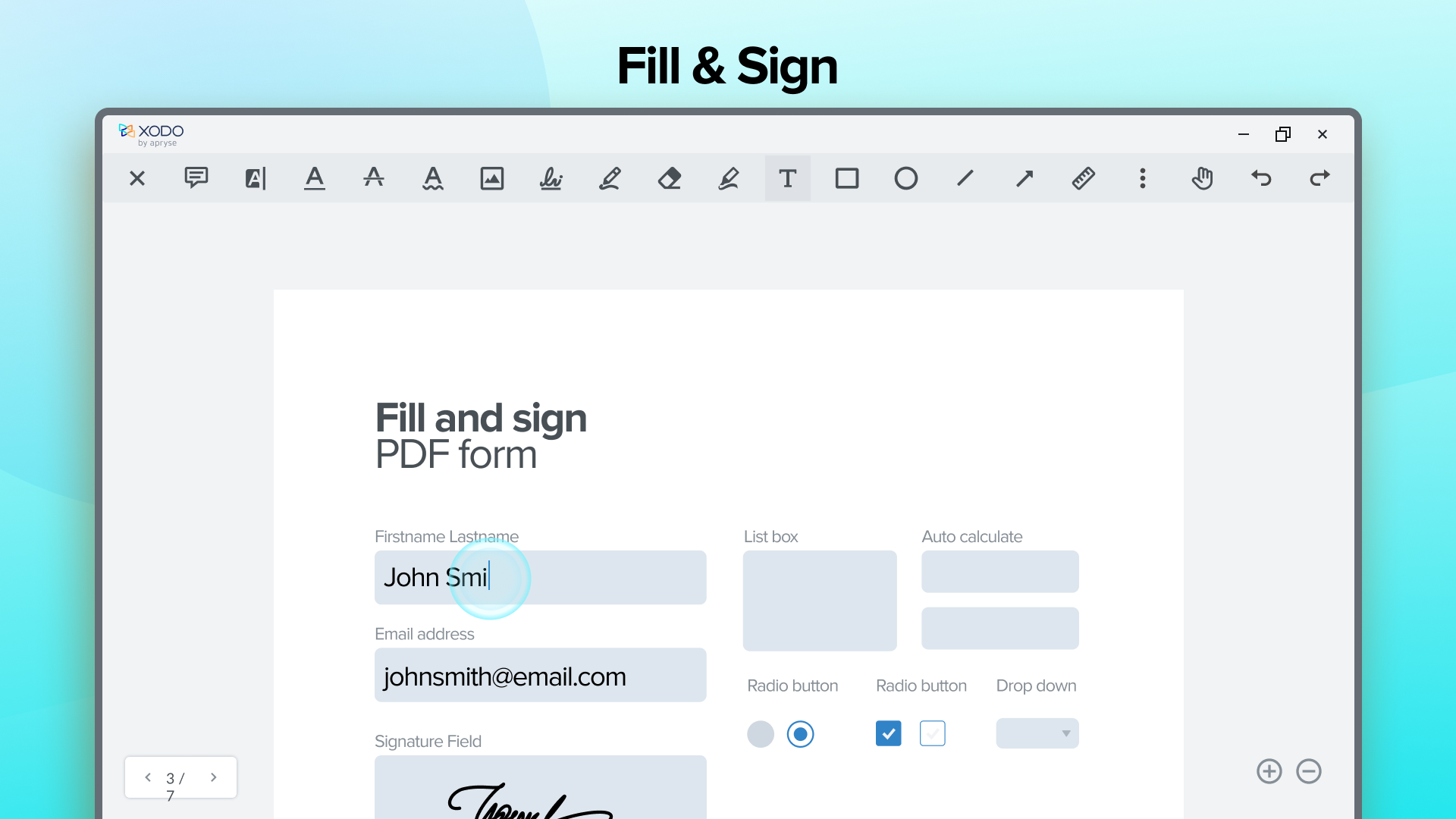
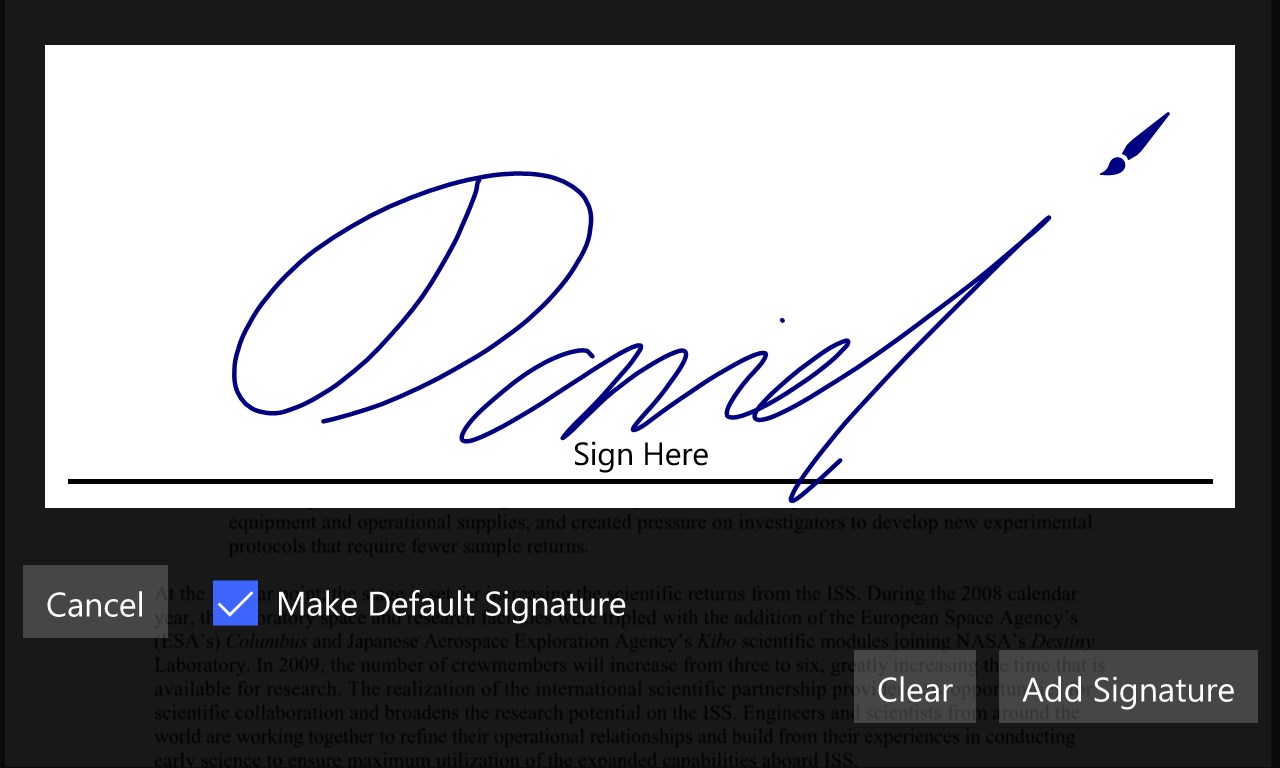
• Add your signature to PDF files
• Save your signature for later re-use
• Fill out interactive PDF forms
• Save, and send PDF forms
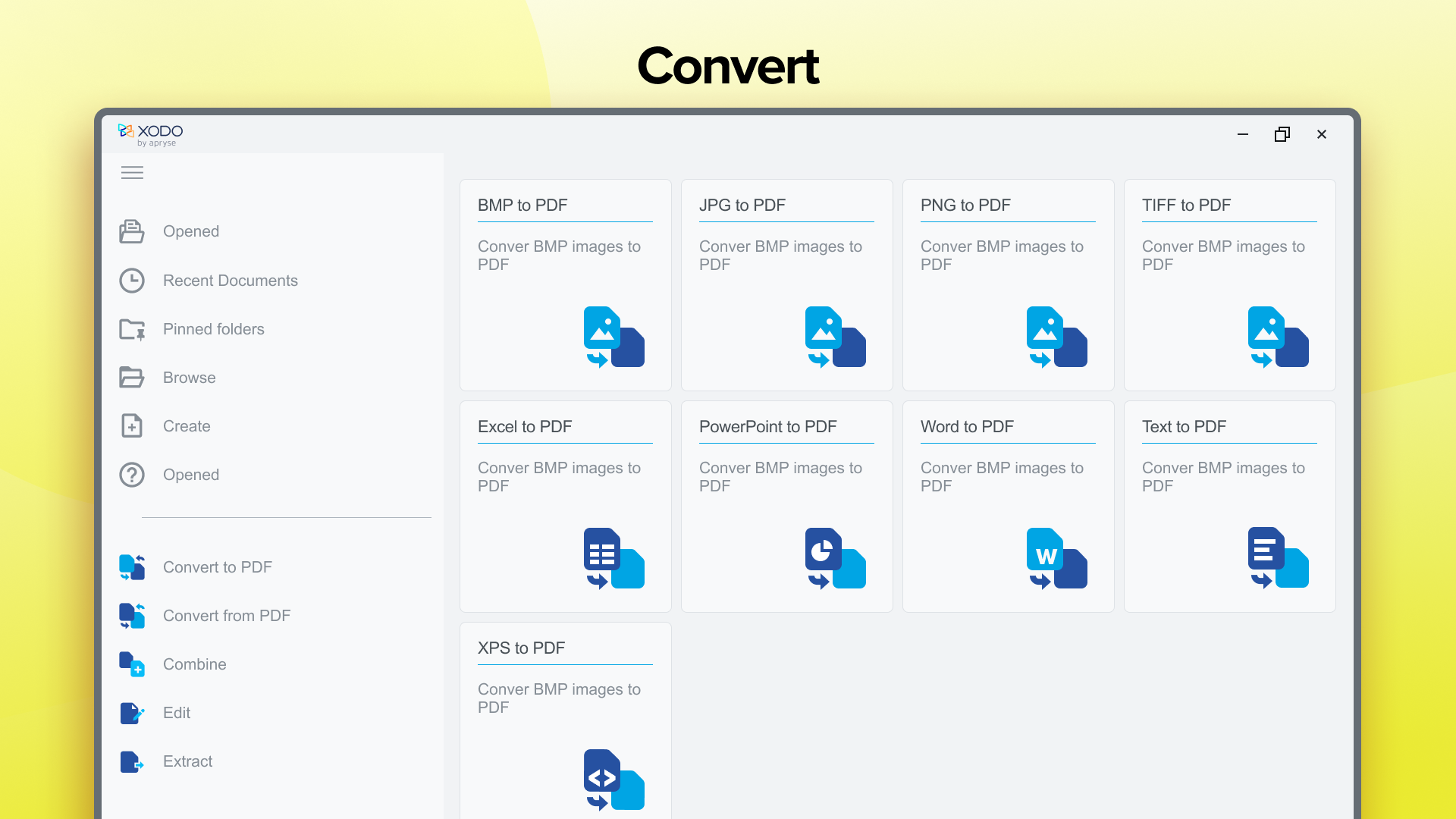
Convert PDF (PRO):
• PDF to Word
• PDF to PowerPoint
• PDF to Excel
• PDF to HTML
• PDF to PDF/A
• PDF to JPG
• PDF to PNG
• PDF to BMP
• PDF to TIFF
• PDF to SVG
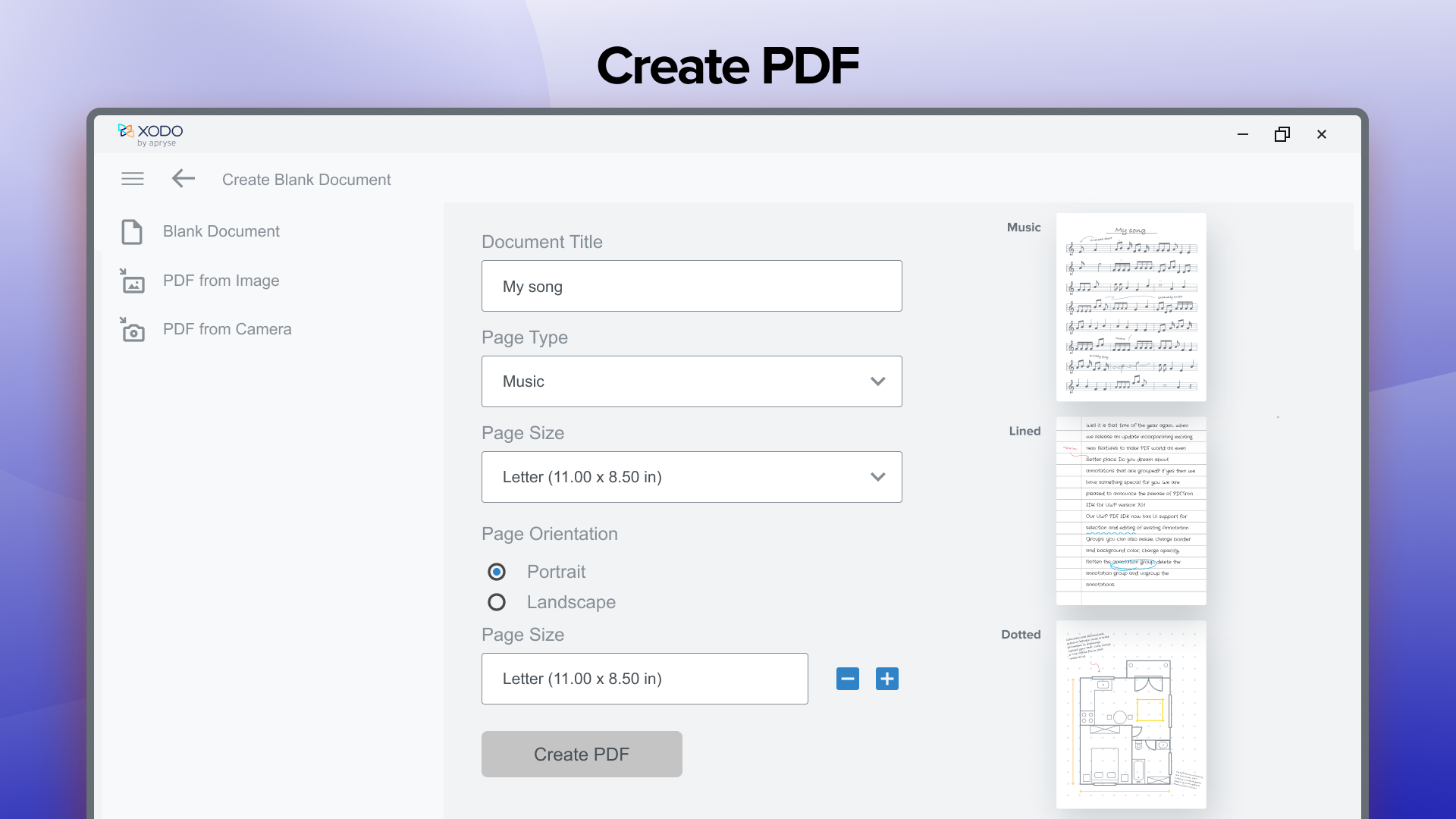
Create PDF (PRO):
• Word to PDF
• Text to PDF
• Excel to PDF
• PowerPoint to PDF
• HTML to PDF
• JPG to PDF
• PNG to PDF
• BMP to PDF
• XPS to PDF
• TIFF to PDF
Secure PDF (PRO):
• Protect your PDF with a password encryption
• Unlock your protected PDF using password remover tool
Xodo Pro Subscription:
• Supercharge your document experience with the paid version of Xodo:
• Free trial available in supported regions
• All PRO features unlocked
• Unlimited actions (2 daily free actions on Free plan)
• Use Xodo tools on all platforms: Mobile, Desktop and Web
• Monthly and annual subscription options
Feedback and Support:
Want to help us make Xodo even better? We'd love to hear your ideas!
Please add your feedback and ideas, and vote on other ones here: https://feedback.xodo.com/support/home
Terms of Use - https://www.xodo.com/legal/
Privacy Policy - https://www.xodo.com/legal/
Xodo is powered by Apryse | https://www.apryse.com/
Falls es eine App-Version für iOS/Mac oder Windows gibt, die wir nicht kennen, füge den Store-Link hier ein — wir erkennen automatisch, welcher Store.
So findest du die URL:1. Die App im jeweiligen Store öffnen. 2.In der App-Store-App: auf das Teilen-Symbol tippen → „Link kopieren“. Im Browser: die URL aus der Adresszeile kopieren — sie enthält apps.apple.com/…/id… oder apps.microsoft.com/detail/…. 3. Hier einfügen.
Füge den Original-Link aus dem Apple App Store oder Microsoft Store ein. Wir holen alle Details automatisch.
So findest du die URL:
1. Die App im jeweiligen Store öffnen. 2.In der App-Store-App: auf das Teilen-Symbol tippen → „Link kopieren“. Im Browser: die URL aus der Adresszeile kopieren — sie enthält apps.apple.com/…/id… oder apps.microsoft.com/detail/…. 3. Hier einfügen.
Android-Apps können nur von ihren Entwicklern eingereicht werden.





 PDF X: PDF Bearbeiten, PDF Reader
PDF-Editor zum Anzeigen, Bearbeiten, Signieren
 Adobe Acrobat Reader DC
PDFs anzeigen, bearbeiten, unterschreiben
 PDF Extra - PDF Reader and PDF Editor
PDFs bearbeiten, konvertieren, signieren und verwalten
 PDF Editor Ink
PDFs unterzeichnen, kommentieren und ausfüllen
 PDF Reader Pro - PDF Editor & Konverter
PDF bearbeiten, konvertieren, signieren und Formulare
 PDF Expert: lesen & bearbeiten
PDFs lesen, markieren, ausfüllen und mit KI-Tools bearbeiten