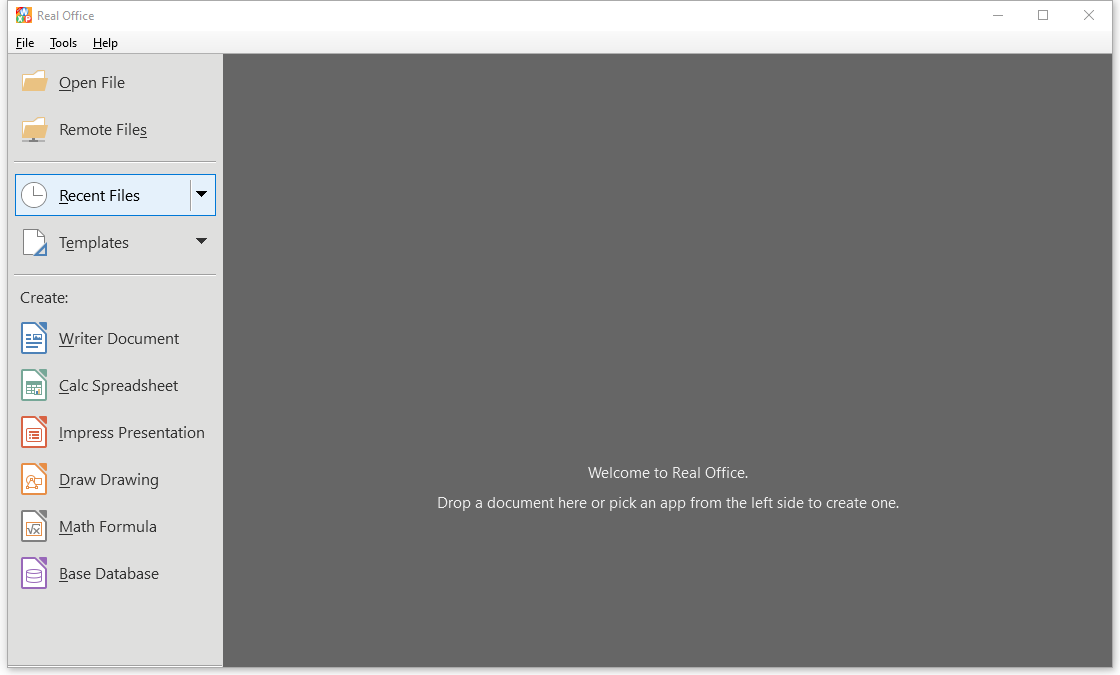
Real Office ist ein Office-Paket zum Erstellen, Anzeigen und Bearbeiten von Dokumenten in zahlreichen Formaten. Es öffnet und speichert Textdokumente, Tabellenkalkulationen und Präsentationen sowohl in Microsoft-Office-Formaten als auch in OpenDocument- und weiteren Formaten und unterstützt zudem PDF-Dateien, gängige Grafikformate sowie Formeldateien im MathML-Format. Damit lassen sich Dateien aus unterschiedlichsten Quellen öffnen, bearbeiten und in ein gewünschtes Format umwandeln, ohne dass jeweils ein eigenes Programm nötig ist. Die Kernfunktionen sind kostenlos nutzbar, ein optionales Premium-Angebot richtet sich an Nutzer, die die Entwicklung unterstützen möchten.
Originalbeschreibung des Entwicklers anzeigenOriginalbeschreibung ausblenden
Real Office is a comprehensive office suite for creating, viewing and editing Microsoft Office, OpenOffice and many other types of documents. It is an economical alternative to the expensive Microsoft Office Suite.
Note: The core features of Real Office are completely free for everyone. Premium is purely optional for users who wish to support our work. If the Premium prompt appears, simply click the X icon in the top-right corner to continue using the app.
Formats Supported
Real Office can open a wide variety of file formats.
- Opening text documents
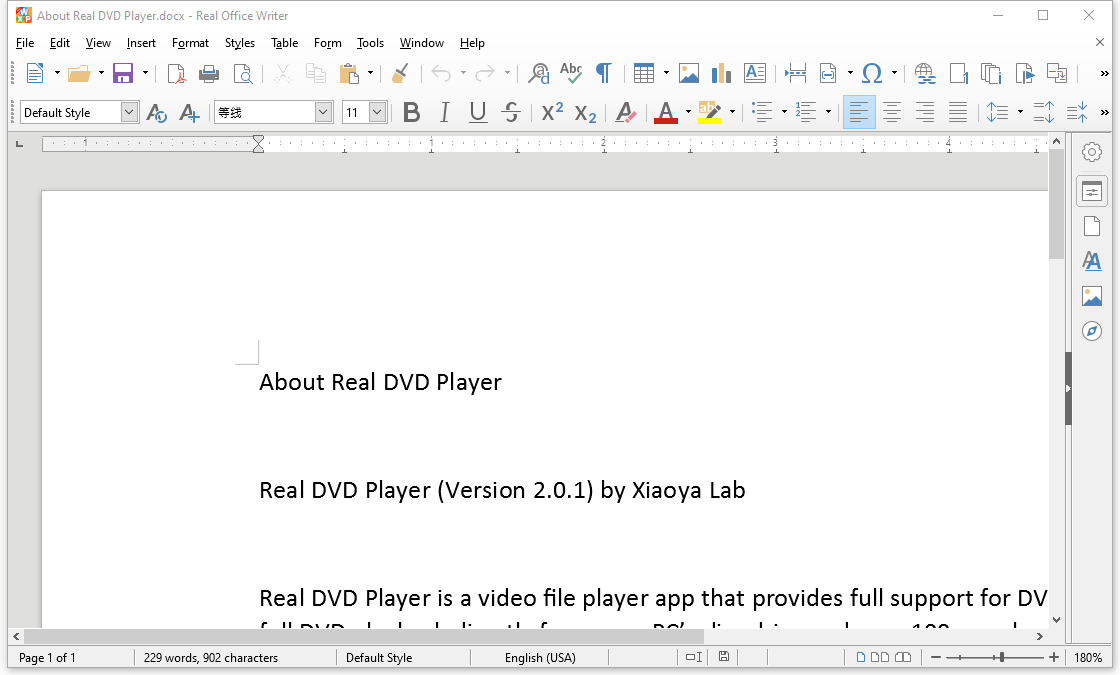
In addition to OpenDocument formats (.odt, .ott, .oth, .odm, .fodt, .sxw, .stw, and .sxg), Word Editor can open the following text document formats:
• Microsoft Word 2007 - 2019 (.docx)
• Microsoft Word 6.0/95/97/2000/XP (.doc and .dot)
• Microsoft Word 2003 XML (.xml)
• Microsoft Word 2007 XML (.docx, .docm, .dotx, .dotm)
• Microsoft WinWord 5 (.doc)
• WordPerfect Document (.wpd)
• WPS 2000/Office 1.0 (.wps)
• .rtf, .txt, and .csv
• StarWriter formats (.sdw, .sgl, .vor)
• DocBook (.xml)
• Unified Office Format text (.uot, .uof)
• Ichitaro 8/9/10/11 (.jtd and .jtt)
• Hangul WP 97 (.hwp)
• T602 Document (.602, .txt)
• AportisDoc (Palm) (.pdb)
• Pocket Word (.psw)
• Apple Pages 4 (.pages)
When opening .htm or .html files (used for web pages), Real Office customizes Writer for working with these files.
- Opening spreadsheets
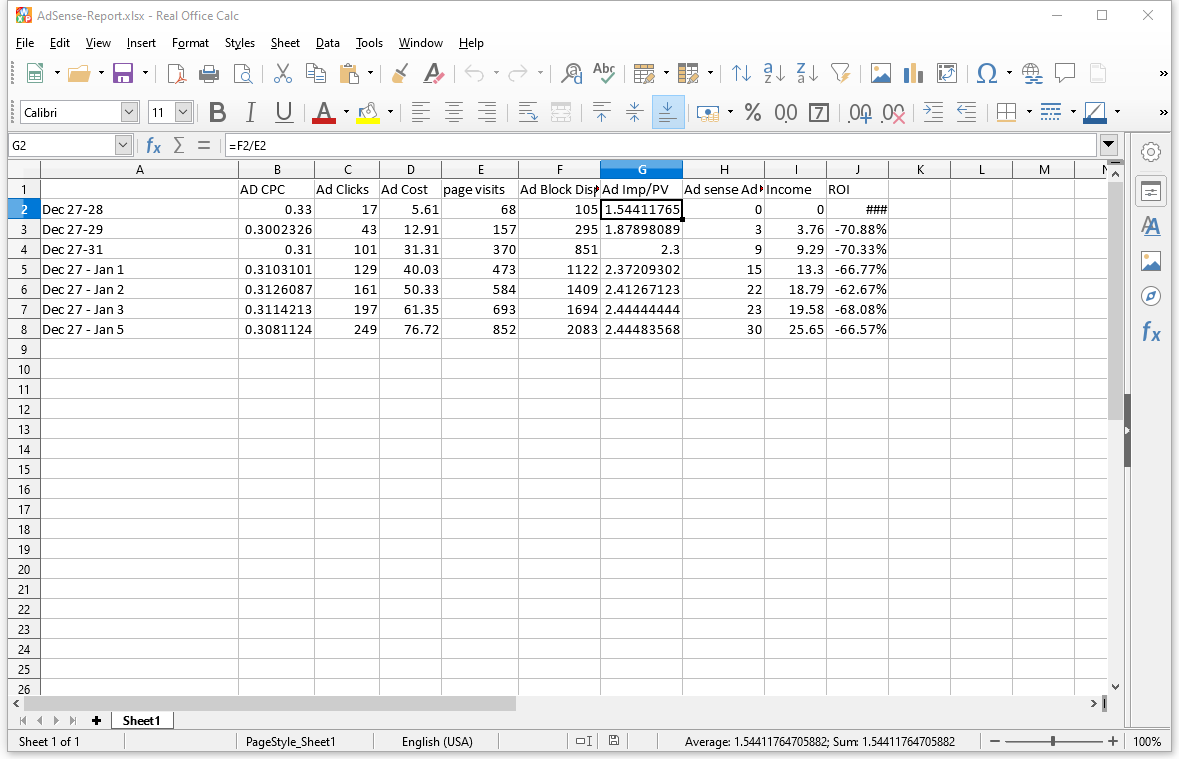
In addition to OpenDocument formats (.ods, .ots, .fods, .sxc and .stc), Excel Editor can open the following spreadsheet formats:
• Microsoft Excel 2007 - 2019 (.xlsx)
• Microsoft Excel 97/2000/XP (.xls, .xlw, and .xlt)
• Microsoft Excel 4.x–5.0/95 (.xls, .xlw, and .xlt)
• Microsoft Excel 2003 XML (.xml)
• Microsoft Excel 2007 XML (.xlsx, .xlsm, .xltx, .xltm)
• Microsoft Excel 2007 binary (.xlsb)
• Lotus 1-2-3 (.wk1, .wks, and .123)
• Data Interchange Format (.dif)
• Rich Text Format (.rtf)
• Text CSV (.csv and .txt)
• StarCalc formats (.sdc and .vor)
• dBASE (.dbf)
• SYLK (.slk)
• Unified Office Format spreadsheet (.uos, .uof)
• .htm and .html files, including Web page queries
• Pocket Excel (pxl)
• Quattro Pro 6.0 (.wb2)
• Apple Numbers 2 (.numbers)
- Opening presentations
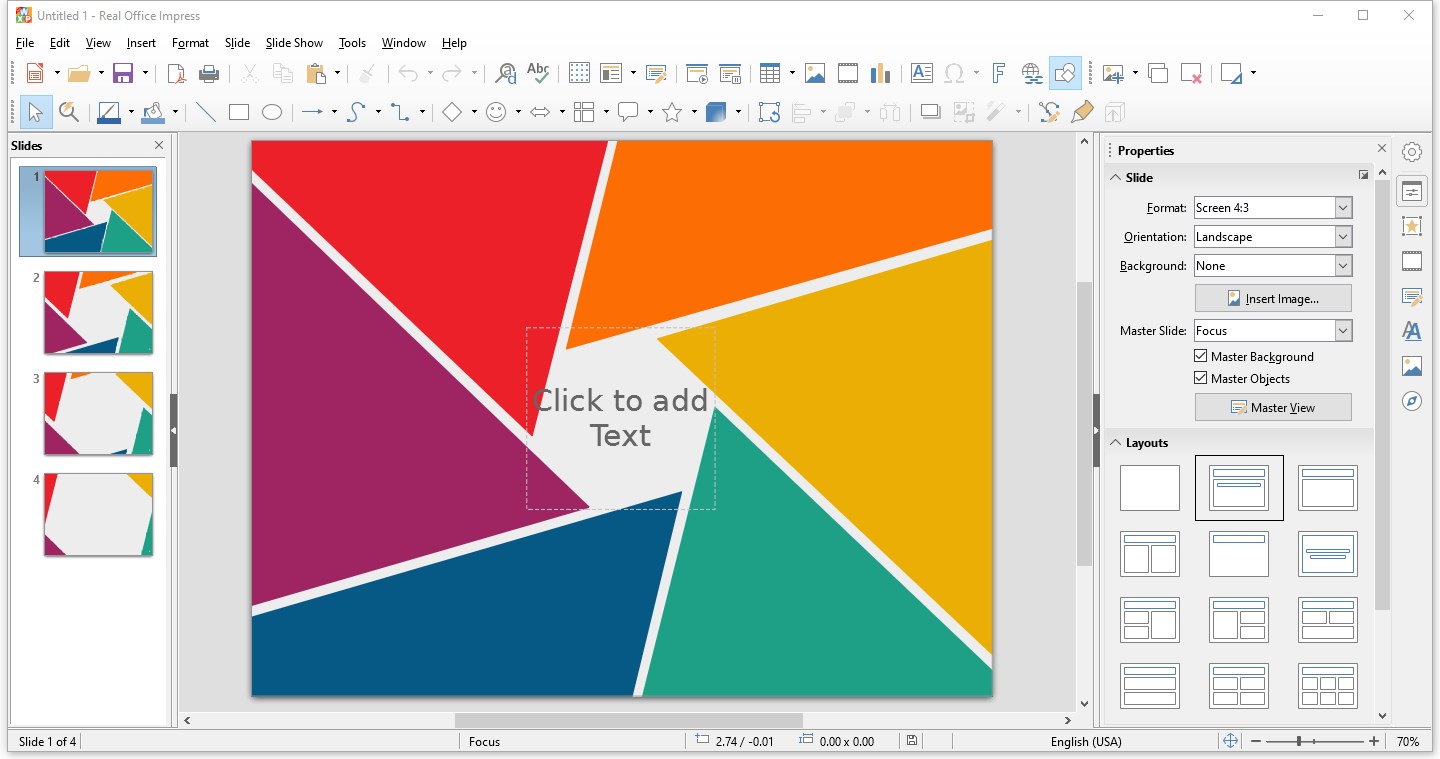
In addition to OpenDocument formats (.odp, .odg, .otp, .fopd, .sxi, and .sti), PowerPoint Editor can open the following presentation formats:
• Microsoft PowerPoint 2007 - 2019 (.pptx)
• Microsoft PowerPoint 97/2000/XP (.ppt, .pps, and .pot)
• Microsoft PowerPoint 2007 (.pptx, .pptm, .potx, .potm)
• StarDraw and StarImpress (.sda, .sdd, .sdp, and .vor)
• Unified Office Format presentation (.uop, .uof)
• CGM – Computer Graphics Metafile (.cgm)
• CGM - Computer Graphics Metafile (.cgm)
• Apple Keynote 5 (.key)
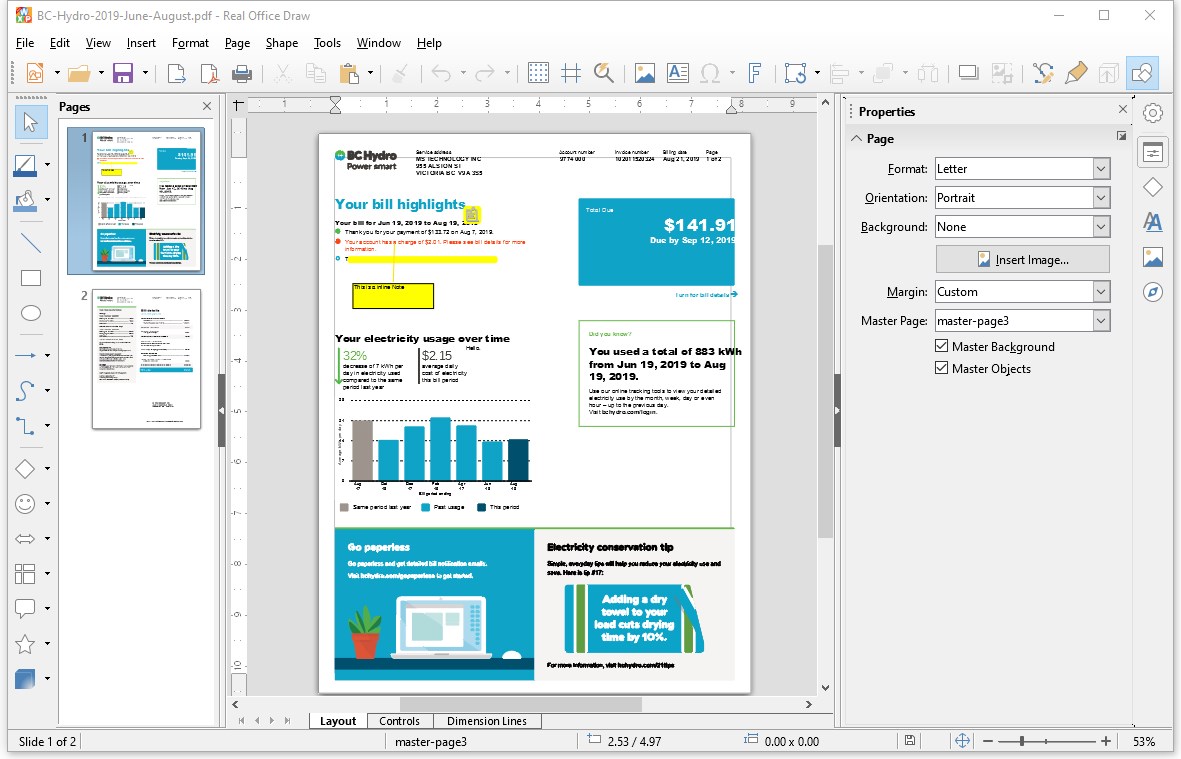
- Opening PDF
• Portable Document Format (.pdf)
- Opening graphic files
In addition to OpenDocument formats (.odg, .otg, .sxd, and .std), Draw can open the following graphic formats:
• BMP JPEG JPG PCX PSD SGV WMF
• DXF MET PGM RAS SVM XBM
• EMF PBM PLT SDA TGA XPM
• EPS PCD PNG SDD TIF TIFF
• GIF PCT PPM SGF VOR
• Adobe Photoshop (.psd)
• AutoCAD Interchange Format (.dxf)
• Corel Draw (.cdr)
• Corel Presentation Exchange (.cmx)
• Microsoft Publisher 98-2010 (*.pub)
• Microsoft Visio 2000-2013 (*.vdx; *.vsd; *.vsdm; *.vsdx)
• WordPerfect Graphics (*.wpg)
- Opening formula files
In addition to OpenDocument Formula (.odf) files, Math can open the format (.sxm), StarMath, (.smf), and MathML (.mml) files.
When opening a Word document that contains an embedded equation editor object, if the option for it is checked in Tools > Options > Load/Save > Microsoft Office, the object will be automatically converted to an Real Office Math object.
***File formats Real Office can save to
-Saving text documents
In addition to OpenDocument formats (.odt and .ott), Word Editor can save in these formats:
• OpenOffice.org 1.x Text Document (.sxw)
• OpenOffice.org 1.x Text Document Template (.stw)
• Microsoft Word 2007 - 2019 (.docx)
• Microsoft Word 6.0, 95, and 97/2000/XP (.doc)
• Microsoft Word 2003 XML (.xml)
• Rich Text Format (.rtf)
• StarWriter 3.0, 4.0, and 5.0 (.sdw)
• StarWriter 3.0, 4.0, and 5.0 Template (.vor)
• Text (.txt)Text Encoded (.txt)
• Unified Office Format text (.uot, .uof)
• HTML Document (OpenOffice.org Writer) (.html and .htm)
• DocBook (.xml)
• AportisDoc (Palm) (.pdb)
• Pocket Word (.psw)
-Saving spreadsheet files
In addition to OpenDocument formats (.ods and .ots), Excel Editor can save in these formats:
• OpenOffice.org 1.x Spreadsheet (.sxc)
• OpenOffice.org 1.x Spreadsheet Template (.stc)
• Microsoft Excel 2007 - 2019 (.xlsx)
• Microsoft Excel 97/2000/XP (.xls and .xlw)
• Microsoft Excel 97/2000/XP Template (.xlt)
• Microsoft Excel 5.0 and 95 (.xls and .xlw)
• Microsoft Excel 2003 XML (.xml)
• Data Interchange Format (.dif)
• dBase (.dbf)SYLK (.slk)Text CSV (.csv and .txt)
• StarCalc 3.0, 4.0, and 5.0 formats (.sdc and .vor)
• Unified Office Format spreadsheet (.uos)
• HTML Document (OpenOffice.org Calc) (.html and .htm)
• Pocket Excel (.pxl)
-Saving presentations
In addition to OpenDocument formats (.odp, .otp, and .odg), PowerPoint Editor can save in these formats:
• OpenOffice.org 1.x Presentation (.sxi)
• OpenOffice.org 1.x Presentation Template (.sti)
• Microsoft PowerPoint 2007 - 2019 (.pptx)
• Microsoft PowerPoint 97/2000/XP (.ppt)
• Microsoft PowerPoint 97/2000/XP Template (.pot)
• StarDraw, StarImpress (.sda, .sdd, and .vor)
• Unified Office Format presentation (.uop)
Impress can also export to MacroMedia Flash (.swf) and any of the graphics formats listed for Draw.
-Saving drawings
Draw can only save in the OpenDocument Drawing formats (.odg and .otg), the OpenOffice.org 1.x formats (.sxd and .std) and StarDraw format (.sda, .sdd, and .vor).
However, Draw can also export to BMP, EMF, EPS, GIF, JPEG, MET, PBM, PCT, PGM, PNG, PPM, RAS, SVG, SVM, TIFF, WMF, and XPM.
- Saving PDF
• Portable Document Format (.pdf)
-Word Editor/Web can save in these formats
• HTML document (.html and .htm), as HTML 4.0 Transitional
• OpenOffice.org 1.0 HTML Template (.stw)
• OpenOffice.org 2.x HTML Template (.oth)
• StarWriter/Web 4.0 and 5.0 (.vor)
• Text (OpenOffice.org Writer/Web) (.txt)
• Text Encoded (OpenOffice.org Writer/Web) (.txt)
FAQ 1 – do I have to rate the app in order to use it?
No, it’s not a have-to. The main features of this app are free for everybody to use for any purposes. Although we encourage users to give us a fair review and rating on Microsoft Store, you can always skip the window by clicking the “Skip” button at the left bottom corner. In addition, you can check the check box “Don’t show this again” if you are sure.



 Easy Office Suite
Office-Suite mit Dokumenten, Tabellen und Präsentationen
 OfficeSuite Office Pack & PDF Editor
Dokumente, Tabellen, Praesentationen und PDFs bearbeiten
 MC Office Suite
Office-Suite zum Öffnen und Bearbeiten von Dokumenten
 Business in a Box
Geschäftsdokumente aus Vorlagen erstellen und verwalten
 Google Docs
Dokumente online erstellen, bearbeiten und gemeinsam teilen
 LibreOffice
Kostenlose Office-Suite mit Writer, Calc, Impress und Draw