
Audio Converter Any Format

Audiodateien konvertieren, schneiden und Einstellungen KI-Zusammenfassung
Rang 598
0 Aufwertungen, 0 Abwertungen
▲
0
▼
Audio Converter Any Format gibt es nicht für Android und Apple — oder doch? URL einreichen
Diese App ist nicht in einer deutschen Sprachversion verfügbar.
Screenshots
Screenshot 1 von Audio Converter Any Format auf WindowsScreenshot
erscheint nach Zustimmung
Screenshot 2 von Audio Converter Any Format auf WindowsScreenshot
erscheint nach Zustimmung
Screenshot 3 von Audio Converter Any Format auf WindowsScreenshot
erscheint nach Zustimmung
Screenshot 4 von Audio Converter Any Format auf WindowsScreenshot
erscheint nach Zustimmung
Screenshot 5 von Audio Converter Any Format auf WindowsScreenshot
erscheint nach Zustimmung
Screenshot 6 von Audio Converter Any Format auf WindowsScreenshot
erscheint nach Zustimmung
Screenshot 7 von Audio Converter Any Format auf WindowsScreenshot
erscheint nach Zustimmung
Screenshot 8 von Audio Converter Any Format auf WindowsScreenshot
erscheint nach Zustimmung
Screenshot 9 von Audio Converter Any Format auf WindowsScreenshot
erscheint nach Zustimmung
Screenshot 10 von Audio Converter Any Format auf WindowsScreenshot
erscheint nach Zustimmung
Screenshot 11 von Audio Converter Any Format auf WindowsScreenshot
erscheint nach Zustimmung
Screenshot 12 von Audio Converter Any Format auf WindowsScreenshot
erscheint nach Zustimmung
Screenshot 13 von Audio Converter Any Format auf WindowsScreenshot
erscheint nach Zustimmung
Zusammenfassung
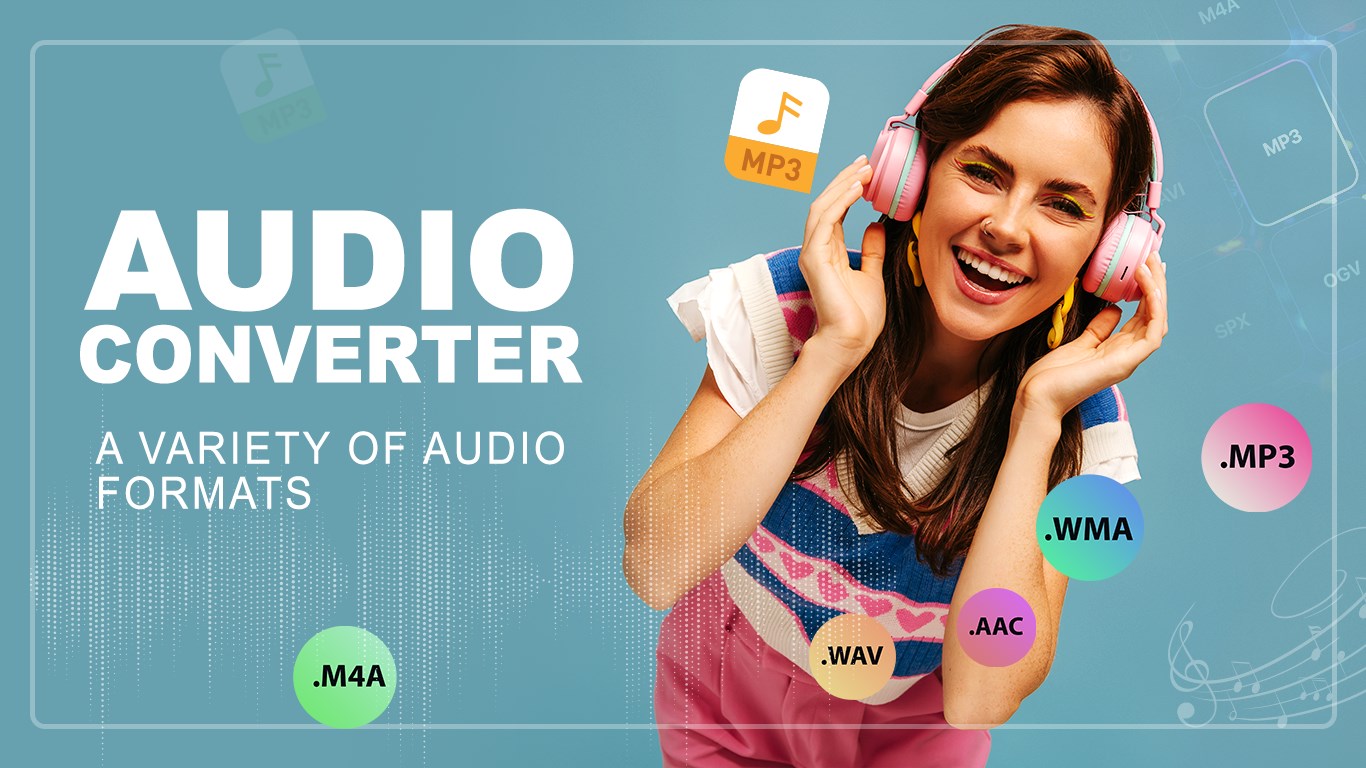
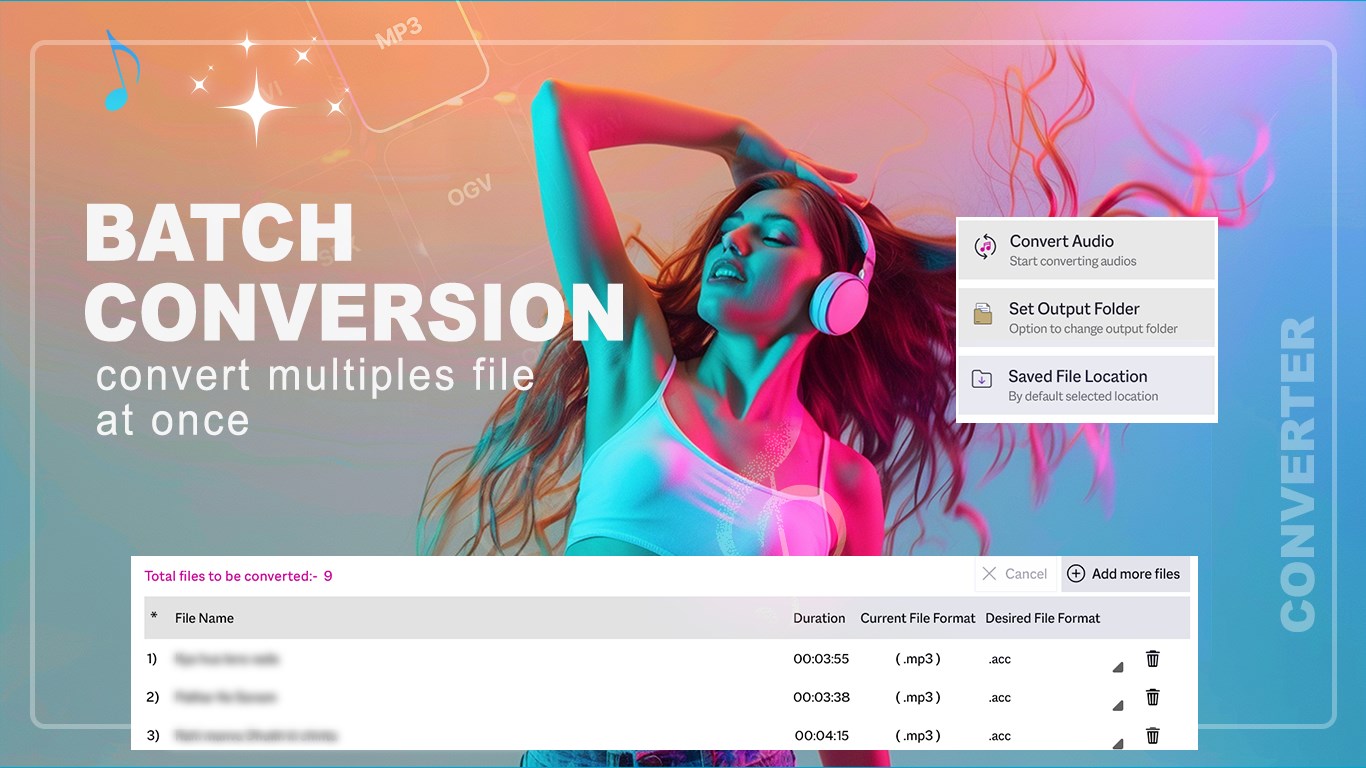
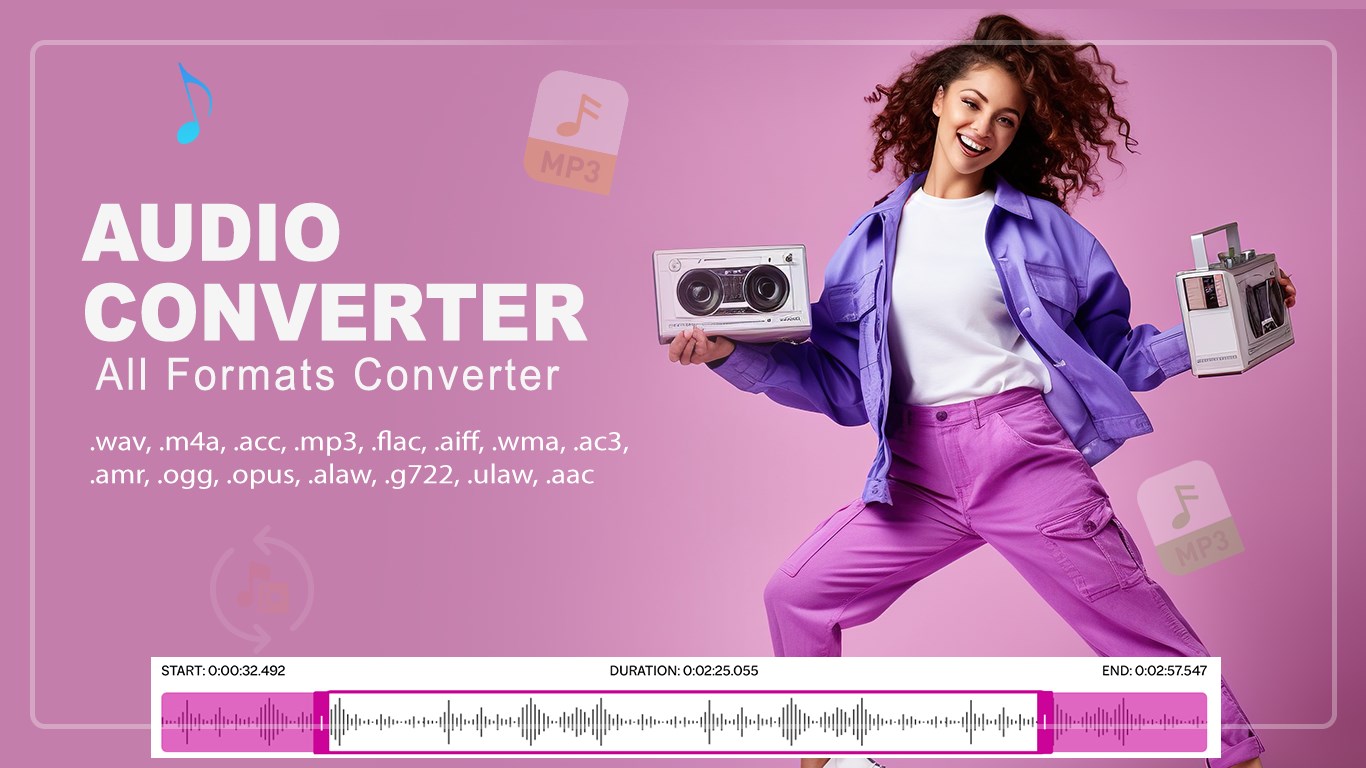
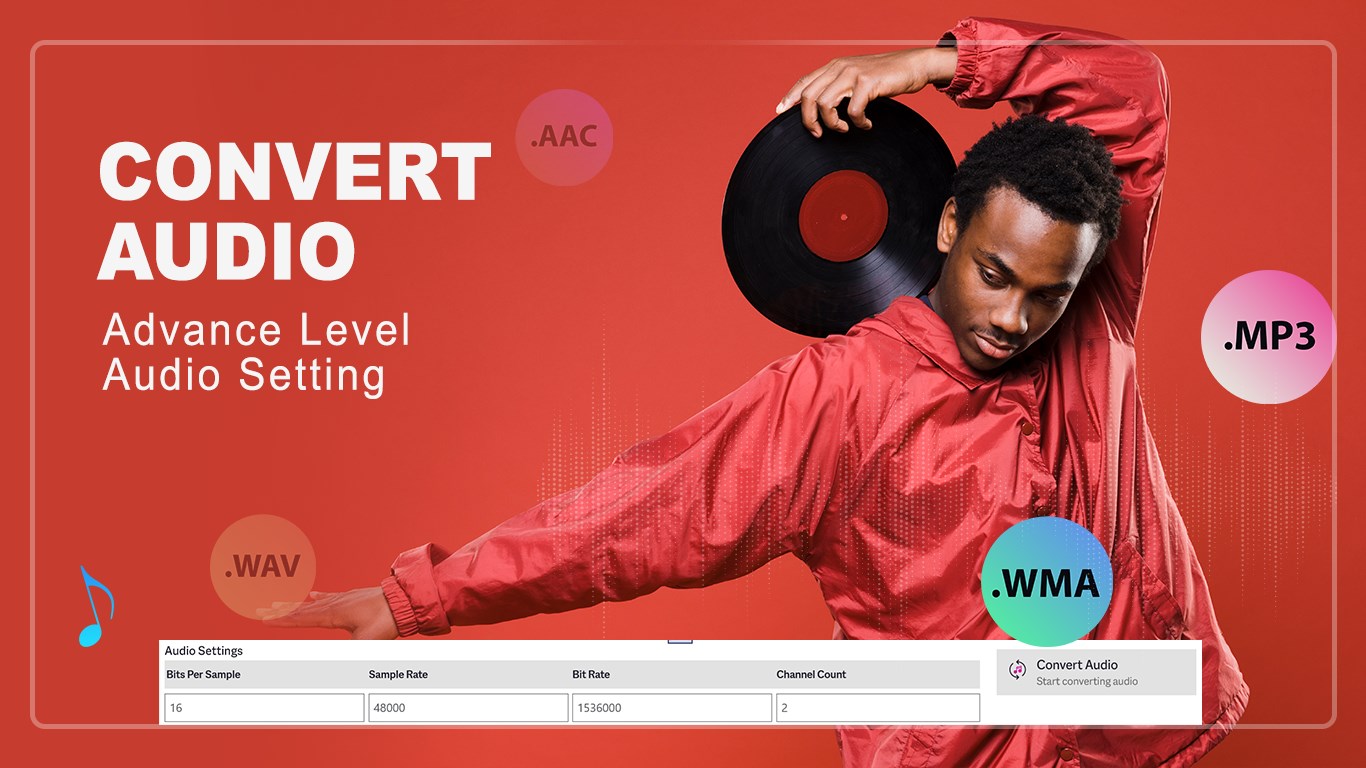
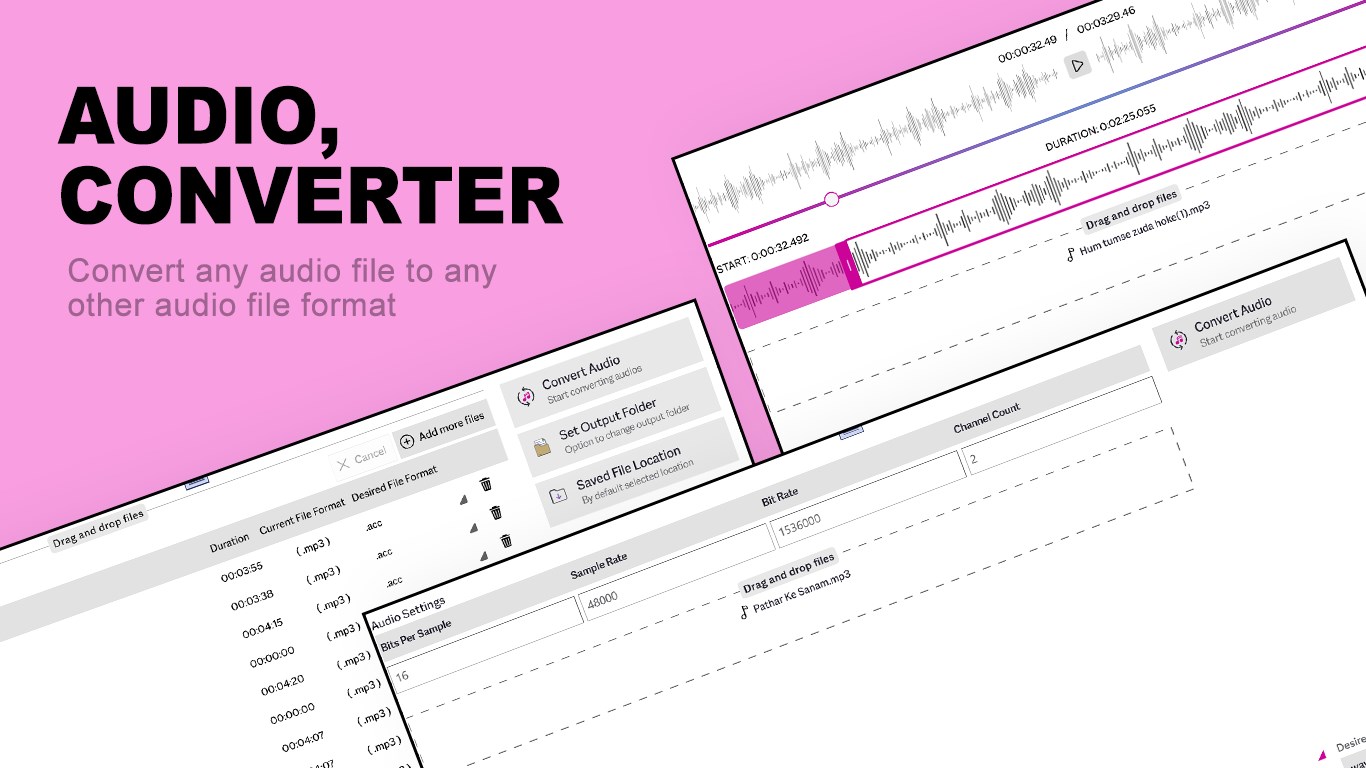
Audio Converter Any Format ist ein Audiokonverter, der Audiodateien in unterschiedliche Formate umwandelt. Er unterstützt eine breite Auswahl an Formaten wie WAV, M4A, AAC, MP3, FLAC, AIFF, WMA, AC3, AMR, OPUS, ALAW, G722 und ULAW. Dateien lassen sich schnell konvertieren, etwa in gängige Formate wie WAV, MP3, AAC oder FLAC. Zudem enthält die App einen Audio-Trimmer, mit dem sich Audioclips zuschneiden und im gewünschten Format speichern lassen. Über erweiterte Einstellungen lassen sich Bitrate, Kanalzahl und weitere Optionen für eine detaillierte Kontrolle über das Ergebnis anpassen.
Originalbeschreibung des Entwicklers anzeigenOriginalbeschreibung ausblenden
Audio Converter Any Format helps you turn your audio files into the format you need. It supports a wide range of formats including WAV, M4A, AAC, MP3, FLAC, AIFF, WMA, AC3, AMR, OPUS, ALAW, G722, ULAW, and more. You can quickly convert files, trim audio clips, and fine-tune settings like bit rate and channel count to get the exact result you want. Key Features: . Quick Audio Convert: Change files into popular formats such as WAV, MP3, AAC, FLAC, and more. . Audio Trimmer: Cut and save audio clips in your preferred format. . Advanced Settings: Adjust bit rate, channels, and other options for detailed control. If you have purchased an IAP (In App Purchase) like ads free version or any other product and found this feature still locked, please click on RESTORE PURCHASE button on home page, and then click refresh. You will not face any issue after that. Download and start converting your audio files now. Support: Tutorial: https://www.cidadeapps.com/audio-converter-any-format-tutorial/ Web: https://www.cidadeapps.com Facebook: https://www.facebook.com/CidadeApps Instagram: https://www.instagram.com/cidadeapps/ Twitter: @Cidadeapps Email: cidadeapps@hotmail.com
Technische Details zu Audio Converter Any Format
Kategorie
Altersfreigabe
Preis
Größe
26,0 MB
Zuletzt aktualisiert im Microsoft Store
04.04.2026
App-Store-Bewertung
3.2 ★
Geräte
Audio Converter Any Format in den Bestenlisten
App verwalten

Gehörst du zum Entwicklerteam von Audio Converter Any Format?

Verifiziere dich und verwalte euren Eintrag auf Most Voted Apps.
Audio Converter Any Format kostenlos verifizieren
Die Verifizierung dauert in der Regel nur wenige Minuten.
Ähnliche Apps wie Audio Converter Any Format