Mit der Registrierung bestätigst du, dass du mindestens 16 Jahre alt bist, und akzeptierst die AGB. Wie wir deine Daten verarbeiten, steht in der Datenschutzerklärung.
Screenshot erscheint nach ZustimmungScreenshot erscheint nach ZustimmungScreenshot erscheint nach ZustimmungScreenshot erscheint nach ZustimmungScreenshot erscheint nach ZustimmungScreenshot erscheint nach ZustimmungScreenshot erscheint nach ZustimmungScreenshot erscheint nach ZustimmungScreenshot erscheint nach ZustimmungScreenshot erscheint nach ZustimmungScreenshot erscheint nach Zustimmung
Zusammenfassung
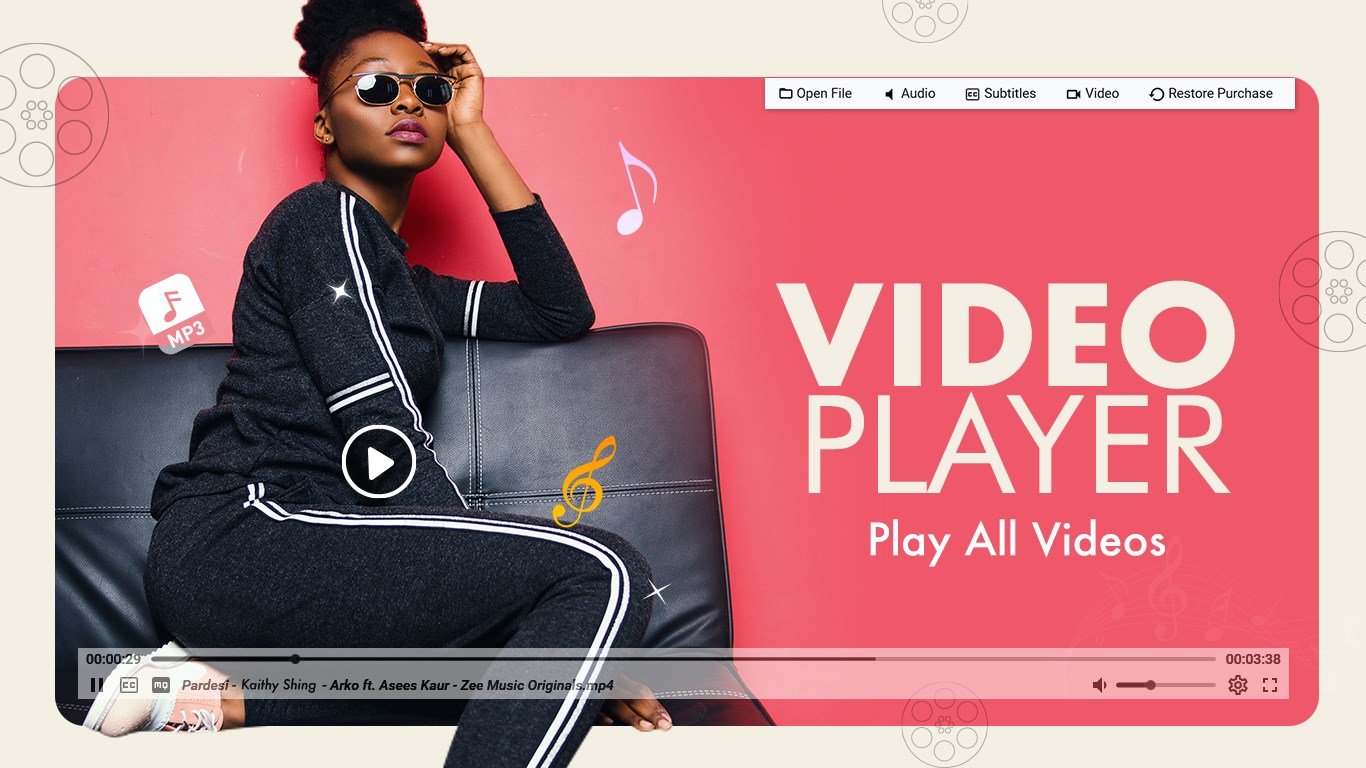
Video Player - Play All Videos ist ein Videoplayer für Windows, der Videos fortlaufend abspielt und zahlreiche Formate wie AVI, MP4, WMV, RMVB, MKV, 3GP, M4V, MOV, TS, MPG, FLV und ASF unterstützt. Über Gesten lassen sich Vor- und Rücklauf sowie Lautstärke und Bildschirmhelligkeit direkt während der Wiedergabe steuern, zudem können Wiedergabegeschwindigkeit, Drehung und Spiegelung angepasst werden. Eine integrierte Videogalerie sortiert automatisch alle gespeicherten Videos. Dank Hardwarebeschleunigung läuft die Wiedergabe auch bei hochauflösenden Dateien flüssig, wobei einige Funktionen kostenpflichtig freigeschaltet werden können.
Originalbeschreibung des Entwicklers anzeigenOriginalbeschreibung ausblenden
Video Player – Play All Videos is a complete media playback solution designed to deliver smooth and reliable video viewing on Windows. It works much like a music player, allowing videos to play continuously while giving you full control over playback, speed, brightness, and volume.
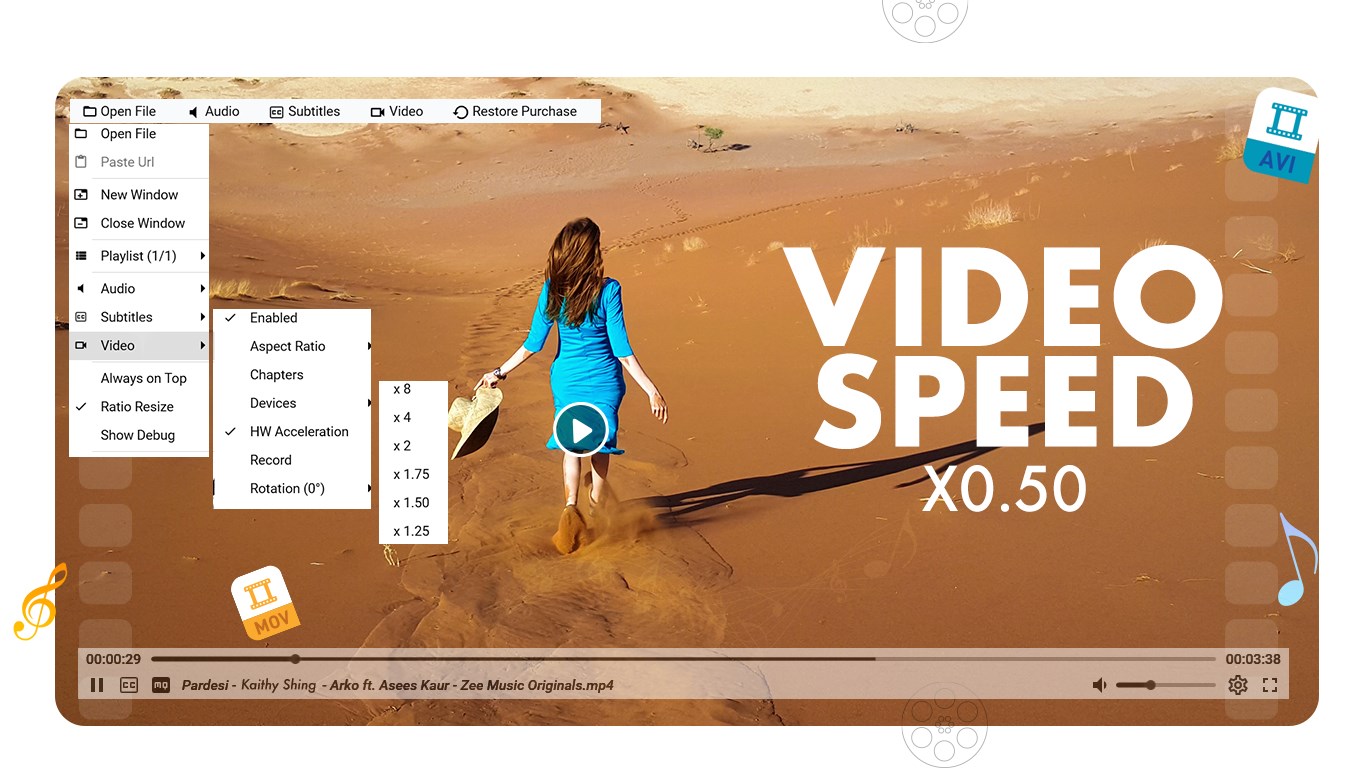
The app supports gesture-based controls, making it easy to move forward or backward within a video, adjust sound levels, or change screen brightness directly from the playback screen. Playback speed controls let you watch content at your preferred pace, while video rotation tools help adjust orientation when needed.
A built-in video gallery automatically organizes all videos stored on your device, giving you quick access to your entire collection in one place. The app also includes a screen capture feature that allows you to take snapshots directly from videos with a single click.
With support for advanced hardware acceleration, Video Player – Play All Videos delivers smooth playback for standard, high-definition, and ultra-high-definition video files.
Supported Video Formats
AVI, MP4, WMV, RMVB, MKV, 3GP, M4V, MOV, TS, MPG, FLV, ASF, 3GP2, and more
Key Features
• Continuous video playback similar to a music player
• Gesture controls for seeking, volume, and brightness
• Playback speed adjustment
• Video rotation and flip options
• Built-in screen capture tool
• Automatic video library and gallery view
• Advanced hardware acceleration for smooth playback
• Support for HD and ultra-high-definition videos
• Clean and responsive Windows interface
Why You’ll Choose It
• Plays a wide range of video formats smoothly
• Offers simple and intuitive playback controls
• Makes it easy to manage and browse video files
• Includes useful tools like screen capture and rotation
• Delivers stable performance across different video qualities
• Designed for everyday video viewing on Windows
Video Player – Play All Videos provides a dependable and feature-rich way to enjoy videos on Windows, combining broad format support, smooth playback, and practical controls in one easy-to-use app.
Please note: Some features require in-app purchases (IAPs), meaning you need to buy certain features before using them. If your subscription expires, these features will be locked again. We will regularly update the app to provide more premium features over time.
Find us:
Web: https://queenloftapps.com
Email: pinnaclebell@hotmail.com
Tutorial: https://queenloftapps.com/video-player-play-all-videos-tutorial/
Falls es eine App-Version für iOS/Mac oder Windows gibt, die wir nicht kennen, füge den Store-Link hier ein — wir erkennen automatisch, welcher Store.
So findest du die URL:1. Die App im jeweiligen Store öffnen. 2.In der App-Store-App: auf das Teilen-Symbol tippen → „Link kopieren“. Im Browser: die URL aus der Adresszeile kopieren — sie enthält apps.apple.com/…/id… oder apps.microsoft.com/detail/…. 3. Hier einfügen.
Füge den Original-Link aus dem Apple App Store oder Microsoft Store ein. Wir holen alle Details automatisch.
So findest du die URL:
1. Die App im jeweiligen Store öffnen. 2.In der App-Store-App: auf das Teilen-Symbol tippen → „Link kopieren“. Im Browser: die URL aus der Adresszeile kopieren — sie enthält apps.apple.com/…/id… oder apps.microsoft.com/detail/…. 3. Hier einfügen.
Android-Apps können nur von ihren Entwicklern eingereicht werden.





 YouPlay - Video & Music Player
Videos anschauen, abonnieren und im Hintergrund abspielen
 Video-Player & Mediaplayer
Video- und Musikwiedergabe mit Streaming und Untertiteln
 Easy Player
Videoplayer für gängige Formate wie MP4 und MKV
 All Video Player.
Videoplayer für alle Formate in HD-Qualität
 Media Player Go
Multimedia-Player für Audio und Video mit Untertiteln
 Player for DVD's Lite
DVD- und Videoplayer mit über 150 Codecs und Playlists