Mit der Registrierung bestätigst du, dass du mindestens 16 Jahre alt bist, und akzeptierst die AGB. Wie wir deine Daten verarbeiten, steht in der Datenschutzerklärung.
Screenshot erscheint nach ZustimmungScreenshot erscheint nach ZustimmungScreenshot erscheint nach ZustimmungScreenshot erscheint nach ZustimmungScreenshot erscheint nach ZustimmungScreenshot erscheint nach ZustimmungScreenshot erscheint nach ZustimmungScreenshot erscheint nach ZustimmungScreenshot erscheint nach ZustimmungScreenshot erscheint nach ZustimmungScreenshot erscheint nach ZustimmungScreenshot erscheint nach ZustimmungScreenshot erscheint nach ZustimmungScreenshot erscheint nach Zustimmung
Zusammenfassung
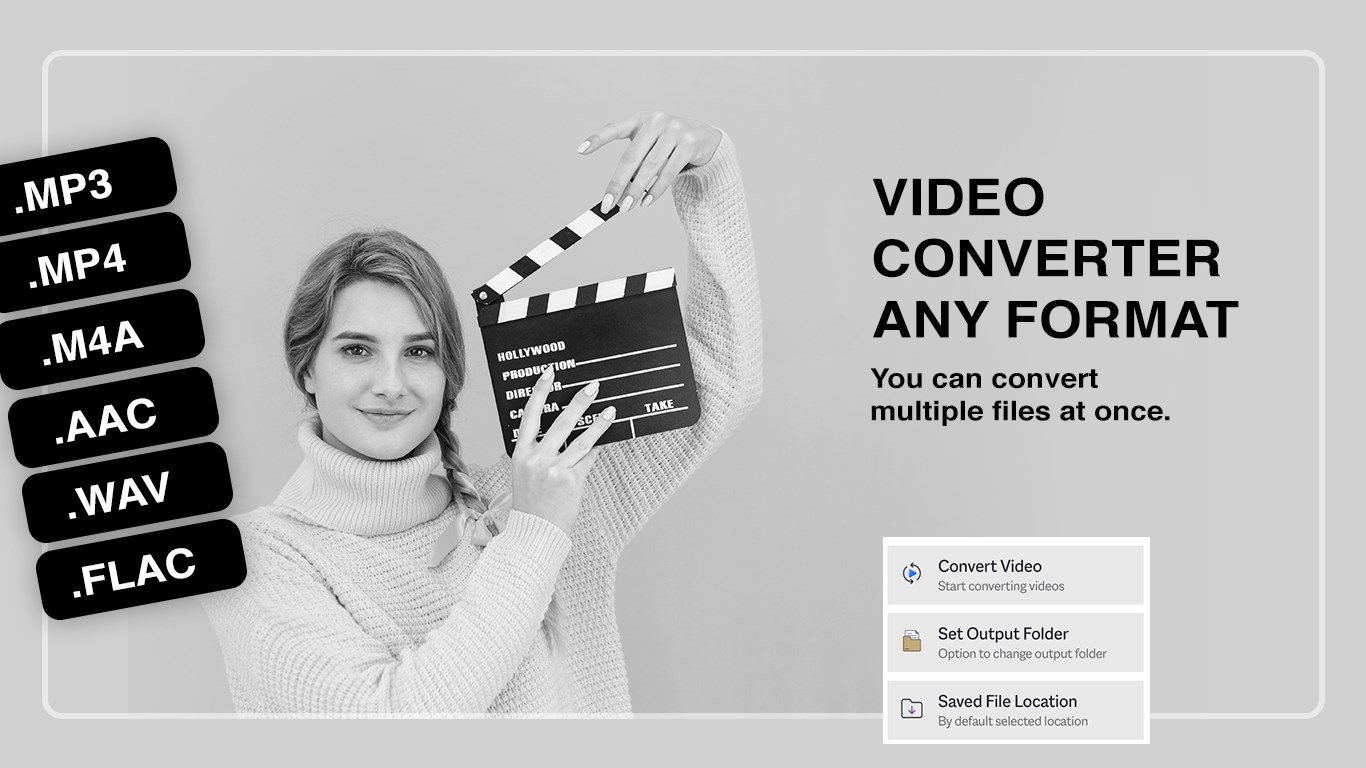
Video Converter Any Format ist ein Videokonverter für Windows, mit dem sich Videos und Audiodateien in nahezu alle gängigen Formate umwandeln lassen, darunter MP4, AVI, WMV, MKV, MOV und MP3. Die App komprimiert große Videodateien bei weitgehend erhaltener Qualität und ermöglicht das Zuschneiden von Clips vor der Konvertierung. Über erweiterte Einstellungen lassen sich Auflösung, Bitrate, Codec und Bildrate individuell anpassen. Mehrere Dateien können per Stapelverarbeitung gleichzeitig konvertiert werden, etwa durch Ziehen und Ablegen. Zusätzlich bietet die App optimierte Ausgabeeinstellungen für mobile Geräte.
Originalbeschreibung des Entwicklers anzeigenOriginalbeschreibung ausblenden
** 1 MILLION+ DOWNLOADS **
DON'T MISS YOUR ONE STOP APP.
Video Converter and Video compressor helps to convert video in various formats with simple steps. Also you can compress videos.
Tutorial: https://www.cidadeapps.com/video-converter-any-format-tutorial/
Video Converter Any Format is your complete solution for converting, compressing, and customizing videos on Windows. With support for nearly every major video and audio format, this app makes it easy to transform your media into the format you need—quickly and efficiently. Whether you want to compress large videos for easier sharing, cut clips to size, or adjust resolution for specific devices, this app gives you all the tools in one simple interface.
With over 1 million downloads, it’s a trusted and powerful video tool designed for everyday use.
Supported Formats:
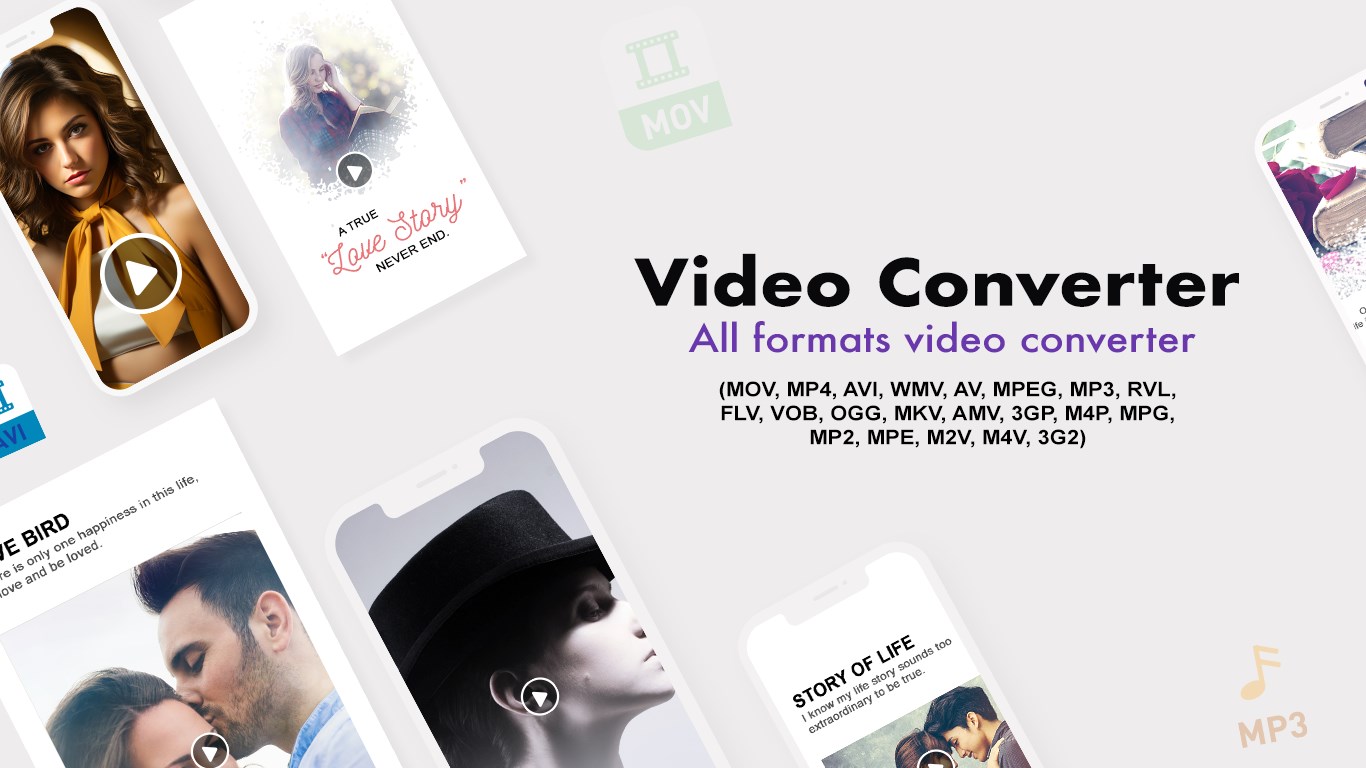
. Video: MOV, MP4, AVI, WMV, FLV, MKV, AMV, 3GP, VOB, M4V, MPG, M2V, M4P, RVL, 3G2, and more.
. Audio: MP3, OGG, MP2, MPEG, and more.
Key Features:
. Quick Conversion: Convert your videos into popular formats like MP4, AVI, WMV, MKV, and more in just a few clicks.
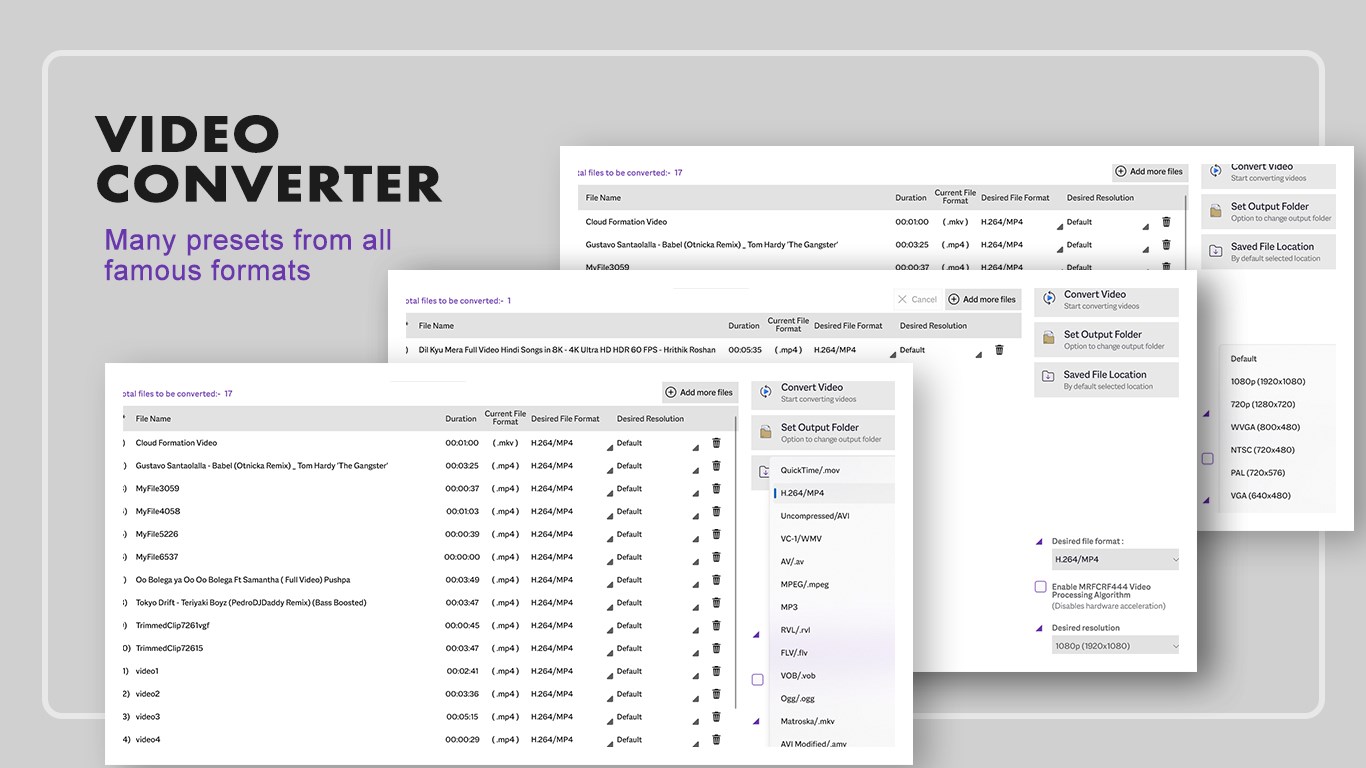
. Batch Conversion: Select multiple files or drag and drop to convert multiple videos at once.
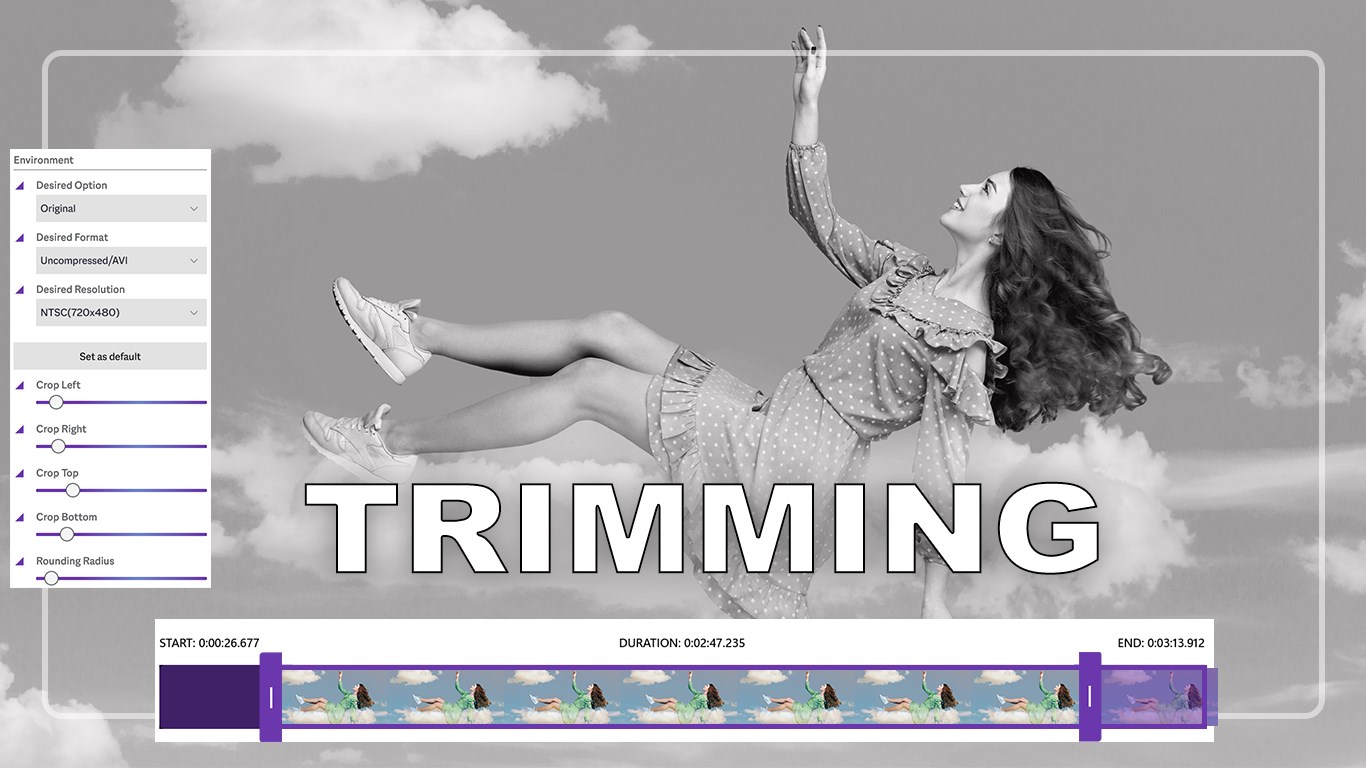
. Trim & Cut: Extract specific parts of your videos by trimming clips before conversion.
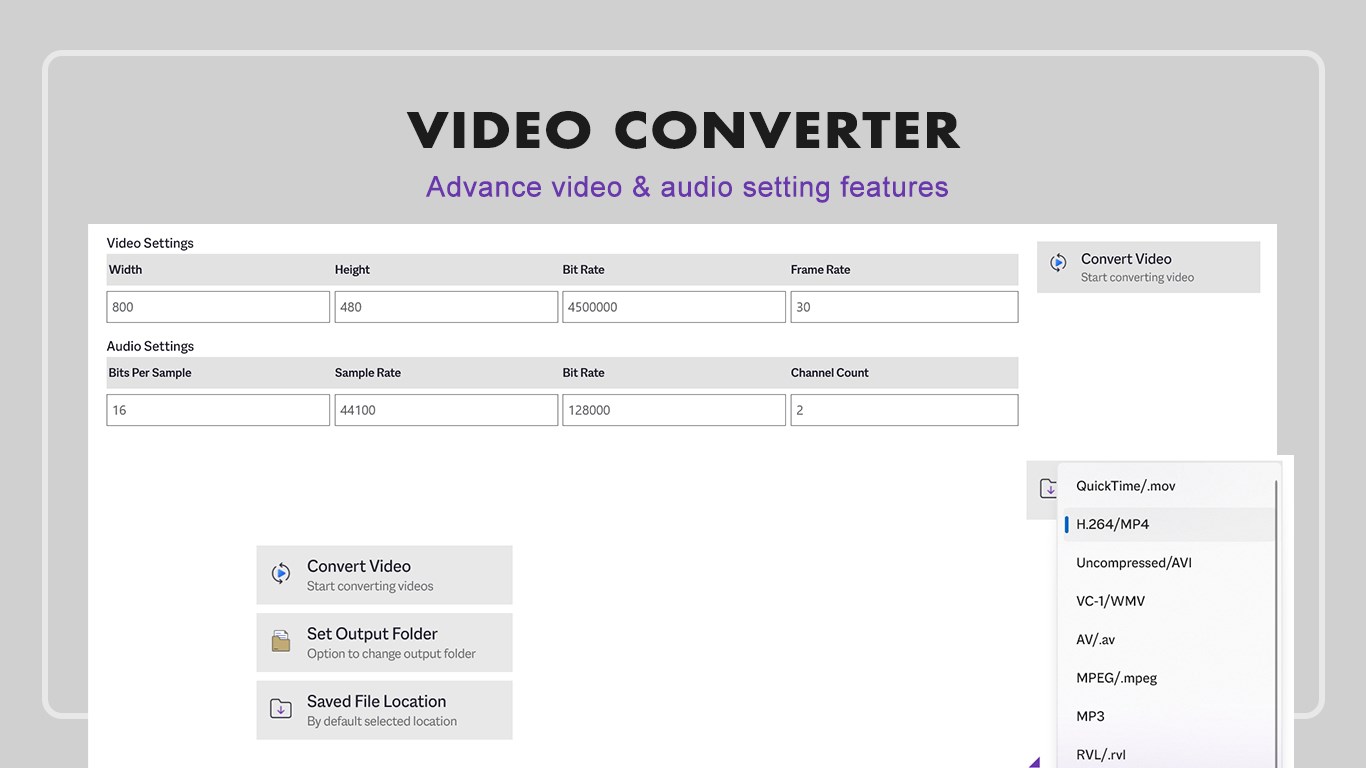
. Advanced Conversion: Fine-tune settings such as resolution, bitrate, codec, and frame rate for custom results.
. Compression: Reduce large video file sizes while maintaining high-quality output.
. Resolution Adjustment: Change video resolution for formats like MP4, MKV, AVI, FLV, 3GP, MOV, VOB, and others.
. Lightweight Design: Clean, modern interface with easy-to-use controls.
. Mobile Friendly: Optimized output settings for mobile devices.
App Options:
. Quick Convert – Convert videos instantly into your desired format.
. Trim & Convert – Cut specific portions of your video and convert only what you need.
. Advanced Convert – Customize settings for resolution, quality, and size before conversion.
Why Choose Video Converter Any Format?
. Wide support for both video and audio file types.
. High-quality compression with minimal quality loss.
. Fast conversion speed with batch file support.
. User-friendly design with powerful tools built-in.
Support:
Tutorial: https://www.cidadeapps.com/video-converter-any-format-tutorial/
Web: https://www.cidadeapps.com
Facebook: https://www.facebook.com/CidadeApps
Instagram: https://www.instagram.com/cidadeapps/
Twitter: @Cidadeapps
Email: cidadeapps@hotmail.com
Please email us if any of the video format is not supported, and we will include it in the next update.
Download and enjoy.
Falls es eine App-Version für iOS/Mac oder Windows gibt, die wir nicht kennen, füge den Store-Link hier ein — wir erkennen automatisch, welcher Store.
So findest du die URL:1. Die App im jeweiligen Store öffnen. 2.In der App-Store-App: auf das Teilen-Symbol tippen → „Link kopieren“. Im Browser: die URL aus der Adresszeile kopieren — sie enthält apps.apple.com/…/id… oder apps.microsoft.com/detail/…. 3. Hier einfügen.
Füge den Original-Link aus dem Apple App Store oder Microsoft Store ein. Wir holen alle Details automatisch.
So findest du die URL:
1. Die App im jeweiligen Store öffnen. 2.In der App-Store-App: auf das Teilen-Symbol tippen → „Link kopieren“. Im Browser: die URL aus der Adresszeile kopieren — sie enthält apps.apple.com/…/id… oder apps.microsoft.com/detail/…. 3. Hier einfügen.
Android-Apps können nur von ihren Entwicklern eingereicht werden.





 Video Converter - Any Video Converter
Videos in verschiedene Formate umwandeln
 Video Cutter & Compressor
Video schneiden, komprimieren und bearbeiten
 Video Converter - PRO
Videos konvertieren und komprimieren in MP4, WMV oder MKV
 Video Compressor: Resize & Compress Video
Videos komprimieren und Dateigroesse reduzieren
 Audio Converter Any Format
Audiodateien konvertieren, schneiden und Einstellungen
 Video Converter‘
Video- und Audiodateien in andere Formate umwandeln