Mit der Registrierung bestätigst du, dass du mindestens 16 Jahre alt bist, und akzeptierst die AGB. Wie wir deine Daten verarbeiten, steht in der Datenschutzerklärung.
Screenshot erscheint nach ZustimmungScreenshot erscheint nach ZustimmungScreenshot erscheint nach ZustimmungScreenshot erscheint nach ZustimmungScreenshot erscheint nach ZustimmungScreenshot erscheint nach Zustimmung
Zusammenfassung
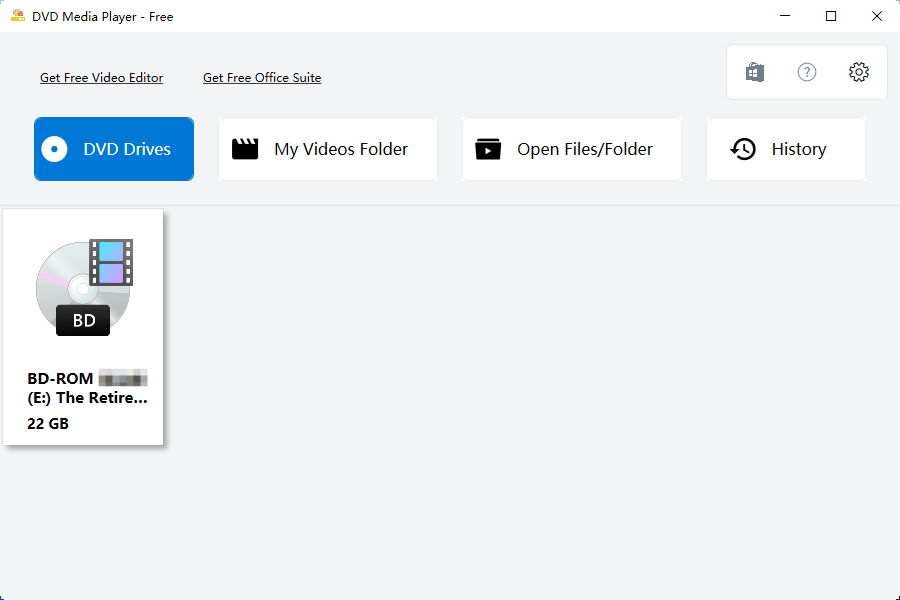
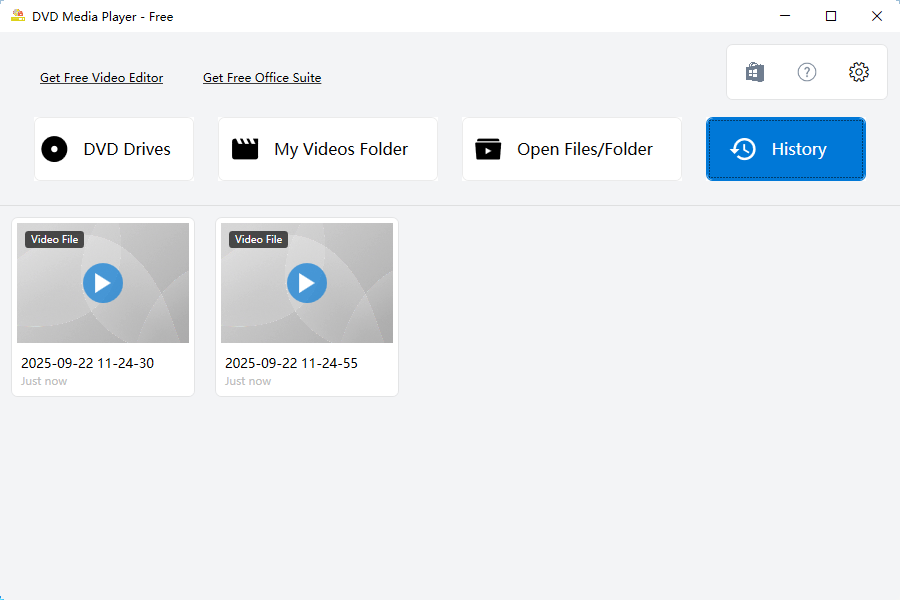
MC DVD ist ein Mediaplayer, der zur Wiedergabe von Discs und Videodateien dient und zur Dekodierung die VLC-Bibliothek nutzt. Die App spielt DVDs, VCDs und Blu-rays ab und unterstützt über 157 Videoformate, darunter MP4, MKV, MOV, WAV, MPEG, MPG, AVI, OGG, RMVB, FLV und 3GP. Sie kann Discs und Videoordner öffnen sowie ISO-Abbilder direkt abspielen. Zusätzlich lässt sich eine Untertiteldatei auswählen.
Originalbeschreibung des Entwicklers anzeigenOriginalbeschreibung ausblenden
MC DVD is a DVD and media player for Windows, built on LibVLC — no codec packs, no setup, no extra downloads. Put a disc in the drive, or open a file, and it plays.
WHAT YOU GET WITH THE APP — NO PURCHASE NEEDED
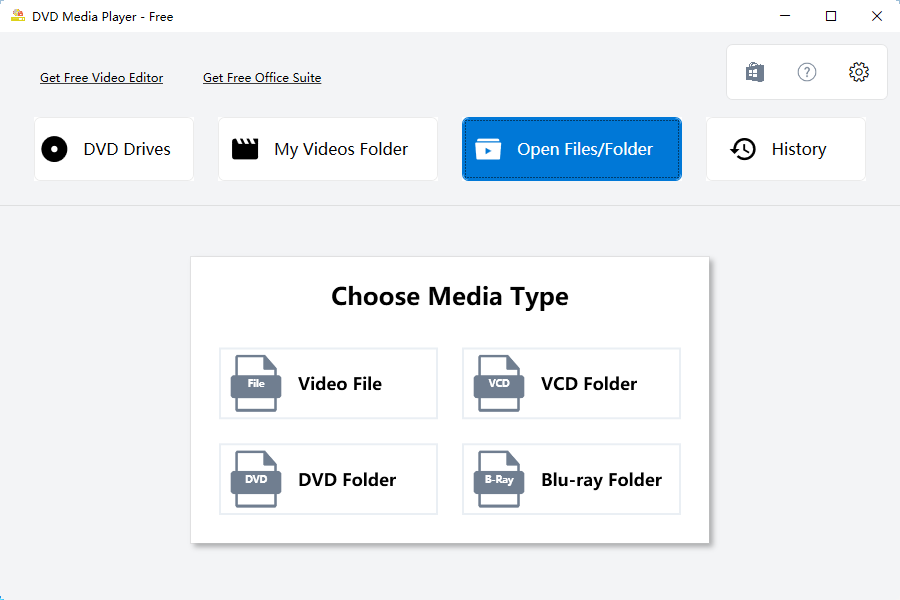
• DVD, VCD and Blu-ray discs, VIDEO_TS / BDMV / VCD folders, or any single video file
• More than 150 file extensions: MP4, MKV, AVI, MOV, WebM, FLV, WMV, M2TS, VOB, ISO, MP3, FLAC and many more
• No codec pack and no separate VLC installation required
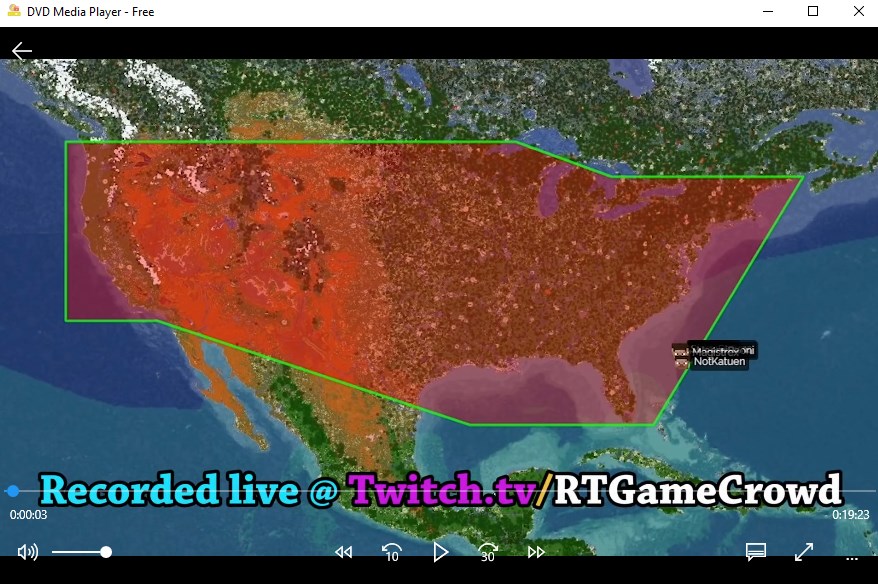
• Auto-hiding player controls: seek, volume, speed, −10 s / +30 s, fullscreen
• Subtitles (built-in tracks and external .srt files), audio track switching, 4:3 / 16:9
• Thumbnail library of your Videos folder, plus a playlist that remembers what you played
• Six interface languages (English, 中文, 日本語, Русский, 한국어, Deutsch) and light / dark / follow-system themes
• Blu-ray ready: the AACS decoding library and an up-to-date key database ship with the app and install automatically
THE FIVE VIDEO TOOLS — PAID (MC DVD PREMIUM)
These are the only paid items in the app. Hover the floating ball on the right edge of the window:
• Video Convert — PAID — MP4, WebM, AVI, MKV, MOV or FLV, with resolution control
• Compress Video — PAID — smaller files while keeping the original container
• Extract Audio — PAID — MP3, WAV, AAC or FLAC from any video
• To GIF — PAID — turn a short clip into an animated GIF
• RipDVD — PAID — save the titles of a DVD or Blu-ray to MP4, MKV or WebM, with per-title selection and quality presets
Each tool opens in its own window with an explicit output folder, so your source files are never overwritten. See the prices at the end of this description.
SYSTEM REQUIREMENTS
• Windows 10 (build 16299 or later) or Windows 11, 64-bit
• No additional codecs, no third-party player required
PLEASE NOTE
• Playback and ripping are meant for discs and files you own or are otherwise entitled to use. Do not redistribute content you do not have the rights to.
• MC DVD is not affiliated with the Blu-ray Disc Association or the DVD Forum.
• Playback engine: LibVLC (LGPL v2.1 or later).
PAID ITEMS AND PRICES
Paid items: the five video tools listed above (Video Convert, Compress Video, Extract Audio, To GIF, RipDVD). Everything else — playback, the library, playlist, subtitles, audio tracks, themes and languages — is included with the app and costs nothing.
The five tools are sold together as MC DVD Premium, in two options:
• Yearly subscription — US$5.99 per year. Renews automatically; cancel anytime at account.microsoft.com/services.
• Lifetime — US$19.99 one-time purchase. No renewal.
There is no per-tool price and no other in-app purchase. Either option unlocks all five tools for the Microsoft account that bought it, and Restore purchase is built into the paywall. Prices are in US dollars; Microsoft Store shows your local currency and any applicable taxes at checkout.
Falls es eine App-Version für iOS/Mac oder Windows gibt, die wir nicht kennen, füge den Store-Link hier ein — wir erkennen automatisch, welcher Store.
So findest du die URL:1. Die App im jeweiligen Store öffnen. 2.In der App-Store-App: auf das Teilen-Symbol tippen → „Link kopieren“. Im Browser: die URL aus der Adresszeile kopieren — sie enthält apps.apple.com/…/id… oder apps.microsoft.com/detail/…. 3. Hier einfügen.
Füge den Original-Link aus dem Apple App Store oder Microsoft Store ein. Wir holen alle Details automatisch.
So findest du die URL:
1. Die App im jeweiligen Store öffnen. 2.In der App-Store-App: auf das Teilen-Symbol tippen → „Link kopieren“. Im Browser: die URL aus der Adresszeile kopieren — sie enthält apps.apple.com/…/id… oder apps.microsoft.com/detail/…. 3. Hier einfügen.
Android-Apps können nur von ihren Entwicklern eingereicht werden.




 Player for DVD's Lite
DVD- und Videoplayer mit über 150 Codecs und Playlists
 Ace DVD Player
DVDs, Blu-rays und über 100 Audio- und Videoformate
 Fast Player for DVD
DVD-, Blu-ray- und 150+ Mediaformate abspielen
 Easy Player
Videoplayer für gängige Formate wie MP4 und MKV
 DVD+
DVD, Blu-ray und Videodateien in vielen Formaten abspielen
 Player for DVD's
DVD- und Videodateien mit Untertiteln und Playlist abspielen