
Real HEIC File Viewer

HEIC-Fotos und viele weitere Bildformate anzeigen KI-Zusammenfassung
Rang 1721
0 Aufwertungen, 0 Abwertungen
▲
0
▼
Real HEIC File Viewer gibt es nicht für Android und Apple — oder doch? URL einreichen
Diese App ist nicht in einer deutschen Sprachversion verfügbar.
Screenshots
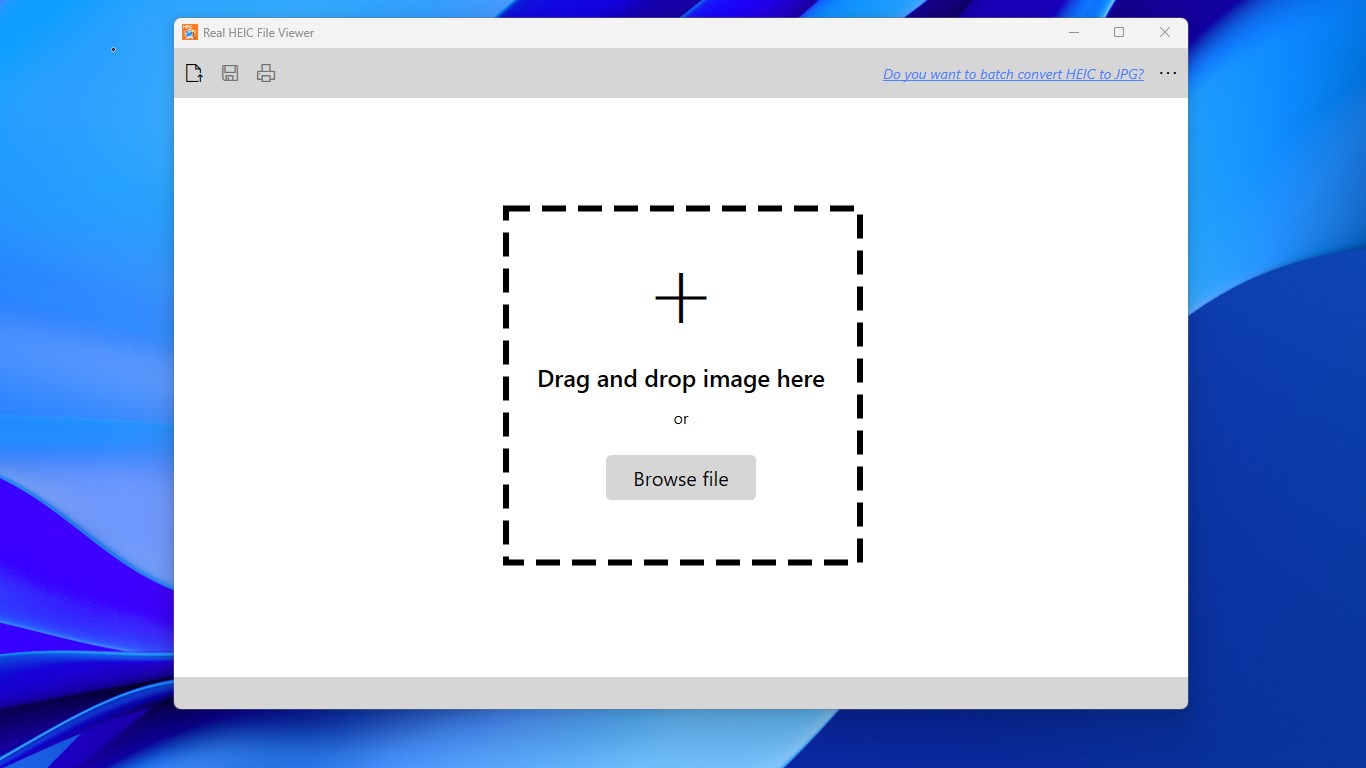
Screenshot 1 von Real HEIC File Viewer auf WindowsScreenshot
erscheint nach Zustimmung
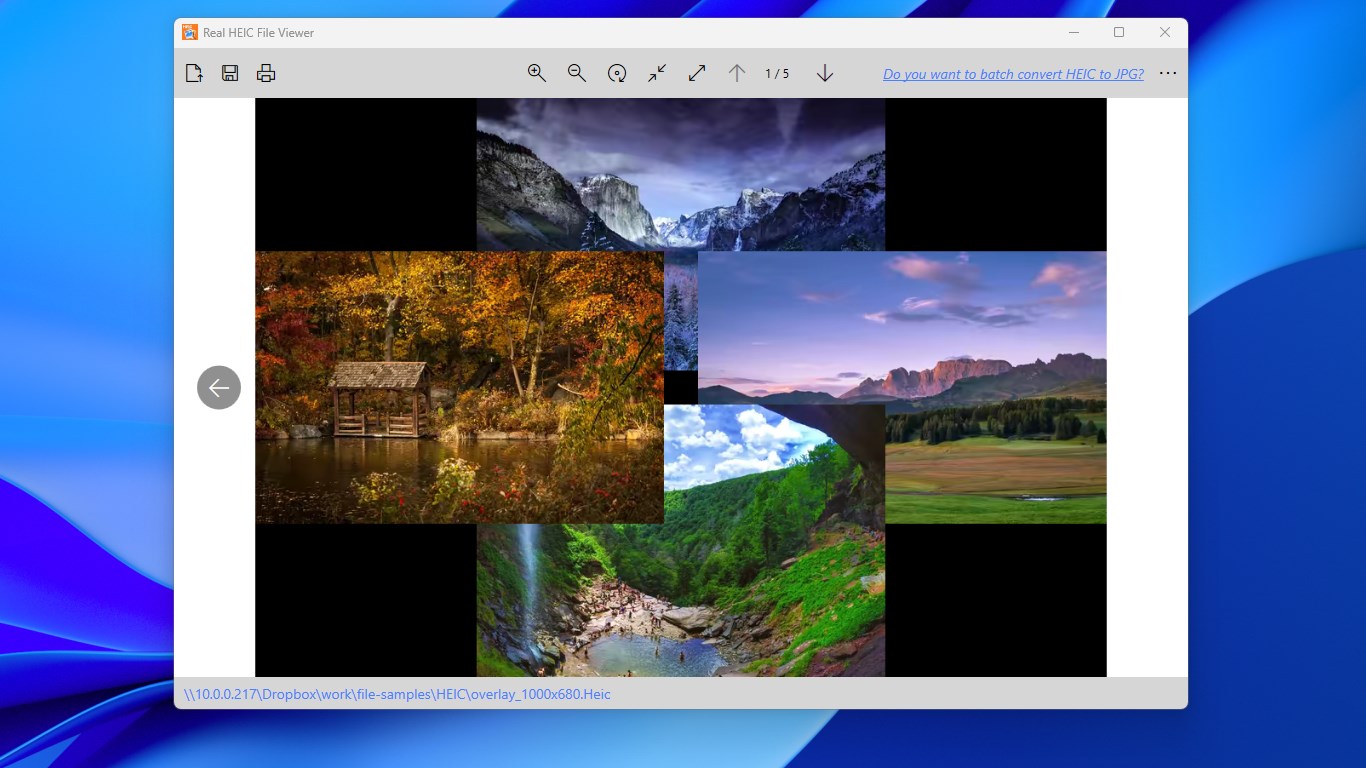
Screenshot 2 von Real HEIC File Viewer auf WindowsScreenshot
erscheint nach Zustimmung
Zusammenfassung
Real HEIC File Viewer ist ein Bildbetrachter für HEIC-Dateien auf dem PC, dem Format, in dem iPhones standardmäßig Fotos aufnehmen. Die App öffnet HEIC-Bilder direkt und ermöglicht das Durchblättern aller Fotos eines Ordners mit den Pfeiltasten der Tastatur, unabhängig vom Format. Neben HEIC unterstützt sie zahlreiche weitere Bild- und RAW-Formate wie JPG, PNG, BMP, TIFF, CR2, NEF oder PSD sowie SFW-Dateien von Seattle Fileworks und Photoworks. HEIC-Bilder lassen sich einzeln als JPG, JPEG, PNG oder BMP speichern und direkt aus der App drucken.
Originalbeschreibung des Entwicklers anzeigenOriginalbeschreibung ausblenden
Cannot view .HEIC photos on your PC? Real HEIC File Viewer opens your HEIC images instantly, simple and fast. Note: The core features of Real HEIC File Viewer are completely free for everyone. Premium is purely optional for users who wish to support our work. If the Premium prompt appears, simply click the X icon in the top-right corner to continue using the app. HEIC files are pictures taken in the new HEIF format. Since iOS 11, the iPhone has, by default, captured images in this format. With Real HEIC File Viewer, you can view .HEIC images the same way as you view other formats of images. Just open one photo, whether it's HEIC or any other common image format, and then you can browse all photos in that folder using the left arrow and the right arrow key on your keyboard. With Real HEIC File Viewer, you can also save HEIC as JPG, JPEG, PNG, or BMP. Commonly supported image formats: HEIC, 3FR, BMP, CR2, GIF, ICO, JPG, JPEG, MIF, MIFF, NEF, PCX, PNG, PSD, RAW, SFW, SVG, TAG, TIF, TIFF, WMF Features: - View HEIC images directly on your PC - Save HEIC as JPG or any other format one by one - HEIC print - View common images and raw formats - View and convert SFW (Seattle Fileworks and Photoworks) image Note: Windows 10 S-Mode is not supported.
Technische Details zu Real HEIC File Viewer
Kategorie
Altersfreigabe
Preis
Größe
47,0 MB
Zuletzt aktualisiert im Microsoft Store
19.10.2026
App-Store-Bewertung
4.4 ★
Geräte
Real HEIC File Viewer in den Bestenlisten
App verwalten

Gehörst du zum Entwicklerteam von Real HEIC File Viewer?

Verifiziere dich und verwalte euren Eintrag auf Most Voted Apps.

Real HEIC File Viewer kostenlos verifizieren
Die Verifizierung dauert in der Regel nur wenige Minuten.
Ähnliche Apps wie Real HEIC File Viewer