Mit der Registrierung bestätigst du, dass du mindestens 16 Jahre alt bist, und akzeptierst die AGB. Wie wir deine Daten verarbeiten, steht in der Datenschutzerklärung.
Screenshot erscheint nach ZustimmungScreenshot erscheint nach ZustimmungScreenshot erscheint nach ZustimmungScreenshot erscheint nach ZustimmungScreenshot erscheint nach ZustimmungScreenshot erscheint nach Zustimmung
Zusammenfassung
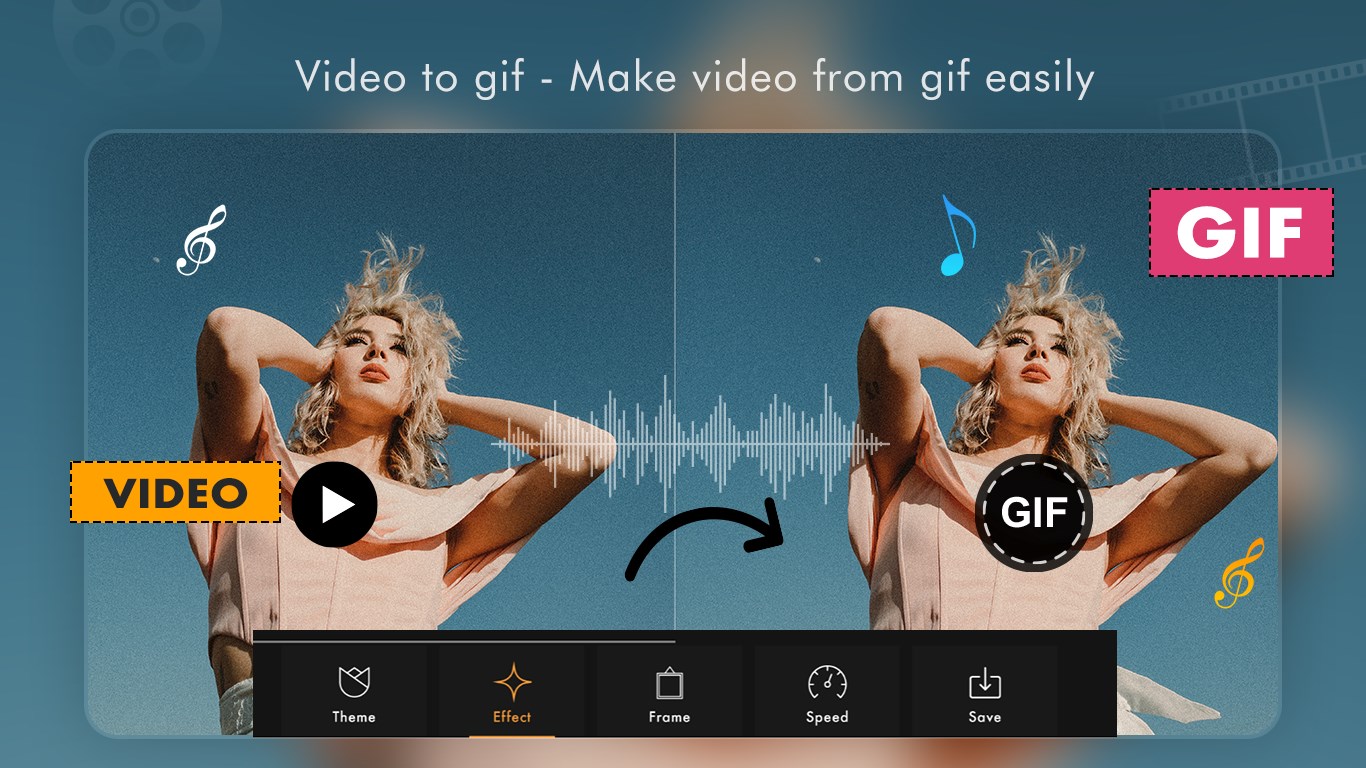
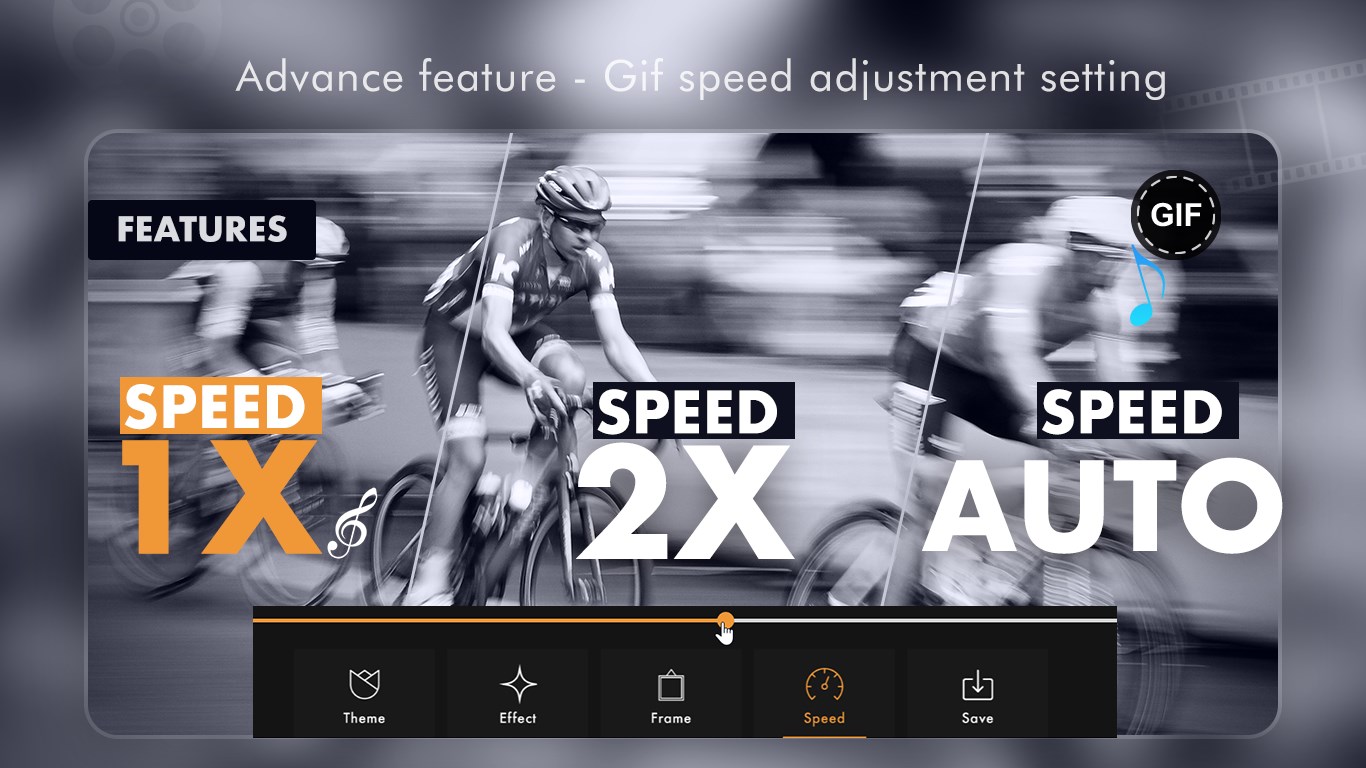
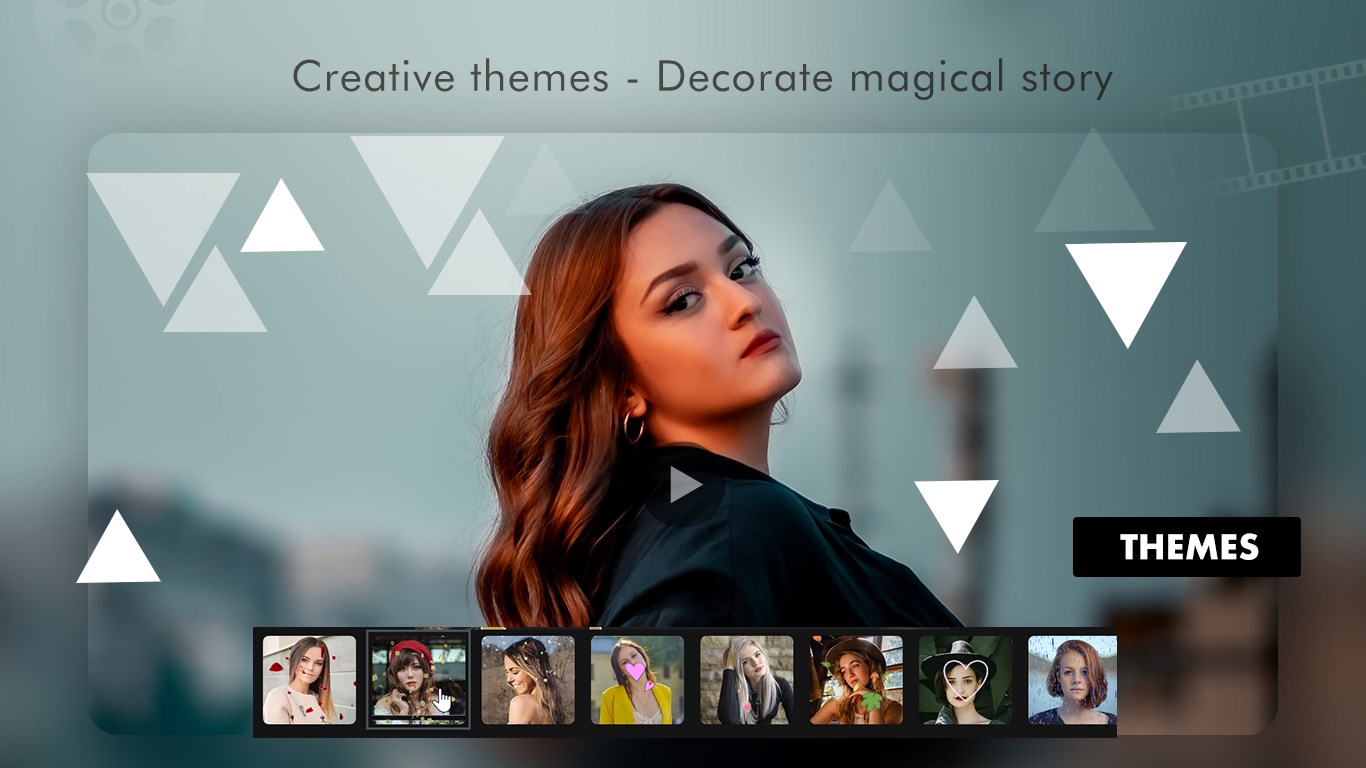
GIF Maker - Photos to GIF, Video to GIF ist ein Tool zum Erstellen von GIFs auf Windows-Geräten. Die App wandelt mehrere ausgewählte Fotos in ein GIF um, wobei sich Bilddauer, Wiedergabegeschwindigkeit und Auflösung anpassen lassen. Videos aus der Galerie lassen sich zuschneiden und ebenfalls in GIFs umwandeln, außerdem können mit der Kamera bis zu zehn Sekunden lange Aufnahmen direkt gemacht und in GIFs verwandelt werden. Themen, Effekte und Rahmen dienen zur Gestaltung. Eine Galerie verwaltet alle gespeicherten GIFs und ermöglicht Vorschau, Weitergabe über soziale Messenger oder Löschen, wobei manche Funktionen In-App-Käufe erfordern.
Originalbeschreibung des Entwicklers anzeigenOriginalbeschreibung ausblenden
GIF Maker - Photos to GIF, Video to GIF is a powerful and easy-to-use tool that lets you create high-quality GIFs directly on your Windows device.
Whether you want to convert photos, edit videos into GIFs, or capture live moments,
this app gives you everything you need in one place.
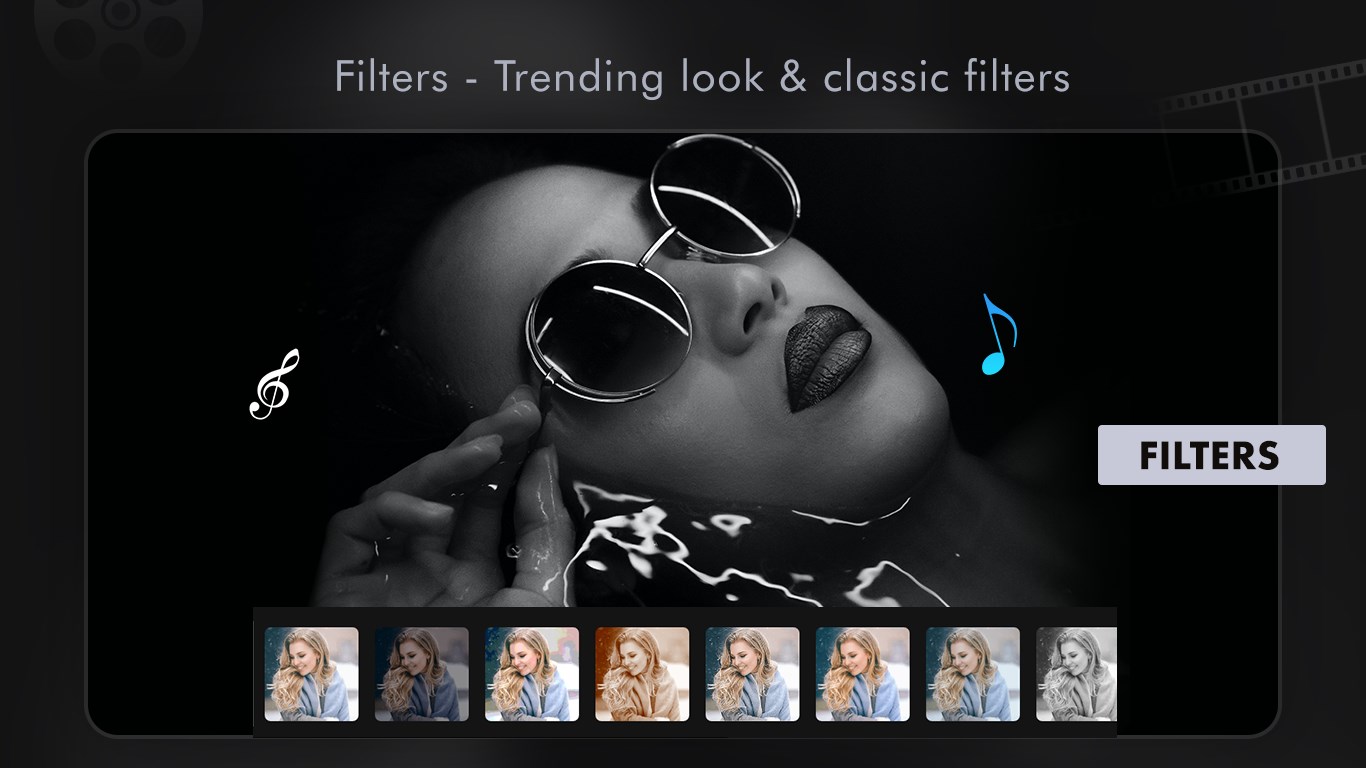
Add effects, frames, and themes to make your GIFs stand out and share them instantly with friends or on social media.
Tutorial Link- https://picperfectstore.com/gif-maker-photos-to-gif-video-to-gif-tutorial/
Key Features:
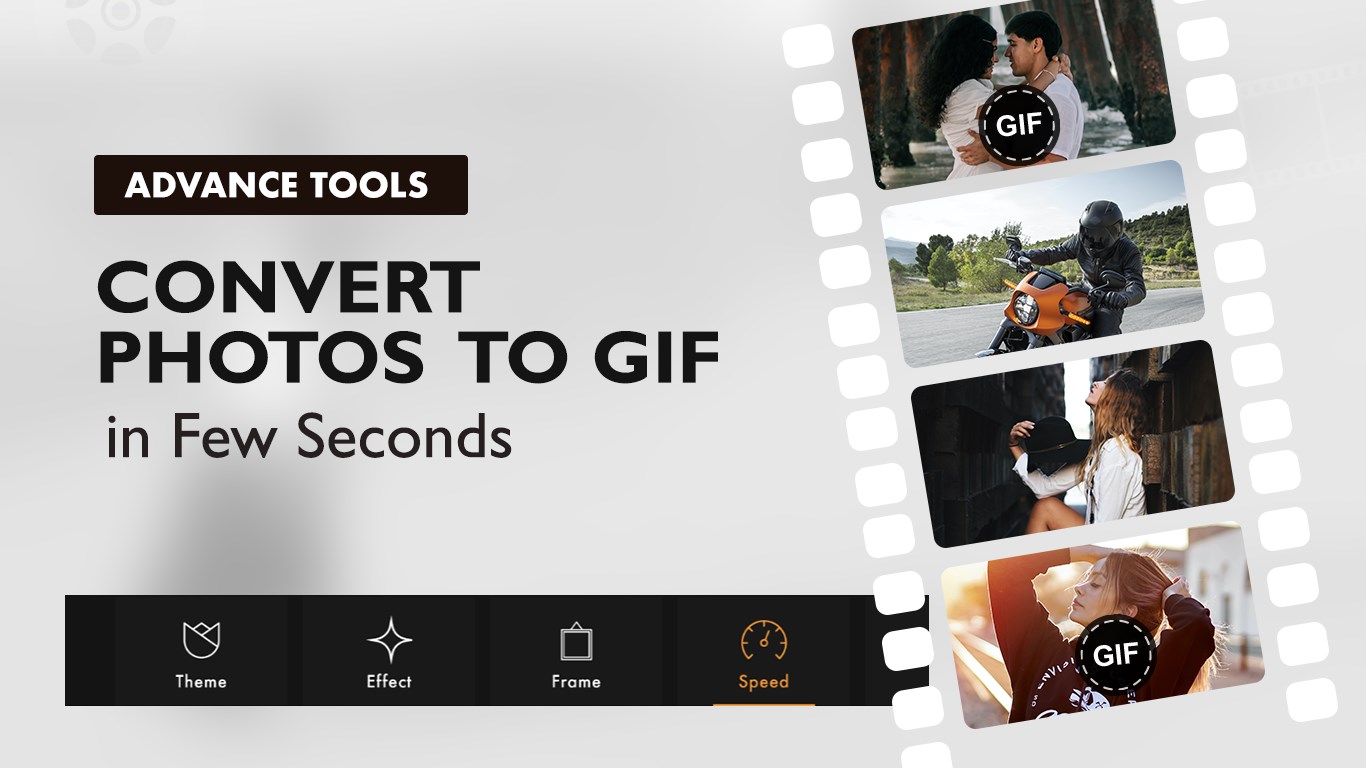
1. Photo to GIF
o Select multiple images from your library.
o Set custom duration for frames (default 1 second).
o Add themes, effects, and frames to enhance the look.
o Adjust playback speed for smoother animations.
o Save in your preferred resolution: 720x720, 1080x1080, 1500x1500.
2. Video to GIF
o Import videos from your gallery.
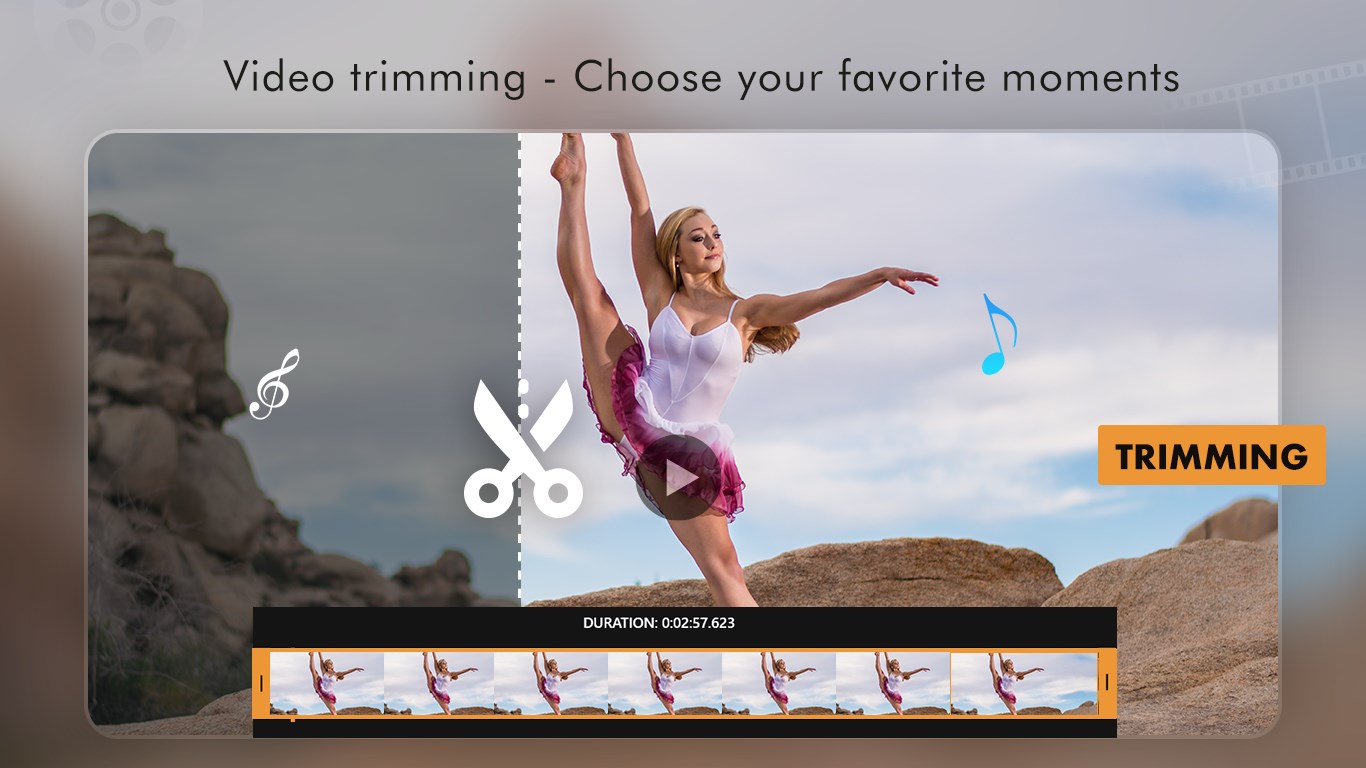
o Trim by setting start and end times to capture the best part.
o Apply themes and effects to create eye-catching GIFs.
o Save in high quality for sharing.
3. Camera to GIF
o Record live videos up to 10 seconds directly within the app.
o Trim if needed and instantly convert to GIF.
o Perfect for capturing quick, fun, and creative moments.
4. My GIF Gallery
o Manage all your saved GIFs in one place.
o Preview, share on social messengers, or delete directly.
It’s just so cool to create your own live Gif in seconds, have fun using this app to make more and more funny Gifs and share it with social messengers like Facebook, Whatsapp and more.
Please be aware that certain features come with in-app purchases (IAPs), requiring you to buy specific features of the app before accessing them. Consequently, if your subscription expires, these features will be locked once again. We will consistently update the app, ensuring you receive additional premium features with each update.
Reach us:
Tutorial: https://picperfectstore.com/gif-maker-photos-to-gif-video-to-gif-tutorial/
Web: https://picperfectstore.com/
Email: pictoolsstudio@hotmail.com
Store-URL für „GIF Maker - Photos to GIF, Video to GIF”
Falls es eine App-Version für iOS/Mac oder Windows gibt, die wir nicht kennen, füge den Store-Link hier ein — wir erkennen automatisch, welcher Store.
So findest du die URL:1. Die App im jeweiligen Store öffnen. 2.In der App-Store-App: auf das Teilen-Symbol tippen → „Link kopieren“. Im Browser: die URL aus der Adresszeile kopieren — sie enthält apps.apple.com/…/id… oder apps.microsoft.com/detail/…. 3. Hier einfügen.
Füge den Original-Link aus dem Apple App Store oder Microsoft Store ein. Wir holen alle Details automatisch.
So findest du die URL:
1. Die App im jeweiligen Store öffnen. 2.In der App-Store-App: auf das Teilen-Symbol tippen → „Link kopieren“. Im Browser: die URL aus der Adresszeile kopieren — sie enthält apps.apple.com/…/id… oder apps.microsoft.com/detail/…. 3. Hier einfügen.
Android-Apps können nur von ihren Entwicklern eingereicht werden.



 Video To Gif Maker
Videos in GIFs umwandeln und teilen
 Video Photo SlideShow
Fotos und Videos in Diashows und Clips umwandeln
 Animotica - Movie Maker
Videos schneiden, zusammenfügen und mit Effekten bearbeiten
 Movie Generator for Photos and 4K Video Editor
Videos und Fotos mit Effekten, Übergängen und Musik
 Movie Maker - Video Editor
Videos und Slideshows aus Fotos und Clips erstellen
 Crazy Video Maker - Filmeditor
Videos aus Fotos, Clips und Musik mit Drag-and-Drop