Mit der Registrierung bestätigst du, dass du mindestens 16 Jahre alt bist, und akzeptierst die AGB. Wie wir deine Daten verarbeiten, steht in der Datenschutzerklärung.
Screenshot erscheint nach ZustimmungScreenshot erscheint nach ZustimmungScreenshot erscheint nach ZustimmungScreenshot erscheint nach ZustimmungScreenshot erscheint nach Zustimmung
Zusammenfassung
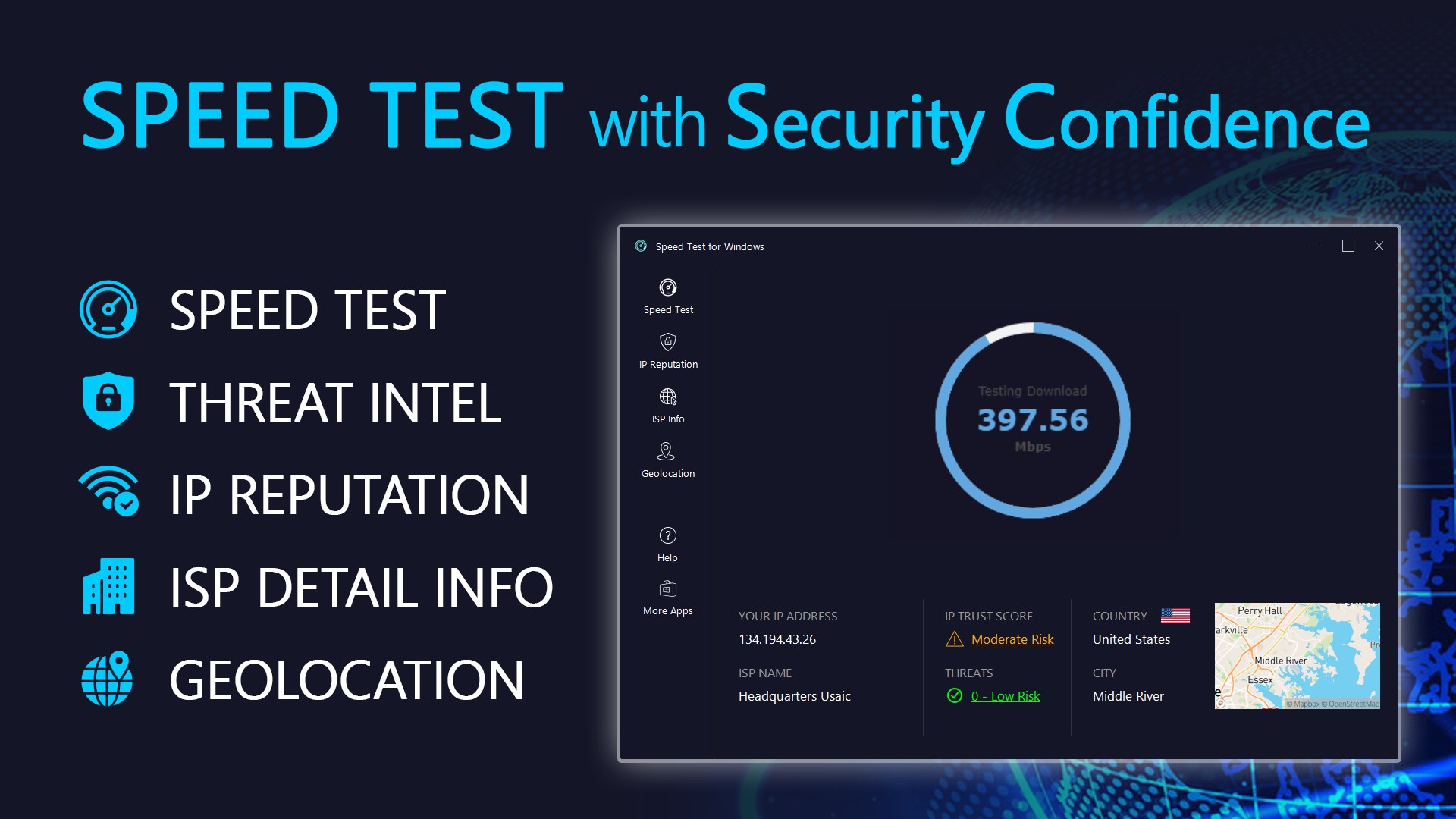
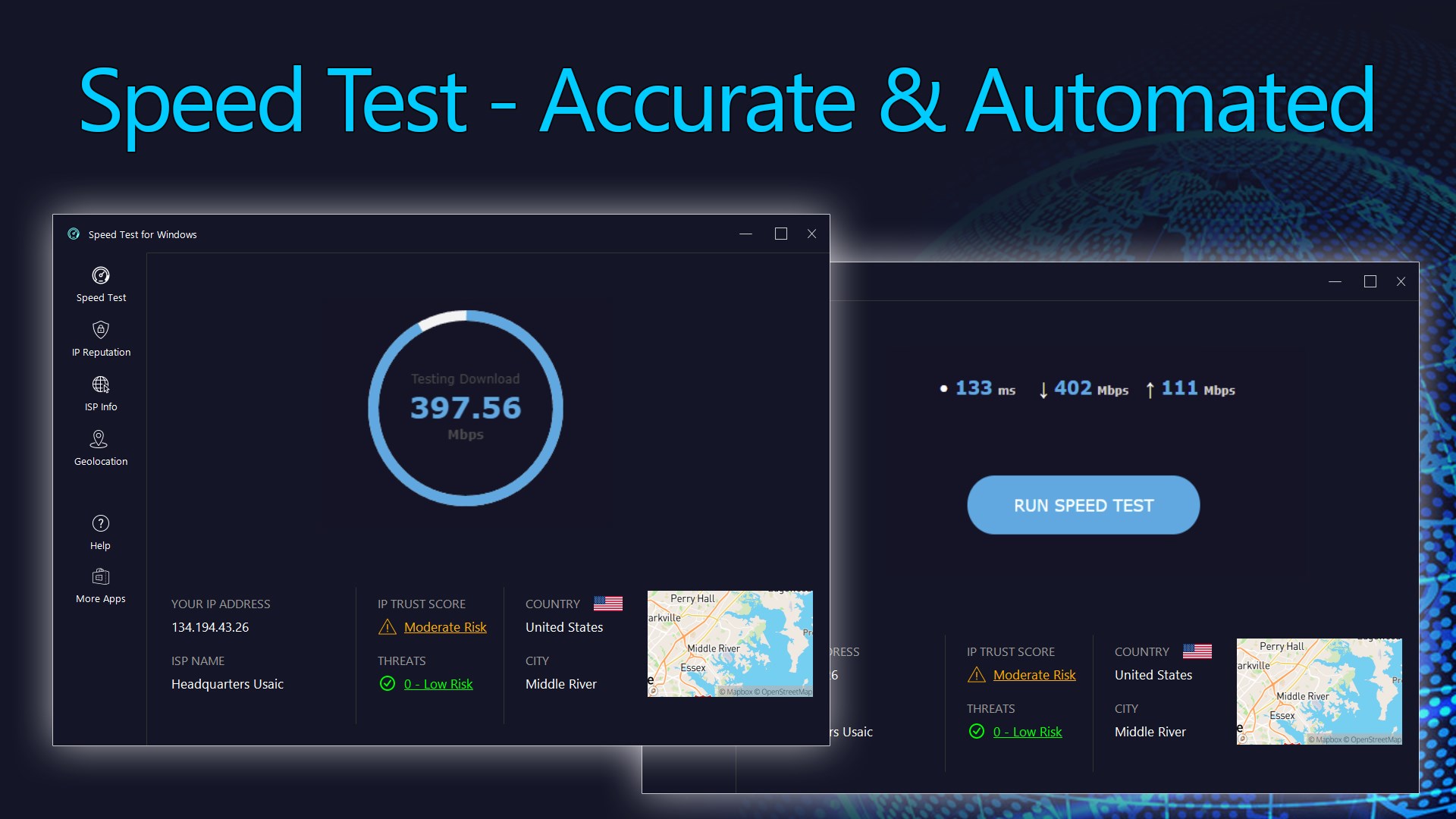
Speed Test for Windows ist ein Tool zum Testen der Internetverbindung, das Download- und Upload-Geschwindigkeit sowie Ping und Jitter misst und so Werte zur Qualität und Stabilität der Verbindung liefert. Zudem ermittelt es die externe IP-Adresse und zeigt Diagnoseinformationen wie Geolokalisierung und Angaben zum Internetanbieter samt dessen Autonomer-System-Nummer. Grundlegende Funktionen wie Geschwindigkeitstest, IP-Geolokalisierung und einfache Reputationswerte sind kostenlos nutzbar, während erweiterte Auswertungen wie detaillierte Vertrauens-, Bedrohungs- und Proxy-Werte ein Upgrade auf eine Premium-Lizenz voraussetzen.
Originalbeschreibung des Entwicklers anzeigenOriginalbeschreibung ausblenden
Easily test your internet connection speed with the Speed Test for Windows app and receive clear, accurate results from anywhere in the world. The app measures your network throughput in both directions—download and upload—along with ping and jitter to help you assess the quality and stability of your connection. It also identifies your external IP address and provides rich diagnostic insights, including IP reputation, threat intelligence, ISP details, and geolocation information—giving you a deeper understanding of your online footprint.
[Product License]
The core features of the app, including speed tests, IP geolocation, basic IP reputation scores, and ISP information, are free to use. To unlock advanced features—such as detailed IP reputation scores (including Trust Score, Threat Score, VPN Score, and Proxy Score) and CSV data export—an upgrade to a premium license is required.
[Product Features]
• Ping: Measure the quality of your connection by calculating the time between a request made and the response received.
• Jitter: Measure the variation in response times. A lower jitter score indicates a more consistent and reliable internet connection.
• Download Speed: Test your internet connection's inbound bandwidth by measuring how quickly it can download data from a server to your computer.
• Upload Speed: Test your internet connection's outbound bandwidth by measuring how fast it can upload data from your computer to a server.
• External IP Address: Determine the IP address of your computer as seen from the outside.
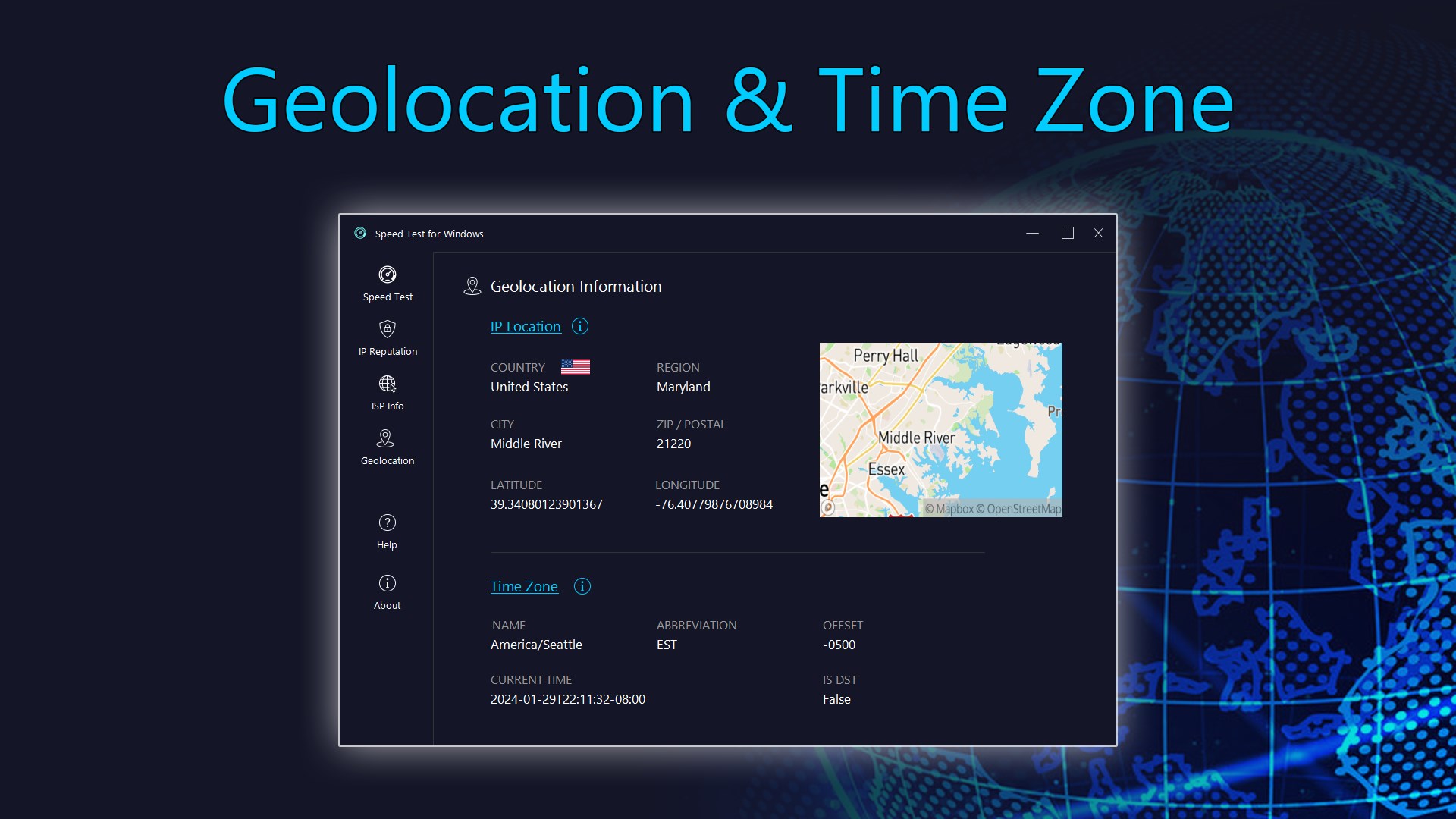
• IP Geolocation: Obtain geolocation information about your IP address, as seen by the outside world.
• Threat Intelligence: Analyze data to understand and counter potential cybersecurity threats.
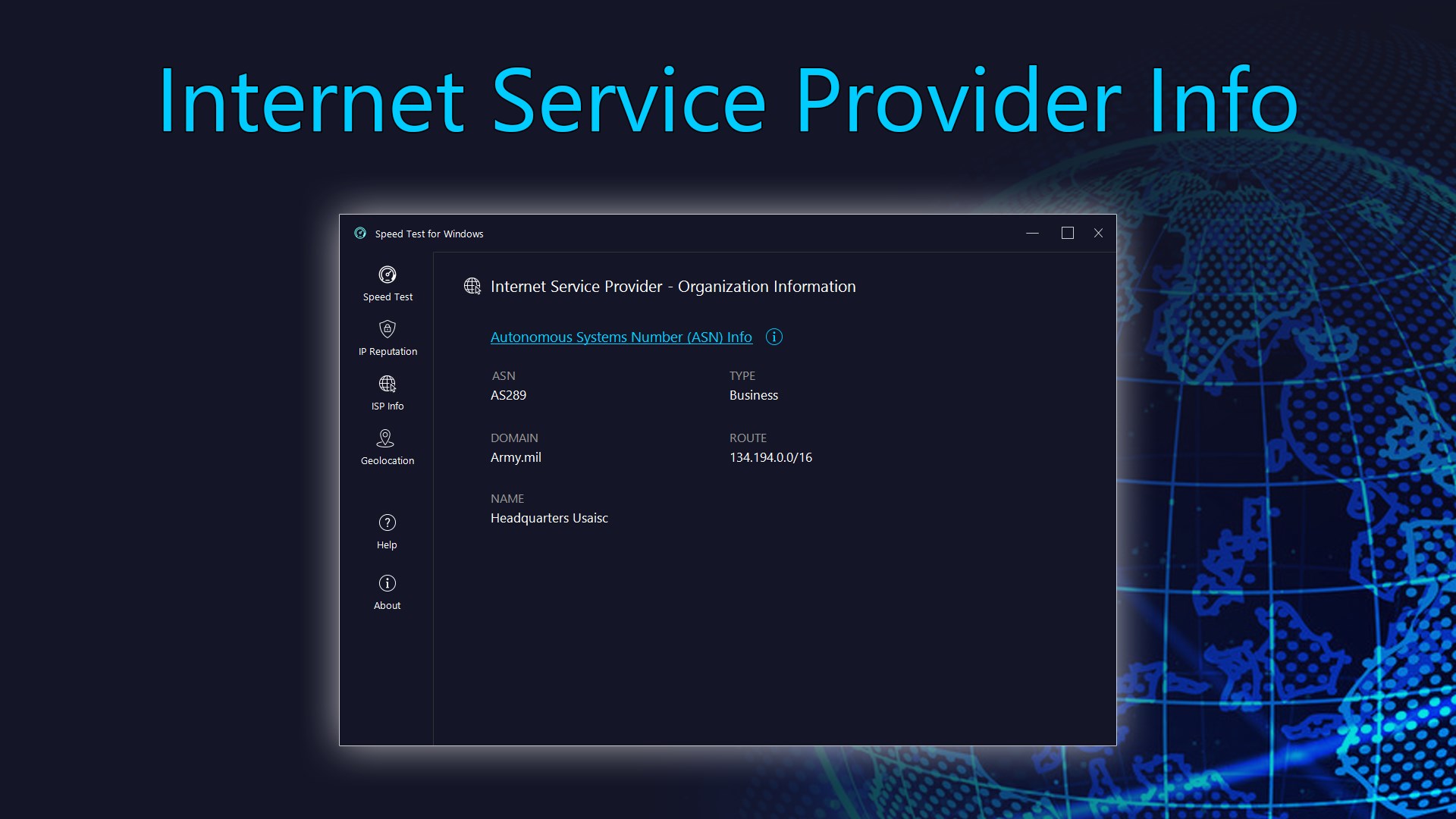
• ISP Information with ASN: View details about your Internet Service Provider (ISP), including its Autonomous System Number (ASN), network range, and associated IP details.
For the most precise test results, follow these tips:
• Opt for an Ethernet cable connection between your modem and computer, as it's preferable to Wi-Fi.
• Avoid browsing the internet, downloading, or uploading files during the test.
• Disconnect from any Virtual Private Network (VPN) connections to ensure an accurate reading.
Falls es eine App-Version für iOS/Mac oder Windows gibt, die wir nicht kennen, füge den Store-Link hier ein — wir erkennen automatisch, welcher Store.
So findest du die URL:1. Die App im jeweiligen Store öffnen. 2.In der App-Store-App: auf das Teilen-Symbol tippen → „Link kopieren“. Im Browser: die URL aus der Adresszeile kopieren — sie enthält apps.apple.com/…/id… oder apps.microsoft.com/detail/…. 3. Hier einfügen.
Füge den Original-Link aus dem Apple App Store oder Microsoft Store ein. Wir holen alle Details automatisch.
So findest du die URL:
1. Die App im jeweiligen Store öffnen. 2.In der App-Store-App: auf das Teilen-Symbol tippen → „Link kopieren“. Im Browser: die URL aus der Adresszeile kopieren — sie enthält apps.apple.com/…/id… oder apps.microsoft.com/detail/…. 3. Hier einfügen.
Android-Apps können nur von ihren Entwicklern eingereicht werden.