Mit der Registrierung bestätigst du, dass du mindestens 16 Jahre alt bist, und akzeptierst die AGB. Wie wir deine Daten verarbeiten, steht in der Datenschutzerklärung.
Screenshot erscheint nach ZustimmungScreenshot erscheint nach ZustimmungScreenshot erscheint nach ZustimmungScreenshot erscheint nach ZustimmungScreenshot erscheint nach Zustimmung
Zusammenfassung
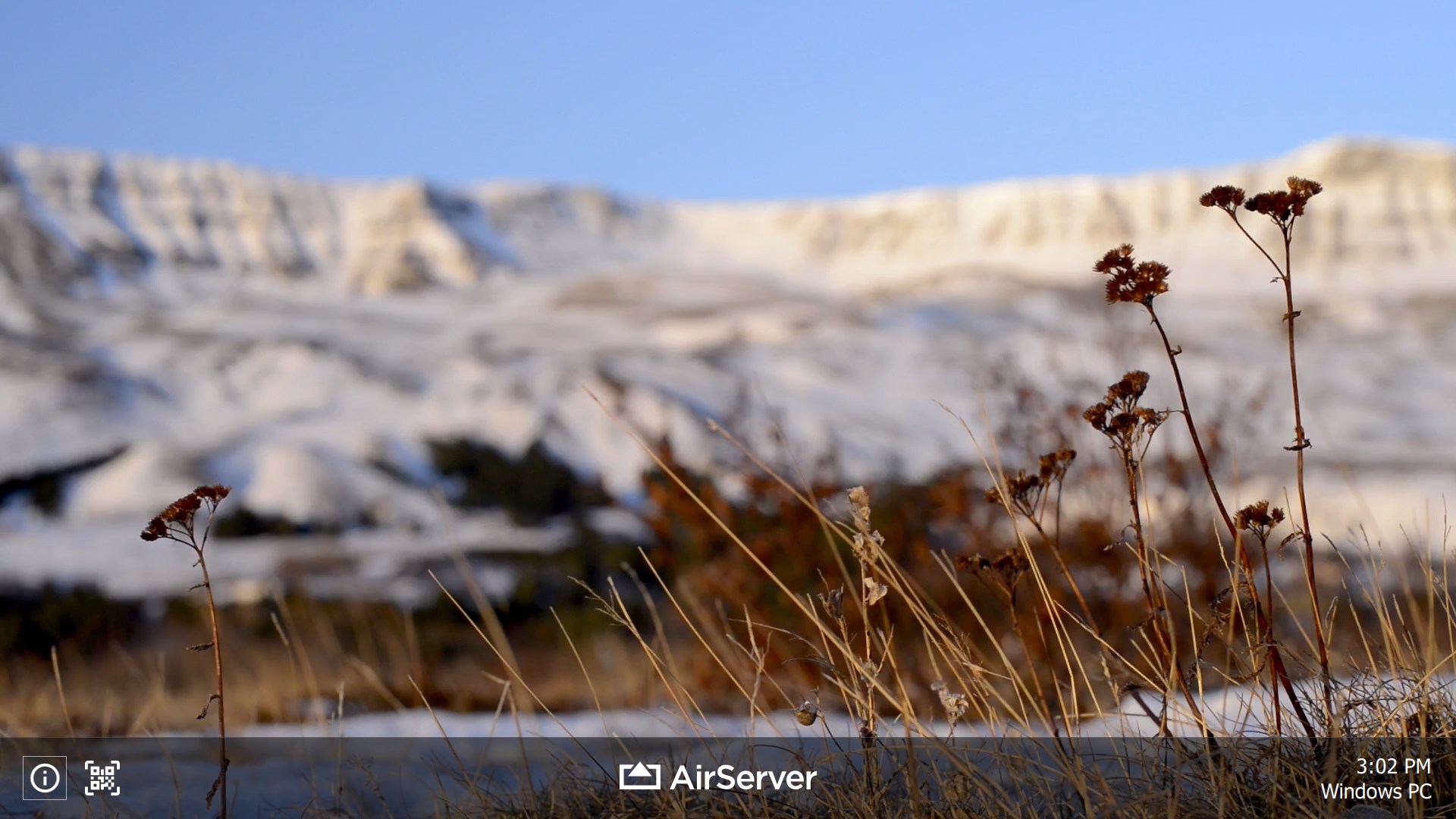
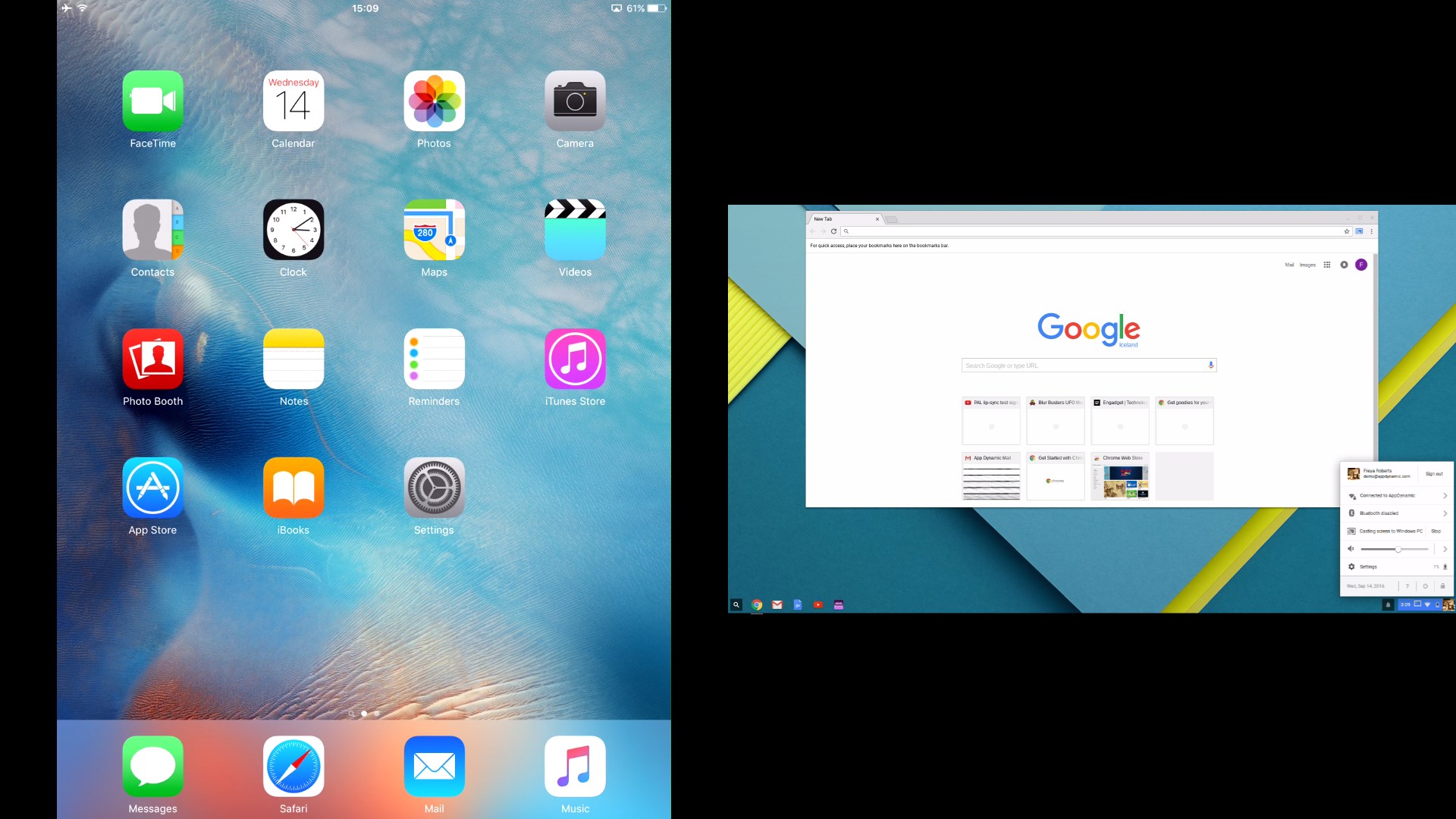
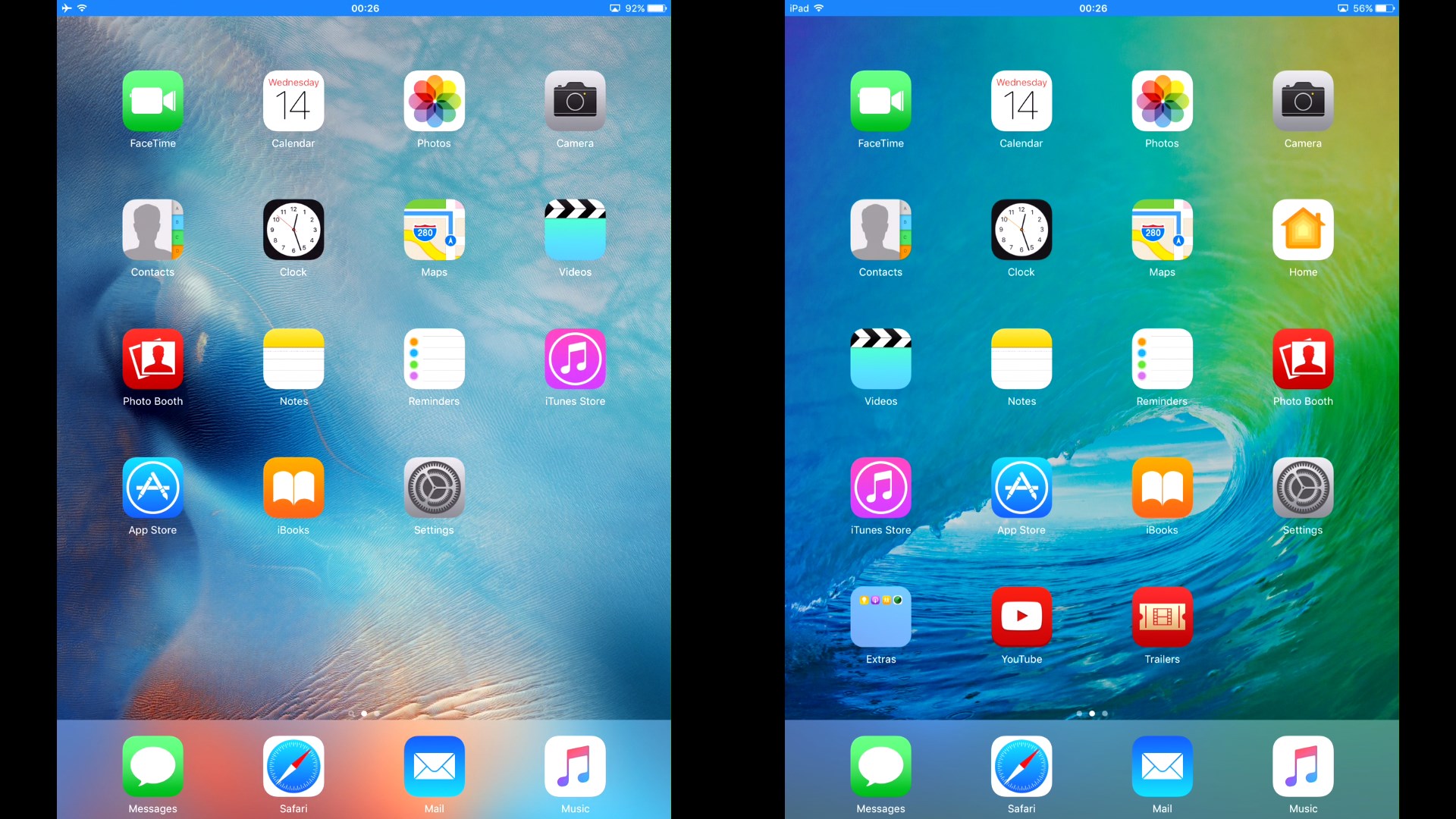
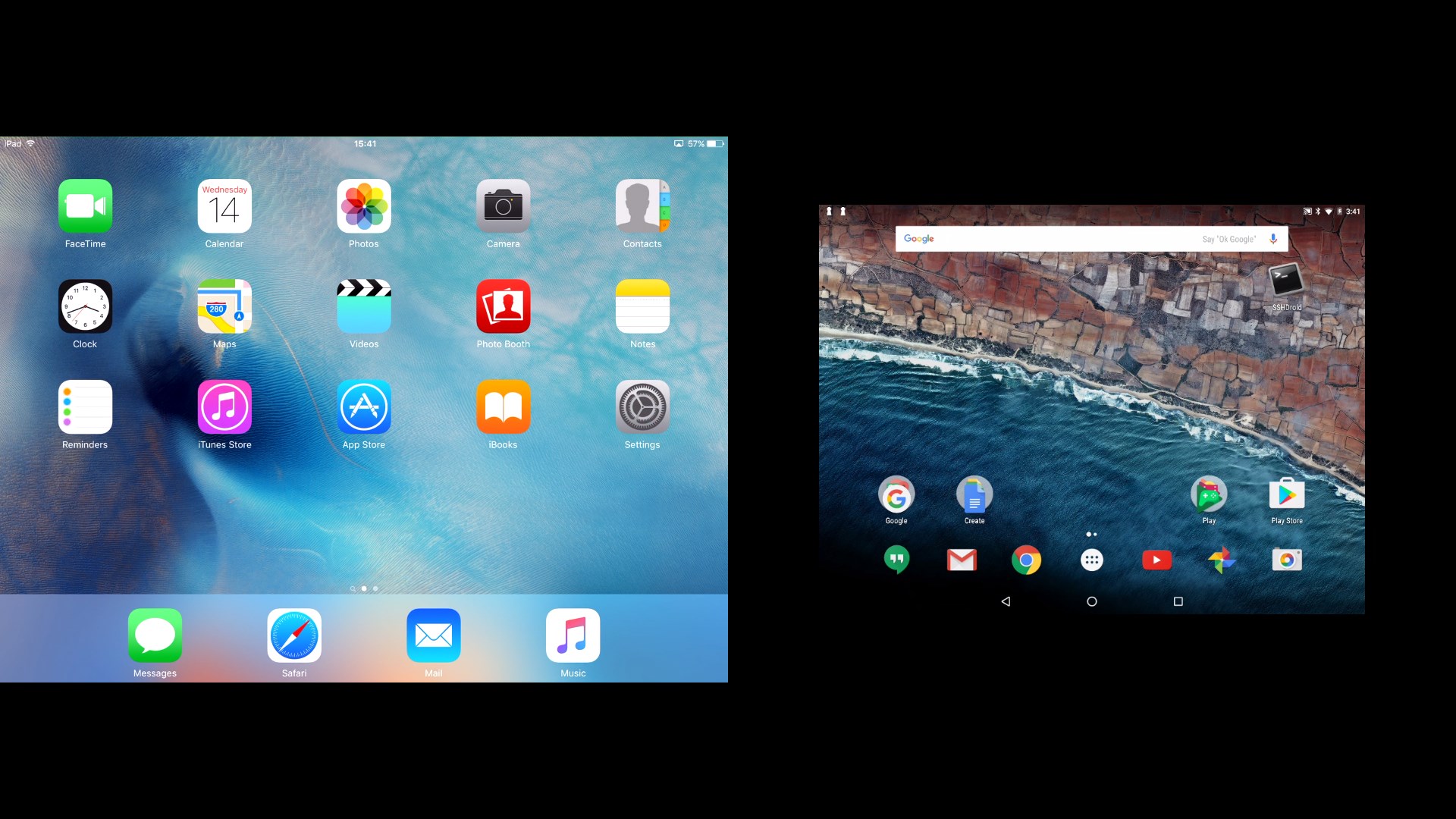
AirServer Windows Desktop Edition ist ein Streaming-Empfänger, der einen PC in ein universelles Empfangsgerät für AirPlay, Miracast und Google Cast verwandelt. So lassen sich iOS-Geräte und Macs per AirPlay, Android-Geräte und Chromebooks per Google Cast sowie Android- oder Windows-10-Geräte per Miracast drahtlos spiegeln, ohne dass auf dem Quellgerät zusätzliche Apps installiert werden müssen. Die hardwarebeschleunigte Software verarbeitet gleichzeitige Spiegelungsverbindungen mehrerer Geräte auch auf leistungsschwächerer Hardware stabil. Nach einer kostenlosen 30-tägigen Testversion ist ein Lizenzschlüssel erforderlich, um die Anwendung dauerhaft nutzen zu können.
Originalbeschreibung des Entwicklers anzeigenOriginalbeschreibung ausblenden
AirServer Desktop Edition transforms your PC into a universal AirPlay + Miracast + Google Cast receiver.
Note: The download includes 30-day fully functional free trial. To continue using the product after 30 days you will need to purchase a license key for AirServer Desktop Edition.
Although video playback over AirPlay is supported, DRM protected content such as videos purchased from iTunes or content from Netflix app is not supported.
With AirServer running on your PC, you can wirelessly mirror your iOS devices or Macs over AirPlay, cast your Android devices and Chromebooks over Google Cast or project your Android or Windows 10 devices using Miracast. All this without needing to install any 3rd party applications on your source device.
AirServer Desktop Edition is completely hardware accelerated and can handle simultaneous mirroring connections from multiple devices at the same time, even on low spec'd hardware. As a result you get stable, buttery smooth mirroring performance with high fidelity audio.
In classrooms, AirServer enables BYOD, allowing teachers and students to collaborate using their own devices in front of the entire class.
At home, AirServer turns your home theater PC into a media hub allowing you to mirror content from various devices and experience it on a bigger screen or better speakers.
For the home-theater enthusiasts, AirServer also enables multi-room AirPlay audio support. If you own a set of AirPlay speakers, and use iTunes on your computer, be sure to try out the multi-room AirPlay audio feature, now available on your PC through AirServer.
Technische Details zu AirServer Windows Desktop Edition
Falls es eine App-Version für iOS/Mac oder Windows gibt, die wir nicht kennen, füge den Store-Link hier ein — wir erkennen automatisch, welcher Store.
So findest du die URL:1. Die App im jeweiligen Store öffnen. 2.In der App-Store-App: auf das Teilen-Symbol tippen → „Link kopieren“. Im Browser: die URL aus der Adresszeile kopieren — sie enthält apps.apple.com/…/id… oder apps.microsoft.com/detail/…. 3. Hier einfügen.
Füge den Original-Link aus dem Apple App Store oder Microsoft Store ein. Wir holen alle Details automatisch.
So findest du die URL:
1. Die App im jeweiligen Store öffnen. 2.In der App-Store-App: auf das Teilen-Symbol tippen → „Link kopieren“. Im Browser: die URL aus der Adresszeile kopieren — sie enthält apps.apple.com/…/id… oder apps.microsoft.com/detail/…. 3. Hier einfügen.
Android-Apps können nur von ihren Entwicklern eingereicht werden.




 AirPlayH - Screen Mirroring
Bildschirm von iPhone und iPad kabellos auf Desktop spiegeln
 EasyCast - Screen Mirroring Receiver
Smartphone-Bildschirm auf Computer oder Xbox spiegeln
 Win AirPlay : Bildschirmspiegelung
iPhone-, iPad- und Mac-Bildschirm auf Computer spiegeln
 Bluetooth Audio Receiver
Musik von Bluetooth-Geräten auf dem PC wiedergeben
 AirMirroring – Bildschirmspiegelung & Besetzung
Bildschirm von iPhone, iPad oder Mac auf Windows-PC spiegeln
 AnyDesk Remote-Desktop
Fernzugriff auf andere Geräte mit sicherer Verbindung