Mit der Registrierung bestätigst du, dass du mindestens 16 Jahre alt bist, und akzeptierst die AGB. Wie wir deine Daten verarbeiten, steht in der Datenschutzerklärung.
Screenshot erscheint nach ZustimmungScreenshot erscheint nach ZustimmungScreenshot erscheint nach ZustimmungScreenshot erscheint nach Zustimmung
Zusammenfassung
Tobii Experience ist eine Begleit-App für Tobii-Eyetracker und Geräte mit Tobii Aware oder Tobii Horizon, die verfügbare Spiele, Apps und Funktionen anzeigt. Mit einem Eyetracker lässt sich der Tracker konfigurieren und ein Kalibrierungsprofil erstellen, wobei Kopf- und Augenbewegungen die Spielkamera in über 150 Titeln steuern und sich mit Tobii Ghost streamen oder aufzeichnen lassen. Bei Tobii Aware passt die App die Bildschirmhelligkeit je nach erkannter Anwesenheit an und verwischt den Bildschirm bei Ablenkung oder Abwesenheit, während Tobii Horizon per Webcam erfasstes 6DoF-Kopftracking zur Steuerung der Spielkamera in mehr als 50 Titeln ermöglicht.
Originalbeschreibung des Entwicklers anzeigenOriginalbeschreibung ausblenden
Tobii Experience is a companion app for Tobii eye trackers built for gaming, Tobii Aware, and Tobii Horizon enabled devices. You can find the list of games, apps, and features supported by your product and device in the app.
----
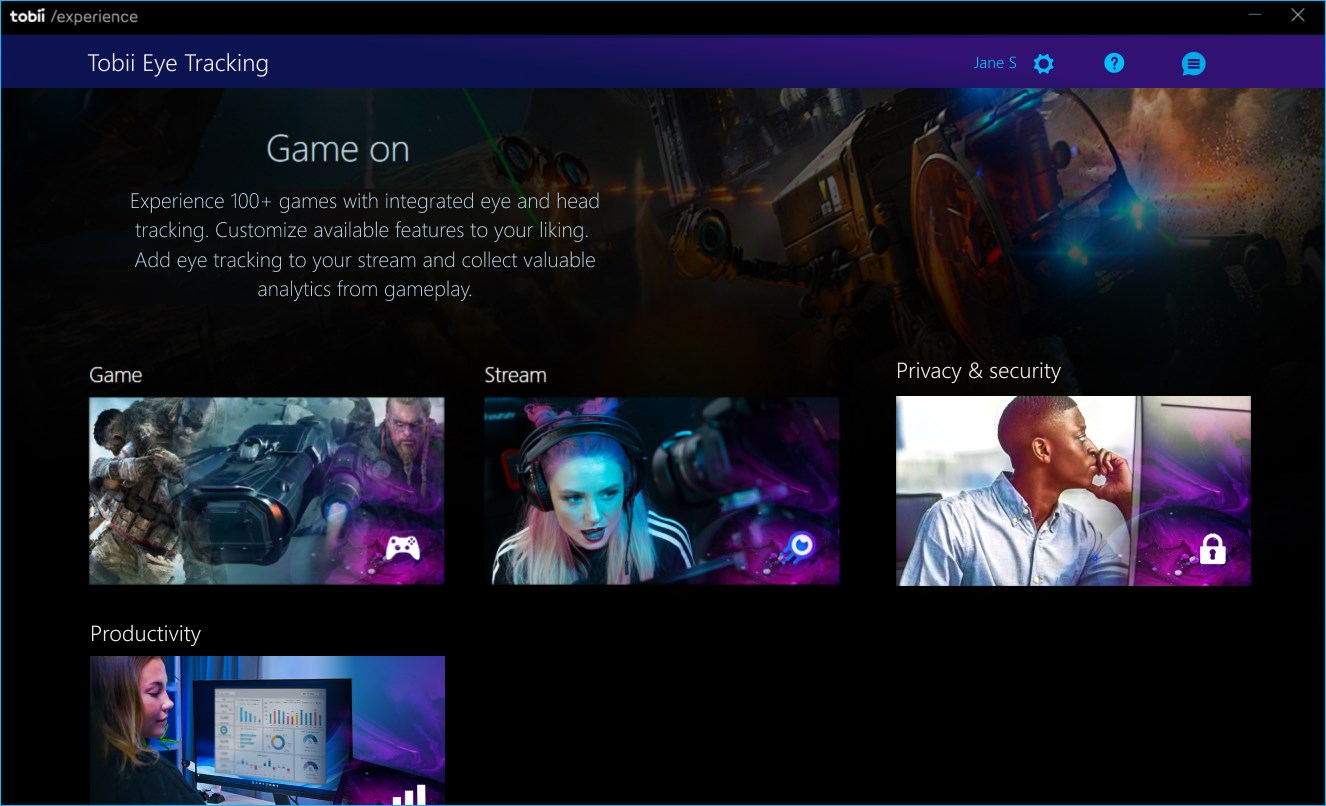
Tobii Eye Tracking
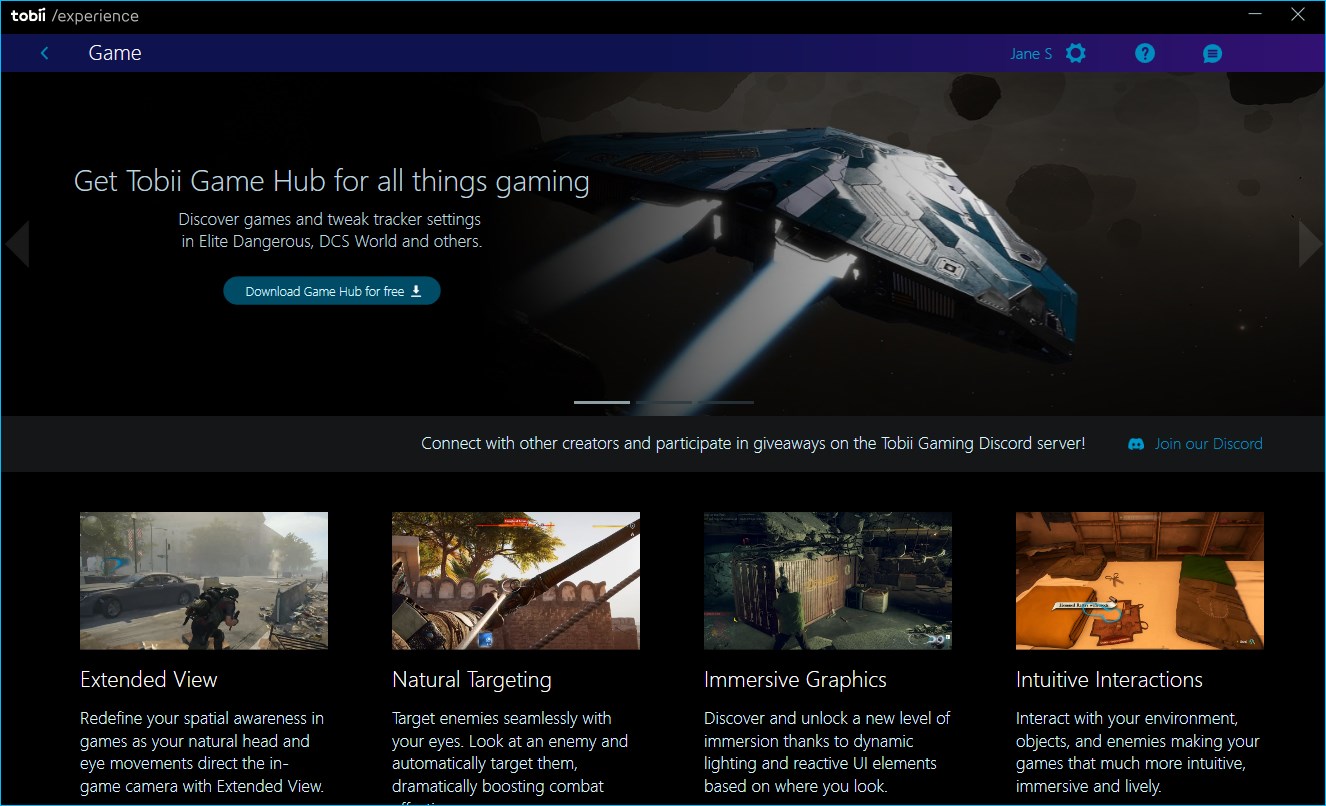
If you have a Tobii eye tracker built for gaming, you will use this app to configure your tracker and create your calibration profile in preparation for exploring head and eye tracking in gaming. Stream or record content with Tobii Ghost to show your viewers where your focus is and immerse yourself in over 150+ game titles by controlling the in-game camera with your head and eye movement. Or roll up your sleeves to start collecting game analytics to help you improve as a player. As a bonus, you also get access to a few selected Windows features created to reduce your power consumption, increase privacy, and more.
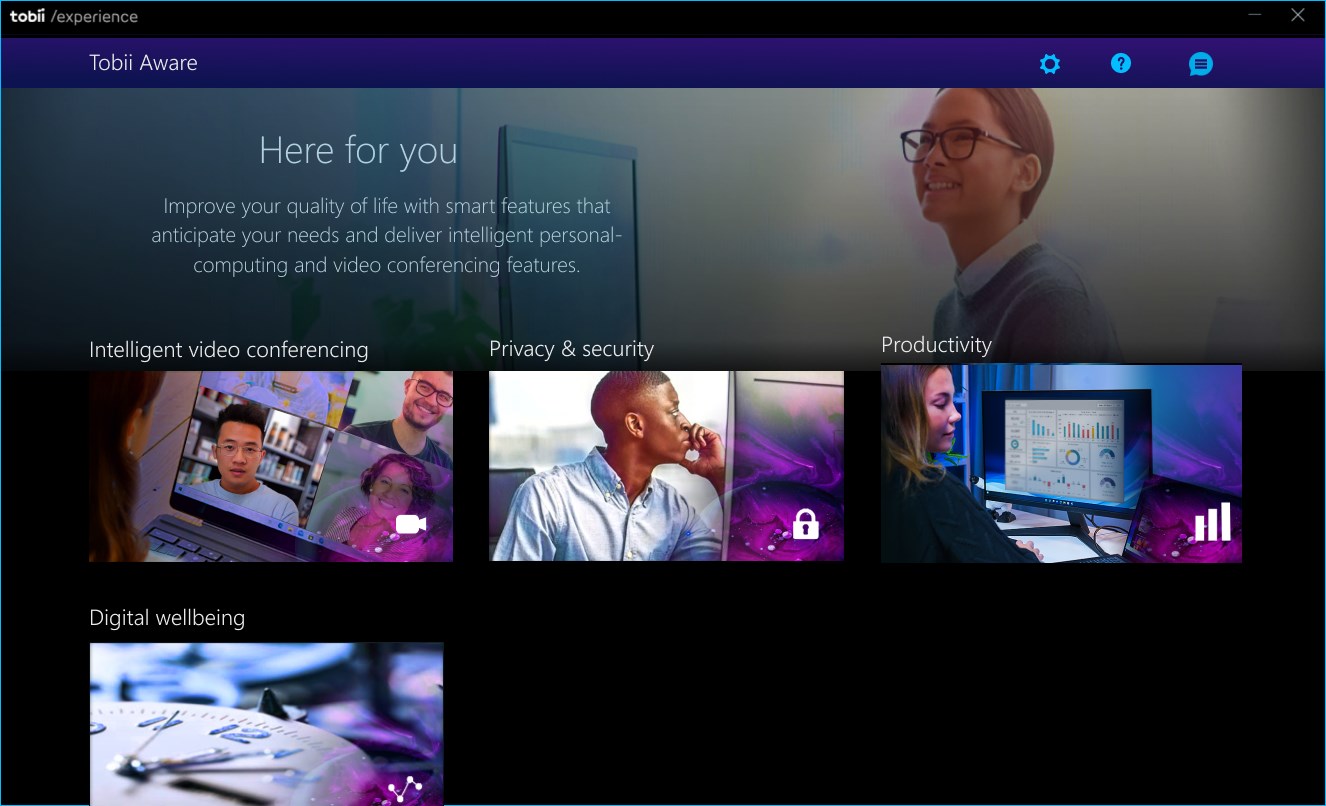
Tobii Aware
If you have a Tobii Aware-enabled device, you can find all the features available for your device in the app. Features developed to increase your privacy, productivity, digital wellbeing, and lower power consumption. Let it lower your screen's brightness when your presence has not been detected, and turn up the brightness once detected again. It can keep your on-screen content private by blurring your whole screen when your attention is elsewhere or when your presence is not detected. If you set up a digital ID, it will only unblur for you, nobody else.
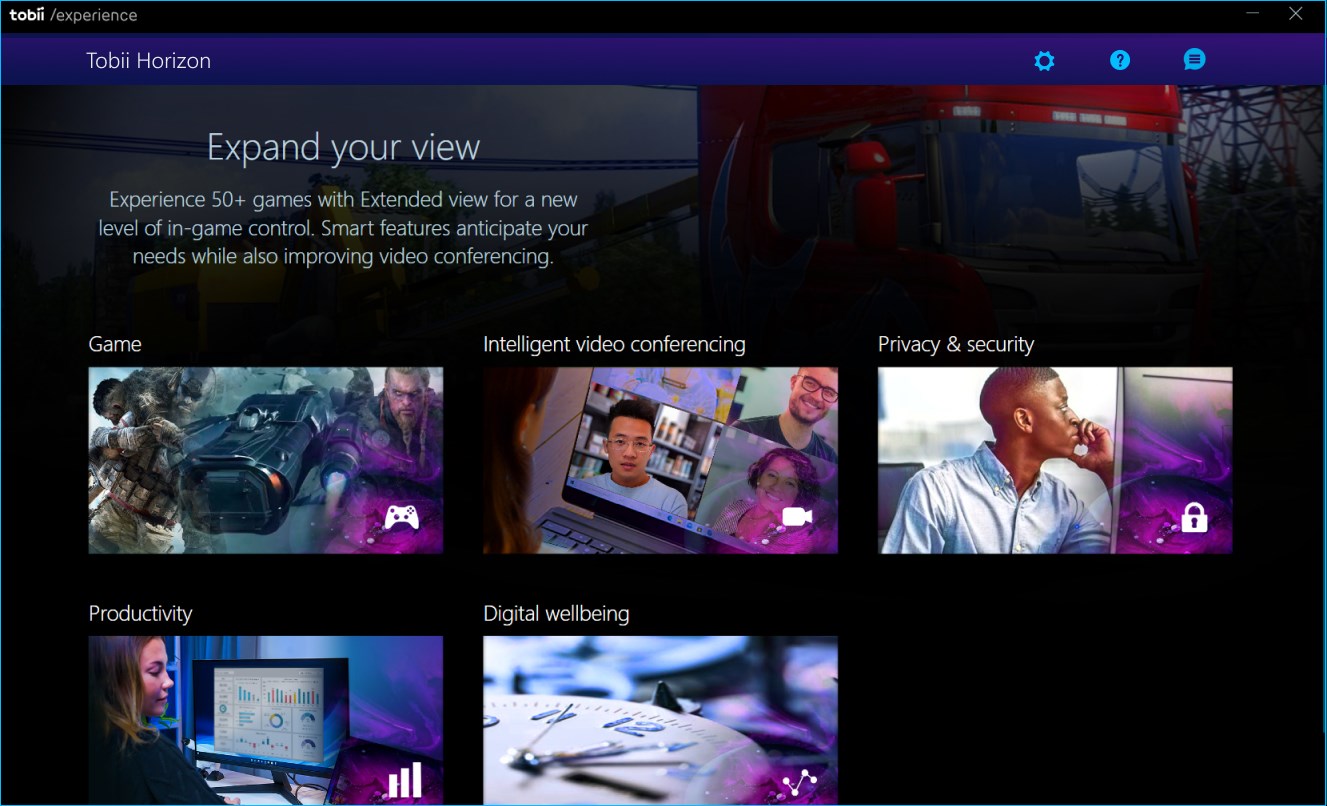
Tobii Horizon
If you have a Tobii Horizon-enabled device, you can find all the 50+ game titles and apps compatible with your device in the app. Tobii Horizon captures and delivers real-time 6DoF head tracking by capturing head movement using the built-in web camera of your device. Gain a greater sense of having an extended field of view and increase your situational awareness by controlling the in-game camera with your head movement instead of entirely relying on hand-controlled input devices.
-----
Note:
Download and install the Tobii Experience app to start exploring your product now.
Please note
Configuration, settings, features, branding, and visualizations will differ per product and device.
Some devices may include both Tobii Horizon and Tobii Aware features.
You need a compatible product and driver to install this application successfully.
If the driver for your product is missing, please visit your manufacturer’s website.
Falls es eine App-Version für iOS/Mac oder Windows gibt, die wir nicht kennen, füge den Store-Link hier ein — wir erkennen automatisch, welcher Store.
So findest du die URL:1. Die App im jeweiligen Store öffnen. 2.In der App-Store-App: auf das Teilen-Symbol tippen → „Link kopieren“. Im Browser: die URL aus der Adresszeile kopieren — sie enthält apps.apple.com/…/id… oder apps.microsoft.com/detail/…. 3. Hier einfügen.
Füge den Original-Link aus dem Apple App Store oder Microsoft Store ein. Wir holen alle Details automatisch.
So findest du die URL:
1. Die App im jeweiligen Store öffnen. 2.In der App-Store-App: auf das Teilen-Symbol tippen → „Link kopieren“. Im Browser: die URL aus der Adresszeile kopieren — sie enthält apps.apple.com/…/id… oder apps.microsoft.com/detail/…. 3. Hier einfügen.
Android-Apps können nur von ihren Entwicklern eingereicht werden.



 One Game Launcher
Zentrale Spielebibliothek mit Gamepad-Steuerung
 Remote Play X
Spiele von Konsole oder PC fernsteuern
 ASUS GlideX
Handy-Bildschirm auf PC spiegeln und mit Maus steuern
 Peak - Gehirntraining
Gehirntraining mit über 40 Spielen und persönlichem Coach
 Head Soccer
Fußballspiel mit einfachen Steuerungen und Spezialschüssen
 Crosshair X
Anpassbares Fadenkreuz als Overlay für PC-Spiele