Mit der Registrierung bestätigst du, dass du mindestens 16 Jahre alt bist, und akzeptierst die AGB. Wie wir deine Daten verarbeiten, steht in der Datenschutzerklärung.
Screenshot erscheint nach ZustimmungScreenshot erscheint nach ZustimmungScreenshot erscheint nach ZustimmungScreenshot erscheint nach ZustimmungScreenshot erscheint nach ZustimmungScreenshot erscheint nach ZustimmungScreenshot erscheint nach ZustimmungScreenshot erscheint nach ZustimmungScreenshot erscheint nach Zustimmung
Zusammenfassung
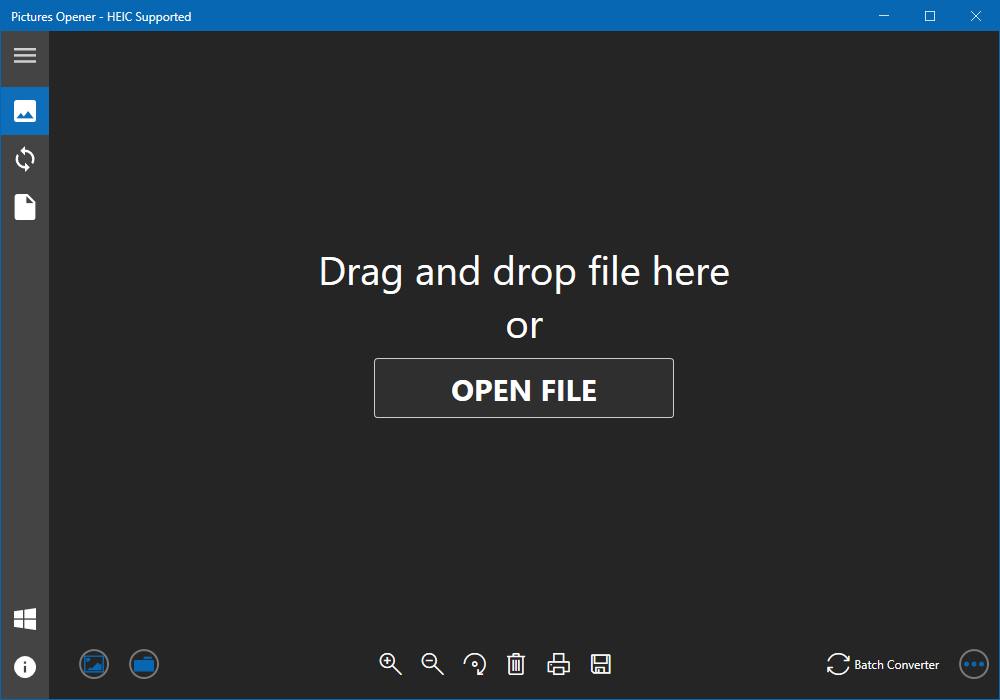
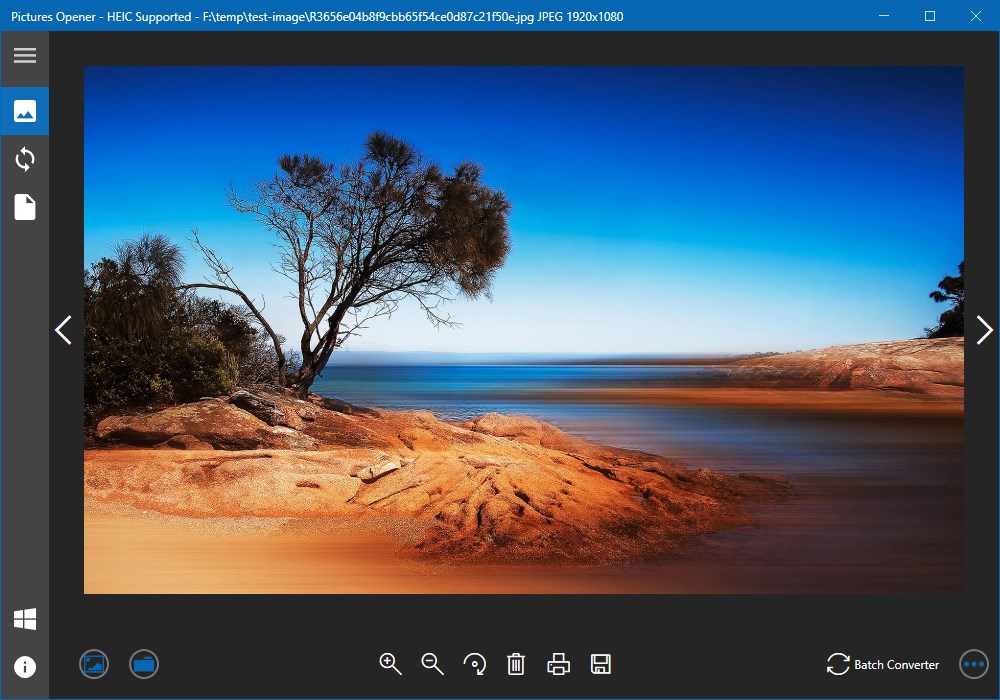
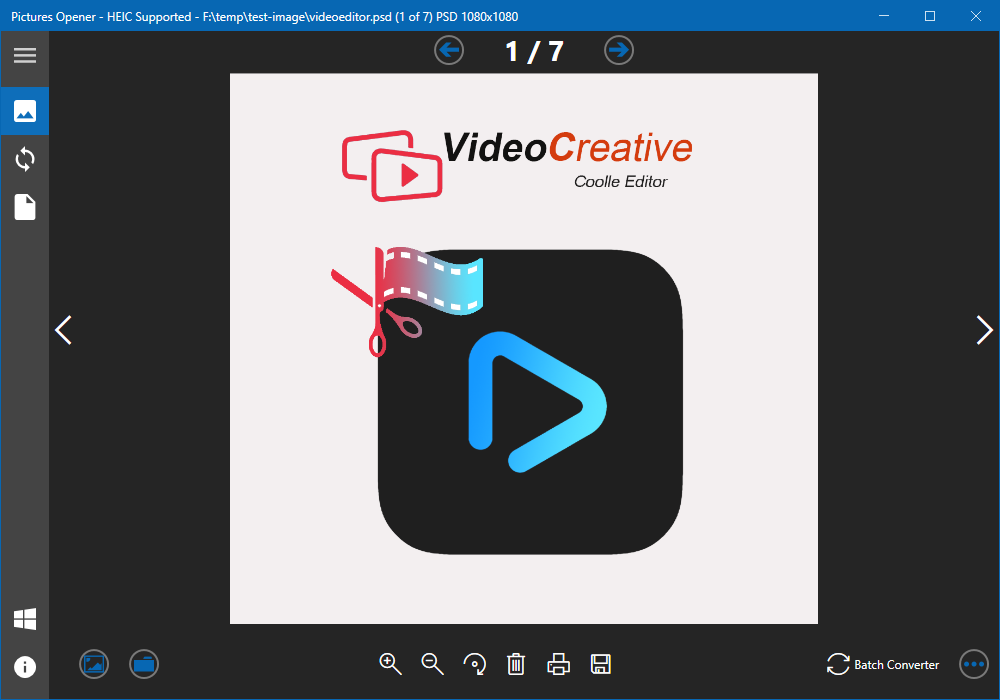
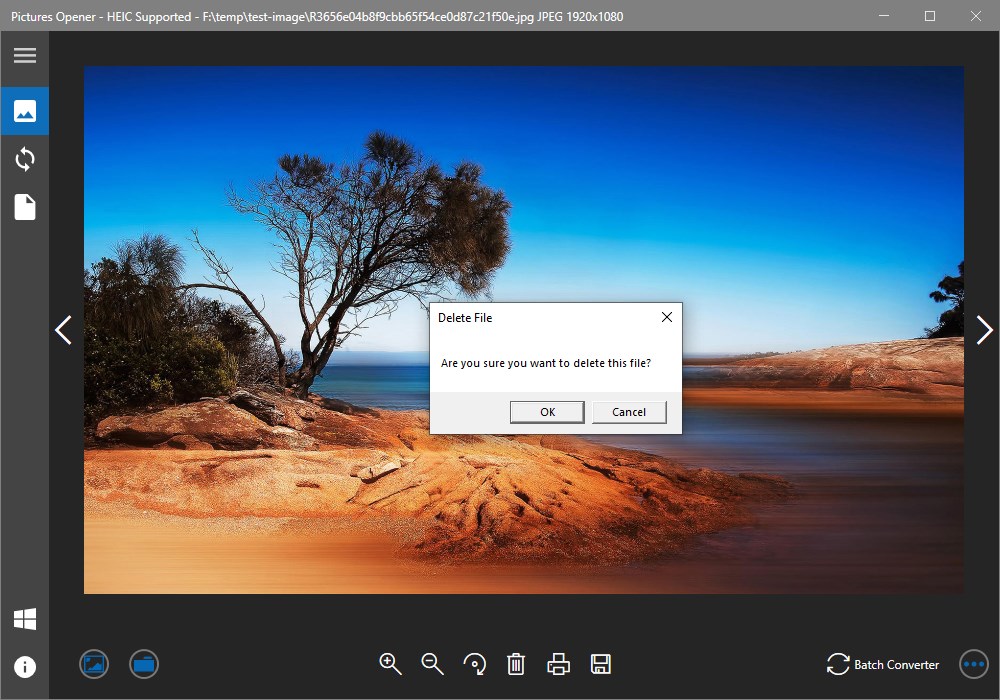
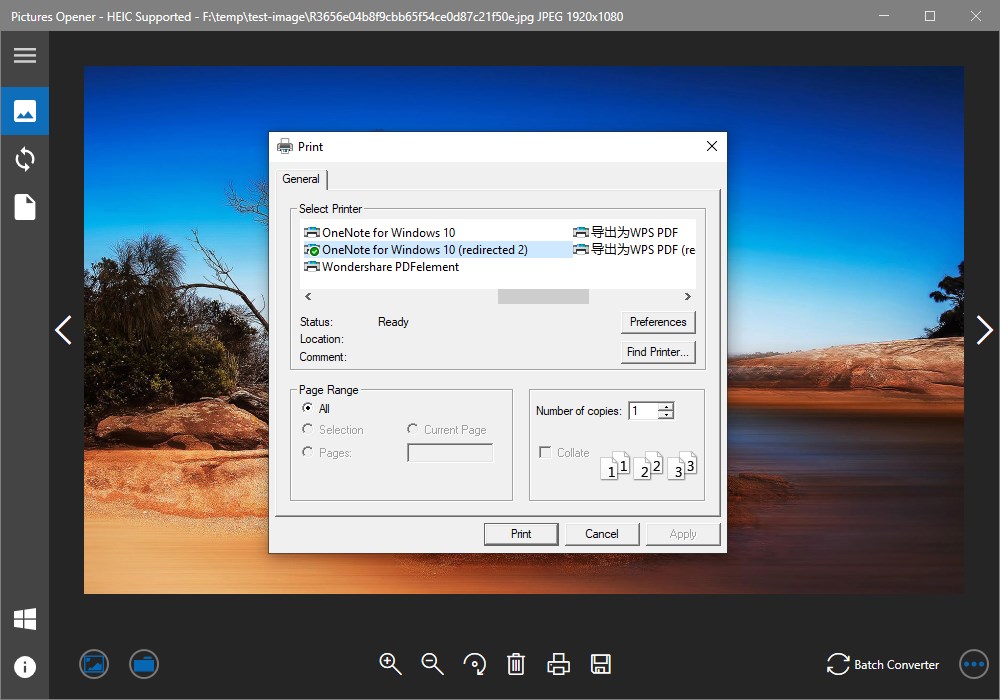
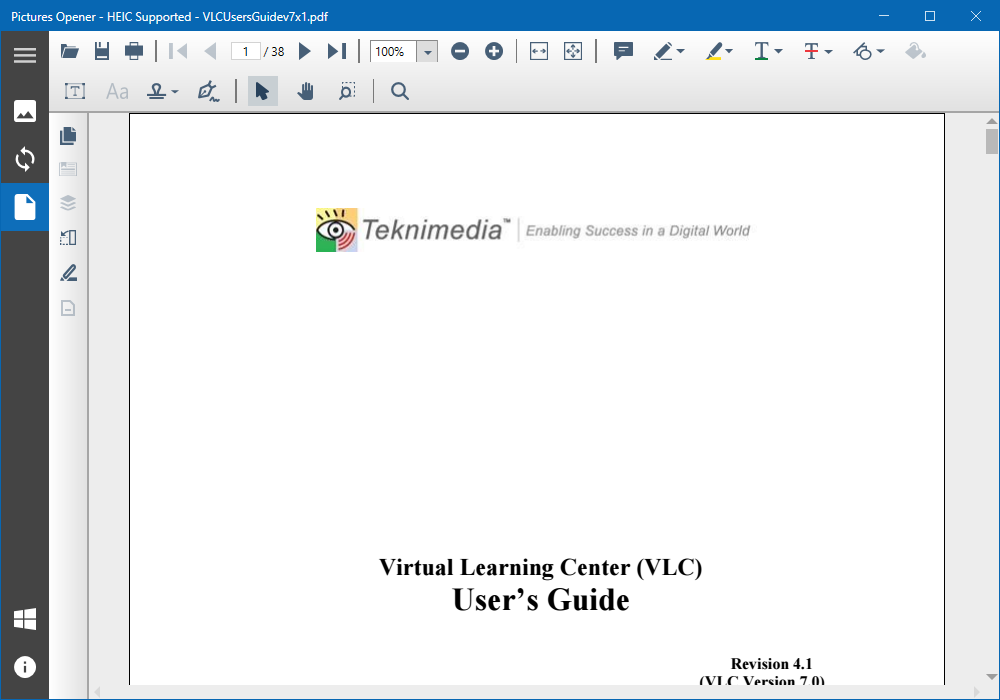
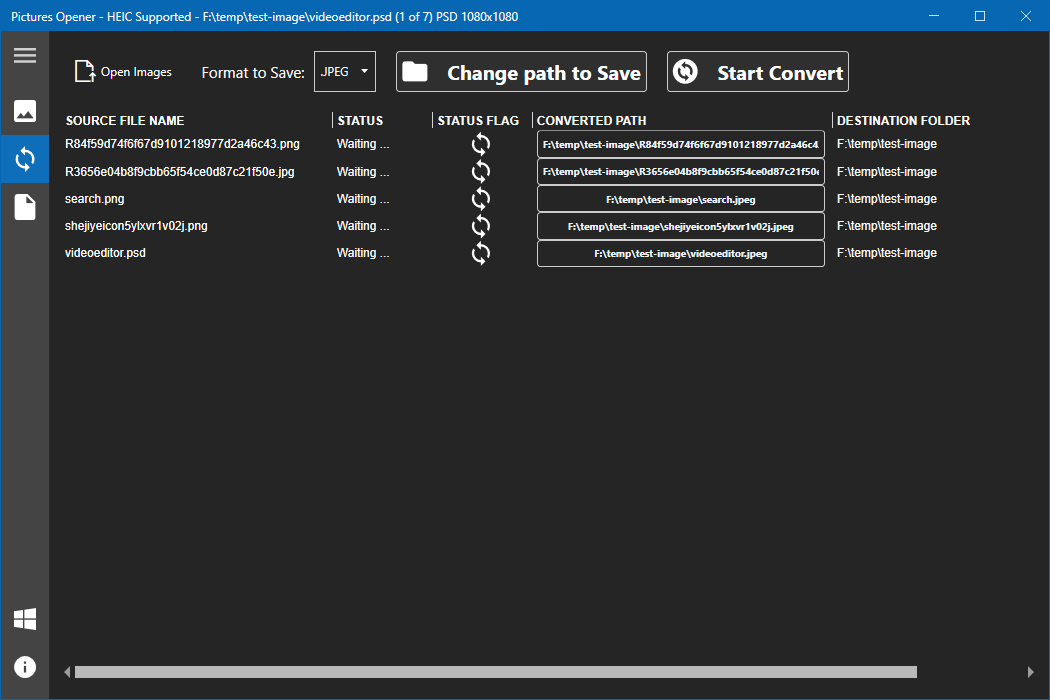
Pictures Opener - HEIC Supported ist ein Werkzeug zum Betrachten und Konvertieren von Bildern. Die App öffnet einzelne Bilder ebenso wie ganze Ordner, die sich als Galerie durchblättern lassen, und unterstützt nach Angaben des Anbieters mehr als 170 Bild- und über 157 Videoformate. Der Betrachter erlaubt Zoomen, Verschieben, Drehen und Löschen von Bildern sowie das Speichern in einem anderen Format. Eine Stapelkonvertierung von Bildern in ein gewünschtes Format ist laut Quelltext als Funktion vorgesehen, soll aber erst in einer künftigen Version freigeschaltet werden.
Originalbeschreibung des Entwicklers anzeigenOriginalbeschreibung ausblenden
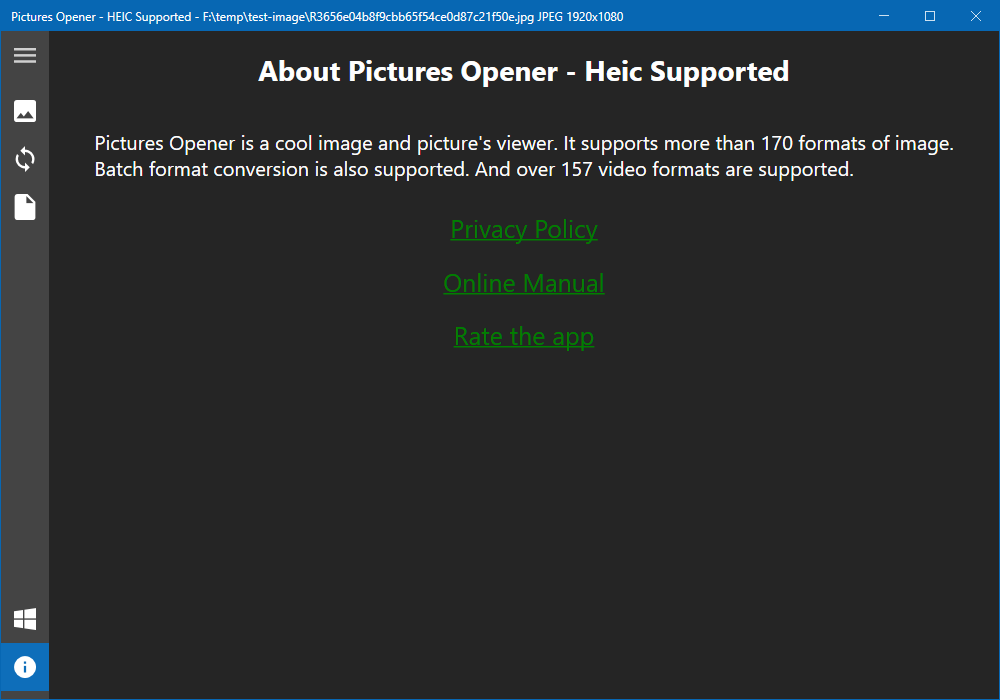
Picture Opener is a cool image viewer and converter.
Printing, Saving and Batch-Converting need to purchase the add-on, which cost ($2.99).
It supports more than 170 formats of image.
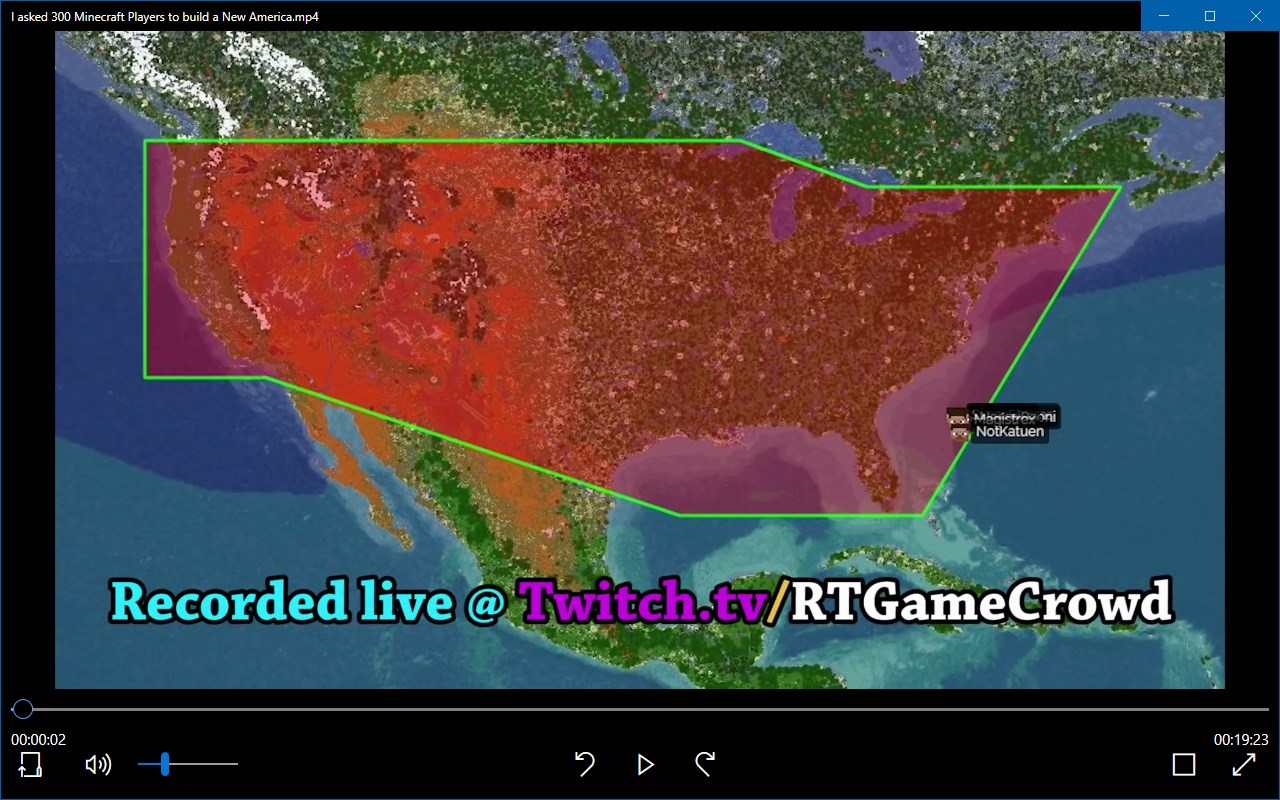
And over 157 video formats are supported.
It has three features:
1.Open single image.
2.Open folder to preview the images in a gallery.
3.Batch convert images to a format as you want. Such as jpg, jpeg.(This feature will be opened in the next version )
The Viewer:
1. Zoom in and zoom out the image as you want.
2. Drag and drop the image to see part of the content.
3. Open next image just one-click.
4. Delete the image from disk just by one-click.
5. Save as the image to the format you want.
6. Preview images from a folder.
7. Rotate the image.
8. Print the image.
Batch Converter:
1. Select images as many as you want.
2. Choose the format you want to save as.
3. Change the saving path.
4. Batch convert just by one-click.
5. See the converting status of every image.
6. Enjoy the fast converting.
The list of supported formats is as follows:
PDF;heic; svg; svgz; ttf; tiff; tif; tga; svgz; bmp; jpg;
jpeg; png; gif;jp2;ppm;nef;svg;arw;crw;bmp2;
threefr; threeg2; threegp; a;arw;avs; b; bgr; bgra;
bgro; bmp; bmp2; bmp3; c; cal; cals; canvas; caption; cin;
clip; cmyk; cmyka; cr2; crw; cur; cut; dcm; dcr; dcx;
dds; dfont; dib; dng; dpx; dxt1; dxt5; epdf; epi; eps;
epsf; epsi; ept; ept2; ept3; erf; fax; file; fits; fractal;
ftp; fts; g; g3; g4; gif; gif87; gradient; gray; graya;
group4; hald; hdr; heic; hrz; http; https; icb; ico;
icon; iiq; inline; ipl; j2c; j2k; jng; jnx; jp2; jpc; jpe;
jpeg; jpg; jpm; jps; jpt; k; k25; kdc; label; m; m2v;
mac; map; mask; mat; mef; miff;mng; mono; mpc;
mrw; msl; msvg; mtv; mvg; nef; nrw; null; o; orf; otb;
otf; pal; palm; pam; pango; pattern; pbm; pcd; pcds;
pcl; pct; pcx;pdfa; pef; pes; pfa; pfb; pfm; pgm; pgx;
picon; pict; pix; pjpeg; plasma; png; png00; png24;
png32; png48; png64; png8; pnm; ppm;ptif; pwp;
r; radialgradient; raf; ras; raw; rgb; rgba; rgbo; rgf;
rla; rle; rmf; rw2; scr; screenshot; sct; sfw; sgi; six;
sixel; sr2;stegano; sun; text; tga; tif; tiff; tiff64; tile;
tim; ttc; ttf; txt; uyvy; vda; vicar; vid; viff; vips; vst;
wbmp; wpg; x3f; xbm; xc; xcf; xpm; xv; y; ycbcr;
ycbcra; yuv;emf; exr; flif; wmf; webp
Falls es eine App-Version für iOS/Mac oder Windows gibt, die wir nicht kennen, füge den Store-Link hier ein — wir erkennen automatisch, welcher Store.
So findest du die URL:1. Die App im jeweiligen Store öffnen. 2.In der App-Store-App: auf das Teilen-Symbol tippen → „Link kopieren“. Im Browser: die URL aus der Adresszeile kopieren — sie enthält apps.apple.com/…/id… oder apps.microsoft.com/detail/…. 3. Hier einfügen.
Füge den Original-Link aus dem Apple App Store oder Microsoft Store ein. Wir holen alle Details automatisch.
So findest du die URL:
1. Die App im jeweiligen Store öffnen. 2.In der App-Store-App: auf das Teilen-Symbol tippen → „Link kopieren“. Im Browser: die URL aus der Adresszeile kopieren — sie enthält apps.apple.com/…/id… oder apps.microsoft.com/detail/…. 3. Hier einfügen.
Android-Apps können nur von ihren Entwicklern eingereicht werden.



 HEIC Converter- HEIC to JPG & Photo Viewer, Printer
HEIC-Bilder in JPG, PNG oder BMP umwandeln, ansehen
 HEIC Viewer
HEIC-Dateien anzeigen, konvertieren und drucken
 Pro Image Converter: HEIC to JPEG
Bilder zwischen verschiedenen Formaten umwandeln
 Real HEIC File Viewer
HEIC-Fotos und viele weitere Bildformate anzeigen
 HEIC to JPEG - The HEIC to JPG Converter
HEIC-Fotos in JPEG, PNG und weitere Formate umwandeln
 HEIC Converter - Any Image Convert
HEIC/HEIF-Bilder in PNG, JPG oder TIFF umwandeln