Mit der Registrierung bestätigst du, dass du mindestens 16 Jahre alt bist, und akzeptierst die AGB. Wie wir deine Daten verarbeiten, steht in der Datenschutzerklärung.
Screenshot erscheint nach ZustimmungScreenshot erscheint nach ZustimmungScreenshot erscheint nach ZustimmungScreenshot erscheint nach ZustimmungScreenshot erscheint nach ZustimmungScreenshot erscheint nach Zustimmung
Zusammenfassung
Noteshelf ist eine Notiz-App für handschriftliche und getippte Notizen. Sie ermöglicht natürliches Schreiben mit verschiedenen Stiften und Textmarkern, wobei sich Farben und Stärken frei wählen lassen. Handschriftliche Notizen lassen sich durchsuchen und in Text umwandeln, da die Handschrifterkennung in 65 Sprachen funktioniert. PDFs und Bilder können importiert und mit Markierungen oder Notizen versehen werden, während sich Audioaufnahmen parallel aufzeichnen und jederzeit abspielen lassen. Notizen lassen sich mit Deckblättern personalisieren, in Ordnern organisieren und mit anderen teilen.
Originalbeschreibung des Entwicklers anzeigenOriginalbeschreibung ausblenden
Digital note-taking, simplified! Student, working professional, or a bullet journalist, Noteshelf is a perfect note-taking app for you. Take beautiful notes in your natural handwriting just as you would on a notepad, but only better. You can type, annotate PDFs & record audio.
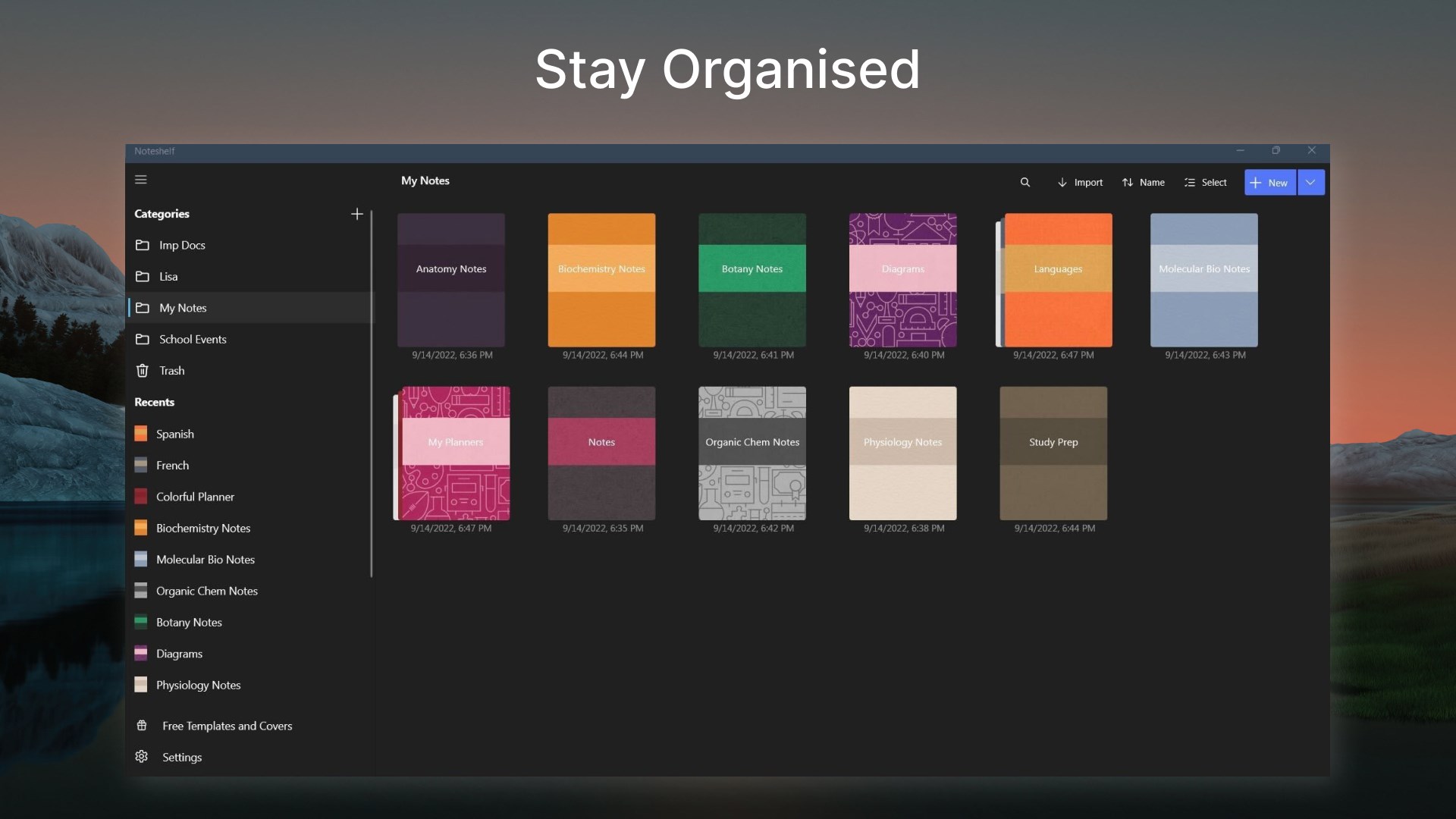
You can also personalize your notes with beautiful covers and organize them the way you want. What's more - you can share them with your colleagues, friends, and family!
FLUID HANDWRITING
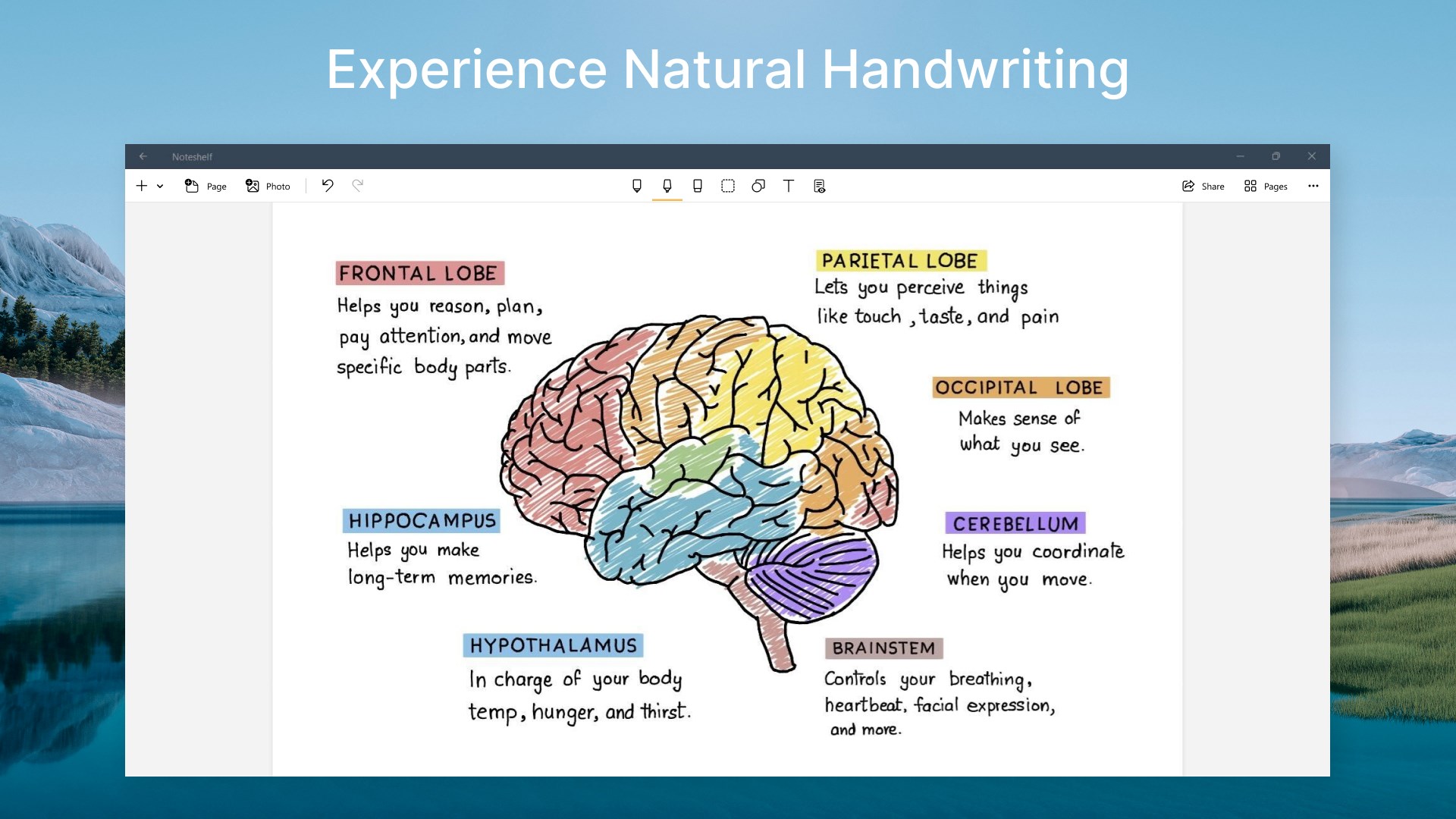
Experience natural writing in Noteshelf—as smooth and fluid as writing on a notepad. Choose from a range of pens and highlighters; a wider range of colors and sizes to suit your needs. Our fountain pen makes your handwriting look gorgeous!
SEARCH/ CONVERT HANDWRITTEN NOTES/ OCR
You can search through the notes taken in your handwriting and even convert handwriting to text. We provide handwriting recognition in 65 different languages.
MARKUP DOCUMENTS & IMAGES
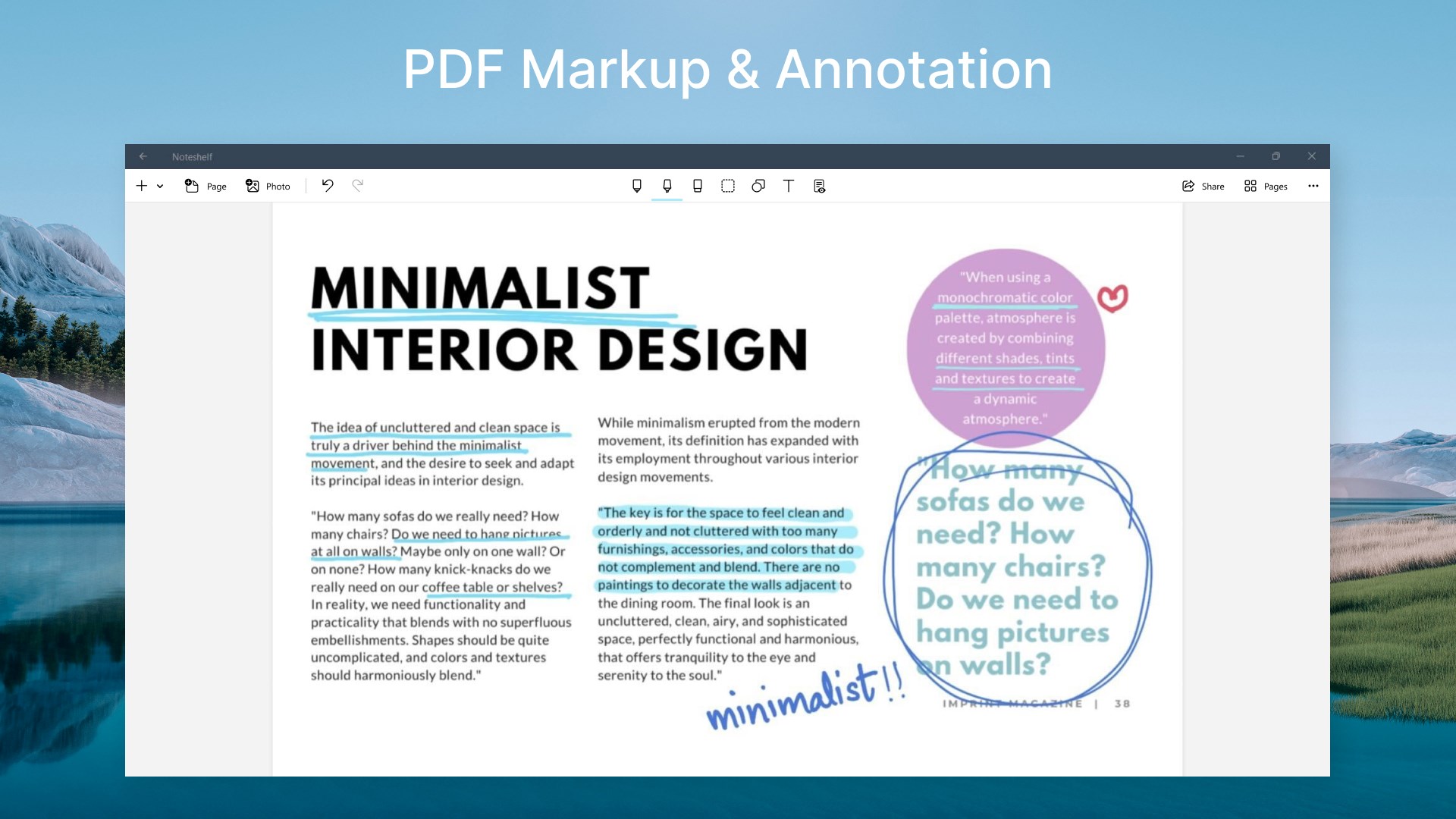
Import PDFs; or add them to your existing notebooks. Highlight, underline or write notes on your documents.
TYPE TEXT, CREATE OUTLINES & CHECKLISTS
Noteshelf brings you the convenience of typing too. You can choose many styles and formatting options like bulleted/ numbered lists.
RECORD AUDIO NOTES
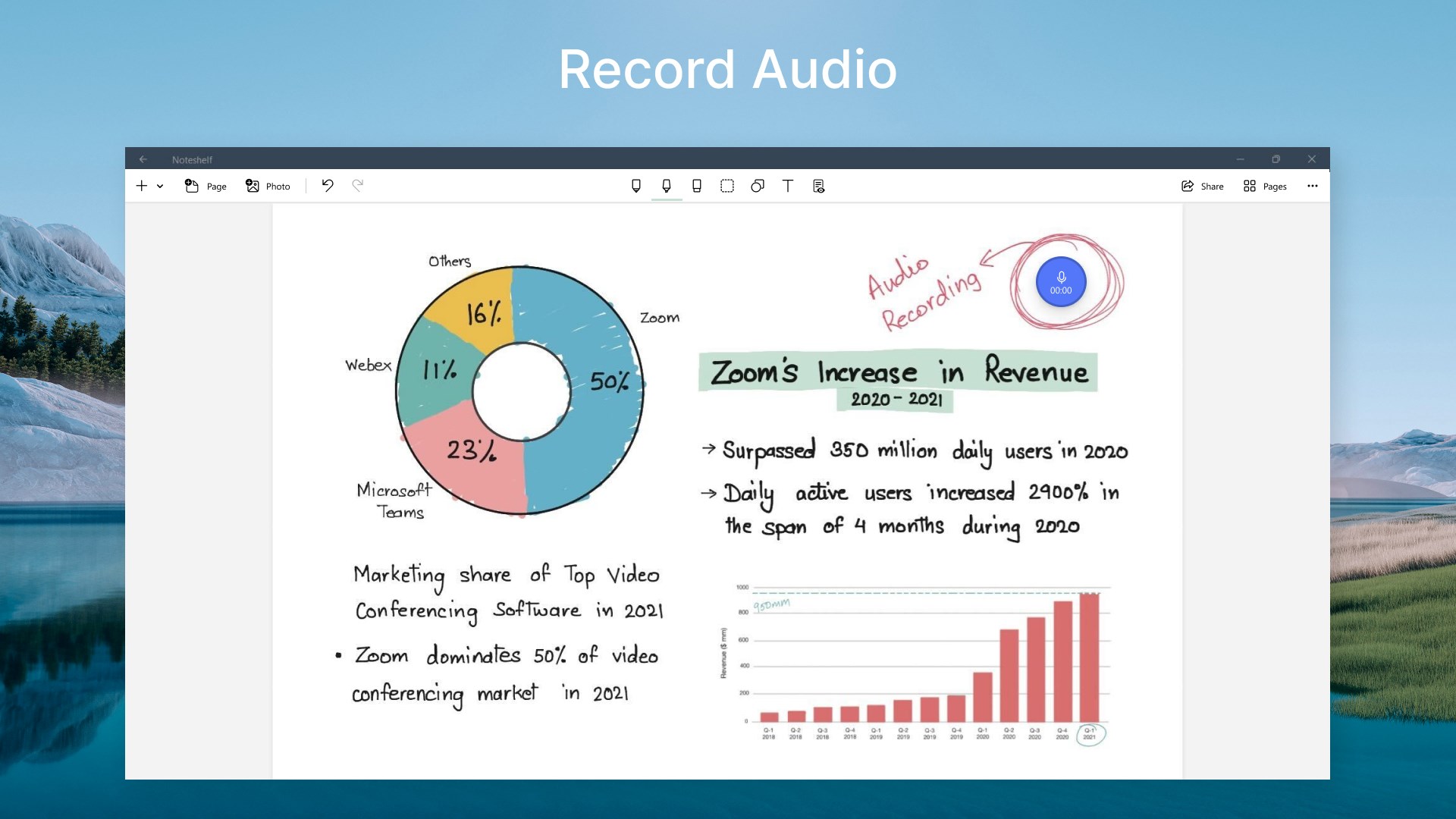
Record audio as you take notes, so you never miss anything important at school or work. Add as many recordings as you want and play them back anytime, even as you take handwritten notes. Loved by students while taking lecture notes!
DO MORE THAN JUST BOOKMARK
Sometimes notebooks might run into hundreds of pages. So, bookmark important pages, name and color them to search with ease.
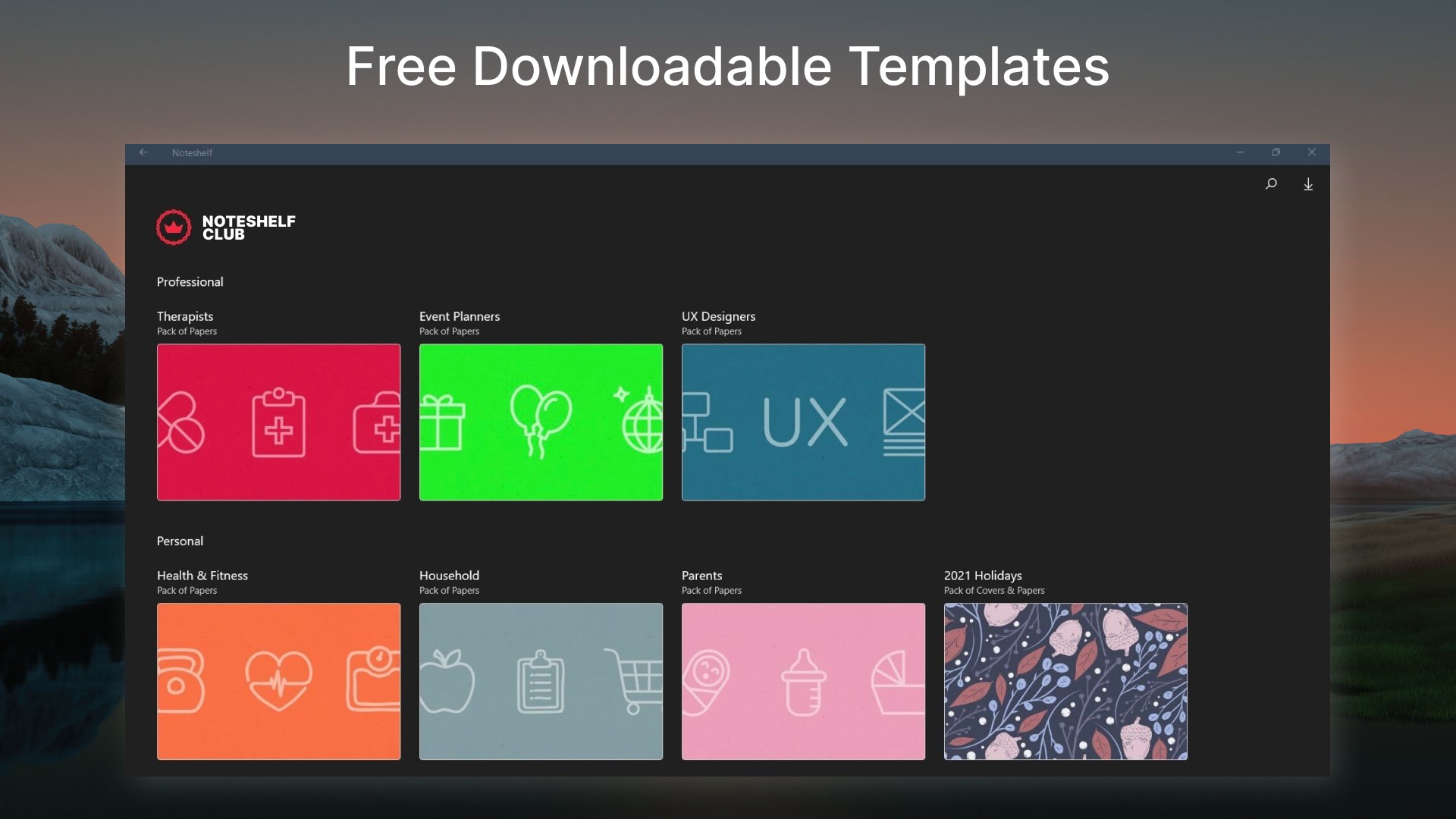
NOTESHELF CLUB
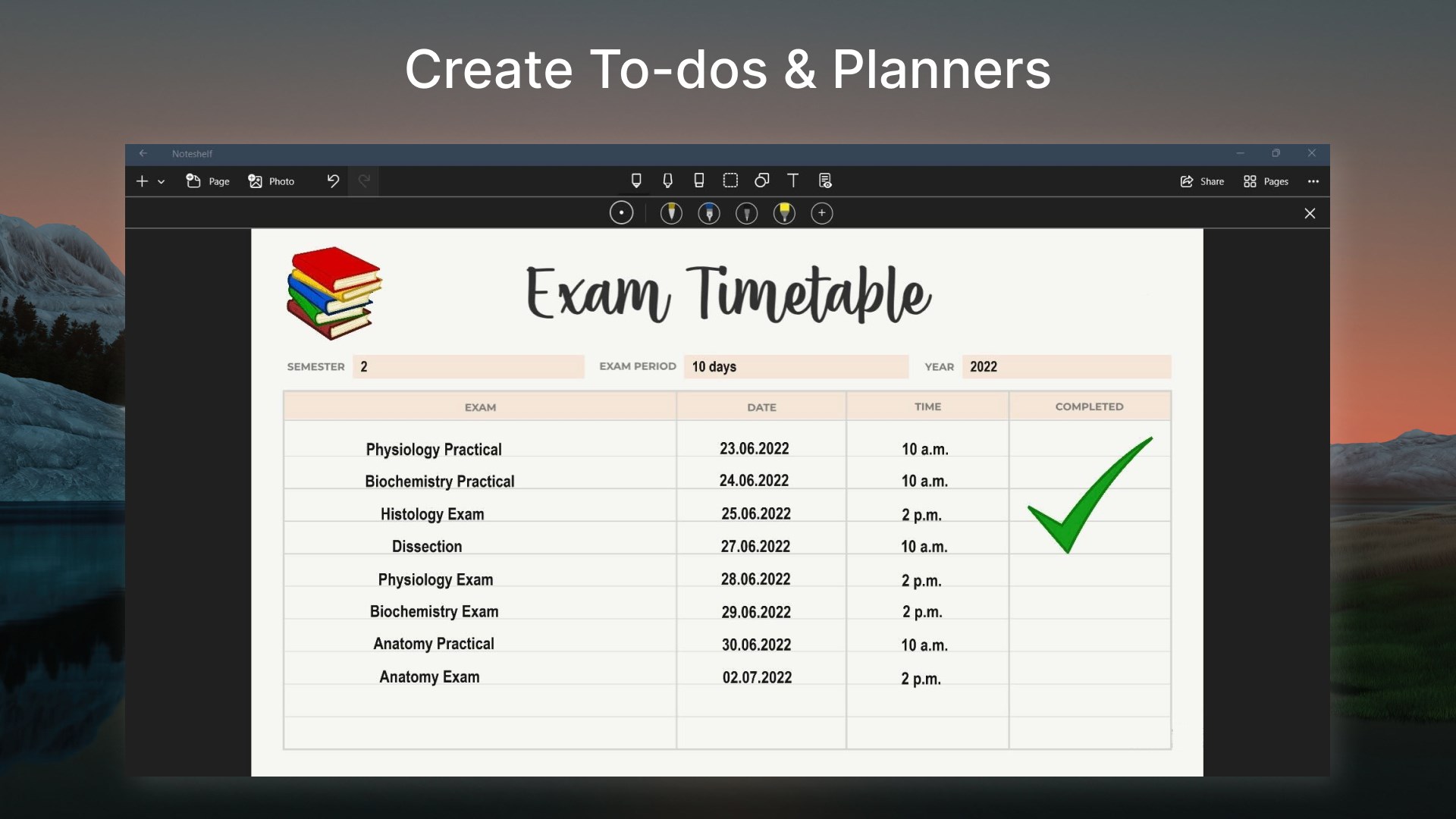
100s of beautifully crafted paper templates and notebook covers to go with your good notes. Get them for free when you signup for the Noteshelf Club! Find paper templates for student notes, meetings memos, to-do lists, shopping lists, personal health trackers, journals, and many more!
SOME MORE FEATURES
Squares, circles, or triangles to draw perfect geometrical shapes with ease.
Auto-backup to Dropbox.
Share your notes with colleagues, friends, and family. We support - Dropbox.
Create multiple folders to keep your notes organized.
Keep your personal and business notes separate. Drag and drop notebooks into groups or categories easily.
We now support a dark color scheme - as beautiful as the system-wide dark mode.
Noteshelf is on the way to delight its users with amazing features, which makes it your go-to app for note-taking.
Got a suggestion? We'd love to hear from you—write to us at noteshelf(at)fluidtouch.biz!
Happy note-taking!
Falls es eine App-Version für iOS/Mac oder Windows gibt, die wir nicht kennen, füge den Store-Link hier ein — wir erkennen automatisch, welcher Store.
So findest du die URL:1. Die App im jeweiligen Store öffnen. 2.In der App-Store-App: auf das Teilen-Symbol tippen → „Link kopieren“. Im Browser: die URL aus der Adresszeile kopieren — sie enthält apps.apple.com/…/id… oder apps.microsoft.com/detail/…. 3. Hier einfügen.
Füge den Original-Link aus dem Apple App Store oder Microsoft Store ein. Wir holen alle Details automatisch.
So findest du die URL:
1. Die App im jeweiligen Store öffnen. 2.In der App-Store-App: auf das Teilen-Symbol tippen → „Link kopieren“. Im Browser: die URL aus der Adresszeile kopieren — sie enthält apps.apple.com/…/id… oder apps.microsoft.com/detail/…. 3. Hier einfügen.
Android-Apps können nur von ihren Entwicklern eingereicht werden.



 Notability: Notizen, PDF, Docs
Notizen schreiben, PDFs annotieren und Aufnahmen erstellen
 Nebo
Notizen handschriftlich erstellen und in Text umwandeln
 Notepad: Einfache Notizen
Notizen und Aufgabenlisten mit Handschrift und Formatierung
 LiquidText
PDFs lesen, markieren und Notizen visuell verknüpfen
 Inkodo
Notizen, Skizzen und PDFs mit Stift oder Finger erstellen
 Scrivano for Handwritten Notes
Notizen per Handschrift schreiben auf unendlicher Leinwand