Mit der Registrierung bestätigst du, dass du mindestens 16 Jahre alt bist, und akzeptierst die AGB. Wie wir deine Daten verarbeiten, steht in der Datenschutzerklärung.
Screenshot erscheint nach ZustimmungScreenshot erscheint nach ZustimmungScreenshot erscheint nach ZustimmungScreenshot erscheint nach Zustimmung
Zusammenfassung
Scan & Printer ist ein Scan- und Druckprogramm für Windows zum Scannen und Drucken von Dokumenten. Gescannte Dokumente und Bilder lassen sich in die Formate PDF, JPG, PNG oder TIFF exportieren, wobei sich Farbeinstellungen, DPI-Auflösung, Scanbereich und Einzugsmodus anpassen lassen. Gedruckt werden kann direkt aus Word-, Excel-, PowerPoint-, PDF-, Bild-, Text- und E-Mail-Dateien, insgesamt werden über 300 Dateiformate unterstützt. Beim Drucken stehen Hoch- und Querformat, doppelseitiger Druck sowie mehrere Kopien zur Verfügung, was die Nutzung für Büro, Schule und zu Hause erleichtert.
Originalbeschreibung des Entwicklers anzeigenOriginalbeschreibung ausblenden
Scan & Printer – The All-in-One Printing & Scanning Solution
Scan & Printer is a powerful and user-friendly printing and scanning software designed for Windows users who need a fast, reliable, and versatile solution for all their document needs. Whether you want to scan, export, or print files, this app brings everything together in one seamless experience.
[Key Features]
- Scan and Export to PDF or Image
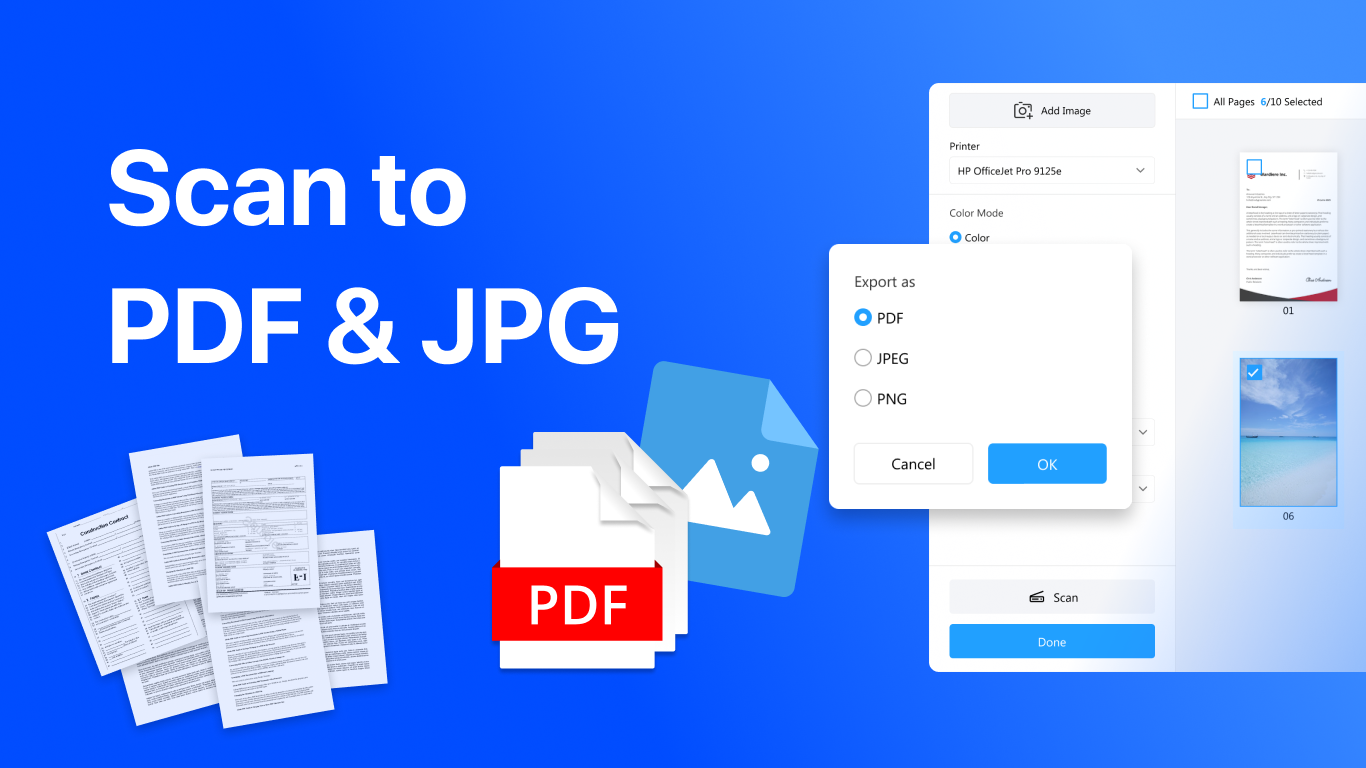
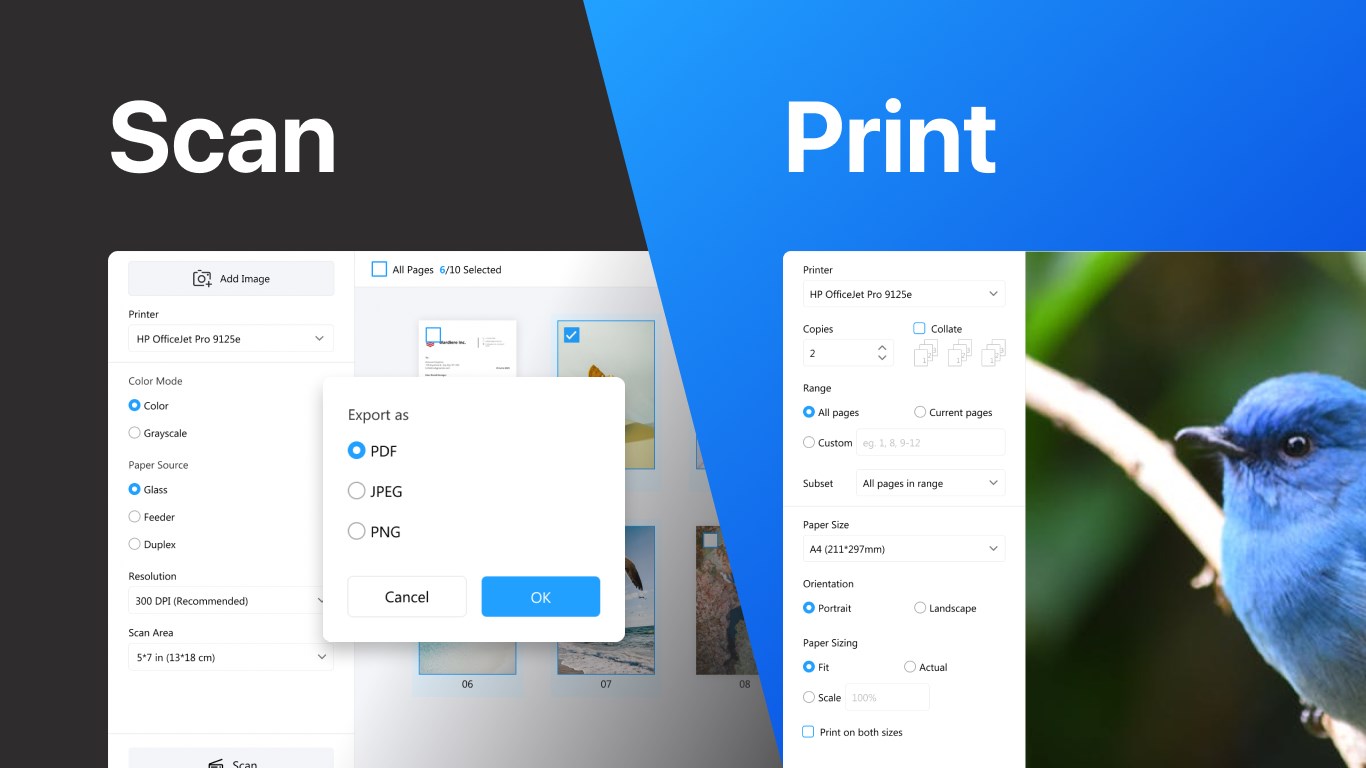
Easily scan documents and images directly from your scanner. Export them to PDF, JPG, PNG, or TIFF formats with customizable options, including color settings (grayscale, color), DPI resolution, scanning area, and feeding mode for maximum flexibility.
- Print All Popular File Types
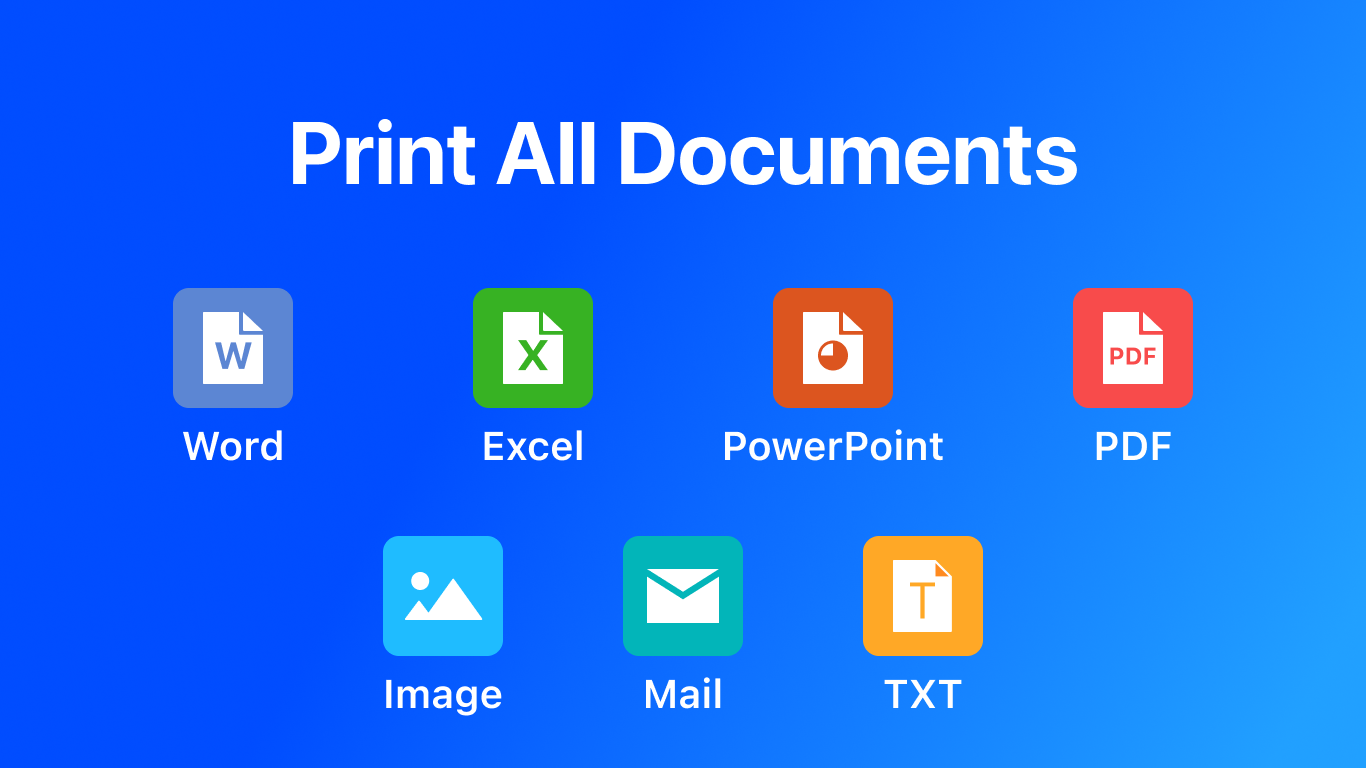
Print directly from your computer with support for Word, Excel, PowerPoint, PDF, image, text, and email files. With compatibility for 300+ file formats, Scan & Printer is your complete document printing solution.
- Universal Printer & Scanner Support
The app works with all major printer and scanner brands, including HP, Canon, Epson, Brother, Samsung, Xerox, and many more. No matter your device, Scan & Printer ensures seamless compatibility.
- Flexible Print Options
Customize your print jobs with support for landscape and portrait orientation, double-sided (duplex) printing, multiple copies, and print preview to check your documents before sending them to the printer.
- One App for All Your Needs
From office documents and school assignments to images and scanned receipts, Scan & Printer makes it easy to scan, manage, and print documents anytime you need.
Why Choose Scan & Printer?
- Works with all printers and scanners on the market
- Supports over 300 file types for printing
- Delivers professional print quality with DPI and color adjustments
- Ideal for home, office, and school use
- Simple, fast, and reliable printing and scanning solution
With Scan & Printer, you’ll never struggle with printer drivers, format issues, or limited compatibility again. It’s the ultimate Scan & Printer and scanner app for Windows that ensures smooth performance, no matter what you need to print or scan.
Falls es eine App-Version für iOS/Mac oder Windows gibt, die wir nicht kennen, füge den Store-Link hier ein — wir erkennen automatisch, welcher Store.
So findest du die URL:1. Die App im jeweiligen Store öffnen. 2.In der App-Store-App: auf das Teilen-Symbol tippen → „Link kopieren“. Im Browser: die URL aus der Adresszeile kopieren — sie enthält apps.apple.com/…/id… oder apps.microsoft.com/detail/…. 3. Hier einfügen.
Füge den Original-Link aus dem Apple App Store oder Microsoft Store ein. Wir holen alle Details automatisch.
So findest du die URL:
1. Die App im jeweiligen Store öffnen. 2.In der App-Store-App: auf das Teilen-Symbol tippen → „Link kopieren“. Im Browser: die URL aus der Adresszeile kopieren — sie enthält apps.apple.com/…/id… oder apps.microsoft.com/detail/…. 3. Hier einfügen.
Android-Apps können nur von ihren Entwicklern eingereicht werden.



 Print and Scan - Dokument drucken und scannen
Dokumente und Fotos scannen und als PDF oder Bild speichern
 Scanner App: PDF Scan
Dokumente scannen, bearbeiten und verwalten als PDF-Dateien
 Clear Scan: Doc Scanner App
Dokumente mit dem Smartphone scannen und in Text umwandeln
 PDF Scanner und PDF Reader
Dokumente und Bilder scannen und als PDF oder Bild speichern
 CamScanner - PDF Scanner App
Dokumente mit Kamera scannen und als PDF speichern
 EasyScan - PDF Scan
Dokumente und Fotos mit Scannern digitalisieren