Convert Your Emails - MBOX to PST converter

MBOX-E-Mails aus Thunderbird & Co. in PST/Outlook KI-Zusammenfassung
Rang 801
0 Aufwertungen, 0 Abwertungen
▲
0
▼
Convert Your Emails - MBOX to PST converter gibt es nicht für Android und Apple — oder doch? URL einreichen
Diese App ist nicht in einer deutschen Sprachversion verfügbar.
Screenshots
Screenshot 1 von Convert Your Emails - MBOX to PST converter auf WindowsScreenshot
erscheint nach Zustimmung
Screenshot 2 von Convert Your Emails - MBOX to PST converter auf WindowsScreenshot
erscheint nach Zustimmung
Screenshot 3 von Convert Your Emails - MBOX to PST converter auf WindowsScreenshot
erscheint nach Zustimmung
Screenshot 4 von Convert Your Emails - MBOX to PST converter auf WindowsScreenshot
erscheint nach Zustimmung
Screenshot 5 von Convert Your Emails - MBOX to PST converter auf WindowsScreenshot
erscheint nach Zustimmung
Screenshot 6 von Convert Your Emails - MBOX to PST converter auf WindowsScreenshot
erscheint nach Zustimmung
Zusammenfassung
Convert Your Emails - MBOX to PST converter ist ein Konverter, der E-Mails im MBOX-, EML- oder EMLX-Format, etwa aus Thunderbird, Gmail Takeout oder Apple Mail, in Microsoft Outlook oder PST-Dateien umwandelt und dabei die ursprüngliche Ordnerstruktur erhält. Die E-Mails lassen sich direkt in Outlook importieren, ein spezielles Thunderbird-Menü erkennt die Quell-E-Mails automatisch, und S/MIME- sowie PGP-verschlüsselte Nachrichten werden ebenso unterstützt wie die Reparatur fehlerhaft formatierter E-Mails. Ergänzt wird das Angebot durch eine kostenlose Testversion sowie zeitlich begrenzte Lizenzen für Privatnutzer, Profis und Unternehmen.
Originalbeschreibung des Entwicklers anzeigenOriginalbeschreibung ausblenden
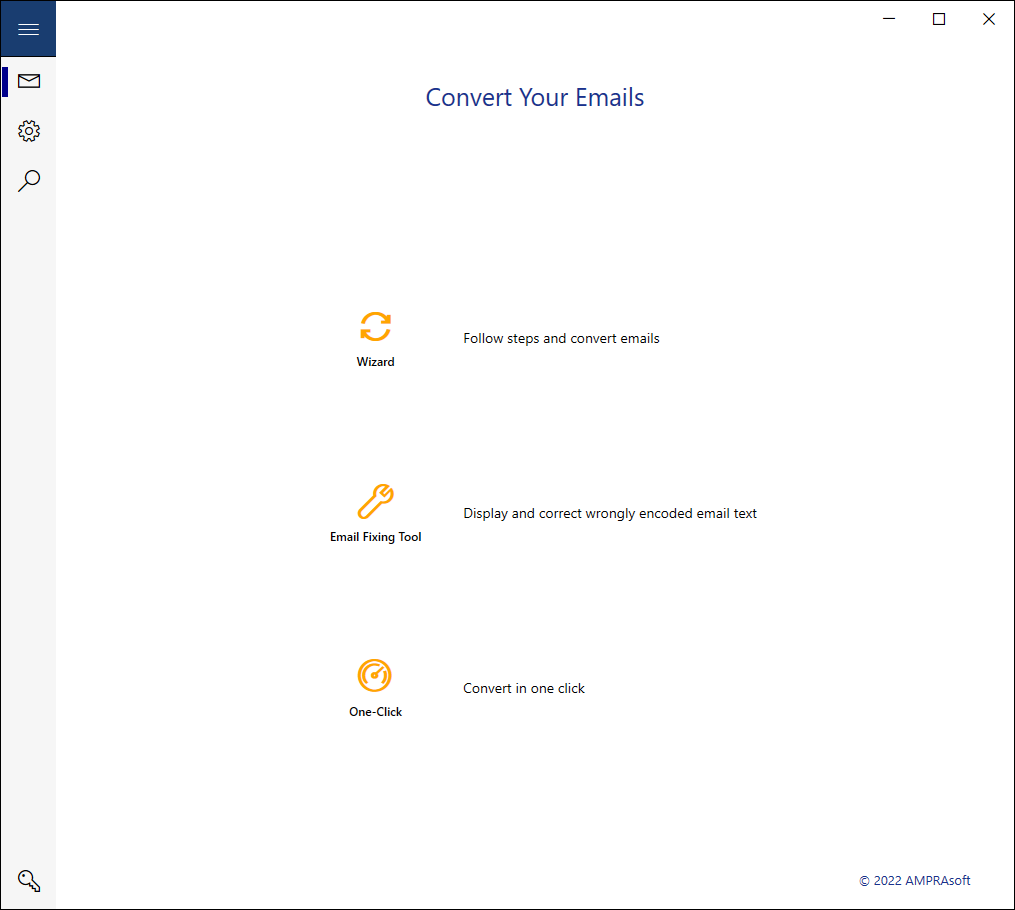
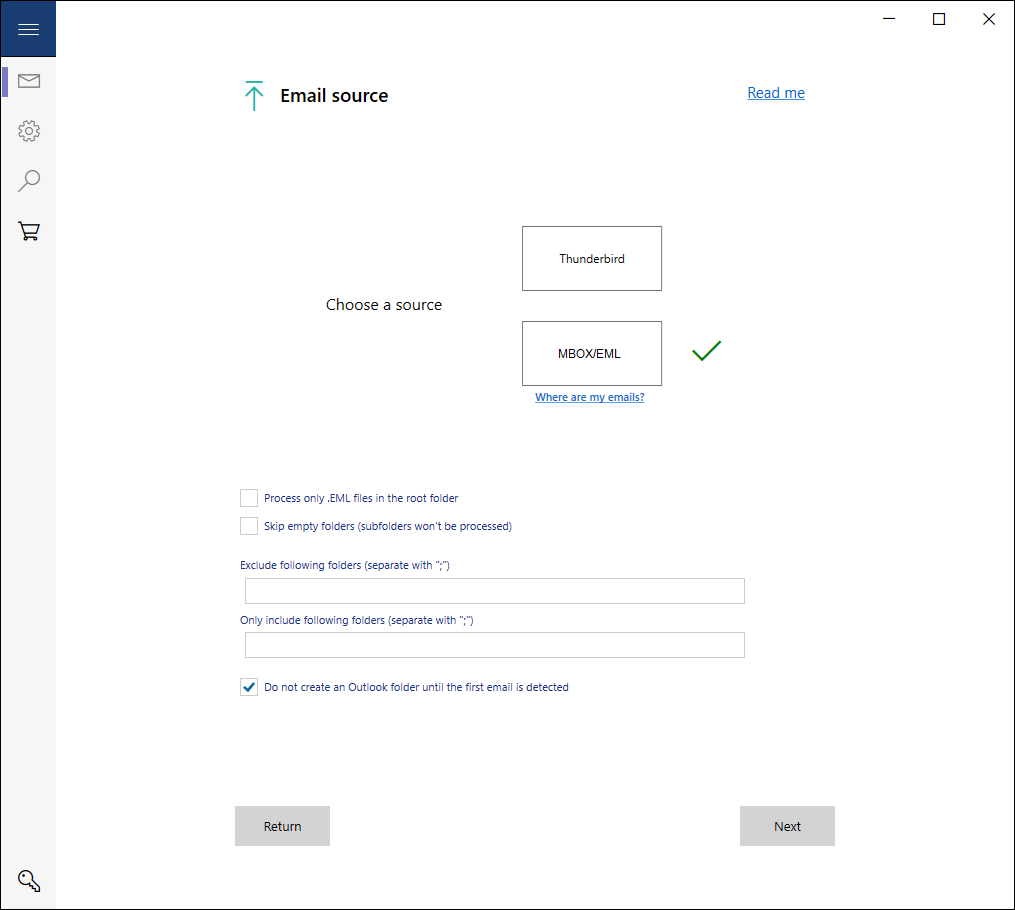
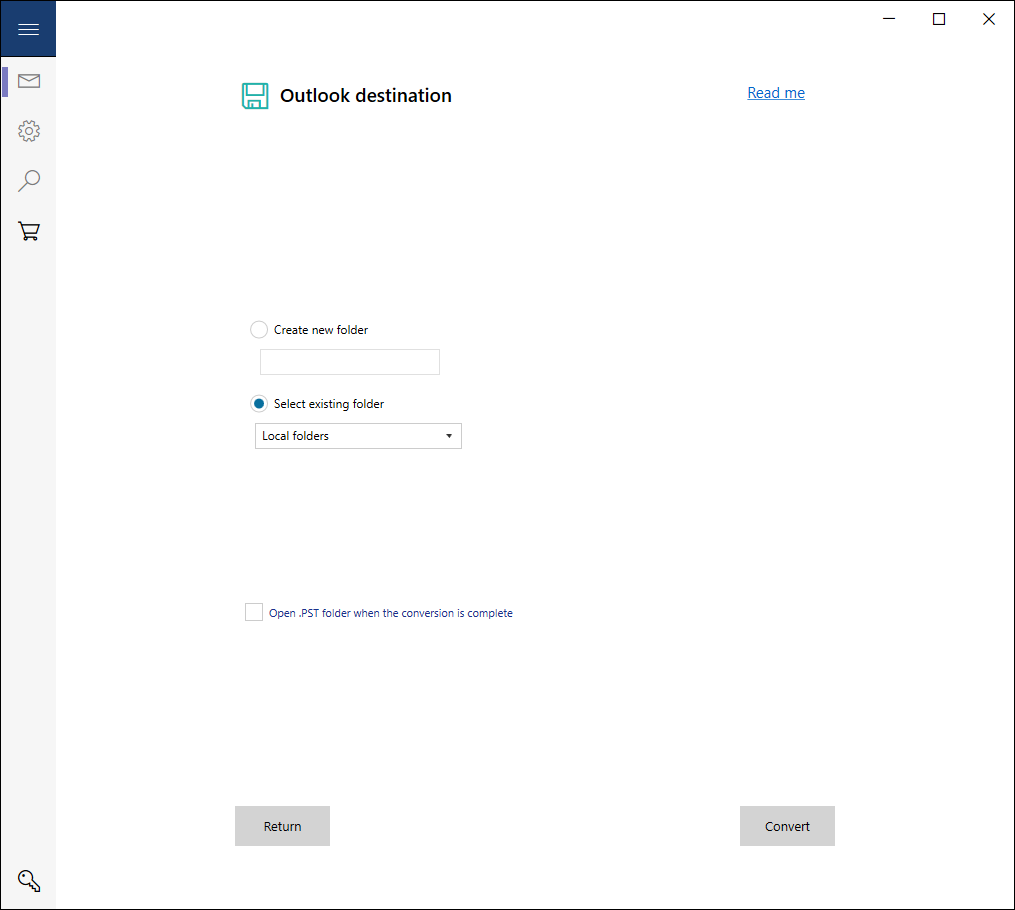
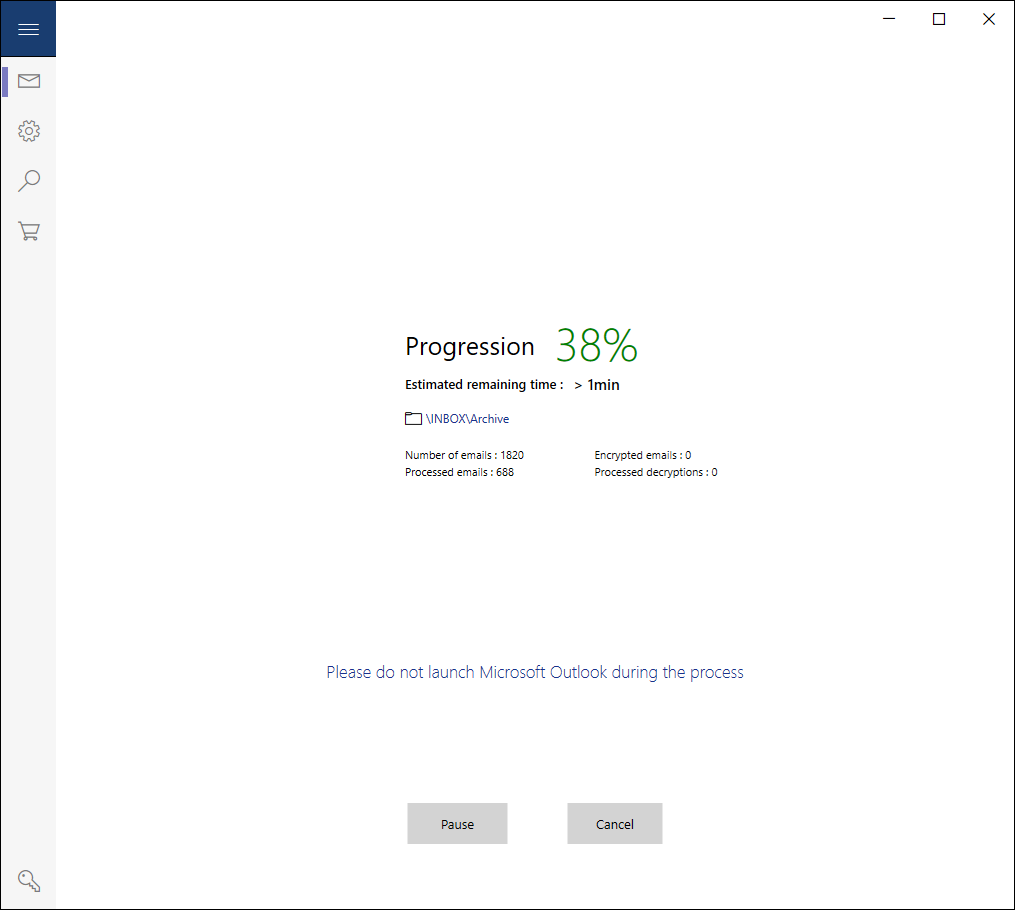
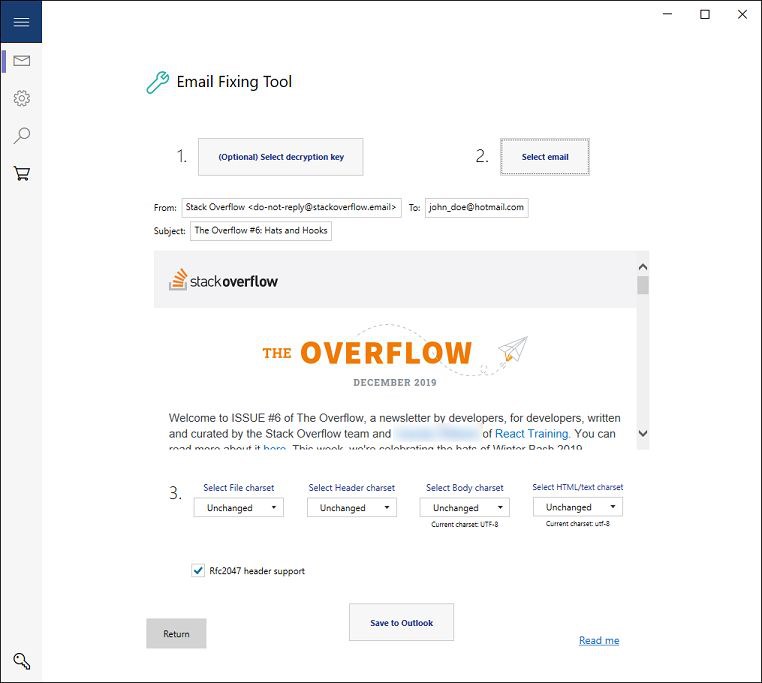
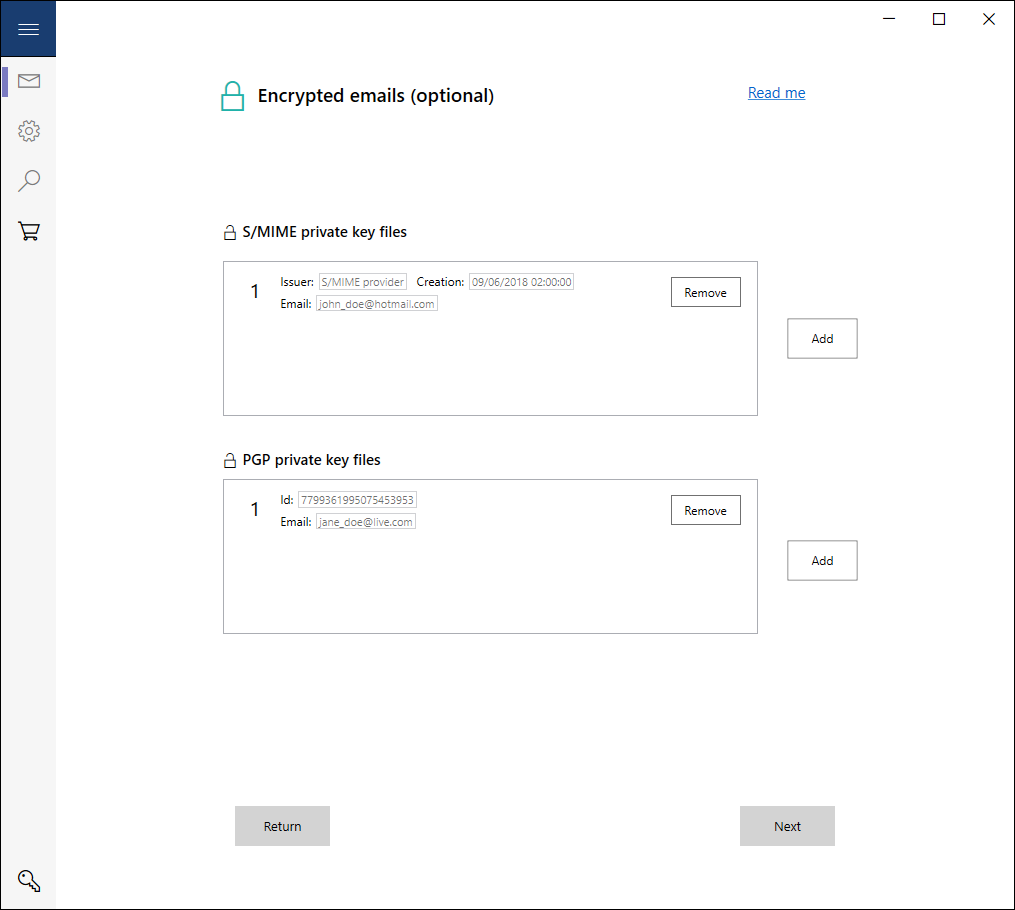
Convert MBOX to PST files, and get your Thunderbird, Gmail Takeout, Apple Mail, etc. emails directly into Microsoft Outlook, or generate and retrieve PST files in an easy-to-use interface. Support of S/MIME and PGP encrypted emails. One-Click Conversion feature for enterprises. Email Fixing Tool. Exclusive 72-Hour license for a budget and secured conversion (other offers available). Free Trial. Quick support answer. Features: • Converts emails based on the MBOX/EML/EMLX format into Microsoft Outlook or PST files • Converts emails directly into Microsoft Outlook (Microsoft Outlook installation required). No additional manual PST file importing required, unlike usual MBOX to PST converters • Easy PST file generation • Contains a special Thunderbird menu for an easy selection of to-be-converted emails. Thunderbird source emails are automatically detected, avoiding "hard-to-reach" email folders researches • Creates an Outlook version of the original email, in a new or already existing Outlook email database destination • Supports S/MIME and PGP encrypted emails • Includes an Email Fixing Tool, to correct wrongly formatted source emails • One-Click Conversion feature for enterprises: automatically convert customer emails at the start of the application and retrieve PST files right away (see description below) Advantages: • Imports emails directly into Microsoft Outlook (Microsoft Outlook installation required), respecting the original folder/sub-folder hierarchy (no .PST file importation needed) • Proposes a 72-Hour offer, for a budget one-time conversion. Unlike competitors, avoids unnecessary expensive long-term licenses for a one-time conversion after an Outlook purchase (Exclusive) • Enables the immediate check of the converted emails thanks to the automatic Outlook opening at the end of the conversion process • Decrypts S/MIME and PGP emails, to create a new un-encrypted Outlook version (Exclusive) • Proposes an Email Fixing Tool (Exclusive) • Proposes to convert emails in "one click”, with the One-Click Conversion feature (Exclusive) • Is part of a secured Microsoft Store environment • Supports automatic background updates (an option must be enabled in the Microsoft Store settings) One-Click Conversion feature for enterprises: • Put your customer emails into a default Windows folder and convert them automatically at the start of the application, or simply by clicking one button on the main menu. Retrieve your PST files directly at the end of the process • Option available for checking converted emails by opening an Outlook window at the end of the process • Encrypted emails support: put S/MIME or PGP encrypted emails into the default Windows folder as well as regular emails. For decryption purposes: private key files must be placed in one folder with an associated (automatically encrypted) .txt file containing all the passphrases • External tools: - PstRemover.exe: placed in a PST folder, remove safely your PST files and corresponding Outlook folders simultaneously, - ThunderbirdFolderFinder.exe: placed on a customer device, find immediately a Thunderbird folder and retrieve easily emails to an USB Key. (Tools only included in the Business offer) Offers: • Trial: allows to convert 30 emails (Free) • Home: Unlimited conversions for a 72-Hour licensing (see pricing in the app – depending on the region) • Professional: Unlimited conversions, including encrypted emails, for a 1-Month (30-Day) licensing (see pricing in the app – depending on the region) • Business: Unlimited conversions, including encrypted emails and the One-Click Conversion feature, for 1 Year (365-Day) (see pricing in the app – depending on the region) Outlook® is a registered trademark of Microsoft® Corporation in the U.S. and other countries AMPRAsoft© is not related to the Microsoft® company Thunderbird® is a trademark of the Mozilla® Foundation in the U.S. and other countries
Technische Details zu Convert Your Emails
Kategorie
Altersfreigabe
Preis
Größe
44,5 MB
Zuletzt aktualisiert im Microsoft Store
11.04.2026
App-Store-Bewertung
4.2 ★
Geräte
Convert Your Emails in den Bestenlisten
App verwalten

Gehörst du zum Entwicklerteam von Convert Your Emails?

Verifiziere dich und verwalte euren Eintrag auf Most Voted Apps.

Convert Your Emails kostenlos verifizieren
Die Verifizierung dauert in der Regel nur wenige Minuten.
Ähnliche Apps wie Convert Your Emails