Mit der Registrierung bestätigst du, dass du mindestens 16 Jahre alt bist, und akzeptierst die AGB. Wie wir deine Daten verarbeiten, steht in der Datenschutzerklärung.
Screenshot erscheint nach ZustimmungScreenshot erscheint nach ZustimmungScreenshot erscheint nach Zustimmung
Zusammenfassung
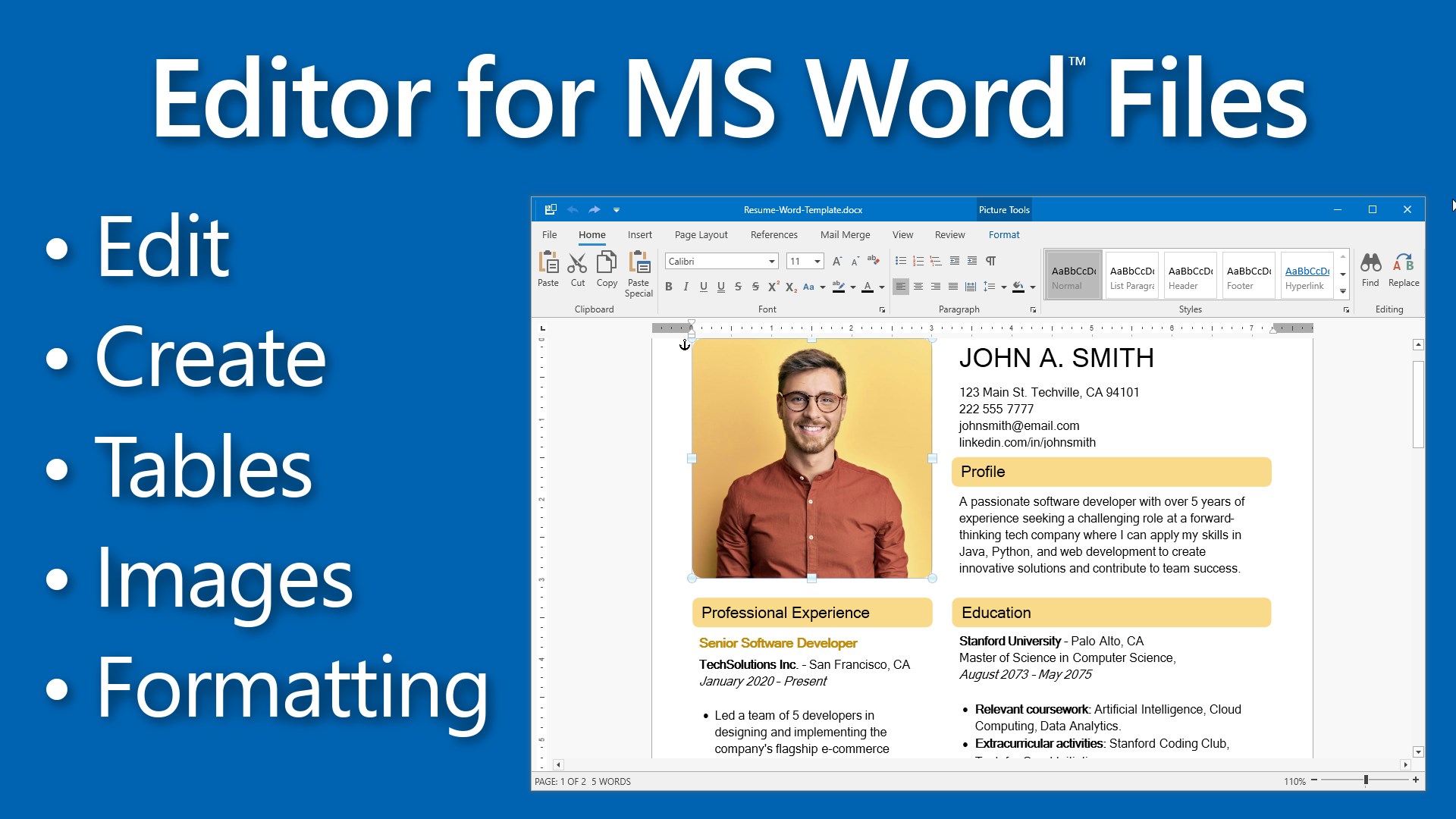
DOCX Editor for Windows ist eine Textverarbeitungsapp, die mit Microsoft Word kompatibel ist. Sie bietet Formatierungswerkzeuge für Schrift und Absätze wie Schriftart, -größe und -farbe, Textausrichtung, Einzüge, Zeilenabstand und Aufzählungszeichen, außerdem lassen sich Dokumente mit Tabellen, Bildern sowie individuellen Kopf- und Fußzeilen gestalten. Weitere Werkzeuge sind die Nachverfolgung von Änderungen und ein Passwortschutz, ergänzt durch Exportmöglichkeiten in Formate wie PDF und HTML.
Originalbeschreibung des Entwicklers anzeigenOriginalbeschreibung ausblenden
Fully compatible with Microsoft Word, DOCX Editor for Windows is a powerful yet user-friendly word processing application, designed to cater to both beginners and experienced users. It provides a full suite of text formatting tools, including font customization (style, size, color), bold, italic, underline options, and advanced paragraph management features such as indentation, line spacing, and bullet points.
Product License:
The app includes a 1 day free trial with full access to all features. After the trial, you can continue viewing and editing documents for free, while premium actions—Save, Save As, Print, Export to PDF, and spell checking—require a Premium License for ongoing access. Upgrading to the Premium version enables uninterrupted use of these features.
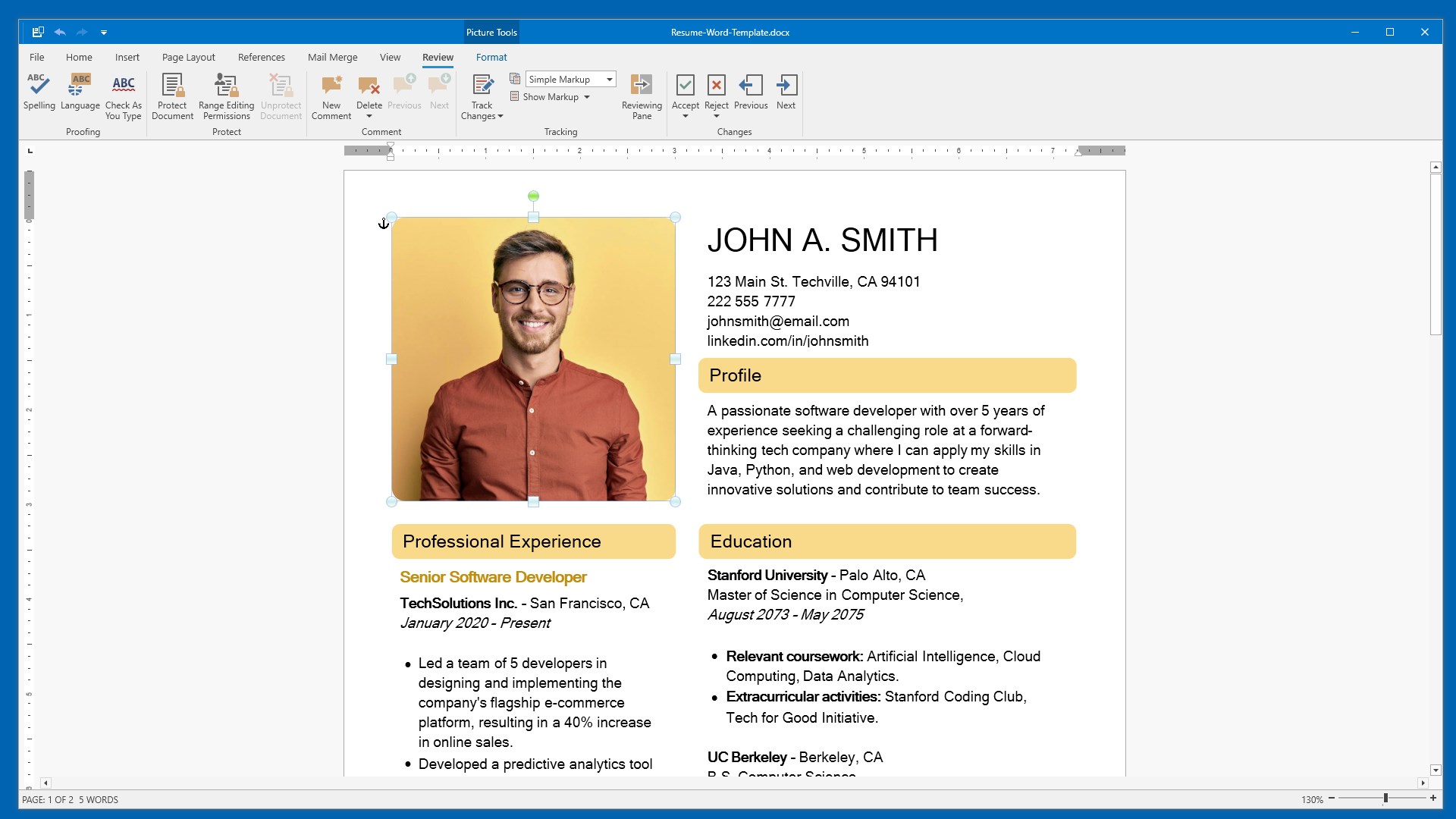
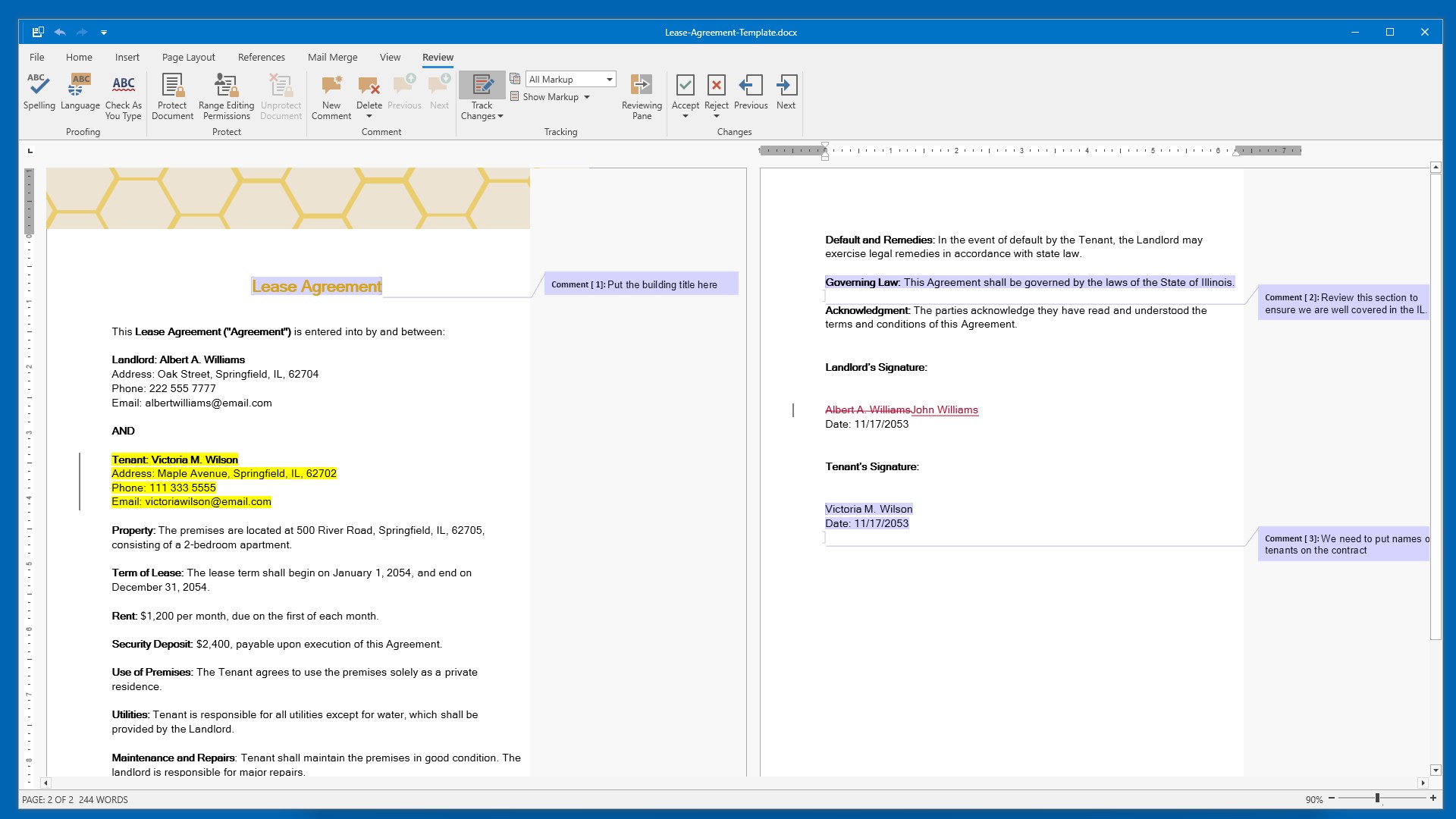
Enhance your documents with flexible table and image formatting, and easily add custom headers and footers. Advanced collaboration and security tools include track changes to monitor edits, password protection for document security, and restricted editing. With support for exporting to formats like PDF and HTML and a print preview feature for precise printouts, DOCX Editor is an excellent alternative to Microsoft Word, ideal for producing and managing professional-grade documents.
Key Features:
• Comprehensive Text Formatting:
- Font style, size, color, bold, italic, underline.
- Text alignment: left, center, right, justify.
- Paragraph management: indentation, line spacing, bullet points.
• Document Elements:
- Inserting and formatting tables.
- Adding and formatting images.
- Customizing headers and footers.
• Collaboration Tools:
- Track changes for monitoring and reviewing edits.
• Document Protection:
- Password protection.
- Restrict unauthorized editing.
• Exporting and Printing:
- Export to various formats, including PDF and HTML.
- Print preview feature to ensure accurate printouts.
• Supported Formats for Word and Text Documents:
.doc (Microsoft Word Document)
.docx (Microsoft Word Open XML Document)
.docm (Microsoft Word Macro-Enabled Document)
.dot (Microsoft Word 97-2003 Template)
.dotx (Microsoft Word Template)
.dotm (Microsoft Word Macro-Enabled Template)
.odt (OpenDocument Text Document)
.mht (MIME HTML)
.htm (Hypertext Markup Language File)
.html (Hypertext Markup Language File)
.rtf (Rich Text Format File)
.xml (XML File)
.txt (Plain Text File)
Falls es eine App-Version für iOS/Mac oder Windows gibt, die wir nicht kennen, füge den Store-Link hier ein — wir erkennen automatisch, welcher Store.
So findest du die URL:1. Die App im jeweiligen Store öffnen. 2.In der App-Store-App: auf das Teilen-Symbol tippen → „Link kopieren“. Im Browser: die URL aus der Adresszeile kopieren — sie enthält apps.apple.com/…/id… oder apps.microsoft.com/detail/…. 3. Hier einfügen.
Füge den Original-Link aus dem Apple App Store oder Microsoft Store ein. Wir holen alle Details automatisch.
So findest du die URL:
1. Die App im jeweiligen Store öffnen. 2.In der App-Store-App: auf das Teilen-Symbol tippen → „Link kopieren“. Im Browser: die URL aus der Adresszeile kopieren — sie enthält apps.apple.com/…/id… oder apps.microsoft.com/detail/…. 3. Hier einfügen.
Android-Apps können nur von ihren Entwicklern eingereicht werden.


 DOCX Edit PLUS
Word-Dokumente und weitere Dateiformate erstellen
 DOCX Editor PLUS
Word-, Excel- und PowerPoint-Dokumente bearbeiten
 Microsoft Word
Textdokumente erstellen, bearbeiten und gemeinsam bearbeiten
 DOCX‘
Dokumente, Tabellen und Präsentationen bearbeiten
 WordPal – Write & Format
Texteditor für DOC, DOCX, RTF, TXT und mehr mit PDF-Export
 PDF-XChange Editor
PDF-Dokumente erstellen, bearbeiten und konvertieren