
Screenshot appears after consentScreenshot appears after consentScreenshot appears after consentScreenshot appears after consentScreenshot appears after consent
Summary
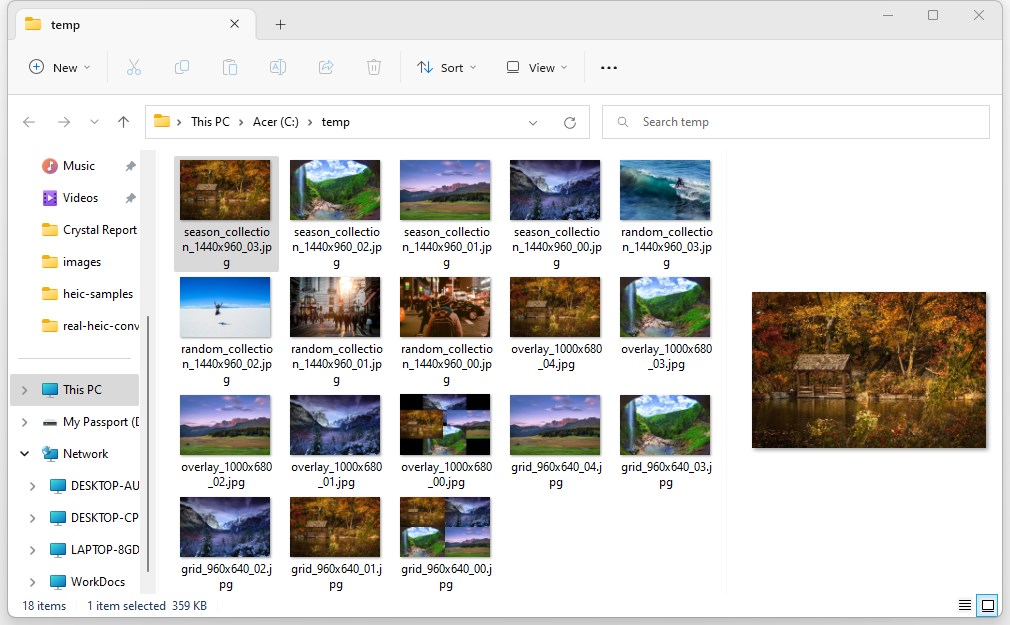
HEIC to JPG Real Converter is a file converter that turns HEIC pictures into JPG, PNG, JPEG or BMP format. Files are converted by dragging and dropping them into the app and clicking Convert, with results ready to view instantly. Conversion happens locally on the device without uploading files to the internet. Converted files can be opened and viewed with any preferred image viewer. The app works on both PCs and tablets, and its core features are free, with an optional premium option for those who wish to support the work behind it.
Show the developer's original descriptionHide the original description
HEIC files are pictures taken in the new HEIF format. HEIC to JPG Real Converter (previously Real HEIC Converter) allows you to convert and view your HEIC files instantly with 3 simple steps.
Just drag and drop your files in the tool, click Convert, and they will be converted automatically for you.
Note: The core features of HEIC to JPG Real Converter are completely free for everyone. Premium is purely optional for users who wish to support our work. If the Premium prompt appears, simply click the X icon in the top-right corner to continue using the app.
HEIC to JPG Real Converter works on both PCs and Tablets.
Features:
– Converts HEIC to PNG, JPEG, JPG or BMP files.
– Converts locally without uploading anything to internet.
– Drag and drop files for instant conversion.
– Open and view converted files using your favorite viewer.
Note: Windows 10 S-Mode is not supported.
Technical details about HEIC to JPG Real Converter
If there is a version of this app for iOS/Mac or Windows we don't know about, paste the store link here — we'll auto-detect the store.
How to find the URL:1. Open the app in its store. 2.In the App Store app: tap the Share icon → “Copy Link”. In the browser: copy the URL from the address bar — it contains apps.apple.com/…/id… or apps.microsoft.com/detail/…. 3. Paste it here.
Paste the original link from the Apple App Store or Microsoft Store. We fetch all details automatically.
How to find the URL:
1. Open the app in its store. 2.In the App Store app: tap the Share icon → “Copy Link”. In the browser: copy the URL from the address bar — it contains apps.apple.com/…/id… or apps.microsoft.com/detail/…. 3. Paste it here.
Android apps can only be listed by their developer.