Screenshot appears after consentScreenshot appears after consentScreenshot appears after consentScreenshot appears after consentScreenshot appears after consent
Summary
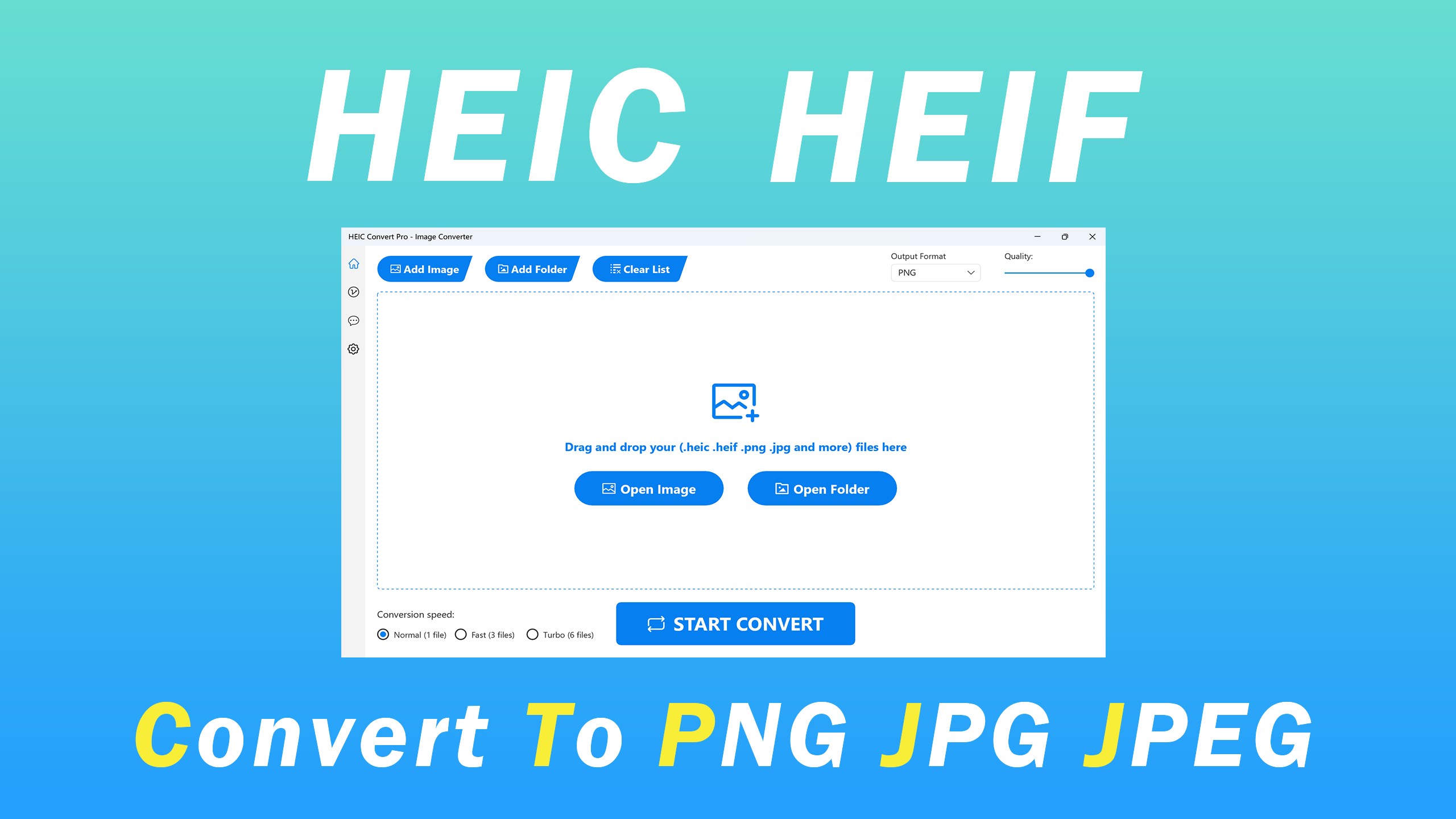
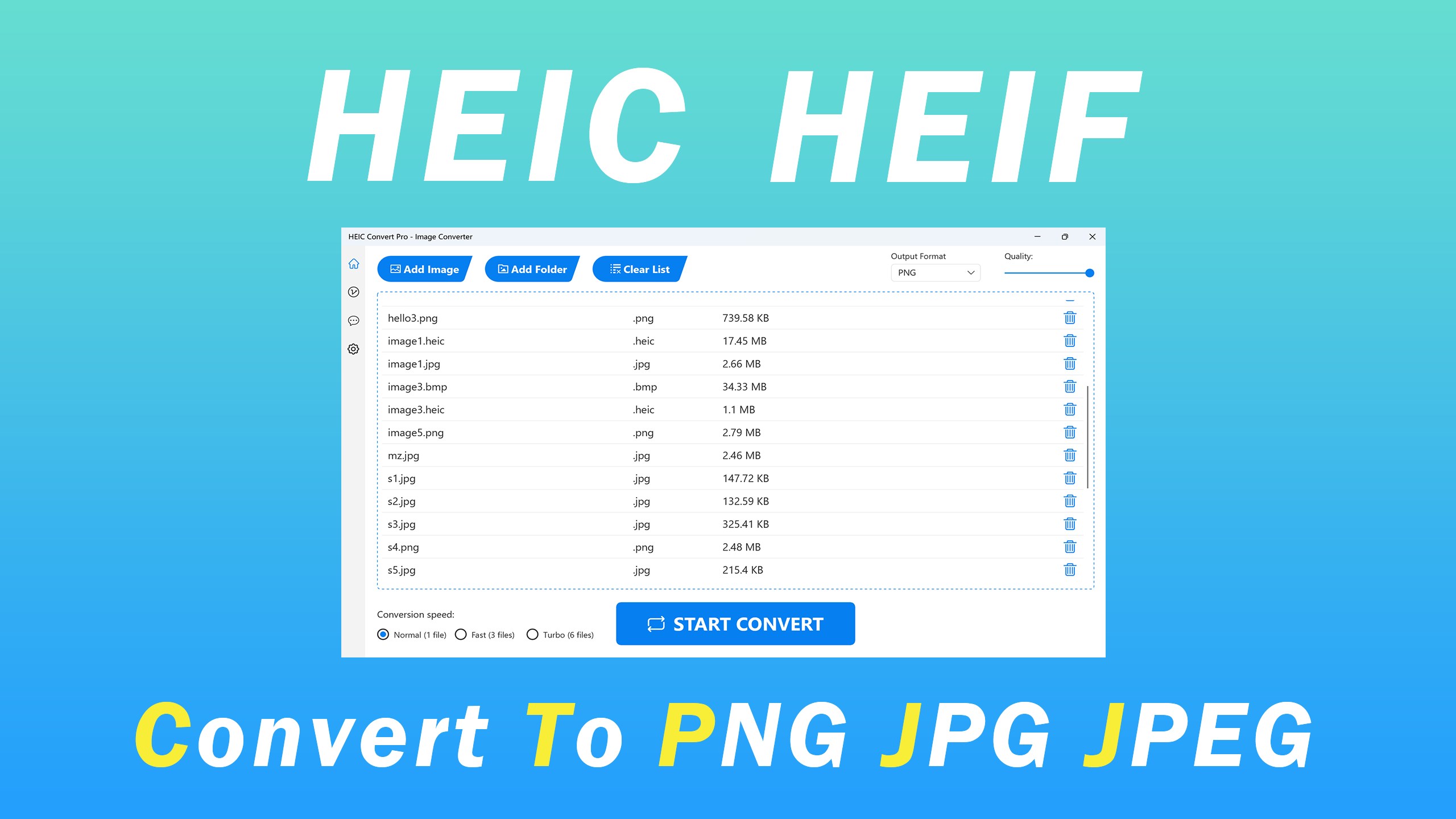
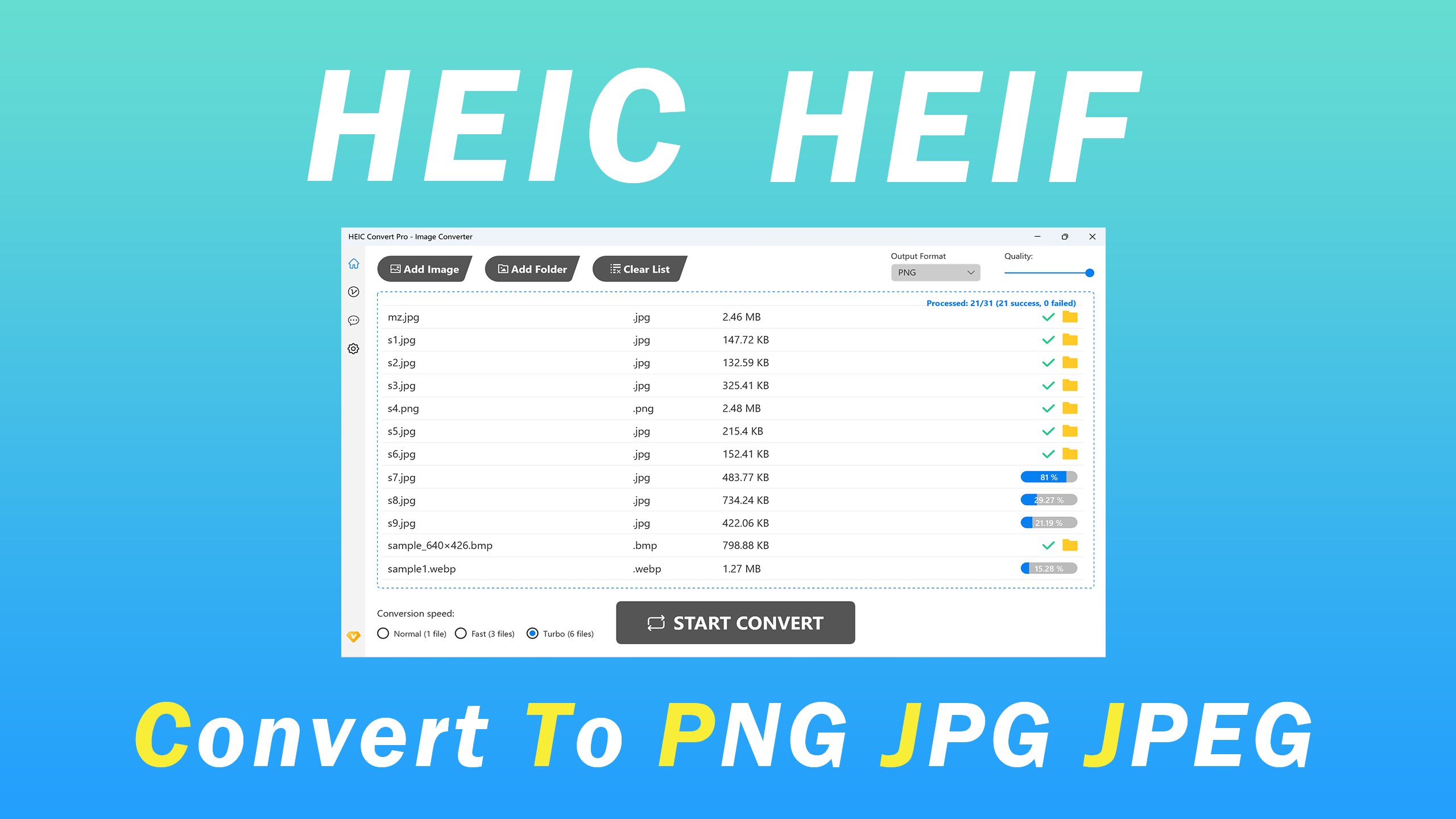
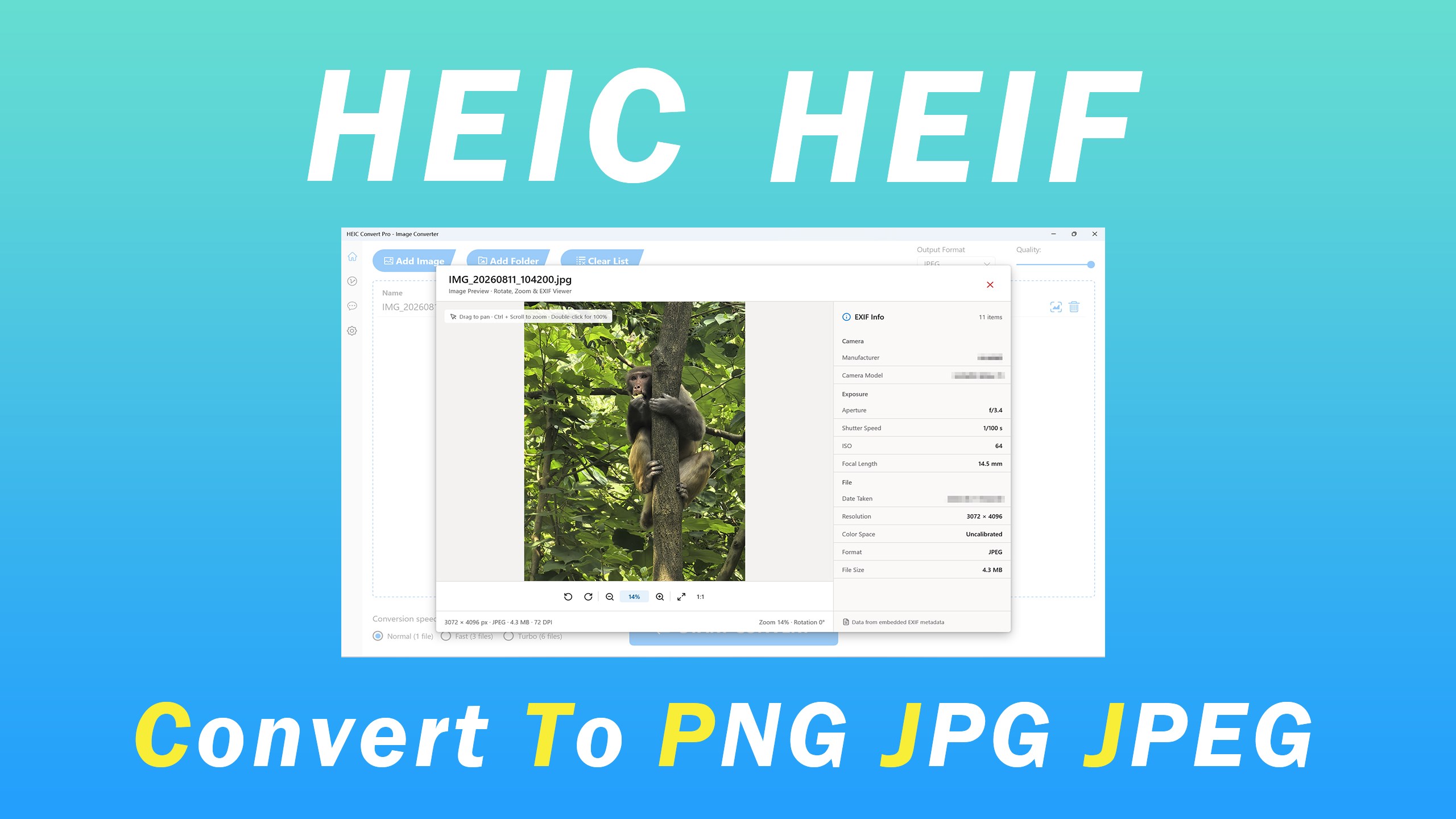
HEIC Convert Pro - Image Converter is an image converter that transforms HEIC and HEIF files into formats such as JPG, JPEG and PNG. It supports batch conversion of multiple files at once and aims to preserve image quality during conversion. The interface allows files and target formats to be selected before starting the conversion. Free users can convert to PNG and JPG only, in batches of up to three images at normal speed, while VIP users get unlimited usage, unlimited batch conversion, additional output formats and faster conversion speeds.
Show the developer's original descriptionHide the original description
Are you tired of dealing with those pesky HEIC and HEIF image formats? Look no further! "HEIC Convert Pro - Image Converter" is here to simplify your life. Our app is designed to make your image conversion process a breeze, allowing you to effortlessly transform HEIC and HEIF files into universally compatible formats like JPG, JPEG, and PNG.
🌟 Key Features:
1. Lightning-Fast Conversion: One of the standout features of our app is its lightning-fast conversion speed. Say goodbye to long waits as you watch your images transform. We understand the value of your time, and our app ensures you get your converted images in a snap.
2. Batch Conversion Support: Efficiency is our middle name. Whether you have a handful of images or an entire library to convert, "HEIC Convert Pro - Image Converter" has you covered. You can batch convert multiple files simultaneously, saving you precious time and effort.
3. High-Quality Output: We prioritize the preservation of image quality. Your converted images will retain their high quality, ensuring that your memories and moments are as vibrant as ever.
4. User-Friendly Interface: We've designed our app with simplicity in mind. Even if you're not tech-savvy, you'll find our app incredibly easy to navigate. Select your files, choose your desired format, and hit the convert button – it's that straightforward.
🚀 Why Choose Our App:
Our app is a valuable tool for both professional photographers and everyday users. Whether you're a content creator, a social media enthusiast, or someone who simply wants to share images with friends and family, "HEIC Convert Pro - Image Converter" will be your trusted companion.
📦 Versatile Format Support:
- HEIC to JPG, JPEG, or PNG
- HEIF to JPG, JPEG, or PNG
Download "HEIC Convert Pro - Image Converter" today, and enjoy hassle-free, speedy, and high-quality image conversions. Your photos and memories deserve the best, so don't compromise – convert them to the formats that work for you. Get started now and simplify your digital life with ease and style! 📸💫
Free User:
1. Only convert to .png and .jpg
2. Only convert 3 pictures at a time.
3. Only support normal speed mode
VIP User:
1. Unlimited usage.
2. Support unlimited batch conversion.
3. Support convert to multiple formats
4. Support fast and turbo speed mode
Play Store URL for "HEIC Convert Pro - Image Converter"
If there is a version of this app for iOS/Mac or Windows we don't know about, paste the store link here — we'll auto-detect the store.
How to find the URL:1. Open the app in its store. 2.In the App Store app: tap the Share icon → “Copy Link”. In the browser: copy the URL from the address bar — it contains apps.apple.com/…/id… or apps.microsoft.com/detail/…. 3. Paste it here.
Paste the original link from the Apple App Store or Microsoft Store. We fetch all details automatically.
How to find the URL:
1. Open the app in its store. 2.In the App Store app: tap the Share icon → “Copy Link”. In the browser: copy the URL from the address bar — it contains apps.apple.com/…/id… or apps.microsoft.com/detail/…. 3. Paste it here.
Android apps can only be listed by their developer.



 HEIC Converter - Any Image Convert
Convert HEIC/HEIF images to PNG, JPG or TIFF
 HEIC to JPEG - The HEIC to JPG Converter
Convert HEIC photos to JPEG, PNG and other formats
 Pro Image Converter: HEIC to JPEG
Convert images between different formats
 HEIC Converter- HEIC to JPG & Photo Viewer, Printer
Convert, view and print HEIC images to JPG, PNG or BMP
 HEIC Converter | Heic to JPG
Convert HEIC images to JPG locally on device
 HEIC to JPG Real Converter
Convert HEIC files locally to JPG, PNG or BMP