


Screenshot appears after consentScreenshot appears after consentScreenshot appears after consentScreenshot appears after consentScreenshot appears after consentScreenshot appears after consentScreenshot appears after consentScreenshot appears after consentScreenshot appears after consentScreenshot appears after consentScreenshot appears after consentScreenshot appears after consent
Summary
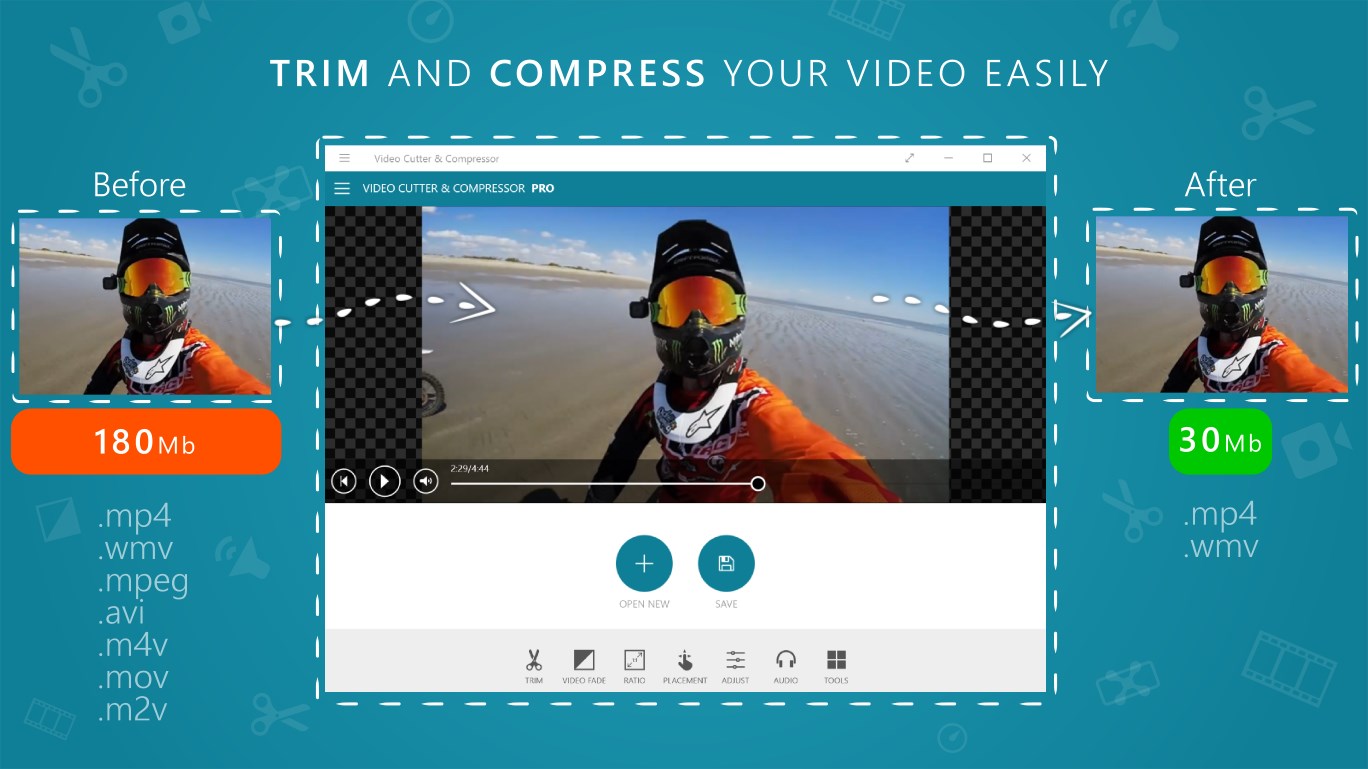
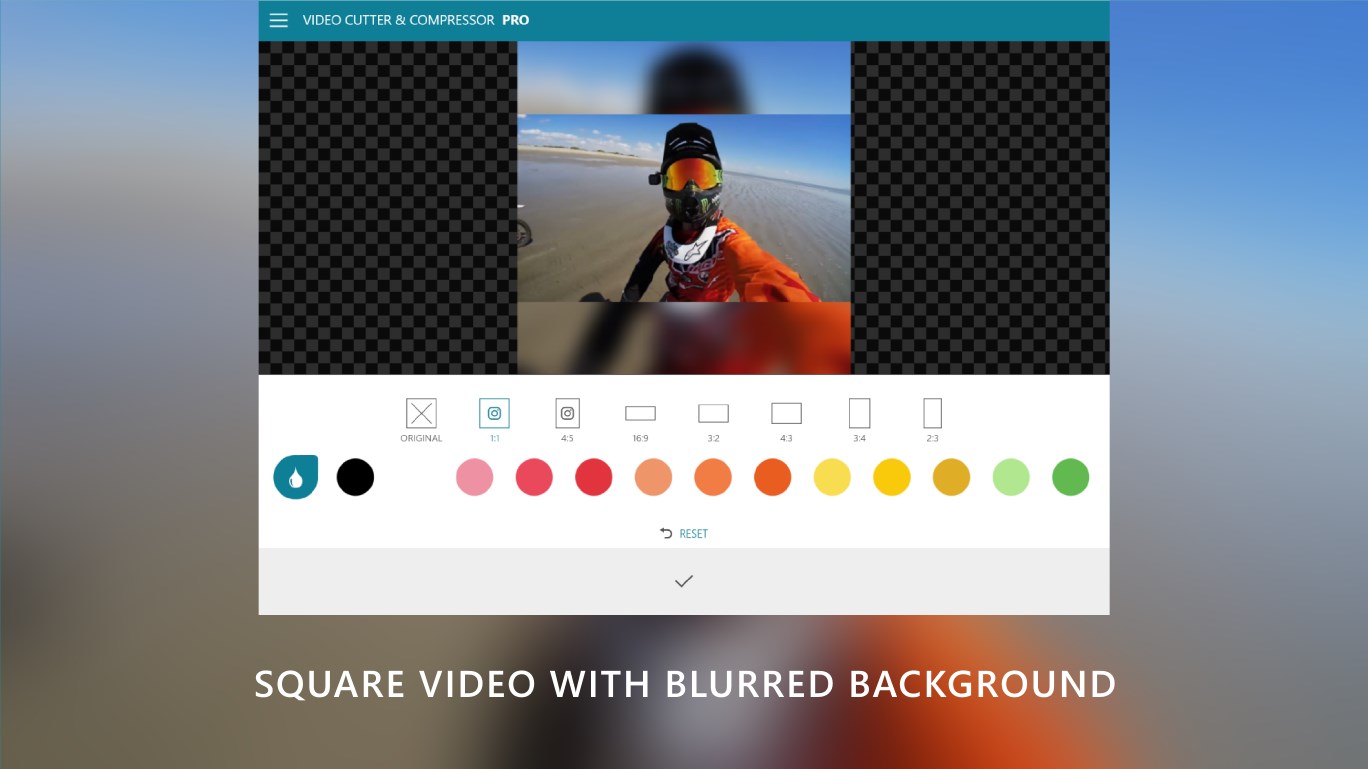
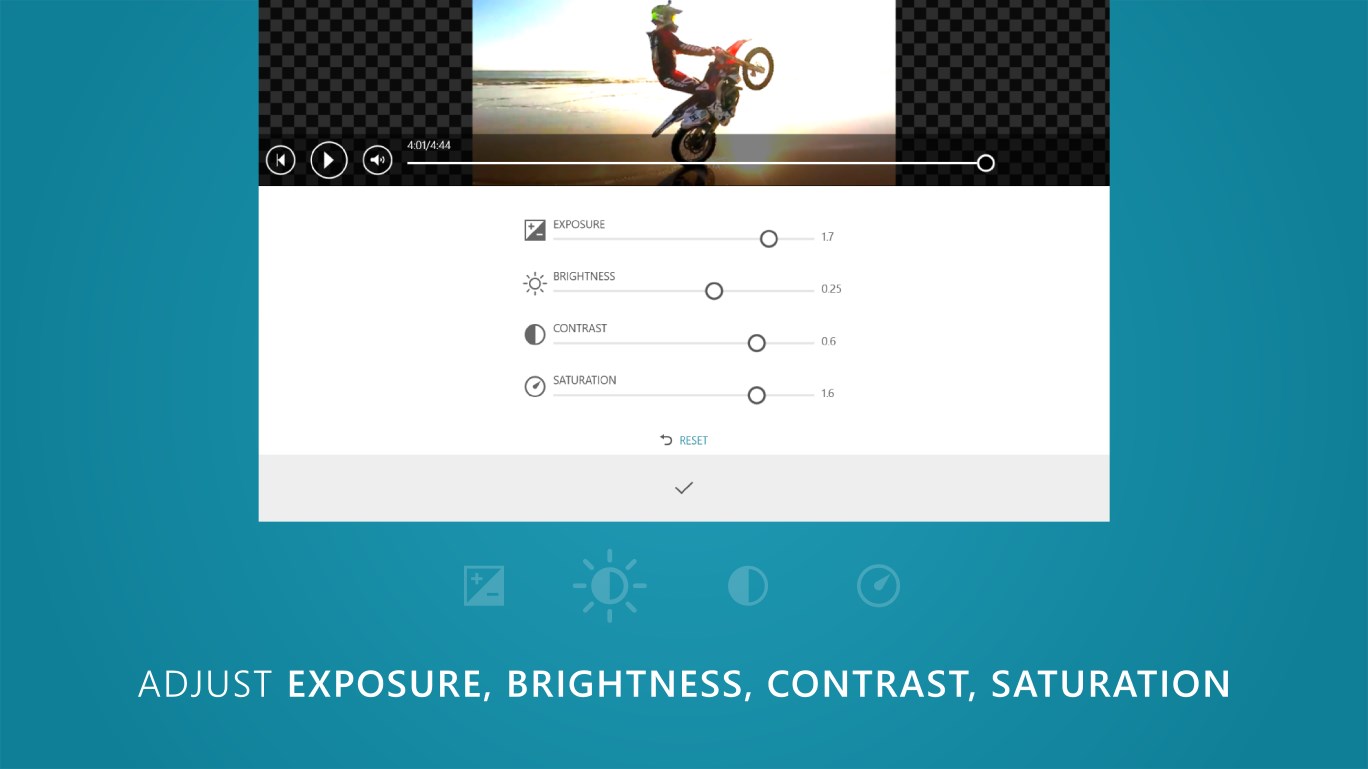
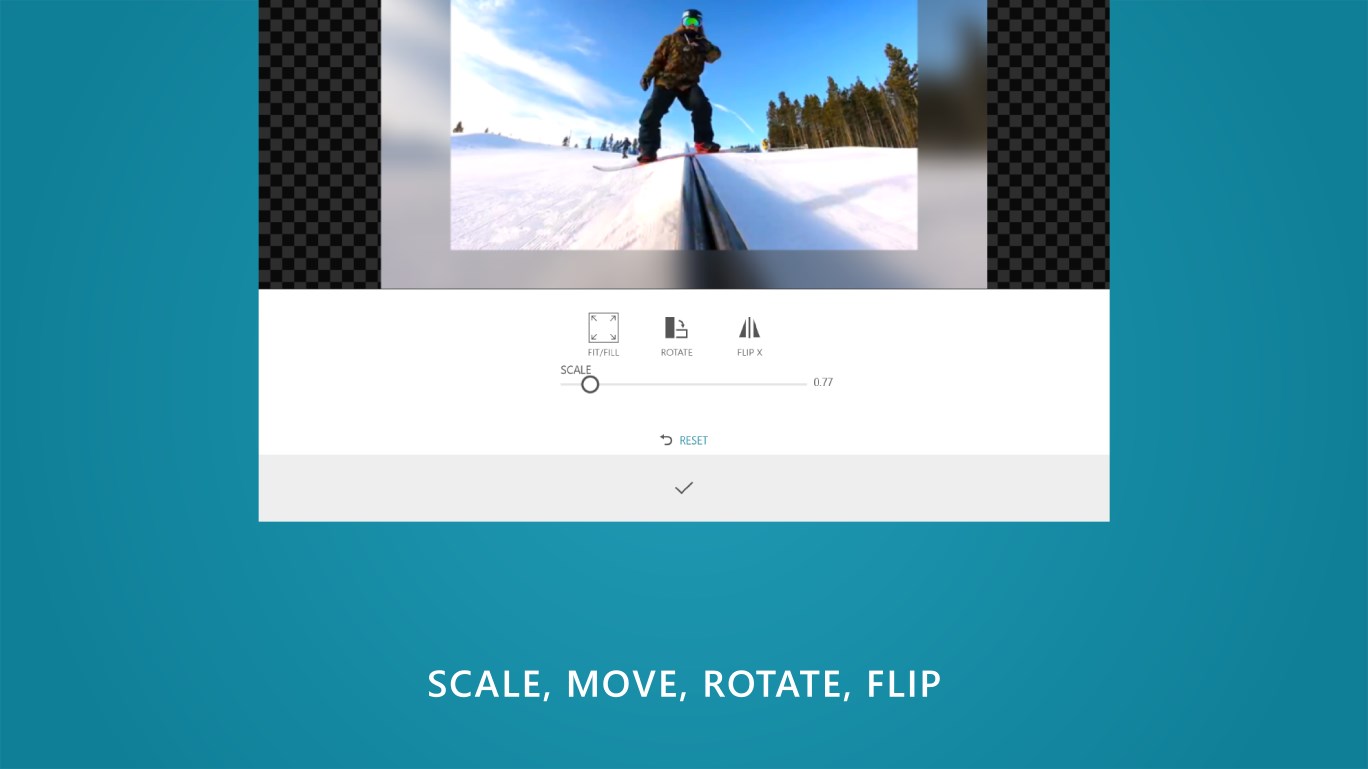
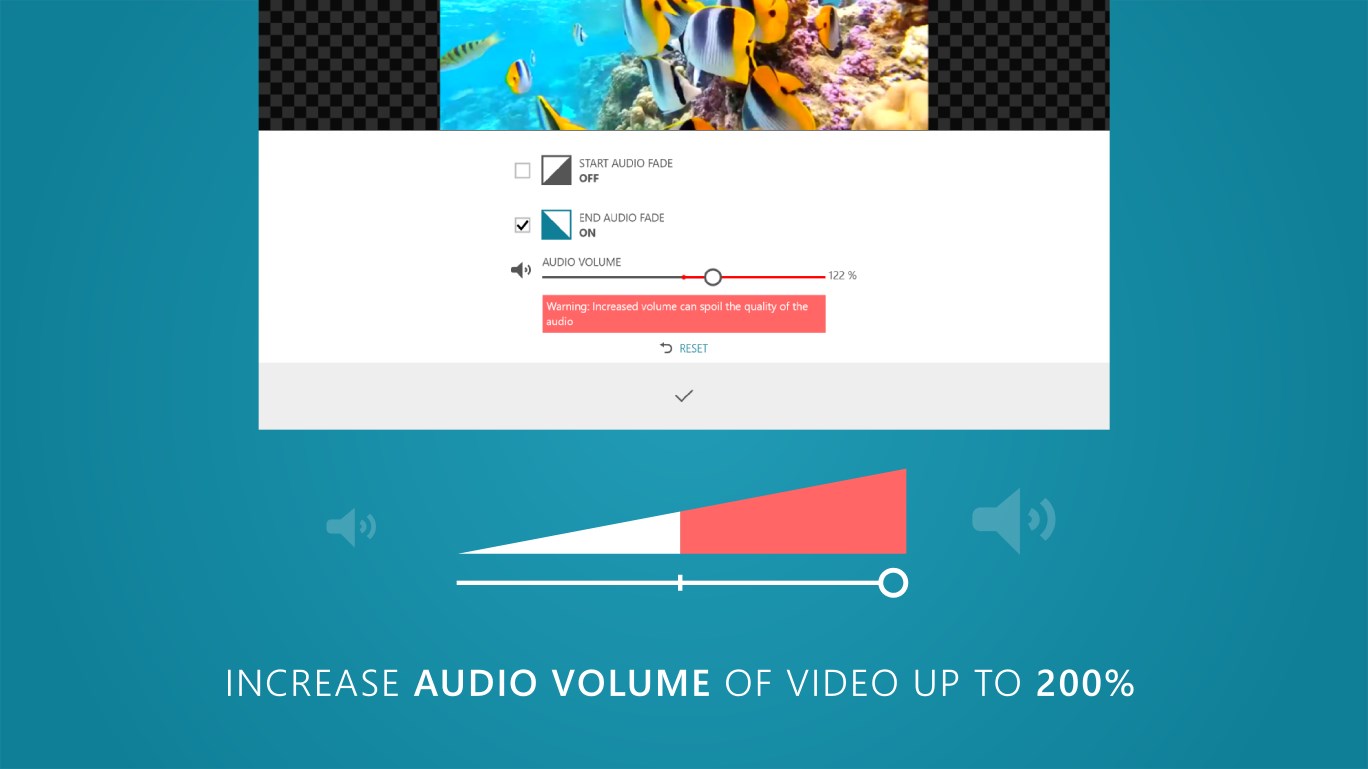
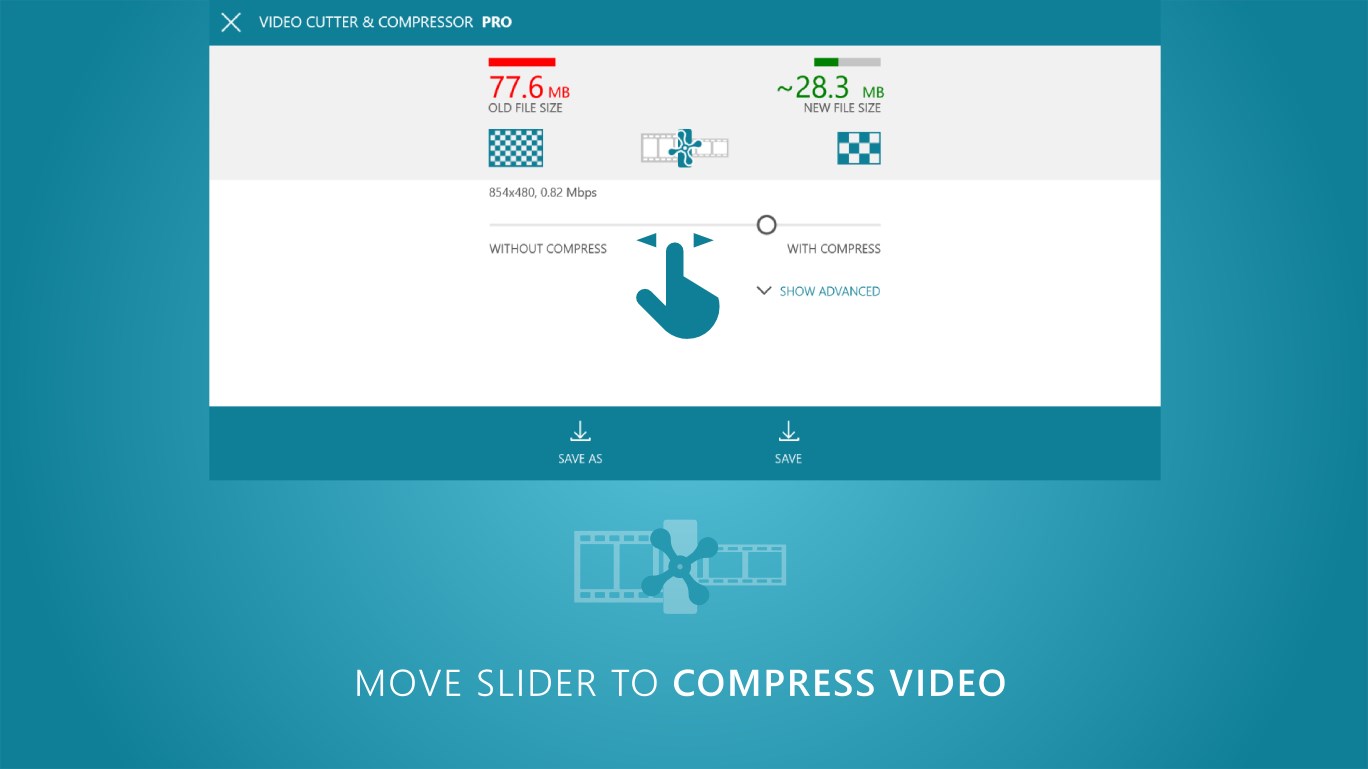
Video Cutter & Compressor is a video editor for trimming and compressing video files to save device storage. It allows changing the resolution and aspect ratio of a video and adjusting brightness, contrast and saturation. Videos can be rotated and scaled, and audio volume can be changed and increased up to 200%. The app also converts videos and compresses them for use with apps such as Whatsapp.
Show the developer's original descriptionHide the original description
Trim and Compress your video easily. With the program you can easily change the resolution and aspect ratio of the video, apply brightness, contrast, saturation, rotate, scale, change and increase audio volume up to 200%. You can trim, convert and compress your video to save the memory of your device. Compress video for Whatsapp app etc.
If there is a version of this app for iOS/Mac or Windows we don't know about, paste the store link here — we'll auto-detect the store.
How to find the URL:1. Open the app in its store. 2.In the App Store app: tap the Share icon → “Copy Link”. In the browser: copy the URL from the address bar — it contains apps.apple.com/…/id… or apps.microsoft.com/detail/…. 3. Paste it here.
Paste the original link from the Apple App Store or Microsoft Store. We fetch all details automatically.
How to find the URL:
1. Open the app in its store. 2.In the App Store app: tap the Share icon → “Copy Link”. In the browser: copy the URL from the address bar — it contains apps.apple.com/…/id… or apps.microsoft.com/detail/…. 3. Paste it here.
Android apps can only be listed by their developer.