


Are you on the developer team behind AirPlayH?
Verify yourself and manage your listing on Most Voted Apps.
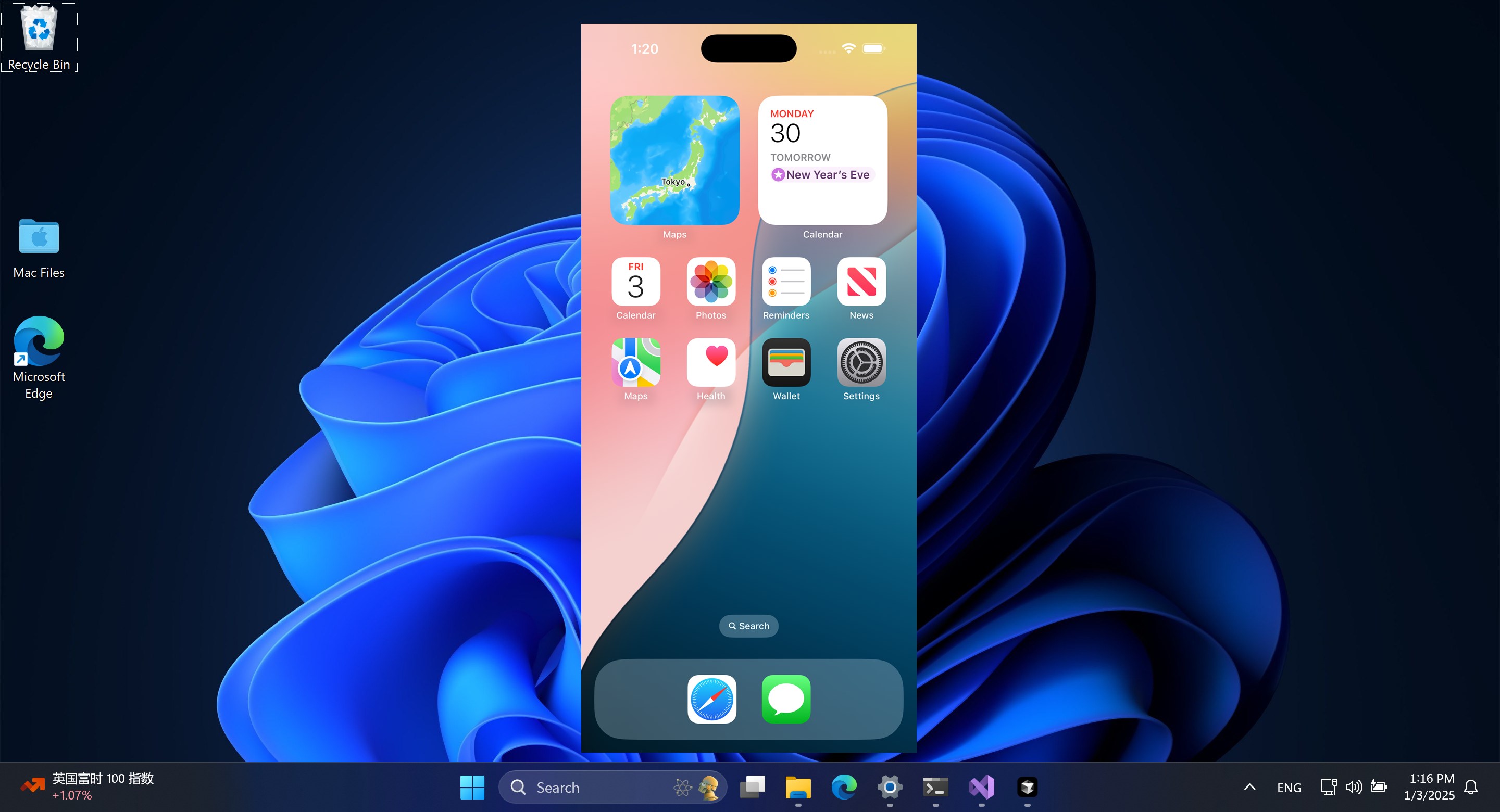
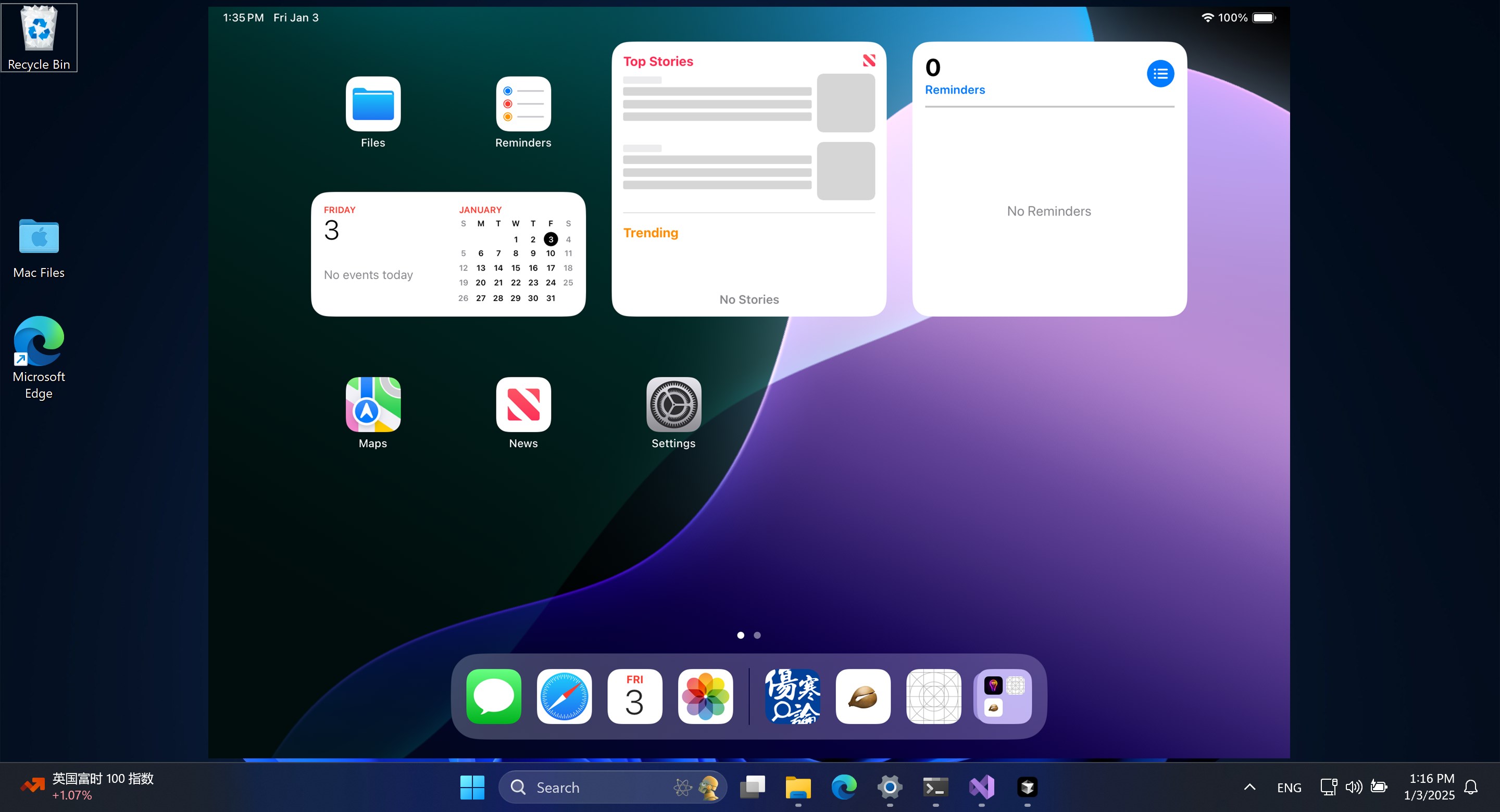
 Win AirPlay : Screen Mirroring
Mirror iPhone, iPad and Mac screen to computer
 AirMirroring - Screen Mirroring & Cast
Mirror screen from iPhone, iPad or Mac to Windows PC
 AirPlay Screen Mirrorring Receiver
Mirror iPhone or Mac screen to PC or Xbox
 AirServer Windows Desktop Edition
Receive AirPlay, Miracast and Google Cast on your PC
 EasyCast - Screen Mirroring Receiver
Mirror smartphone screen to computer or Xbox
 Screen Mirroring Cast to TV.
Mirror screen to other devices and smart TVs