


Real eBooks Reader
Read eBooks and documents in many formats AI summary
Screenshots
Summary
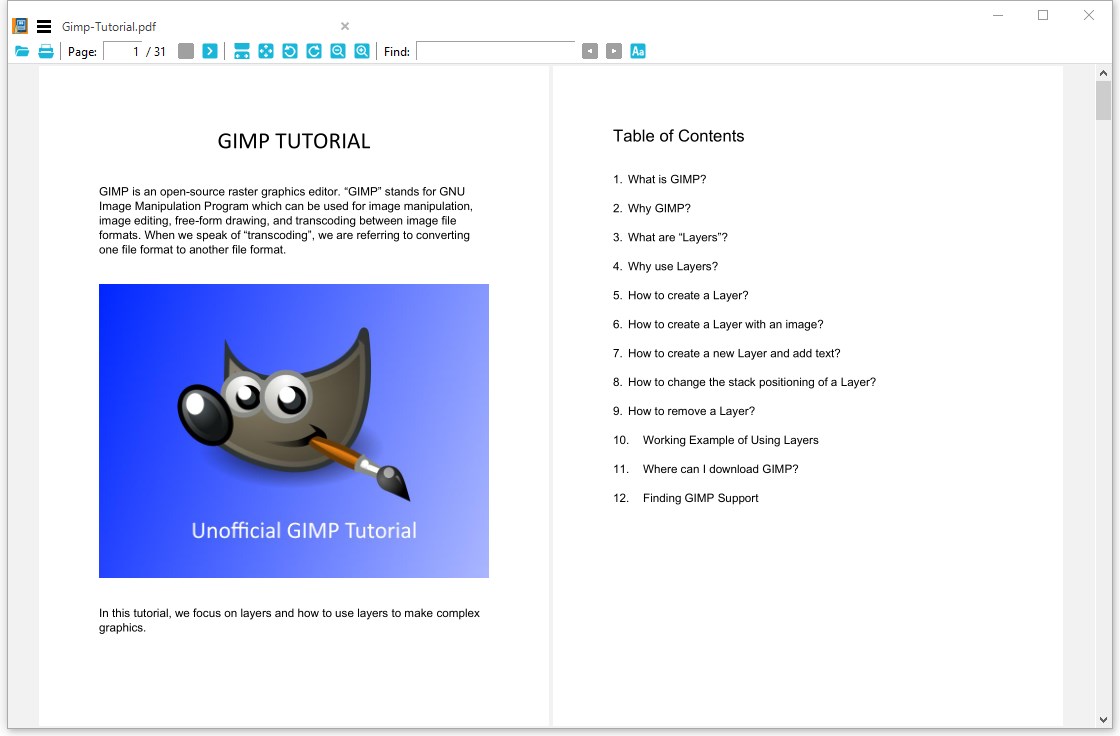
Real eBooks Reader is an eBook viewer for Windows with a simple interface. It supports formats including Epub, Mobi, Azw, Azw3 for Kindle and PDF, along with DjVu, XPS, comic book formats, FictionBook, image formats and archive files such as Zip and Rar. It also supports Apple Books and Kindle Books. For EPUB files, a fixed page UI option allows searching, selecting and copying text. The app offers several display themes, including light, sepia, dark, darker and pure black.
Show the developer's original descriptionHide the original description
Real eBooks Reader is a compact yet powerful eBook viewer for Windows. With the simplicity of the user interface, it supports all popular digital publication formats, including Epub, Mobi, Azw, Azw3 for Kindle and PDF.
In version 2.2.5, a new option 'Use fixed page UI' was added for EPUB format. By selecting this option, you should be able to search, select, and copy in EPUB eBooks.
To make your reading experience better, Real eBooks Reader supports these themes: light, sepia, dark, darker and pure black.
The supported eBook and document formats list:
- .azw, .azw3 (un-encrypted Kindle eBook file format)
- .epub (un-encrypted EPUB)
- .mobi (Mobipocket Reader file format)
- .pdf (Portable Document Format)
- .djv, .djvu (DjVu file format)
- .xps, .oxps, .xod (Open XML Paper Specification format)
- .cbr, .cbz, .cbt, .cb7 (Comic book format)
- .fb2, .fb2z, .zfb2 (FictionBook format)
- .pdb (Palm Doc format)
- .tcr (Psion Series 3 palmtop devices format)
- .chm (Microsoft Compiled HTML Help file format)
- .jpg, .png, .gif, .webp, .tiff, .tga, .j2k, .bmp, .dib (Images formats)
- .tar, .7z, .zip, .rar (Archive file formats)
In addition, Real eBooks Reader supports Apple books and Kindle books.
Technical details about Real eBooks Reader
Real eBooks Reader in the rankings
Manage app
Are you on the developer team behind Real eBooks Reader?
Verify yourself and manage your listing on Most Voted Apps.
Verify Real eBooks Reader for free
Verification usually takes only a few minutes.
Similar apps to Real eBooks Reader
 Total eBook Reader
Read ebooks and documents in various formats
 EPUB eBooks Reader
Read and customize eBooks in multiple formats
 Free Ebook Reader
Opens and reads e-books in EPUB format
 ReadEra – book reader pdf epub
E-book reader for many formats with text-to-speech
 ePub Reader +
Read and edit e-books, PDFs and office documents
 EPUB+ Reader
Read eBooks and batch convert them to popular formats