Screenshot appears after consentScreenshot appears after consentScreenshot appears after consentScreenshot appears after consentScreenshot appears after consentScreenshot appears after consentScreenshot appears after consentScreenshot appears after consentScreenshot appears after consentScreenshot appears after consent
Summary
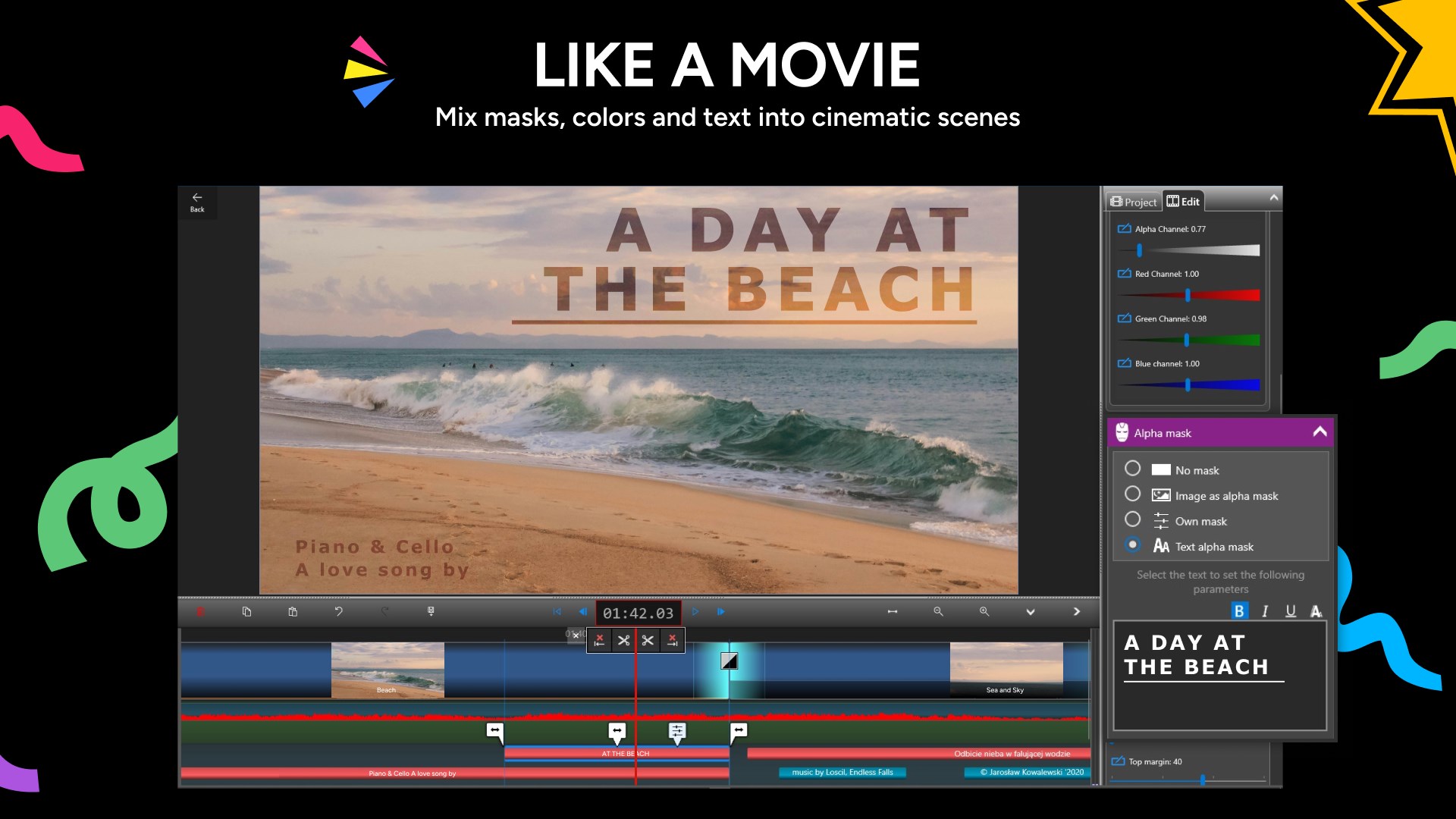
Crazy Video Maker - Video Editor & Movie Maker is a video editing app for creating movies from photos, clips, music and text, or by recording directly from a camera or screen. It allows combining multiple videos and photos into one project, cutting and trimming clips with frame precision, and applying color adjustments, filters and transitions. It supports multiple audio tracks, voiceovers, text animations and a chroma key effect for green screen work. It can also create slideshows and collages with music, draw directly onto video, and export finished projects in Full HD or 4K for sharing to YouTube.
Show the developer's original descriptionHide the original description
Crazy Video Maker is the most innovative and easy-to-use video editor and movie maker available on the Microsoft Store. You don't need any prior editing experience to create stunning videos from your photos, clips, music, and text - or even by recording directly with your camera or screen.
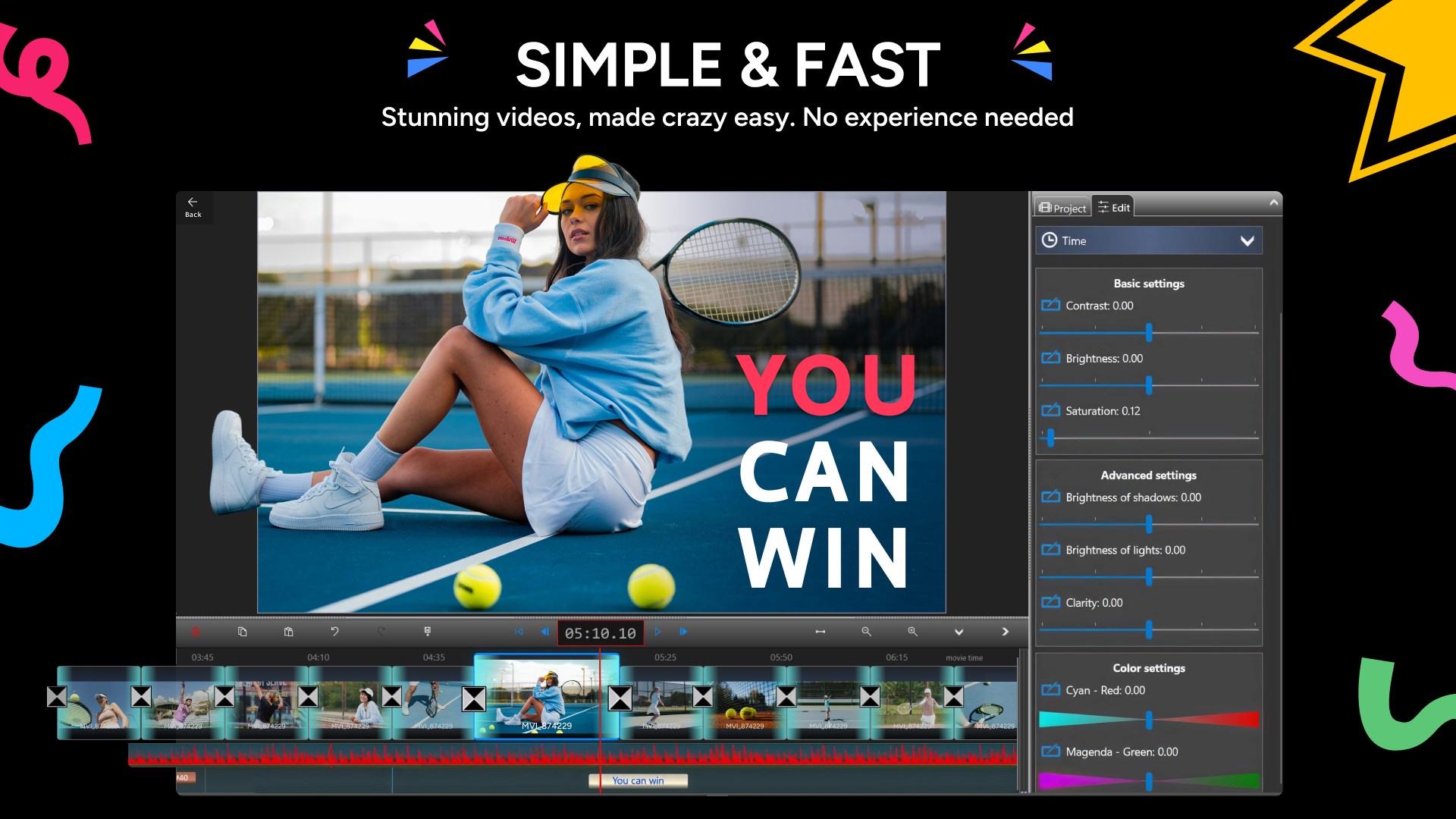
The main interaction within the app is simple and intuitive: drag and slide clips along the timeline using your mouse, pen, or touch, then adjust their parameters. Despite its simplicity, the app offers powerful video editing capabilities that make it a complete editing app for any creative project.
With Crazy Video Maker, you can:
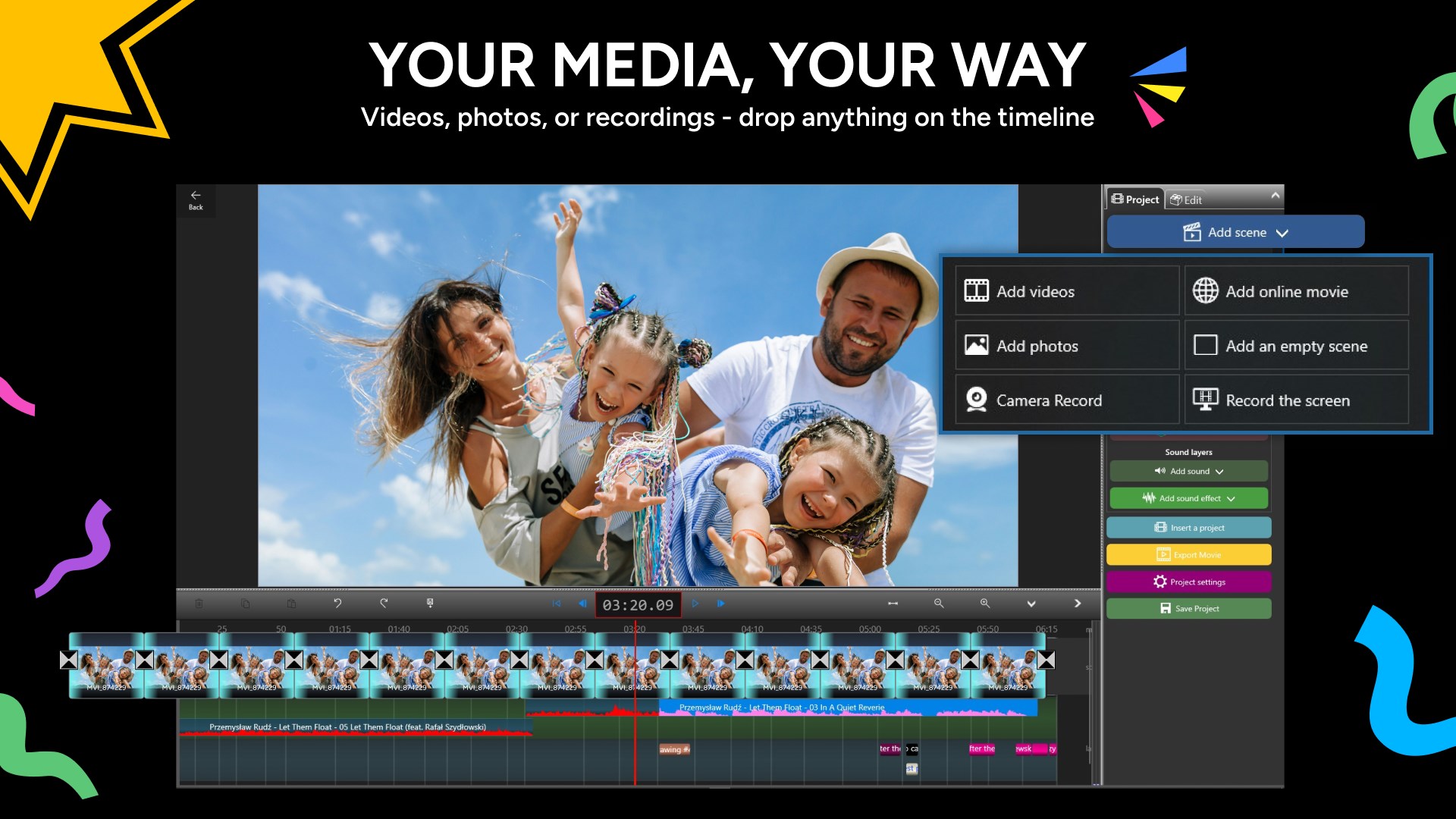
- Combine multiple videos and photos into one project and make videos from scratch
- Cut, trim, and split video and audio clips with single-frame precision
- Crop photos and videos accurately
- Record your computer screen and include it in your film (screen recorder / screen capture)
- Stabilize shaky video footage
- Adjust brightness, contrast, saturation, and color balance
- Apply color transformations and filters
- Rotate pictures and videos freely
- Control video speed for slow motion or fast motion effects
- Add animated GIFs and special effects
- Arrange all elements on multiple layers
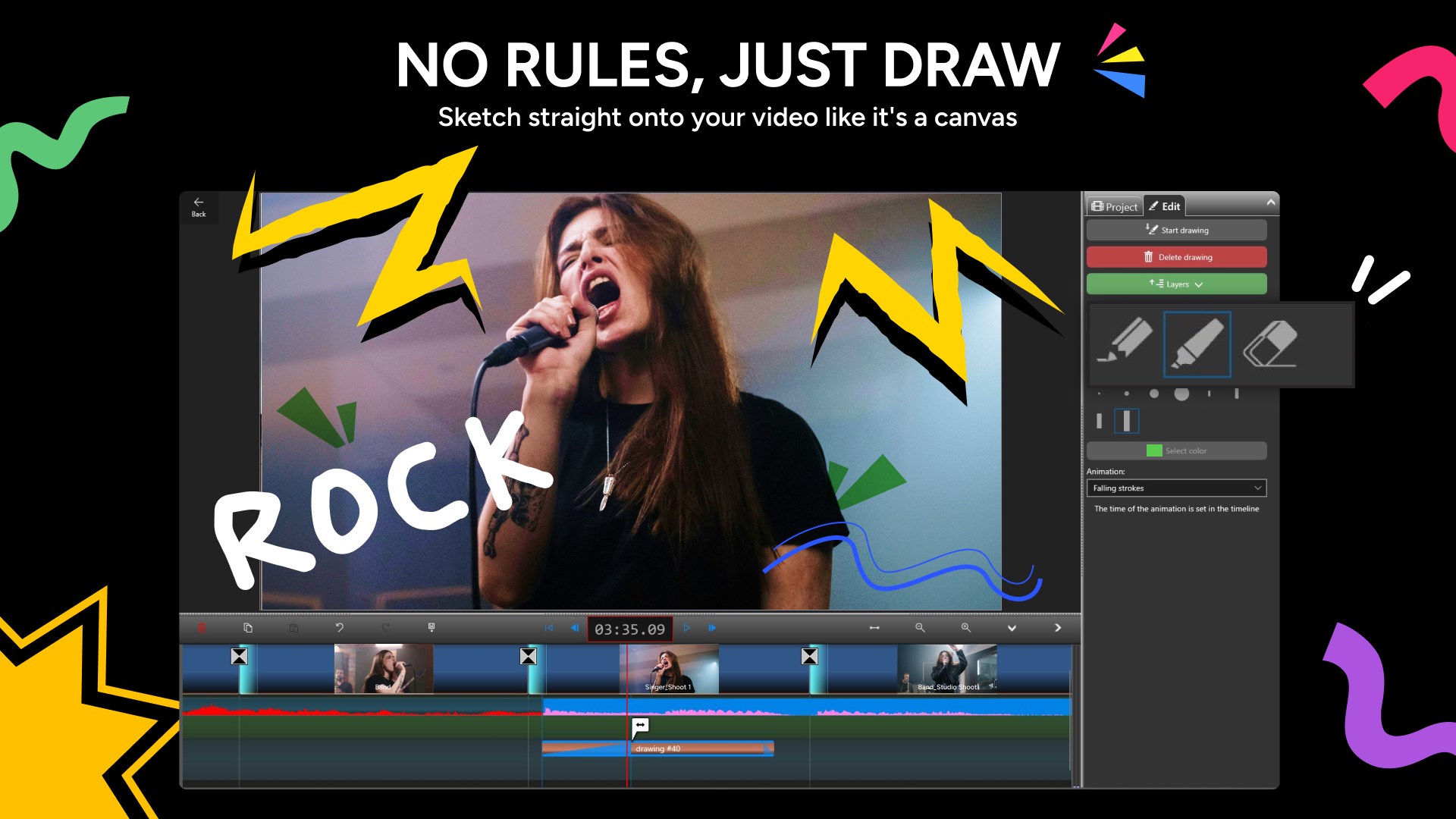
- Draw directly onto your video
- Add a wide variety of text styles and animations
- Use professional transitions between scenes
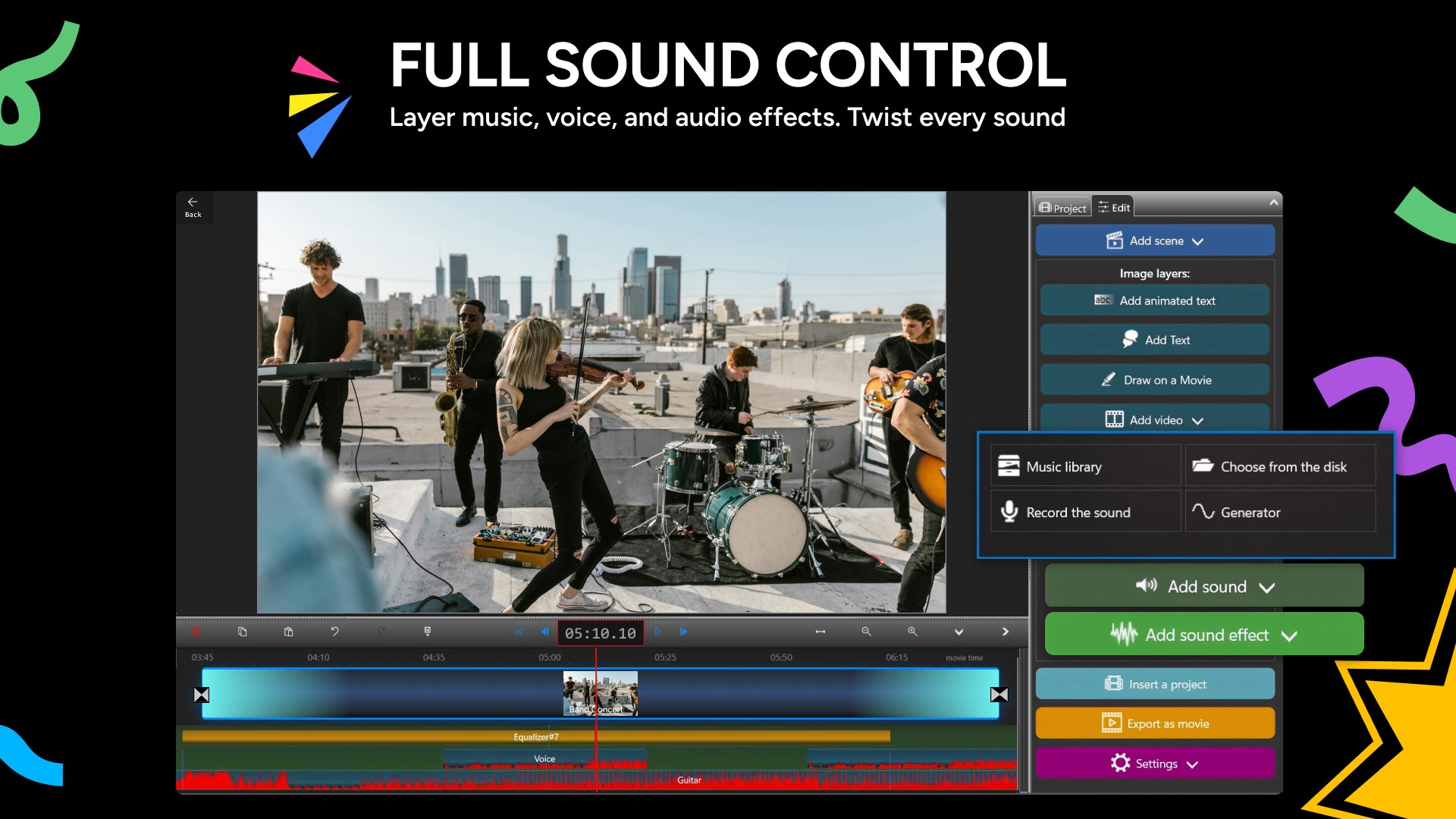
- Add multiple audio tracks, sound effects, and voiceovers
- Record video and audio from your built-in camera or microphone
- Use the Chroma Key (green screen / Blue Box) effect
- Create beautiful photo and video slideshows with music
- Export your videos in Full HD or 4K
- Share your finished videos directly to YouTube
All changes are instantly visible in the preview window, giving you complete control over your creative process. Whether you're making a reel, a slideshow, a collage, a short clip, or a full movie, Crazy Video Maker is the editing app that makes video editing simple, fast, and fun.
Watch the demo video to see how easy it is to work with Crazy Video Maker - and join millions of happy users today!
Get full access to Crazy Video Maker:
- Enjoy unlimited access to advanced video editing tools for a more powerful and flexible editing experience.
- Access the full asset library with clips, sounds, and style templates to enhance and customize your projects.
- Export videos in all available resolutions up to 4K UHD, remove the watermark, and unlock the complete editing experience from start to finish.
Subscribe to access to premium app features; subscription details are the following:
- Length: Monthly or yearly
- Free trial: Available only on selected subscriptions
- Your payment will be charged to your Microsoft Store account upon confirmation of purchase
- You can manage your subscriptions and turn off auto-renewal in your Microsoft Store Account settings after purchase
- Your subscription will automatically renew unless you cancel it at least 24 hours before the end of the current period
- The cost of renewal will be charged to your Microsoft Store Account within 24 hours prior to the end of the current subscription period
- If you cancel a subscription, it will remain active until the end of the current billing period. Auto-renewal will be disabled, but no refunds will be provided for the remaining period
- Any unused portion of a free trial period, if offered, will be forfeited upon purchasing a subscription
Terms & Conditions and Privacy Policy: available in additional information
Pay a visit to our website for more information: crazyvideomaker.com
If you have any questions, please contact us at help.crazyvideomaker@outlook.com
Play Store URL for "Crazy Video Maker - Video Editor & Movie Maker"
If there is a version of this app for iOS/Mac or Windows we don't know about, paste the store link here — we'll auto-detect the store.
How to find the URL:1. Open the app in its store. 2.In the App Store app: tap the Share icon → “Copy Link”. In the browser: copy the URL from the address bar — it contains apps.apple.com/…/id… or apps.microsoft.com/detail/…. 3. Paste it here.
Paste the original link from the Apple App Store or Microsoft Store. We fetch all details automatically.
How to find the URL:
1. Open the app in its store. 2.In the App Store app: tap the Share icon → “Copy Link”. In the browser: copy the URL from the address bar — it contains apps.apple.com/…/id… or apps.microsoft.com/detail/…. 3. Paste it here.
Android apps can only be listed by their developer.





 Movie Maker - Video Editor
Create and edit videos and slideshows from photos and clips
 Movie Maker - Video Editor PRO
Edit videos from clips, photos and music to share
 Movie Creator : Video Editor
Trim, merge and edit videos with effects
 Video Editor Master
Trim, merge and add music to videos with ease
 VN: Video Editor
Edit videos and photos with multi-track timeline and effects
 Movie Generator for Photos and 4K Video Editor
Edit videos and photos with effects, transitions and music