Screenshot appears after consentScreenshot appears after consentScreenshot appears after consentScreenshot appears after consentScreenshot appears after consentScreenshot appears after consentScreenshot appears after consentScreenshot appears after consentScreenshot appears after consentScreenshot appears after consentScreenshot appears after consentScreenshot appears after consentScreenshot appears after consentScreenshot appears after consentScreenshot appears after consentScreenshot appears after consentScreenshot appears after consentScreenshot appears after consentScreenshot appears after consentScreenshot appears after consentScreenshot appears after consentScreenshot appears after consentScreenshot appears after consentScreenshot appears after consentScreenshot appears after consent
Summary
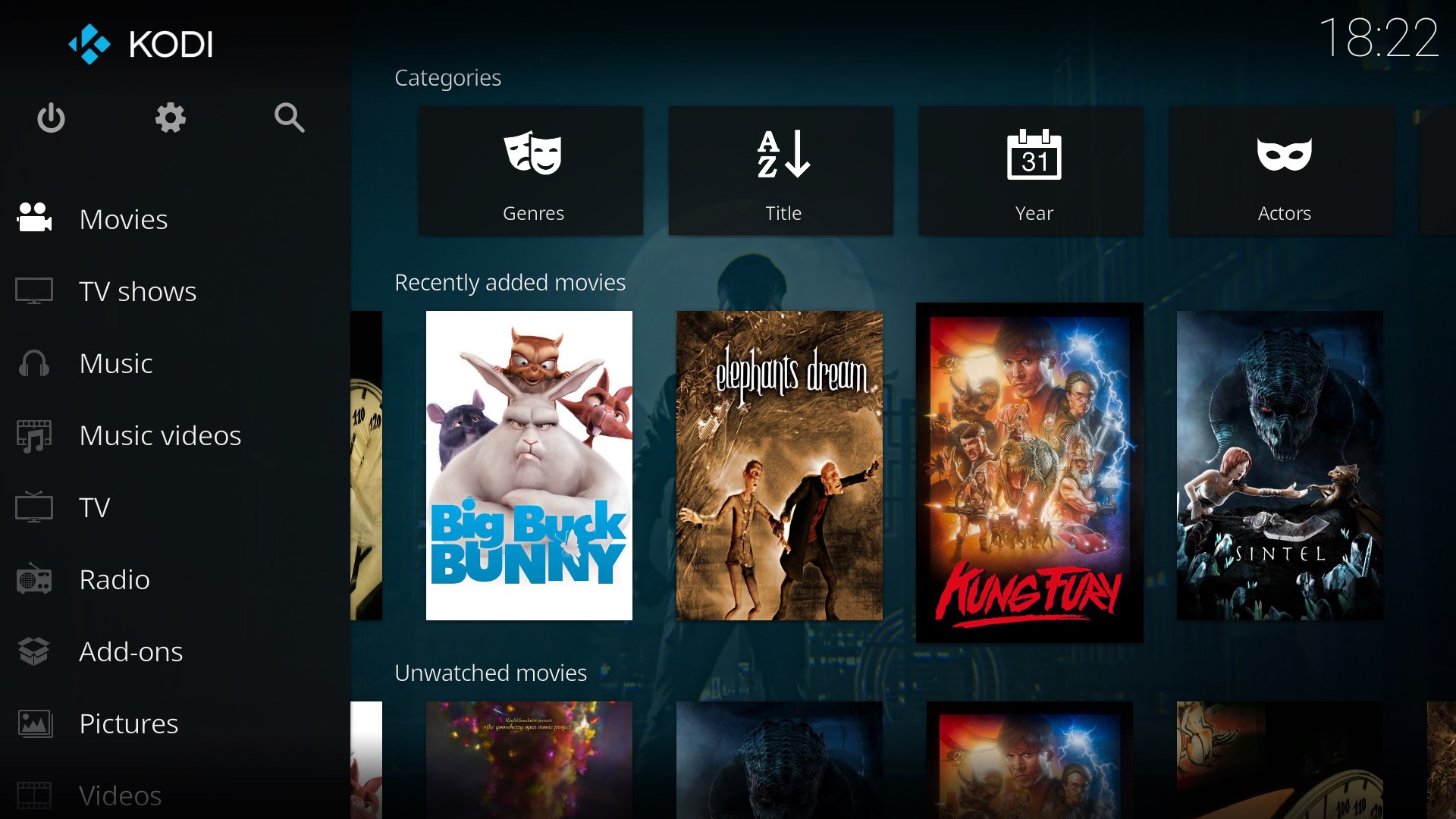
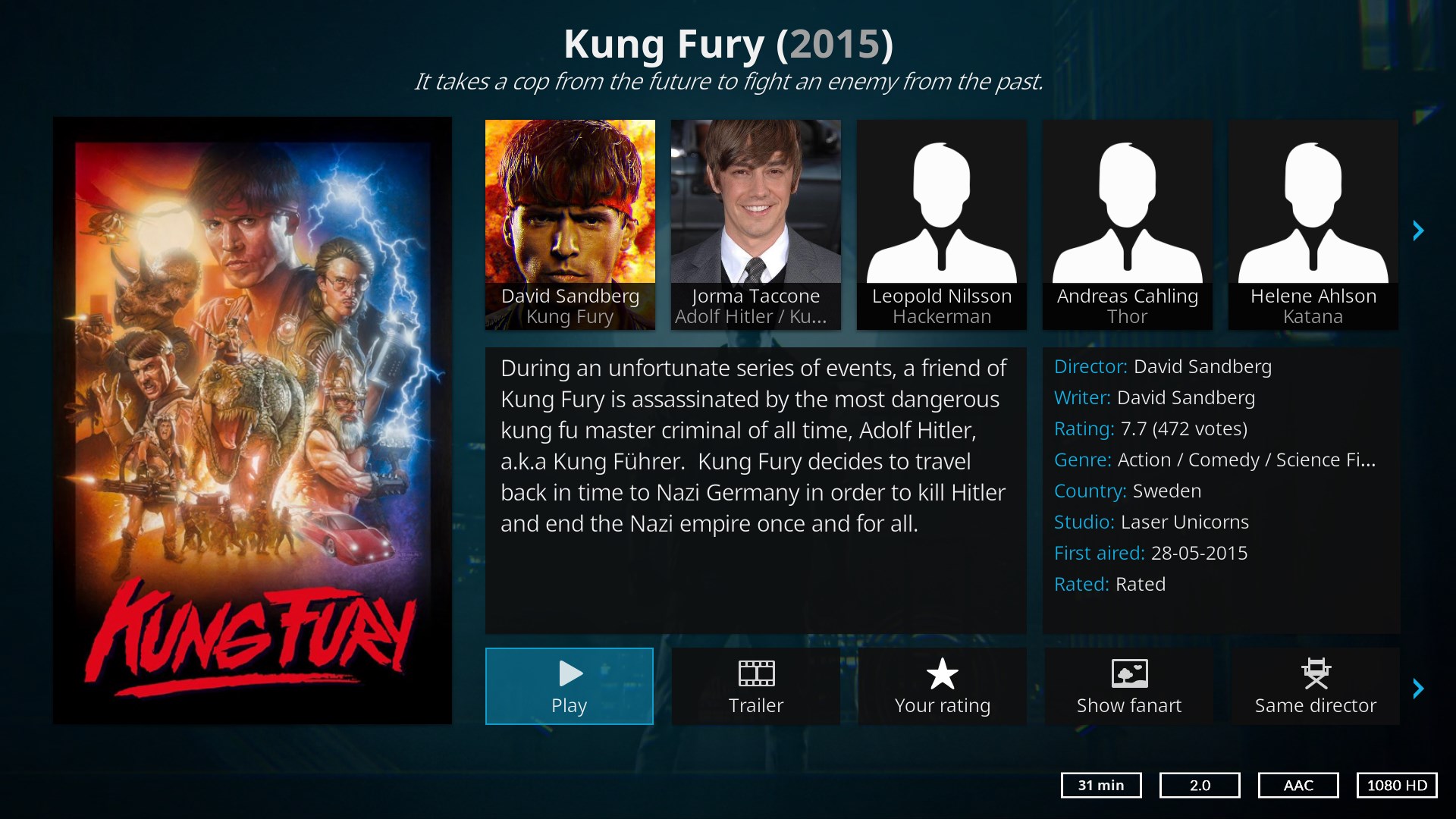
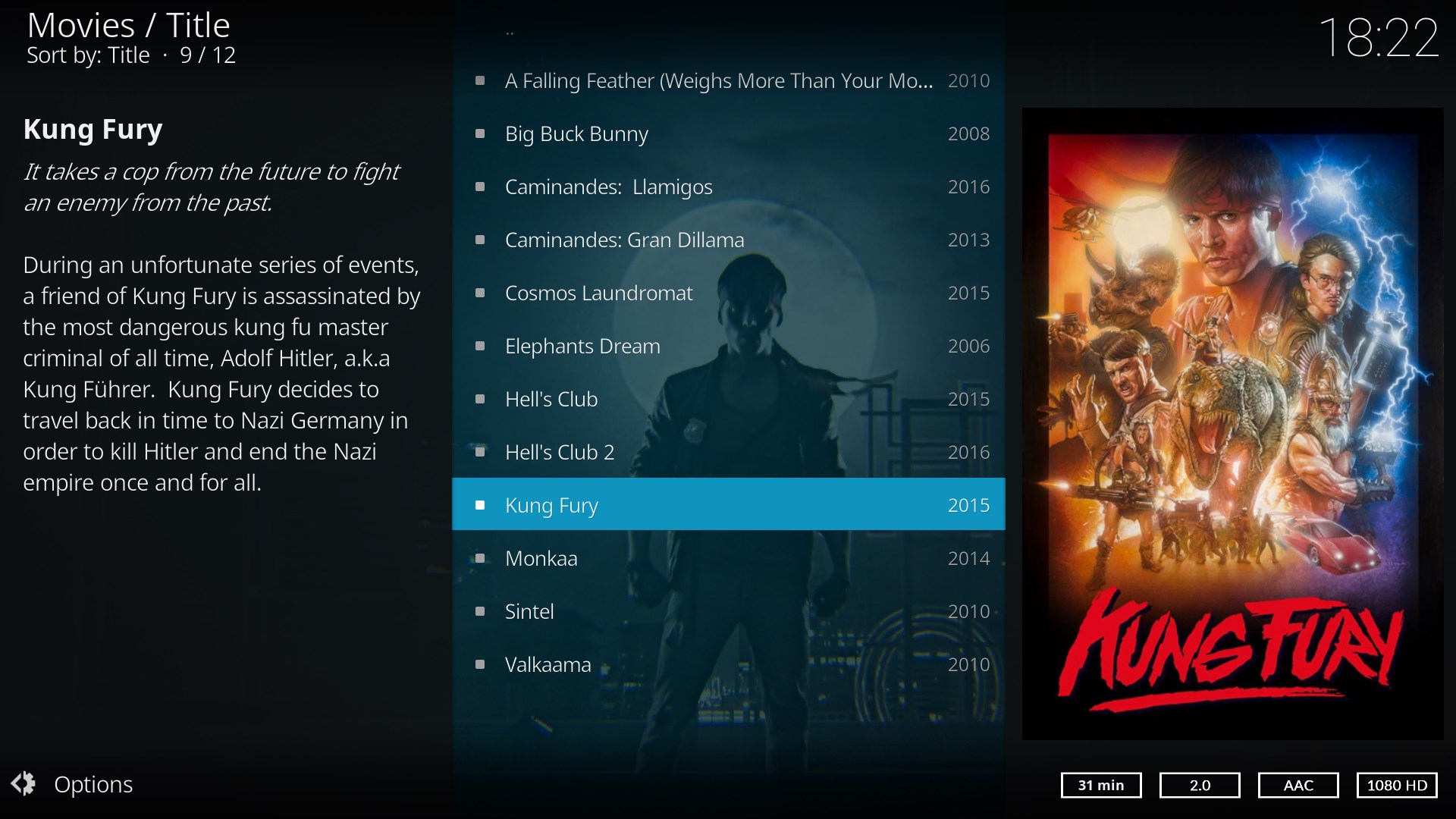
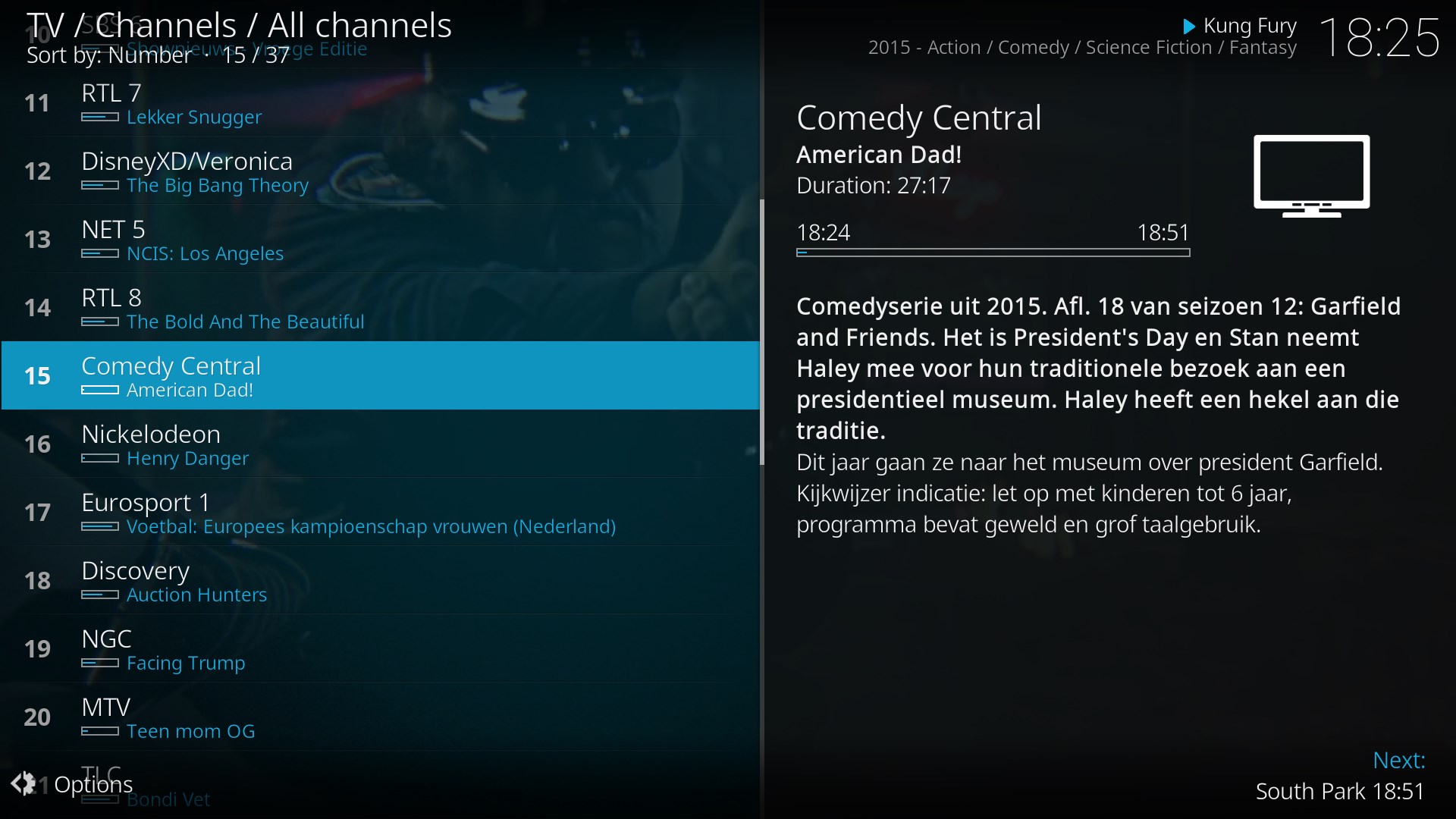
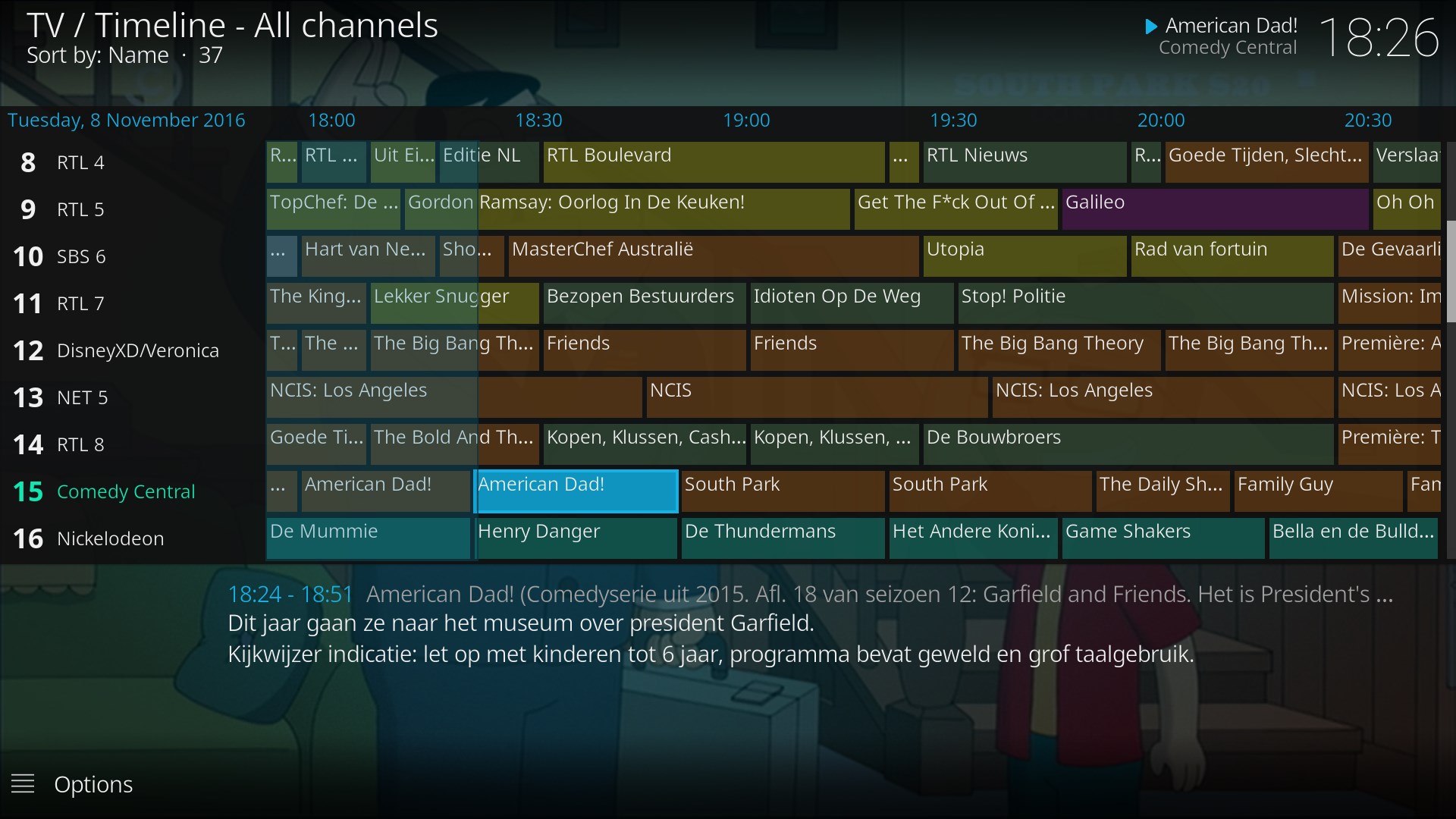
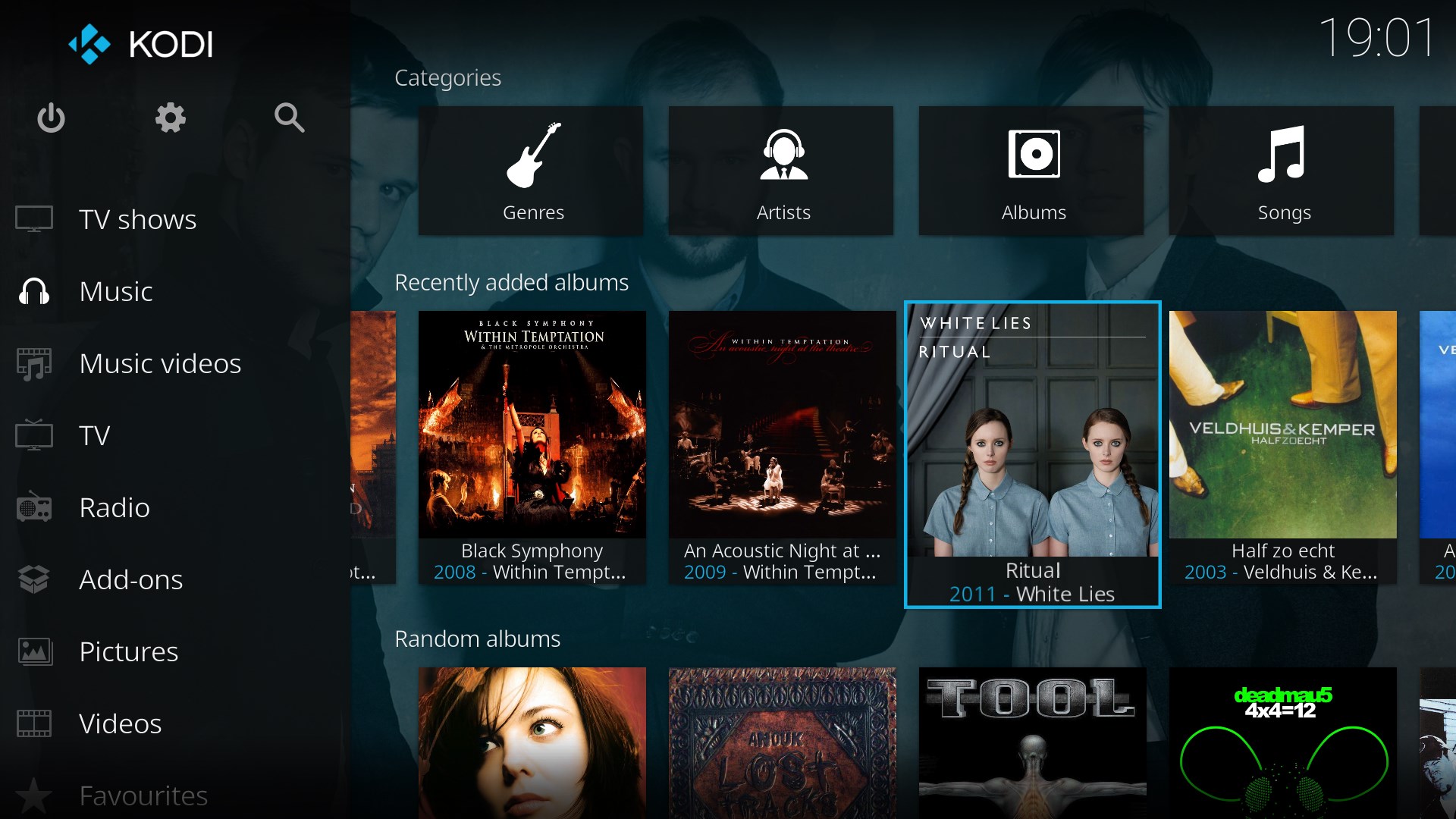
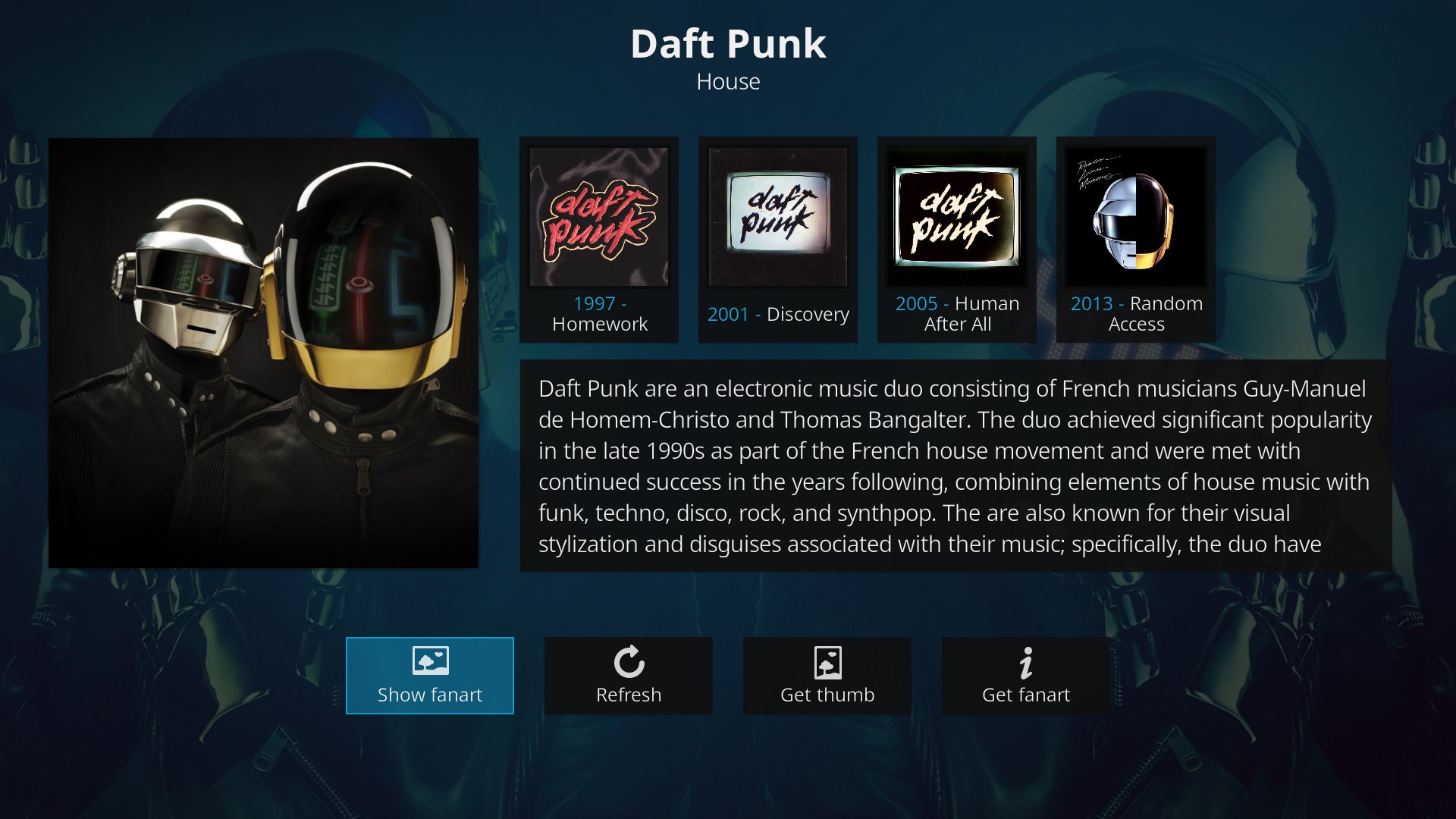
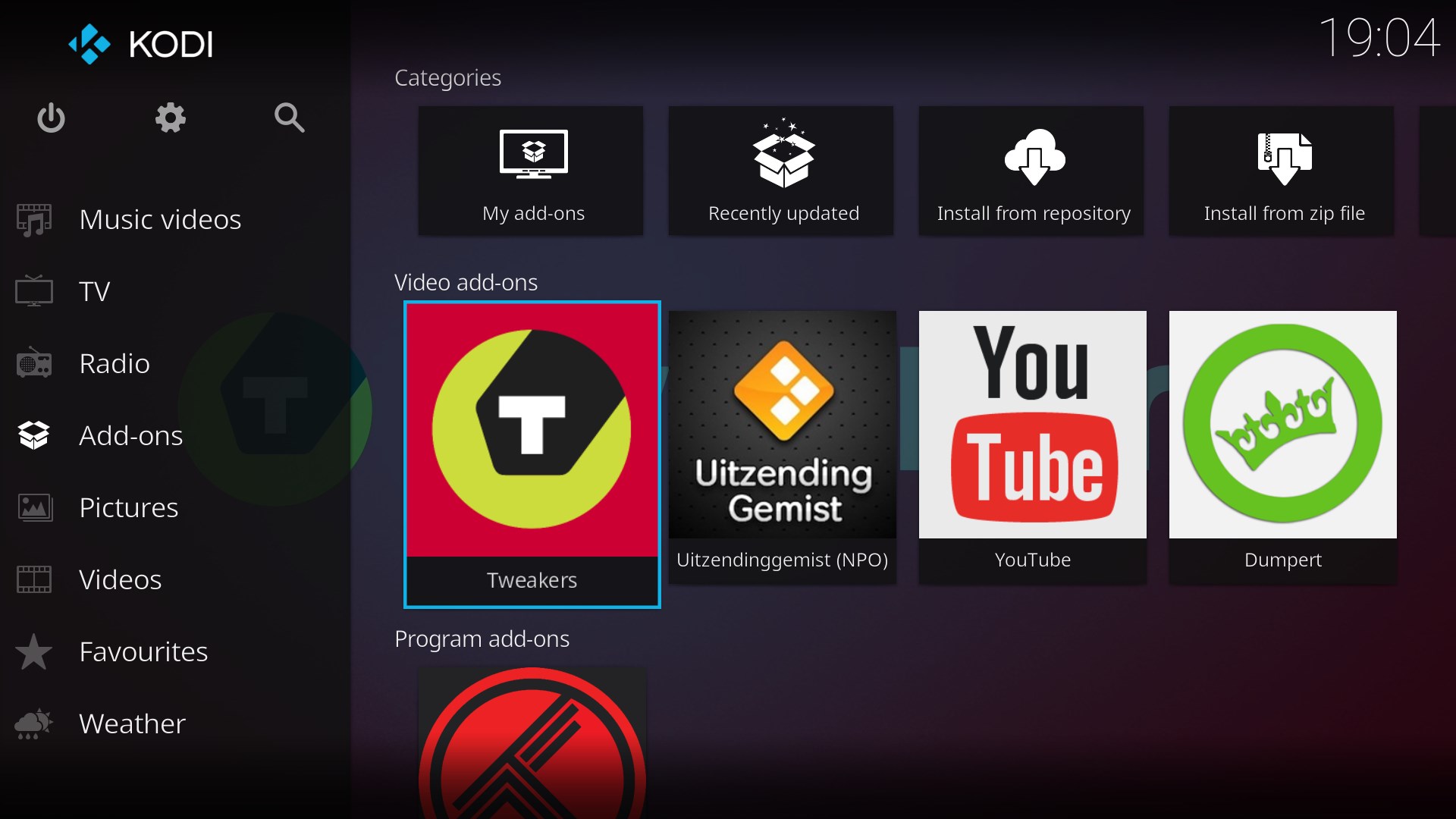
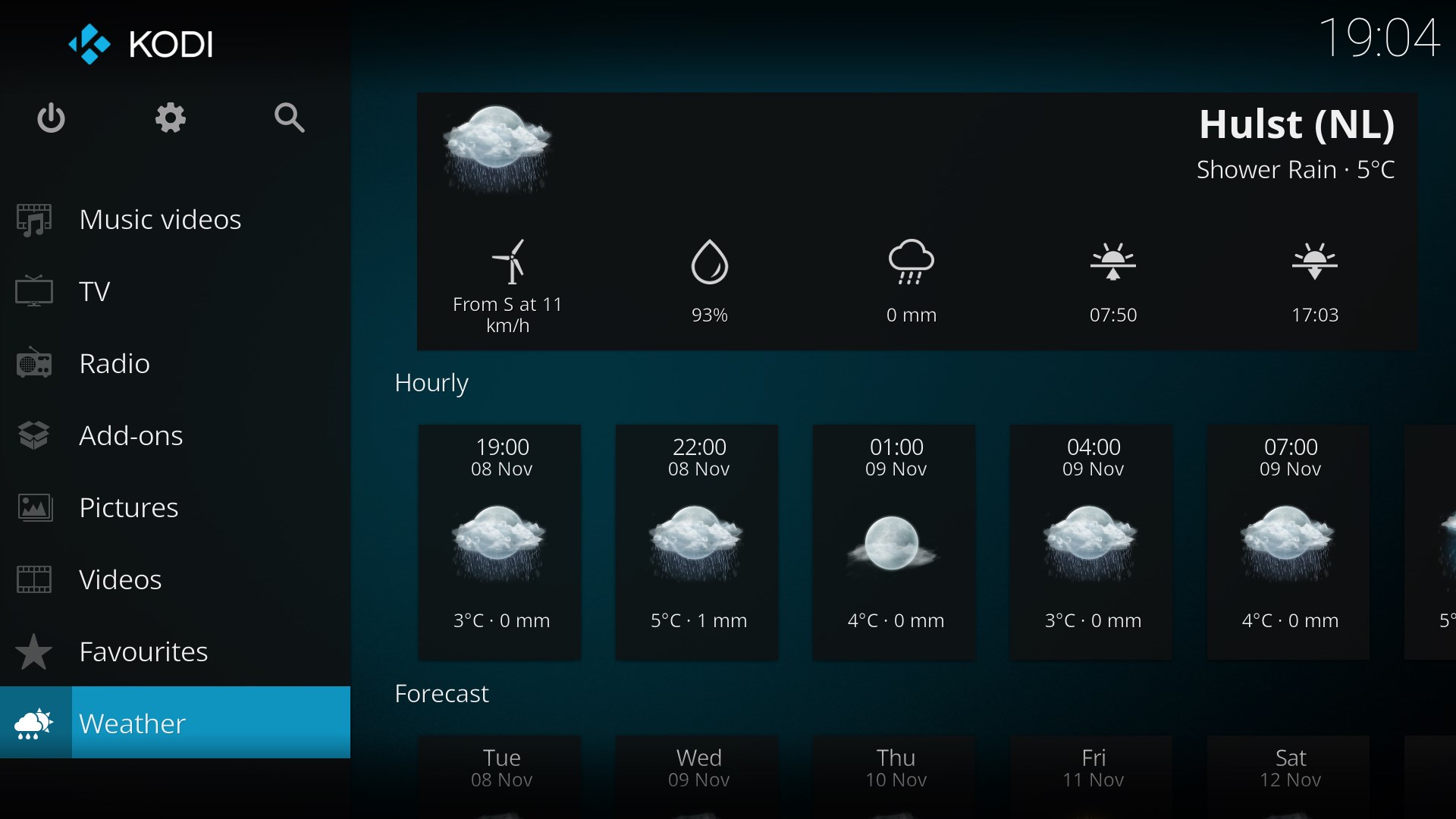
Kodi is a free and open source media player and entertainment hub for digital media, designed for home theater PCs. It uses an interface built for the living room, controlled primarily with a remote, allowing browsing and playback of videos, photos, podcasts and music. Content can be accessed from a hard drive, optical disc, local network or the internet. Users should provide their own content from storage they own, or install third-party plugins that may provide access to content freely available on official provider websites. Estuary is the standard skin included.
Show the developer's original descriptionHide the original description
If there is a version of this app for iOS/Mac or Windows we don't know about, paste the store link here — we'll auto-detect the store.
How to find the URL:1. Open the app in its store. 2.In the App Store app: tap the Share icon → “Copy Link”. In the browser: copy the URL from the address bar — it contains apps.apple.com/…/id… or apps.microsoft.com/detail/…. 3. Paste it here.
Paste the original link from the Apple App Store or Microsoft Store. We fetch all details automatically.
How to find the URL:
1. Open the app in its store. 2.In the App Store app: tap the Share icon → “Copy Link”. In the browser: copy the URL from the address bar — it contains apps.apple.com/…/id… or apps.microsoft.com/detail/…. 3. Paste it here.
Android apps can only be listed by their developer.




 Final Video Player - MKV & MP4
Play videos and music with streaming and subtitle support
 Media Player
Video and audio player supporting many formats and playlists
 Player for Media
Play videos and music including YouTube, SoundCloud
 Media Player Go
Multimedia player for audio and video with subtitles
 Delight Media Player
Media player with picture-in-picture, streaming and casting
 MKPlayer - MKV & Media Player
Media player for videos and music with AirPlay and subtitles