
Screenshot appears after consentScreenshot appears after consent
Summary
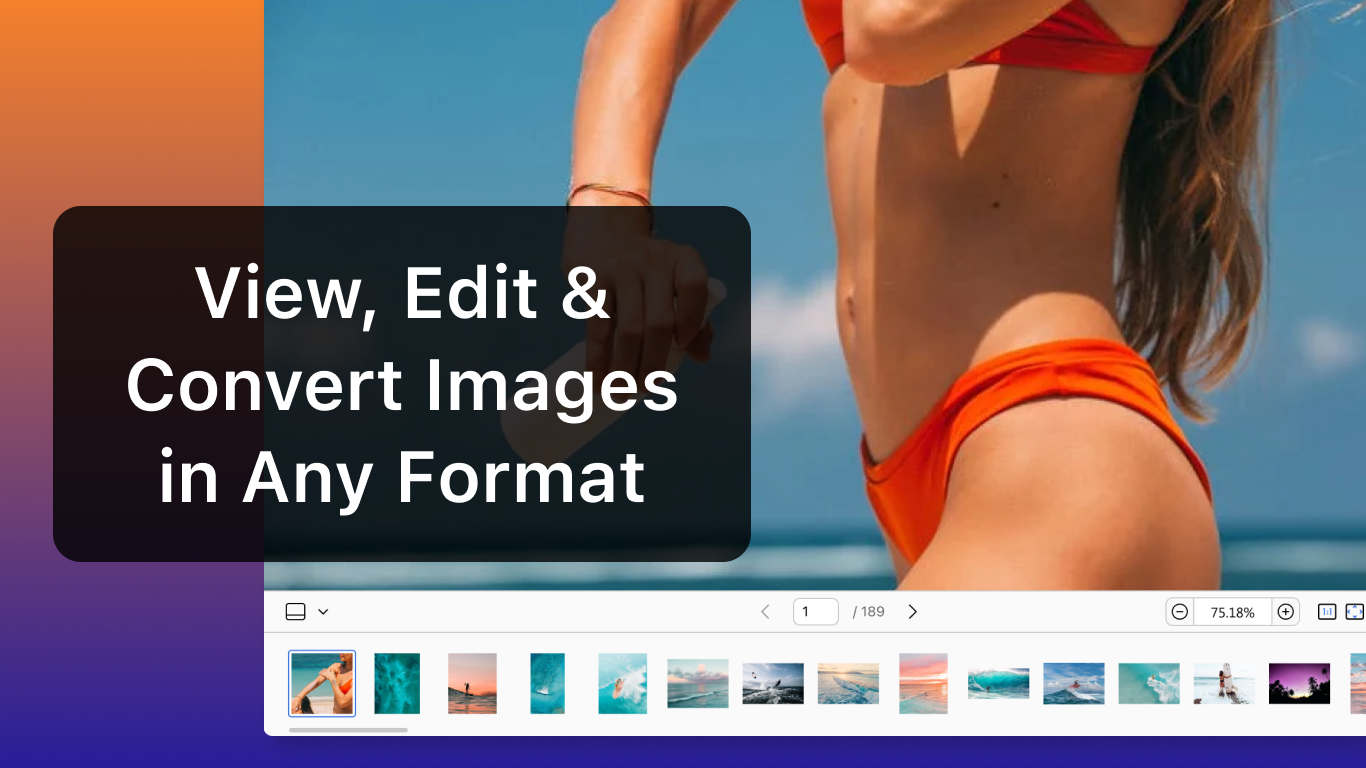
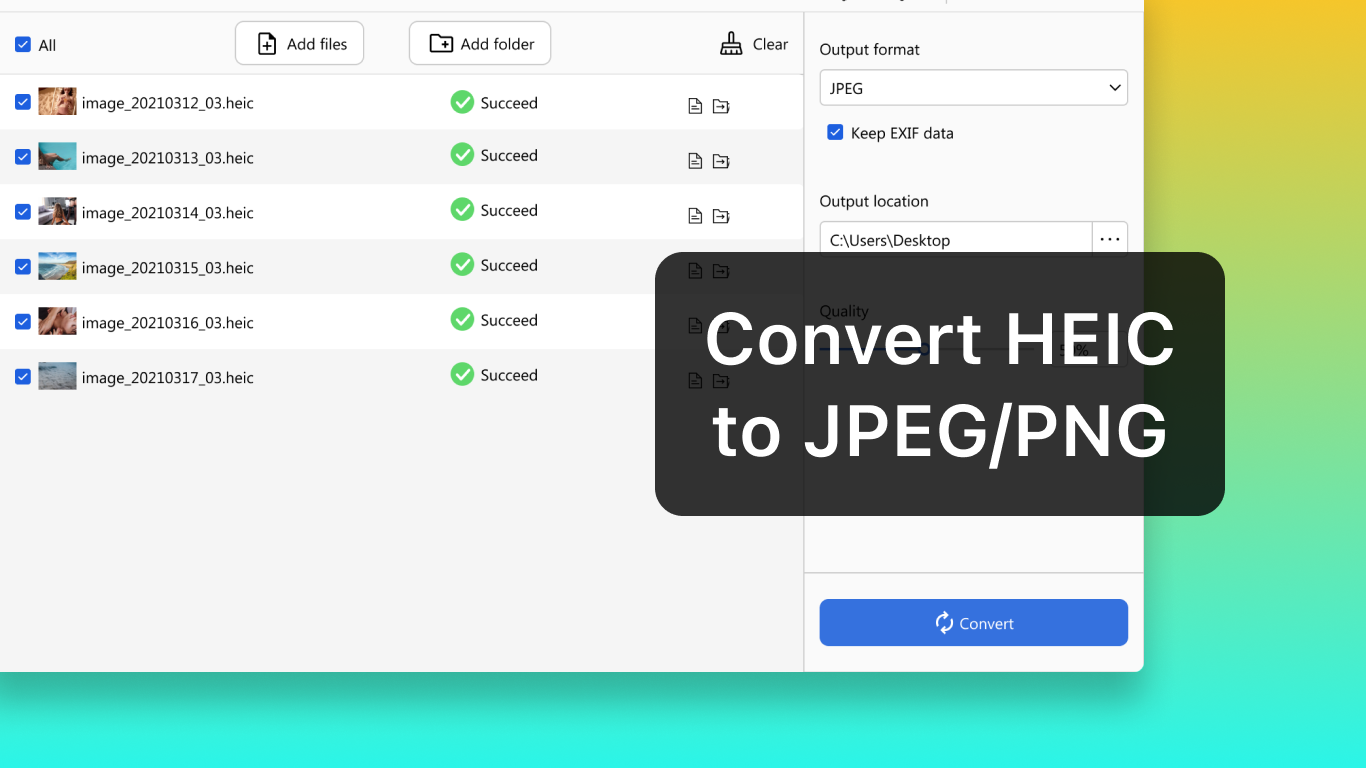
HEIC* is a picture viewer and converter for HEIC files. It opens and previews HEIC images along with many other formats, including JPG, PNG, JPEG, WebP, TIF, PSD, GIF, AVIF, BMP, DDS, CR2, ARW, TGA, JP2, ICO, AI and HEIF. It converts HEIC files into the universally supported JPEG or PNG formats without loss of quality. In-app purchases add batch conversion, zero-loss image conversion, high-speed conversion and unlimited conversions, with a subscription available at $4.99 per year or a lifetime license for a one-time payment of $9.99.
Show the developer's original descriptionHide the original description
Simplify your HEIC file management with HEIC Converter! This user-friendly app is your ultimate tool for handling HEIC files, offering seamless viewing and powerful conversion features.
[Key Features]
• View HEIC and Other Formats
Open and preview HEIC images with ease, along with compatibility for other popular formats. Supports JPG, HEIC, PNG, JPEG, WebP, TIF, PSD, GIF, AVIF, BMP, DDS, CR2, ARW, TGA, JP2, ICO, AI, HEIF, and various others.
• Convert HEIC to JPEG/PNG
Quickly transform HEIC files into universally supported JPEG or PNG formats without losing quality.
HEIC Converter ensures smooth, high-quality conversions and effortless image viewing, making it an essential tool for photographers, designers, and everyday users.
[In-app Purchases Features]
• Support Batch Conversion
• Convert Images with Zero Loss
• Enjoy High-speed Conversion
• Get Unlimited Conversions
Subscription plan: billed annually at $4.99/year
Lifetime license: one-time purchase for $9.99
If there is a version of this app for iOS/Mac or Windows we don't know about, paste the store link here — we'll auto-detect the store.
How to find the URL:1. Open the app in its store. 2.In the App Store app: tap the Share icon → “Copy Link”. In the browser: copy the URL from the address bar — it contains apps.apple.com/…/id… or apps.microsoft.com/detail/…. 3. Paste it here.
Paste the original link from the Apple App Store or Microsoft Store. We fetch all details automatically.
How to find the URL:
1. Open the app in its store. 2.In the App Store app: tap the Share icon → “Copy Link”. In the browser: copy the URL from the address bar — it contains apps.apple.com/…/id… or apps.microsoft.com/detail/…. 3. Paste it here.
Android apps can only be listed by their developer.