Total Zip is an archive manager for Windows that opens, browses, views and extracts compressed files. It supports over 150 archive formats, including RAR, ZIP, 7z, ISO, Bzip2, Gzip, TAR and XZ. Files and folders can be selectively chosen for extraction, and the decompression function handles large and complex archives quickly. Its interface resembles Windows Explorer, making it easy to create new archives or add files to existing ones. The app also allows creation of password-protected archives to secure sensitive files. A free trial covers opening and creating zip format files, while password protection and other advanced features require the premium version.
Show the developer's original descriptionHide the original description
Total Zip is a powerful archive management tool designed to help you manage and extract archive files on the Windows platform. With Total Zip, you can effortlessly open, browse, view, and extract archive files with just a few clicks.
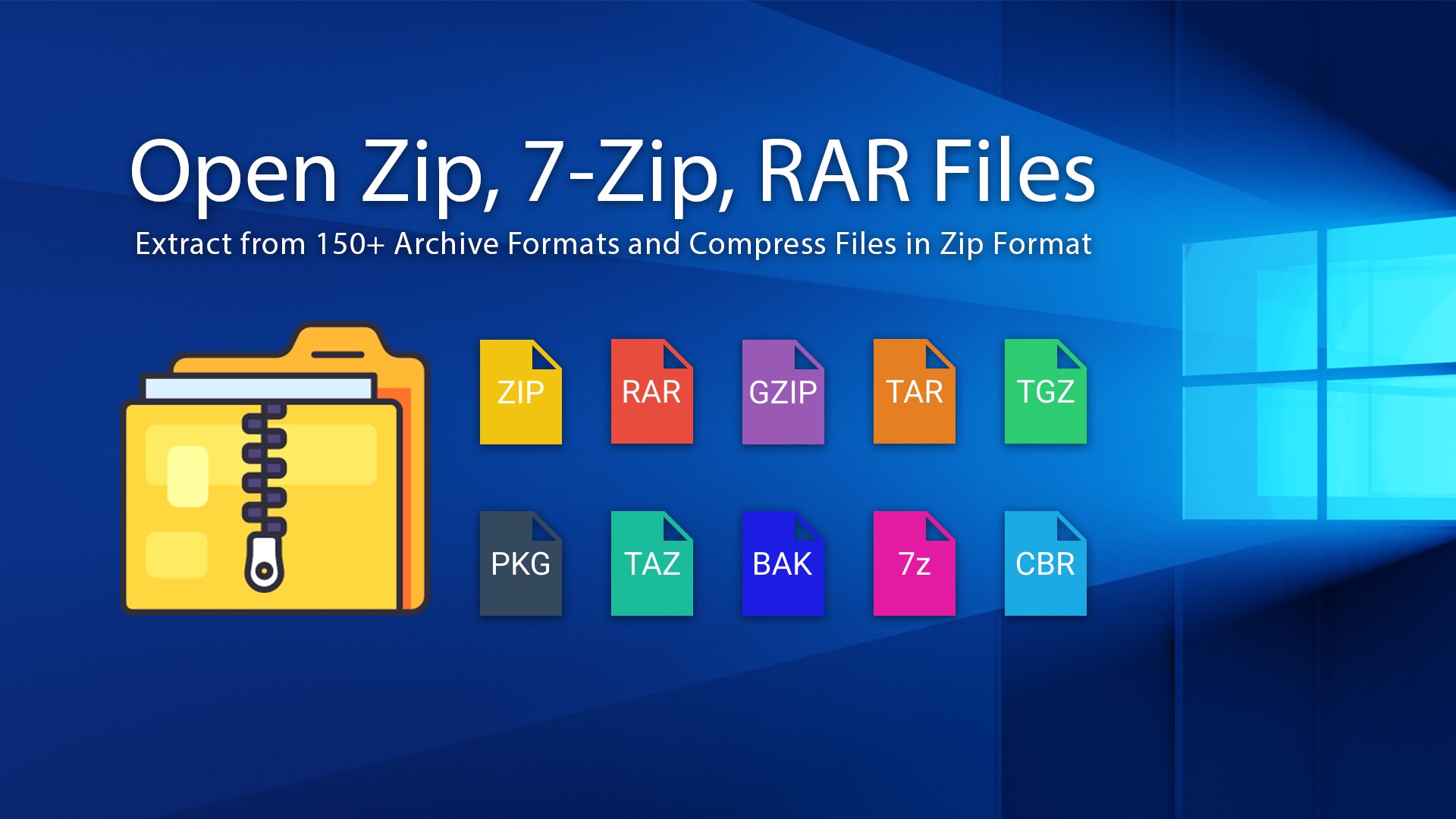
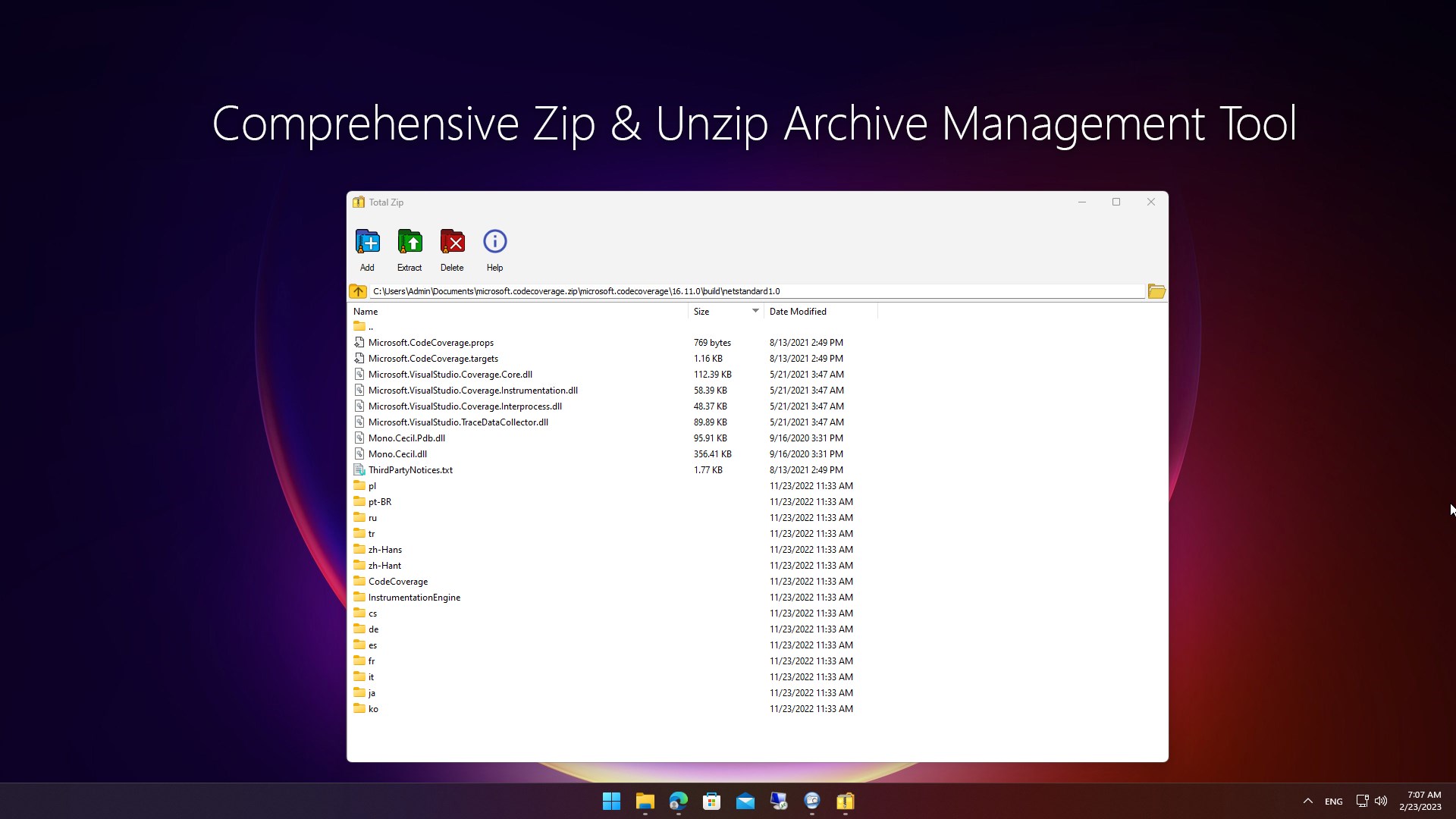
The software supports over 150 archive formats, including popular formats such as .RAR, .Zip, .7z, ISO, Bzip2, Gzip, TAR, XZ, and many more. You can selectively choose files and folders to be extracted, and the decompression function ensures that you can extract even the most complex and large-sized archives quickly and efficiently.
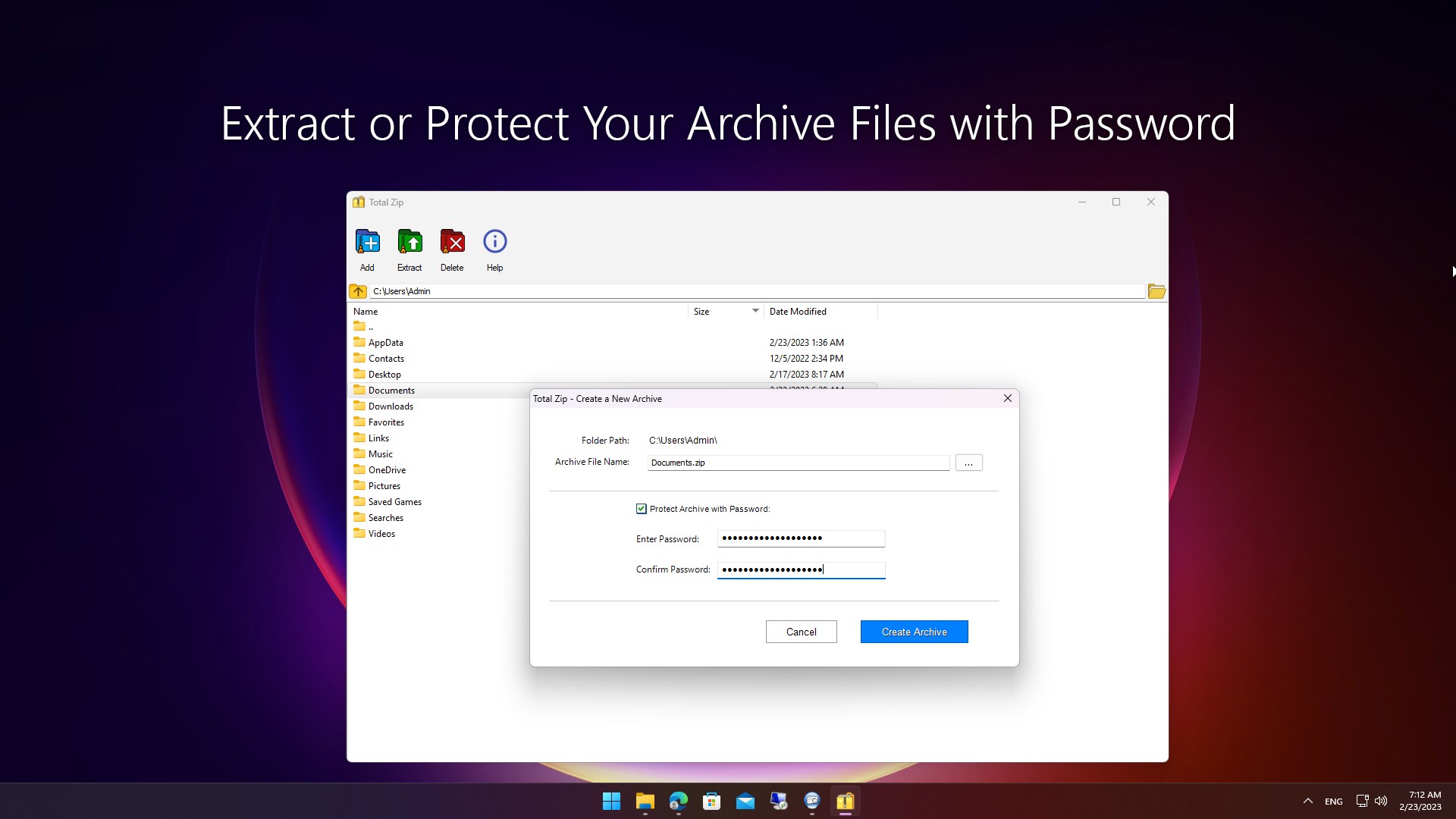
Creating and updating archives is also made easy with Total Zip's intuitive Windows Explorer-like GUI. You can create new archives or add files to existing ones effortlessly, thanks to the software's streamlined and user-friendly interface. Additionally, Total Zip allows you to create password-protected archives for added security, ensuring that your sensitive files are always safe and secure.
[Product License]
The app offers a Free Trial, allowing users to open and create files in all zip formats. While access to all archive file formats is freely available, certain advanced features, such as Password Protection, require upgrading to the Premium version. The Premium version unlocks all features and functionalities, providing a complete experience.
[Zip and Archive Formats Supported]
7z, a, accdt, ace, air, apk, apm, ar, arj, avery, backup, bak, bar, bcd, bk, bz2, bzip2, cab, cbr, cbz, chi, chkn, chq, chw, concepts, cpio, cramfs, dbk, deb, dec, deskthemepack, diagcab, dl, dmg, edoc, enc, esd, ext, ext2, ext3, ext4, fat, gfy2, gpt, gz, gzip, hfs, hfsx, hxi, hxq, hxr, hxs, hxw, idanmu, ihex, img, ipa, ipsw, iso, jar, kra, lha, lib, lit, lz, lzh, lzma, lzma86, mbr, mcpack, mcworld, mdb, memo, meta, mslz, msu, mub, nsis, ntfs, obb, ova, oxps, pak, part1, pkg, pmd, ppkg, ppmd, qcow, qcow2, qcow2c, r00, r01, r02, r03, r04, r05, r06, r07, r08, r09, rar, rpm, sav, save, scap, spv, squashfs, stp, swm, tar, tax2017, tax2018, taz, tbz, tbz2, tdl, tgz, tmp, tpz, ts4script, ttmp2, txz, udf, uefi, uefif, vdi, vhd, vmdk, vpk, vsdx, war, wfp, wim, xapk, xar, xip, xltd, xpi, xz, z, z01, z02, z03, z04, z05, z06, z07, z08, z09, z2f, zip, zipx
[Product Support]
· Product user guide: https://lisappstudio.com/total-zip/help/
· Technical support: lisappstudio@outlook.com
· To learn more about product support: https://lisappstudio.com/support/



 ZIP RAR & 7Z
Open and extract archives in multiple formats
 ZIP Unzip - RAR & 7Z File Compressor
Open, compress and encrypt ZIP, RAR and 7Z archives
 Zip & RAR.
Extract and manage archives in multiple formats
 RAR, 7z & Zip Extractor
Extract and manage archive files
 Zip Opener
Extract compressed files like ZIP, RAR and 7Z
 Rar Zip Extractor Pro
Create and extract archives in various formats