Screenshot appears after consentScreenshot appears after consentScreenshot appears after consentScreenshot appears after consentScreenshot appears after consentScreenshot appears after consentScreenshot appears after consentScreenshot appears after consent
Summary
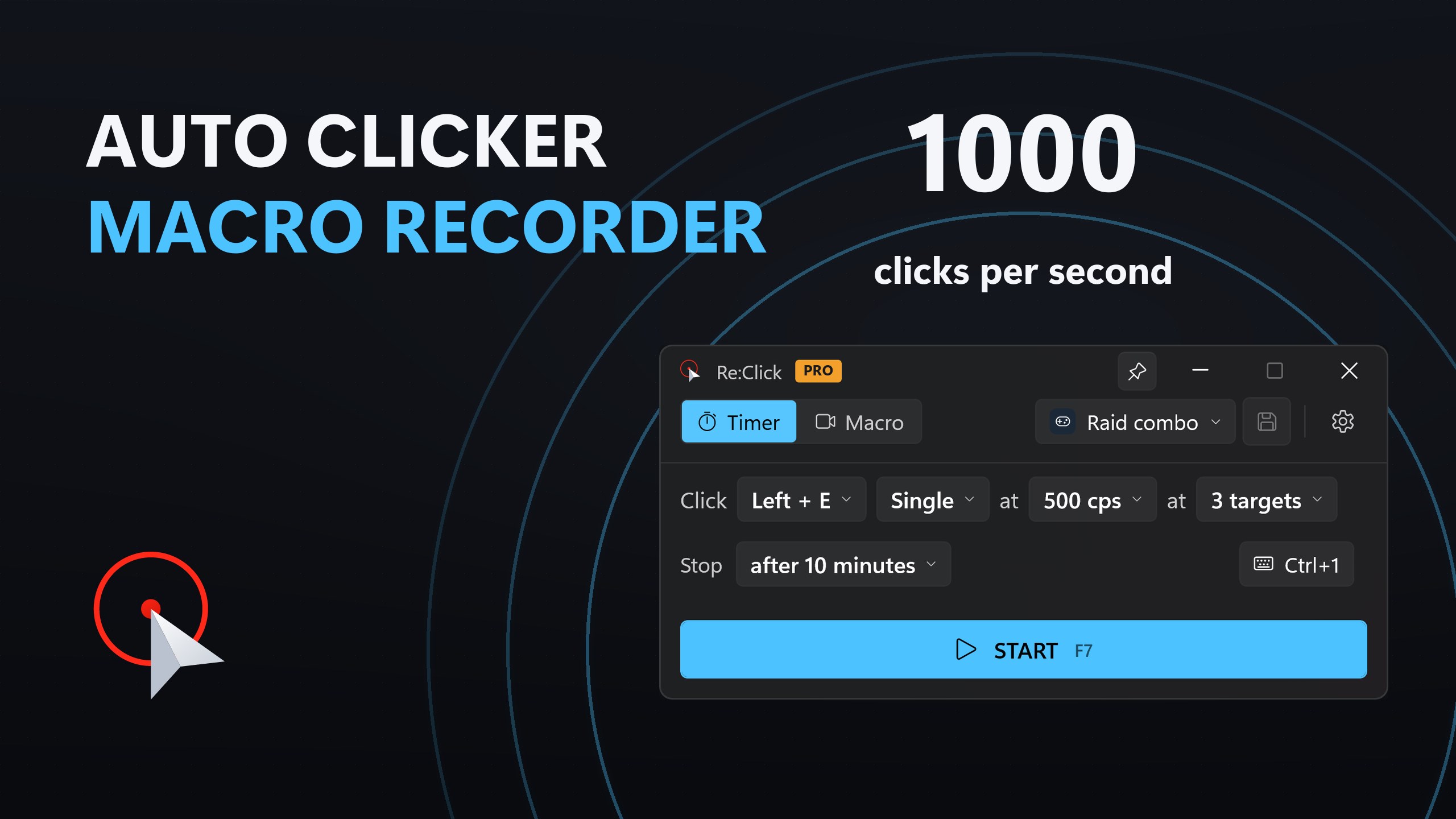
Re:Click - Auto Clicker | Macro Recorder is an automation utility for Windows 10 and 11, useful for form entry, UI testing, clicker games, farming and repeated-click tasks. Its Timer mode clicks up to 1,000 times per second, single, double or held, at the cursor or fixed positions, with optional random offset and automatic stop conditions. Its Macro mode records real mouse movement, clicks and keystrokes with original timing, replaying them at adjustable speed, looping a set number of times or until stopped, with events editable afterward. The free version offers limited targets and loop counts, while Pro adds unlimited fixed targets and endless macro looping.
Show the developer's original descriptionHide the original description
An auto clicker, macro recorder and key presser in one: set a rate up to 1,000 clicks per second and press START, or record what you do once and replay it forever. Works on Windows 10 and 11.
Re:Click is an auto clicker built for Windows 11. It runs from a compact, distraction-free window with a single key to start and handles repetitive clicking automatically. Use it for form entry, UI testing, clicker games, farming and grinding, or any task that requires the same click thousands of times.
Two modes, one switch
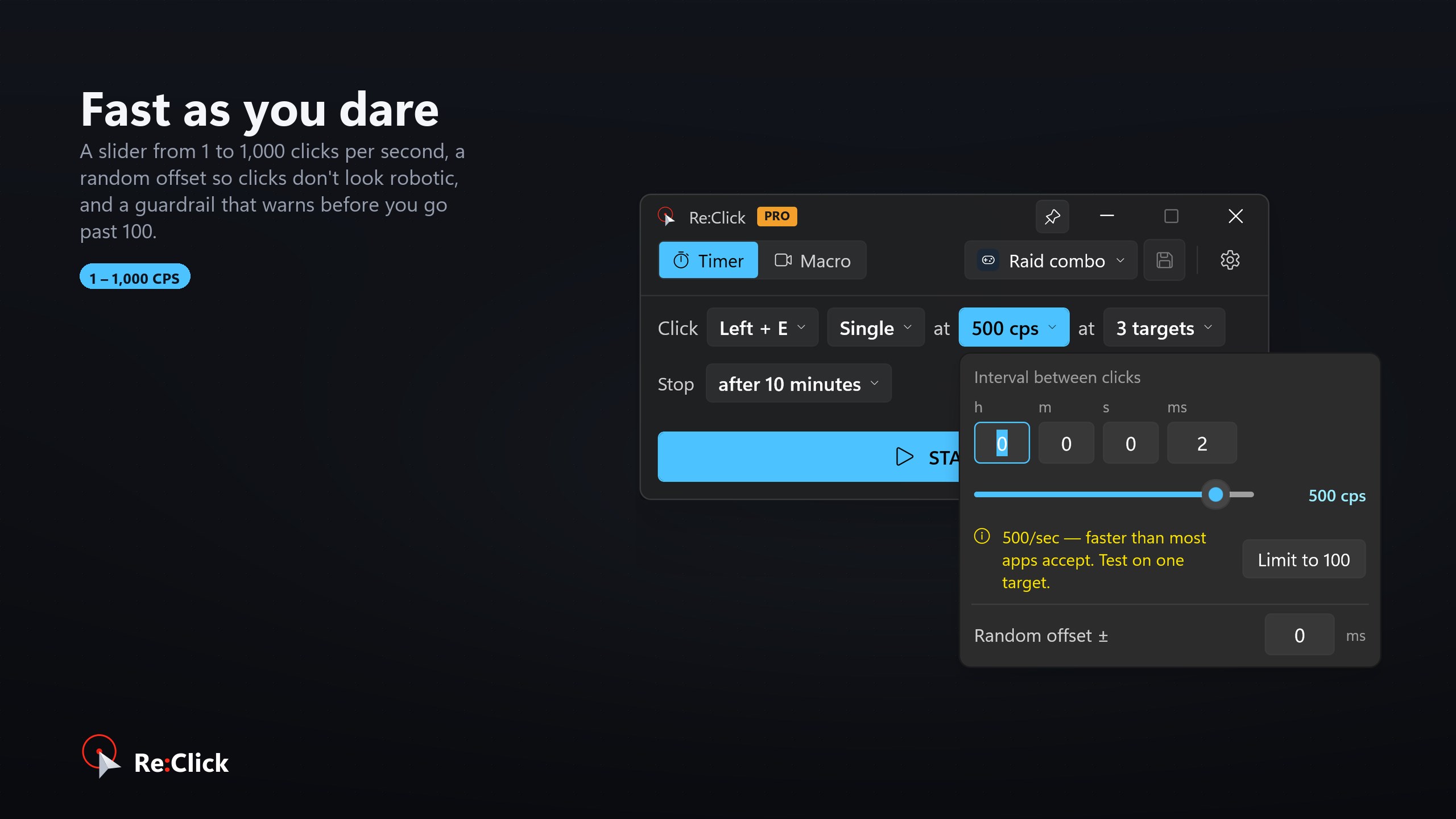
🖱️ Timer — pick a button, pick a rate, press START. Anything from one click a second up to 1000 clicks per second, set as an interval (h/m/s/ms) or dragged on a CPS slider. Single, double or held clicks. Click wherever the cursor happens to be, or at fixed positions you pick on screen. Add a random offset so the rhythm isn't perfectly even, and stop automatically after a number of clicks or after a set time.
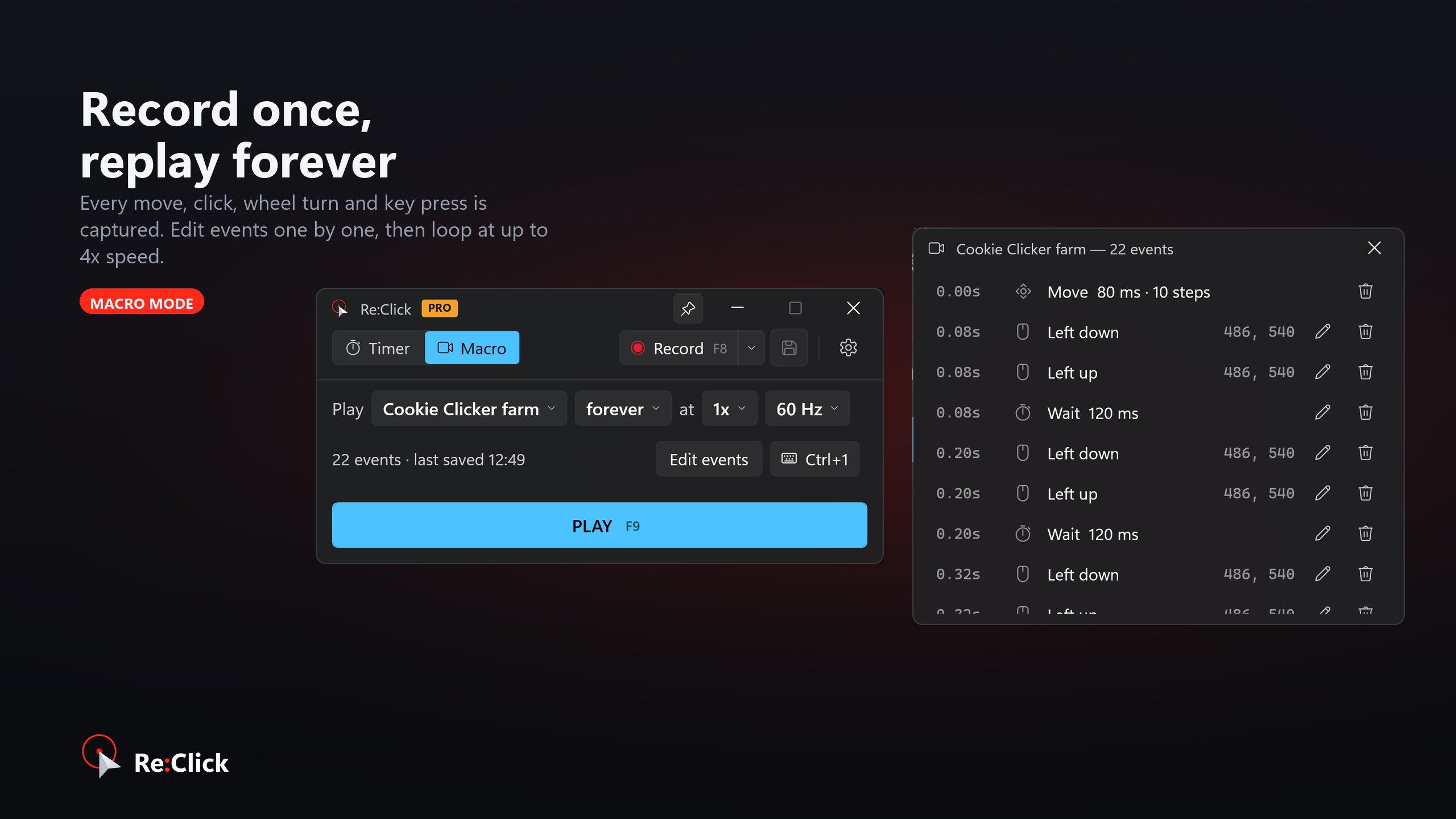
⌨️ Macro — press record, do the thing once, press stop. Re:Click captures your real mouse movement, clicks and keystrokes with their original timing and plays them back exactly, or at 0.25x to 4x speed. Repeat a set number of times, for a set duration, or until you stop it, with a pause between loops. Save as many macros as you like, give each one an icon and its own shortcut key, and export them to share or move to another PC.
Made to stay out of the way
⌨️ Global hotkeys — F7 start/stop, F8 record, F9 play, all rebindable — work while another app is focused, so you never alt-tab mid-run.
📌 Keep the window on top, or hide it to the tray while clicking.
📊 A live status pill and lifetime statistics for clicks, keys and runs.
✏️ Every recorded event is editable: open the Events window and fix a stray click instead of recording the whole thing again.
🎨 Seven looks: Windows 11 (follows your light/dark setting), Gaming, Hacker, Discord, Minecraft, Roblox and an animated Rainbow — each with its own colours, fonts and icons.
🪶 Tiny, quick to open, no ads, no bundled extras, no account.
Free and Pro
The free version clicks at any speed you like, at your cursor or at one fixed spot, and records and plays back macros up to 3 loops per press.
Pro adds:
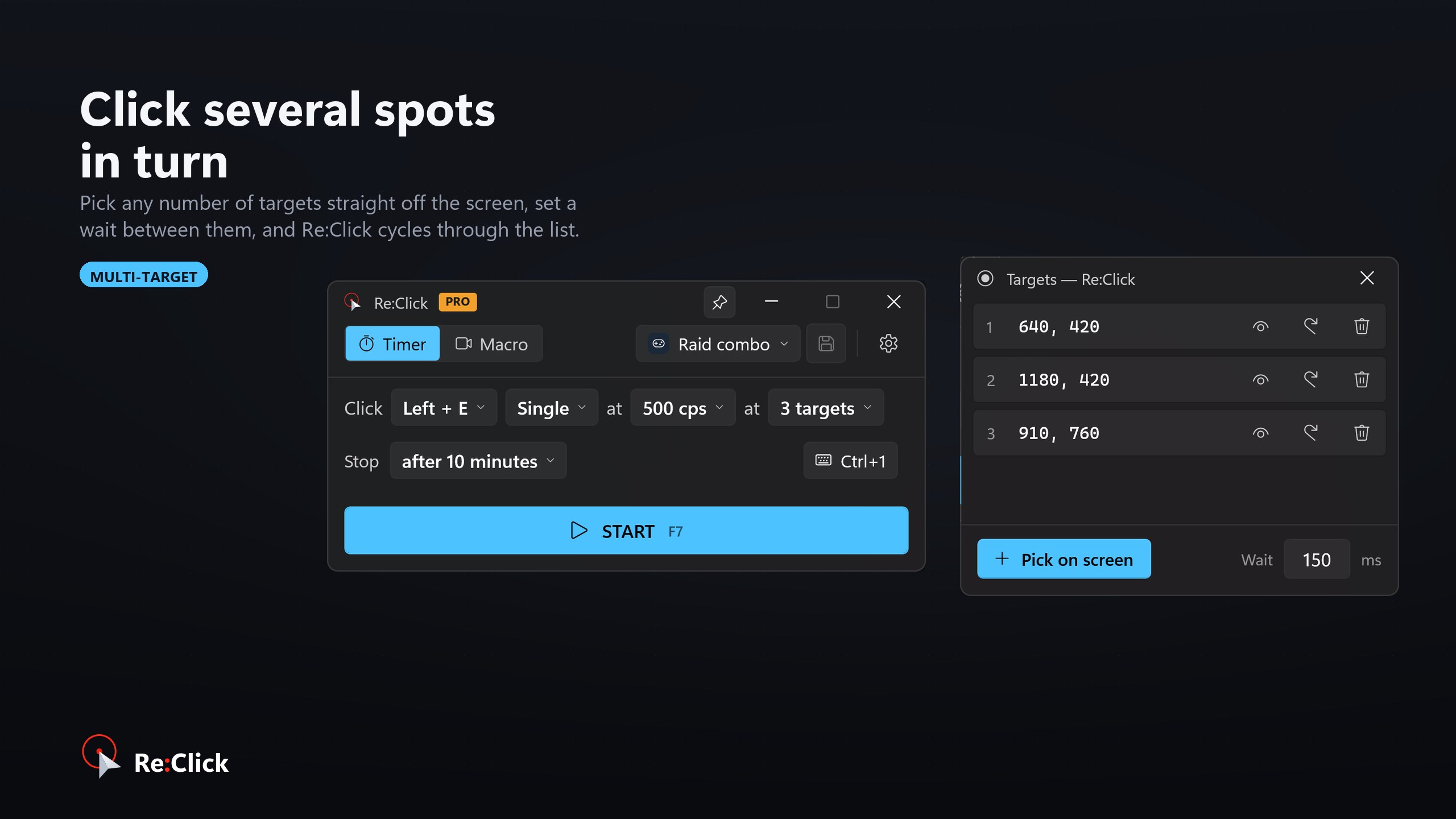
✅ Unlimited fixed click targets, cycled in order
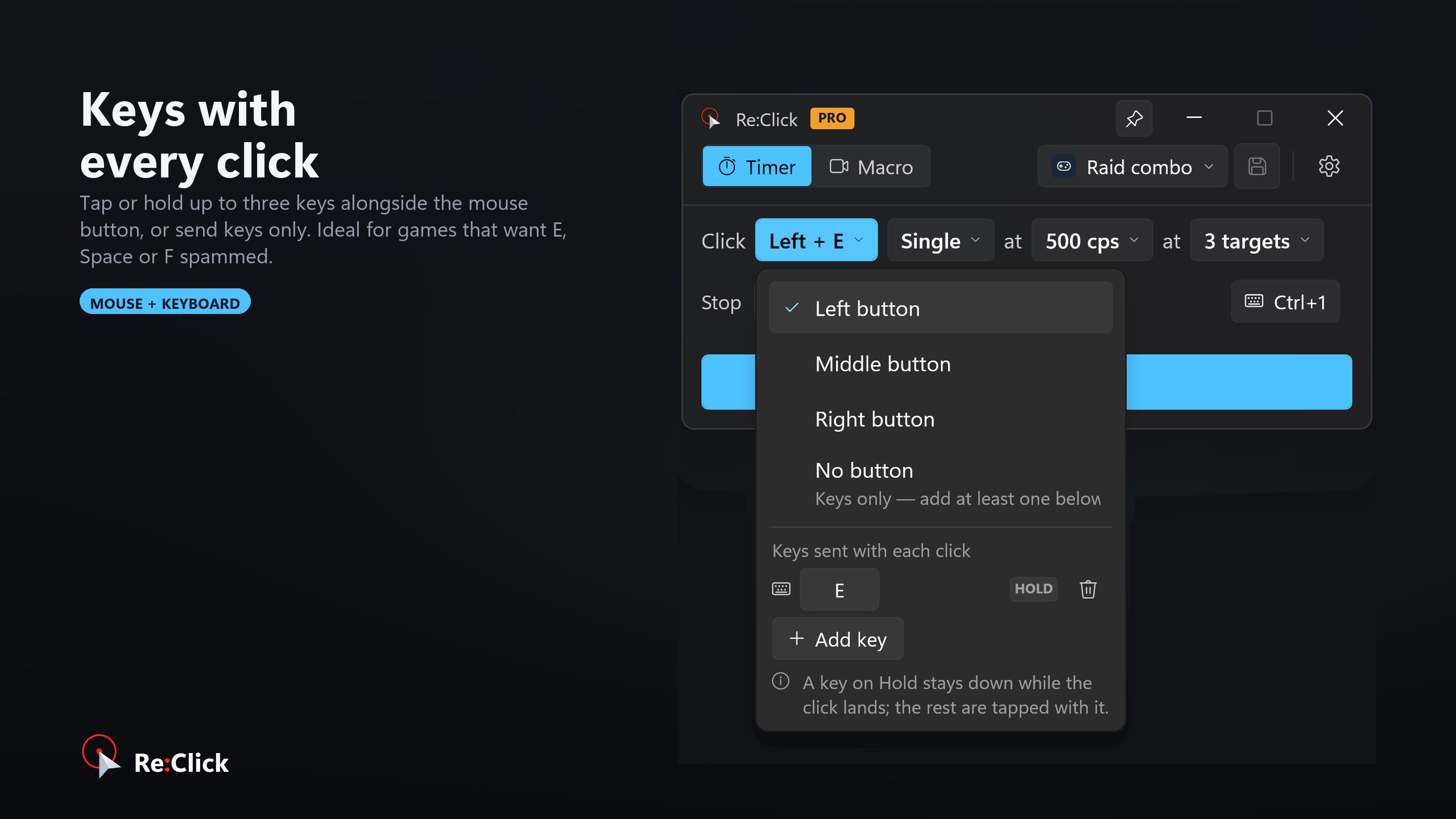
✅ Keyboard keys pressed alongside the click
✅ Macro playback that loops until you stop it
✅ All seven themes, for good
✅ No limits anywhere else
Pro is available as a one-time lifetime purchase or a subscription — your choice, restorable on every PC you sign in on.
Play Store URL for "Re:Click - Auto Clicker | Macro Recorder"
If there is a version of this app for iOS/Mac or Windows we don't know about, paste the store link here — we'll auto-detect the store.
How to find the URL:1. Open the app in its store. 2.In the App Store app: tap the Share icon → “Copy Link”. In the browser: copy the URL from the address bar — it contains apps.apple.com/…/id… or apps.microsoft.com/detail/…. 3. Paste it here.
Paste the original link from the Apple App Store or Microsoft Store. We fetch all details automatically.
How to find the URL:
1. Open the app in its store. 2.In the App Store app: tap the Share icon → “Copy Link”. In the browser: copy the URL from the address bar — it contains apps.apple.com/…/id… or apps.microsoft.com/detail/…. 3. Paste it here.
Android apps can only be listed by their developer.





 Auto Clicker - Key presser
Simulate automatic mouse clicks and key presses
 OP Auto Clicker
Automated clicking at cursor or fixed position
 Ace Auto Clicker
Automates mouse clicks with customizable intervals
 Auto Click Pro
Automates mouse clicks with intervals and scripts
 Power Automate
Automate desktop applications with clicks and keyboard input
 GT Auto Clicker: Free Auto Click
Automates mouse clicks at configurable intervals