Screenshot appears after consentScreenshot appears after consentScreenshot appears after consentScreenshot appears after consentScreenshot appears after consentScreenshot appears after consent
Screenshot appears after consentScreenshot appears after consentScreenshot appears after consentScreenshot appears after consentScreenshot appears after consentScreenshot appears after consent
Screenshot appears after consentScreenshot appears after consentScreenshot appears after consentScreenshot appears after consentScreenshot appears after consentScreenshot appears after consent
Summary
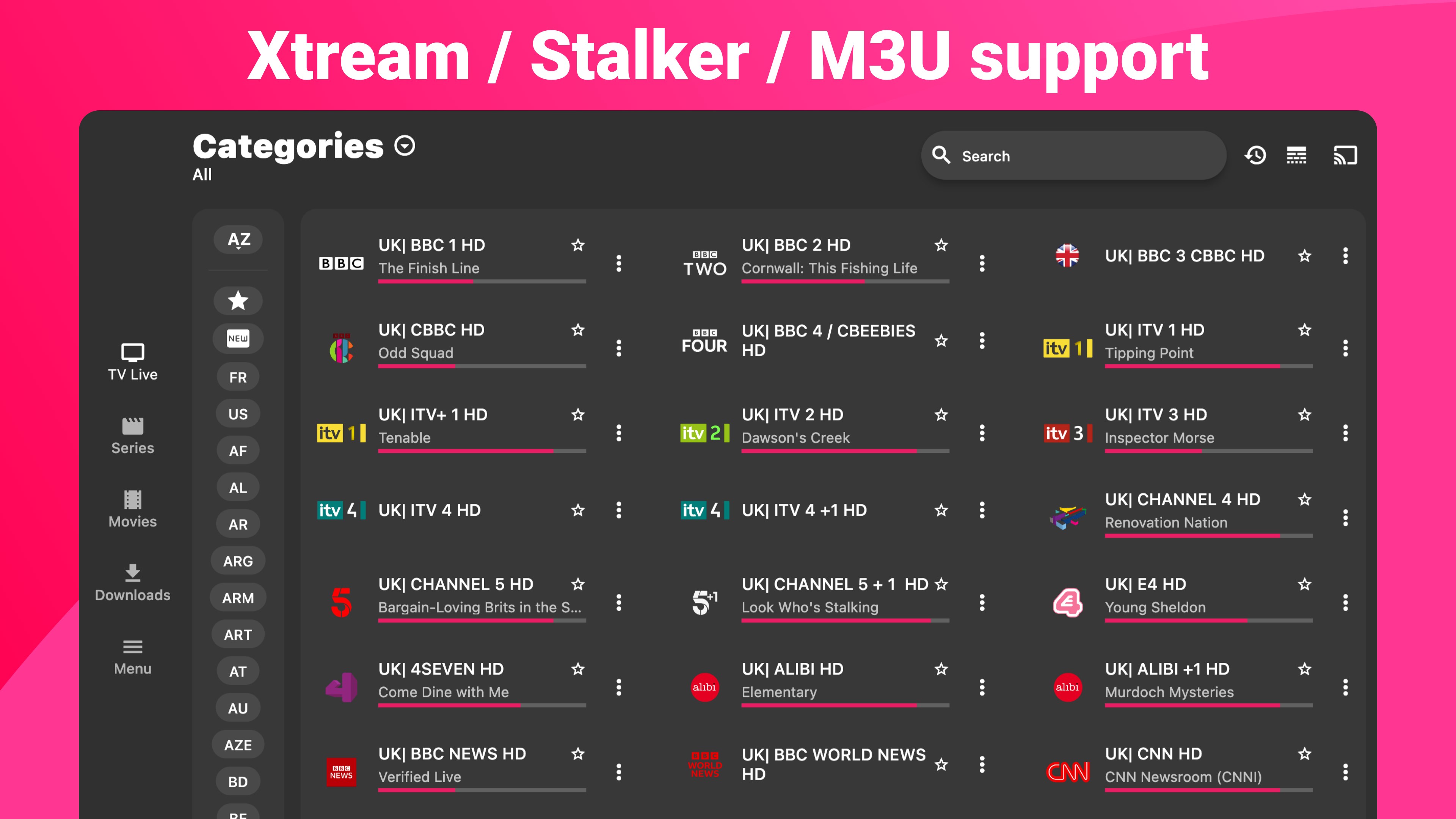
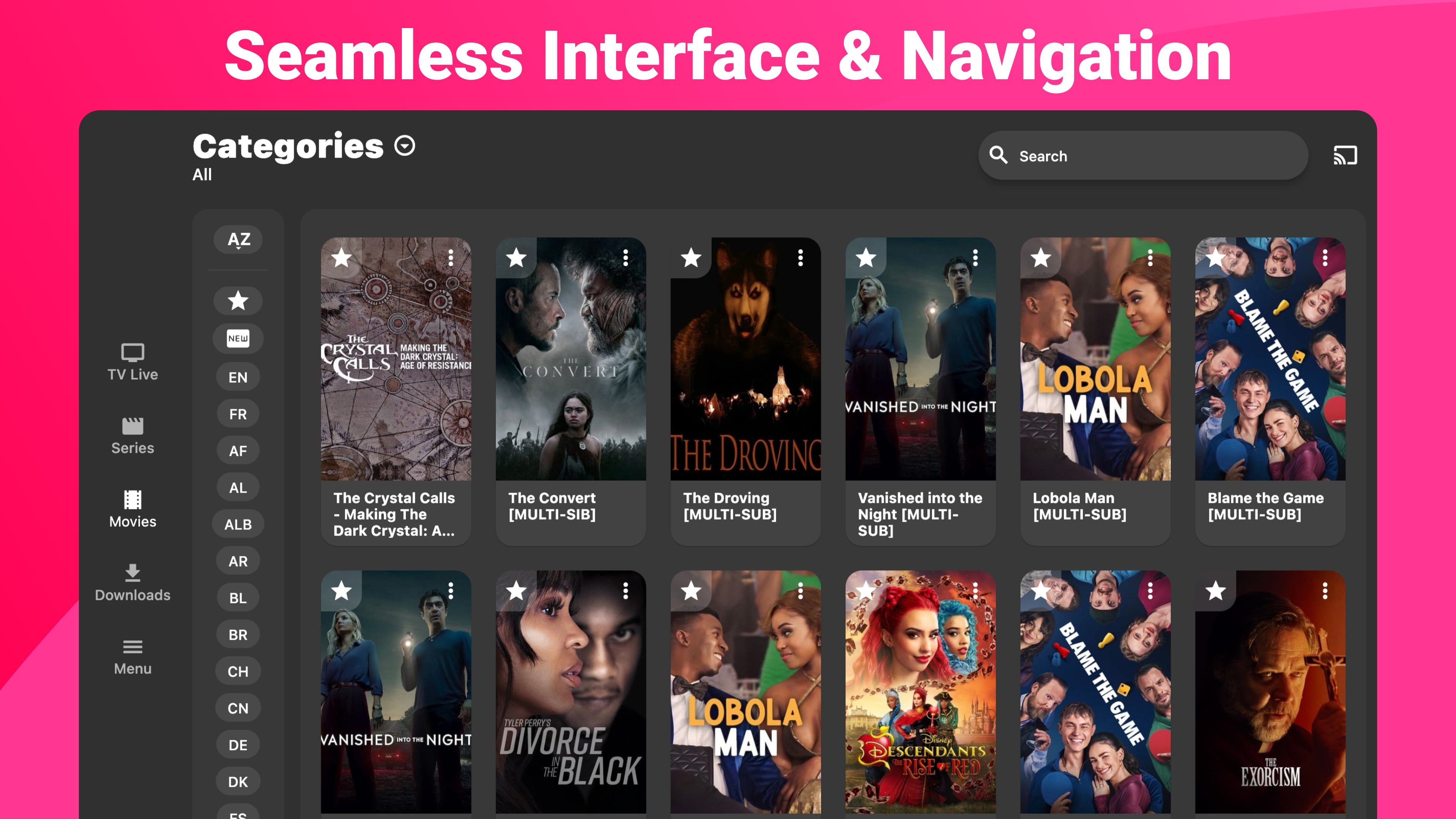
IPTV Expert Premium Player is an application that plays content from playlists added by the user. It imports M3U/M3U8 playlists via URL, Xtream Codes API or Stalker Portal, sorting content into Live TV, Series and Movies. It offers an electronic program guide, offline downloads, and subtitle support. Multiple IPTV providers can be added, and favorites allow quick access to preferred content. It supports Chromecast and AirPlay for larger screens, while an Expert account keeps sources, favorites and playback progress synchronized across devices. The app itself provides no media content.
Show the developer's original descriptionHide the original description
IPTV Expert: The Ultimate IPTV Player for Seamless Streaming
Enjoy your IPTV across every screen. IPTV Expert supports your playlists and providers, while your Expert account keeps sources, favorites, recently watched content, and playback progress in sync across Windows and other supported platforms.
An Expert account is required for synchronization. Syncing favorites, recently watched content and playback progress is part of Premium. EPG, replay and playback availability depend on your source and device.
Why Choose IPTV Expert?
• Easy Playlist Import: Effortlessly import M3U/M3U8 playlists via URL, Xtream Codes API, or Stalker Portal.
• Superior Sorting: Automatically categorizes your playlists into Live TV, Series, and Movies for easy navigation.
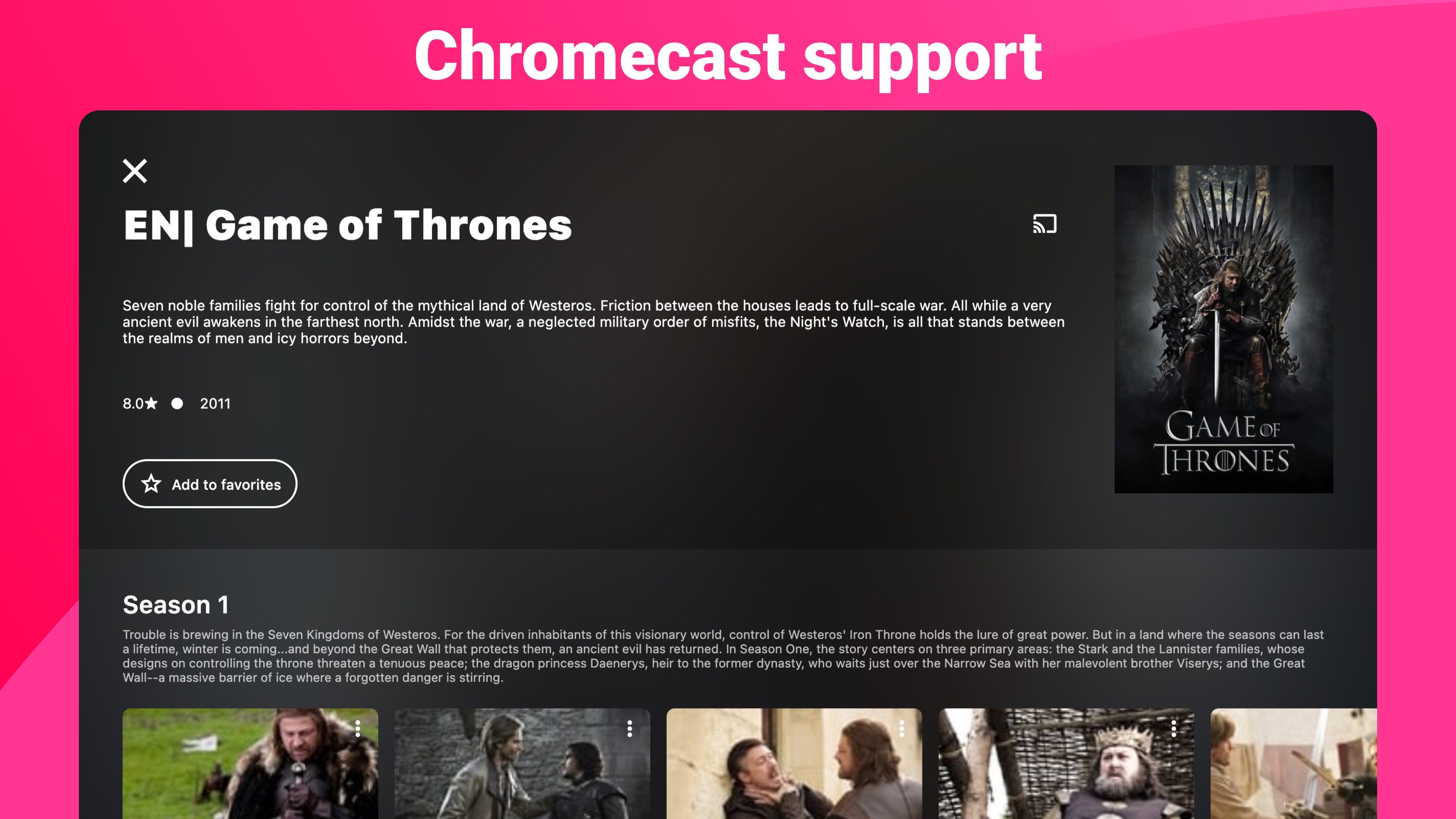
• Chromecast support
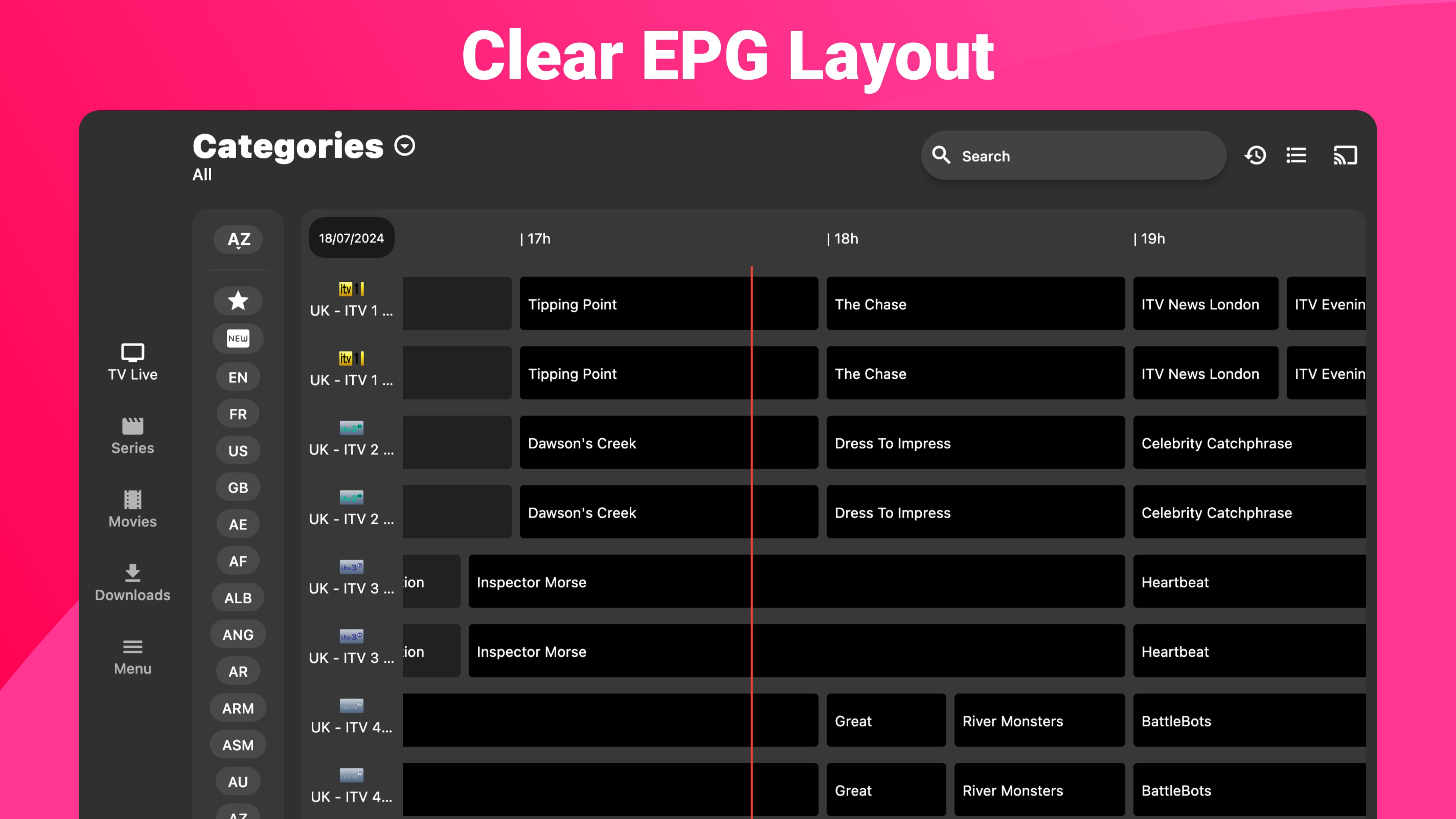
• Electronic Program Guide (EPG): Stay updated with detailed EPG and never miss your favorite shows again!
• Multiscreen: Watch up to 4 live channels at once, choose which one you hear, put one in full screen or rearrange the grid. The number of simultaneous channels depends on the connections allowed by your provider.
• Parental Controls (Premium): Protect channels, movies, series or entire categories of each playlist with a 4-digit PIN. The PIN is requested before playback; once entered, protected content stays unlocked for 5 minutes. With an Expert account, your PIN and protections sync across all your devices, and a forgotten PIN can be reset by email.
• Offline Viewing: Download videos and watch them anytime, anywhere without an internet connection.
• Replay Feature: Missed something? Use the replay feature to catch up on missed moments.
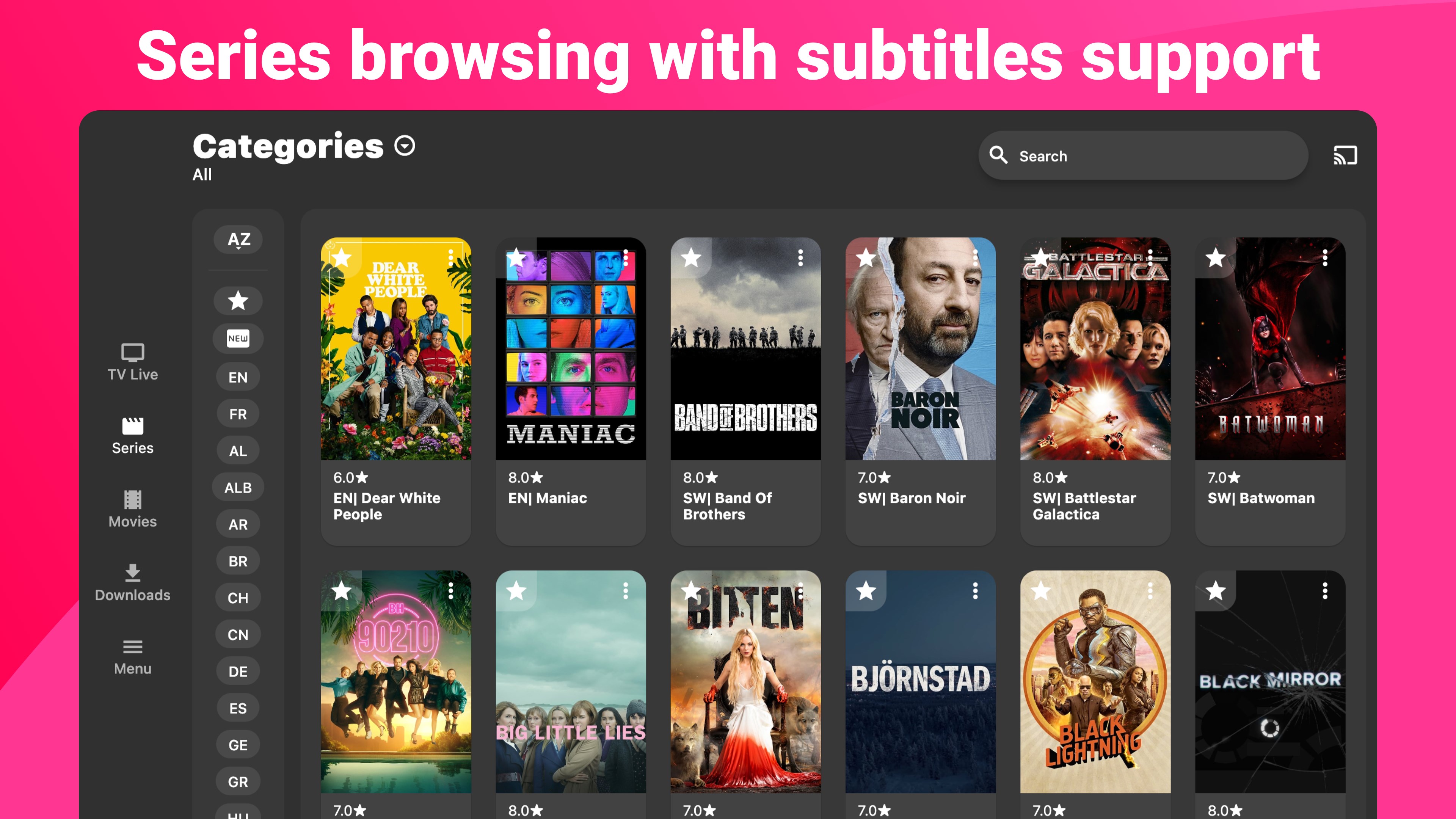
• Subtitles Support: Understand every dialogue with subtitles support.
• Multiple Sources: Add several IPTV providers for a diverse viewing experience.
• Favorites Feature: Quickly access your top picks.
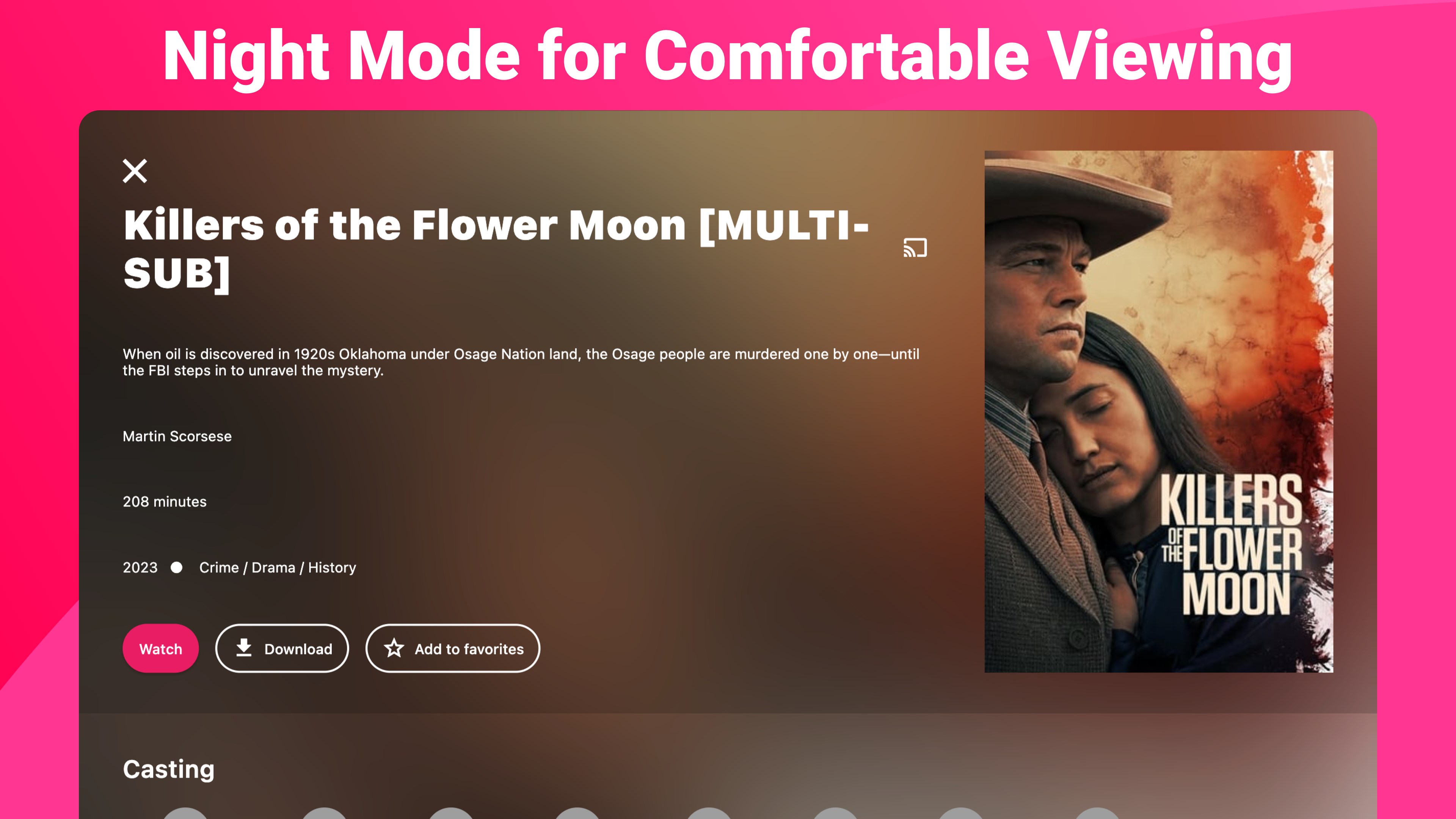
• Stunning UI: Navigate through a beautiful interface with a captivating dark mode.
• Series Browsing: Easily find and binge-watch your favorite series.
• Customizable Viewing: Filter by language, search for videos, and watch in portrait or landscape mode without glitches.
IPTV Expert Key Features:
• Comprehensive IPTV Support: Works seamlessly with all IPTV services and providers.
• OTT Streaming: Enjoy OTT streaming like never before.
• M3U8 and M3U Support: Full support for M3U8 and M3U playlists.
• SmartTV Compatibility: Perfect for smarttv and other smart devices.
• Xtream Codes API: Easy integration with Xtream Codes API.
• Stalker Portal: Full compatibility with Stalker Portal for added flexibility.
• Live Streaming: Uninterrupted live TV streaming.
• Smart Interface: A smart interface designed for ease of use.
• High-Quality Streaming: Enjoy high-quality streaming with minimal buffering.
Upgrading to IPTV Expert Premium offers you a range of premium benefits designed to enhance your viewing experience:
• No More Ads: Enjoy an ad-free experience, keeping your view uninterrupted and enjoyable.
• Auto Update Playlist: Your playlist will be automatically updated, ensuring you have access to the latest content without lifting a finger.
• No Video Watermark: Watch your favorite content without any distracting watermarks.
• Dark Mode: Reduce eye strain and enjoy a sleek, visually pleasing interface with our Dark Mode feature.
Important Note:
IPTV Expert does not provide media content. Users need to add a playlist from their IPTV provider.
Missing a feature? We’d love to hear from you! Send us your suggestions.
Technical details about IPTV Expert Premium Player
If there is a version of this app for iOS/Mac or Windows we don't know about, paste the store link here — we'll auto-detect the store.
How to find the URL:1. Open the app in its store. 2.In the App Store app: tap the Share icon → “Copy Link”. In the browser: copy the URL from the address bar — it contains apps.apple.com/…/id… or apps.microsoft.com/detail/…. 3. Paste it here.
Paste the original link from the Apple App Store or Microsoft Store. We fetch all details automatically.
How to find the URL:
1. Open the app in its store. 2.In the App Store app: tap the Share icon → “Copy Link”. In the browser: copy the URL from the address bar — it contains apps.apple.com/…/id… or apps.microsoft.com/detail/…. 3. Paste it here.
Android apps can only be listed by their developer.





 IPTV Expert Player: M3U & EPG
IPTV player with playlists, EPG and offline downloads
 MyIPTV Player
IPTV player with EPG for M3U and Xtream playlists
 Best Player
IPTV player with EPG, recording, split screen and 4K support
 ALL IPTV Player
Stream IPTV, manage playlists and save favorites
 IPTV
IPTV player for live streams from M3U playlists
 Warm IPTV Pro
Watch IPTV streams, movies and TV shows