Screenshot appears after consentScreenshot appears after consentScreenshot appears after consentScreenshot appears after consentScreenshot appears after consentScreenshot appears after consentScreenshot appears after consentScreenshot appears after consentScreenshot appears after consentScreenshot appears after consent
Summary
Ultimate Photo Editor is a photo editing app for enhancing and customizing pictures without professional editing skills. It offers adjustment tools such as brightness, contrast, saturation and sharpness, along with effects like oil paint, sketch, sepia and black-and-white high contrast. Doodle tools including a pen, pencil, highlighter and eraser allow drawing or writing notes directly on pictures, while a text tool supports multiple fonts. The app also provides stickers and customizable borders, plus cropping, rotating and resizing options. Finished images can be set as wallpaper, saved to the device or shared to social networks directly from the app.
Show the developer's original descriptionHide the original description
Want to edit your pics and create mesmerizing photos? If yes, then this is the app for you.
Ultimate Photo Editor is a small but powerful photo editing application. Even if you don't have much knowledge of photo editing, you can do a lot with this Photo Editor.
A very comprehensive photo editor and pretty much everything you could ever want to do on your photo to make it better.
Make your image look creative in seconds without using a professional editor and set it as a wallpaper, send a signed virtual postcard to a friend or share it to any social network.
A feature-rich photo editor with richly creative filters, effects, stickers & text to enhance your photos like a pro.
Ultimate Photo Editor is ideal for:
- Photo Enhancement
- Photo Editing
- Picture Beautification
- Write text on photo
- Create doodle on pics
- Apply filter & effects on images
- Picture Quotes
- No crop square Photo
- Profile photo creator
- Create Bokeh Effect
- Snap photo creation
- Create Post Card
Features
* Enhance: Ultimate Photo Editor comes with creative enhancement adjustments tools like Brightness, Contrast, Saturation, Sharpness.
* Doodle: With Ultimate Photo Editor you can write notes and memories or draw doodles on your picture using Doodle tools like a pen, pencil, highlighter, eraser, and protector.
* Effects: Ultimate Photo Editor provides a variety of effects like vibrancy, sharpen, oil paint, sketch, black & white high contrast, sepia, and more to make your picture stunning.
* Overlays: Beautify your picture with overlays, you can adjust the intensity of overlay using seek-bar.
* Arts: Ultimate Photo Editor allows you to add cute stickers from our huge collection of hand-picked stickers.
* Text: With Ultimate Photo Editor you can write text messages on your picture using multiple fonts.
* Adjutment: Ultimate Photo Editor packed with several adjustment tool like Rotation, Straighten, Crop, Resize and many more.
* Border: Ultimate Photo Editor also allows you to add a border to your photo. You can adjust border width and apply colors.
* Save & Share: Save your created picture on your device and share it on social media directly from the app.
We would love to hear your suggestions & feedback for Ultimate Photo Editor App! Please send questions, suggestions & ideas to "help.photocoolapps@outlook.com"
If there is a version of this app for iOS/Mac or Windows we don't know about, paste the store link here — we'll auto-detect the store.
How to find the URL:1. Open the app in its store. 2.In the App Store app: tap the Share icon → “Copy Link”. In the browser: copy the URL from the address bar — it contains apps.apple.com/…/id… or apps.microsoft.com/detail/…. 3. Paste it here.
Paste the original link from the Apple App Store or Microsoft Store. We fetch all details automatically.
How to find the URL:
1. Open the app in its store. 2.In the App Store app: tap the Share icon → “Copy Link”. In the browser: copy the URL from the address bar — it contains apps.apple.com/…/id… or apps.microsoft.com/detail/…. 3. Paste it here.
Android apps can only be listed by their developer.

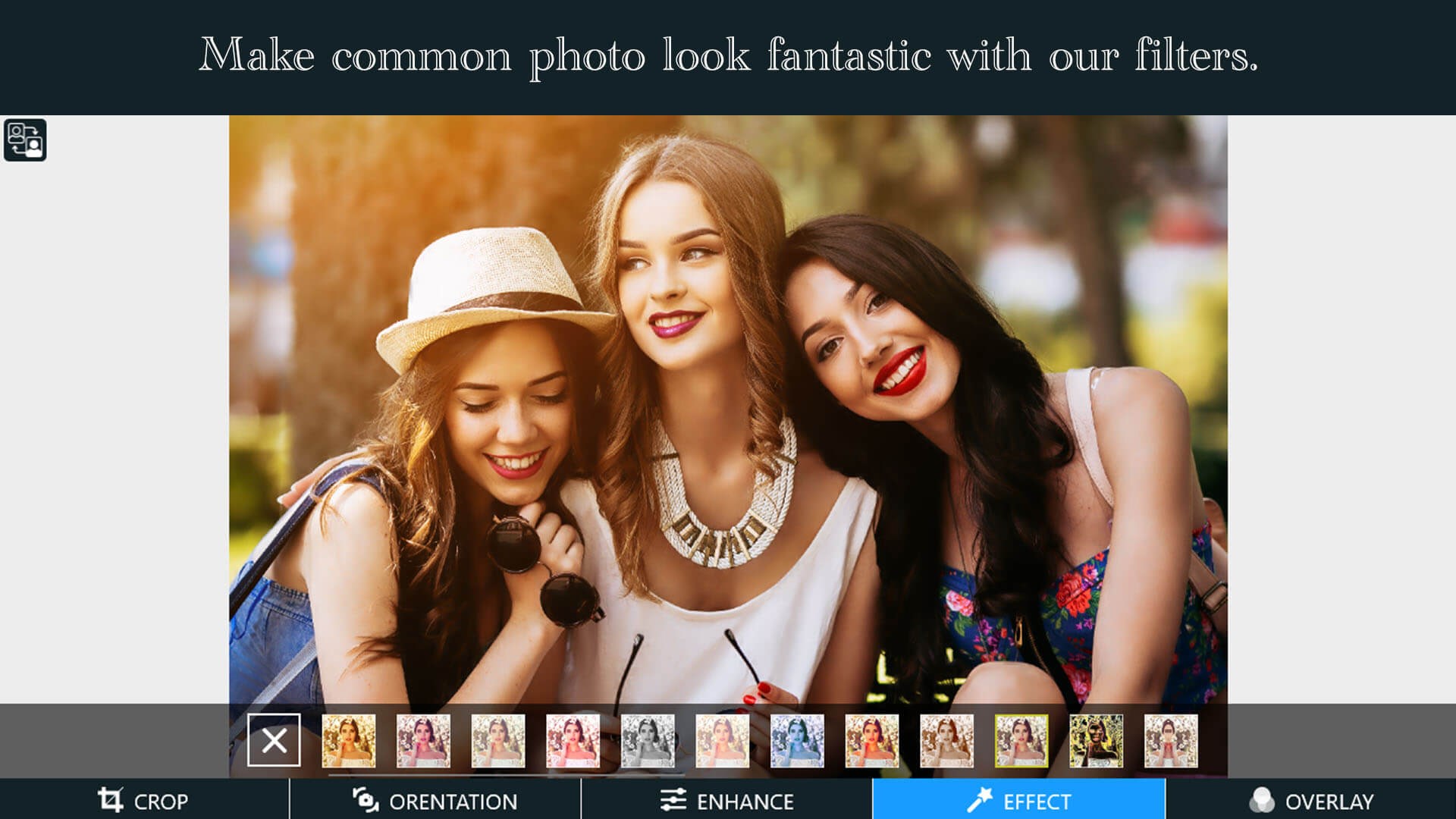
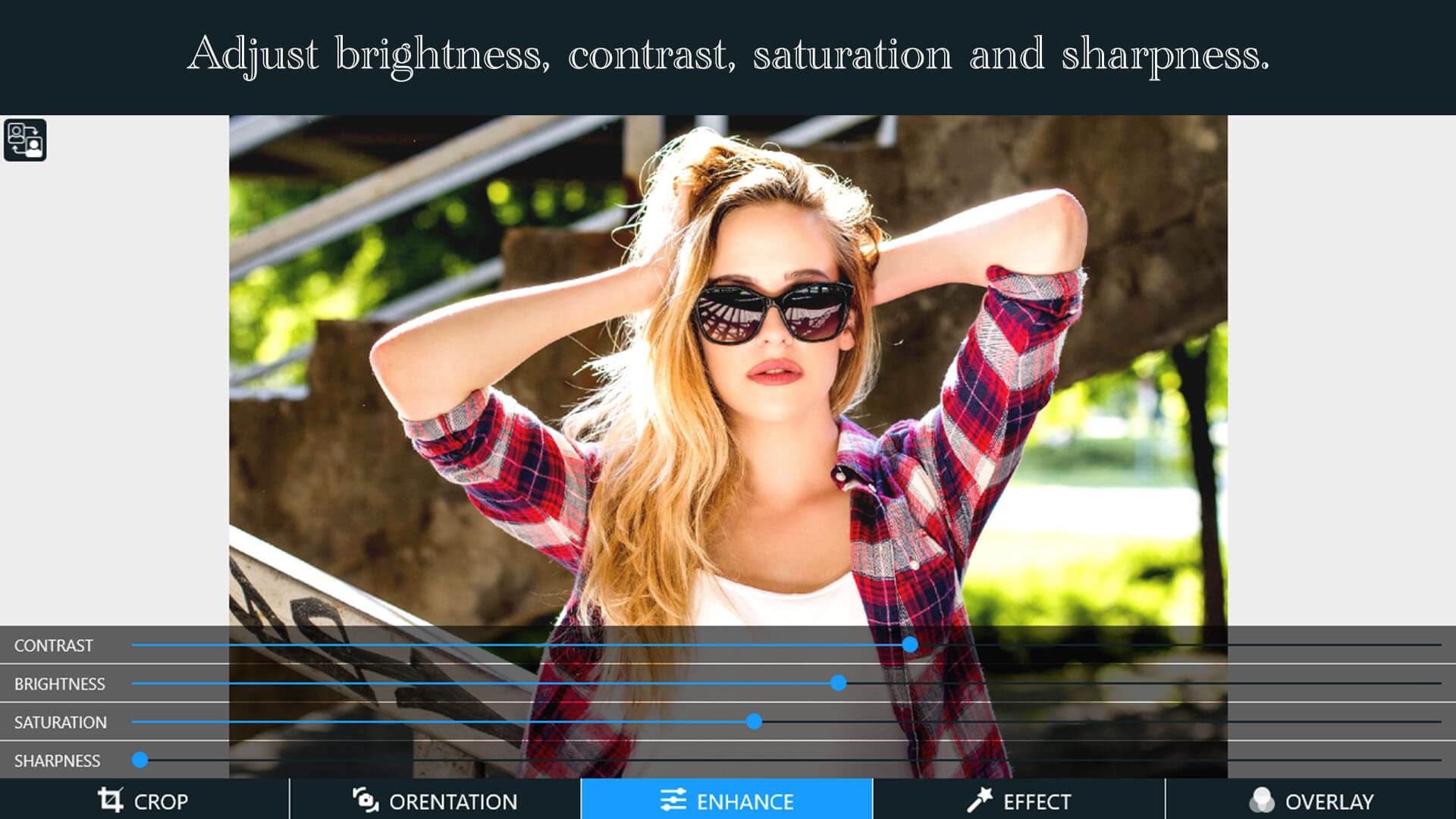
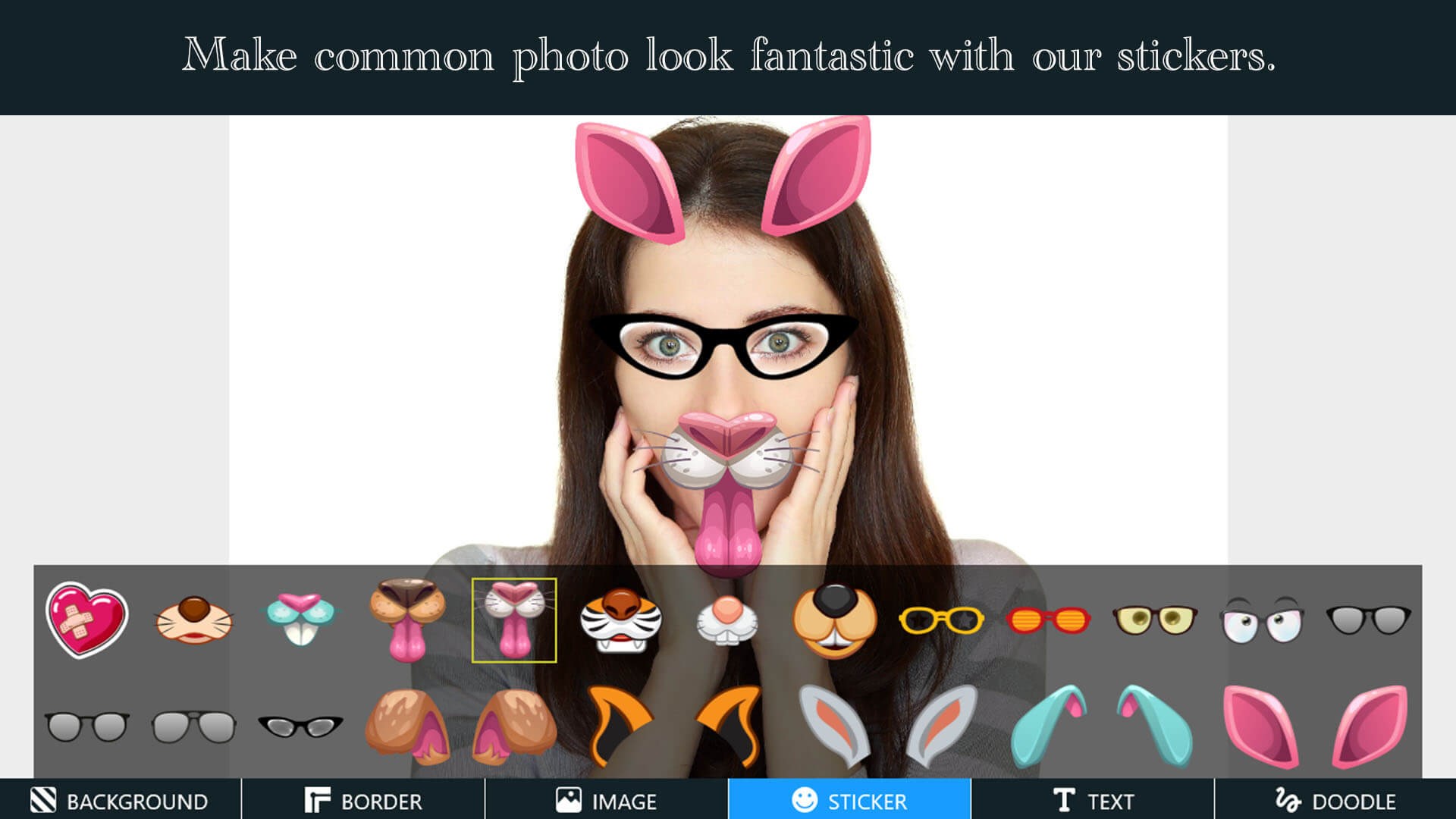
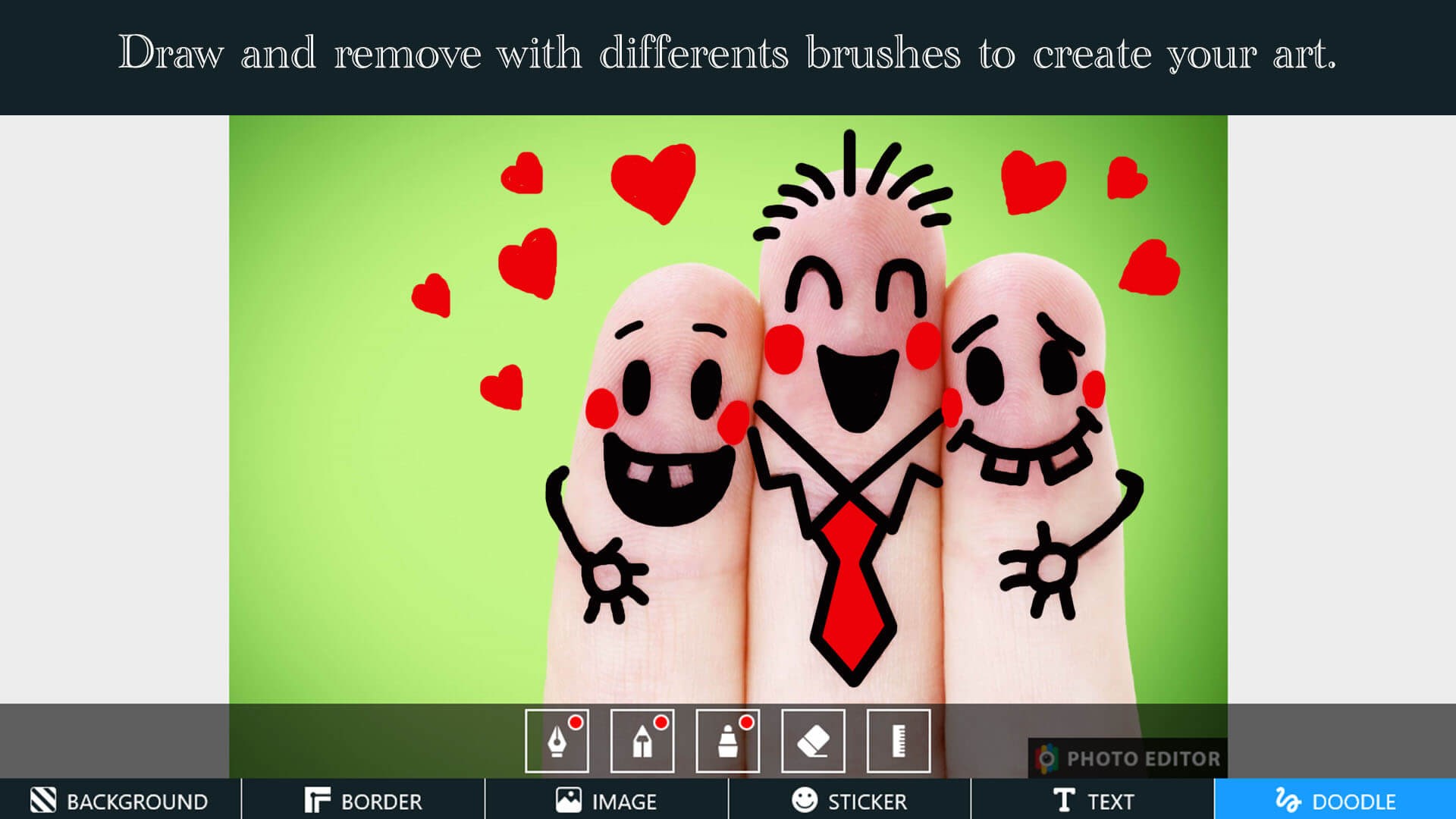
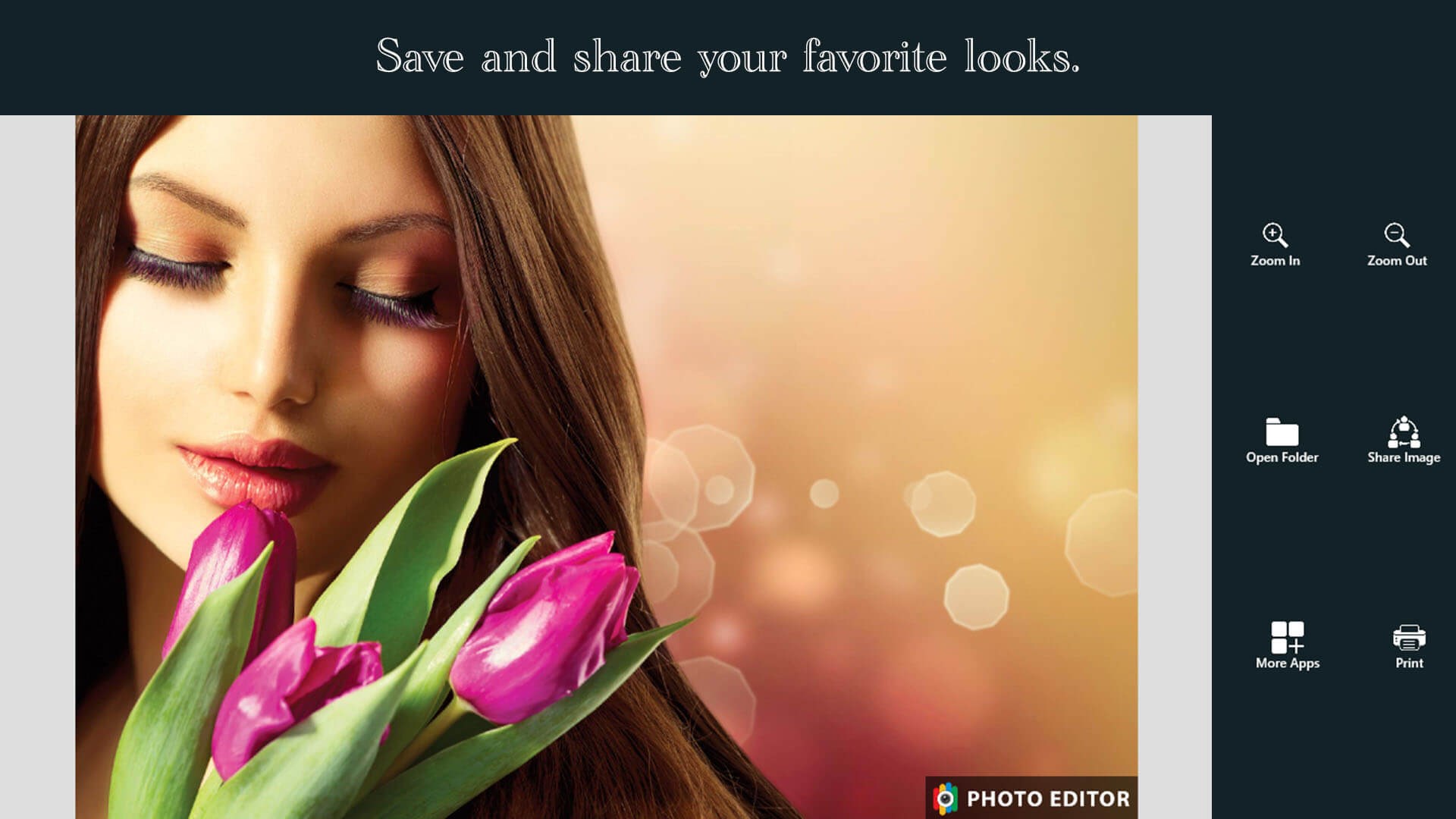
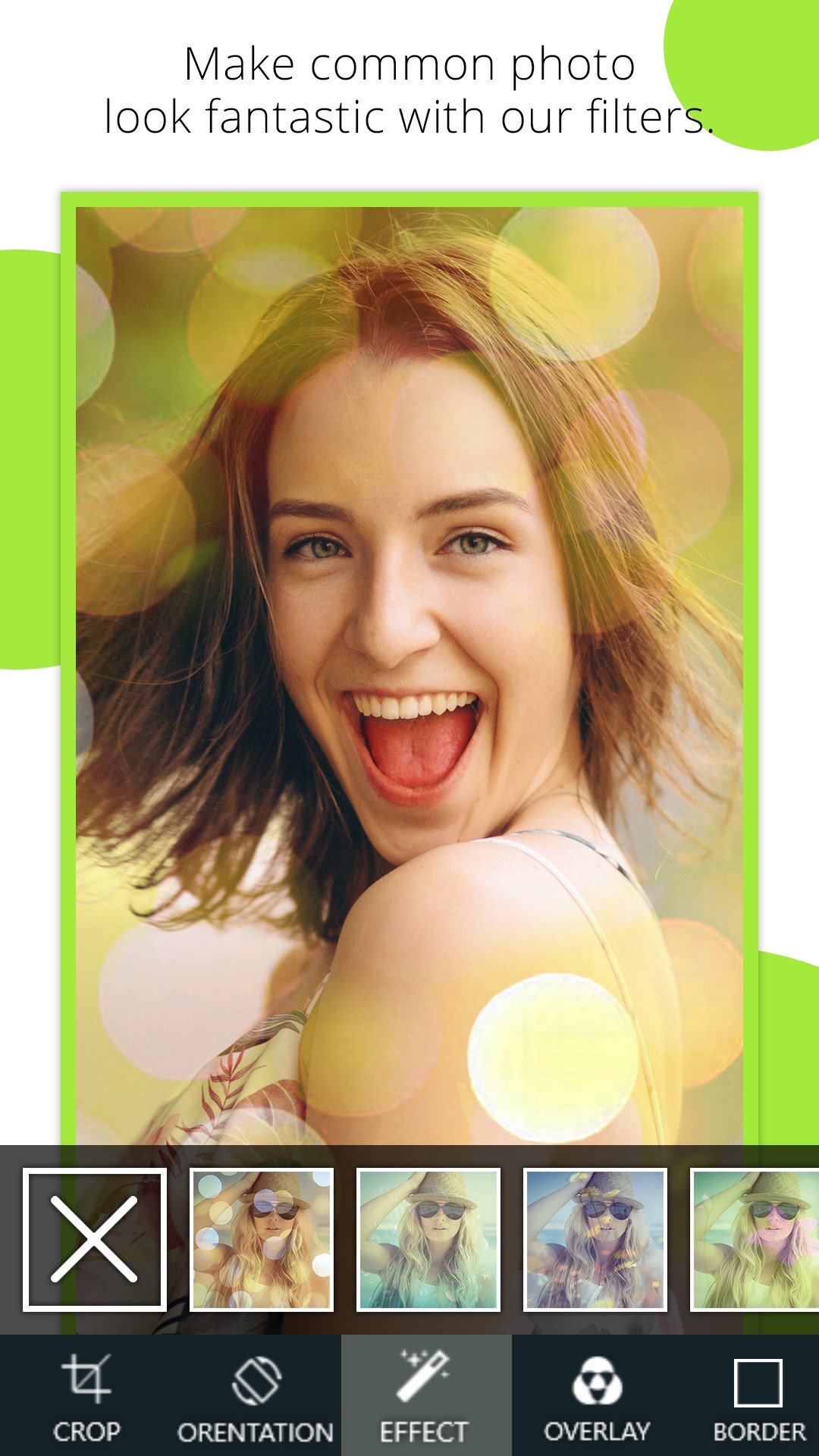
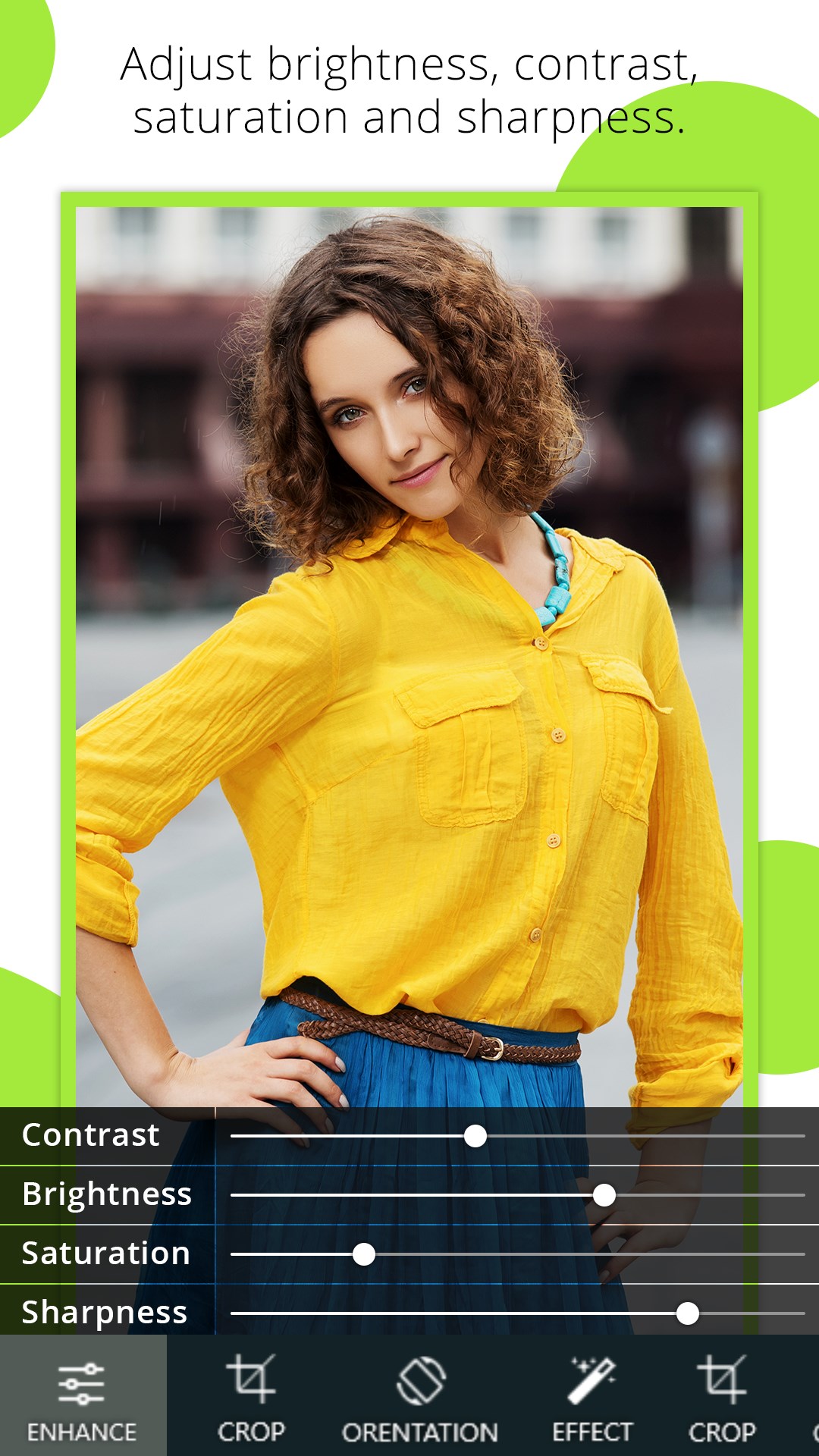
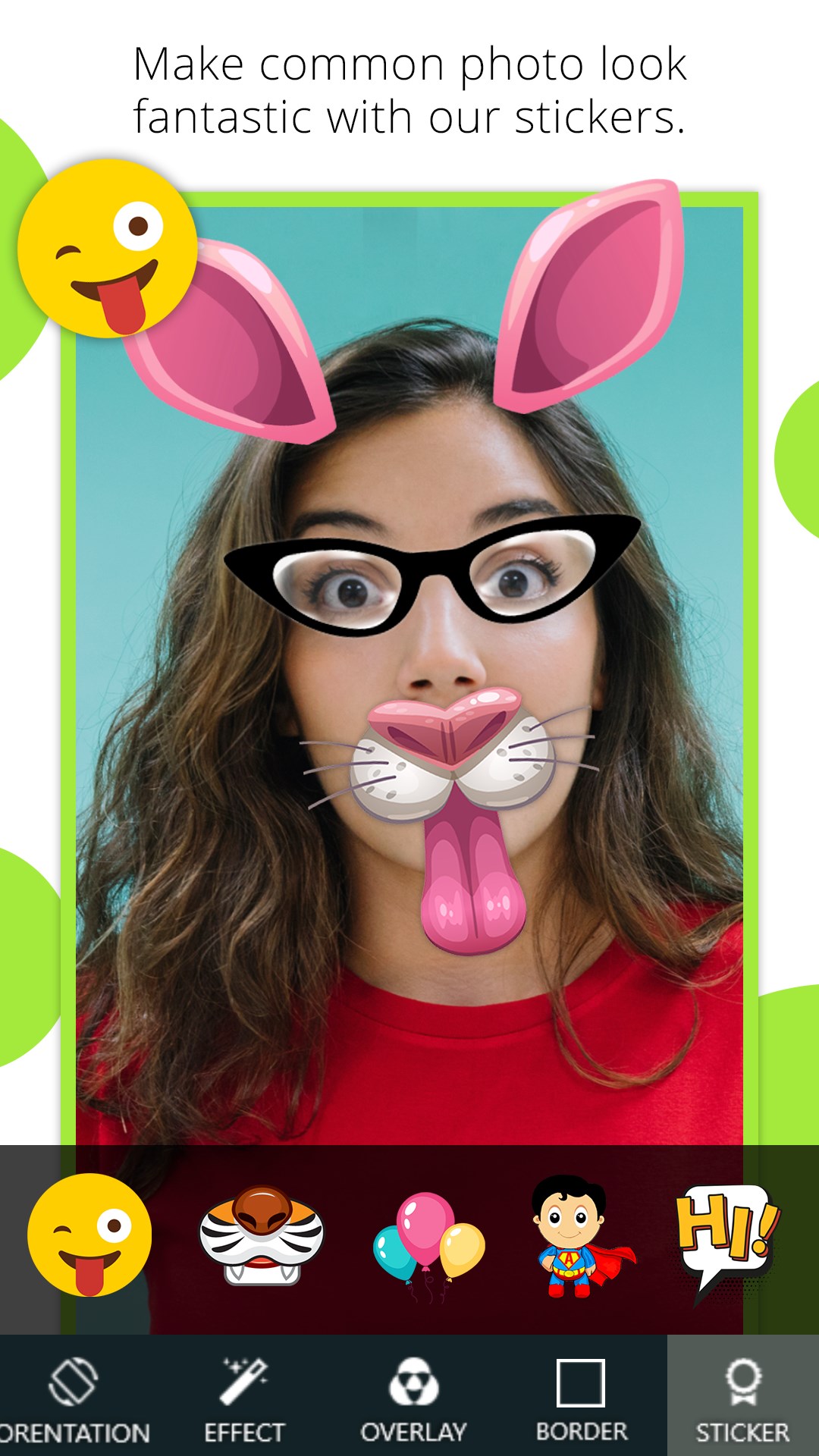
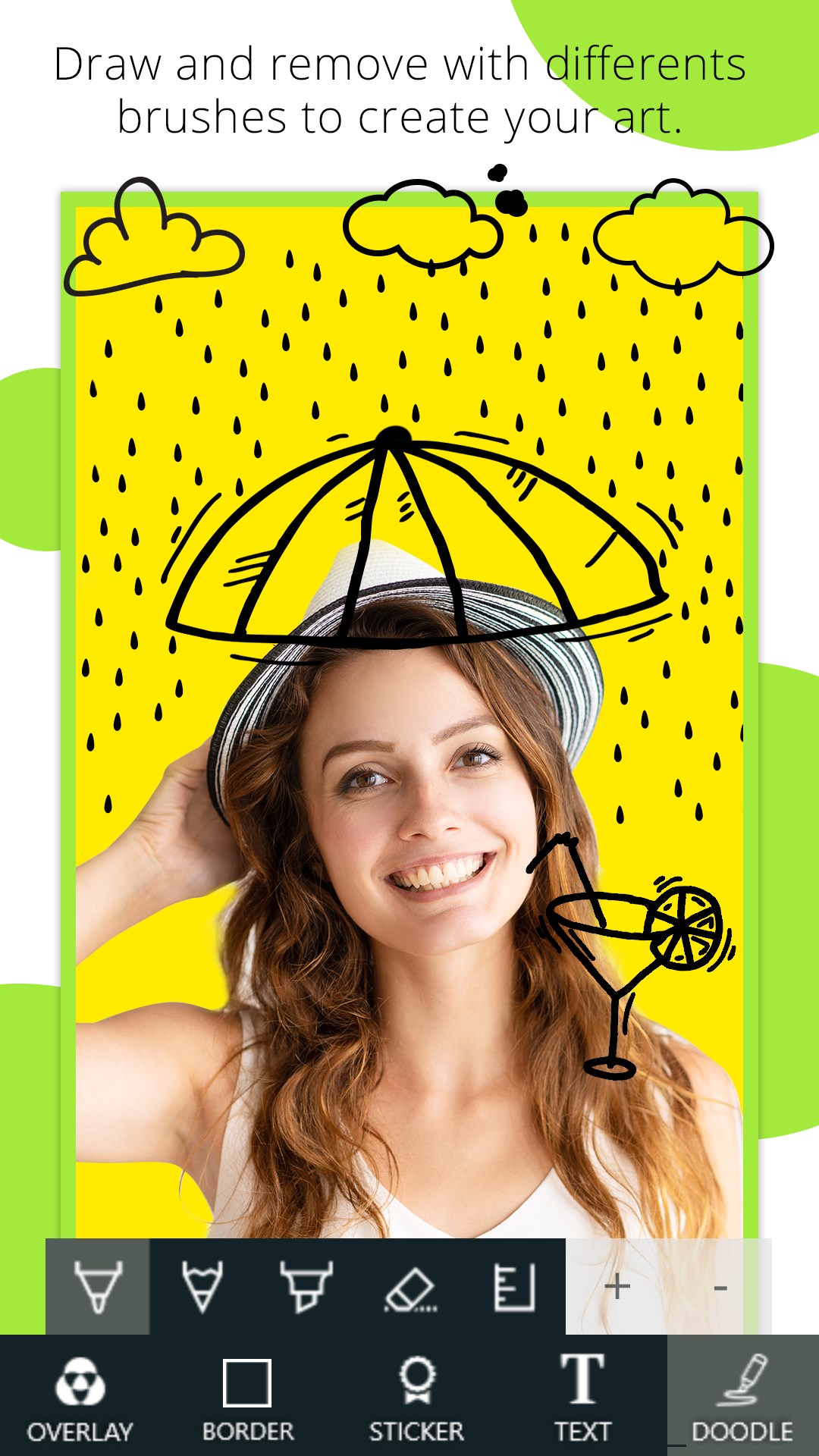
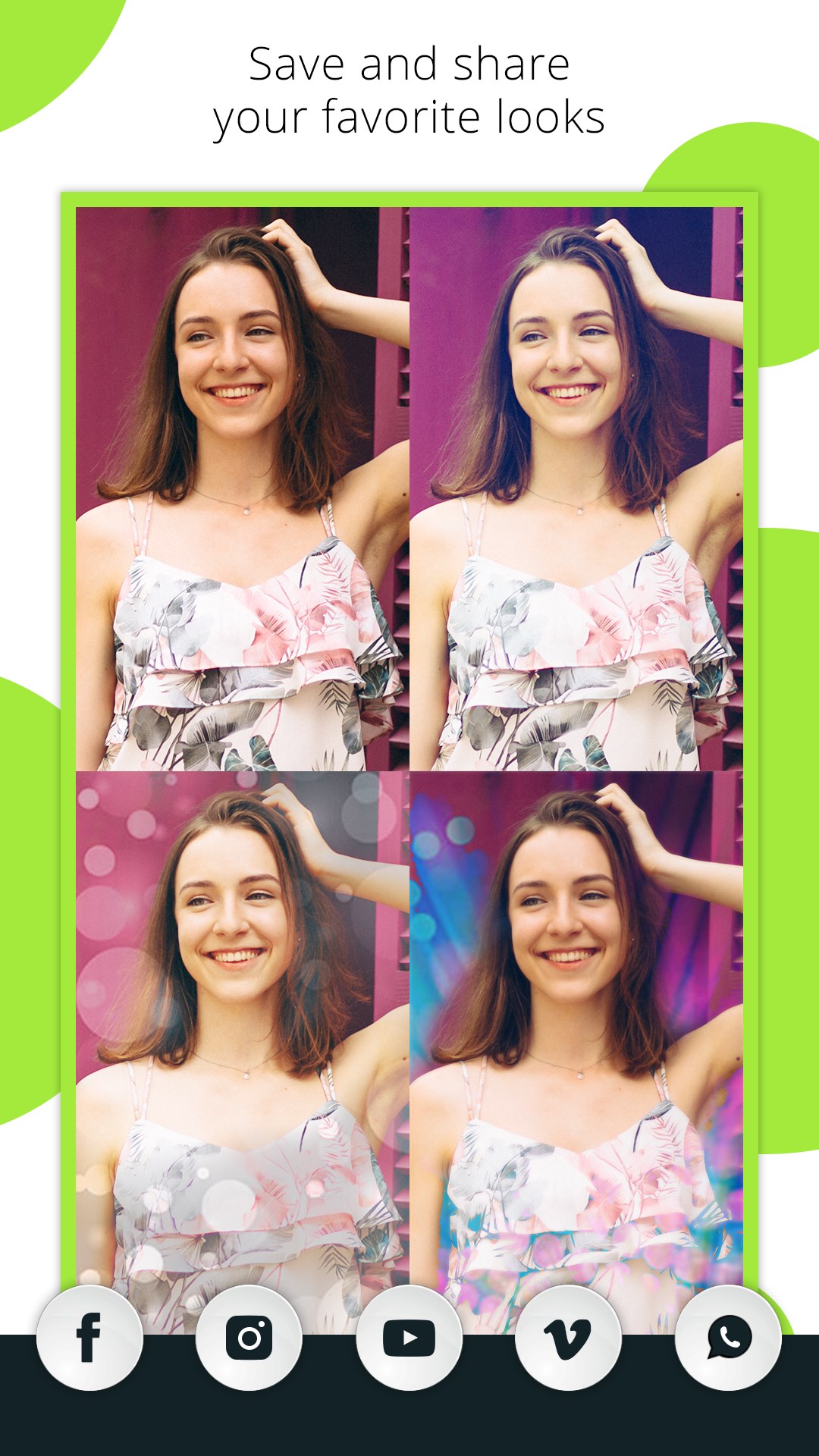

 Photo Lab Photo Editor
Edit photos with filters, effects, text and stickers
 PIP Camera - Creative Photo Frames & Photo Editor
Edit photos with frames, filters and effects
 Prequel: Photo & Video Editor
Edit photos and videos with effects, filters and music
 Meitu: Photo & Video Editor
Edit photos with AI filters, retouching and effects
 Blend Collage Photo Editor
Create photo collages and blends with filters and effects
 Fotogenic : Photo Editor
Edit photos with text, effects and stickers