Screenshot appears after consentScreenshot appears after consentScreenshot appears after consentScreenshot appears after consentScreenshot appears after consentScreenshot appears after consentScreenshot appears after consentScreenshot appears after consentScreenshot appears after consent
Summary
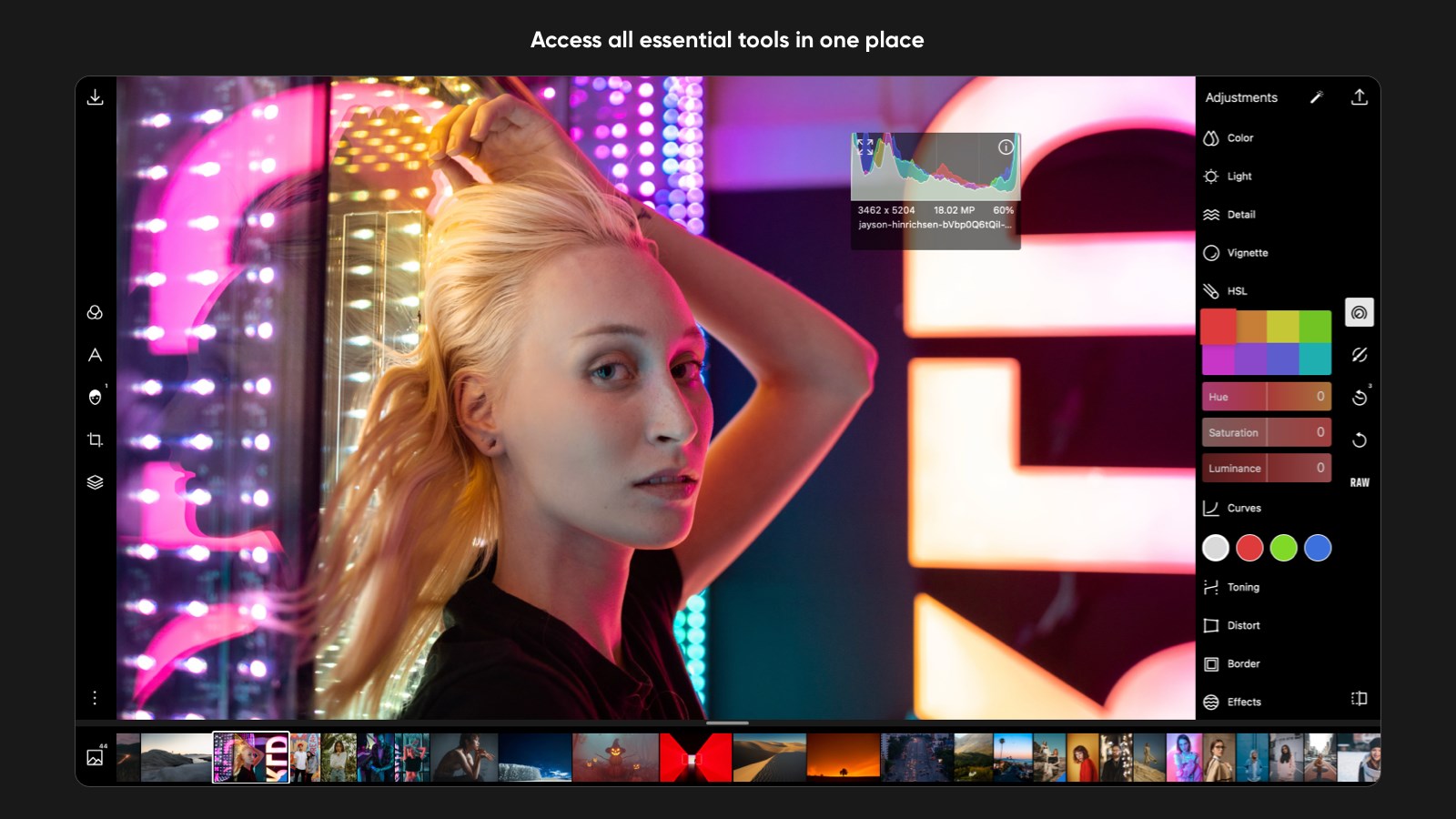
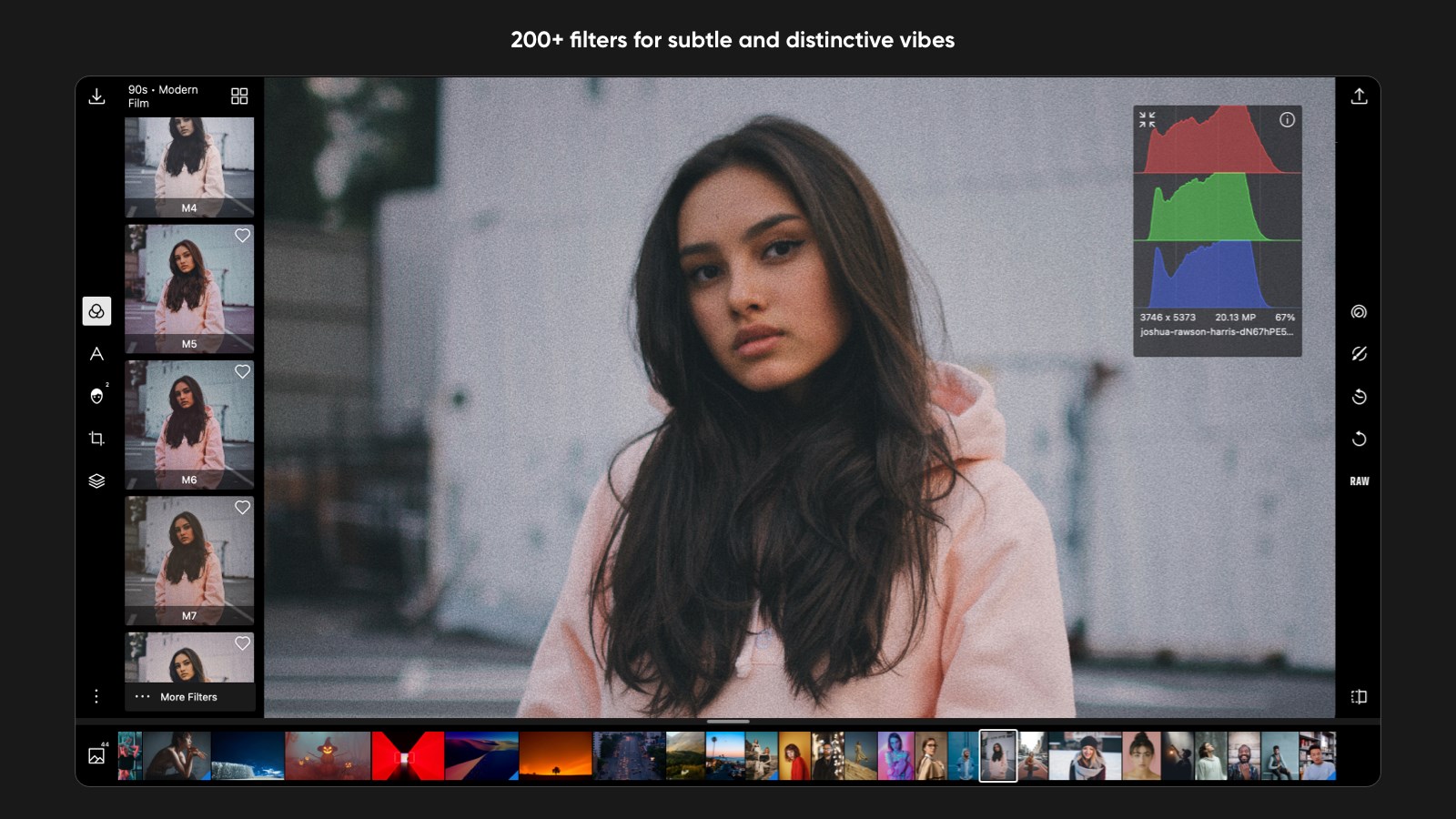
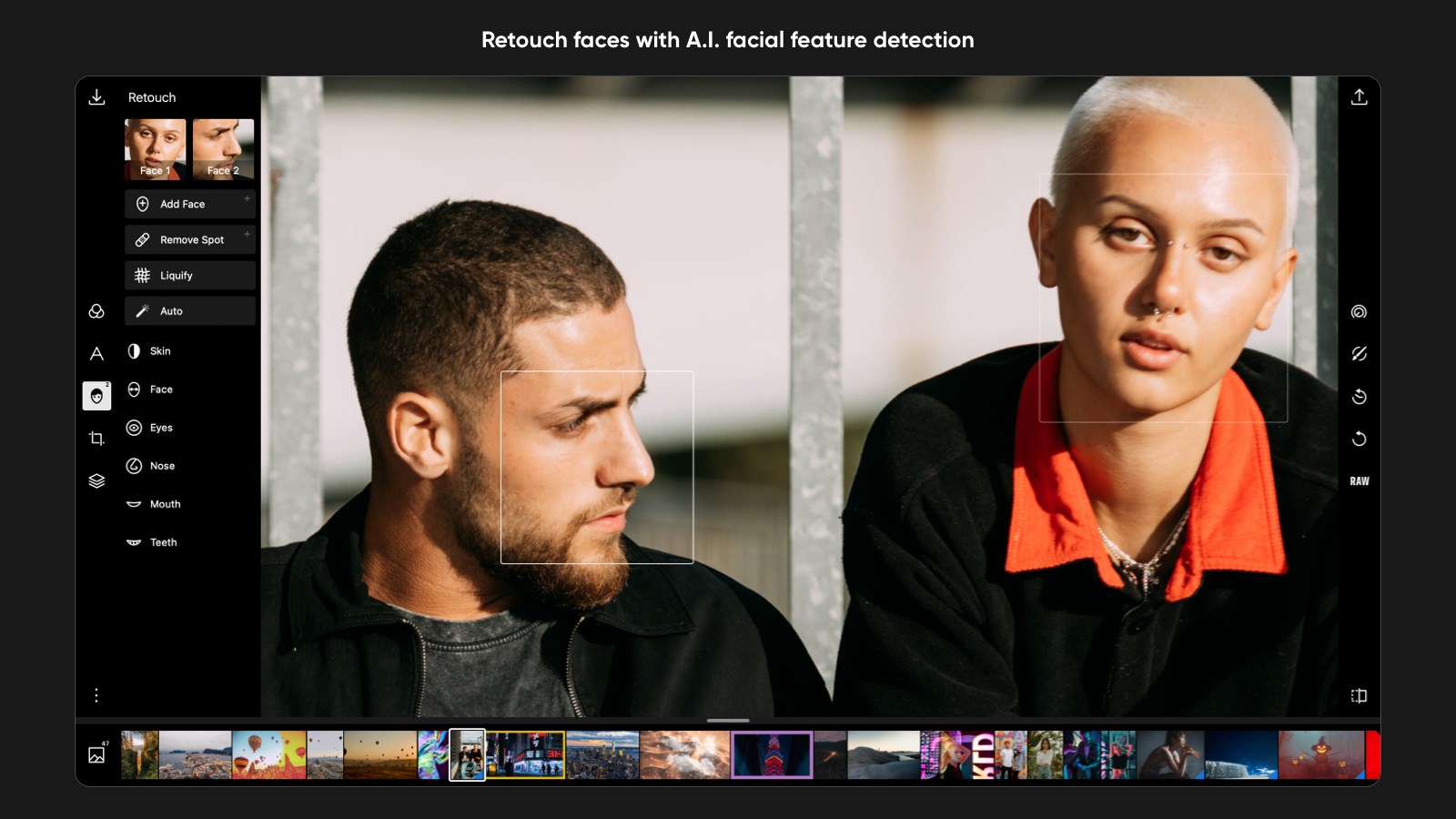
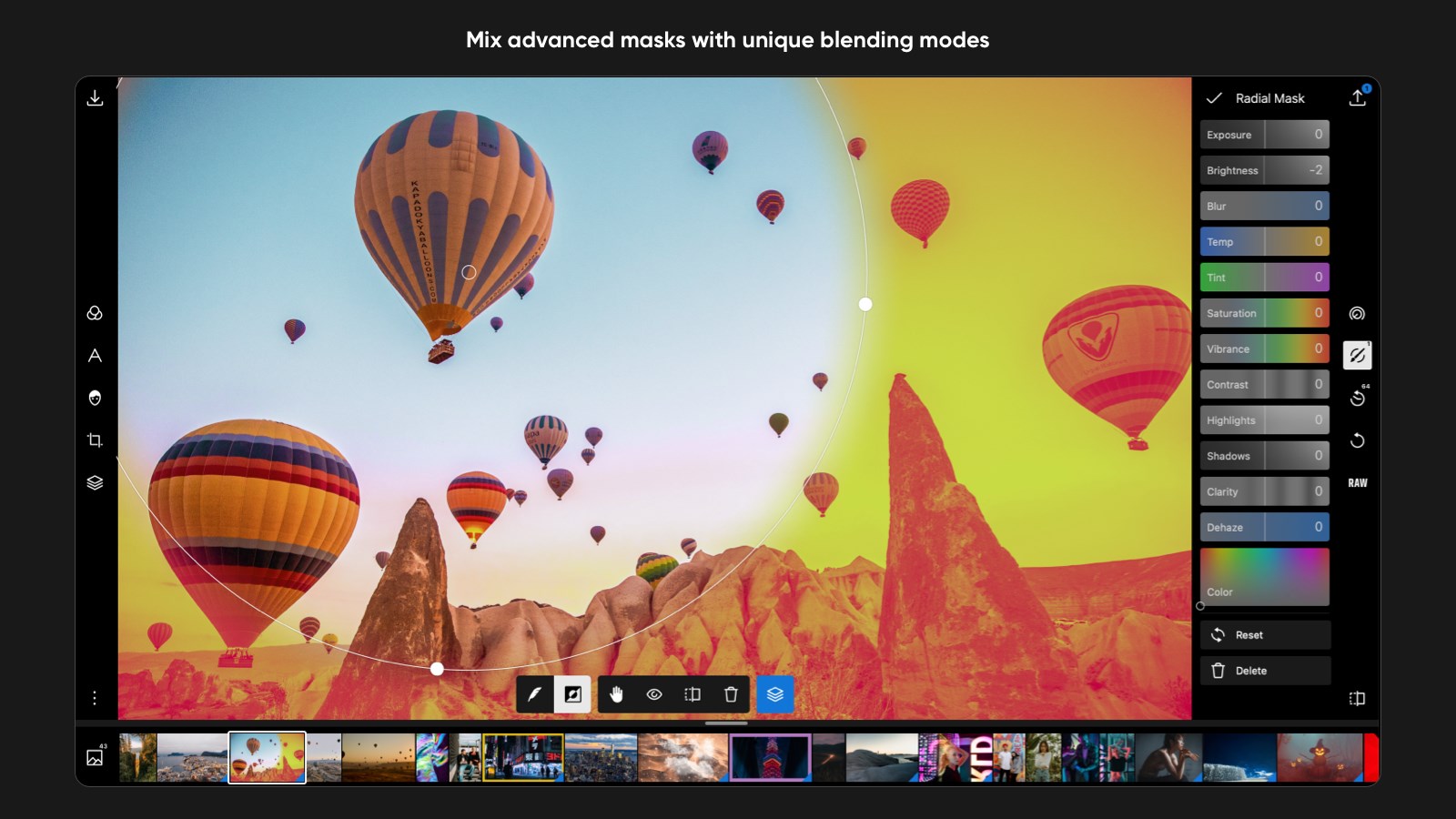
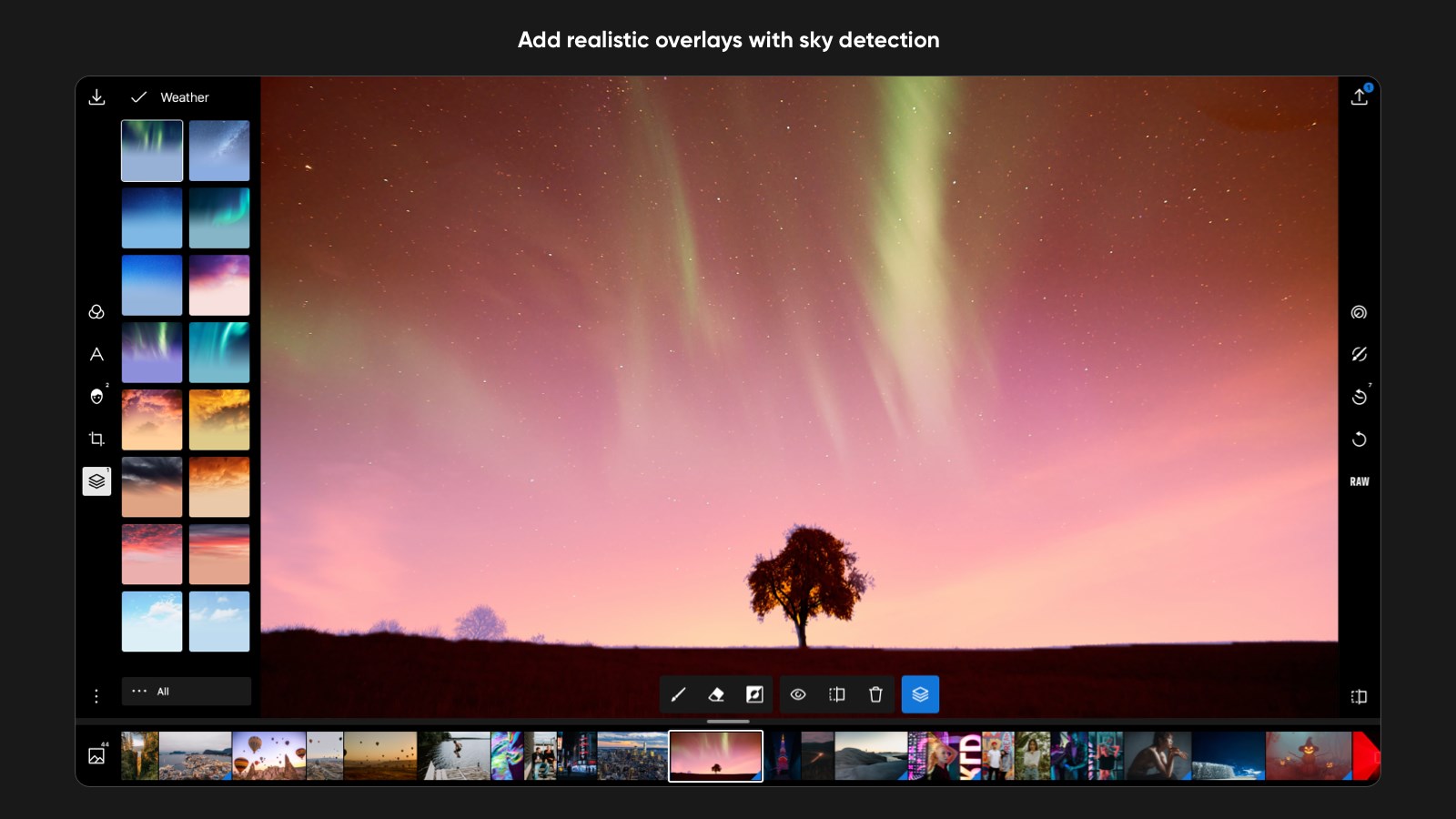
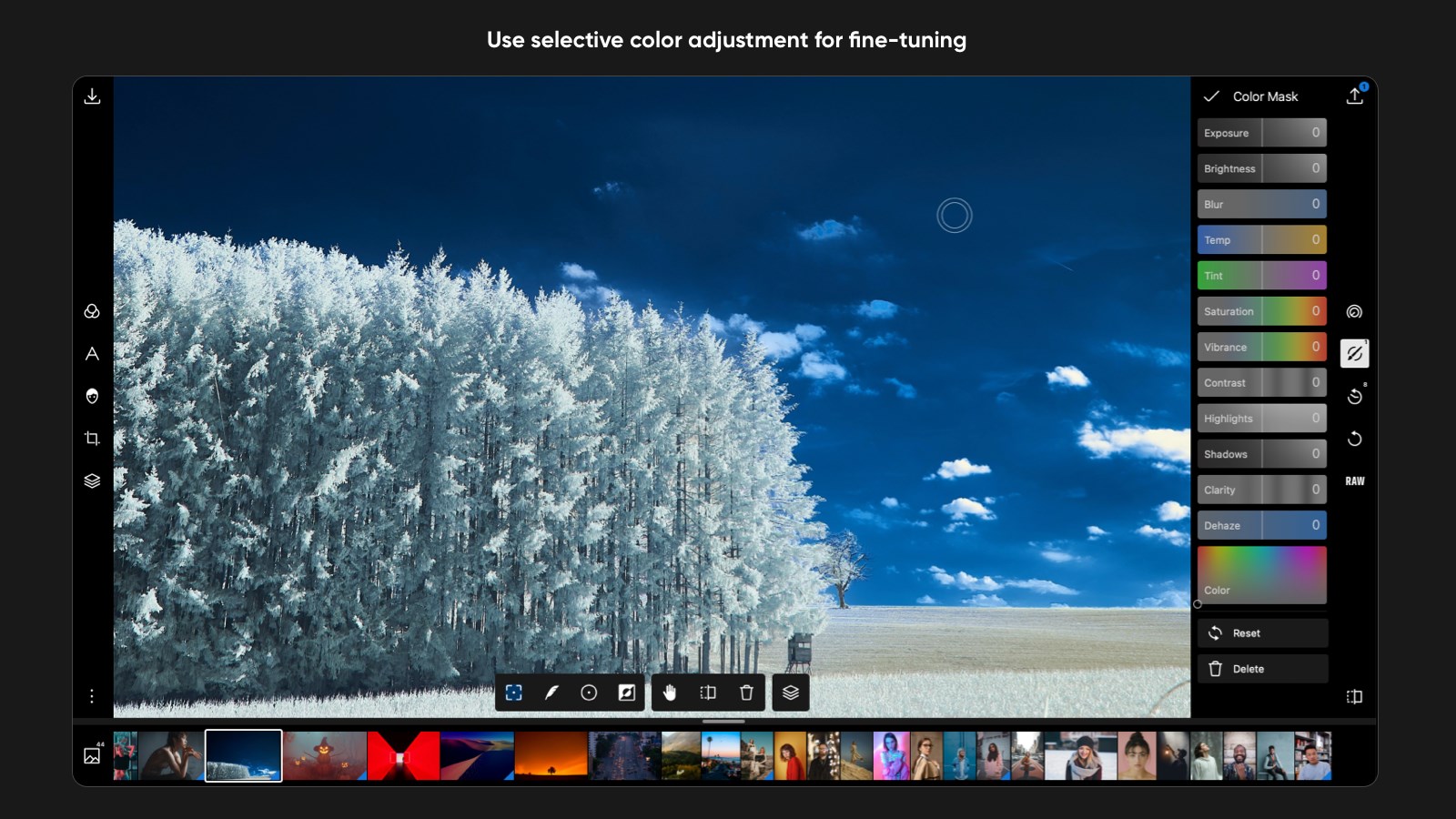
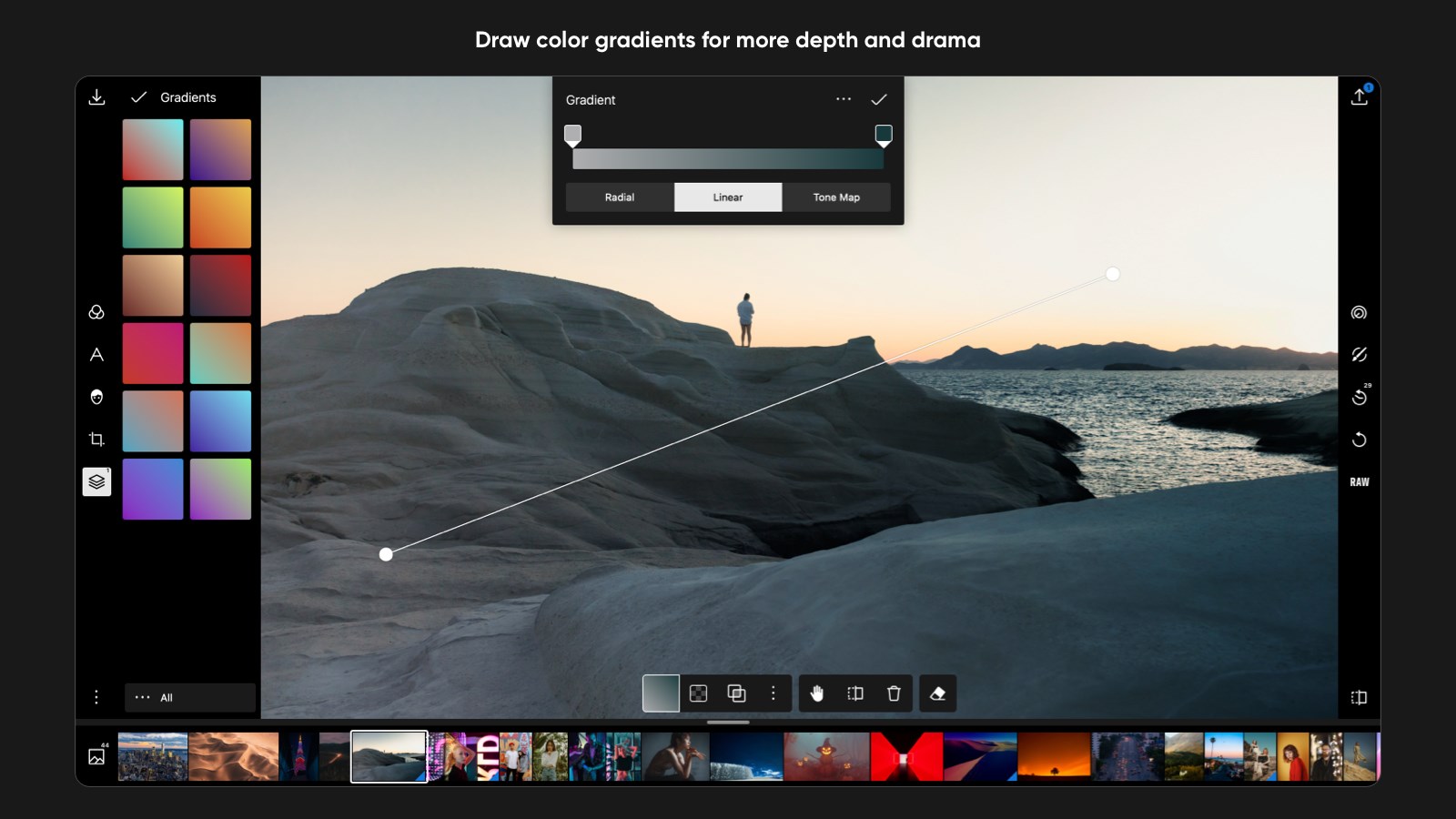
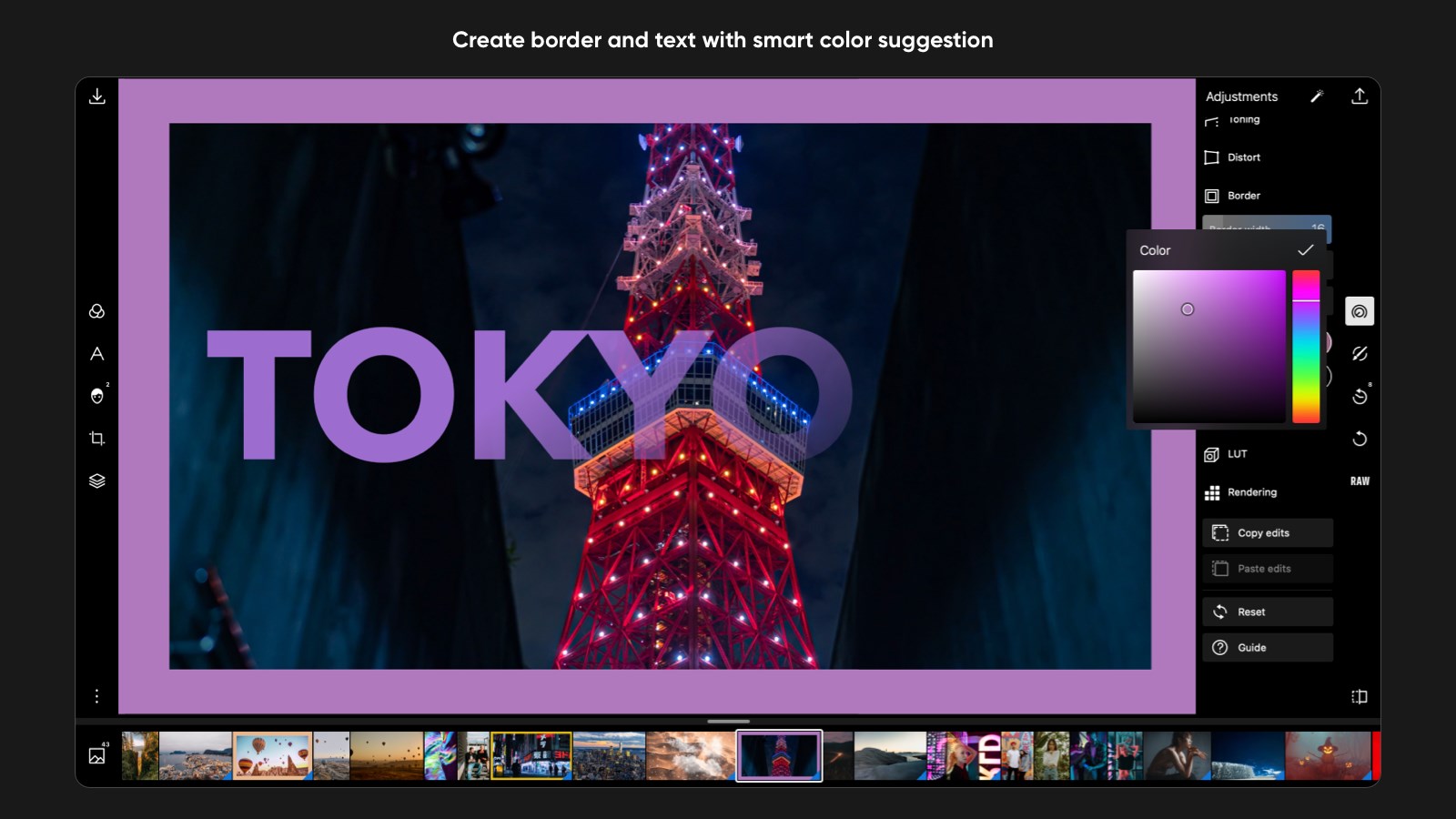
Polarr Pro Photo Editor is a photo editing app that offers essential coloring tools alongside advanced masking and fine-tuning capabilities. Using AI, it detects subjects, faces and skies to simplify selective adjustments. The app provides over 100 adjustment tools and 200+ filters, plus the option to create and share custom presets. Selective editing is possible through brush, radial, gradient and color masks as well as face and subject detection, and it includes 100+ built-in effect overlays plus text and shape overlays. Additional features cover batch exporting. The app is free to download, with a Pro subscription unlocking further capabilities.
Show the developer's original descriptionHide the original description
Make powerful adjustments to your photos with simple, intuitive tools in Polarr. Whether you are a beginner photographer or an experienced pro, you will find yourself at home from comprehensive essential coloring tools to sophisticated masking and fine-tuning capabilities. With the help of AI, Polarr detects subjects, faces, skys, etc to make selective adjustment easier than ever.
Global adjustments
• 100+ Free adjustments tools
• 200+ Free filters for all scenarios
• Make and share your own presets
Selective adjustments
• Brush, radial, gradient, color masks
• Face detection and editing tools
Overlays
• 100+ built in effects overlays
• Text and shape overlays
Convenience
• Batch exporting and watermarking
• EXIF metadata viewer and editor
Subscription Information
• Polarr Pro Photo Editor for Windows is a free download app. Immediately after downloading, the app is in free mode and you’re able to edit with free tools. By purchasing Polarr Pro within the app, you’re able to edit with Pro features such as Masks, Face Detection and batch exporting. Subscriptions are charged to your Microsoft account at confirmation of purchase. Manage your subscription and turn off auto-renewal in your Account Settings after purchase.
Terms of use: https://www.polarr.com/policy/termsofservice_v3_en.html
Privacy policy: https://www.polarr.com/policy/privacy_v3_en.html
Paste the original link from the Apple App Store or Microsoft Store. We fetch all details automatically.
How to find the URL:
1. Open the app in its store. 2.In the App Store app: tap the Share icon → “Copy Link”. In the browser: copy the URL from the address bar — it contains apps.apple.com/…/id… or apps.microsoft.com/detail/…. 3. Paste it here.
Android apps can only be listed by their developer.