Screenshot appears after consentScreenshot appears after consentScreenshot appears after consentScreenshot appears after consentScreenshot appears after consentScreenshot appears after consentScreenshot appears after consent
Summary
Video to MP3 Converter Extractor is a video editing tool that extracts audio from video files and converts it into formats such as MP3, WAV, AIF and RVL. It allows users to select a specific portion of a video for conversion and trim clips using sliders with an option to apply blur effects. Multiple video clips can be merged into one, with adjustable volume, resolution and filters. Videos can be muted to remove existing audio, and background music from the app's library or from personal files can be added, trimmed and adjusted in volume. Finished creations can be saved in various audio and video formats and shared directly to social media, messaging apps or email.
Show the developer's original descriptionHide the original description
Video to MP3 Converter Extractor is a versatile and powerful tool designed to extract high-quality audio from any video quickly and effortlessly. Convert videos to MP3 and other popular audio formats, trim clips, merge videos, mute unwanted sound, or add your favorite background music. This all-in-one solution makes it simple to create custom ringtones, audio tracks, or polished video content.
With support for a wide range of video formats, intuitive controls, and advanced editing options, this app is perfect for personal use, social media content creation, or multimedia projects.
Convert, trim, and customize your videos with ease.
Tutorial Link :- https://myexpressapps.com/video-to-mp3-converter-extractor-tutorial/
Main Features:-
1. Video to MP3 Converter
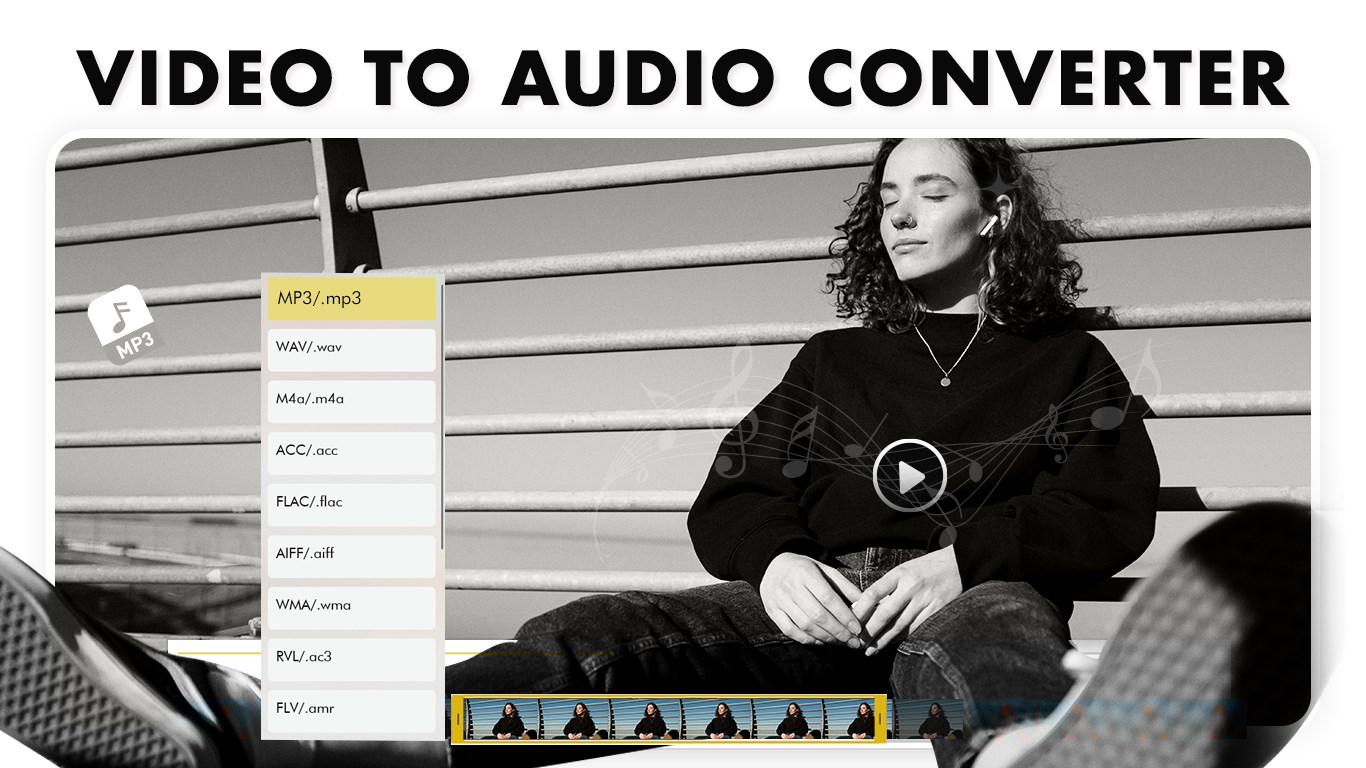
• Select any video and extract audio in MP3 or other popular formats like WAV, AIF, and RVL.
• Choose the portion of the video to convert for precise results.
• High-quality audio output for music, ringtones, and podcasts.
2. Video Trimmer
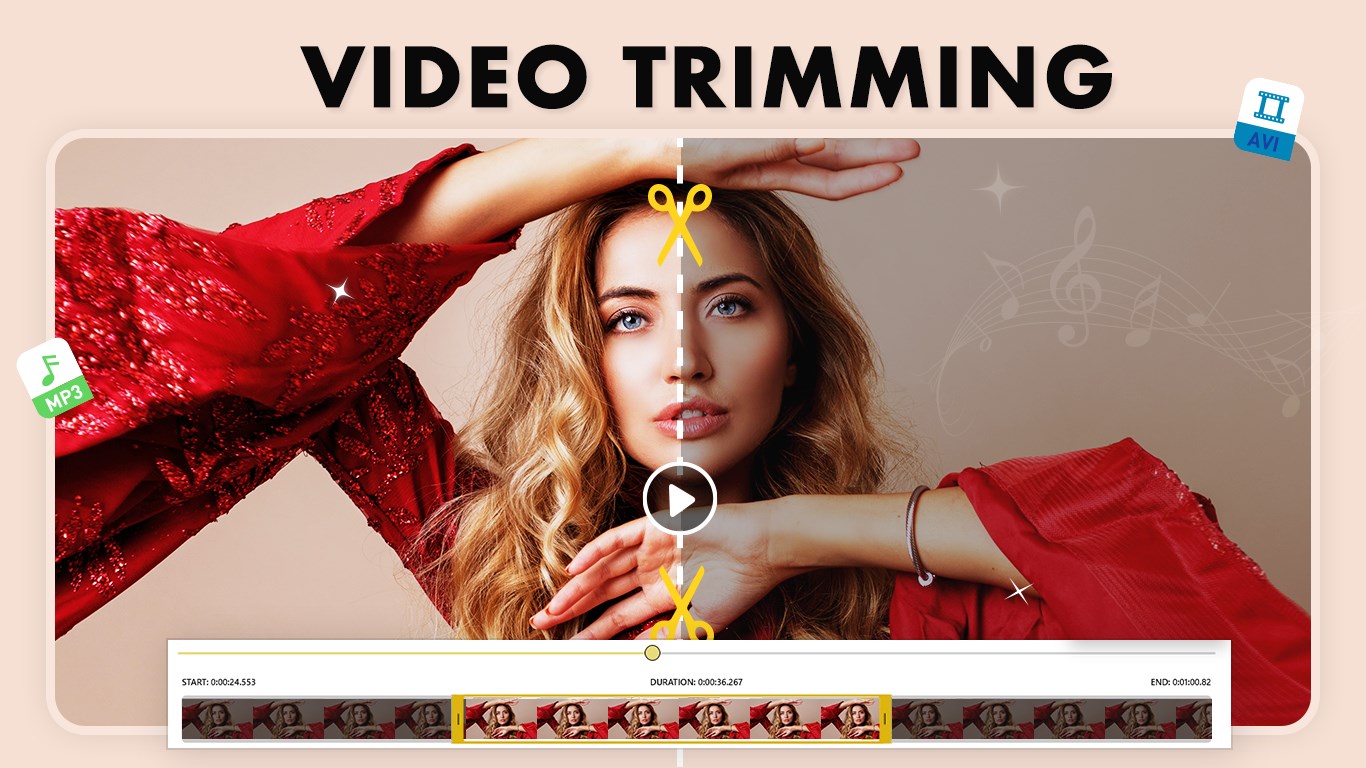
• Trim videos quickly using intuitive sliders.
• Adjust duration from both ends of the timeline.
• Option to apply blur effects before saving.
3. Merge Video
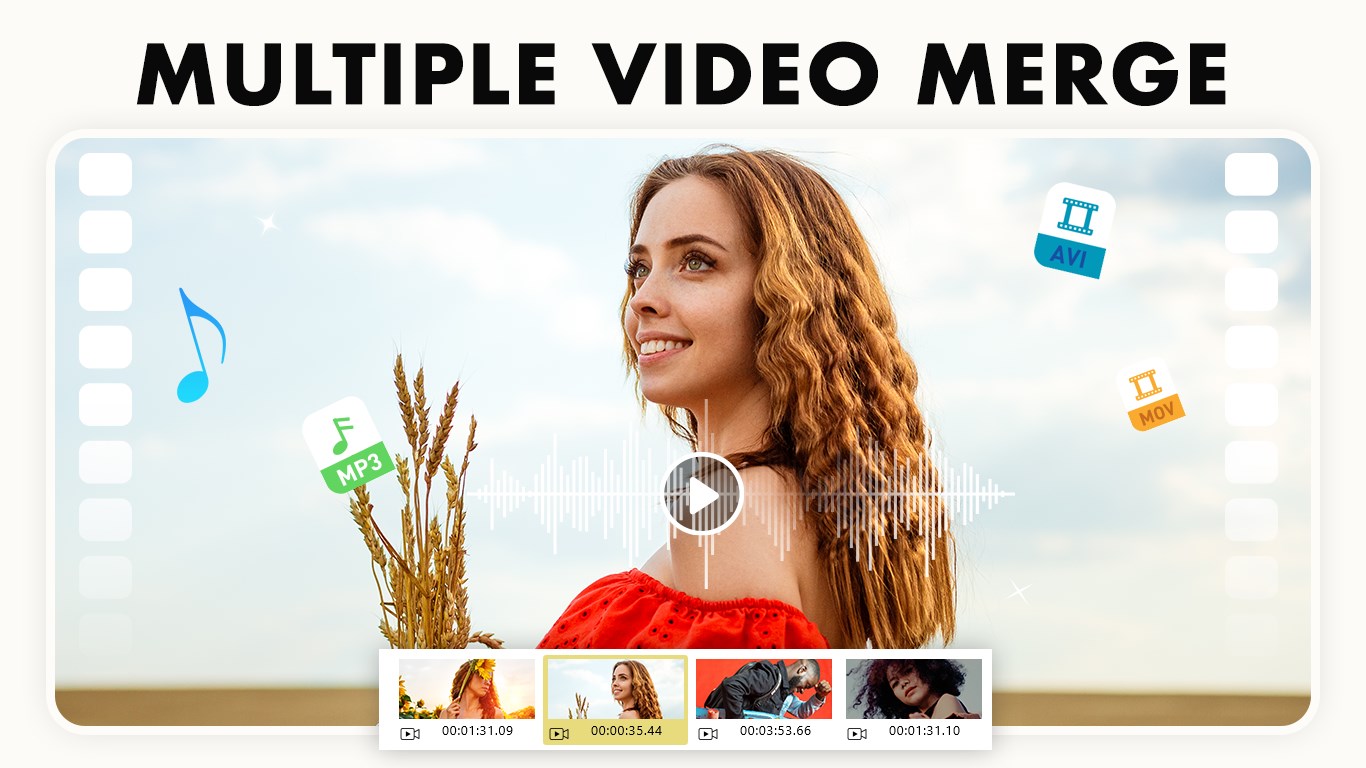
• Combine multiple clips into one seamless video.
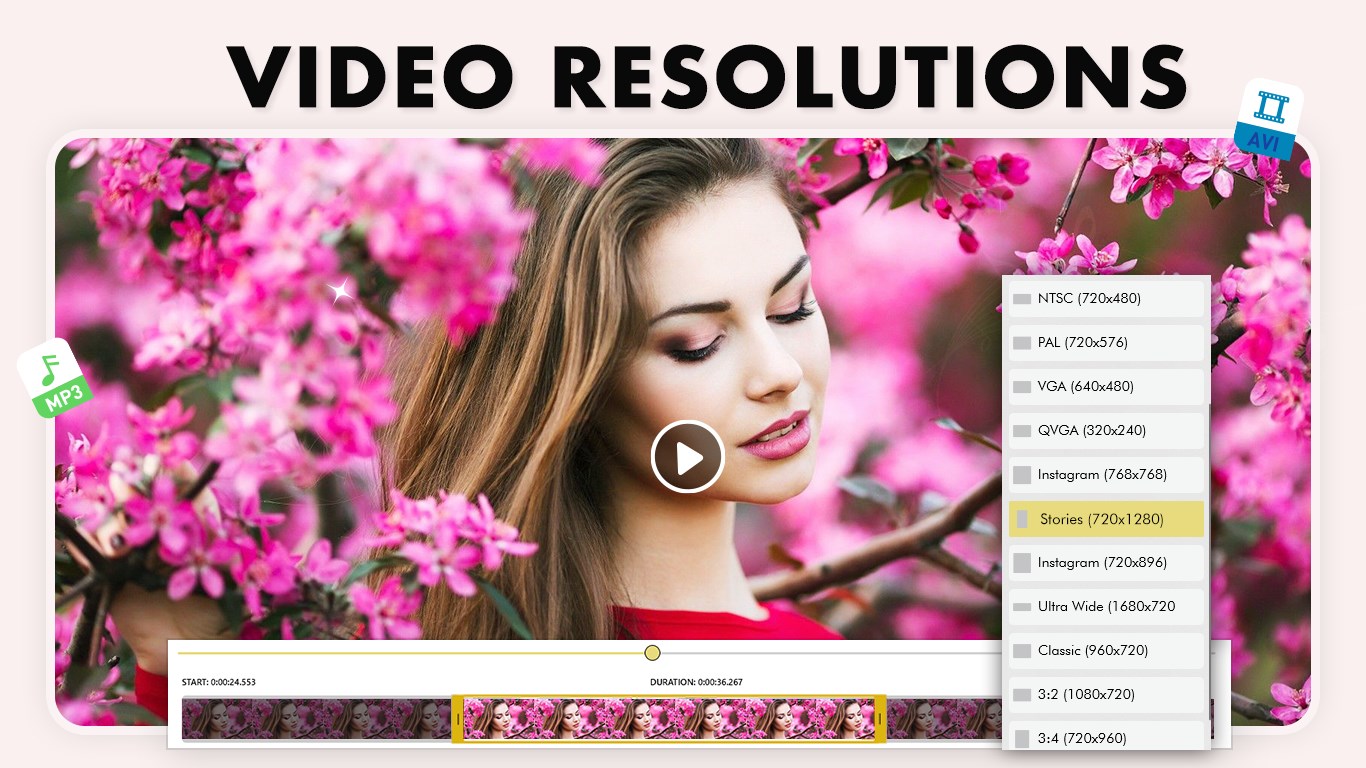
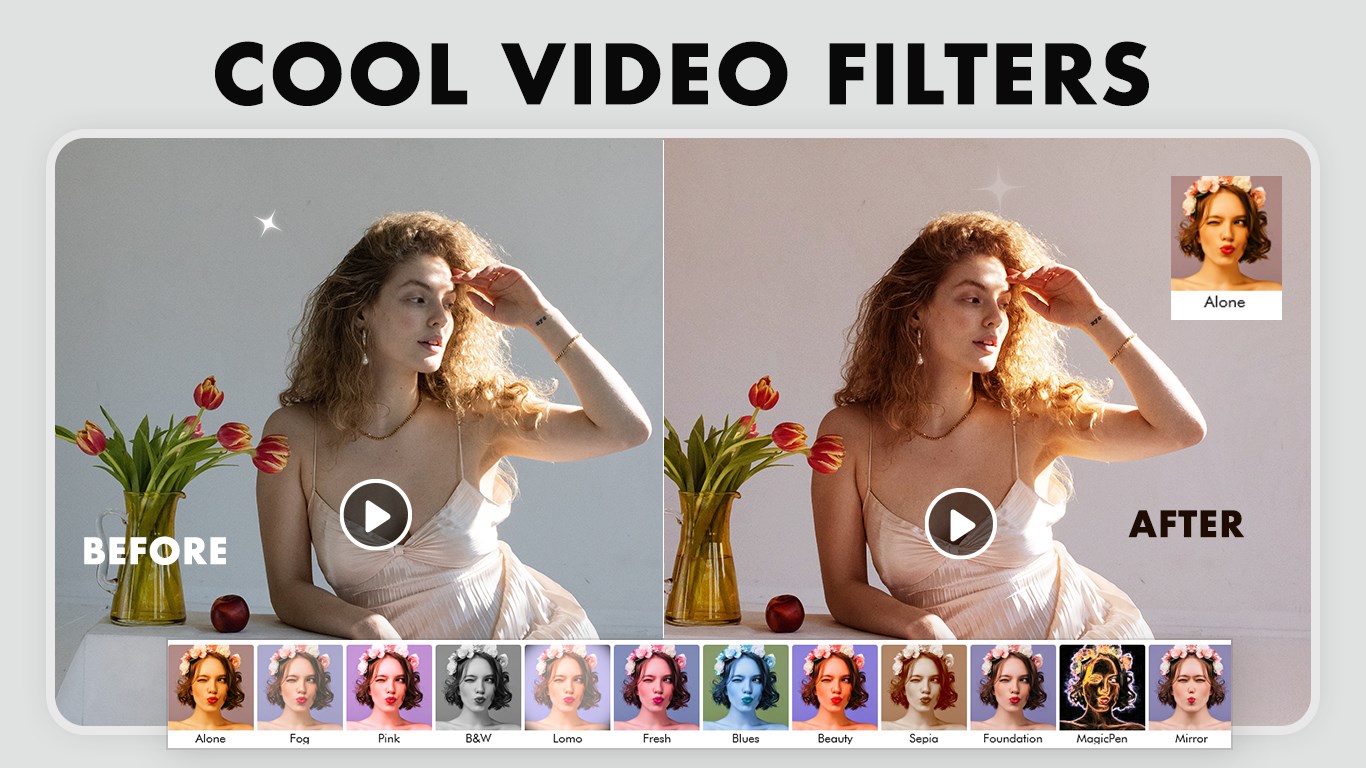
• Adjust volume, resolution, and apply filters.
• Delete unwanted clips easily.
4. Mute Video
• Remove audio from videos instantly.
• Create silent videos for presentations or social media.
5. Add Background Music
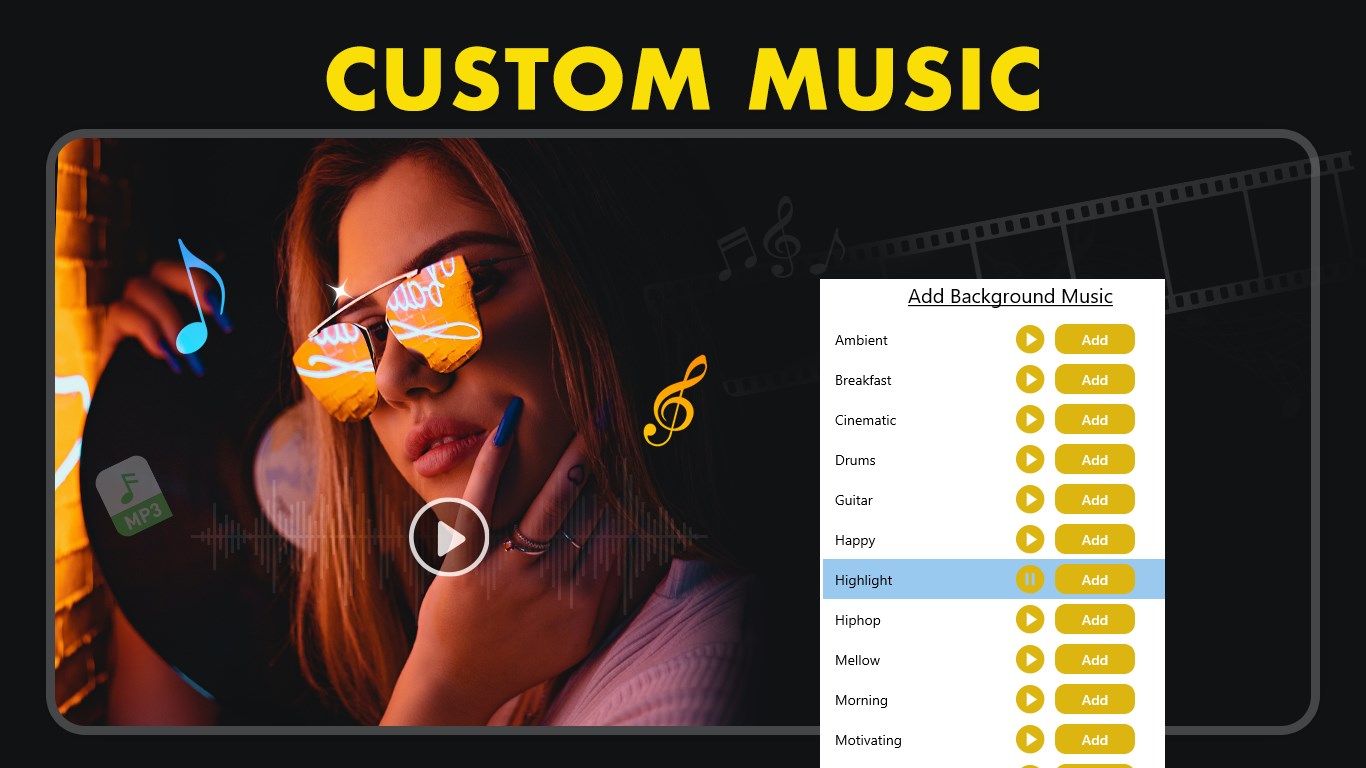
• Add music from the app library or upload your own audio files.
• Adjust volume, trim tracks, and replace music as needed.
• Save your edited video with enhanced sound.
Extra Features:
• Supports multiple export formats: MP3, WAV, MP4, AIF, RVL, and more.
• User-friendly interface for quick and accurate editing.
• Perfect for creating custom audio clips, ringtones, or social media-ready videos.
• Instant saving and sharing to social media, messaging apps, or email.
Sharing and Saving:
Save creations in high-quality MP3, WAV, MP4, AIF, RVL, and other formats. Share instantly via social media, email, or messaging apps.
Why Choose Video to MP3 Converter Extractor?
• All-in-one solution for audio extraction and video editing.
• Intuitive workflow for beginners and advanced users alike.
• Fast and reliable conversion without compromising quality.
Download and install this ultimate Video Converter to save your time and hard work.
★★★★CONTACT US★★★★
Tutorial: https://myexpressapps.com/video-to-mp3-converter-extractor-tutorial/
Web: https://myexpressapps.com
Facebook: @myexpressapps
Instagram: @myexpressapps
Twitter: @myexpressapps
Support: freebestapps@hotmail.com
Technical details about Video to MP3 Converter Extractor
Play Store URL for "Video to MP3 Converter Extractor"
If there is a version of this app for iOS/Mac or Windows we don't know about, paste the store link here — we'll auto-detect the store.
How to find the URL:1. Open the app in its store. 2.In the App Store app: tap the Share icon → “Copy Link”. In the browser: copy the URL from the address bar — it contains apps.apple.com/…/id… or apps.microsoft.com/detail/…. 3. Paste it here.
Paste the original link from the Apple App Store or Microsoft Store. We fetch all details automatically.
How to find the URL:
1. Open the app in its store. 2.In the App Store app: tap the Share icon → “Copy Link”. In the browser: copy the URL from the address bar — it contains apps.apple.com/…/id… or apps.microsoft.com/detail/…. 3. Paste it here.
Android apps can only be listed by their developer.



 MP3 Converter – Video to MP3 & Audio Extractor
Extract audio from videos and convert to MP3
 Video To Mp3 Converter,Video Trimmer
Convert videos to audio files and trim audio
 Audio Converter - Mp3 Converter
Quickly convert audio formats and extract audio from video
 My MP3 Converter
Convert audio and video files to MP3
 MP4 to MP3 Video Converter Pro
Converts video and audio files between numerous formats
 Music Downloader
Download and convert music and videos to MP3 or MP4