Screenshot appears after consentScreenshot appears after consentScreenshot appears after consentScreenshot appears after consentScreenshot appears after consentScreenshot appears after consentScreenshot appears after consentScreenshot appears after consentScreenshot appears after consentScreenshot appears after consent
Summary
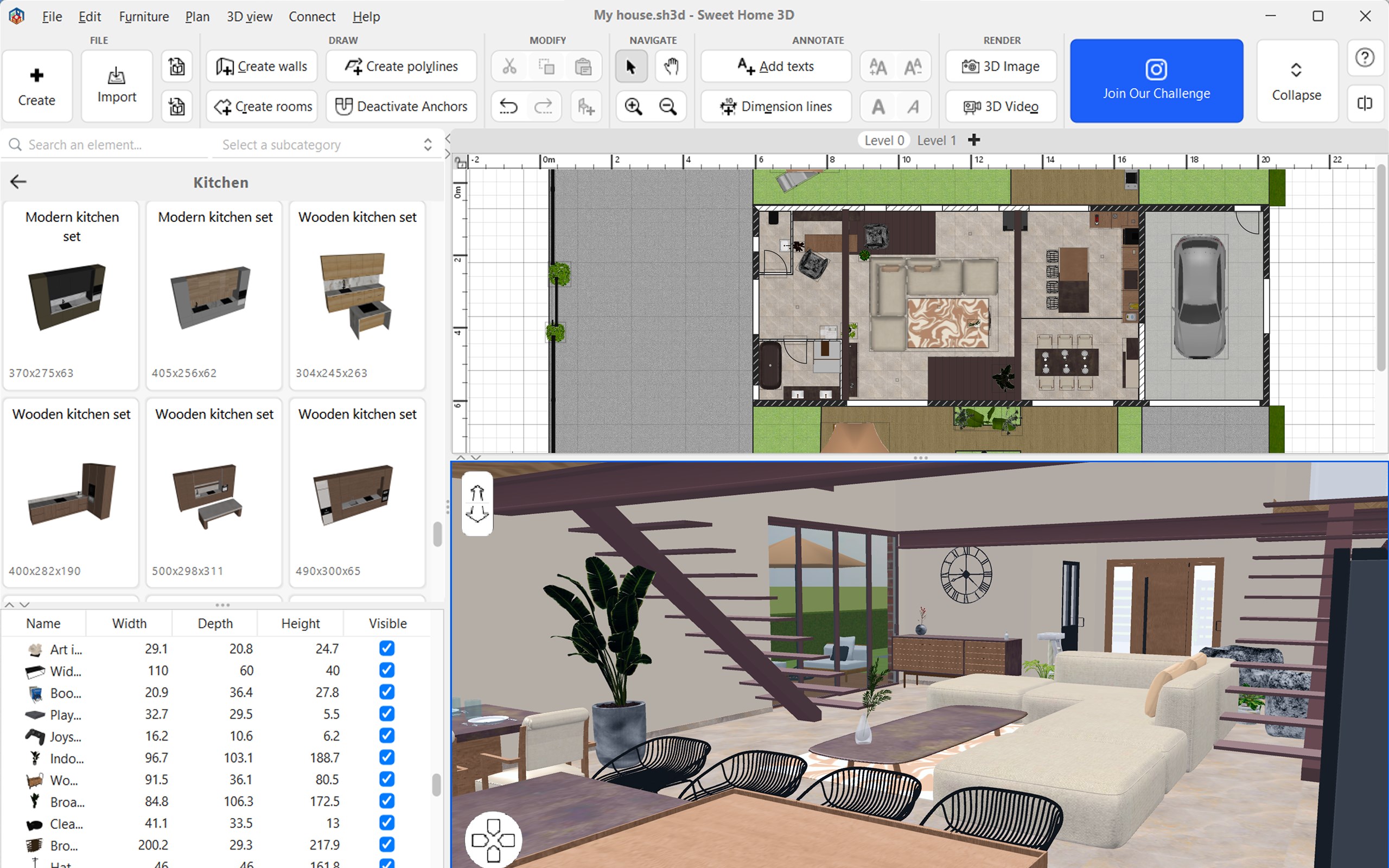
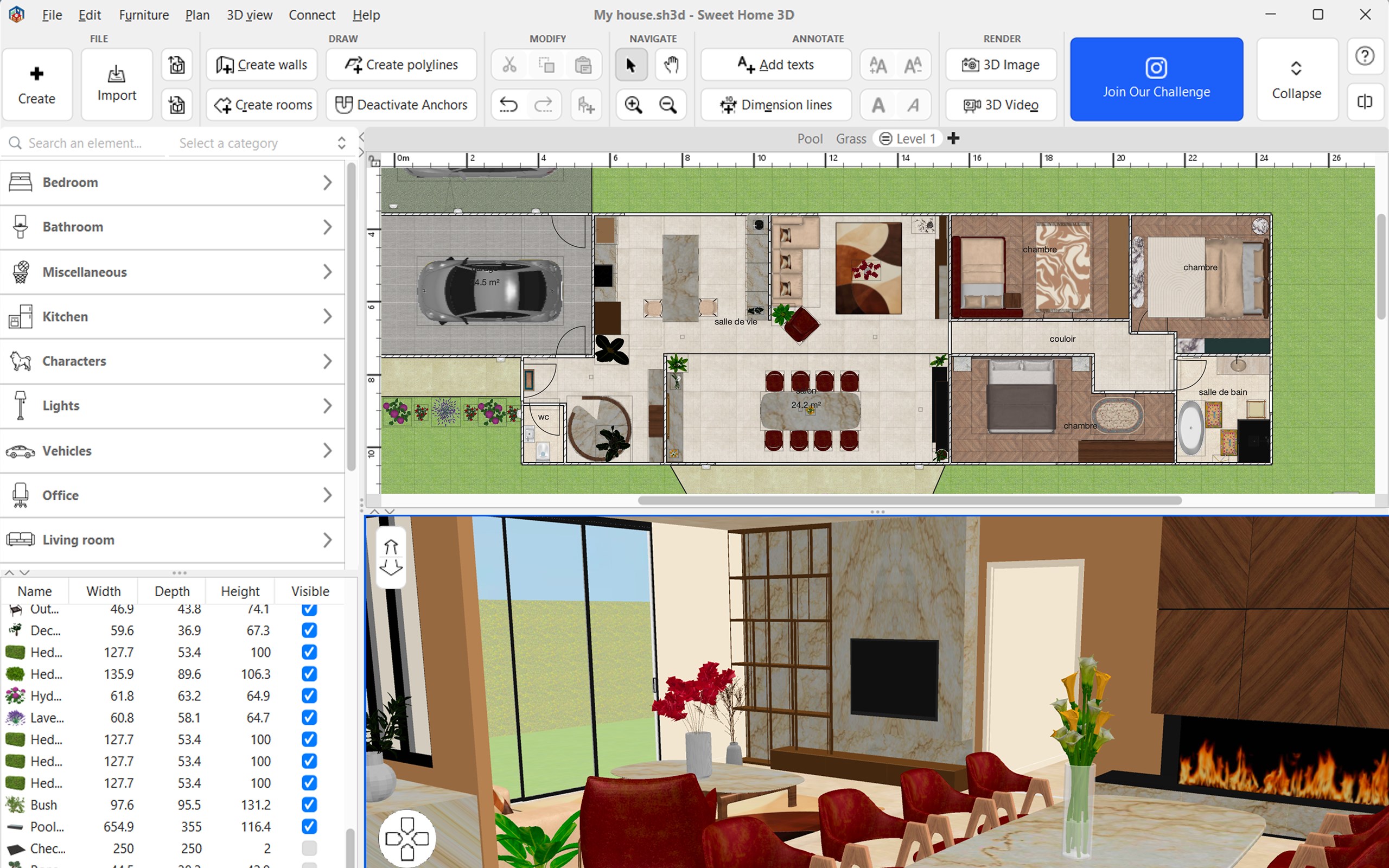
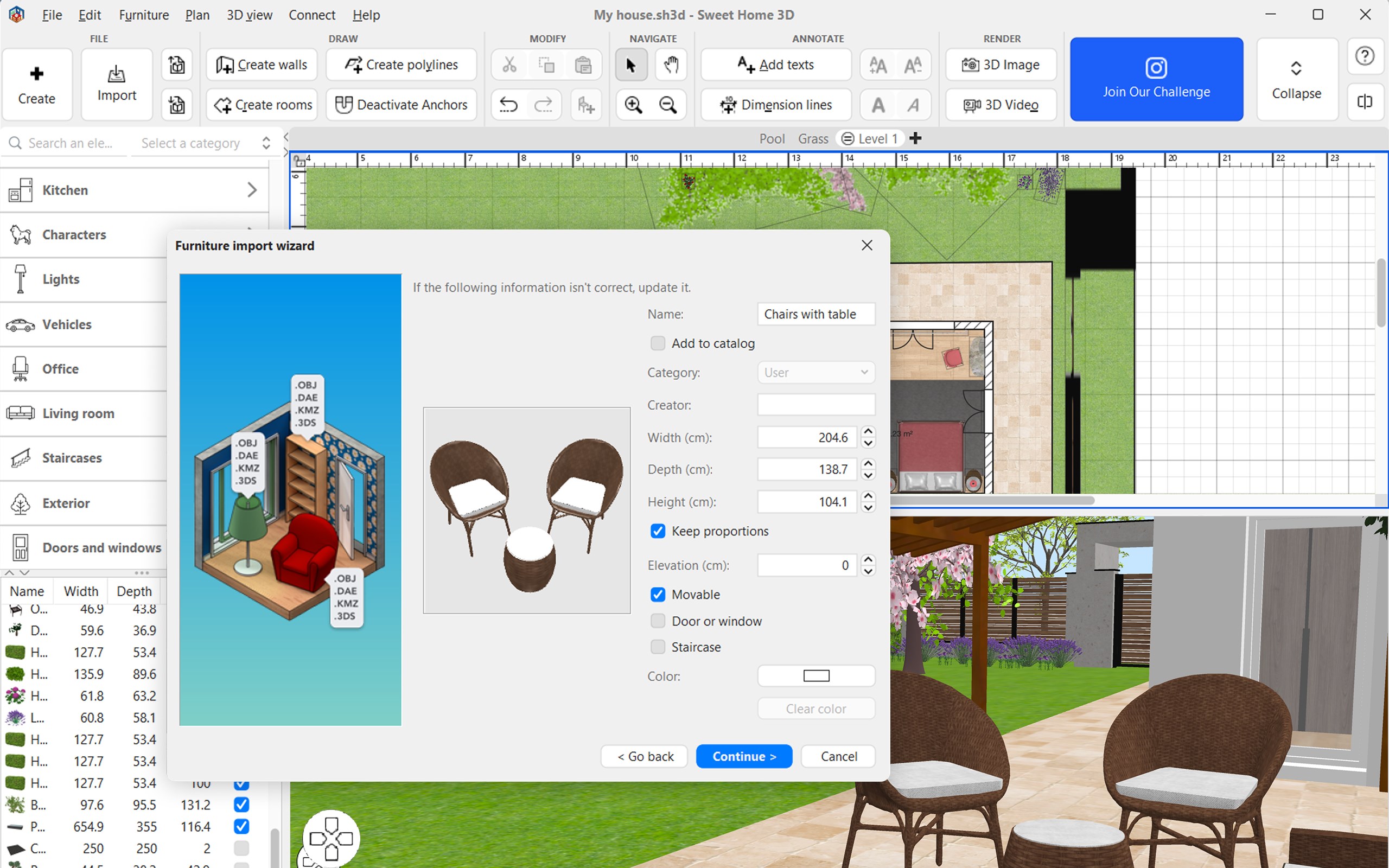
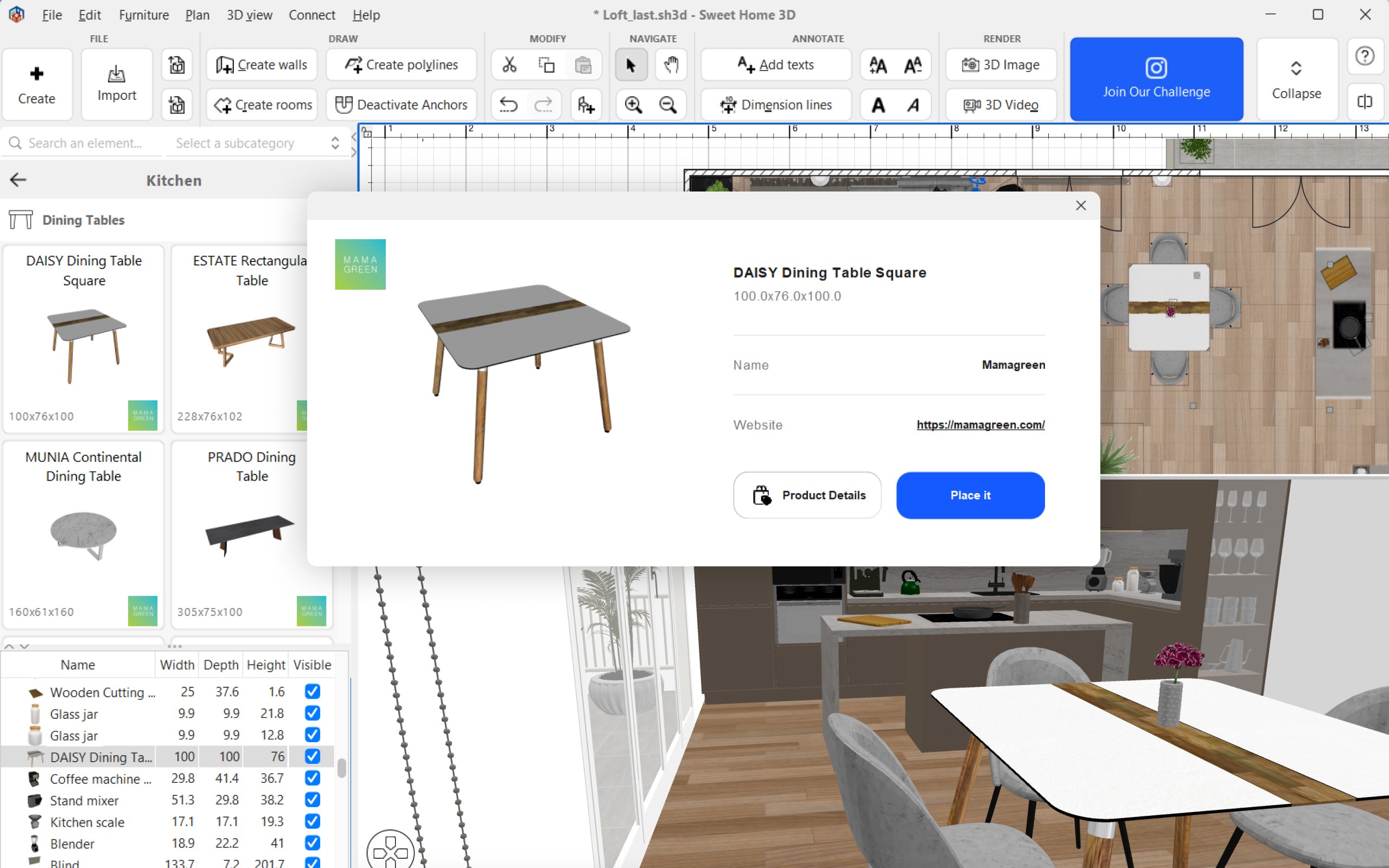
Sweet Home 3D: Interior Design & Home Planner is an interior design app for creating detailed home plans and visualizing them in 3D. It allows drawing 2D layouts, adding walls, doors and windows, and arranging furniture chosen from a catalog of more than 10,000 items with over 400 textures, colors and patterns, and additional 3D models can be imported for further customization. Designs can be viewed in real time from multiple angles, including aerial and walk-through views, and exported in formats such as PDF, PNG, SVG and OBJ.
Show the developer's original descriptionHide the original description
Sweet Home 3D is the essential interior design app for creating detailed home plans and visualizing them in 3D.
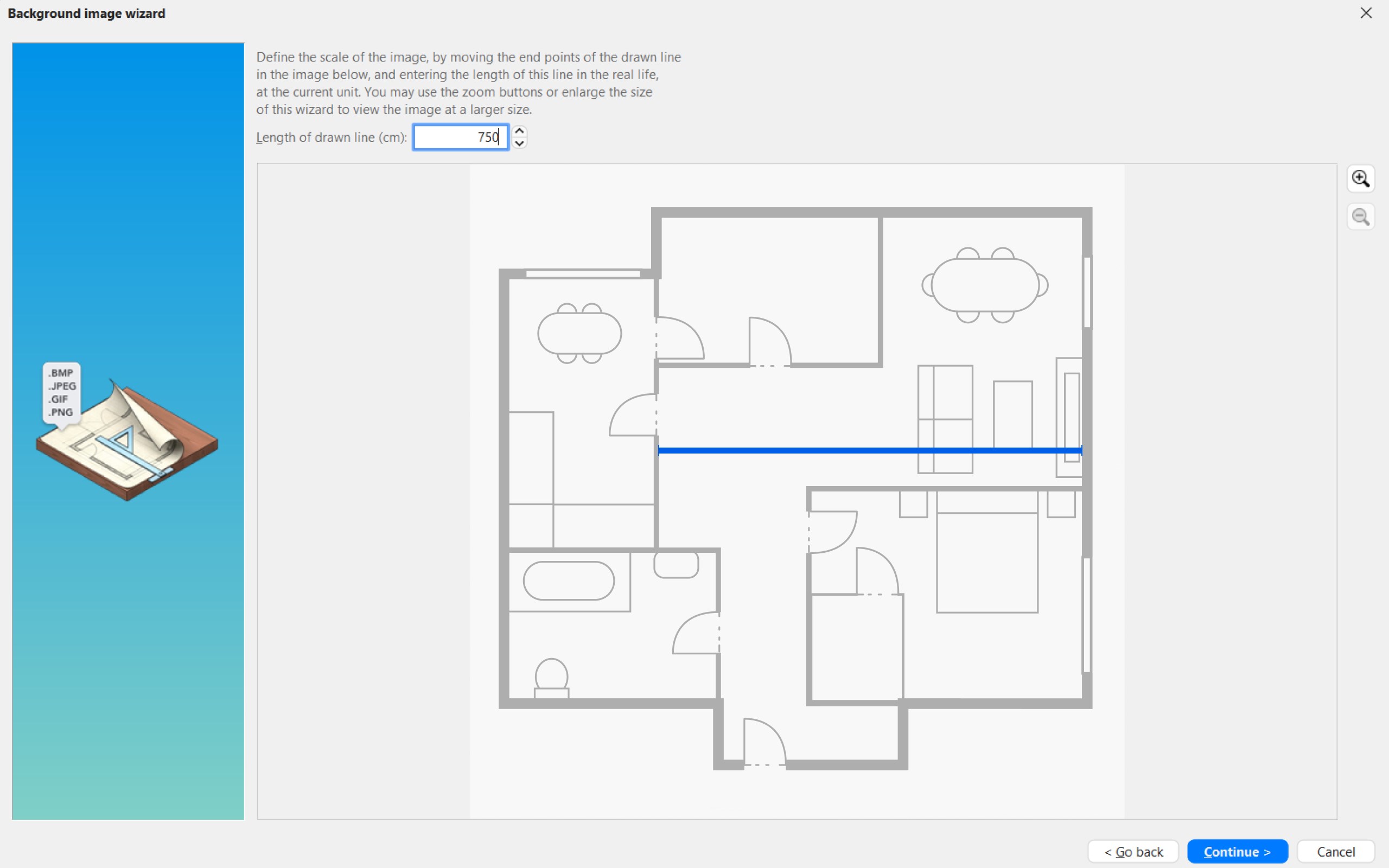
- Design and Layout: Draw 2D layouts, add walls, doors, windows, and arrange furniture from a vast catalog. You can also import 3D models for complete customization.
- Perfect for Various Projects: Whether you're planning a home renovation, decorating a room, or designing a new space from scratch, Sweet Home 3D provides the tools you need.
- Customization Options: Adjust colors, textures, and placements to create your ideal house design.
- Immersive 3D Experience: Real-time 3D rendering offers virtual tours and multiple viewing angles, including aerial and walk-through views.
- Compatibility and Export: Compatible with the desktop version, Sweet Home 3D allows you to export designs in PDF, PNG, SVG, and OBJ formats, perfect for sharing and editing.
- User-Friendly for All Levels: Ideal for both DIY enthusiasts and professionals, the app includes features like annotating room dimensions, adding labels, and exploring oor plans from various perspectives.
- Offline Accessibility: With no hidden fees and support for multiple languages, Sweet Home 3D works ofine, making it accessible anytime, anywhere.
Whether you’re remodeling, designing interiors, or decorating a new home, Sweet Home 3D makes it easy to visualize and bring your dream space to life!
Subscribe to access to premium app features; subscription details are the following:
- Length: Monthly or yearly
- Free trial: Available only on selected subscriptions
- Your payment will be charged to your Microsoft Store account upon confirmation of purchase
- You can manage your subscriptions and turn off auto-renewal in your Microsoft Store Account settings after purchase
- Your subscription will automatically renew unless you cancel it at least 24 hours before the end of the current period
- The cost of renewal will be charged to your Microsoft Store Account within 24 hours prior to the end of the current subscription period
- If you cancel a subscription, it will remain active until the end of the current billing period. Auto-renewal will be disabled, but no refunds will be provided for the remaining period
- Any unused portion of a free trial period, if offered, will be forfeited upon purchasing a subscription
Terms & Conditions:
https://magic-cake-e95.notion.site/Windows-Sweet-Home-3D-Terms-Conditions-177cf6557a0880dab210e98594b6c525?pvs=4
Privacy Policy:
https://sweethome3d.notion.site/Windows-Sweet-Home-3D-Privacy-Policy-177cf6557a0880f9a1f8e0c4ab86699b?pvs=4
Pay a visit to our website for more information: https://www.sweethome3d.com
If you have any questions, please contact us at info@sweethome3d.com
Play Store URL for "Sweet Home 3D: Interior Design & Home Planner"
If there is a version of this app for iOS/Mac or Windows we don't know about, paste the store link here — we'll auto-detect the store.
How to find the URL:1. Open the app in its store. 2.In the App Store app: tap the Share icon → “Copy Link”. In the browser: copy the URL from the address bar — it contains apps.apple.com/…/id… or apps.microsoft.com/detail/…. 3. Paste it here.
Paste the original link from the Apple App Store or Microsoft Store. We fetch all details automatically.
How to find the URL:
1. Open the app in its store. 2.In the App Store app: tap the Share icon → “Copy Link”. In the browser: copy the URL from the address bar — it contains apps.apple.com/…/id… or apps.microsoft.com/detail/…. 3. Paste it here.
Android apps can only be listed by their developer.





 Sweet Home 3D Plan Your House
Plan and furnish rooms in 2D and 3D
 Live Home 3D: House Design
Design homes, interiors and gardens with 2D floor plans
 Live Home 3D - House Design
Design homes, interiors and gardens in 2D and 3D
 Home Design 3D
Design and furnish your house in 3D and explore it virtually
 Live Home 3D Pro - House Design
Create floor plans, 3D home designs and garden layouts
 Planner 5D: AI Home Design
Design floor plans and rooms with AI in 3D