Screenshot appears after consentScreenshot appears after consentScreenshot appears after consentScreenshot appears after consent
Summary
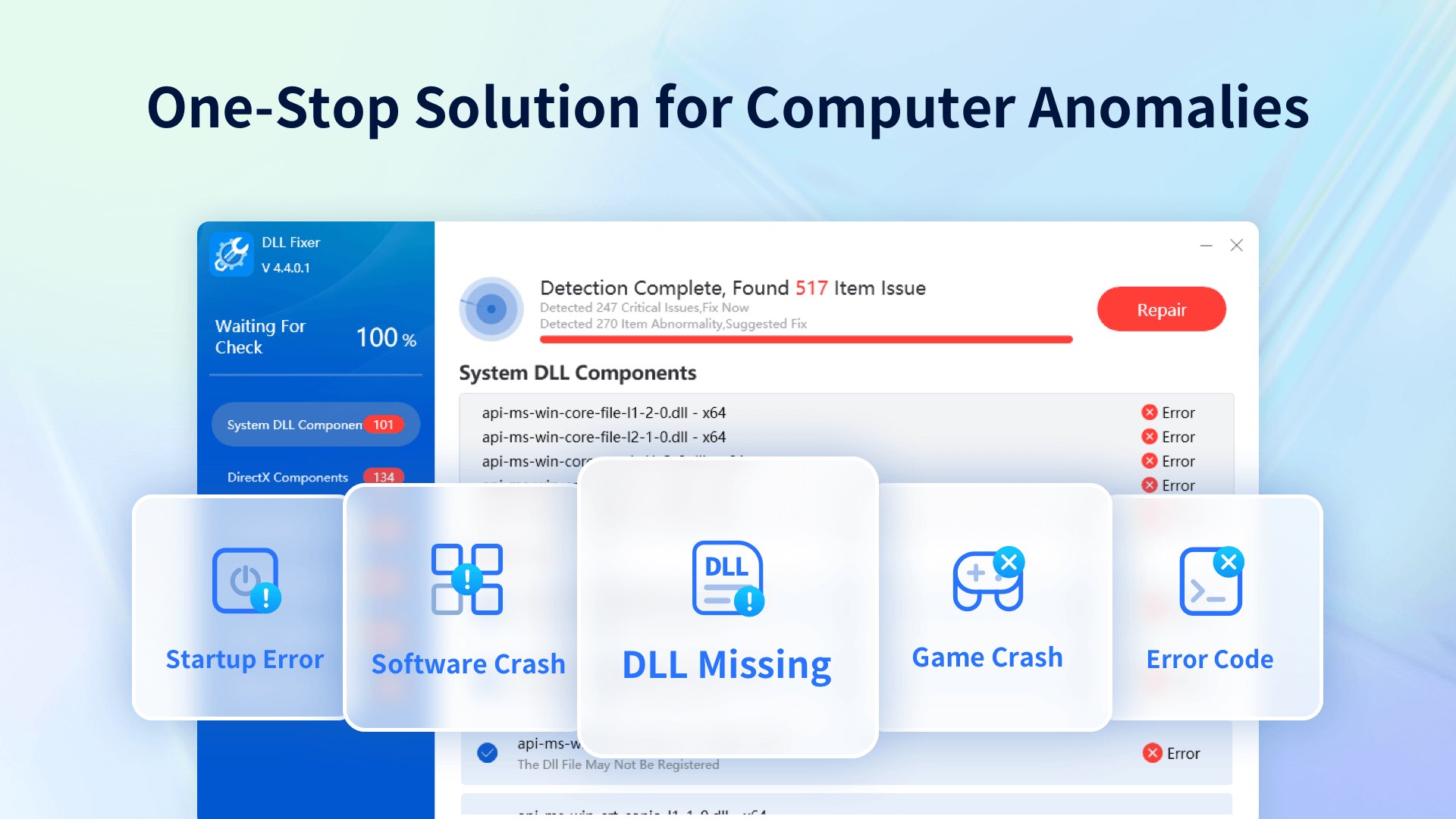
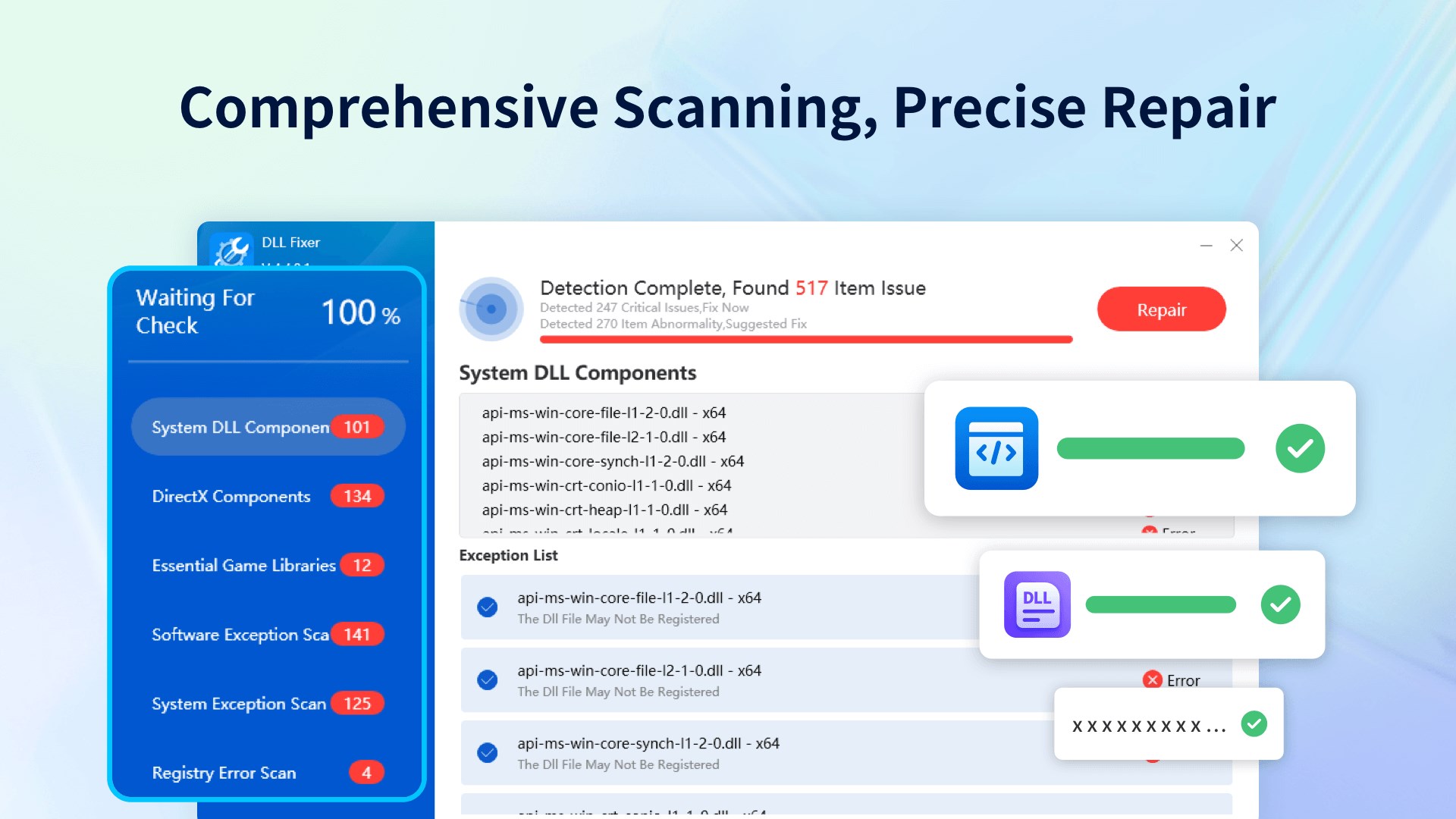
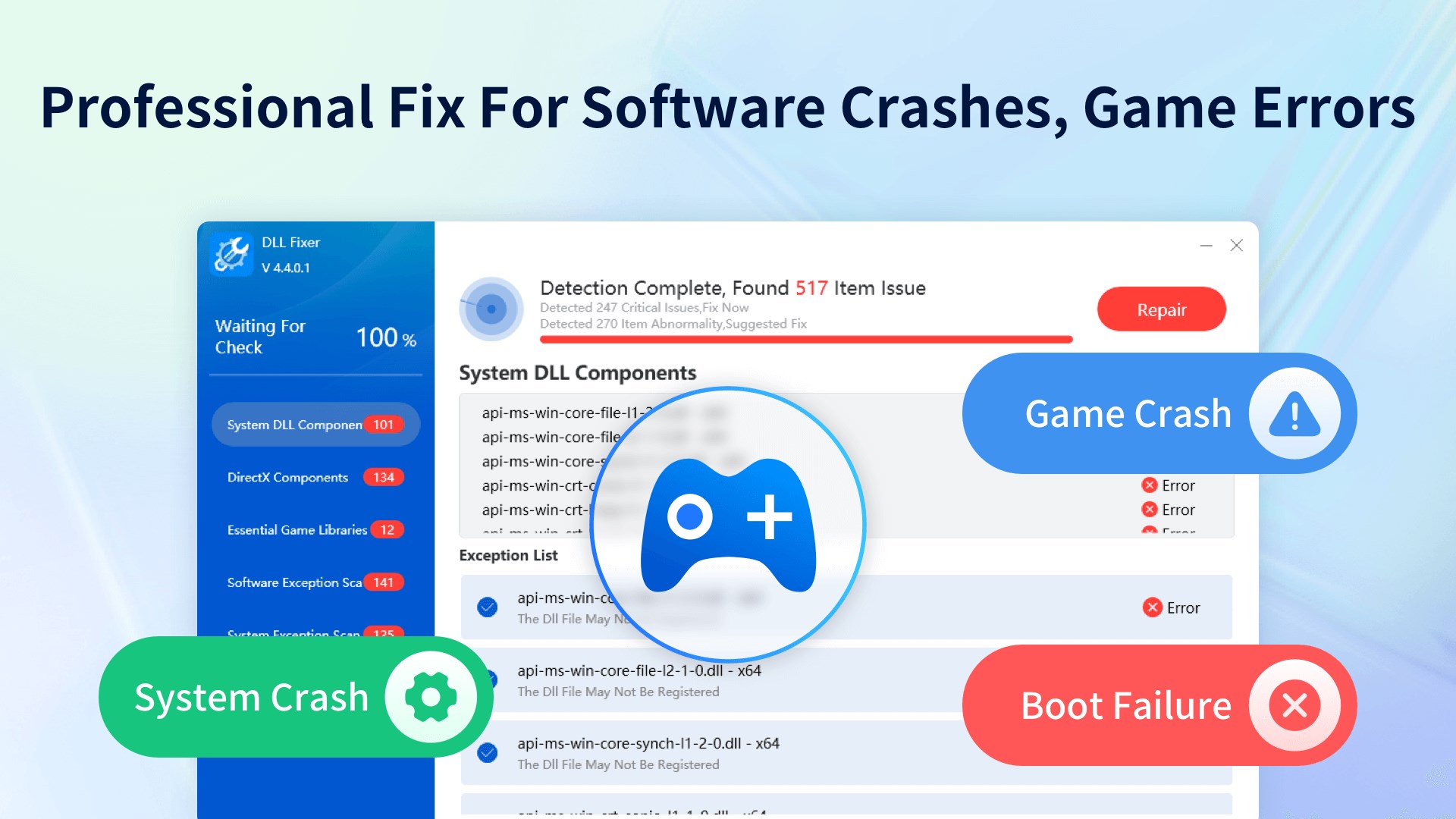
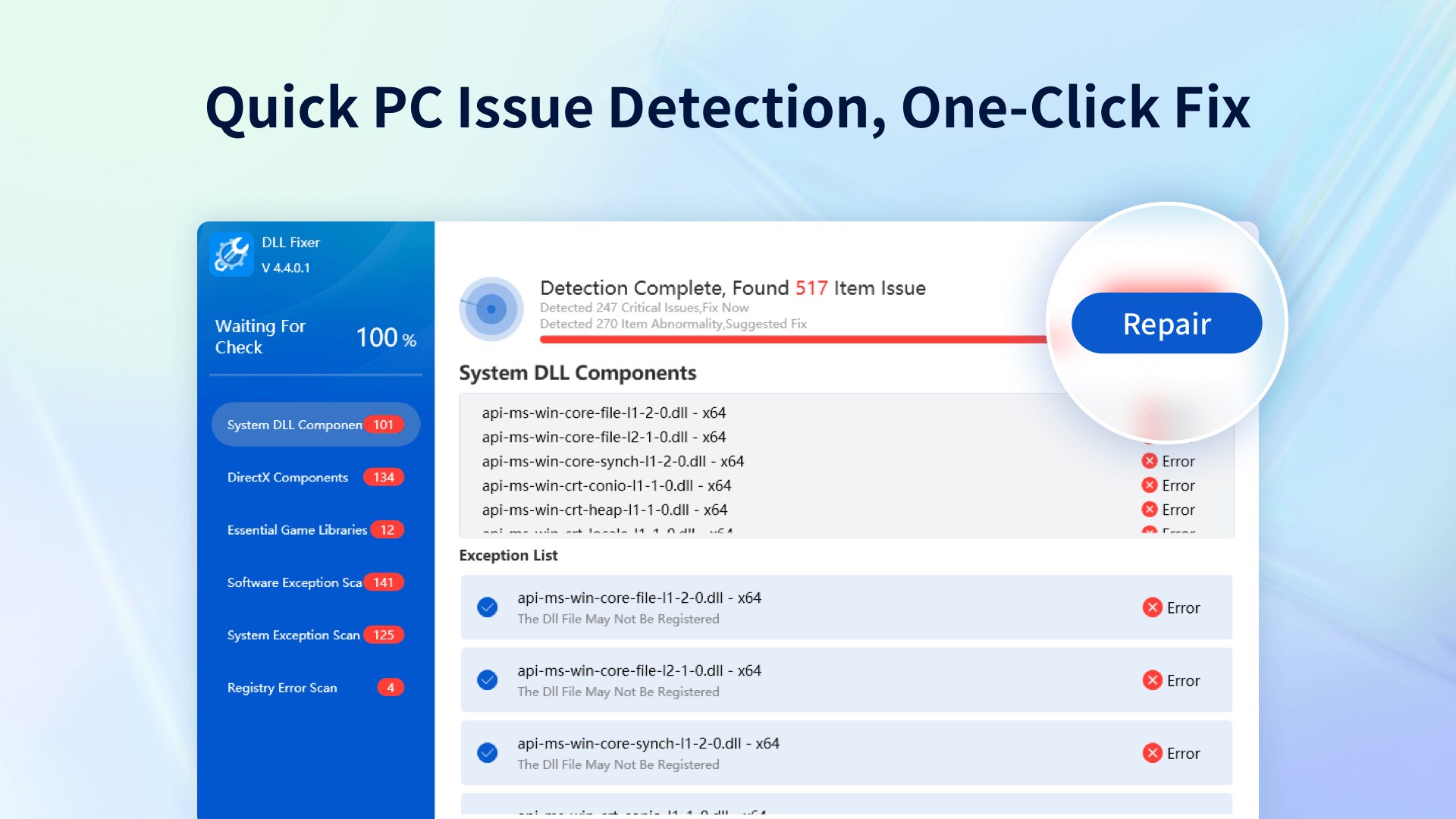
DLL Fixer - Game & Software Error Repair is a system repair tool for Windows that fixes DLL errors and other common system problems. It scans for missing, corrupted, or conflicting DLL files and repairs them automatically. It restores missing Visual C++ runtime components needed for applications and games to run properly. It also addresses registry errors and corrupted system files to restore normal system operation. The tool connects to an online database for updated repair solutions. Detection is free to use without limits, while repairs require a paid membership, available as a subscription or a one-time lifetime purchase.
Show the developer's original descriptionHide the original description
DLL Fixer is a comprehensive system repair tool focused on resolving DLL errors, missing Visual C++ (VC) runtime libraries, and other common system issues on Windows operating systems. Designed as an all-in-one solution, it ensures system stability, reliability, and performance while delivering an optimal repair experience.
Key Features:
DLL Error Repair: Efficiently scans and diagnoses DLL errors, quickly identifying missing, corrupted, or conflicting DLL files, with automatic repair options.
VC Runtime Repair: Detects and restores missing Visual C++ runtime components to ensure proper application and game functionality.
System Error Fixes: Addresses registry errors, corrupted system files, and other common issues to restore normal operation.
Online Updates & Database: Connects to official DLL and VC runtime databases for real-time updates and precise repair solutions.
User-Friendly Interface: Simplifies repairs with an intuitive design, requiring minimal technical knowledge.
⚠️The current version is the free acquisition edition.the user can unlimited free use of the detection function, but repair operations require a paid membership upgrade.If you are satisfied with the product, you can purchase in-app services to unlock the full range of features. You can choose to subscribe monthly, quarterly, or annually, and fees will be automatically deducted from your Microsoft account at renewal. Alternatively, you can opt for a lifetime membership, which requires a one-time payment for permanent access.You can also enjoy a 7-day free trial, which unlocks all features. After the trial ends, your subscription will automatically renew as a quarterly membership.
Play Store URL for "DLL Fixer - Game & Software Error Repair"
If there is a version of this app for iOS/Mac or Windows we don't know about, paste the store link here — we'll auto-detect the store.
How to find the URL:1. Open the app in its store. 2.In the App Store app: tap the Share icon → “Copy Link”. In the browser: copy the URL from the address bar — it contains apps.apple.com/…/id… or apps.microsoft.com/detail/…. 3. Paste it here.
Paste the original link from the Apple App Store or Microsoft Store. We fetch all details automatically.
How to find the URL:
1. Open the app in its store. 2.In the App Store app: tap the Share icon → “Copy Link”. In the browser: copy the URL from the address bar — it contains apps.apple.com/…/id… or apps.microsoft.com/detail/…. 3. Paste it here.
Android apps can only be listed by their developer.