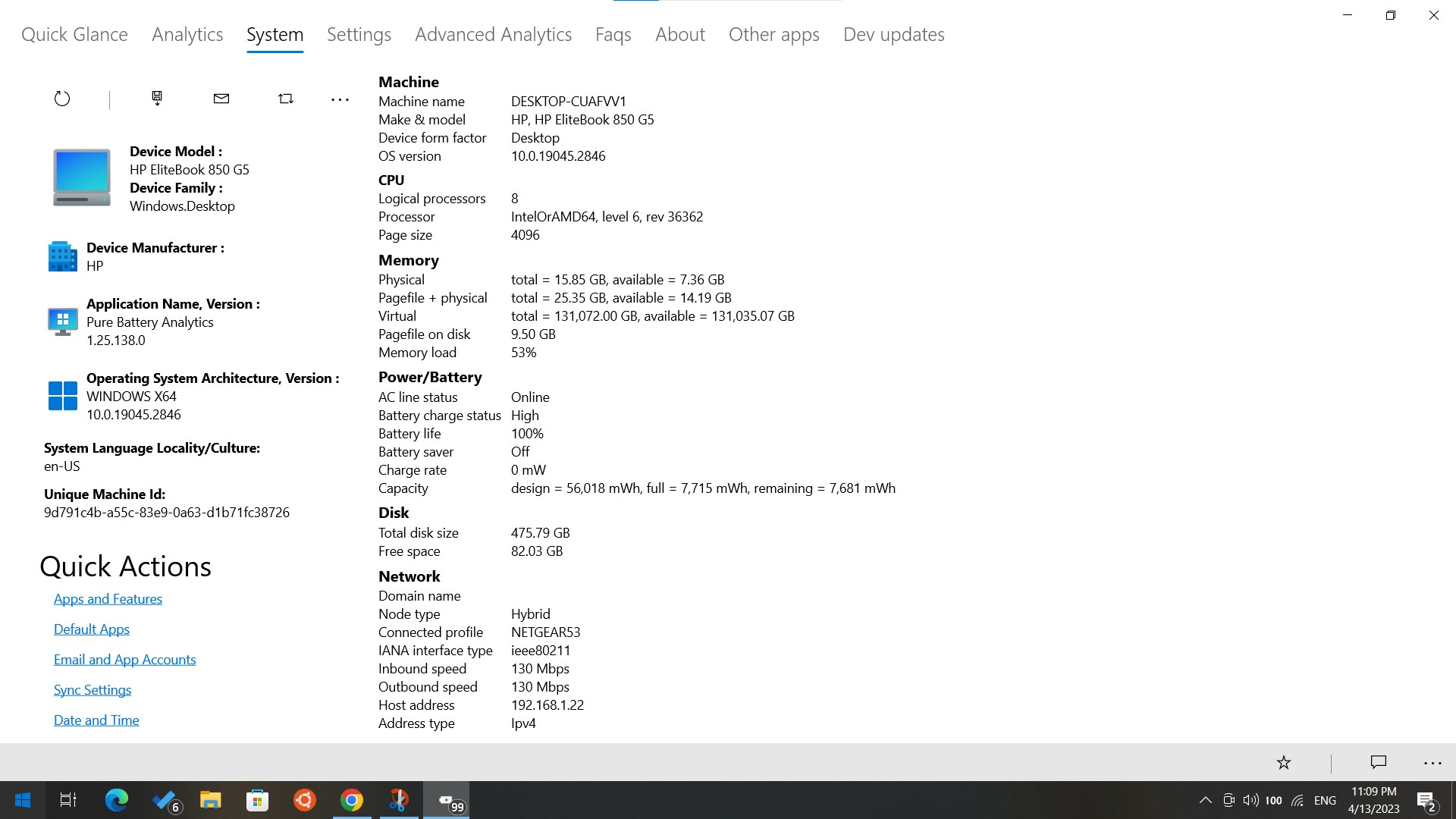
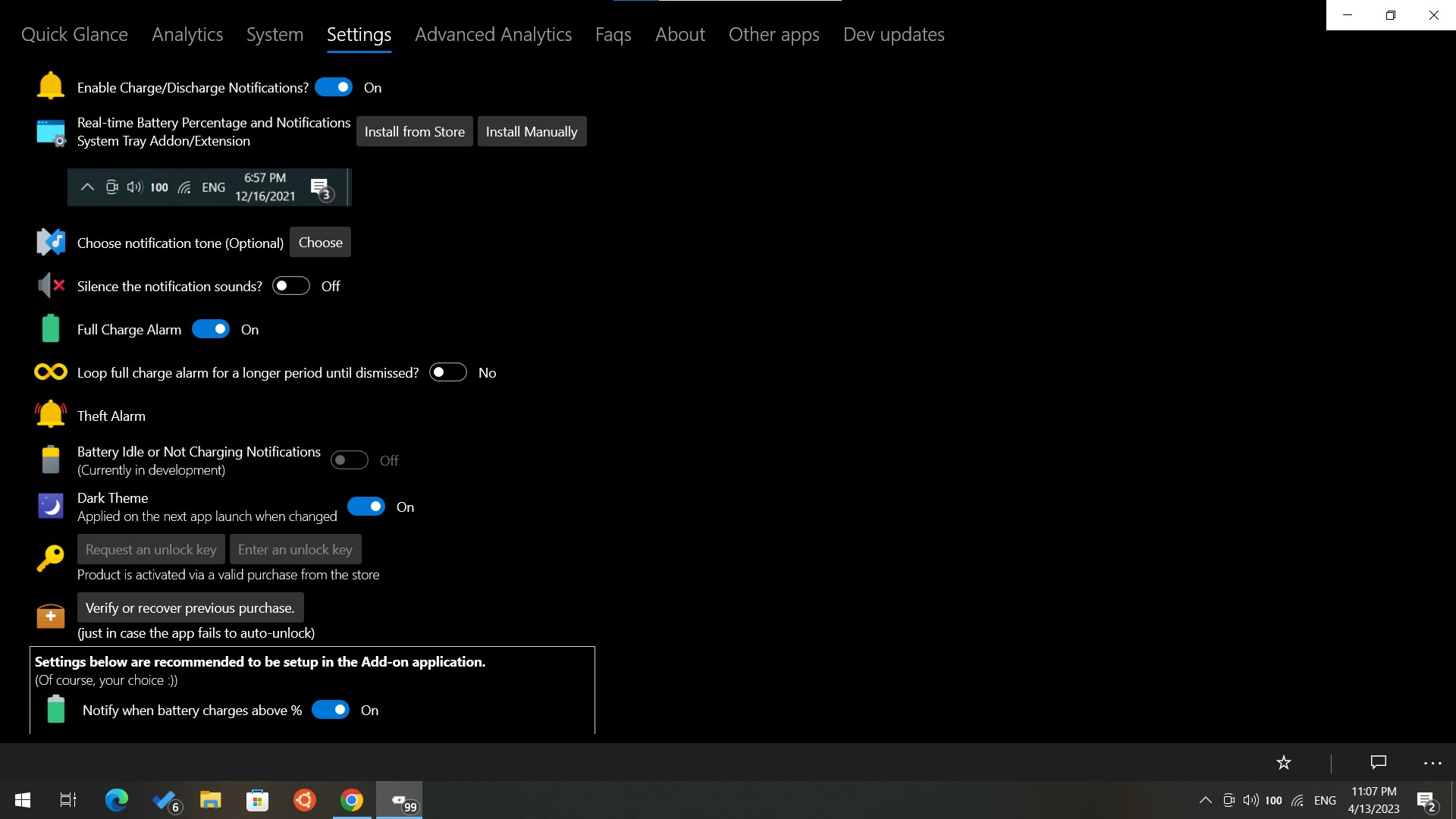
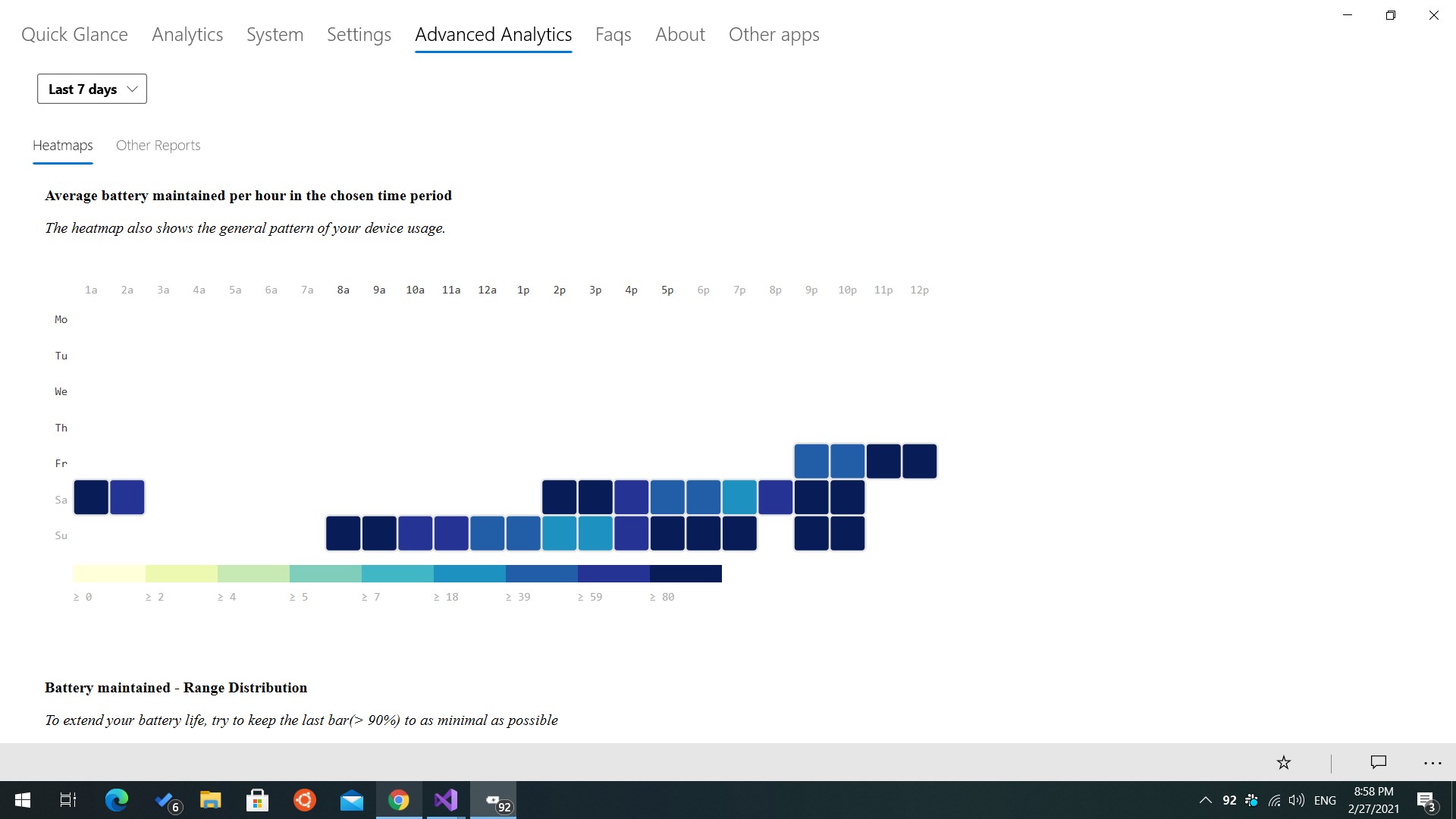
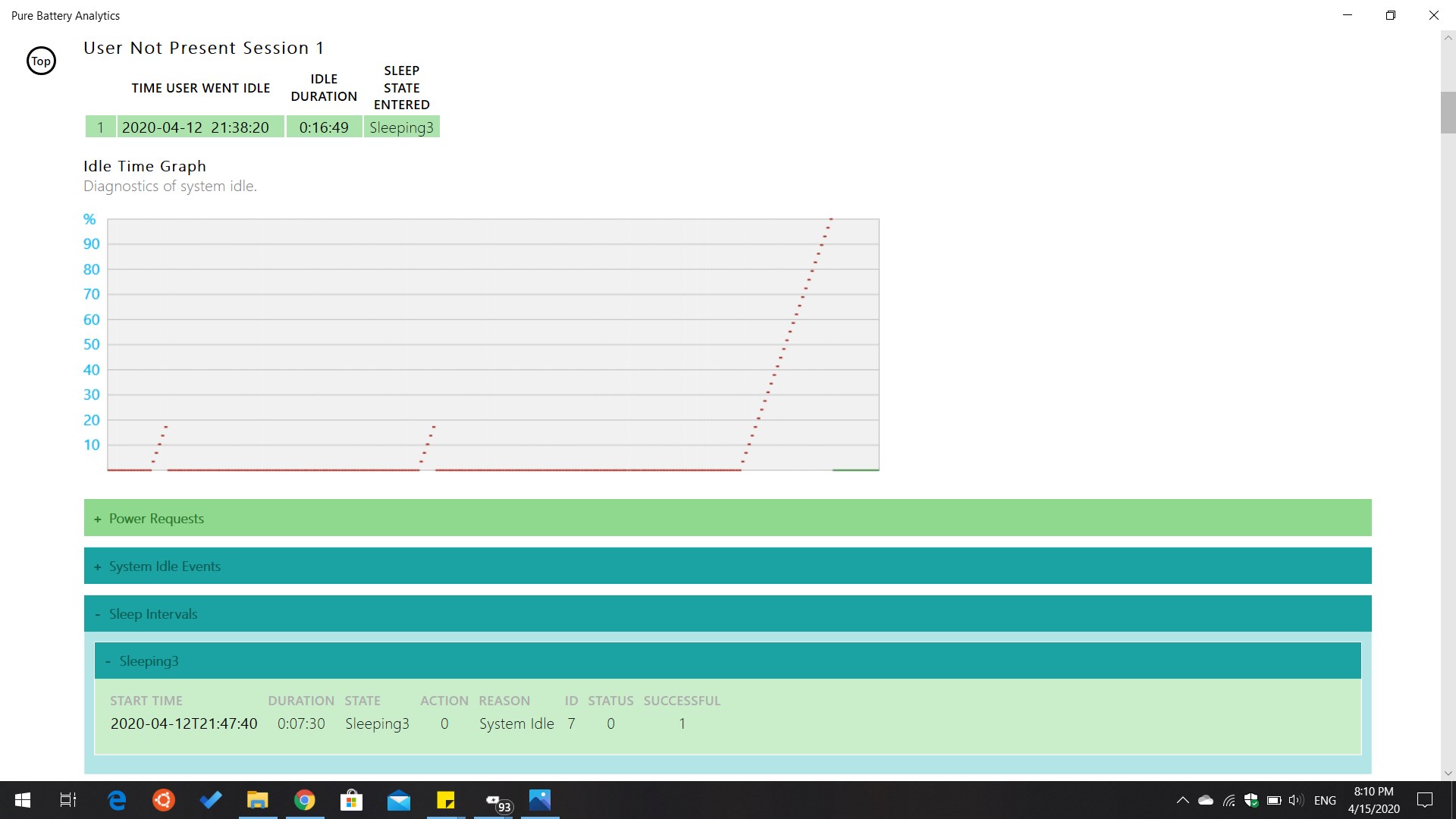
Screenshot appears after consentScreenshot appears after consentScreenshot appears after consentScreenshot appears after consentScreenshot appears after consentScreenshot appears after consentScreenshot appears after consentScreenshot appears after consentScreenshot appears after consent
Summary
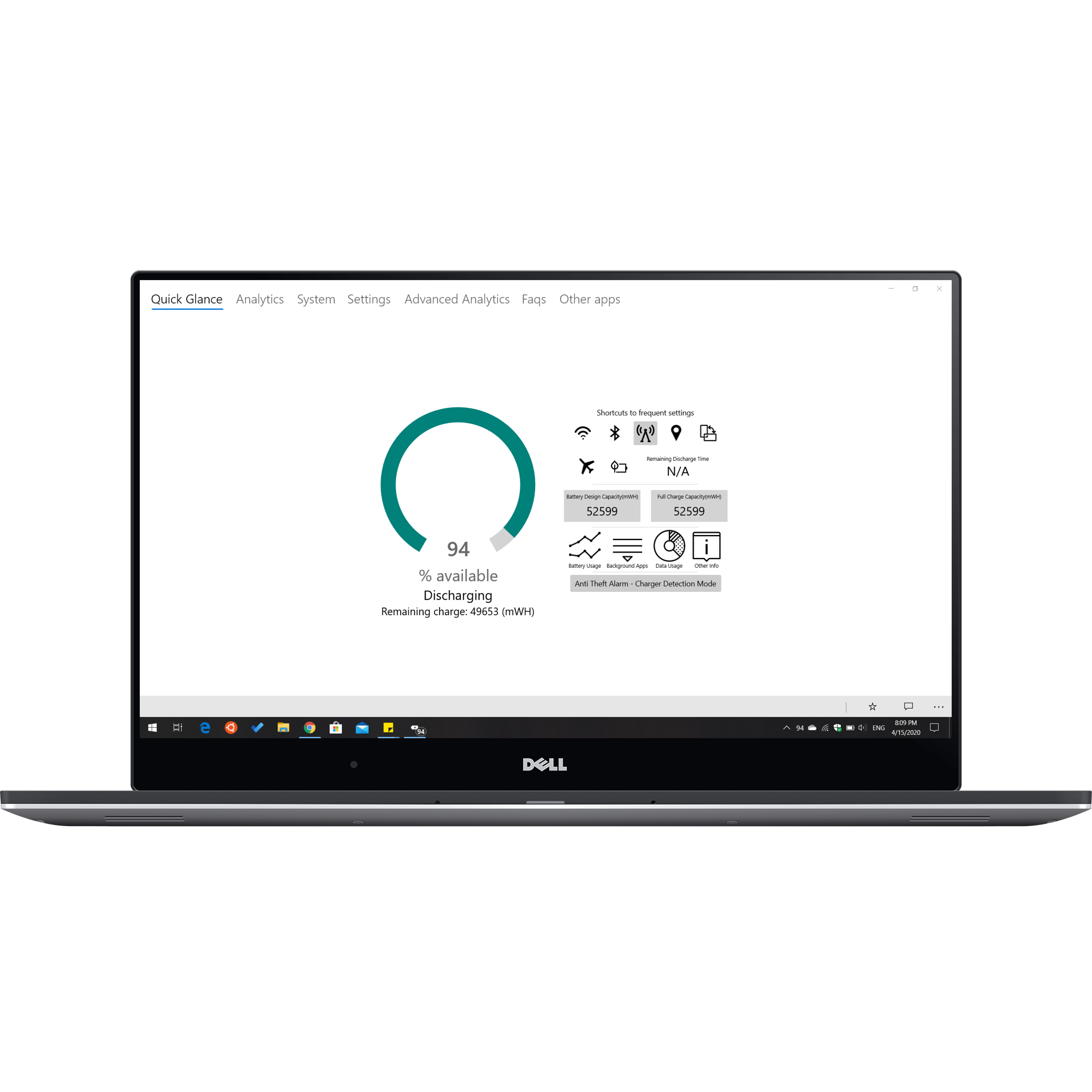
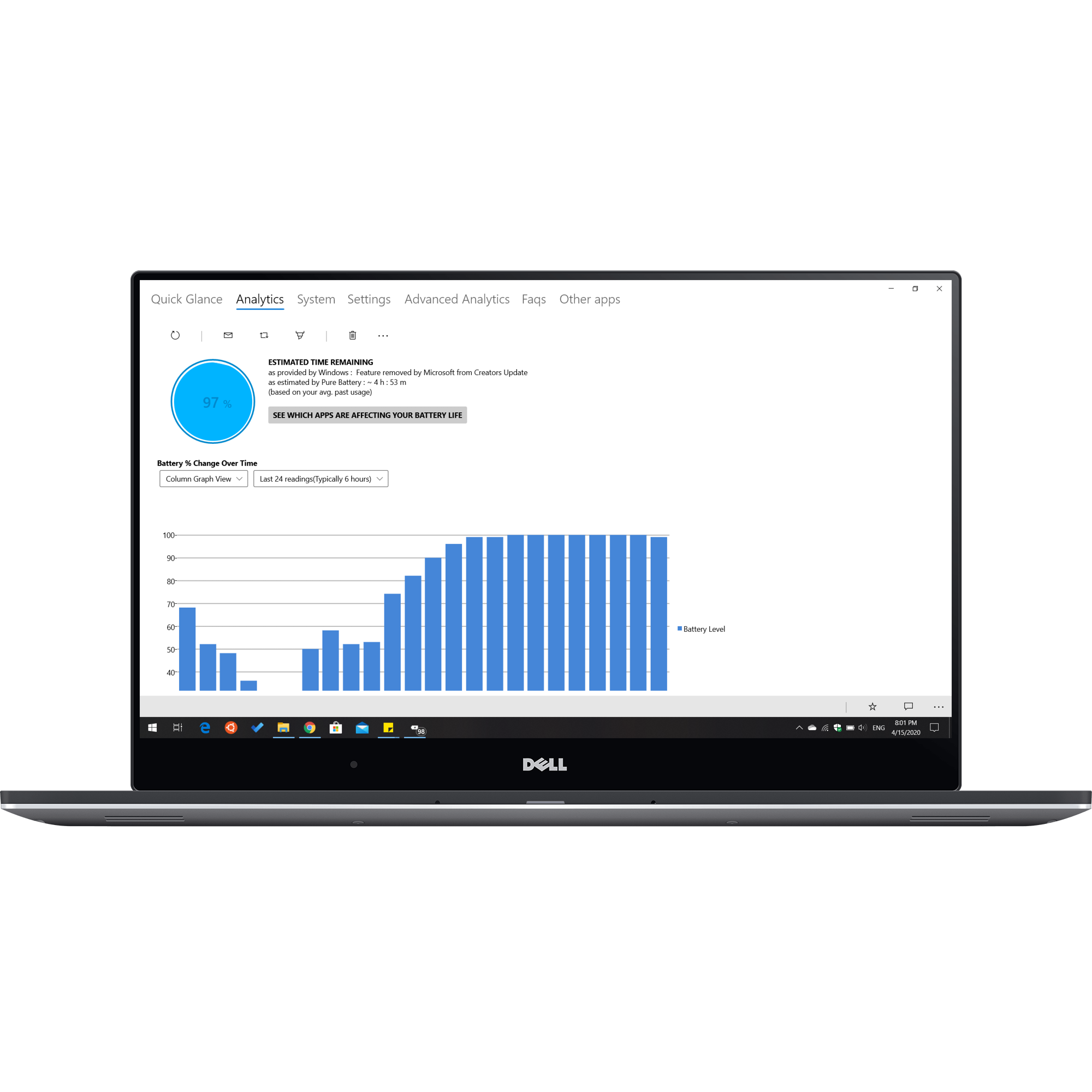
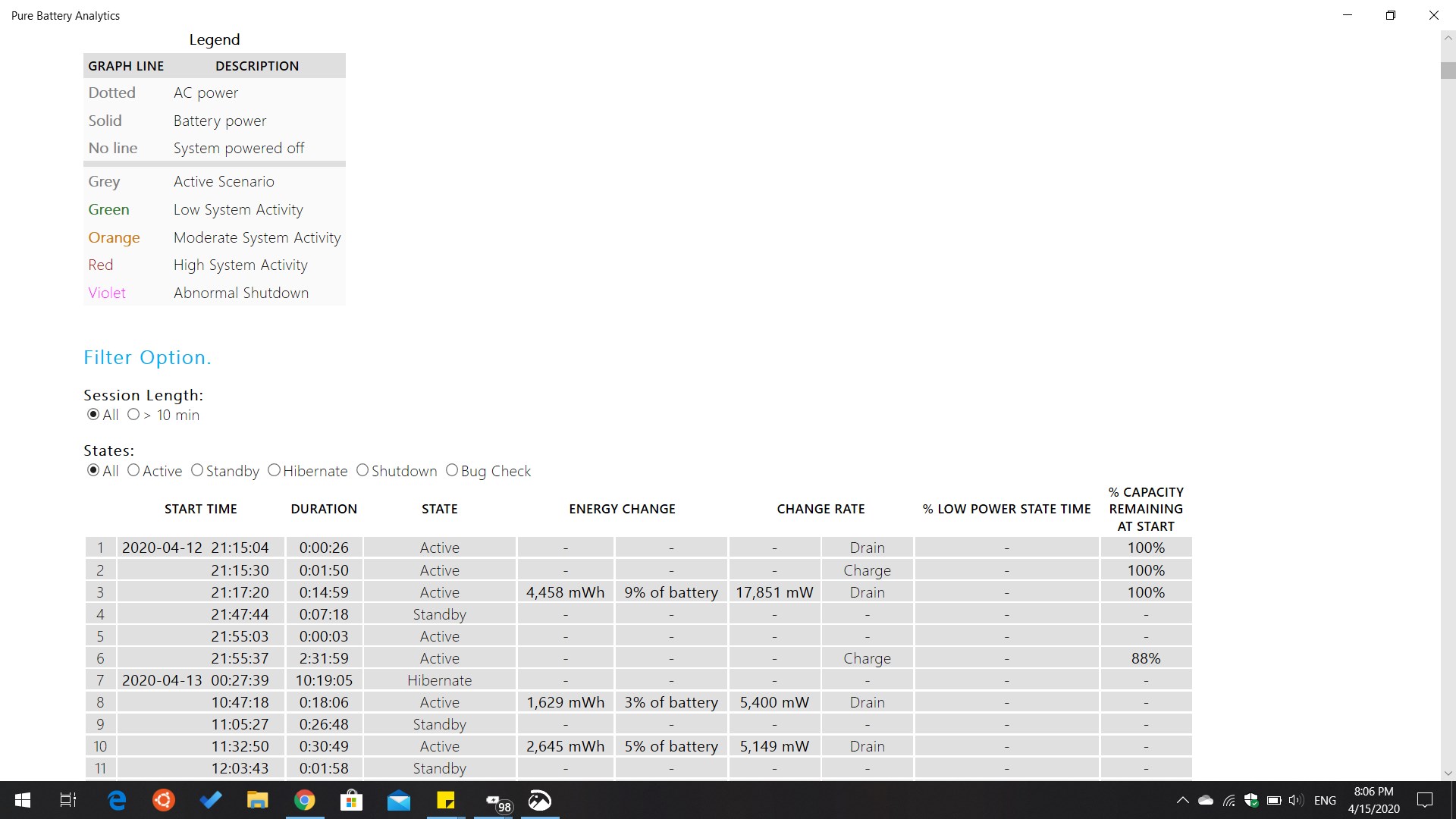
Pure Battery Analytics is a battery monitoring app for laptops and tablets that generates detailed analysis, analytics and reports on charge and discharge behavior. It shows battery status through live tiles on the start menu displaying the battery percentage. It provides full charge alarms, low battery notifications and charge and discharge notifications, along with customizable notification tones. Battery usage graphs give a visual overview of charging and discharging patterns, and a night mode setting turns off notifications during nighttime hours. It also includes overcharge protection, with additional features available through app extension add-ons.
Show the developer's original descriptionHide the original description
★★★★★
750K+ downloads and 4.78/5 stellar global (all country stores) avg. rating. THANK YOU!!!
★★★★★
Monitor your battery with Pure Battery Analytics. Generate accurate analysis, analytics, and reports.
The perfect way to see battery status and charge discharge times on your main screen.
The best battery app available on the store for Windows 10 / 11.
Features:
★ Battery live tiles showing the battery percentage on the start menu
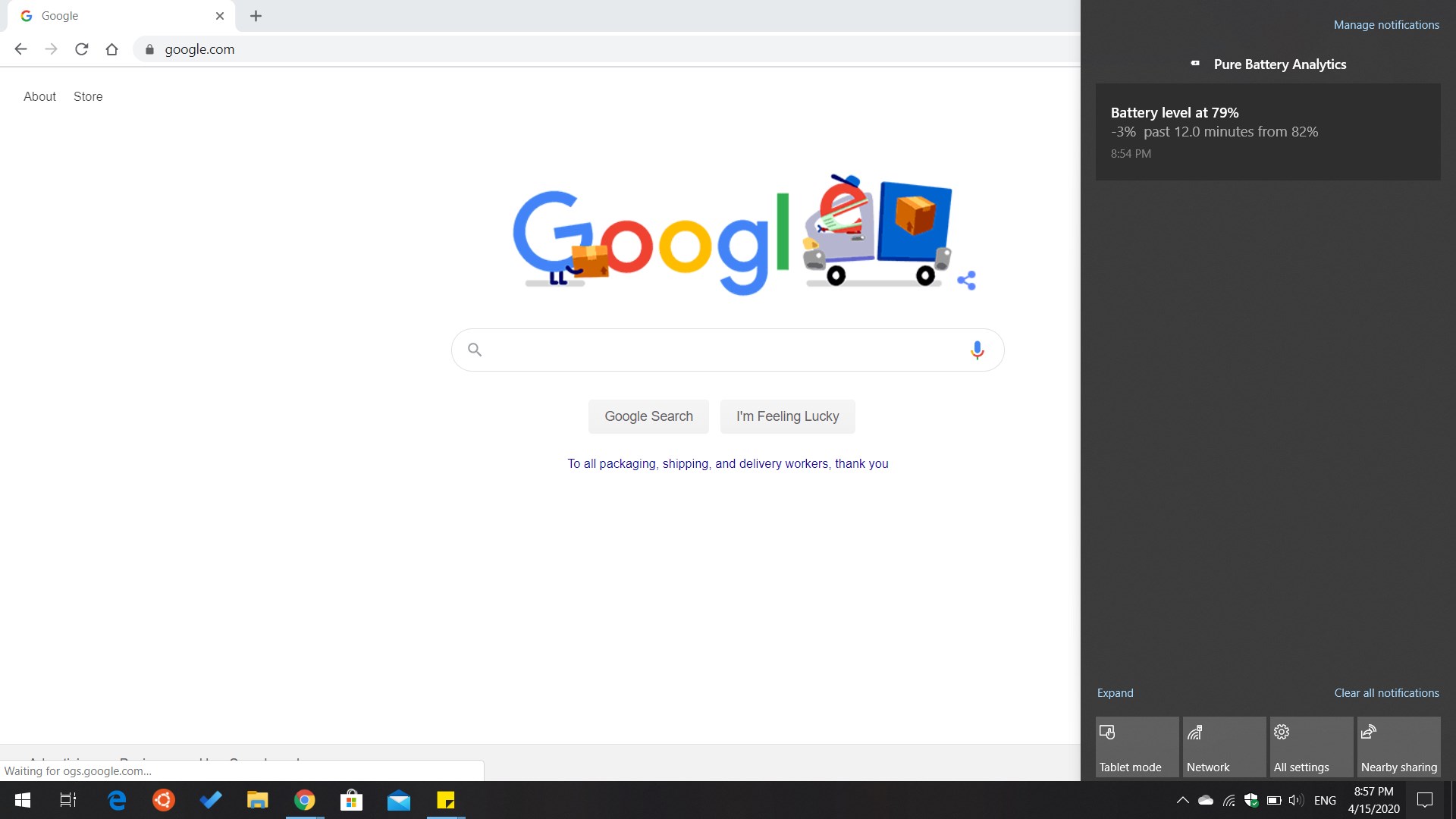
★ Full charge alarm, low battery notifications, charge/discharge notifications, live tiles.
★ Choose notification tones for and alerts.
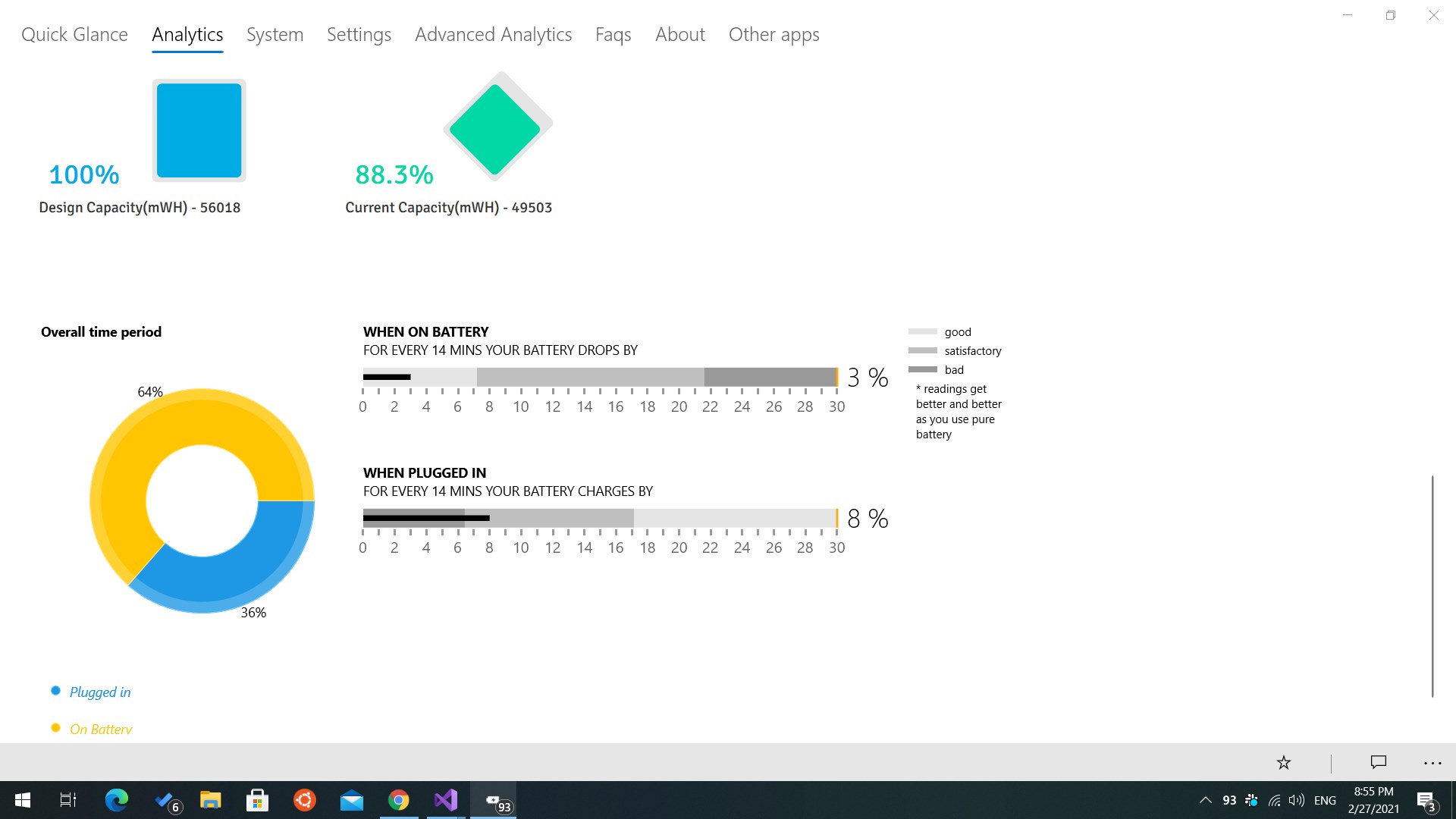
★ Battery Usage Graphs, Battery Discharge and Charge Analytics.
★ Night mode settings to turn off battery notifications during nights.
★ Protect your battery from overcharging.
★ Custom charge notifications.
★ Theft Alarm and a lot more.
★ App extension add-on's for more features.
Save battery and prolong your battery life using the analytics and recommendations.
Why Pure Battery when having many in the store?
★ This application has been specifically designed to work with laptops and tablets in the most optimized way.
★ See accurate battery data, its analysis and analytics.
★ Specifically designed for optimal performance on laptops and tablets.
★ Detailed and accurate battery data like no other app.
Try it, I am sure you'll love it.
Enjoy all the functionalities of the app with ★★★★★ABSOLUTELY NO ADS★★★★★.
Join thousands of satisfied users! Download Pure Battery Analytics today and experience the difference.
I thank every user for their feedback and suggestions which helped me in making this app awesome.
★★★★★TOP RATED - MOST DOWNLOADED★★★★★
- Most downloaded battery app on Microsoft Surface Book Pro and Dell Inspiron series of notebooks/laptops.
- Recently optimized to work seamlessly with MSI, ASUS, HP and Lenovo laptops and other manufacturers including convertible devices.
Tags:
best battery saver apps for windows
top battery apps for windows desktop
battery apps for windows 10 11
battery monitor apps for windows
battery apps for windows
battery stats for windows 10 desktop
battery utilities app for windows pc
battery analysis and analytics for windows pc
battery saver app
Battery status indicator
If there is a version of this app for iOS/Mac or Windows we don't know about, paste the store link here — we'll auto-detect the store.
How to find the URL:1. Open the app in its store. 2.In the App Store app: tap the Share icon → “Copy Link”. In the browser: copy the URL from the address bar — it contains apps.apple.com/…/id… or apps.microsoft.com/detail/…. 3. Paste it here.
Paste the original link from the Apple App Store or Microsoft Store. We fetch all details automatically.
How to find the URL:
1. Open the app in its store. 2.In the App Store app: tap the Share icon → “Copy Link”. In the browser: copy the URL from the address bar — it contains apps.apple.com/…/id… or apps.microsoft.com/detail/…. 3. Paste it here.
Android apps can only be listed by their developer.