
Screenshot appears after consentScreenshot appears after consentScreenshot appears after consentScreenshot appears after consentScreenshot appears after consentScreenshot appears after consentScreenshot appears after consentScreenshot appears after consent
Summary
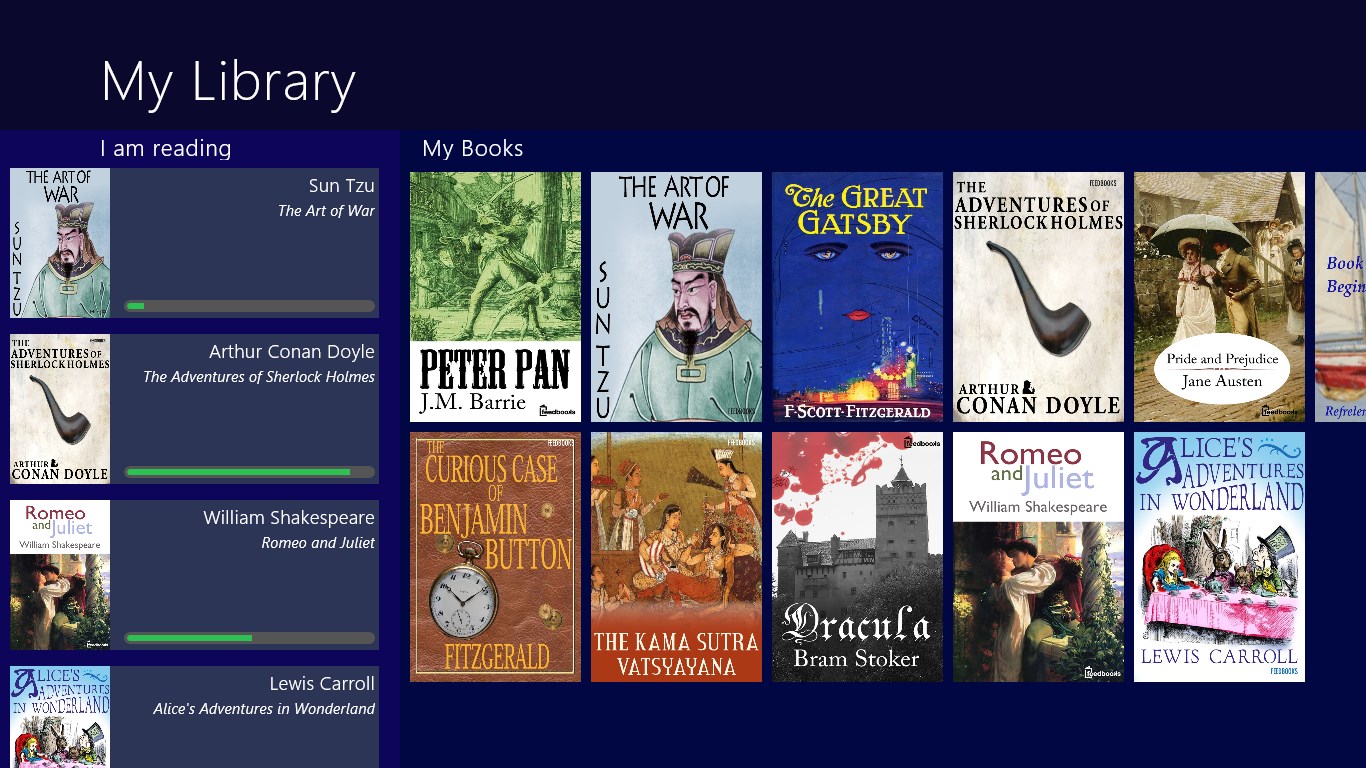
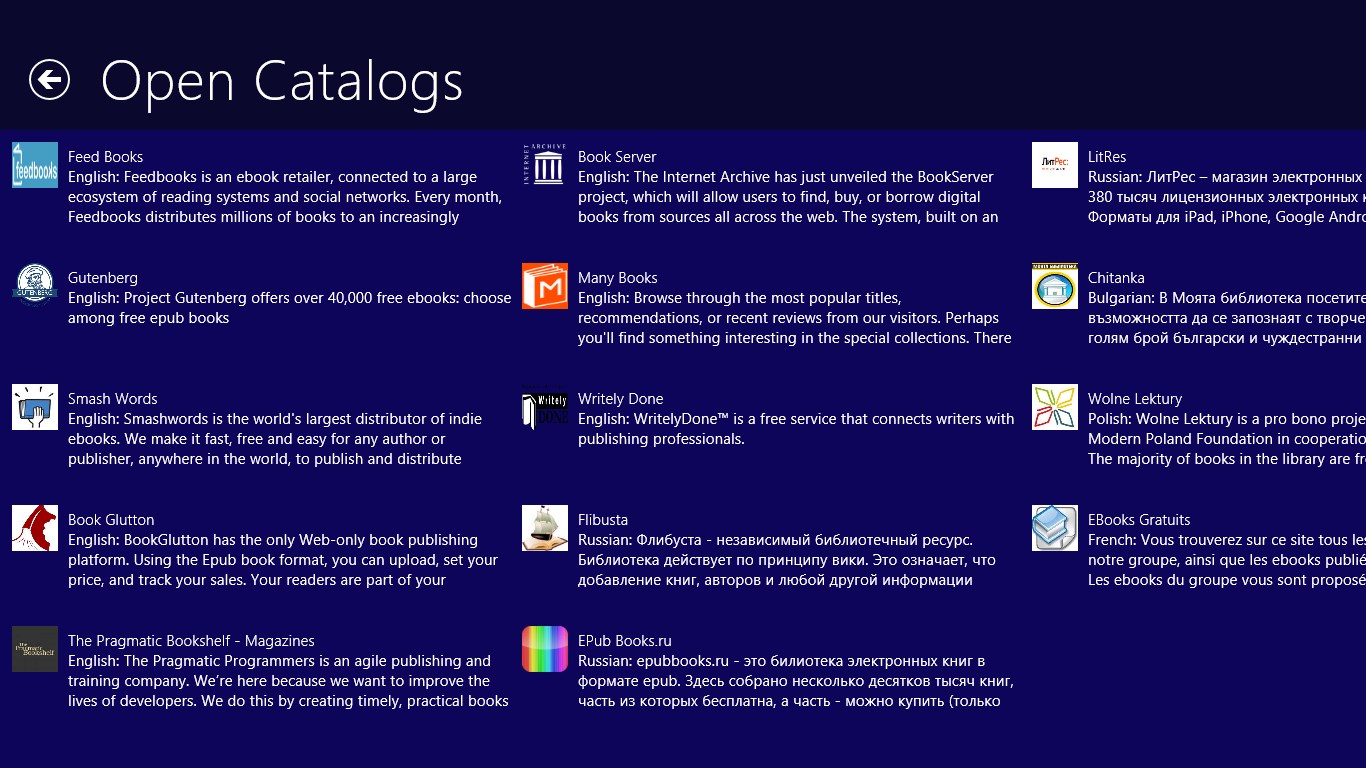
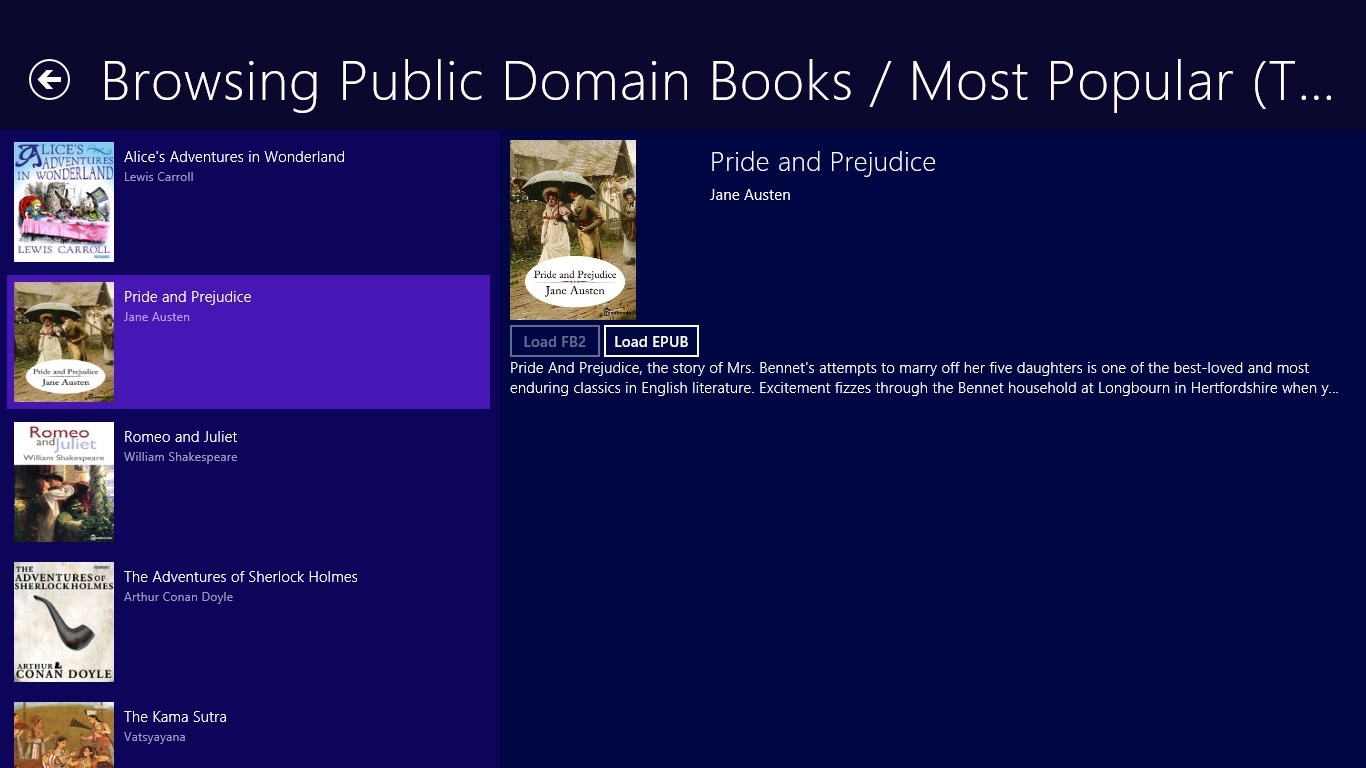
Book Bazaar Reader is an e-book reader app supporting EPUB, MOBI, PDF, FB2 and TXT formats. It provides access to thousands of free books from open publication sources such as Gutenberg, Flibusta, FeedBooks and ManyBooks through a customizable OPDS catalog browser, and books can also be imported from local files or web URLs. Reading features include adjustable fonts, margins and line spacing, animated page turning, a night reading mode and navigation through table of contents, bookmarks and progress bar. A library organizer sorts and groups books by author, genre, title, size or download date.
Show the developer's original descriptionHide the original description
Thousands of free books in EPUB, MOBI, FB2, PDF, TXT formats at your fingertips.
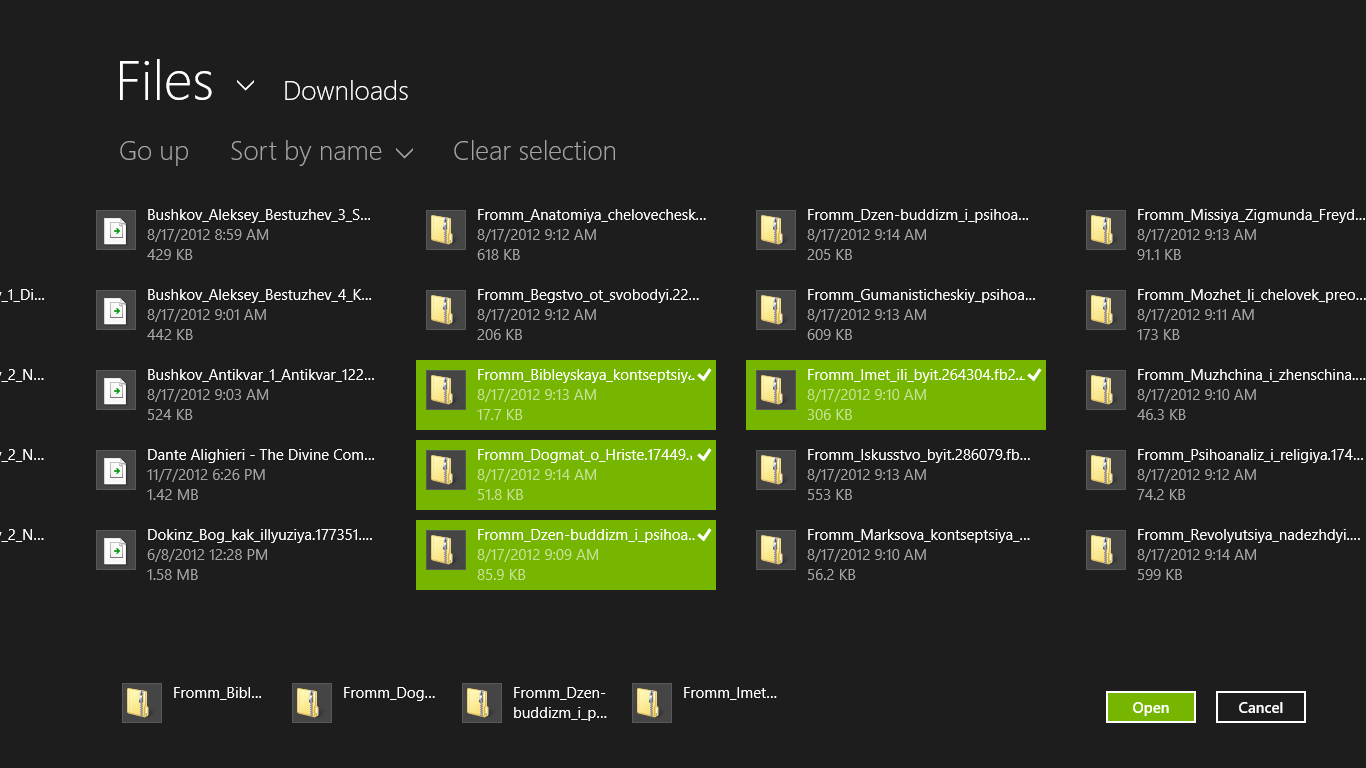
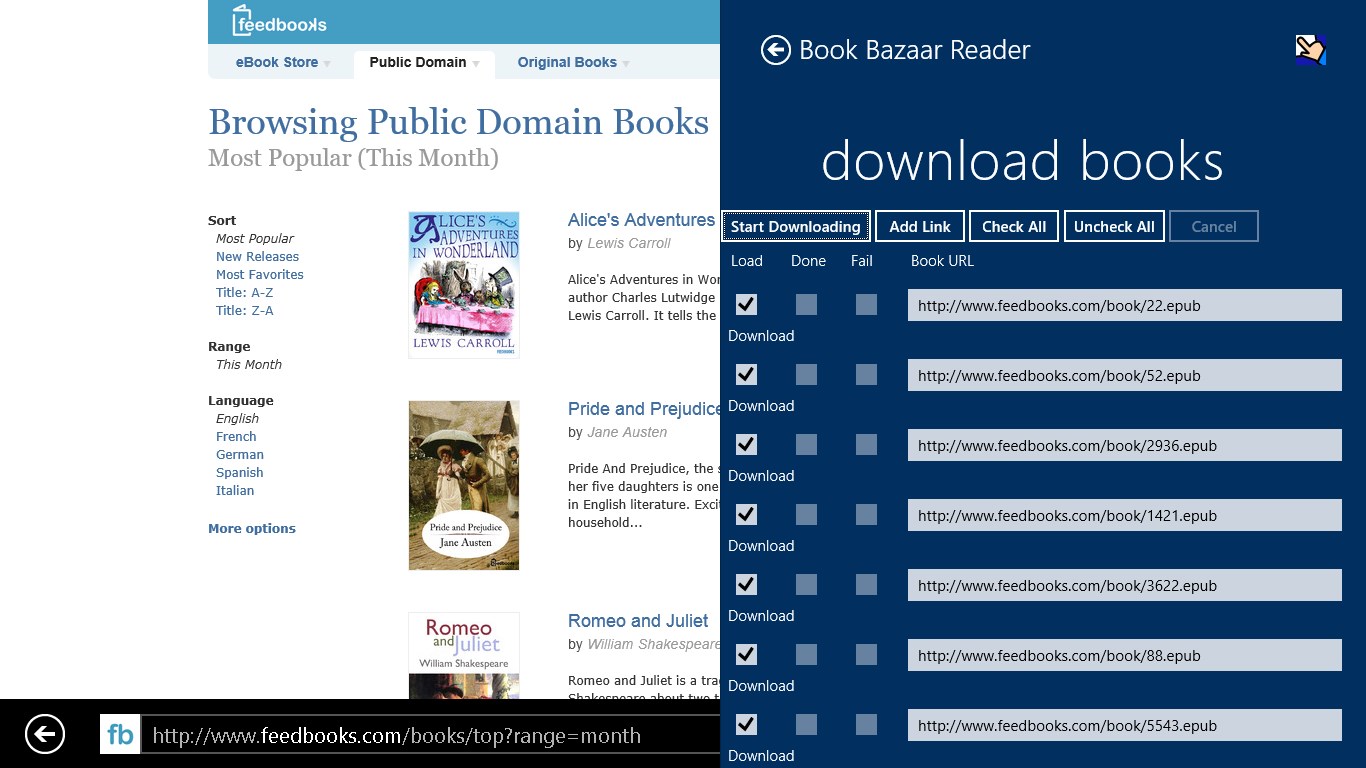
Thousands of free books from multiple sources of open publications, such as Guttenberg, Flibusta, FeedBooks, FreeBooks, ManyBooks, etc. Customizable OPDS catalog browser available to download books. Can import books from local files and by direct web URLs.
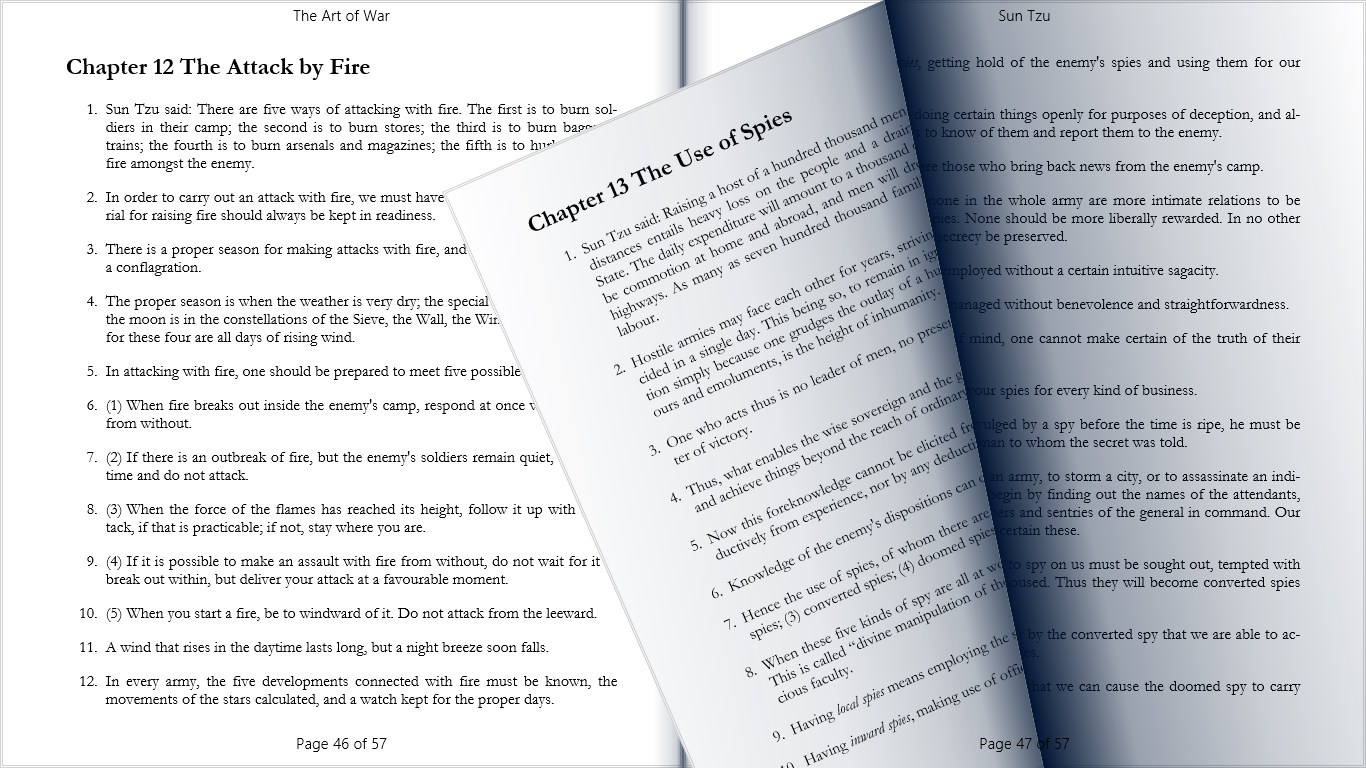
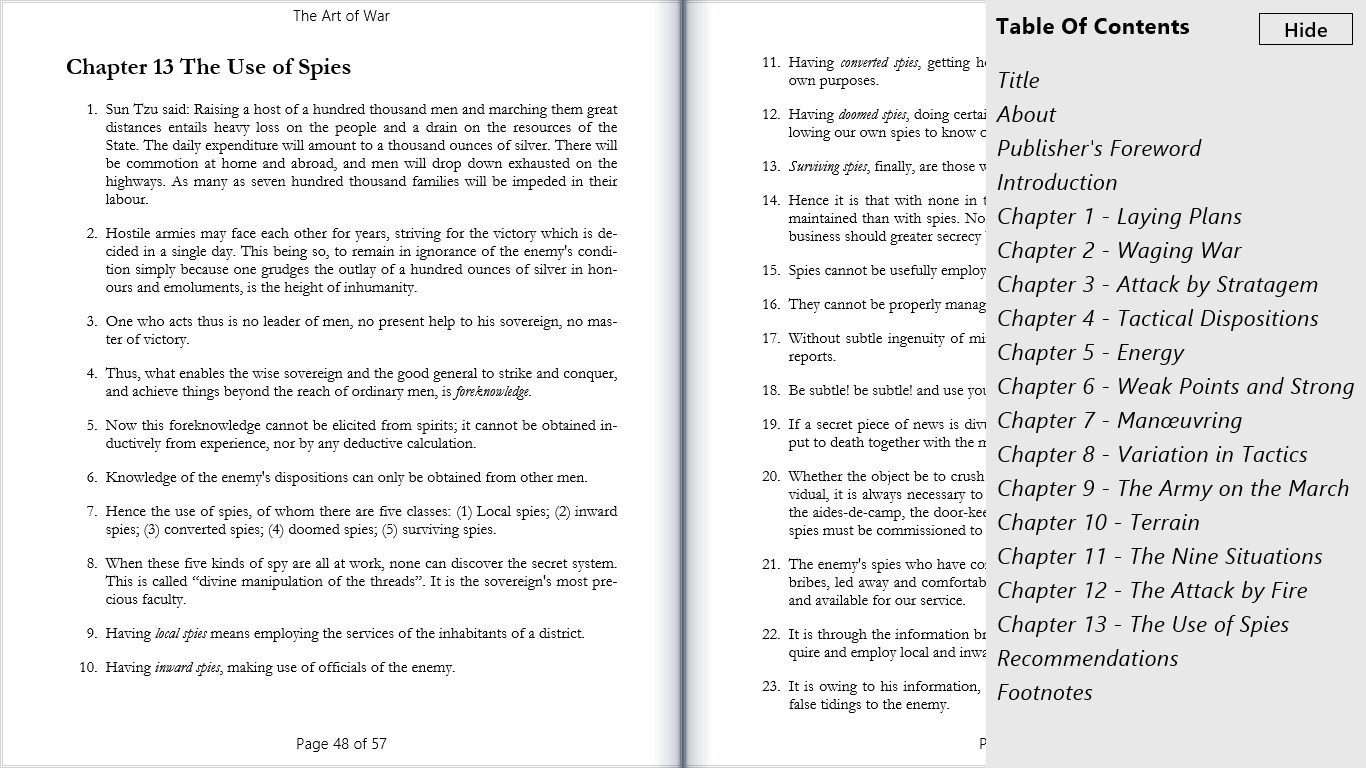
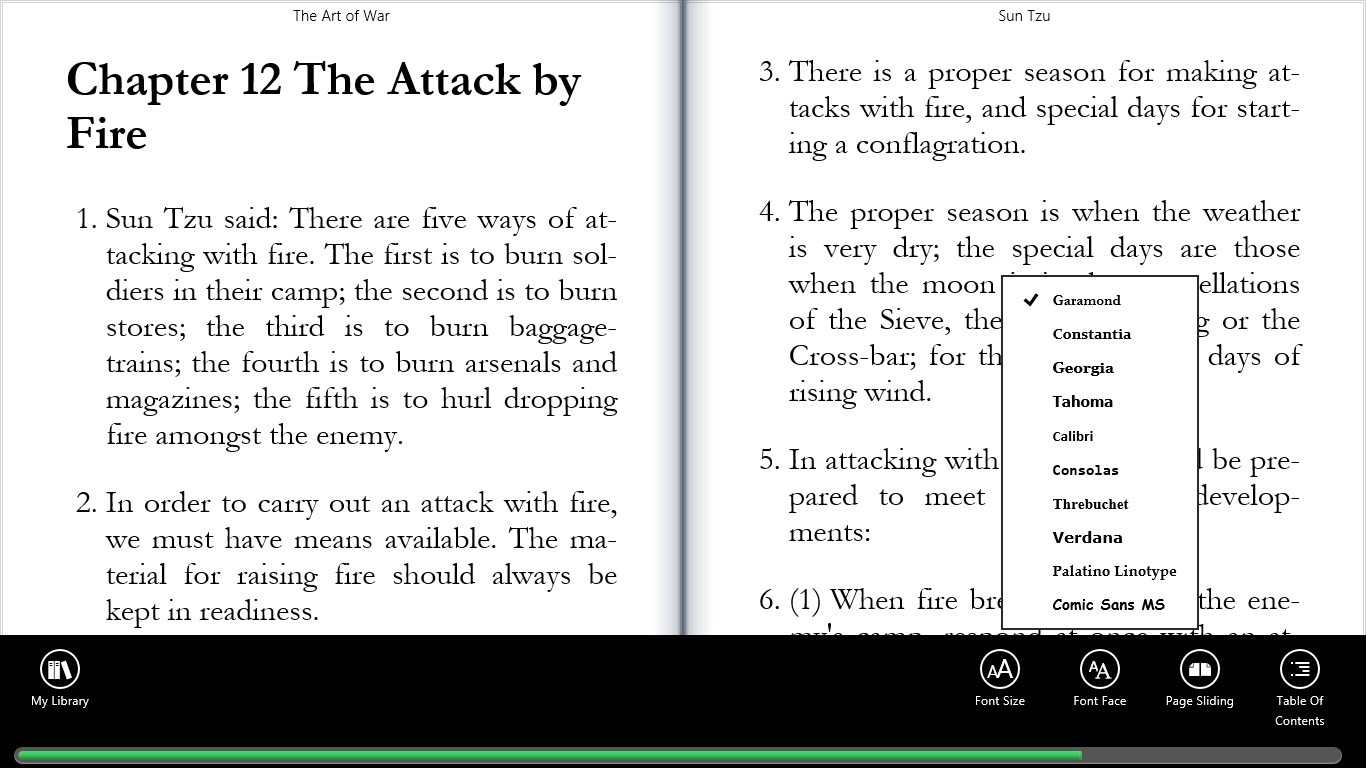
Great reading experience with quality fonts from a customizable font list, font size and font family selection, animated page turning, quick page formatting for different orientations. Margins and line spacing settings. Night reading mode. Convenient page navigation using table of contents, reading progress bar, hyperlinks, bookmarks, page turning history.
Book library organizer allows with different ways of sorting and grouping (by authors, genres, titles, sizes, publishing time, download time). Most recently read books are easily available using "I am reading" list.
Allows for the reader to set bookmarks, highlight pieces of text with different colors and add notes. Can copy and share individual highlights and quotes as well as the whole collection of marks from a book.
Uses Windows8 contracts for sharing book links between apps such as Mail or Quick Note - into or out of your library.
If there is a version of this app for iOS/Mac or Windows we don't know about, paste the store link here — we'll auto-detect the store.
How to find the URL:1. Open the app in its store. 2.In the App Store app: tap the Share icon → “Copy Link”. In the browser: copy the URL from the address bar — it contains apps.apple.com/…/id… or apps.microsoft.com/detail/…. 3. Paste it here.
Paste the original link from the Apple App Store or Microsoft Store. We fetch all details automatically.
How to find the URL:
1. Open the app in its store. 2.In the App Store app: tap the Share icon → “Copy Link”. In the browser: copy the URL from the address bar — it contains apps.apple.com/…/id… or apps.microsoft.com/detail/…. 3. Paste it here.
Android apps can only be listed by their developer.