

Screenshot appears after consentScreenshot appears after consentScreenshot appears after consentScreenshot appears after consentScreenshot appears after consentScreenshot appears after consentScreenshot appears after consent
Summary
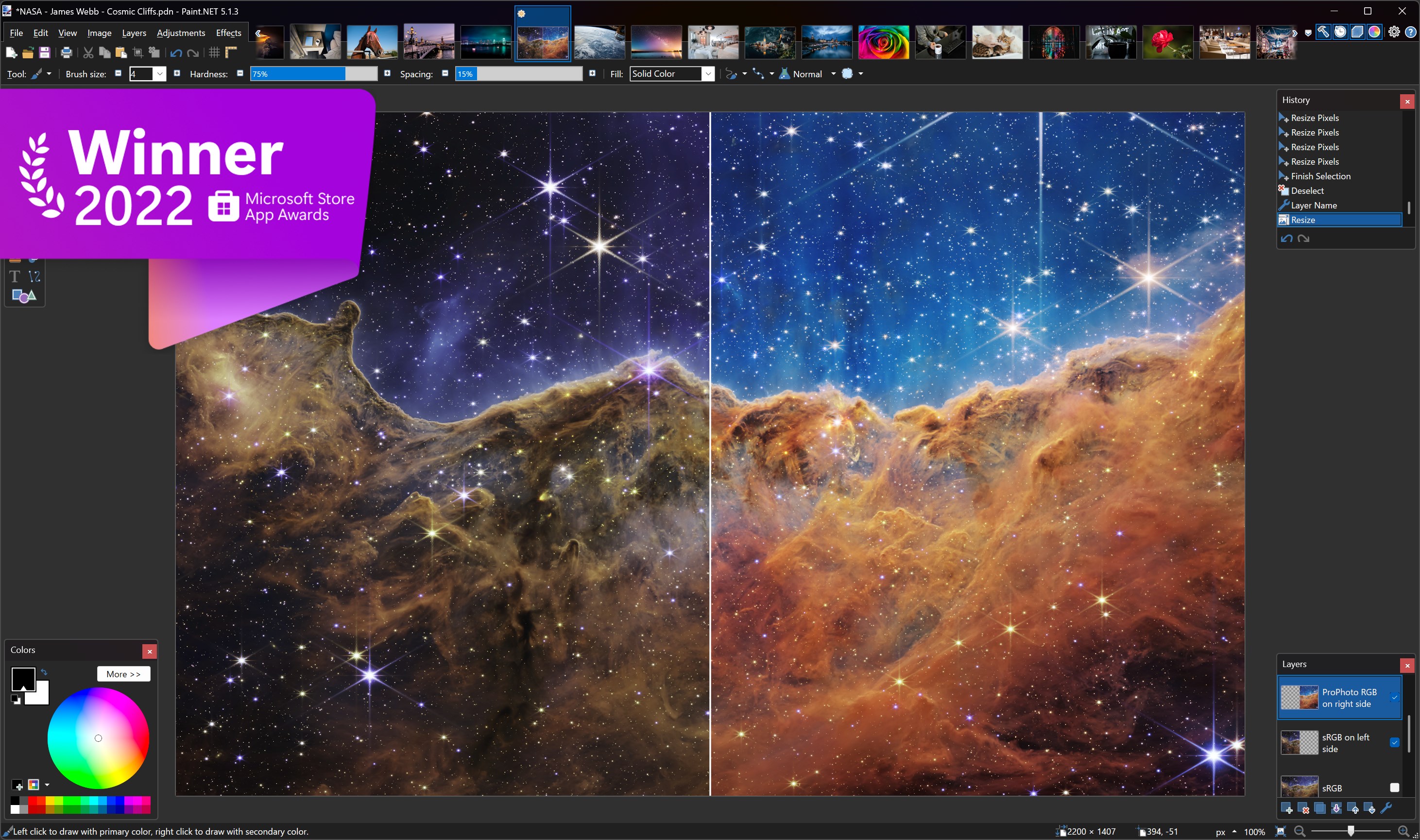
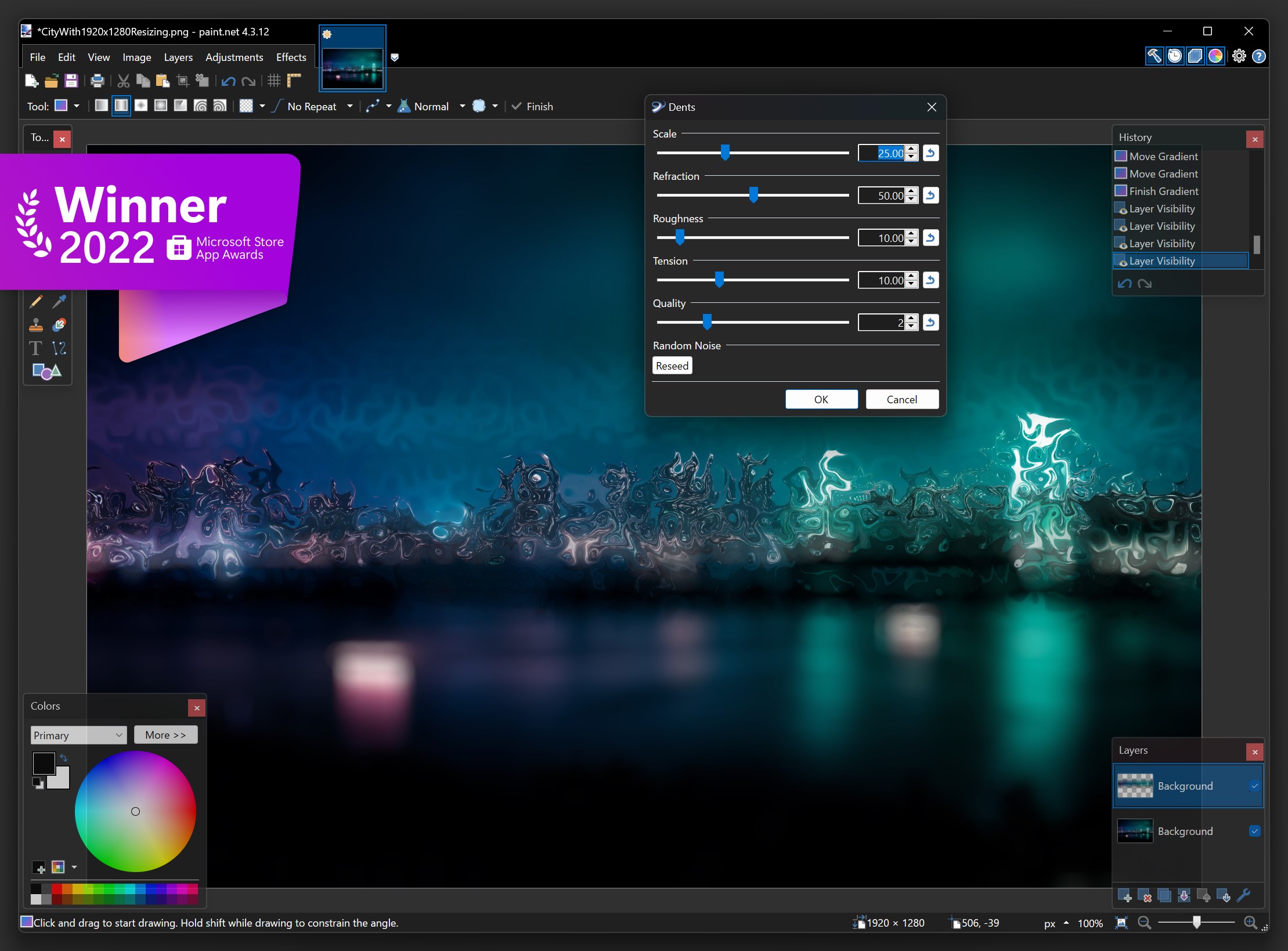
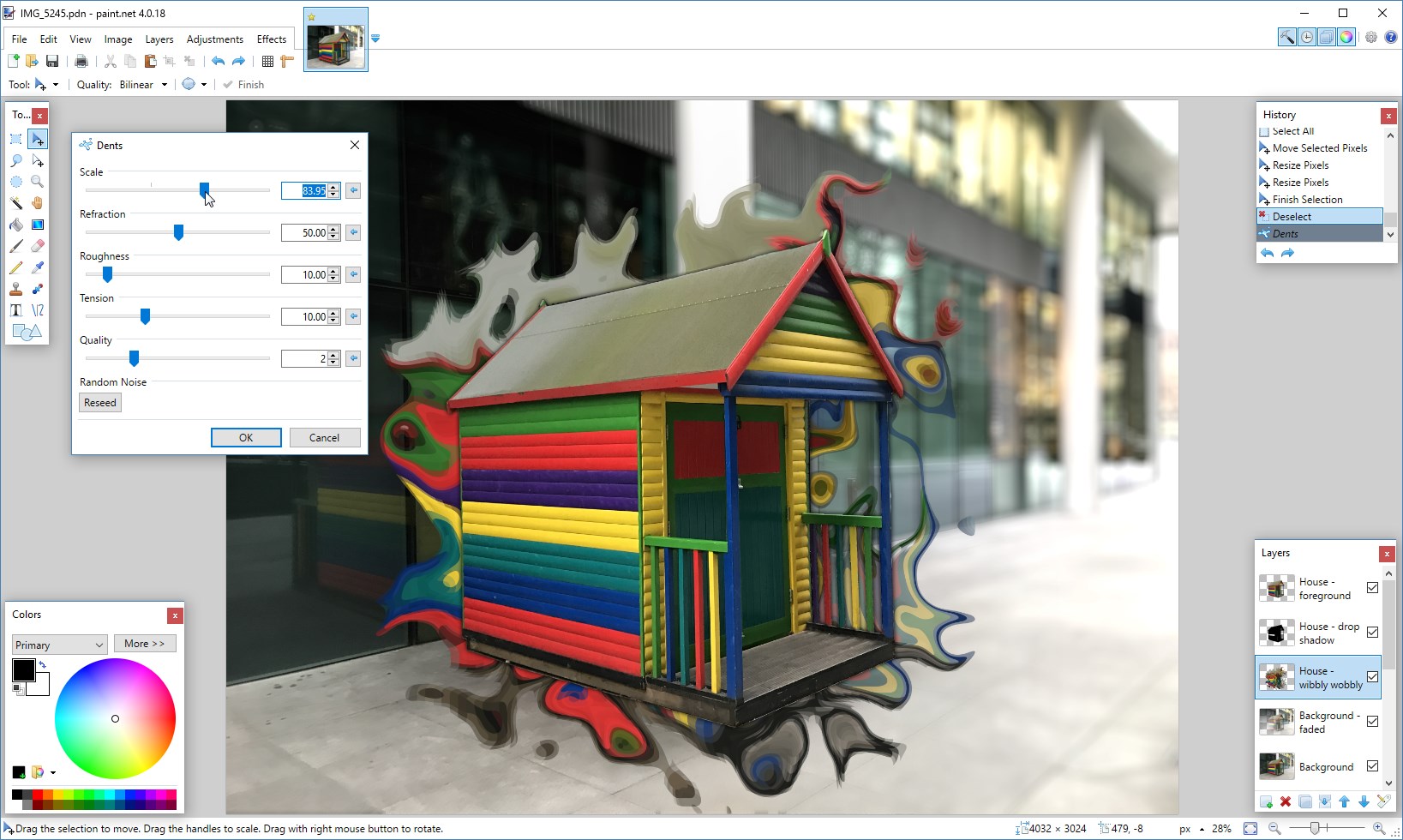
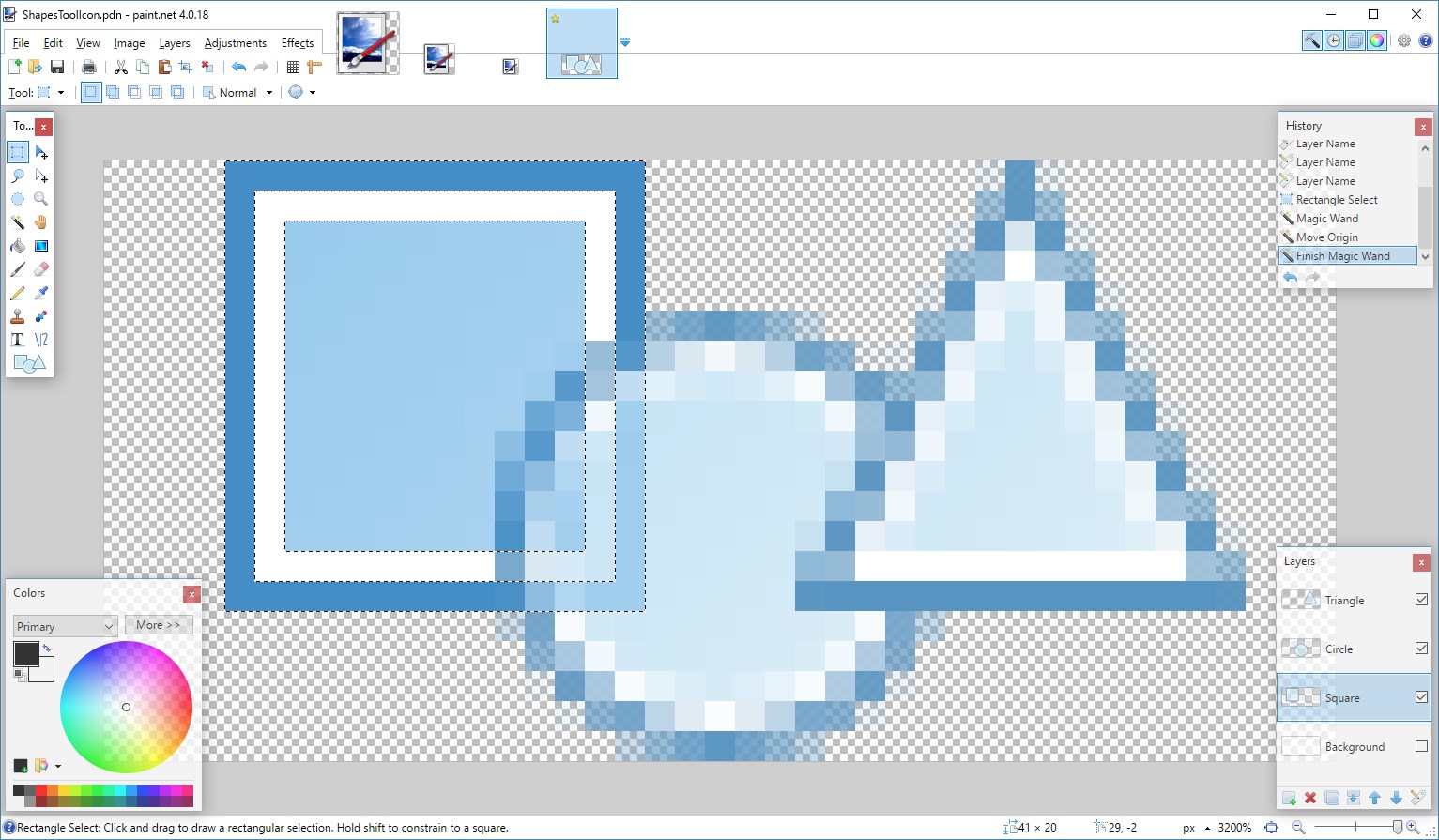
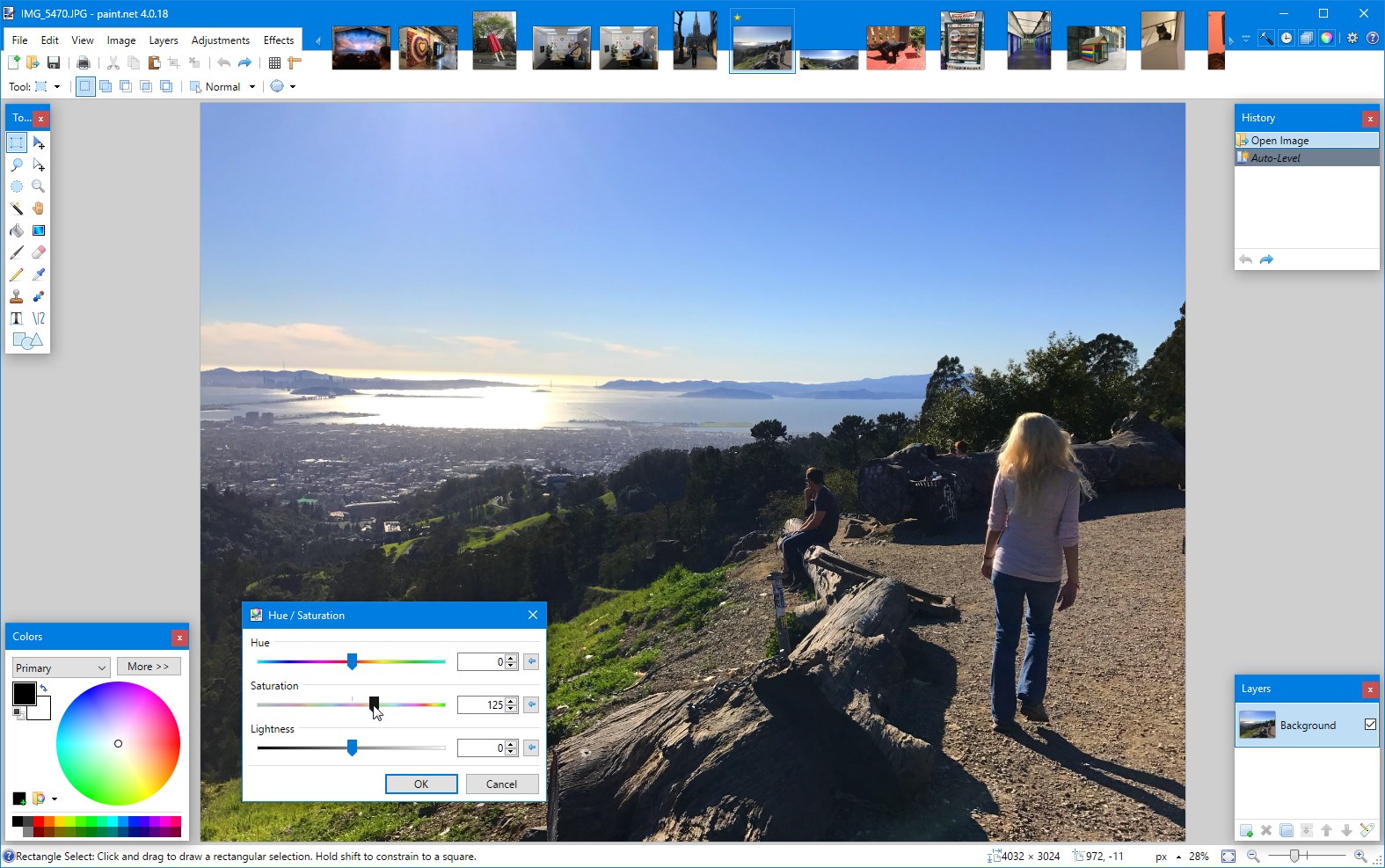
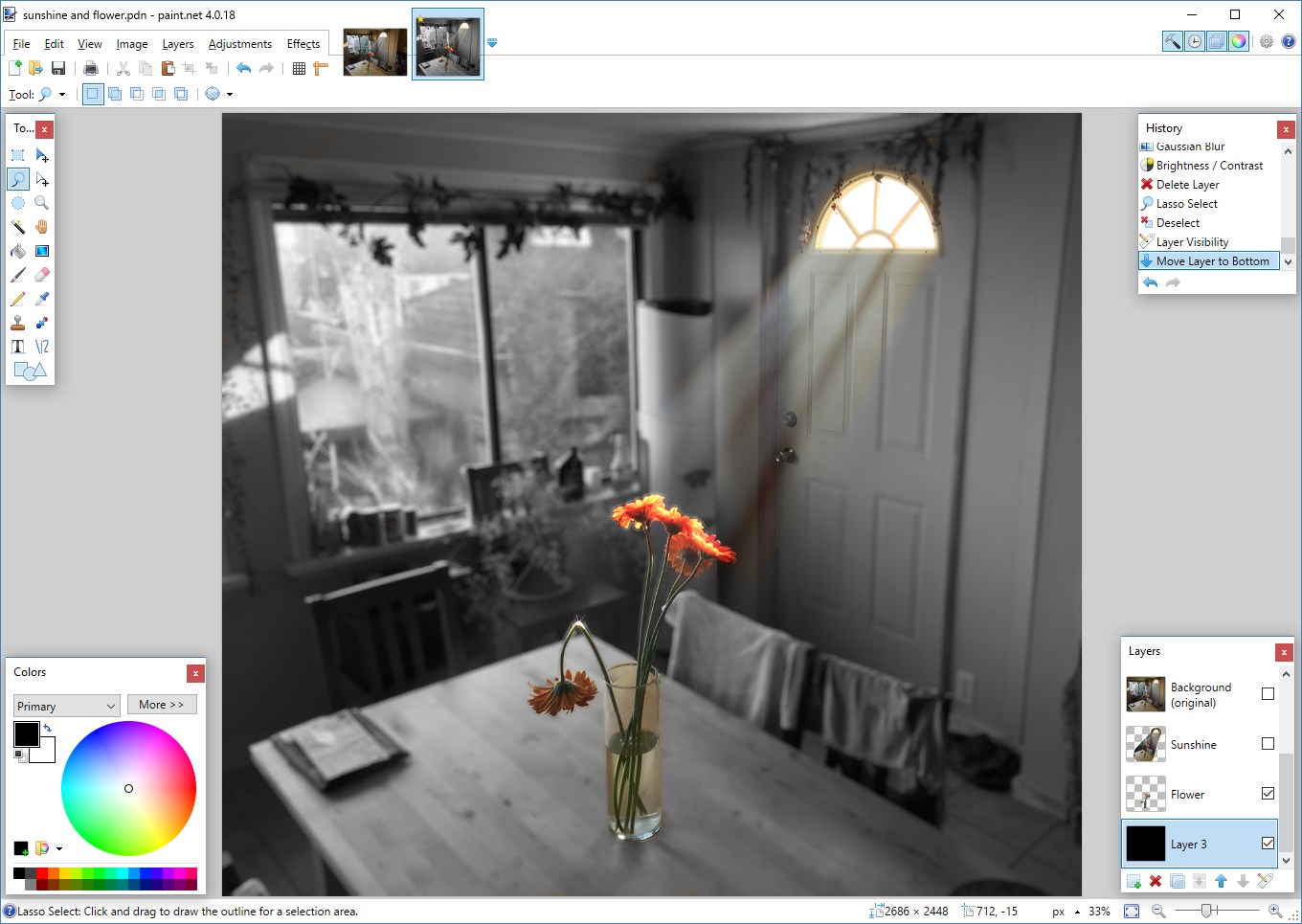
Paint.NET is an image and photo editing program for Windows PCs. It supports layers and unlimited undo, allowing complex edits to be built up and reversed at any stage. It offers a range of special effects for altering and enhancing photos. It provides a wide variety of tools for retouching, drawing and manipulating images. An active online community offers help, tutorials and plugins that extend the program's capabilities. It can be purchased through the Windows Store, which supports its development directly and provides fast installation along with automatic updates.
Show the developer's original descriptionHide the original description
Paint.NET® is image and photo editing software for PCs that run Windows. It features an intuitive and innovative user interface with support for layers, unlimited undo, special effects, and a wide variety of useful and powerful tools. An active online community provides friendly help, tutorials, and plugins.
It started development as an undergraduate college senior design project mentored by Microsoft, and is now maintained and developed by Rick Brewster. Originally intended as a free replacement for the Microsoft Paint software that comes with Windows, it has grown into a powerful yet simple image and photo editor tool. It has been compared to other digital photo editing software packages such as Adobe® Photoshop®, Corel® Paint Shop Pro®, Microsoft Photo Editor, and The GIMP.
If you buy Paint.NET in the Windows Store, you'll be supporting its development directly (normally we ask for a donation). You will get the convenience of fast, easy installation onto all of your Windows devices along with fully automatic, behind-the-scenes updates with all the newest features, improvements, and fixes.
If there is a version of this app for iOS/Mac or Windows we don't know about, paste the store link here — we'll auto-detect the store.
How to find the URL:1. Open the app in its store. 2.In the App Store app: tap the Share icon → “Copy Link”. In the browser: copy the URL from the address bar — it contains apps.apple.com/…/id… or apps.microsoft.com/detail/…. 3. Paste it here.
Paste the original link from the Apple App Store or Microsoft Store. We fetch all details automatically.
How to find the URL:
1. Open the app in its store. 2.In the App Store app: tap the Share icon → “Copy Link”. In the browser: copy the URL from the address bar — it contains apps.apple.com/…/id… or apps.microsoft.com/detail/…. 3. Paste it here.
Android apps can only be listed by their developer.