

Screenshot appears after consentScreenshot appears after consentScreenshot appears after consentScreenshot appears after consentScreenshot appears after consent
Summary
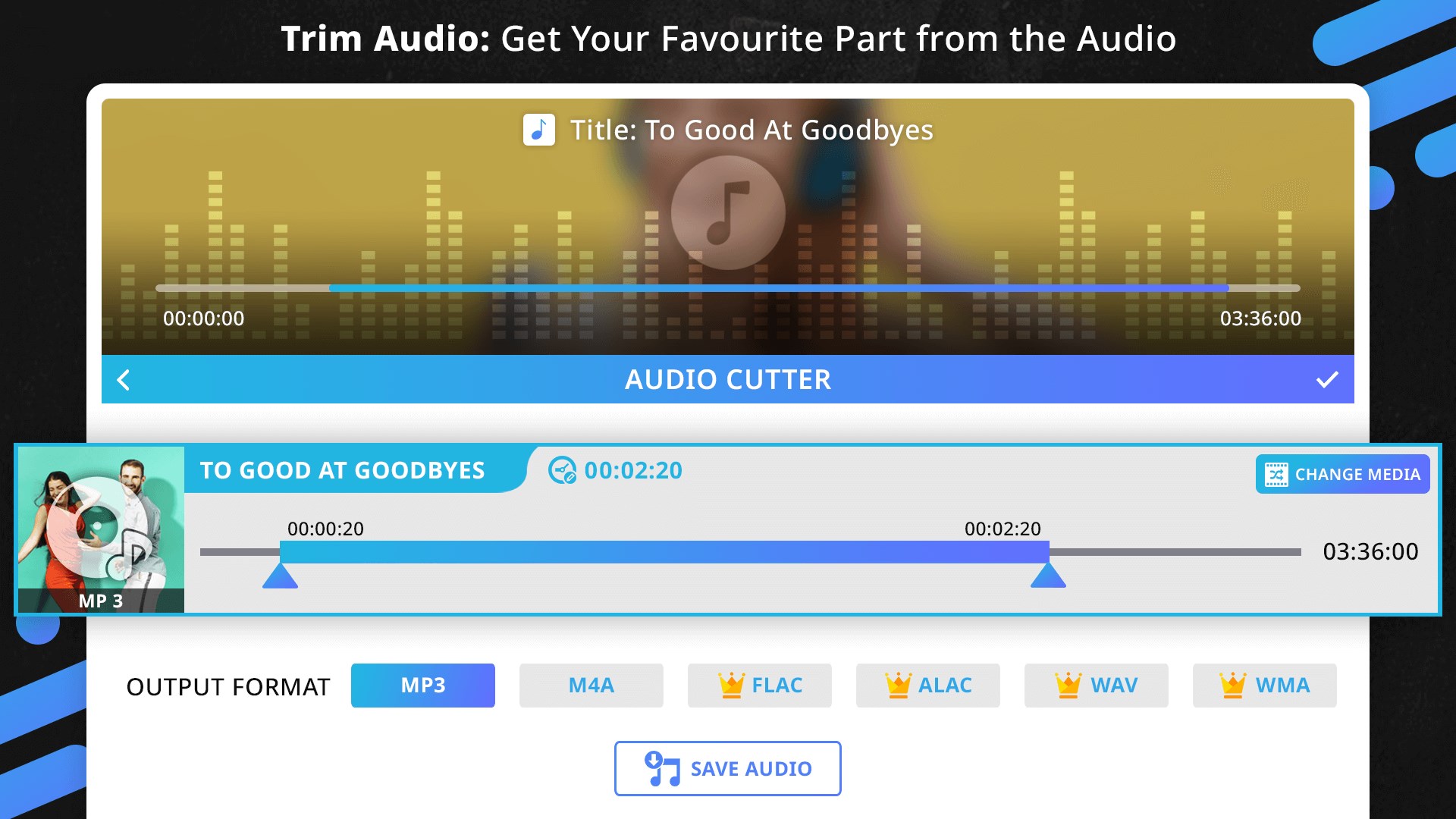
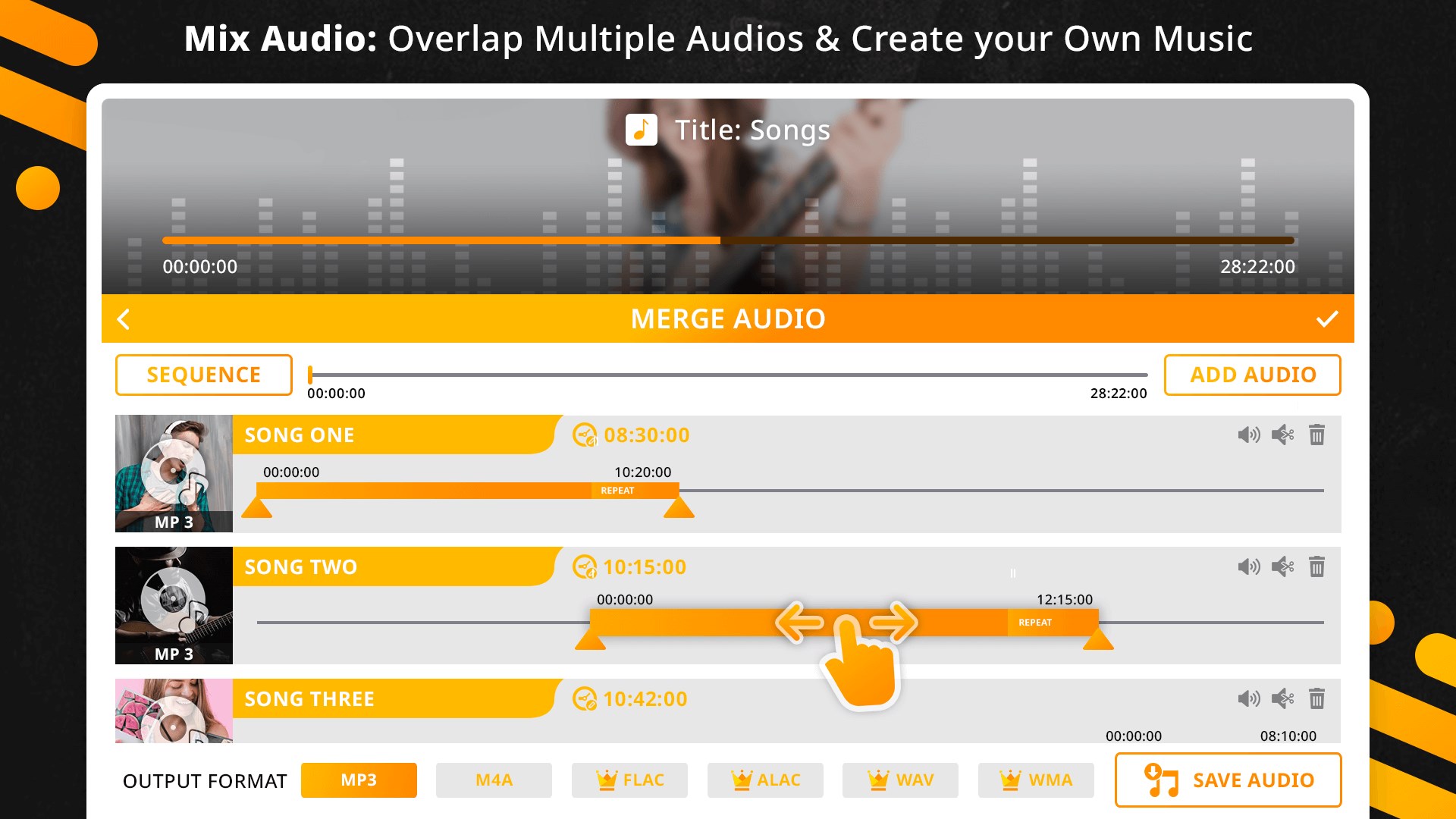
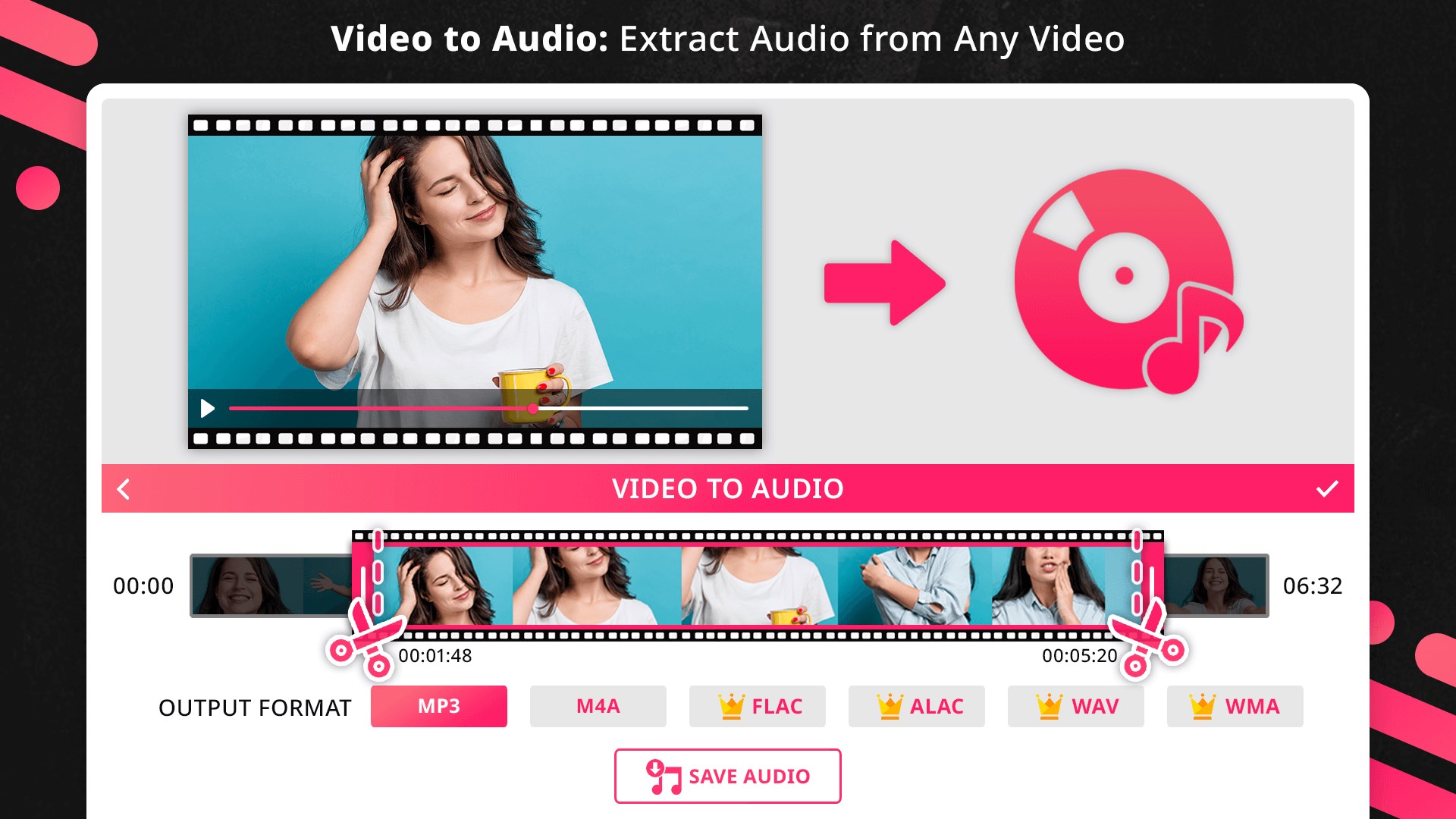
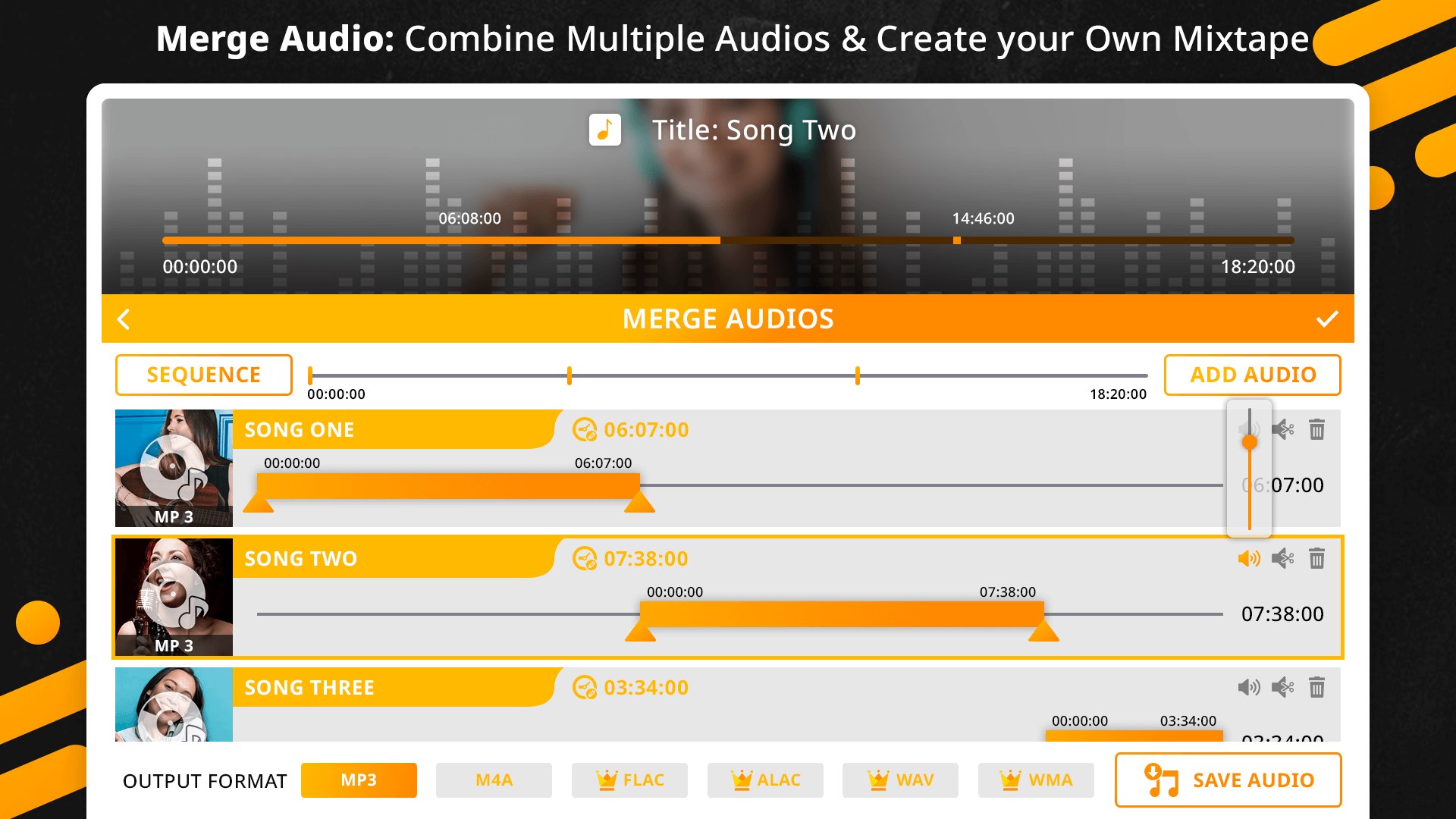
Z Mobile : Music Editor is an application for editing audio on the go, combining several features for working with sound files. Its MP3 cutter trims audio songs to create ringtones from the best part of a track. The audio merger joins two audio files of any format into new remixes, allowing selection of specific sections and volume control for each track before saving. The audio mixer combines songs into a mixtape. A format converter changes audio files from one format to another, while the audio extractor pulls sound from any video, including a chosen section, and saves it as an audio file in a preferred format.
Show the developer's original descriptionHide the original description
Your search for complete audio editing tools ends here. The music editor is one stop shop for all your audio editing needs. This Audio Editor comes with Audio Cutter/Trimmer, Audio Joiner/Merge, Audio Mixer, Audio Extractor, Audio Convert/ Format Changer and many more easy to use tools.
Create Ringtones, Mix Songs and create mashups, Combine Songs and make a mixtape, Change Audio Format, Extract Video to mp3 and much more.
Features: Music Editor is a fast and easy to use app to edit and merge audios on the go.
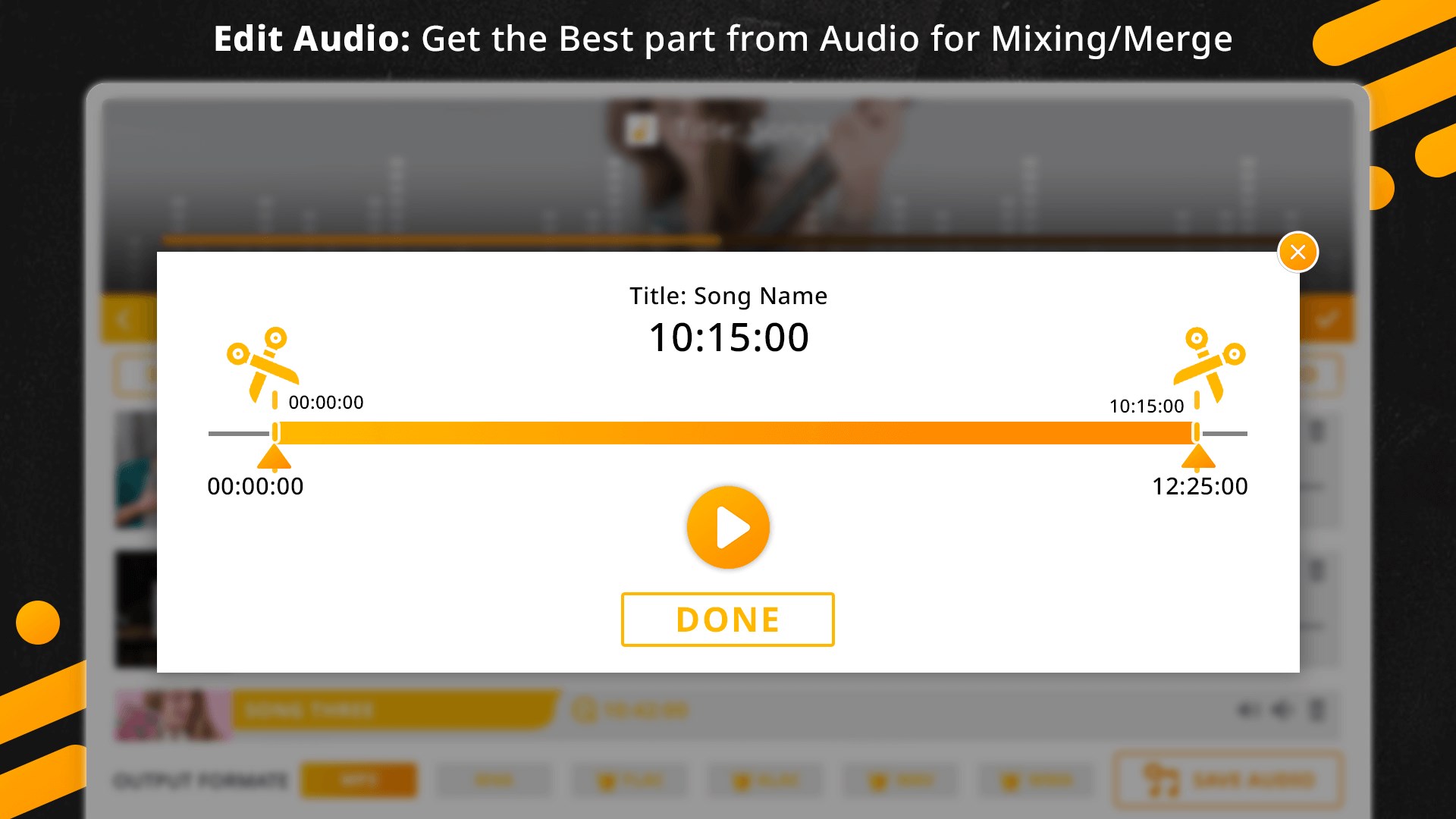
=> MP3 Cutter: Use audio Cutter to Cut Best Part of Your Audio Song and create awesome ringtones using this Song Cutter.
=> Audio Merge/Joiner: Mix two Audios of any format to create new remixes. You can select the part of Audios you want to mix and you can also control the volume of both audios in your mashup. Preview your creation and save your mixes.
=> Audio Mixer: Combine songs using Audio Mixer and create your mixtape.
=> Mp3 Converter or Audio Format Changer: Convert Audio files from one format to another.
=> Audio Extractor or Video to Audio Converter: Convert Video to an Audio File i.e. Extract audio of any video and save it in any audio format you like. You can also select the part of Video you want to convert in Audio.
If there is a version of this app for iOS/Mac or Windows we don't know about, paste the store link here — we'll auto-detect the store.
How to find the URL:1. Open the app in its store. 2.In the App Store app: tap the Share icon → “Copy Link”. In the browser: copy the URL from the address bar — it contains apps.apple.com/…/id… or apps.microsoft.com/detail/…. 3. Paste it here.
Paste the original link from the Apple App Store or Microsoft Store. We fetch all details automatically.
How to find the URL:
1. Open the app in its store. 2.In the App Store app: tap the Share icon → “Copy Link”. In the browser: copy the URL from the address bar — it contains apps.apple.com/…/id… or apps.microsoft.com/detail/…. 3. Paste it here.
Android apps can only be listed by their developer.