
Screenshot appears after consentScreenshot appears after consentScreenshot appears after consentScreenshot appears after consent
Summary
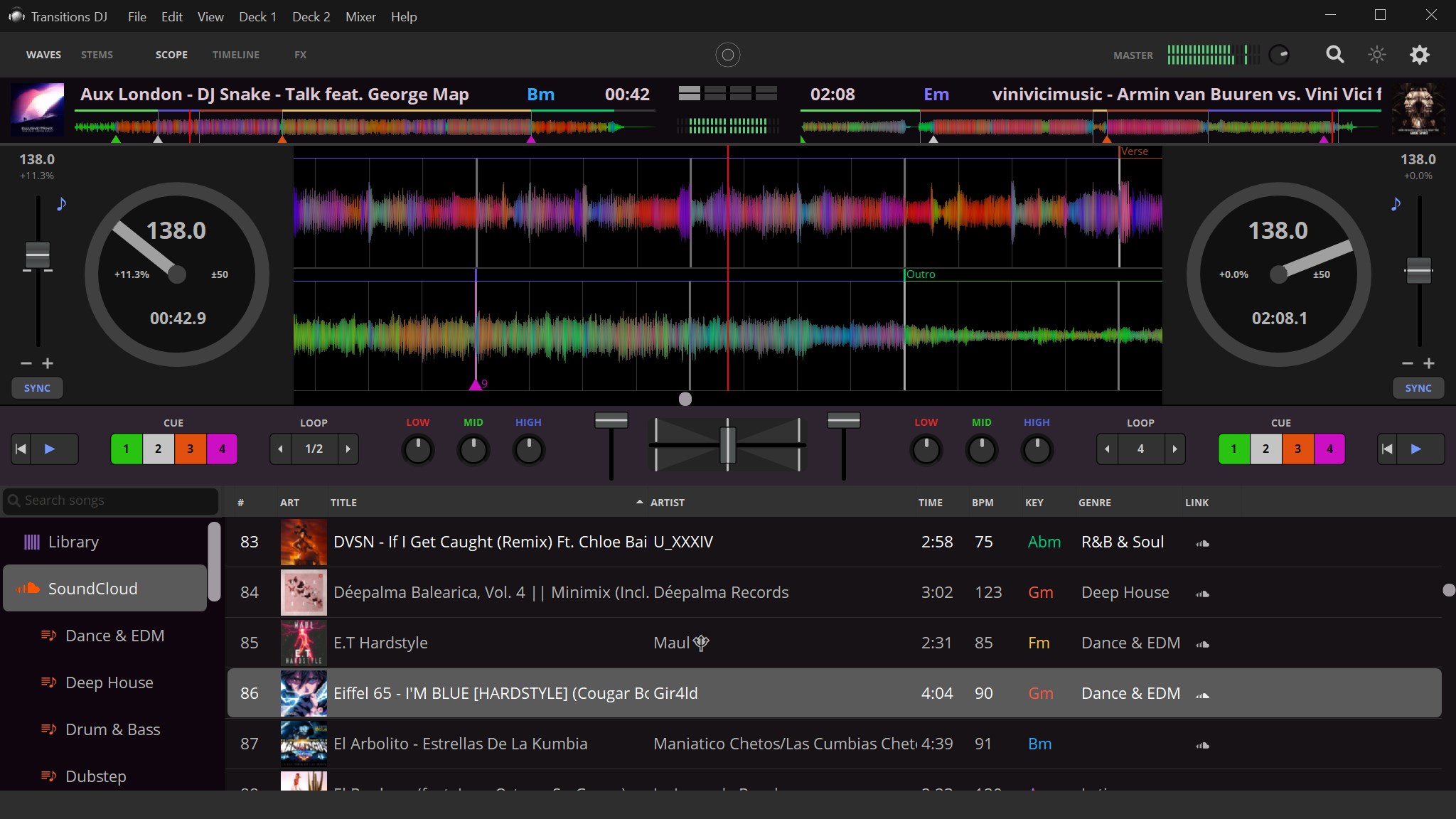
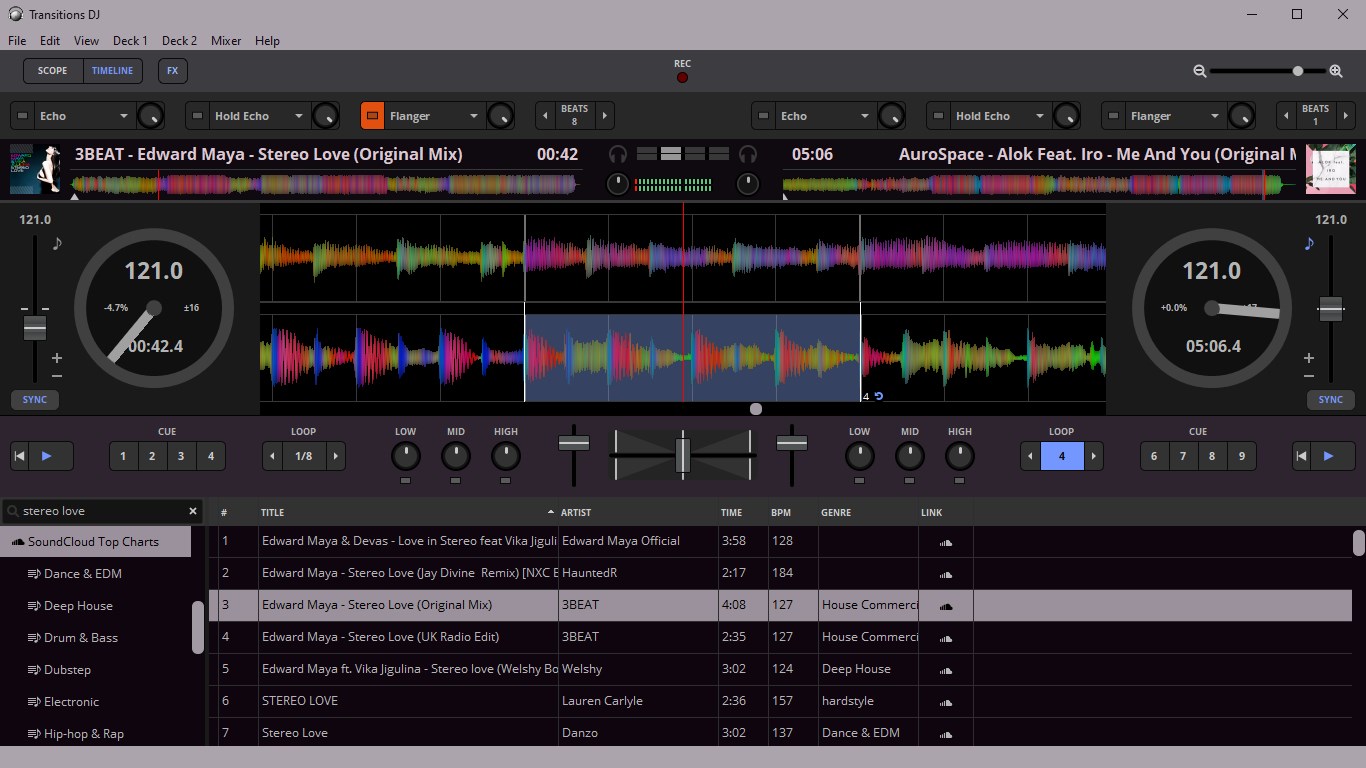
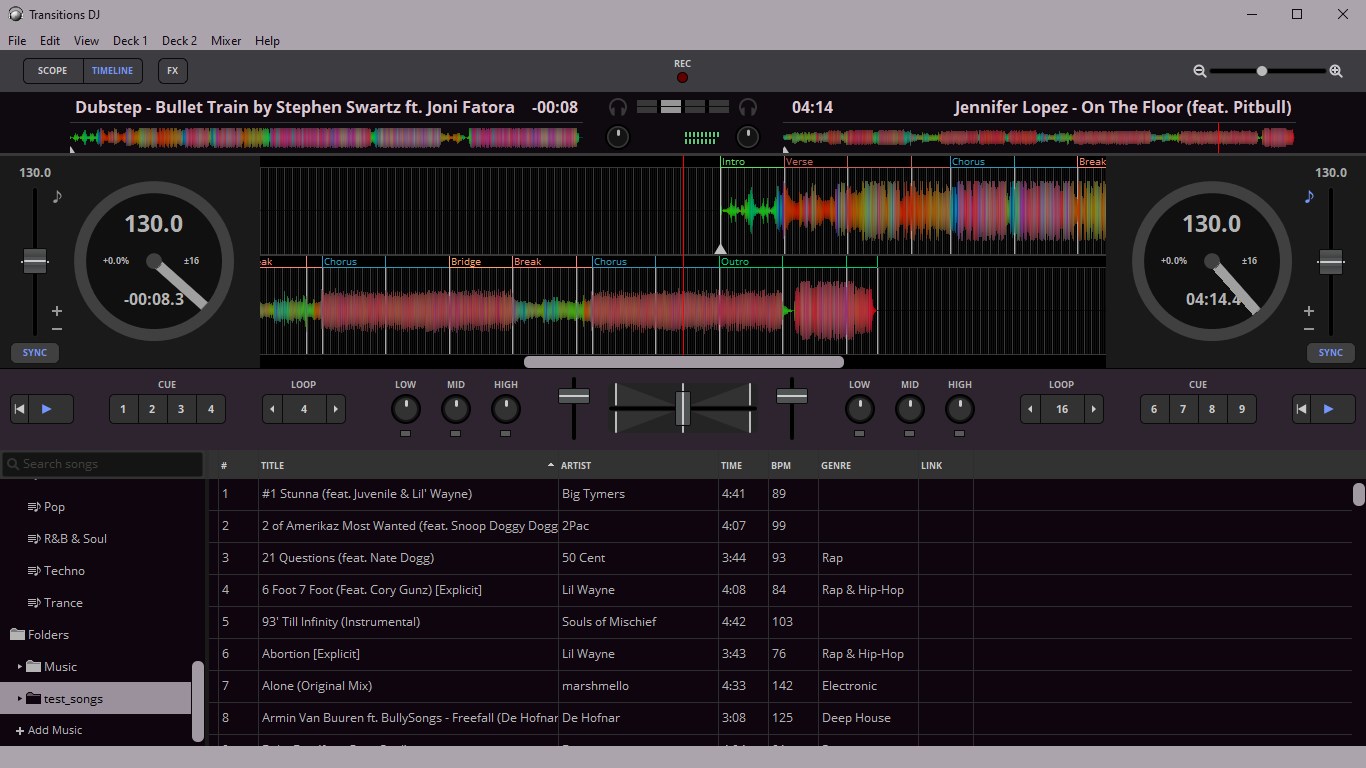
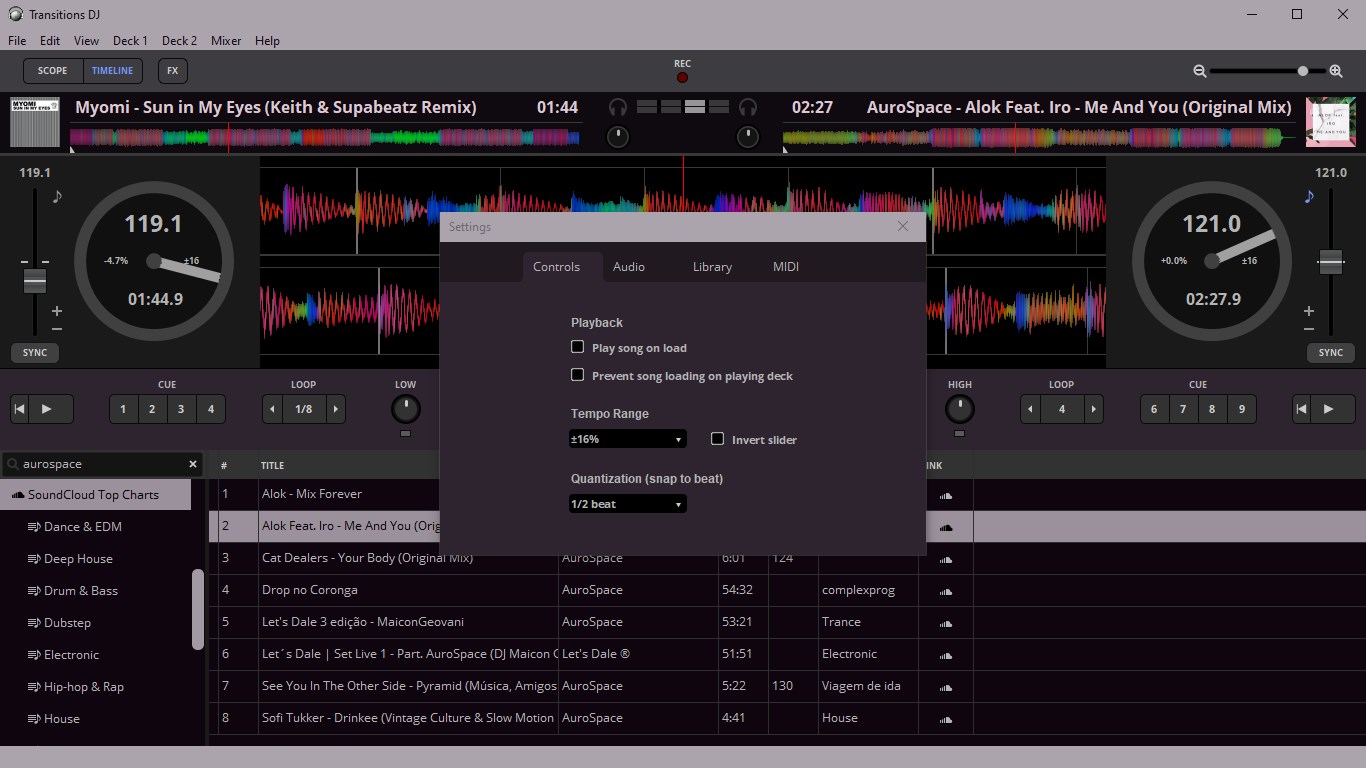
Transitions DJ is an ad-free DJ mixing app for live DJing and mixtape production. It integrates with SoundCloud for catalog search and playlist sync, and also accesses local files and the iTunes library. Mixing tools include beatmatched mixing, tempo sync, looping, key lock, cue points, pitch bend, scratching and jog wheels, along with a 3-band EQ with kill switches. Zoomable waveforms colored by sound frequency and a crowd-sourced database of beats, bars and phrases aid mix preparation. Recordings can be made in WAV, FLAC or OGG. A Transitions DJ Pro in-app upgrade adds audio effects, headphone pre-cueing, DJ MIDI controller support and trim controls.
Show the developer's original descriptionHide the original description
Transitions DJ is an ad-free DJ app designed for desktops, great for live DJing and mixtape production. Features include Soundcloud access, beatmatched mixing, tempo adjustment, looping, cue points, and tempo synchronization. Transitions DJ provides access to a crowd-sourced database of song structure containing beats, bars, and phrases to aid in mix preparation and DJ performance.
Features available in the free version:
• SoundCloud® catalog search
• SoundCloud® playlist sync
• Local file access
• iTunes library
• Recording
• BPM detection
• Tempo sync
• Looping
• Key lock
• 3-band EQ with kill switches
• Cue points
• Pitch bend
• Scratching
• Jog wheels
• Album artwork
• Zoomable waveforms, colored by sound frequency
• Beat grid
• Annotations of beats, bars, and phrases (verse, chorus, etc.)
Features available with the Transitions DJ Pro in-app upgrade:
• Audio effects (echo, flanger, and more)
• Headphones pre-cueing
• DJ MIDI controller support (mappings for 70+ controllers included)
• Trim controls
If there is a version of this app for iOS/Mac or Windows we don't know about, paste the store link here — we'll auto-detect the store.
How to find the URL:1. Open the app in its store. 2.In the App Store app: tap the Share icon → “Copy Link”. In the browser: copy the URL from the address bar — it contains apps.apple.com/…/id… or apps.microsoft.com/detail/…. 3. Paste it here.
Paste the original link from the Apple App Store or Microsoft Store. We fetch all details automatically.
How to find the URL:
1. Open the app in its store. 2.In the App Store app: tap the Share icon → “Copy Link”. In the browser: copy the URL from the address bar — it contains apps.apple.com/…/id… or apps.microsoft.com/detail/…. 3. Paste it here.
Android apps can only be listed by their developer.