Screenshot appears after consentScreenshot appears after consentScreenshot appears after consentScreenshot appears after consentScreenshot appears after consentScreenshot appears after consent
Summary
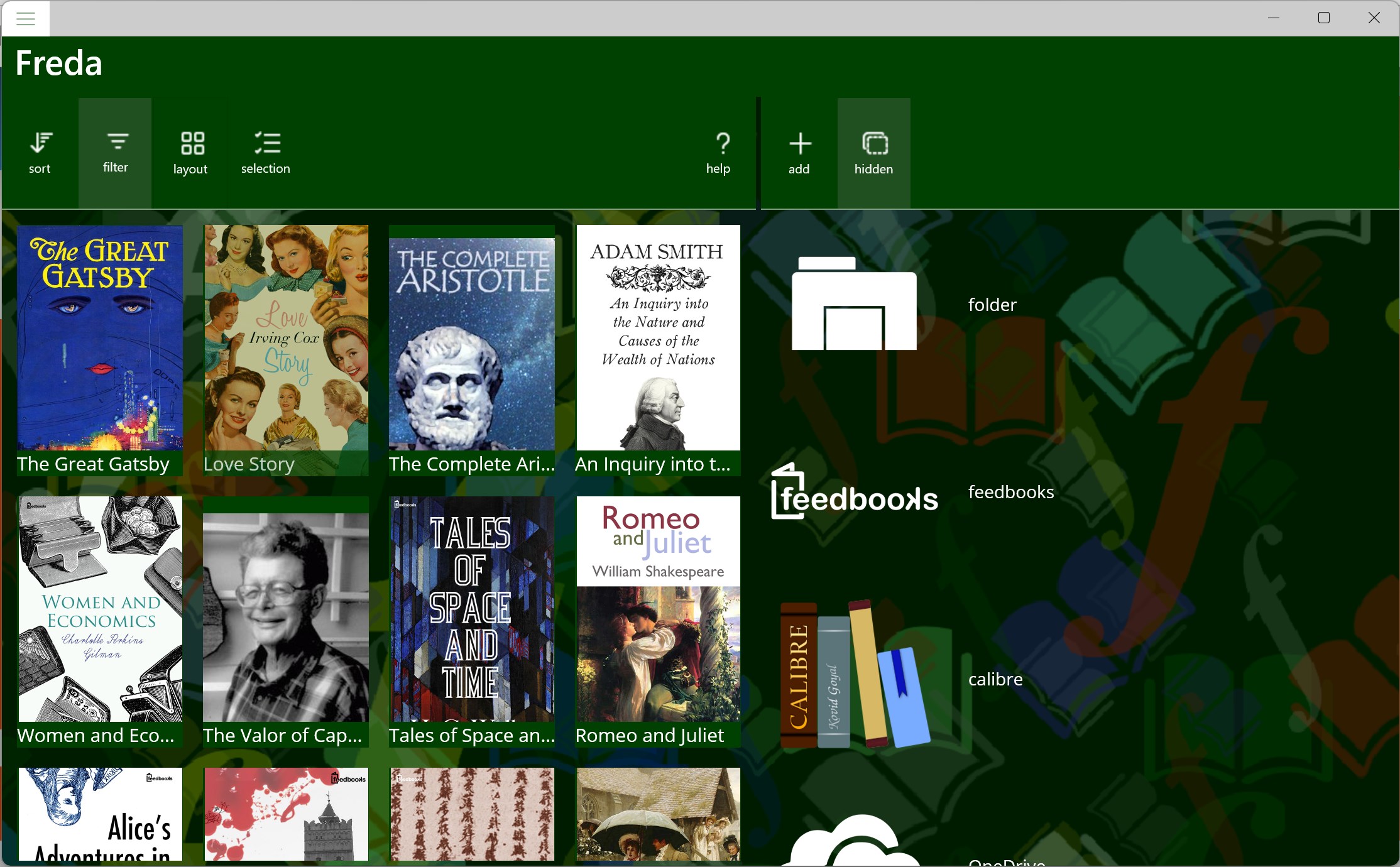
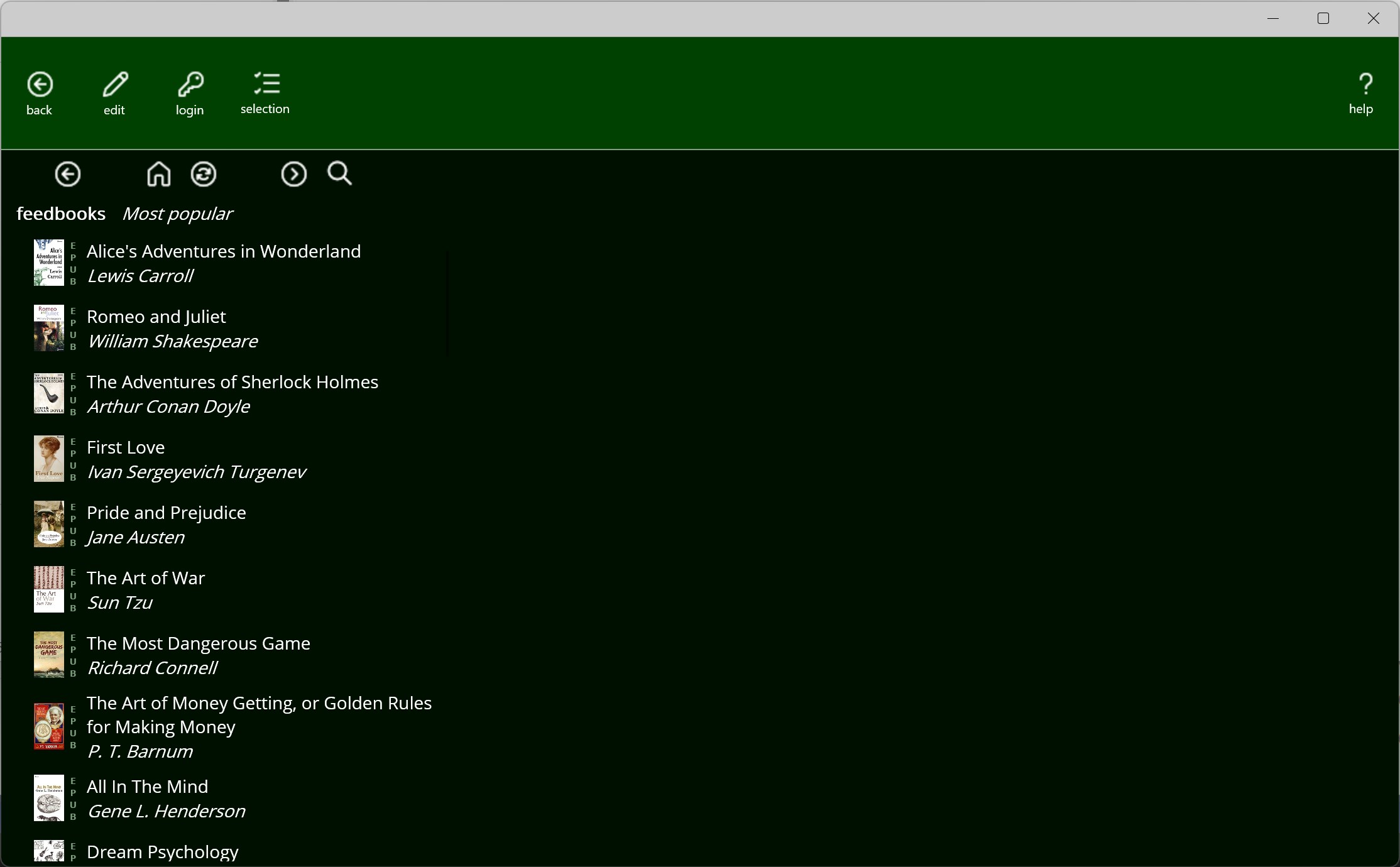
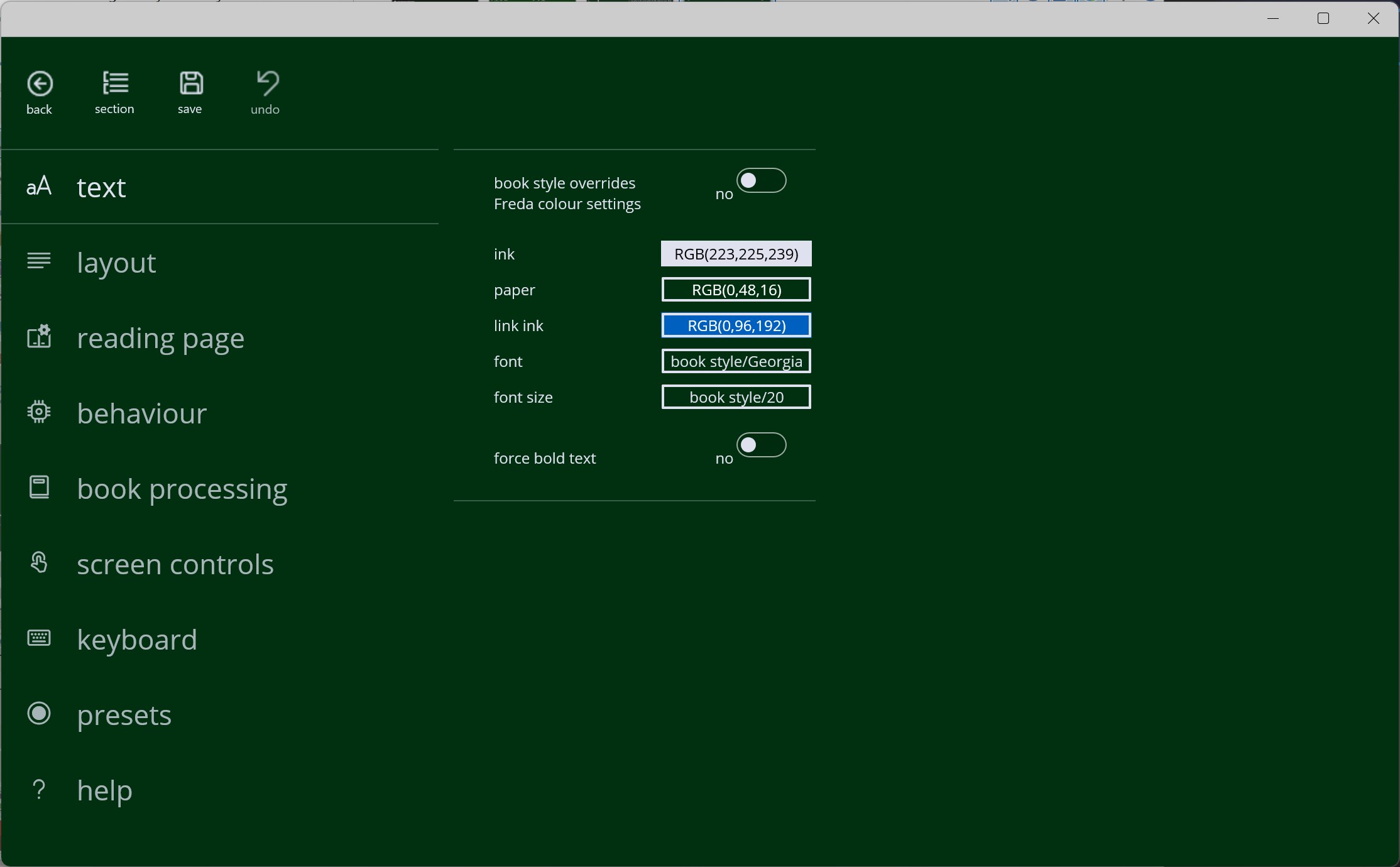
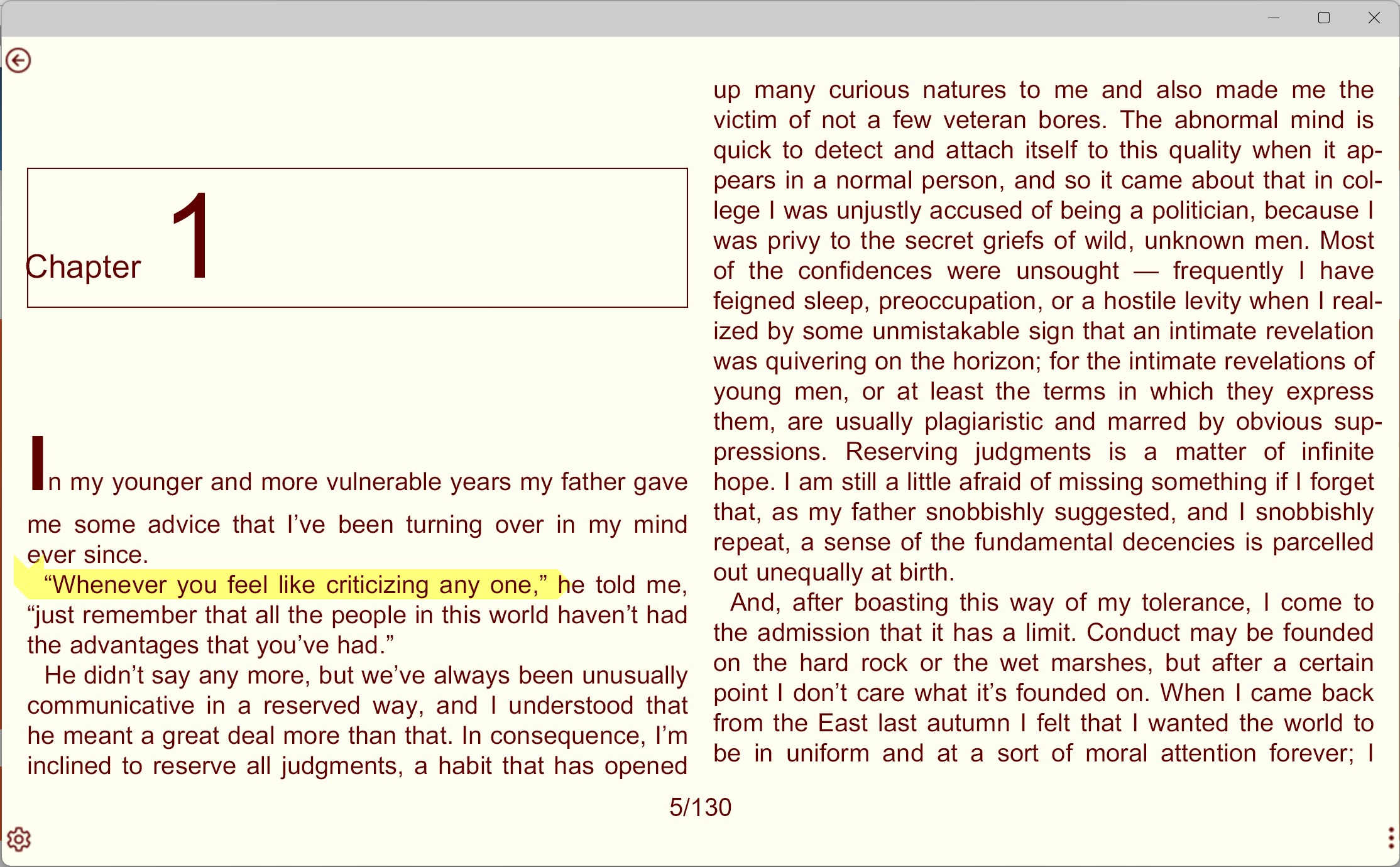
freda epub ebook reader is an ebook reader for Windows that supports formats including EPUB, MOBI, FB2, HTML and TXT. It provides access to over 50,000 public domain classic books from Gutenberg and other online catalogs, alongside the ability to read personal DRM-free books. The app offers customisable controls, fonts and colours, along with annotations, bookmarks, dictionary lookups, translations and text-to-speech reading. It can retrieve books from online catalogs or sync an existing collection through OneDrive, Google Drive, Dropbox or Calibre, and can also download books from websites and email attachments, with downloaded books remaining available offline.
Show the developer's original descriptionHide the original description
Freda is a program for reading electronic books (ebooks) on Windows. The basic functionality is free, with a package of extra features[*] available as an in-app purchase. You can read over 50,000 public domain classic books, from Gutenberg and other on-line catalogs. Or read your own (DRM-free) books in the supported formats: EPUB, MOBI, FB2, HTML and TXT.
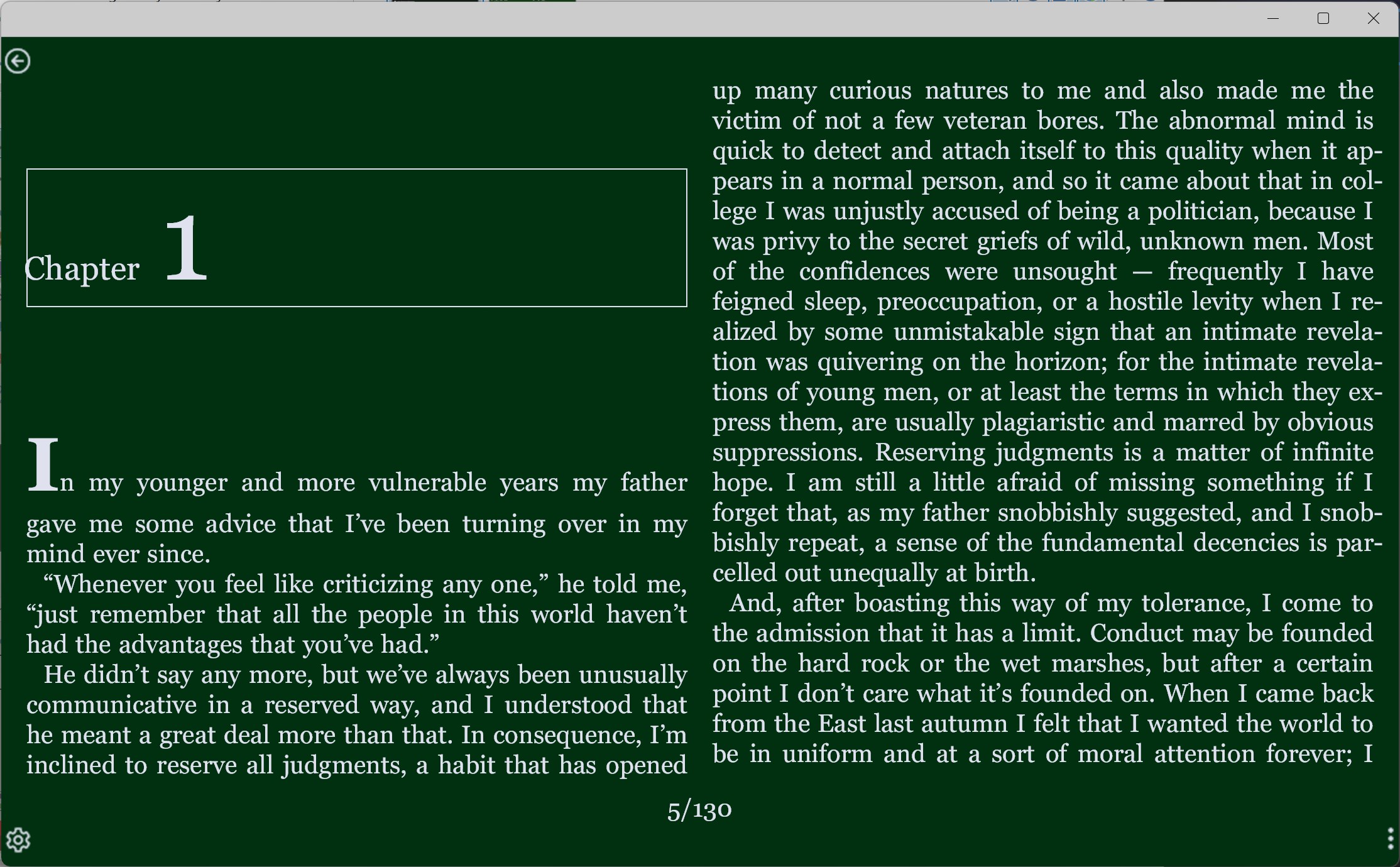
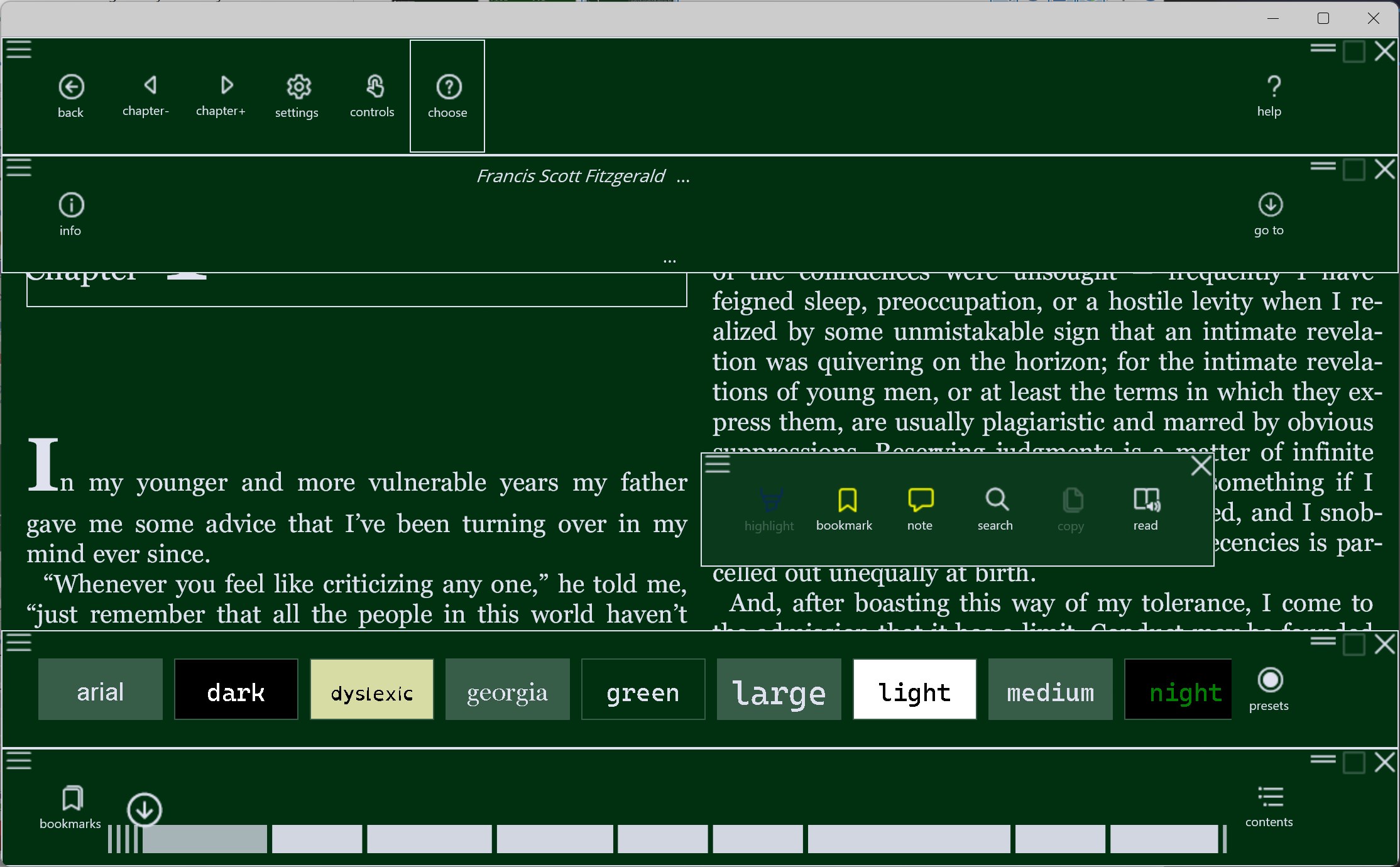
The program offers customisable controls, fonts and colours, plus annotations and bookmarks, and the ability to look up dictionary definitions and translations, and text-to-speech reading. Freda understands EPUB formatting information and can display images and diagrams in books.
Freda can get books from on-line catalogs like the Gutenberg Project. Or if you have an existing book collection, you can use OneDrive, Google Drive, DropBox or Calibre to share it with your PC. Freda can also download books from any website and from email attachments.
You can download books and keep them on your PC, so you can carry on reading when you don't have network connectivity.
The manual is at http://www.turnipsoft.com/freda
[*] Note: Core book-reader capabilities are available free of charge, but certain features of Freda are 'premium features' and an in-app purchase is required before you can use them. These are:
+ Automatic sync between devices
+ Text-to-speech reading continuously (until you've acquired the premium package, reading will stop at the end of each chapter)
+ Creating more than ten highlights or bookmarks in one day
If there is a version of this app for iOS/Mac or Windows we don't know about, paste the store link here — we'll auto-detect the store.
How to find the URL:1. Open the app in its store. 2.In the App Store app: tap the Share icon → “Copy Link”. In the browser: copy the URL from the address bar — it contains apps.apple.com/…/id… or apps.microsoft.com/detail/…. 3. Paste it here.
Paste the original link from the Apple App Store or Microsoft Store. We fetch all details automatically.
How to find the URL:
1. Open the app in its store. 2.In the App Store app: tap the Share icon → “Copy Link”. In the browser: copy the URL from the address bar — it contains apps.apple.com/…/id… or apps.microsoft.com/detail/…. 3. Paste it here.
Android apps can only be listed by their developer.



 KDL E-reader
Read ebooks in multiple formats with annotations
 Fly Reader
Read e-books with text-to-speech and bookmarks
 ReadEra – book reader pdf epub
E-book reader for many formats with text-to-speech
 Real eBooks Reader
Read eBooks and documents in many formats
 PocketBook Reader
Read e-books and listen to audiobooks in many formats
 Total eBook Reader
Read ebooks and documents in various formats