
Screenshot appears after consentScreenshot appears after consentScreenshot appears after consentScreenshot appears after consentScreenshot appears after consentScreenshot appears after consentScreenshot appears after consentScreenshot appears after consentScreenshot appears after consentScreenshot appears after consentScreenshot appears after consentScreenshot appears after consent
Summary
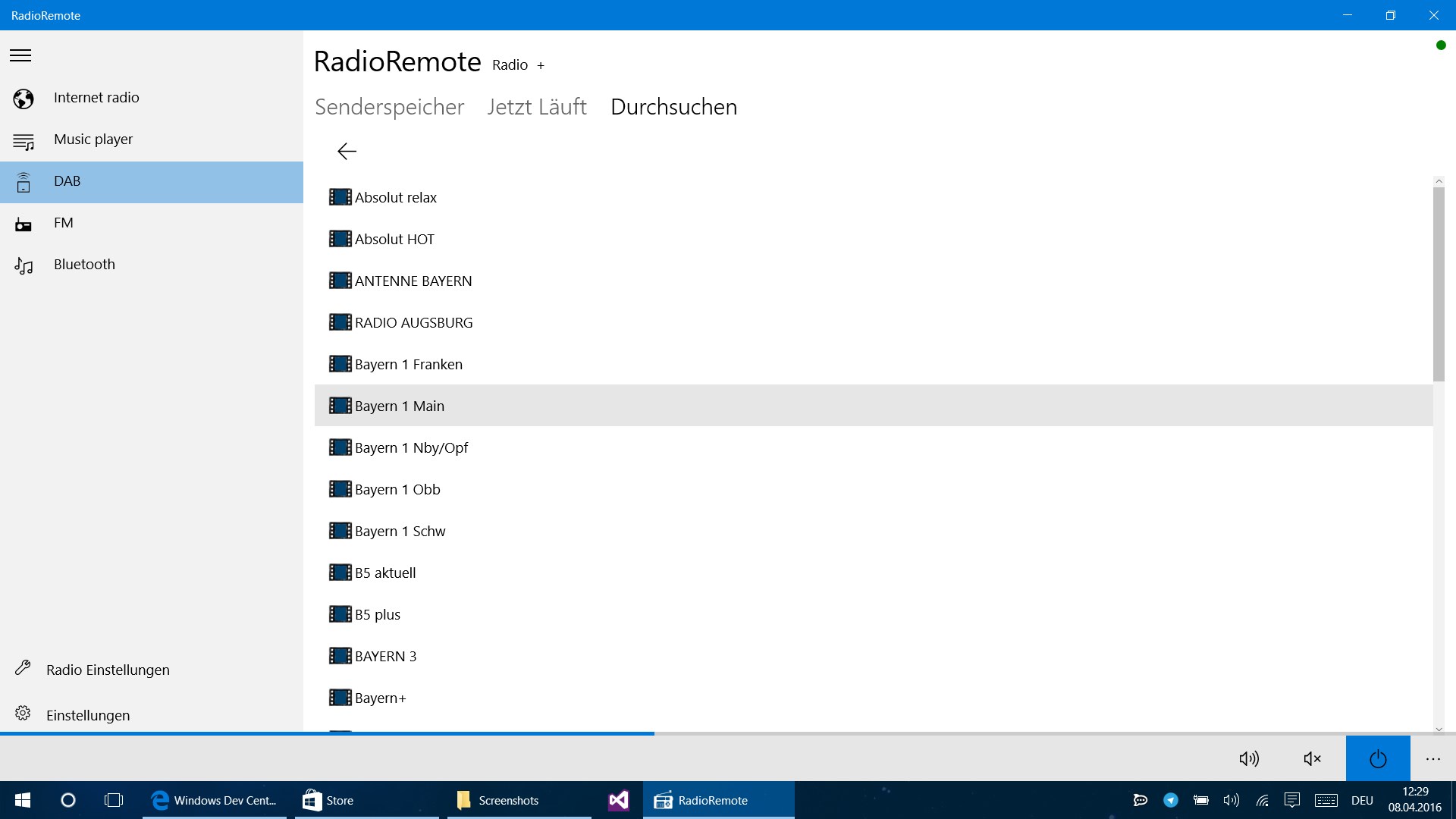
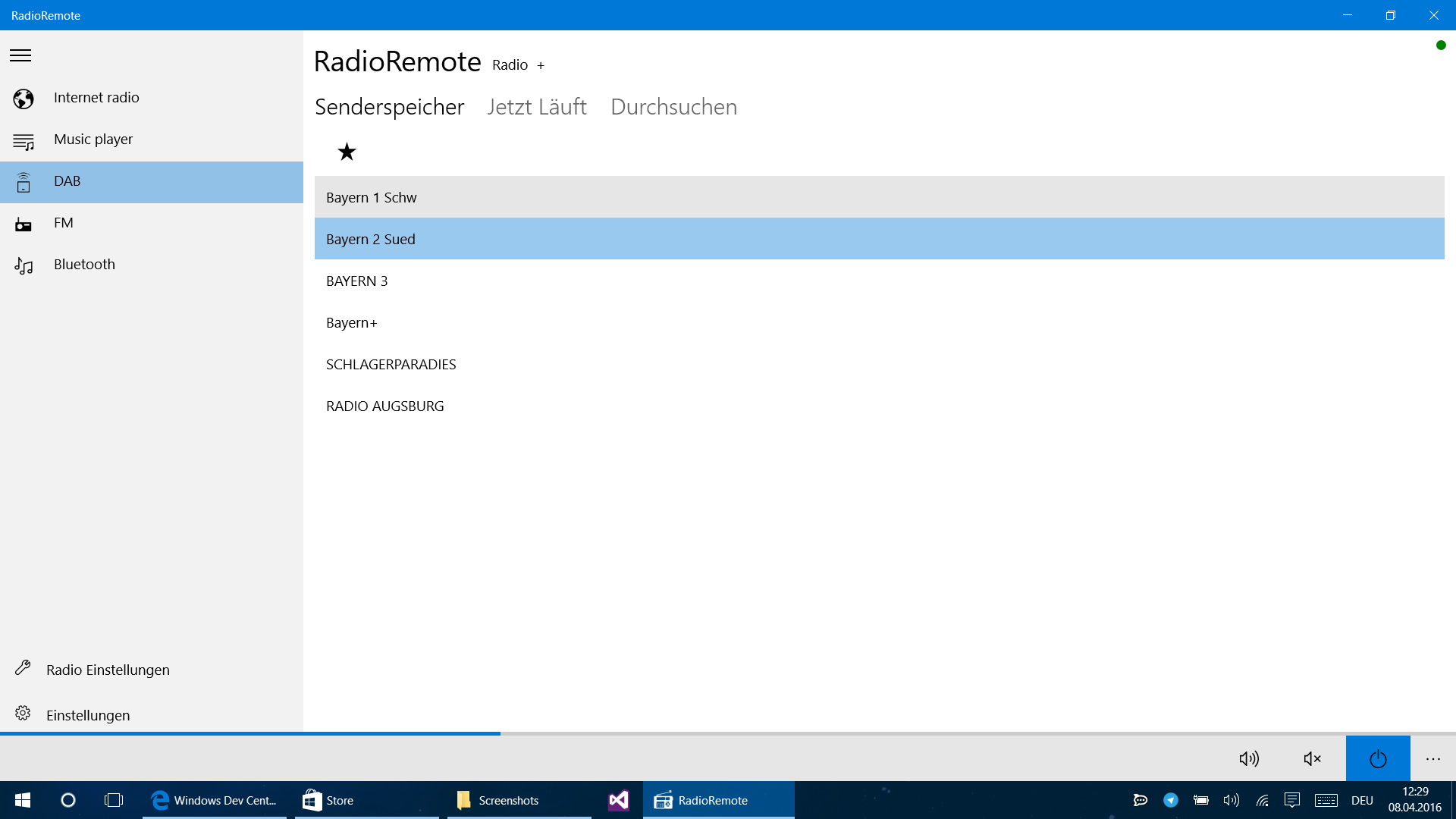
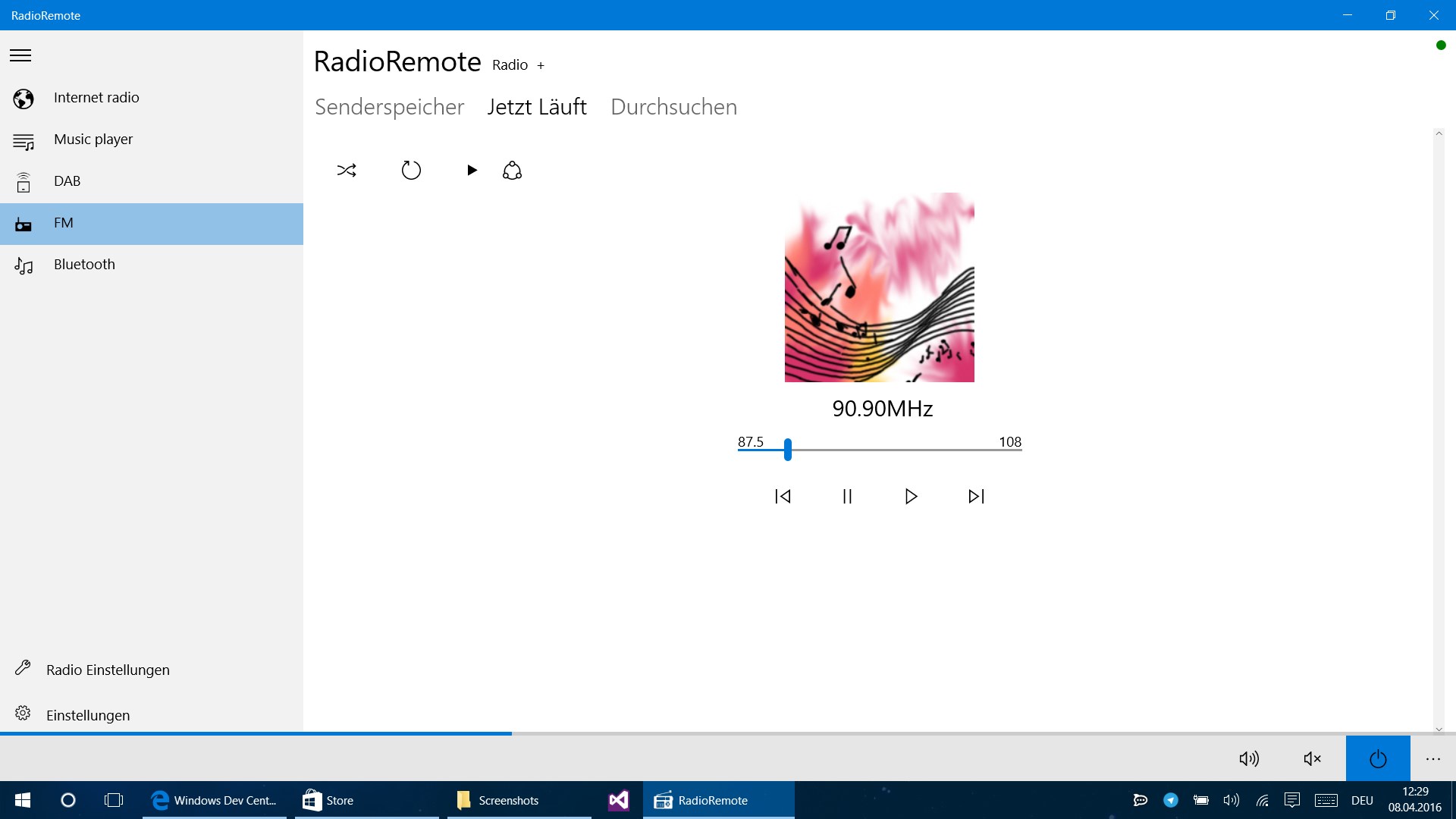
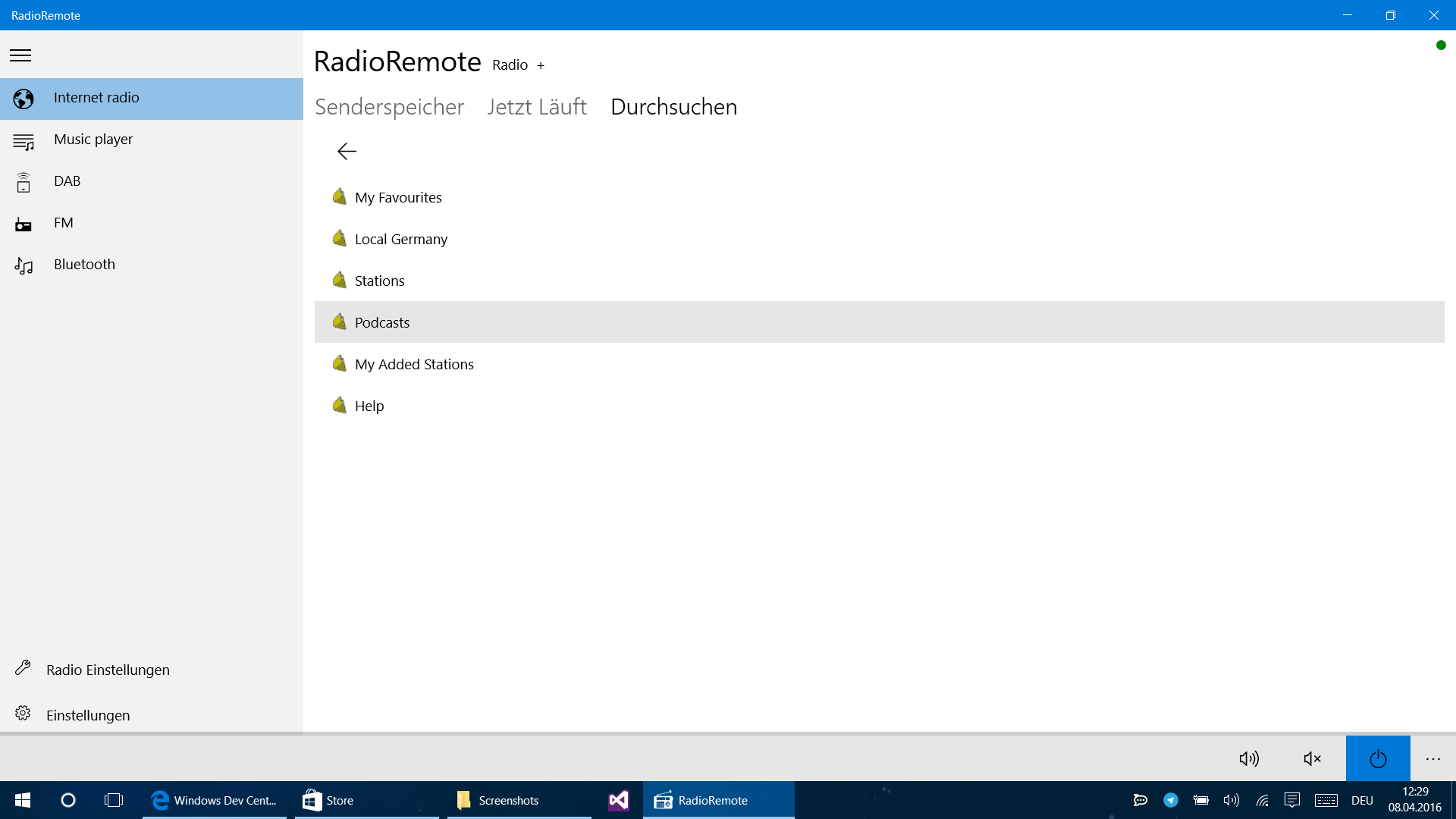
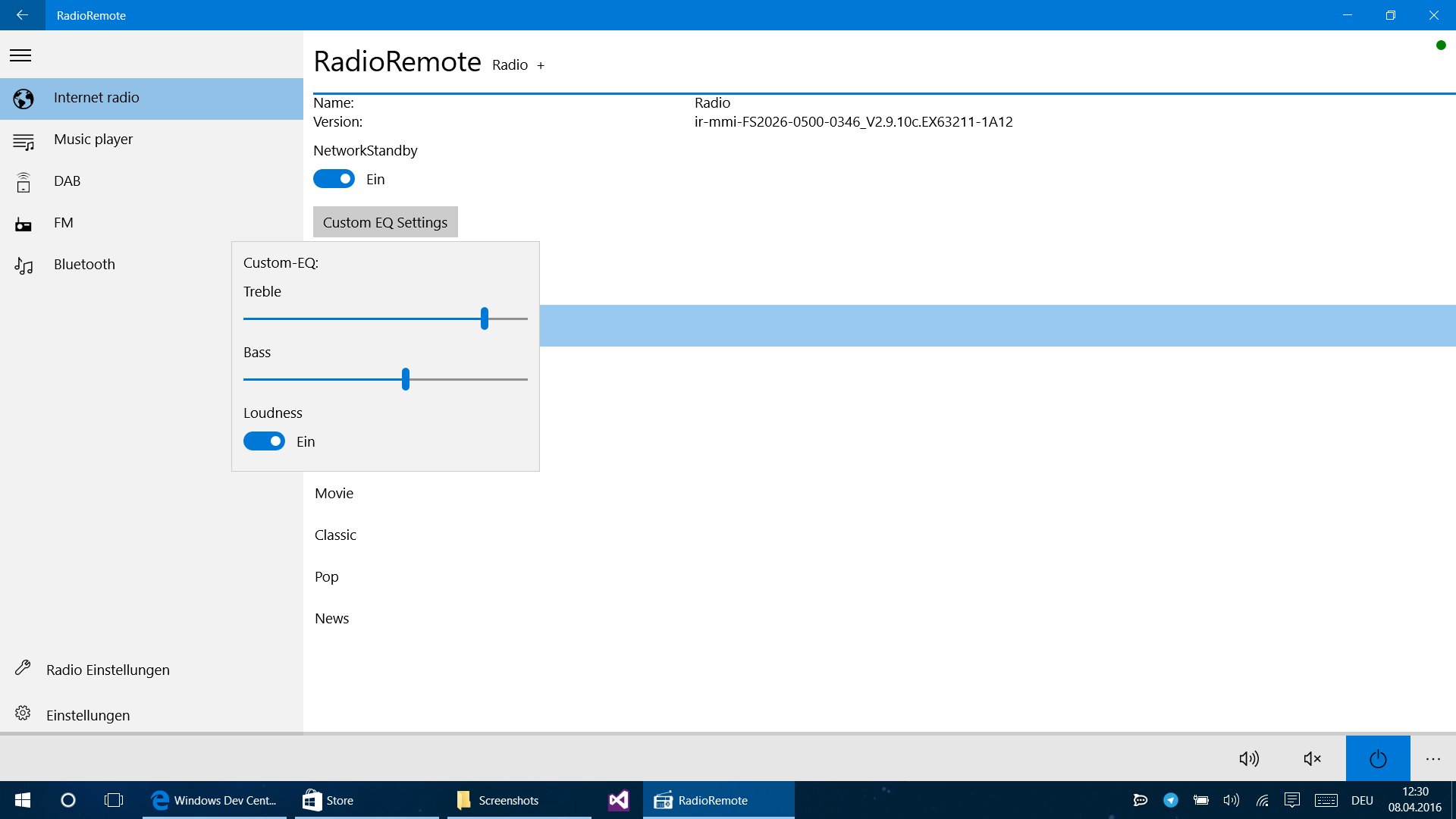
RadioRemote is a remote control app for standalone DAB and internet radio devices. It allows navigation through the radio's menu and selection of music directly from a phone or PC. The app supports many hybrid radio manufacturers, including Hama, Technisat, Dual, NOXON, Soundmaster and Sangean, and should also work with devices labeled as compatible with UNDOK. It is not a radio or internet radio app itself and does not work with USB devices. Multiroom functionality is not fully supported at the moment.
Show the developer's original descriptionHide the original description
NOTE: This is not a Radio / Internet radio app and also not compatible with USB devices! The app is only for the remote control of different independent hybrid radio devices!
With this app you can remote control your DAB/Internet radio.
Navigate the menu and select your music easily from a PC or mobile phone.
Many manufacturers such as Hama, Technisat, Dual, NOXON, Soundmaster or Sangean are supported.
If your device "works with UNDOK", this app should work, too.
Note:
Multiroom function is not available at the moment.
If there is a version of this app for iOS/Mac or Windows we don't know about, paste the store link here — we'll auto-detect the store.
How to find the URL:1. Open the app in its store. 2.In the App Store app: tap the Share icon → “Copy Link”. In the browser: copy the URL from the address bar — it contains apps.apple.com/…/id… or apps.microsoft.com/detail/…. 3. Paste it here.
Paste the original link from the Apple App Store or Microsoft Store. We fetch all details automatically.
How to find the URL:
1. Open the app in its store. 2.In the App Store app: tap the Share icon → “Copy Link”. In the browser: copy the URL from the address bar — it contains apps.apple.com/…/id… or apps.microsoft.com/detail/…. 3. Paste it here.
Android apps can only be listed by their developer.