Screenshot appears after consentScreenshot appears after consentScreenshot appears after consentScreenshot appears after consentScreenshot appears after consentScreenshot appears after consent
Summary
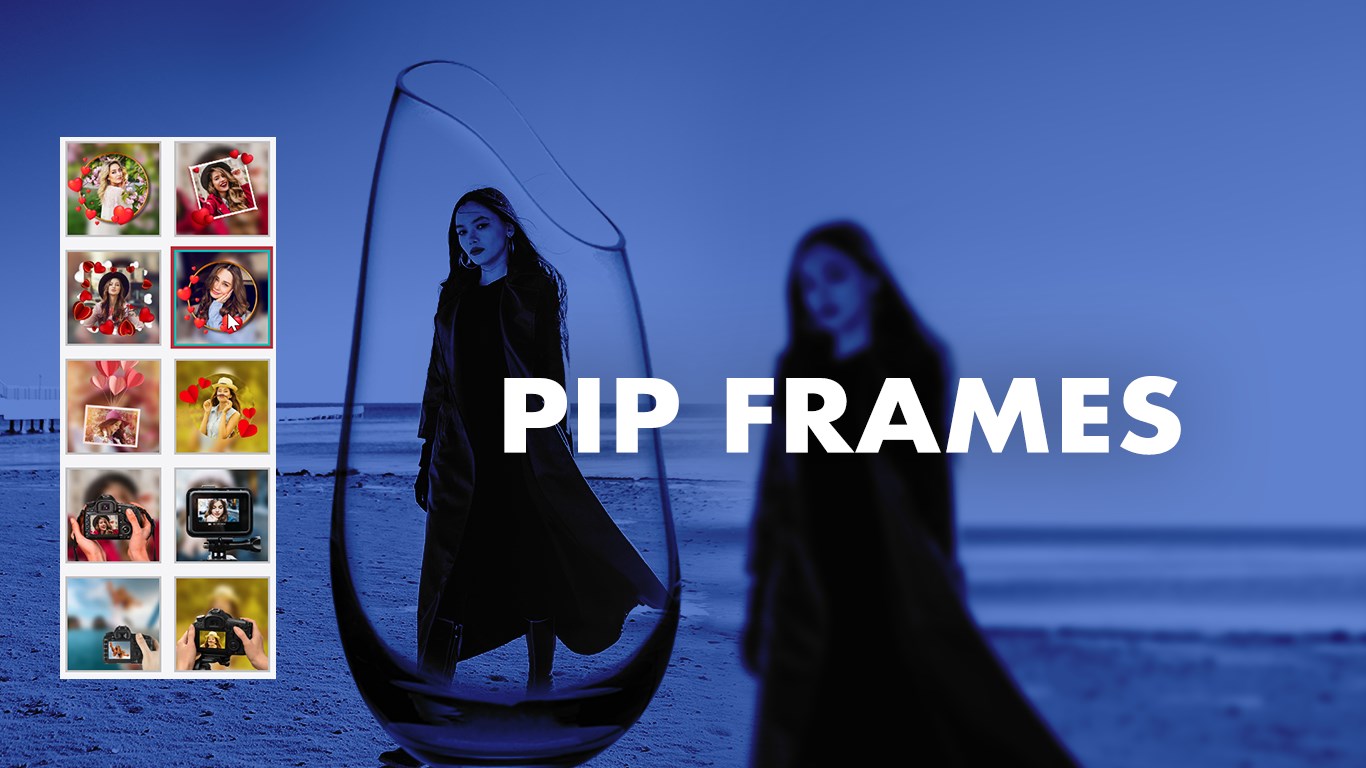
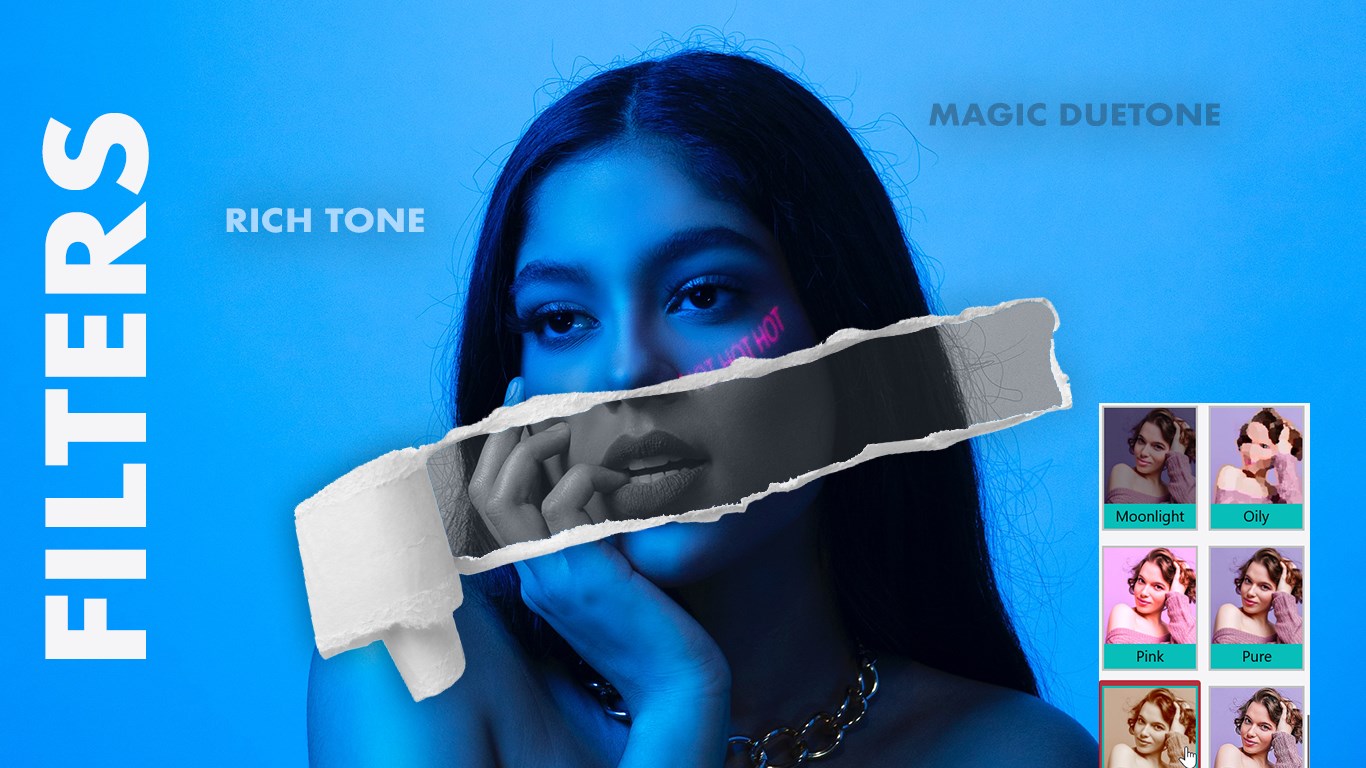
PIP Camera Effects is a photo editor for adding picture-in-picture effects to images. It combines photos with creative frames such as glass, camera, and watch styles while blurring the background for a polished look. The app offers a Photo Editor and a separate PIP Editor mode, along with crop, rotate, and flip tools. Users can apply filters, customizable backgrounds, text, and stickers to personalize their pictures. Full-size photos are supported without cropping for social media, and finished images can be saved in high quality and shared directly with others.
Show the developer's original descriptionHide the original description
Create stunning photos with PIP Camera Effects, the ultimate app for adding stylish picture-in-picture effects to your images. Combine your photos with creative frames like glass, cameras, watches, and more while blurring the background for a beautiful, professional look.
With powerful editing tools, filters, backgrounds, stickers, and text customization, you can transform any photo into an eye-catching masterpiece. The app includes both Photo Editor and PIP Editor modes, giving you full creative control.
Whether you’re designing photos for fun or sharing memories on social media, PIP Camera Effects helps you make every picture stand out.
Tutorial Link :- https://queenloftapps.com/pip-camera-effects-tutorial/
Key Features
• Stylish picture-in-picture (PIP) photo effects
• Creative frames including glass, camera, and watch styles
• Crop, rotate, and flip tools for precise editing
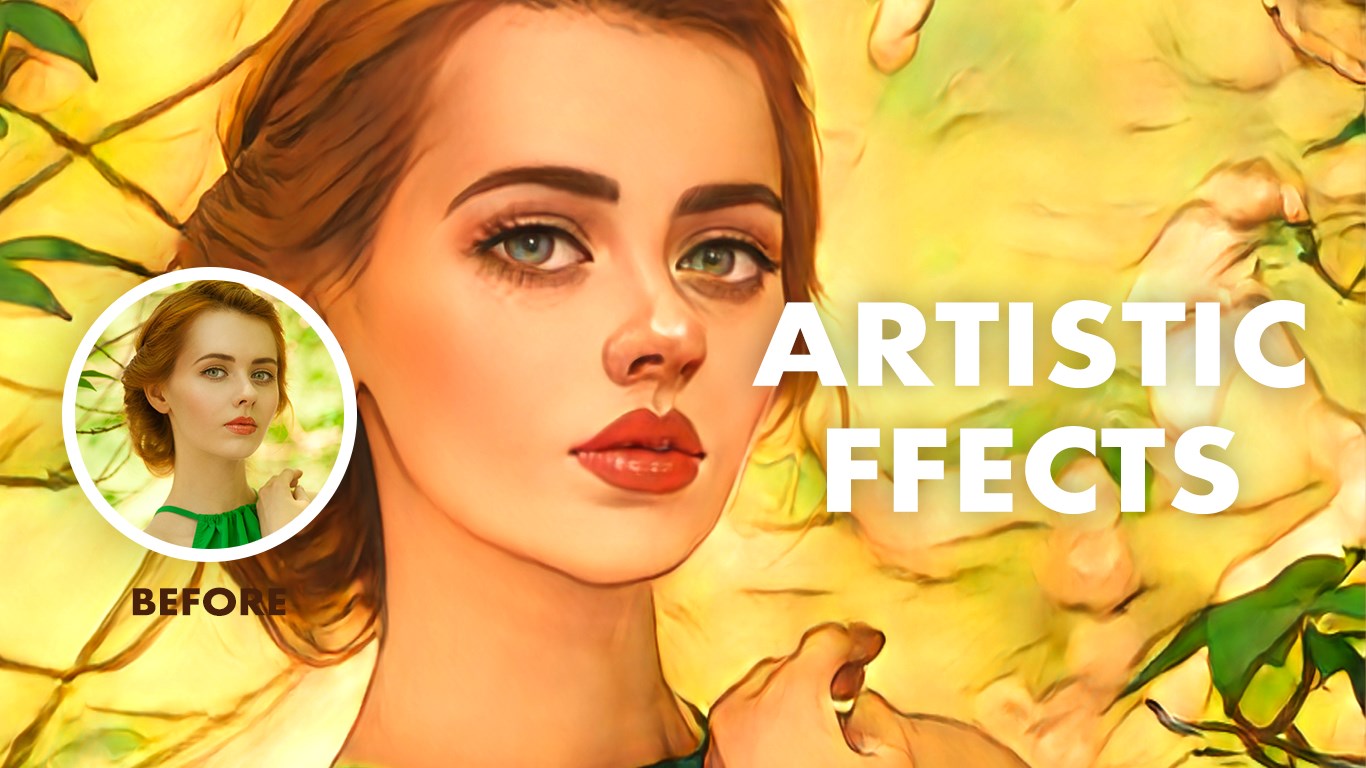
• Advanced effects and trendy filters for a polished finish
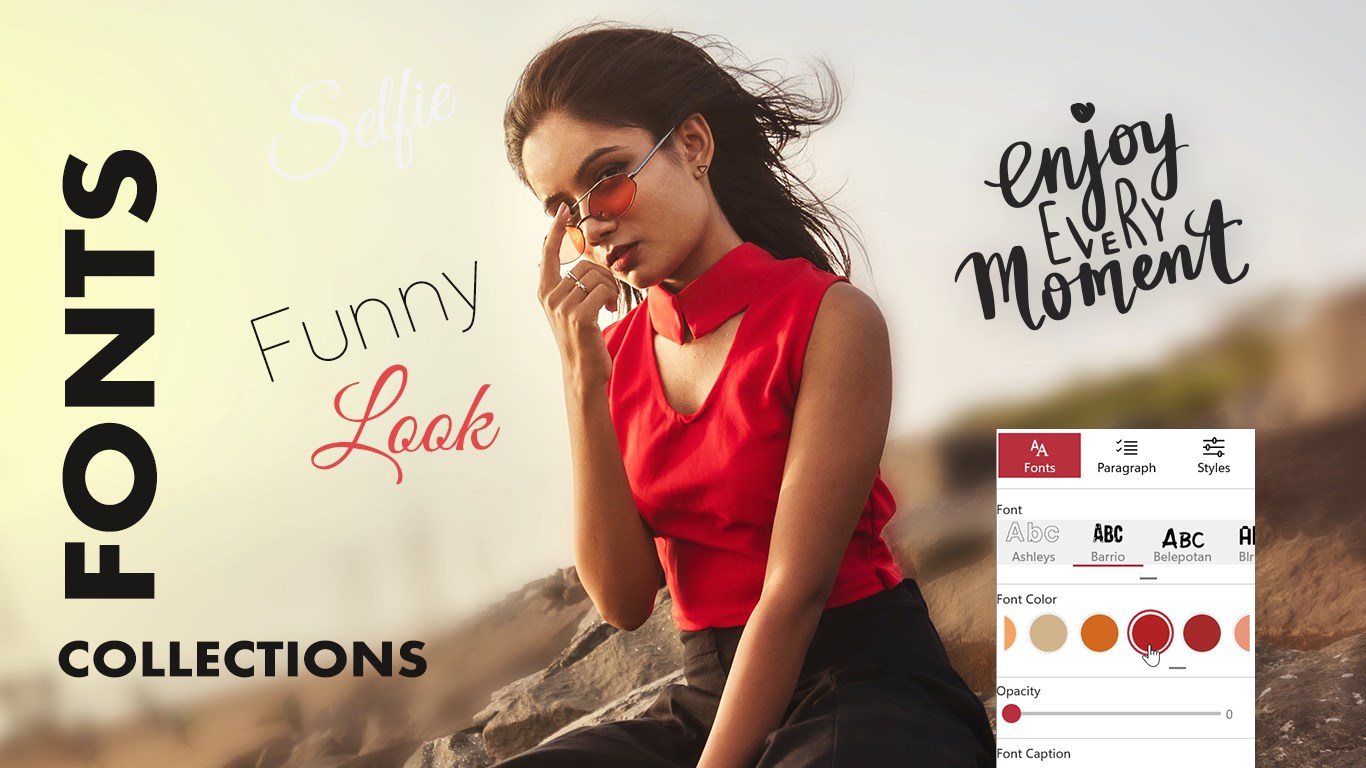
• Customizable backgrounds and elegant text options
• Add fun stickers and quotes to your photos
• Support for full-size photos – no cropping for social media
• Save in high quality and share directly with friends and family
How to Use
1. Choose between Photo Editor or PIP Editor mode.
2. Select an image from your gallery and crop or rotate it.
3. Apply PIP frames, filters, and effects to your photo.
4. Add custom text, backgrounds, and stickers.
5. Save and share your creation instantly across your favorite platforms.
Find us:
Web: https://queenloftapps.com
Facebook: https://www.facebook.com/queenloftapps
Instagram: https://www.instagram.com/queenloft/
Twitter: @queenloftapps
Email: pinnaclebell@hotmail.com
How to use: https://queenloftapps.com/pip-camera-effects-tutorial/
Download now and start using Pic in Pic effects or picture in picture effects now.
If there is a version of this app for iOS/Mac or Windows we don't know about, paste the store link here — we'll auto-detect the store.
How to find the URL:1. Open the app in its store. 2.In the App Store app: tap the Share icon → “Copy Link”. In the browser: copy the URL from the address bar — it contains apps.apple.com/…/id… or apps.microsoft.com/detail/…. 3. Paste it here.
Paste the original link from the Apple App Store or Microsoft Store. We fetch all details automatically.
How to find the URL:
1. Open the app in its store. 2.In the App Store app: tap the Share icon → “Copy Link”. In the browser: copy the URL from the address bar — it contains apps.apple.com/…/id… or apps.microsoft.com/detail/…. 3. Paste it here.
Android apps can only be listed by their developer.





 PIP Camera - Creative Photo Frames & Photo Editor
Edit photos with frames, filters and effects
 Photo Editor Pro - PIP Camera Effects
Edit photos with frames, effects and stickers
 PIP Effects
Edit photos with PIP frames, filters, stickers and text
 Photo Blender : Photo Editor
Blend photos creatively with effects, overlays and frames
 Photo Lab — AI Image Editor
Enhance photos with effects, filters and AI editing
 Snap Photo Filters
Edit photos with filters, stickers and emoji effects