



Screenshot appears after consentScreenshot appears after consentScreenshot appears after consentScreenshot appears after consentScreenshot appears after consentScreenshot appears after consentScreenshot appears after consentScreenshot appears after consent
Summary
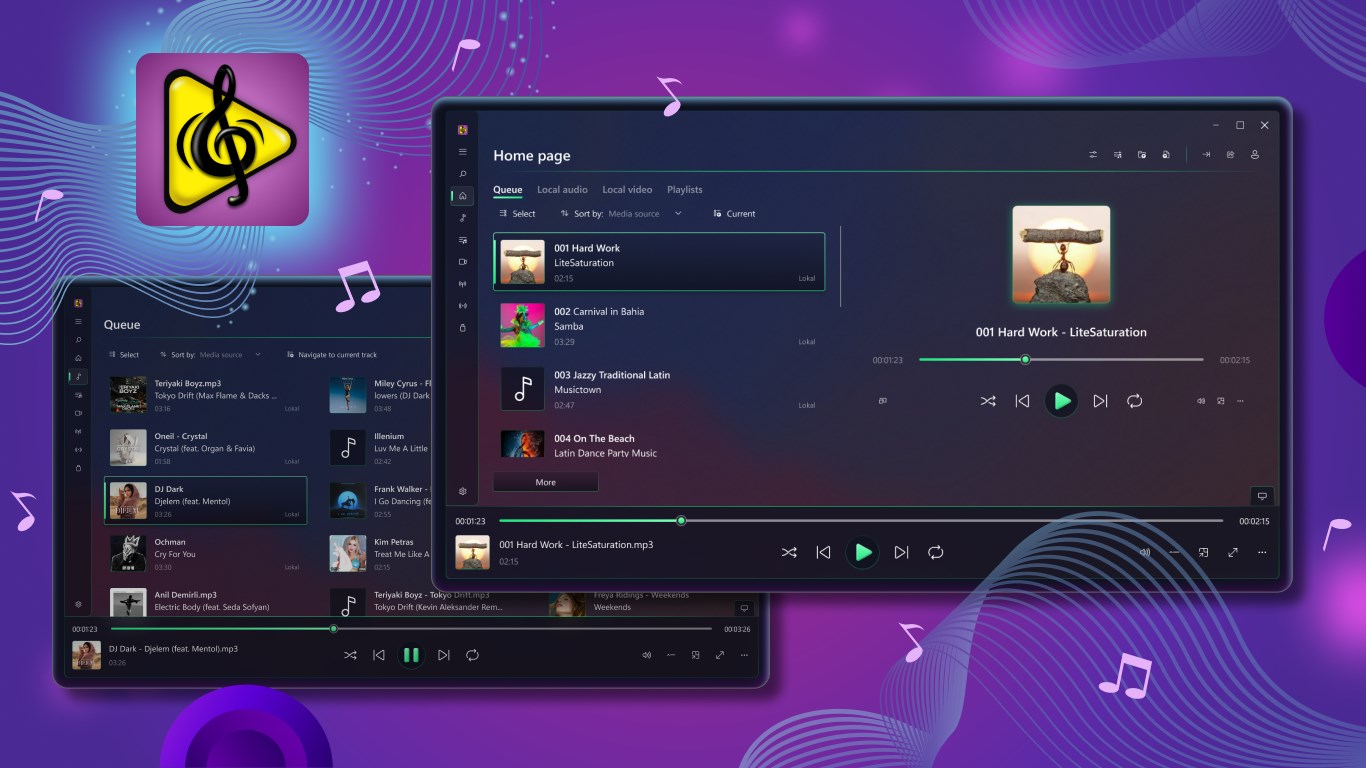
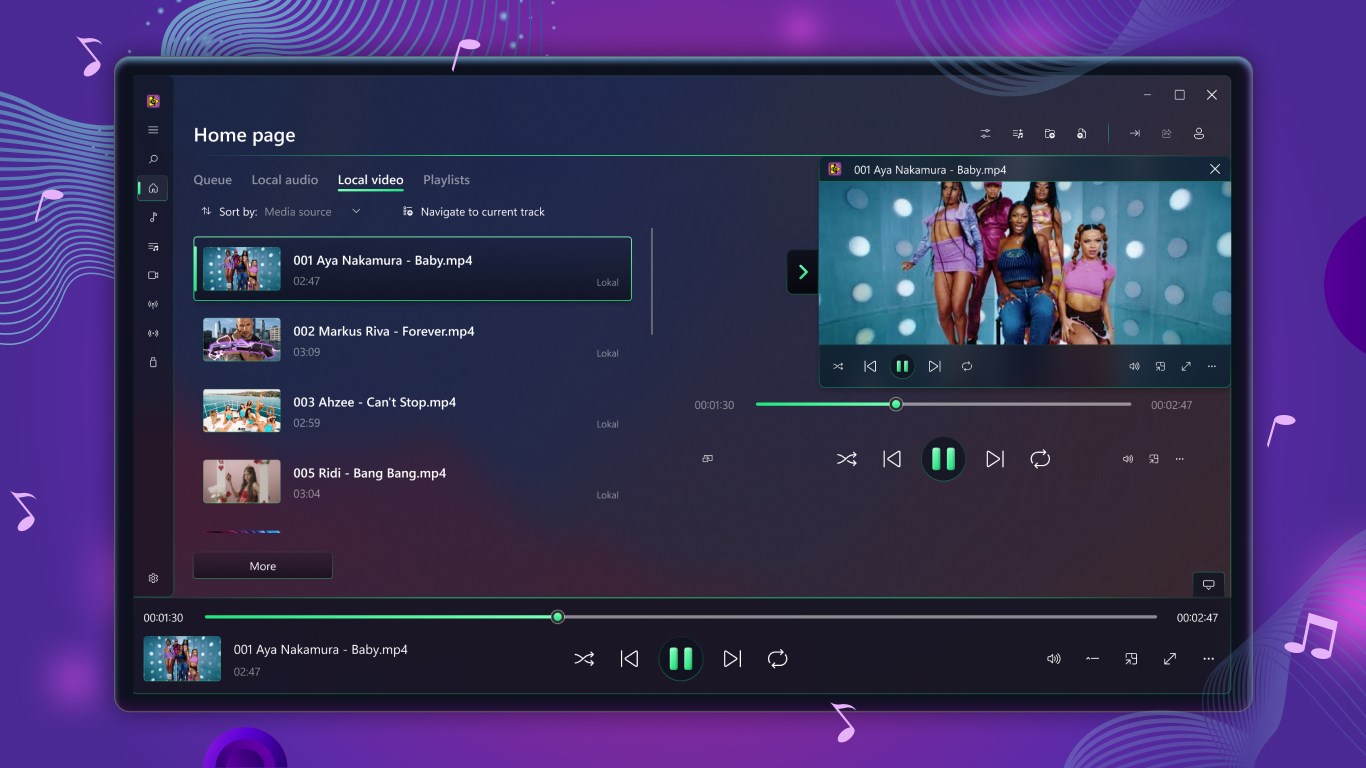
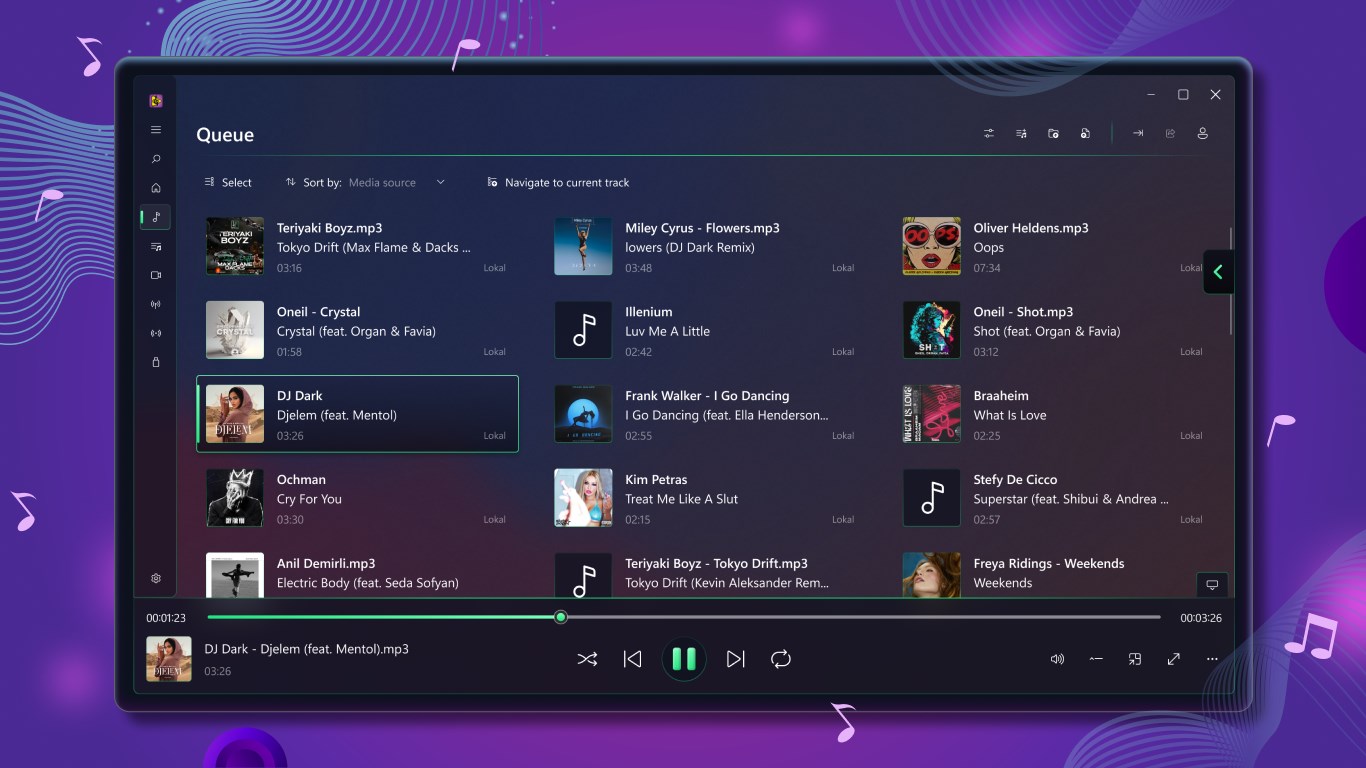
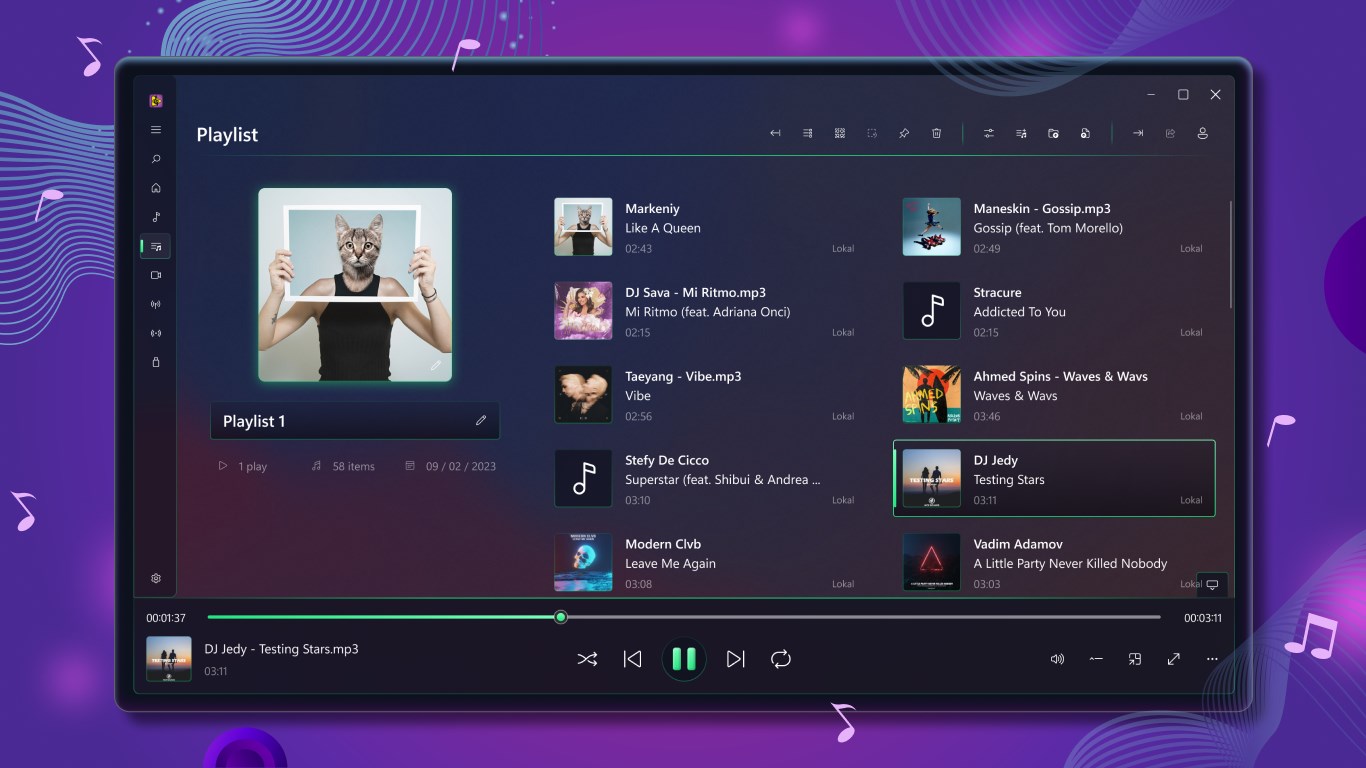
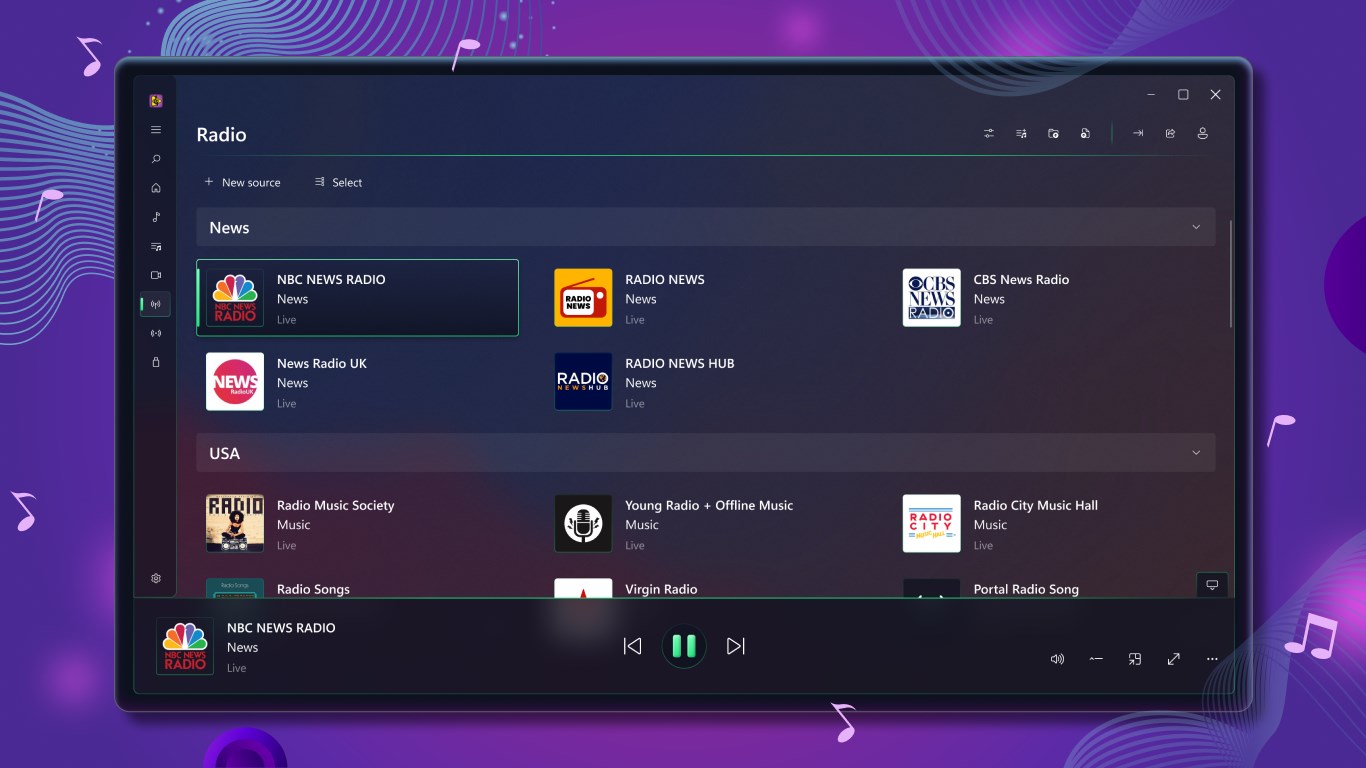
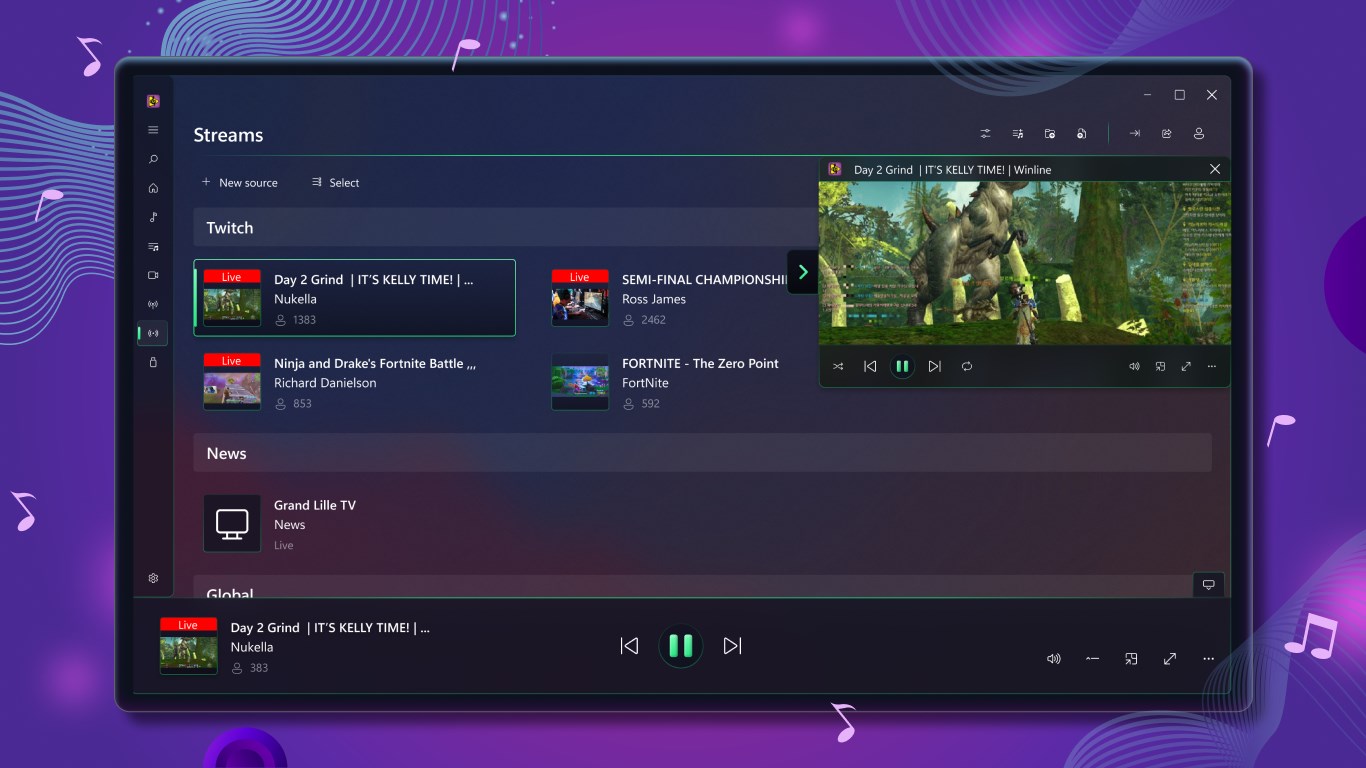
Player for Media is a media player for video and audio playback that supports nearly all video and audio formats, including subtitles and rare file formats. It allows searching, watching and caching YouTube videos as well as searching, listening to and caching SoundCloud music. It can play TV channels and radio stations, and it supports Twitch videos, clips and live streams. Playlists and queues help organize content, and LastFM scrobbling is included. The app also plays media directly from external storage and offers a cast-to-device feature. Some features and video formats are only available after purchasing a subscription.
Show the developer's original descriptionHide the original description
The finest media player in the Microsoft Store!
Player for Media complies with all the needs of even the pickiest audience! Get a unique visual experience with brilliant and crystal-clear sound.
The application supports basically all video and audio formats, including subtitles and rare file formats.
Moreover Player for Media has a big amount of benefits that you will not get by using popular media players such as VLC, Groove Music, Windows Media Player, Windows Music & TV, KMPlayer, and others.
Features:
▶️️ Search, watch and cache YouTube videos
▶️ Search, watch and cache SoundCloud music
▶️ Watch TV-Channels and listen to the Radio
▶️ Twitch Videos, Twitch Clips, Twitch Live
▶️ LastFM scrobbling
▶️ Playlists and Queues
▶️ Subtitles
▶️ Playback directly from external media
▶️ Cast to device feature
Download Player for Media and enjoy all seamless Videos and Audio playback!
Notice: Some features and video formats playback are available only after subscription purchase.
If there is a version of this app for iOS/Mac or Windows we don't know about, paste the store link here — we'll auto-detect the store.
How to find the URL:1. Open the app in its store. 2.In the App Store app: tap the Share icon → “Copy Link”. In the browser: copy the URL from the address bar — it contains apps.apple.com/…/id… or apps.microsoft.com/detail/…. 3. Paste it here.
Paste the original link from the Apple App Store or Microsoft Store. We fetch all details automatically.
How to find the URL:
1. Open the app in its store. 2.In the App Store app: tap the Share icon → “Copy Link”. In the browser: copy the URL from the address bar — it contains apps.apple.com/…/id… or apps.microsoft.com/detail/…. 3. Paste it here.
Android apps can only be listed by their developer.