

Screenshot appears after consentScreenshot appears after consentScreenshot appears after consentScreenshot appears after consentScreenshot appears after consentScreenshot appears after consentScreenshot appears after consentScreenshot appears after consent
Summary
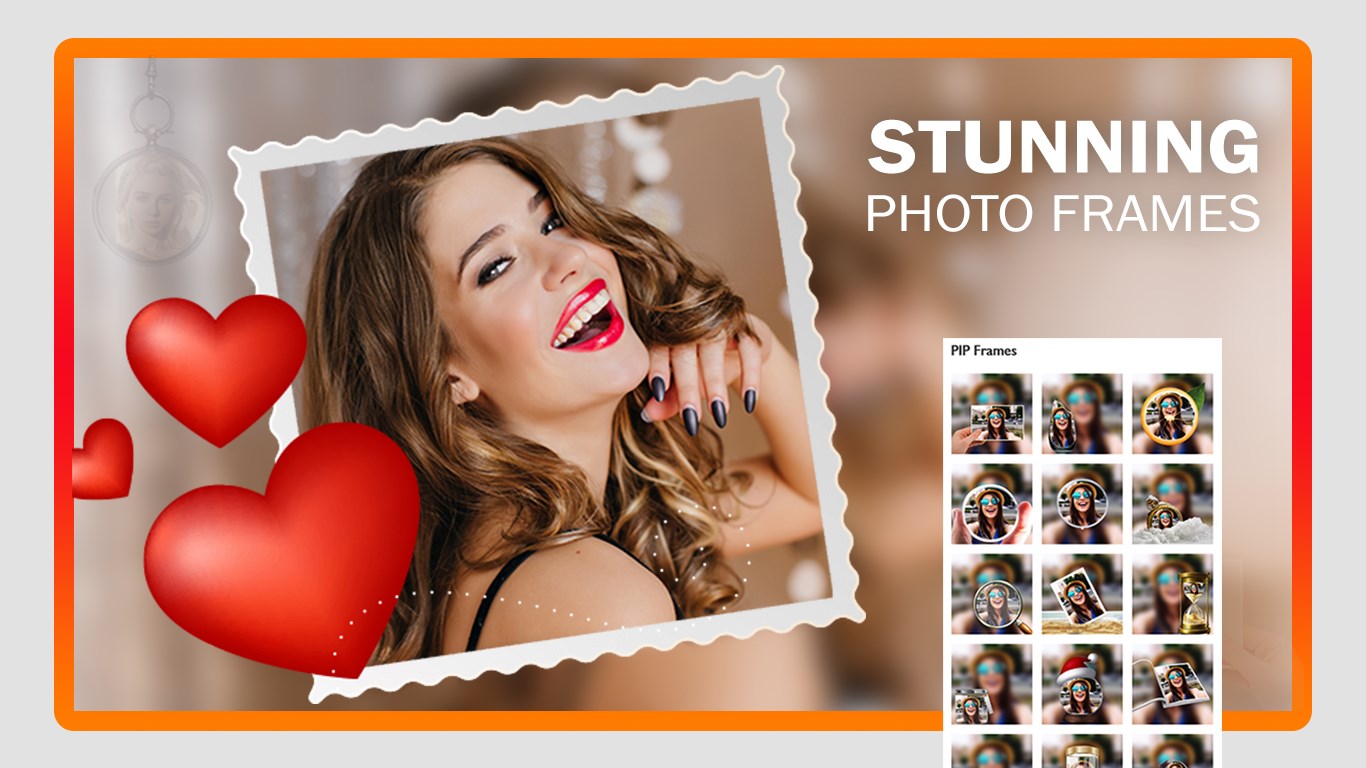
PIP Effects is a photo editor for creating picture-in-picture images with frames, filters, stickers, and text. It allows cropping, flipping, and rotating photos, as well as adjusting brightness, contrast, and saturation. Users can apply PIP frames, overlays, and color effects, and personalize edits with borders, stickers, and extra images. Photos can be cropped using preset or social media aspect ratios, and finished creations can be saved in formats including JPG, PNG, GIF, PDF, MP4, and BMP.
Show the developer's original descriptionHide the original description
PIP Effects is a creative photo editor that helps you design stylish picture-in-picture (PIP) images with unique frames, filters, stickers, and text. With easy editing tools and flexible layouts, you can turn ordinary photos into fun, eye-catching creations in just a few steps.
This app includes new photo frames, an improved saving module, and enhanced text and sticker features—making it even easier to personalize your photos your way.
Main Features:-
PIP Frames:-
-Crop, flip, and rotate your photos easily
-Apply PIP frames, filters, stickers, and text
-Adjust brightness and other settings for perfect results
-Save creations in multiple formats: JPG, PNG, GIF, MP4, and more
Photo Editor:-
-Crop photos using preset or social media aspect ratios
-Flip, rotate, and adjust brightness, contrast, and saturation
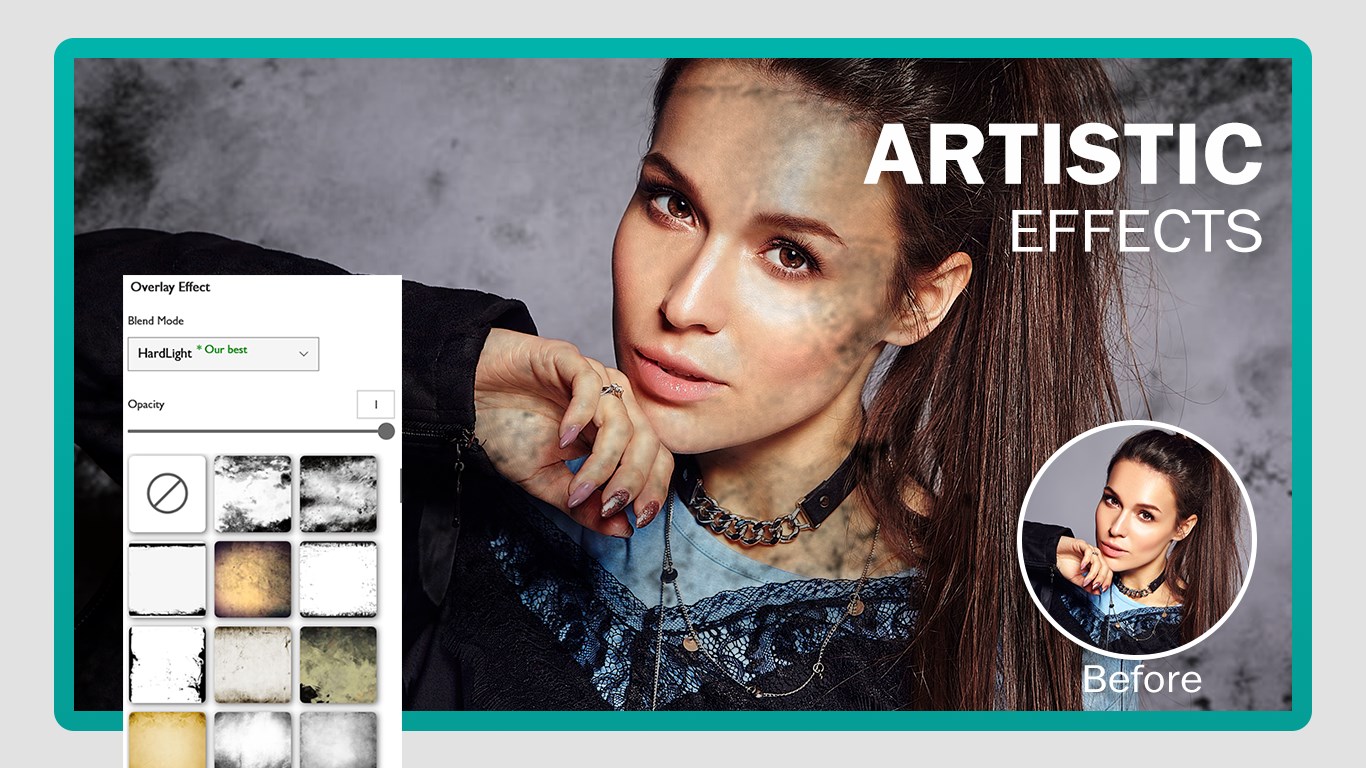
-Apply filters, overlays, and color effects
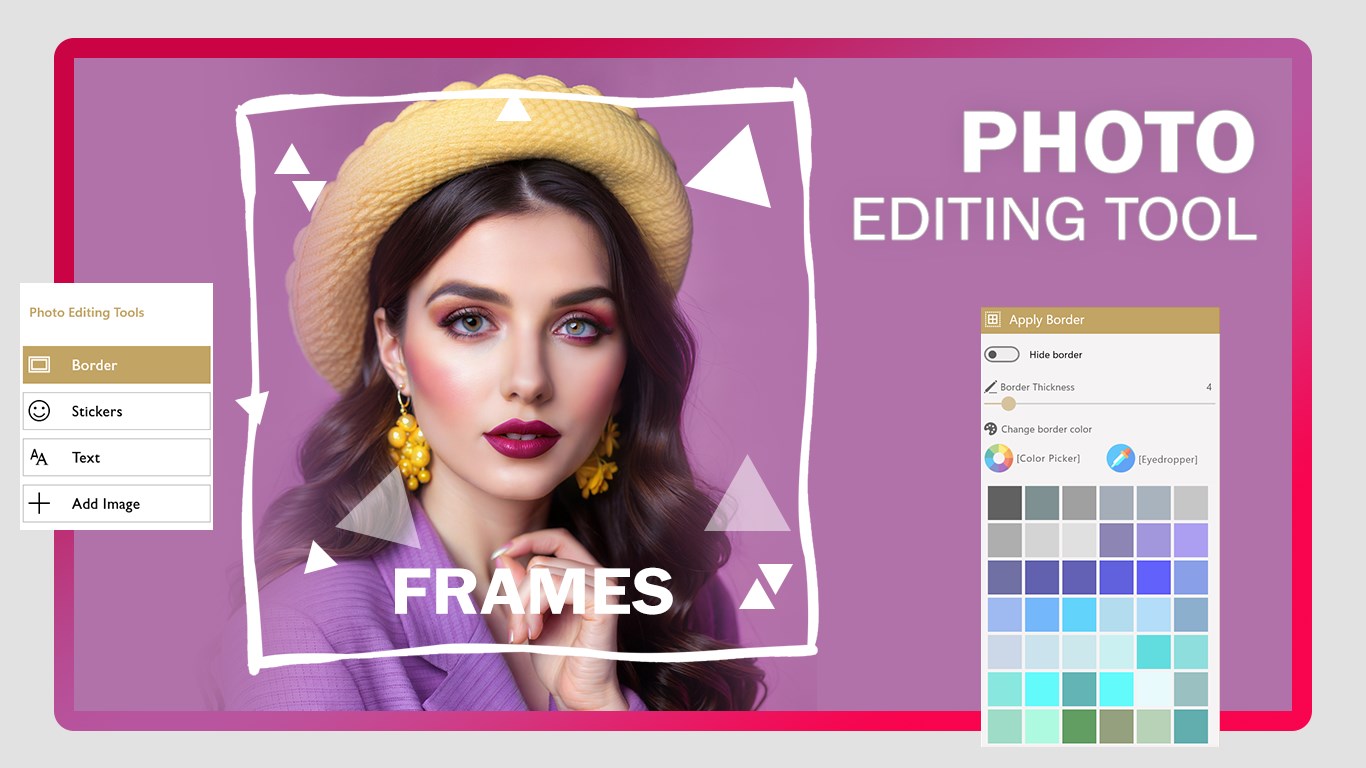
-Add borders, stickers, and text to personalize your edits
-Save in JPG, PNG, GIF, MP4, and other popular formats
Photo Frame:-
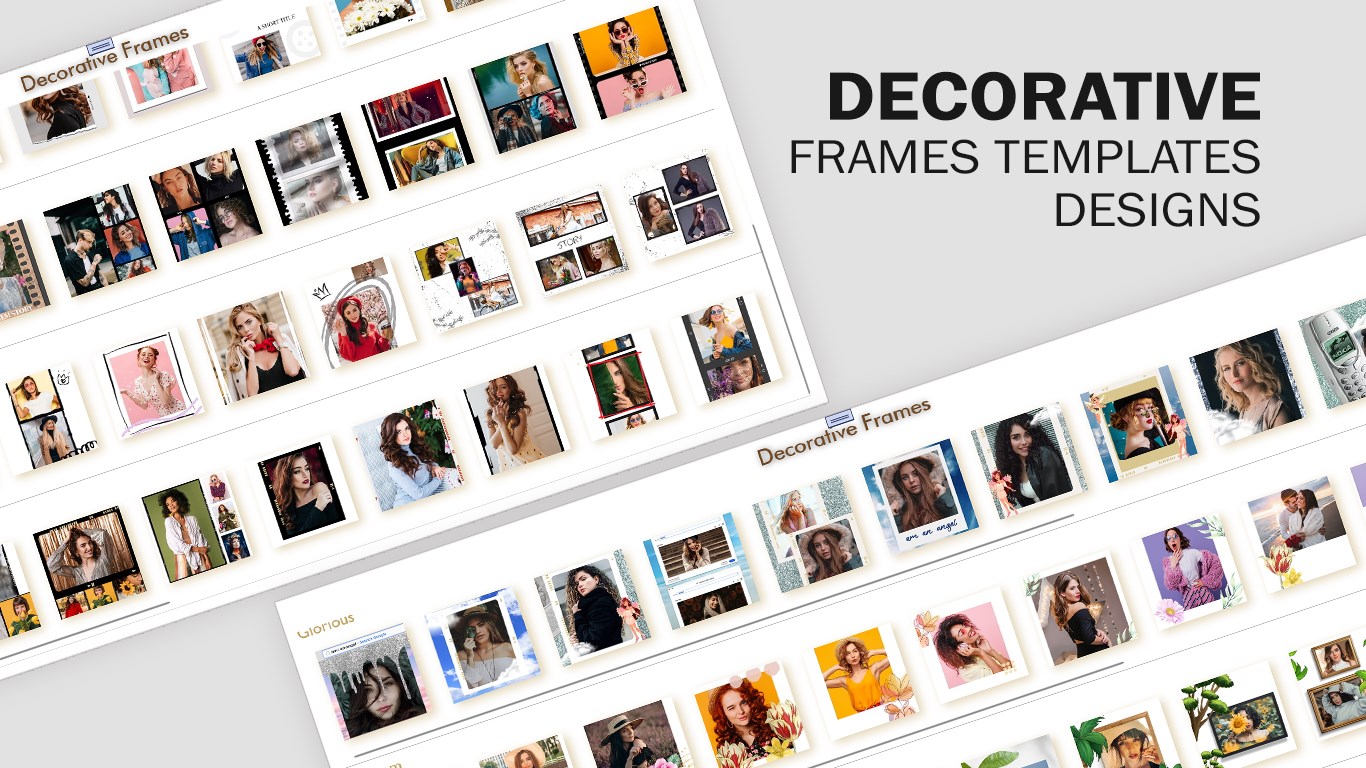
-Choose from trending frame categories and decorative styles
-Upload your image directly into the selected frame
-Add borders, stickers, text, and extra images for a creative touch
-Save your framed photos in multiple formats: JPG, PNG, GIF, PDF, MP4, BMP, and more
Support:
Tutorial: https://www.cidadeapps.com/pip-effects-tutorial/
Web: https://www.cidadeapps.com
Facebook: https://www.facebook.com/CidadeApps
Instagram: https://www.instagram.com/cidadeapps/
Email: cidadeapps@hotmail.com
If there is a version of this app for iOS/Mac or Windows we don't know about, paste the store link here — we'll auto-detect the store.
How to find the URL:1. Open the app in its store. 2.In the App Store app: tap the Share icon → “Copy Link”. In the browser: copy the URL from the address bar — it contains apps.apple.com/…/id… or apps.microsoft.com/detail/…. 3. Paste it here.
Paste the original link from the Apple App Store or Microsoft Store. We fetch all details automatically.
How to find the URL:
1. Open the app in its store. 2.In the App Store app: tap the Share icon → “Copy Link”. In the browser: copy the URL from the address bar — it contains apps.apple.com/…/id… or apps.microsoft.com/detail/…. 3. Paste it here.
Android apps can only be listed by their developer.