
2fast – Two Factor Authenticator

Two-factor authentication with local encryption AI summary
Rank 505
0 Up Votes, 0 Down Votes
▲
0
▼
2fast – Two Factor Authenticator is not available on Android and Apple — or is it? Submit URL
Screenshots
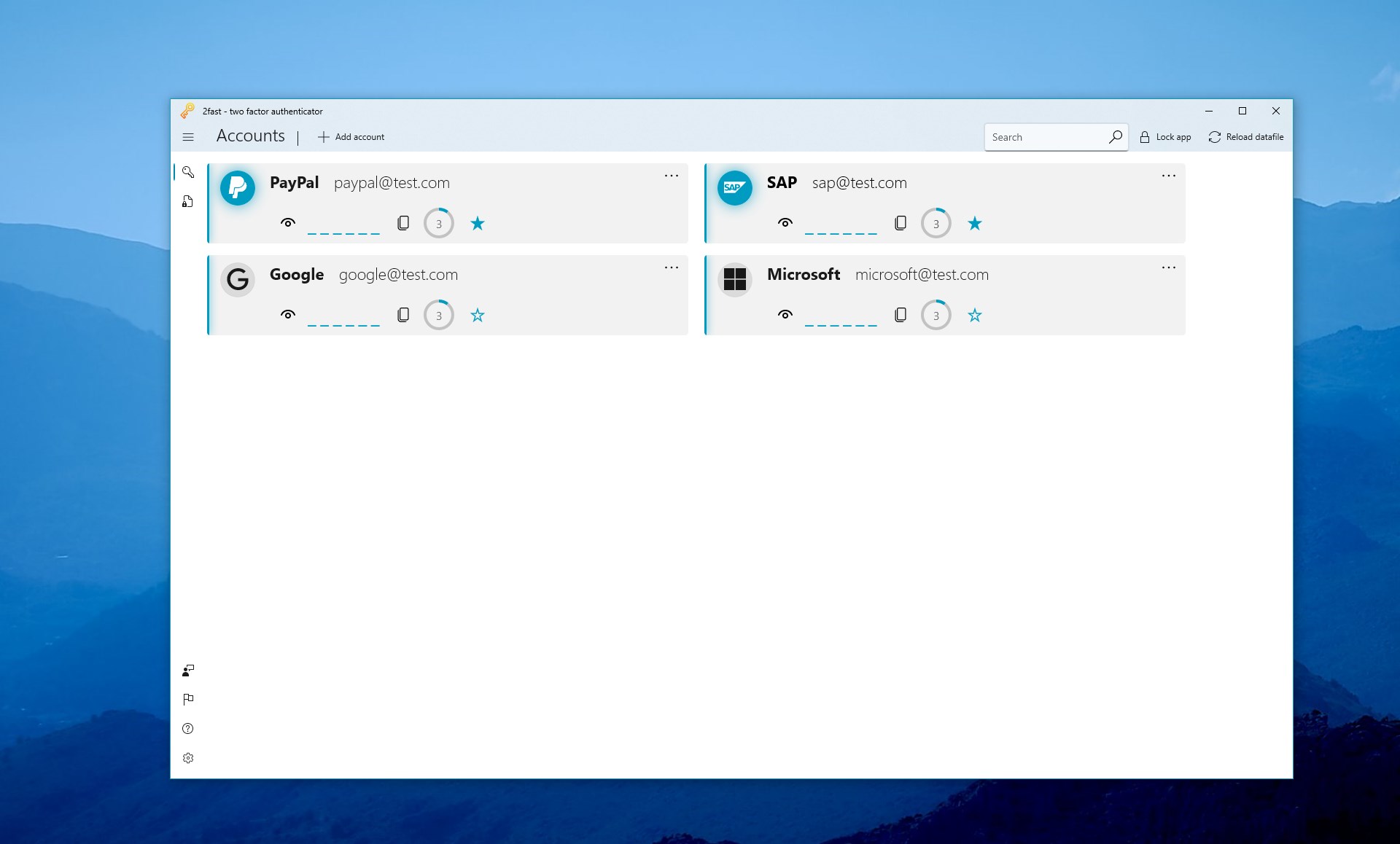
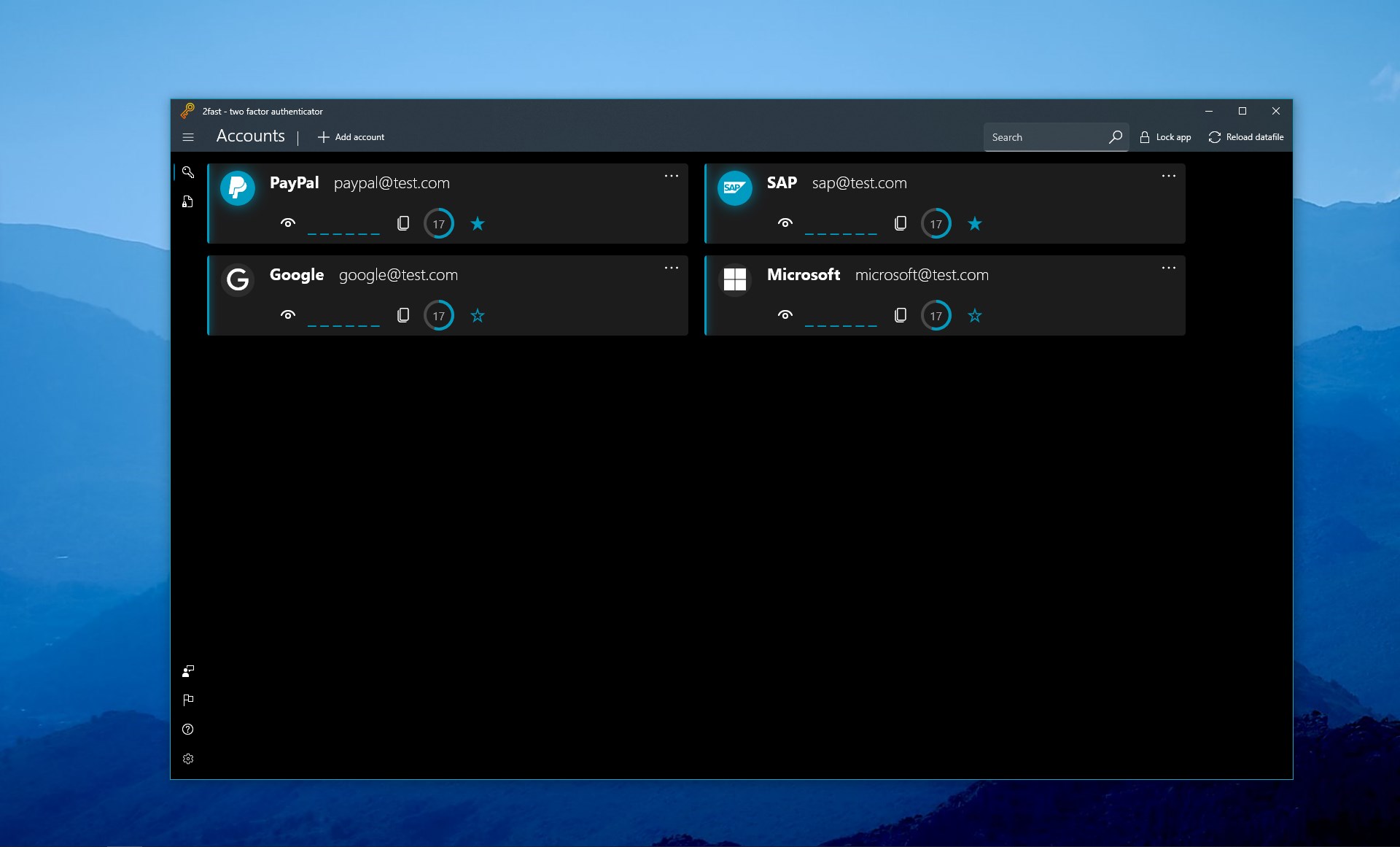
Screenshot 1 of 2fast – Two Factor Authenticator on WindowsScreenshot
appears after consent
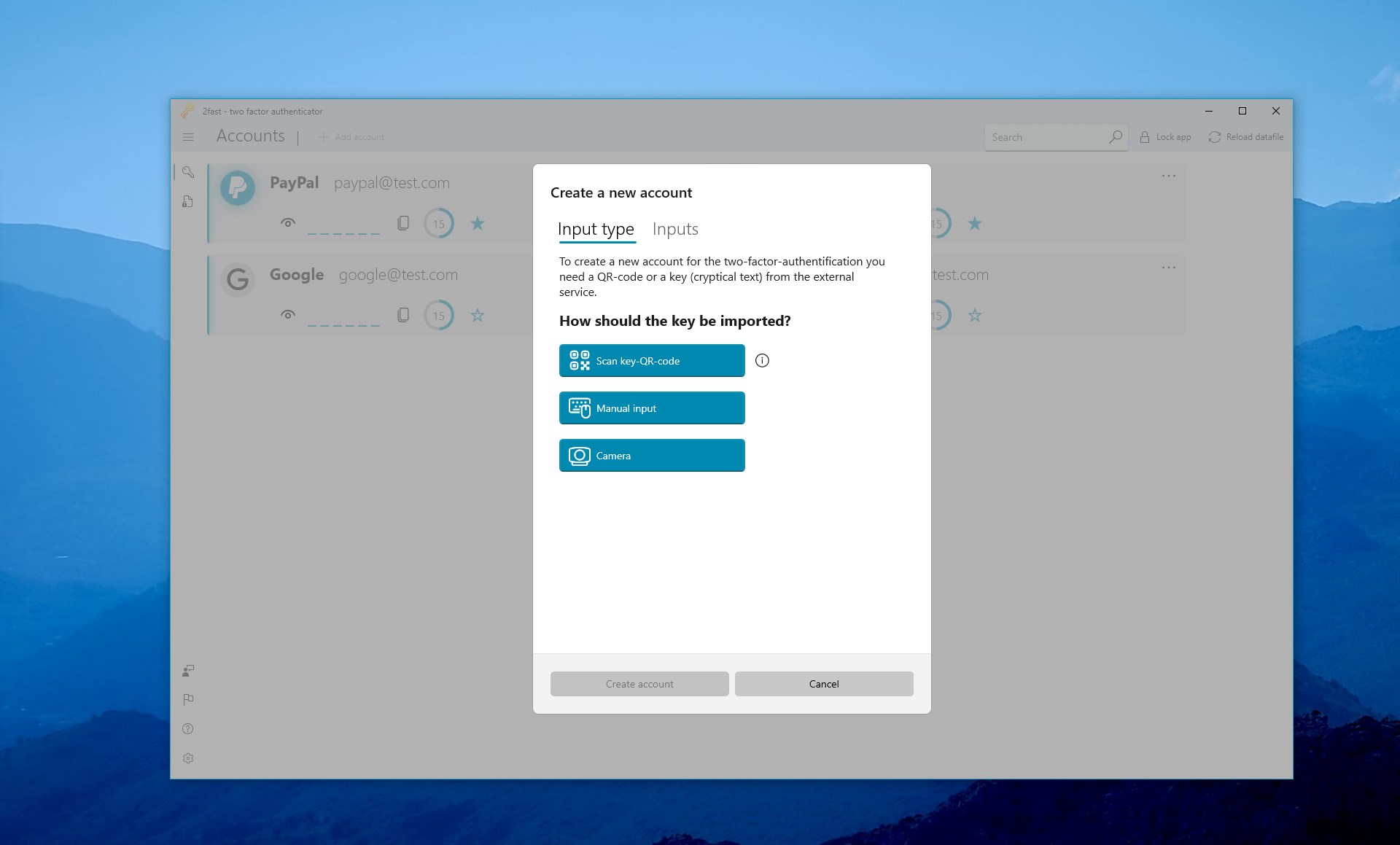
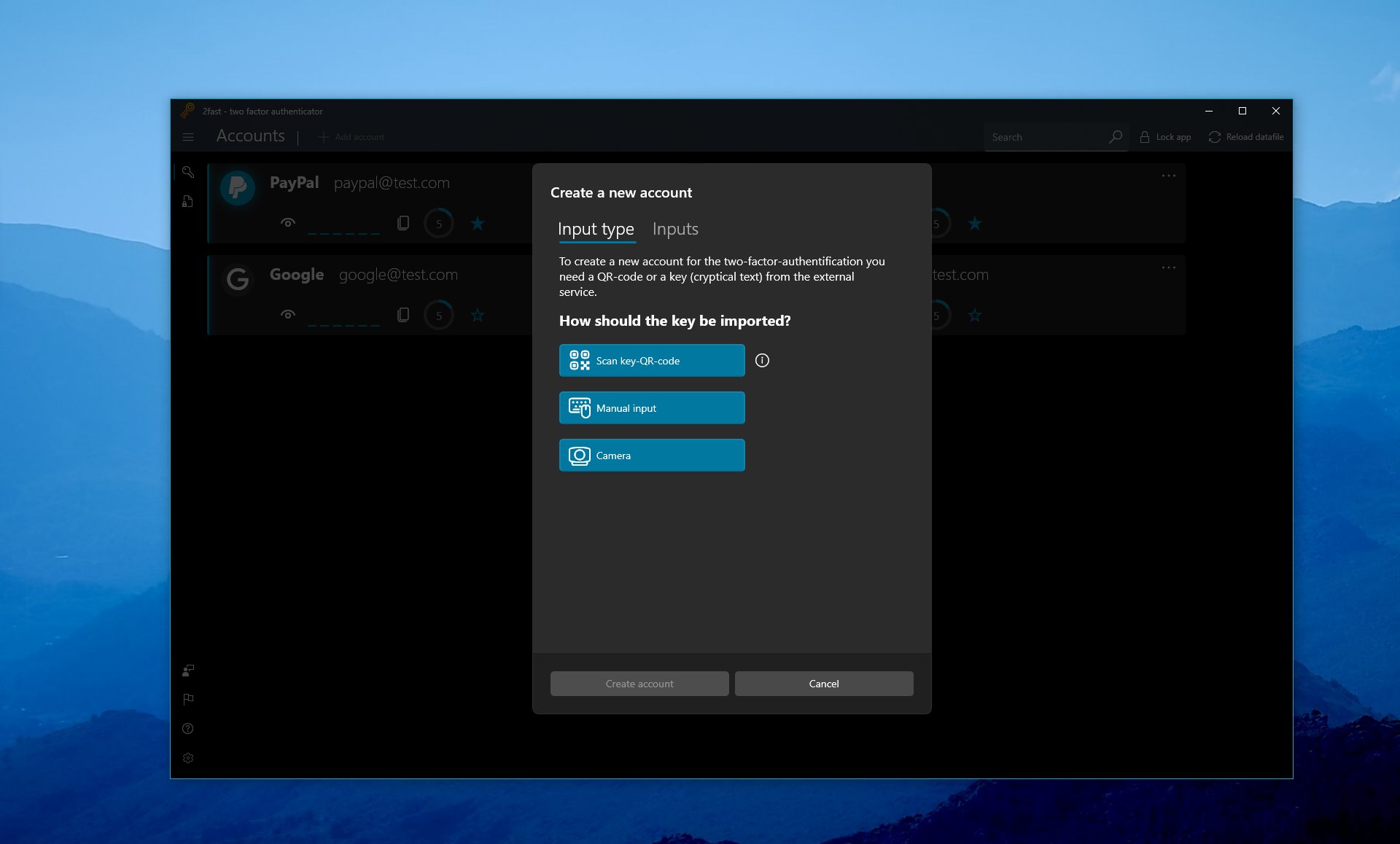
Screenshot 2 of 2fast – Two Factor Authenticator on WindowsScreenshot
appears after consent
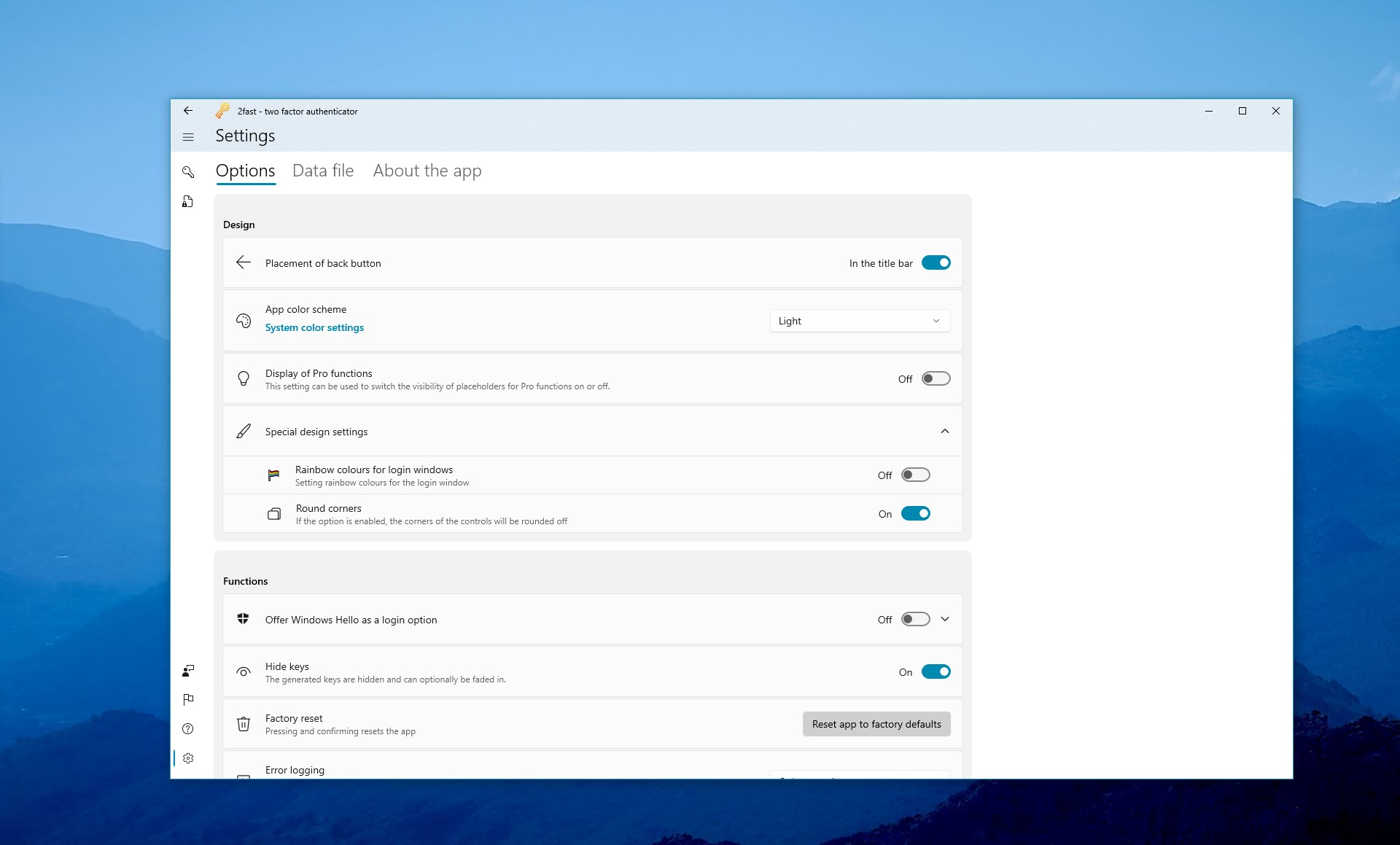
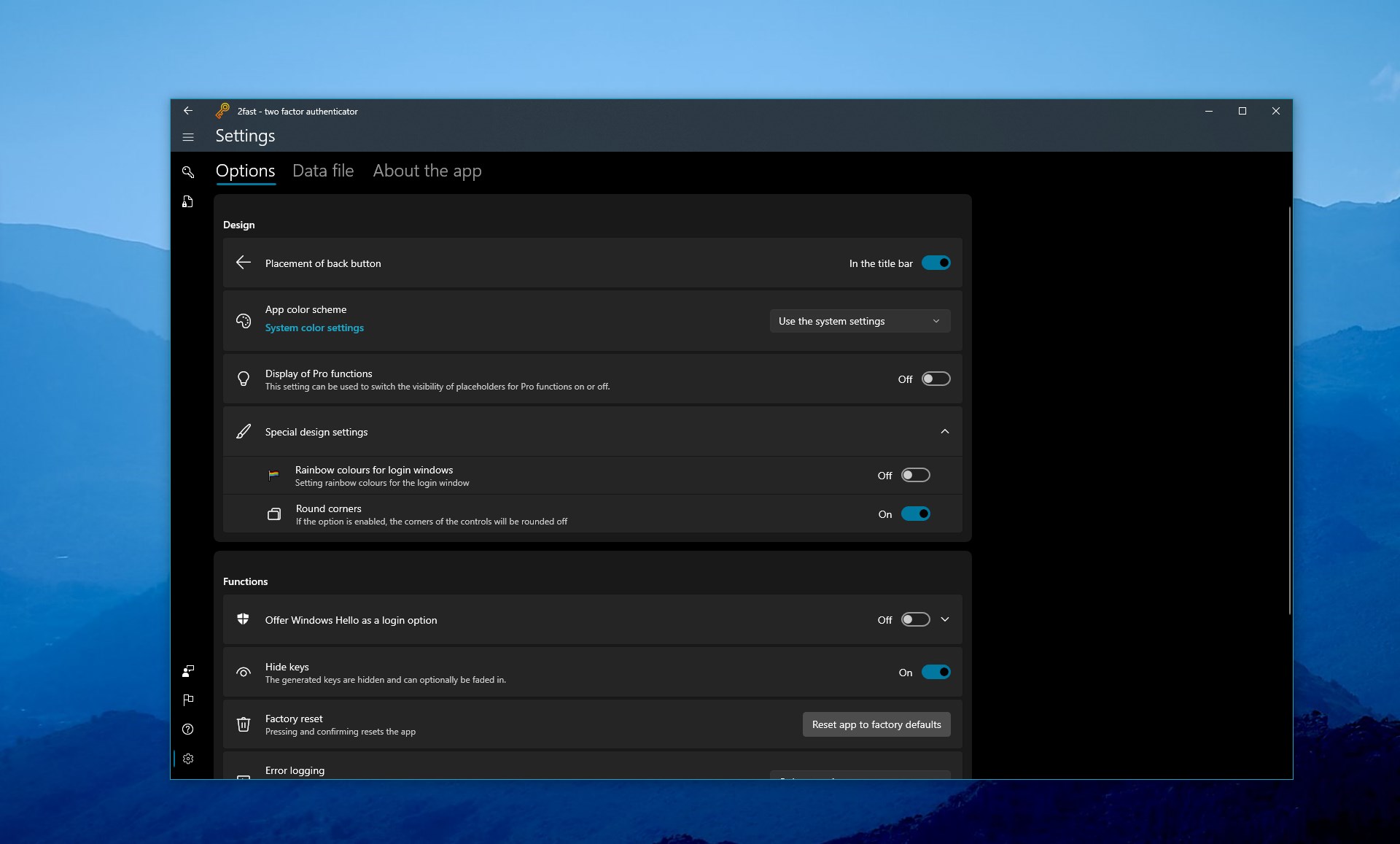
Screenshot 3 of 2fast – Two Factor Authenticator on WindowsScreenshot
appears after consent
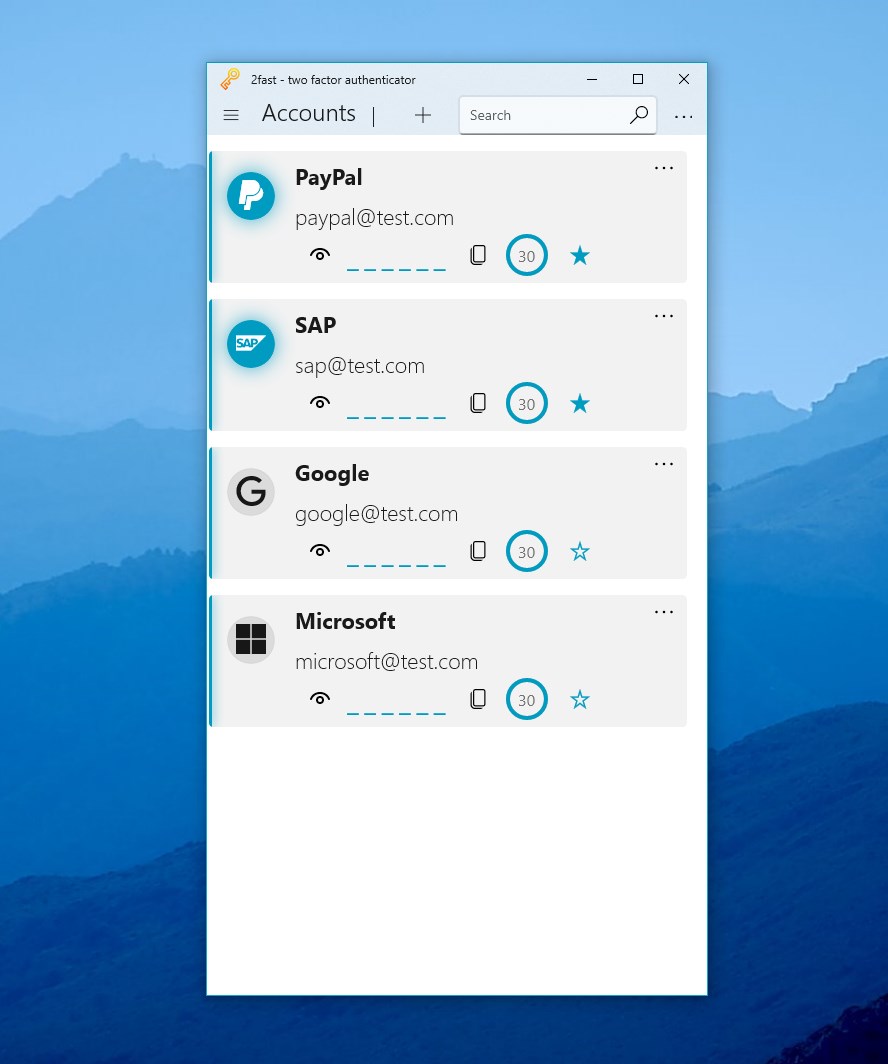
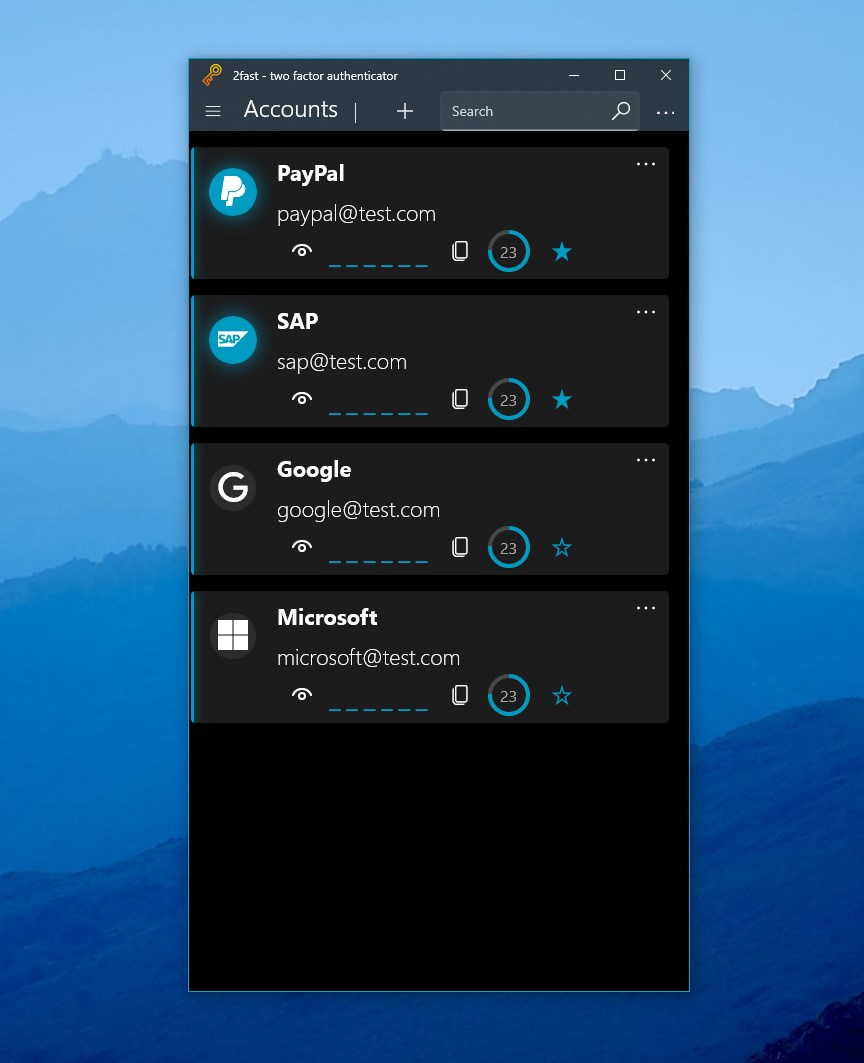
Screenshot 4 of 2fast – Two Factor Authenticator on WindowsScreenshot
appears after consent
Screenshot 5 of 2fast – Two Factor Authenticator on WindowsScreenshot
appears after consent
Screenshot 6 of 2fast – Two Factor Authenticator on WindowsScreenshot
appears after consent
Screenshot 7 of 2fast – Two Factor Authenticator on WindowsScreenshot
appears after consent
Screenshot 8 of 2fast – Two Factor Authenticator on WindowsScreenshot
appears after consent
Summary
2fast – Two Factor Authenticator is an authenticator app using the TOTP algorithm, compatible with accounts from providers such as Google, Microsoft, Facebook and PayPal. All account data is stored in a single file encrypted with AES using a password-based key, rather than in a third-party cloud, and this file can be shared with colleagues or friends to pass on logins securely, or used for backup and restore. The app works entirely locally, without requiring an account, registration or login, and without needing an internet connection except for optional WebDAV storage. It is free and open source for desktop, while mobile platforms require a fee.
Show the developer's original descriptionHide the original description
2fast (acronym for two factor authenticator supporting TOTP) is a free, open source, two factor authenticator for Windows and other platforms. 2fast has the ability to store the encrypted data at a place of your choice instead of a 3rd party cloud location. Features • Every data is stored in one single encrypted file - Encrypted with AES using a password-based key by PBKDF2 - Possibility to send the data file to your colleagues and friends to securely share logins - Easily backup & restore using a single file • Everything works local - No extra account, registration or login needed - No Internet connection needed except for WebDAV use • Free for desktop OS / fee required for mobile OS • Open Source • Works on multiple platforms - Currently released for Windows 10+ (UWP) - under development (with Uno platform): - Android - iOS - Linux - macOS • Uses the widely accepted TOTP algorithm (RFC 6238) -Works with accounts from Google, Microsoft, Facebook, PayPal, etc. The app logo has been sourced from freepik @flaticon: https://www.flaticon.com/de/kostenloses-icon/schlussel_2786386?related_item_id=2786386
Technical details about 2fast
Category
Age Rating
Price
Size
61,7 MB
Last updated in Microsoft Store
2026-10-26
App Store Rating
4.4 ★
Devices
2fast in the rankings
Manage app

Are you on the developer team behind 2fast?

Verify yourself and manage your listing on Most Voted Apps.

Verify 2fast for free
Verification usually takes only a few minutes.
Similar apps to 2fast