

Twinkle Tray: Brightness Slider

Control external monitor brightness from system tray AI summary
Rank 2023
0 Up Votes, 0 Down Votes
▲
0
▼
Twinkle Tray: Brightness Slider is not available on Android and Apple — or is it? Submit URL
Screenshots
Screenshot 1 of Twinkle Tray: Brightness Slider on WindowsScreenshot
appears after consent
Screenshot 2 of Twinkle Tray: Brightness Slider on WindowsScreenshot
appears after consent
Screenshot 3 of Twinkle Tray: Brightness Slider on WindowsScreenshot
appears after consent
Screenshot 4 of Twinkle Tray: Brightness Slider on WindowsScreenshot
appears after consent
Screenshot 5 of Twinkle Tray: Brightness Slider on WindowsScreenshot
appears after consent
Screenshot 6 of Twinkle Tray: Brightness Slider on WindowsScreenshot
appears after consent
Description
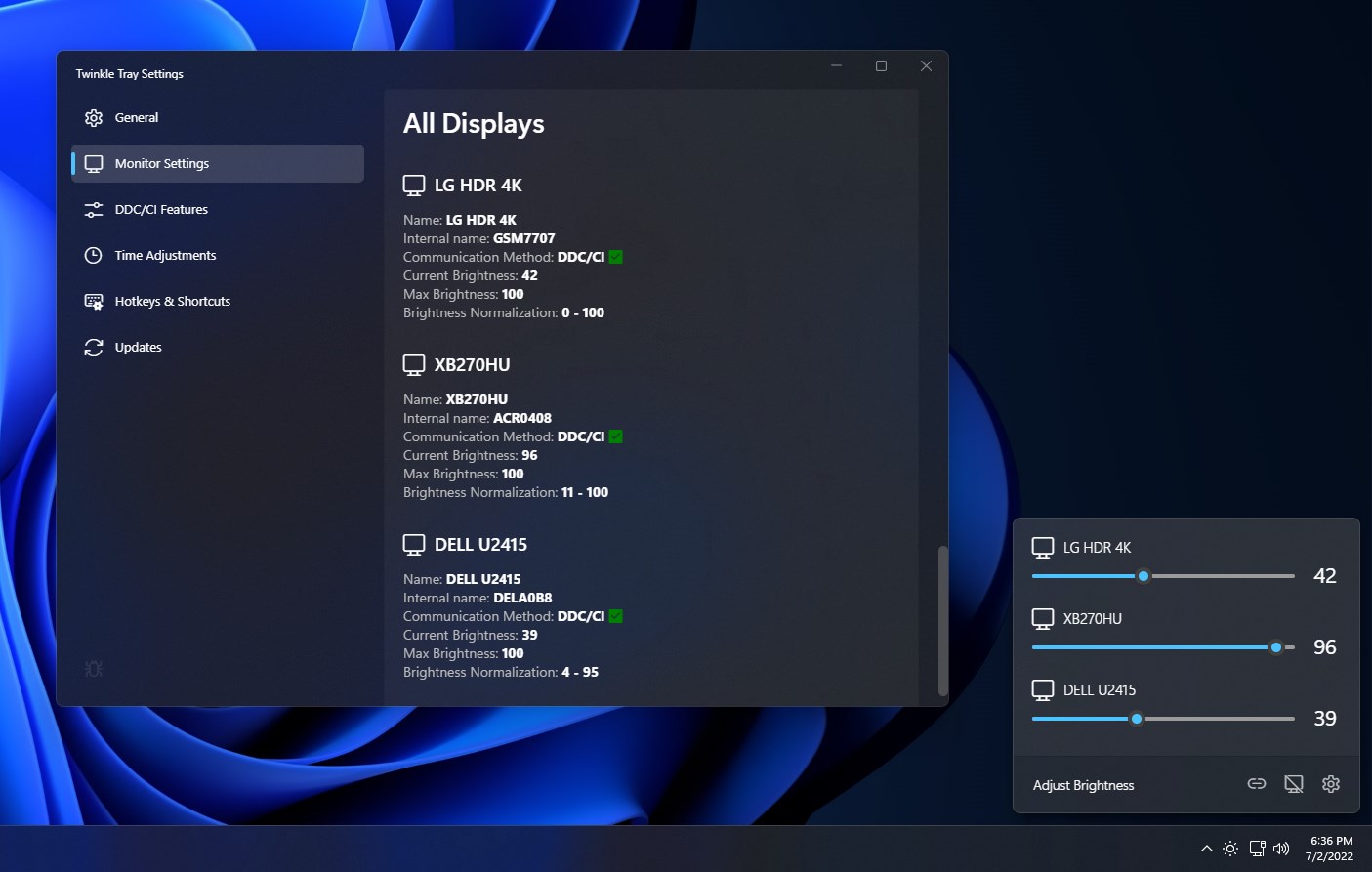
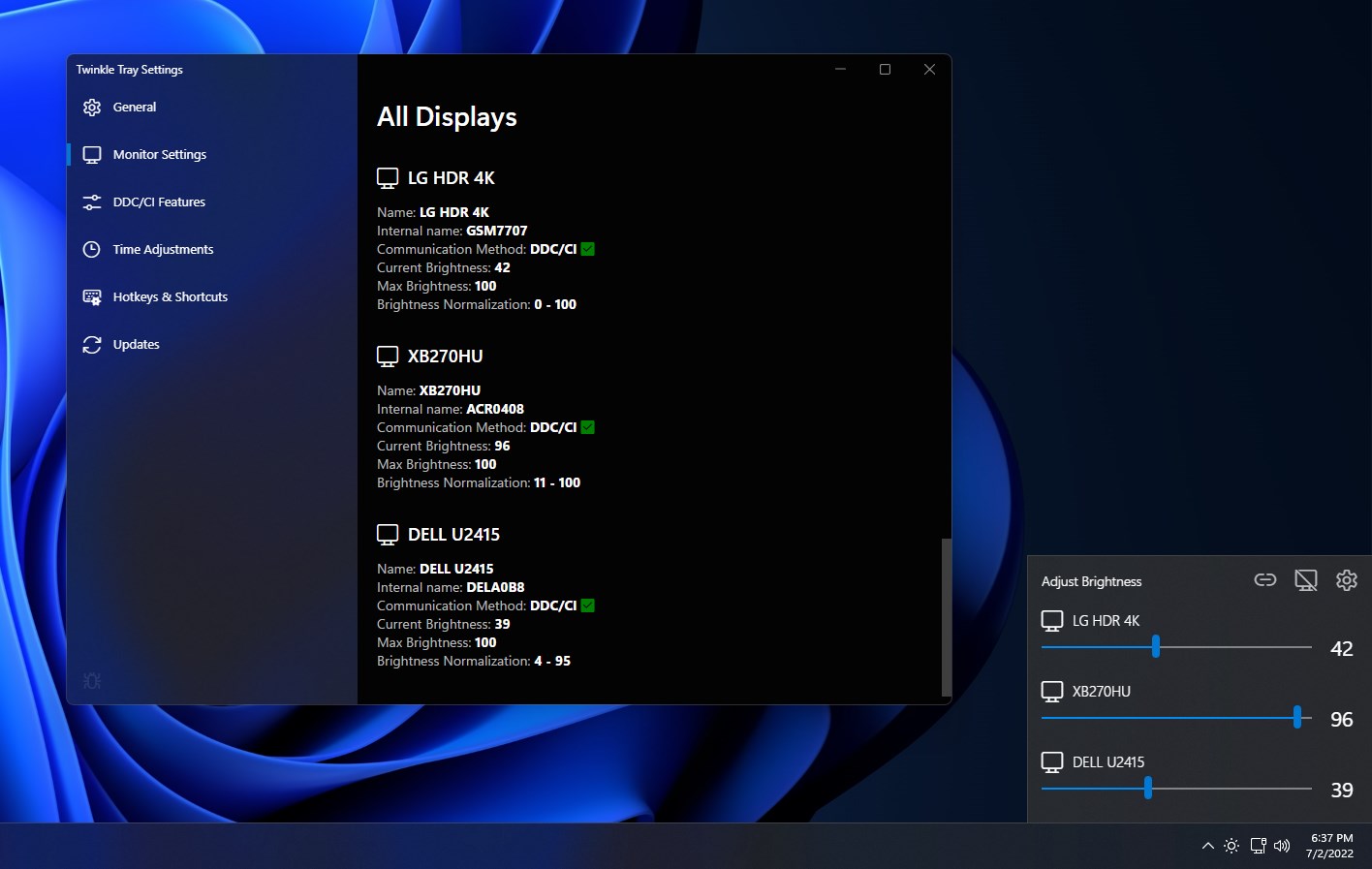
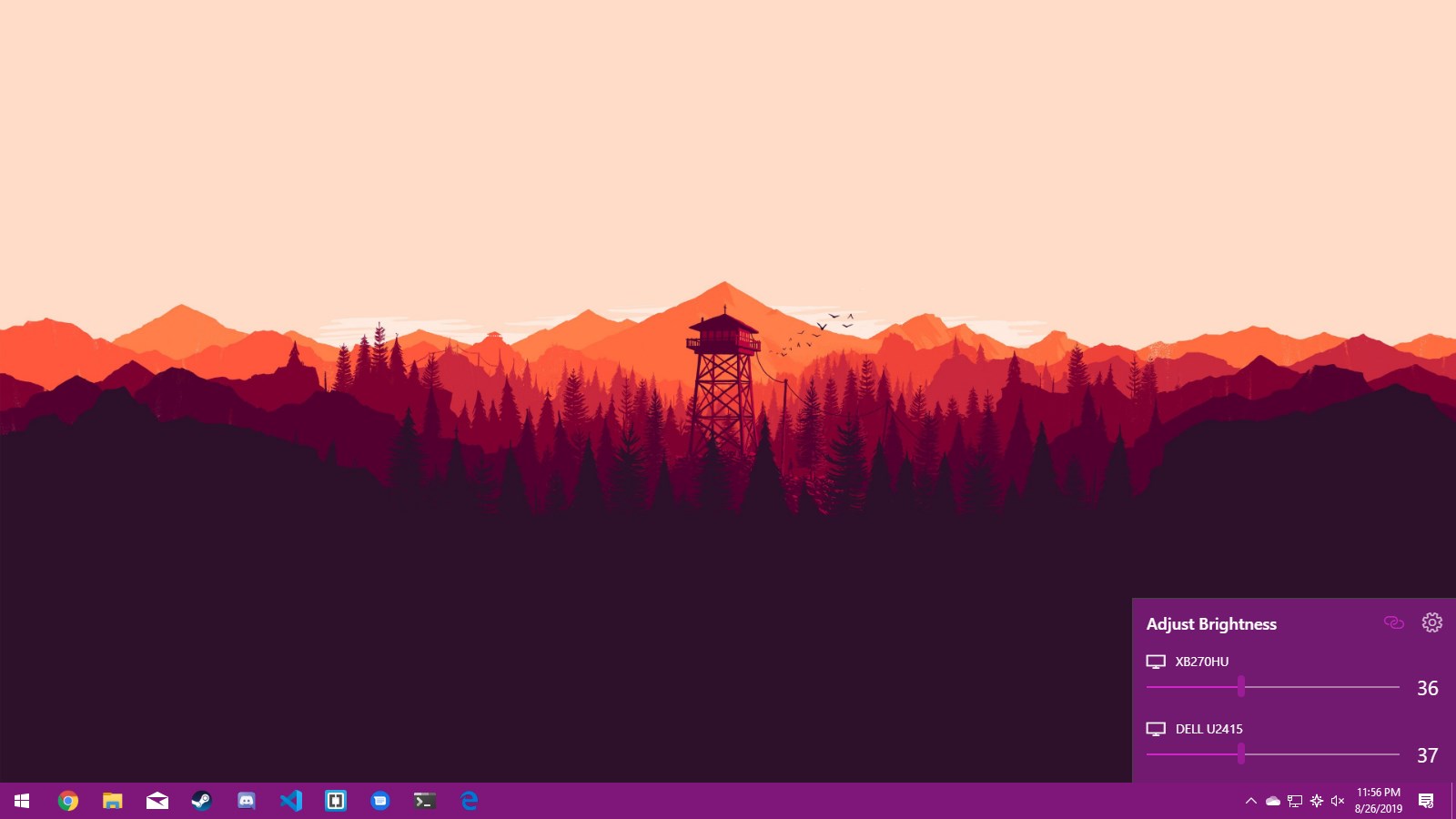
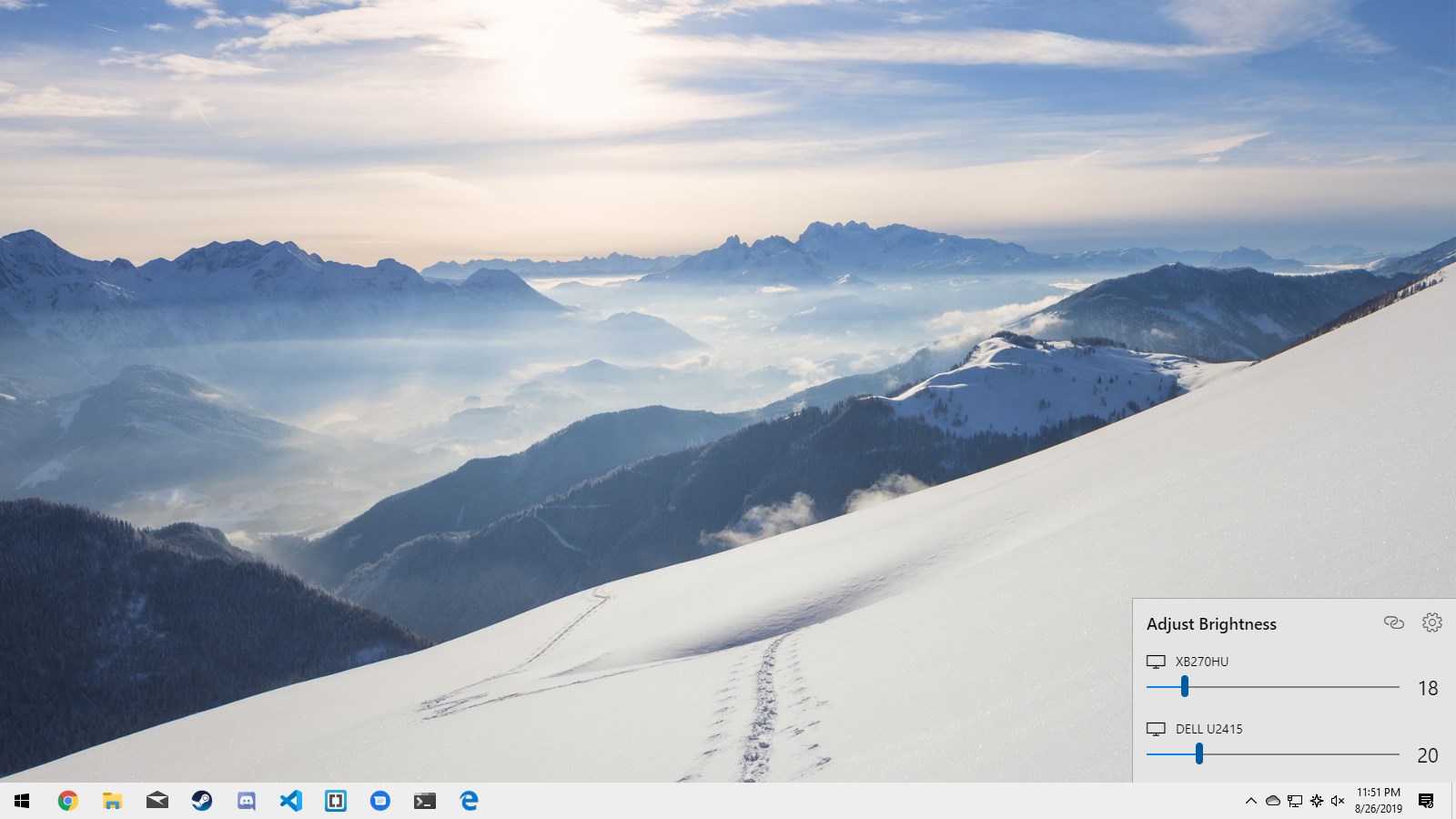
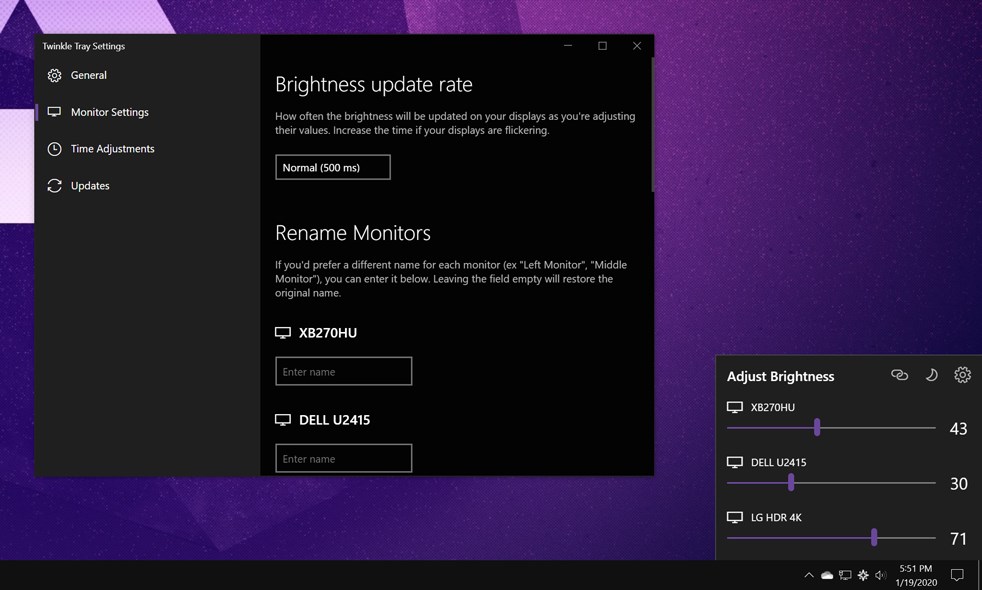
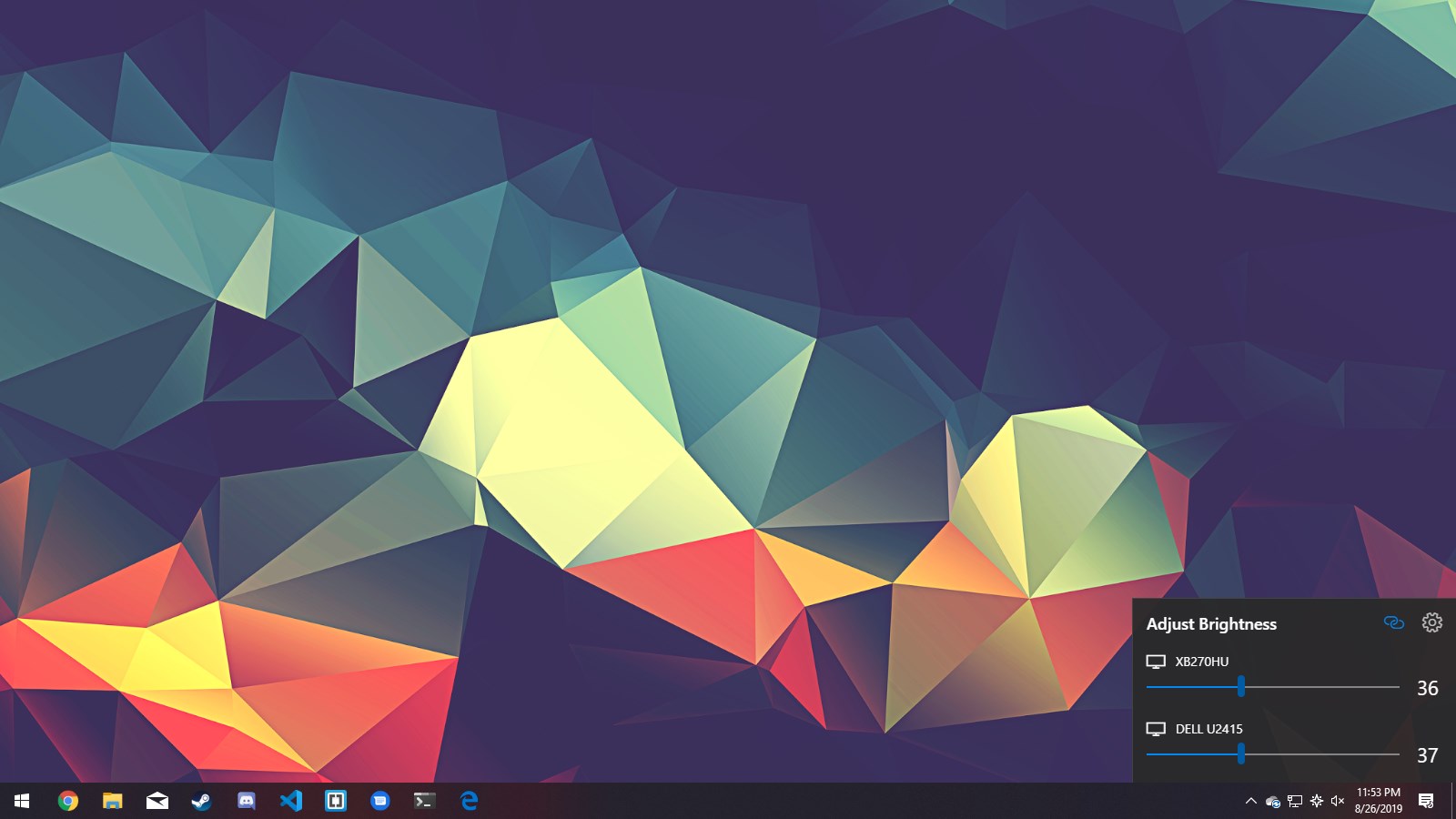
Twinkle Tray enables brightness control on external displays in Windows 10 & 11. Even though Windows is capable of adjusting the backlight on most monitors, it doesn't support external monitors natively. Windows also lacks any options to manage the brightness of multiple displays. This app inserts a new icon into your system tray, where you can click to have instant access to the brightness levels of all compatible displays. Twinkle Tray uses DDC/CI and WMI to communicate with your monitors. Make sure you have the appropriate option(s) enabled on your monitor so that it can work with Twinkle Tray.
Technical details about Twinkle Tray
Category
Age Rating
Price
Size
129,2 MB
Last updated in Microsoft Store
2026-06-09
App Store Rating
4.7 ★
Devices
Twinkle Tray in the rankings
Manage app

Are you on the developer team behind Twinkle Tray?

Verify yourself and manage your listing on Most Voted Apps.

Verify Twinkle Tray for free
Verification usually takes only a few minutes.
Similar apps to Twinkle Tray