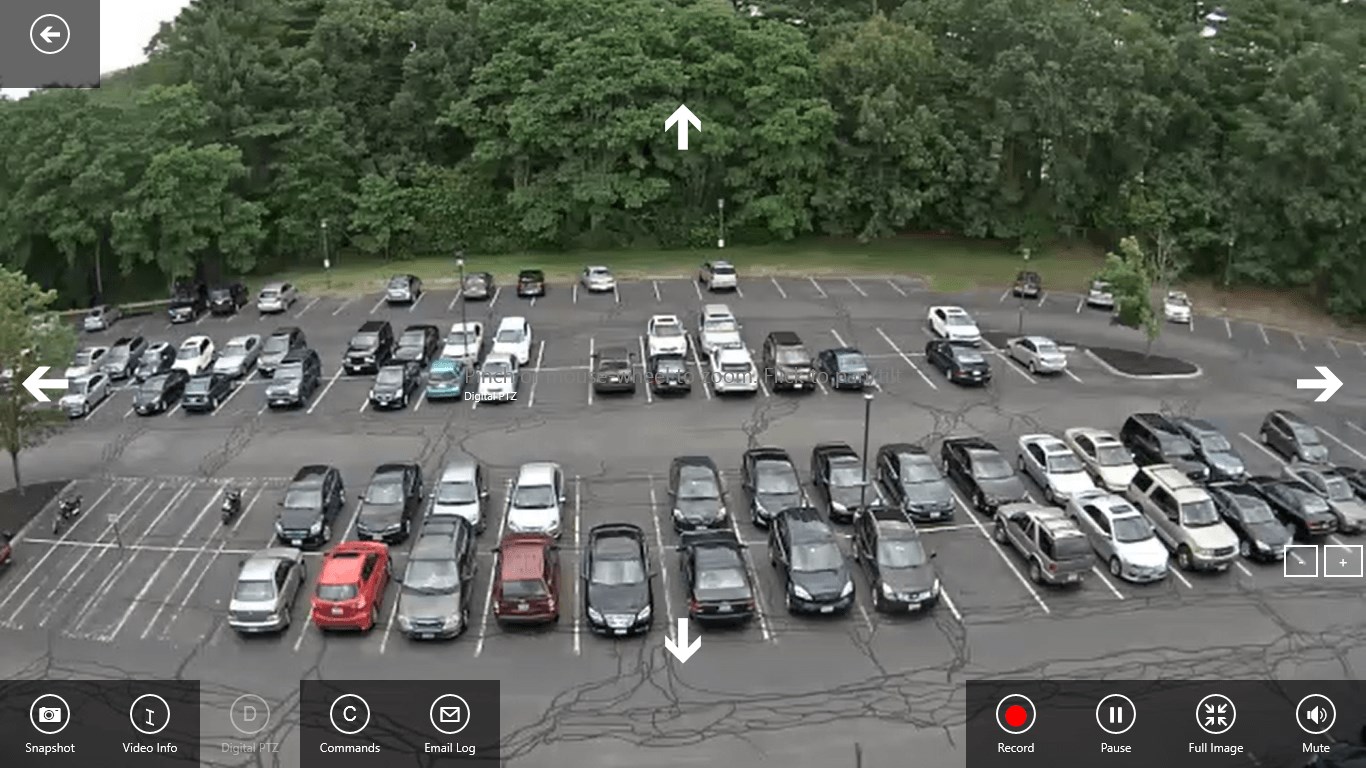
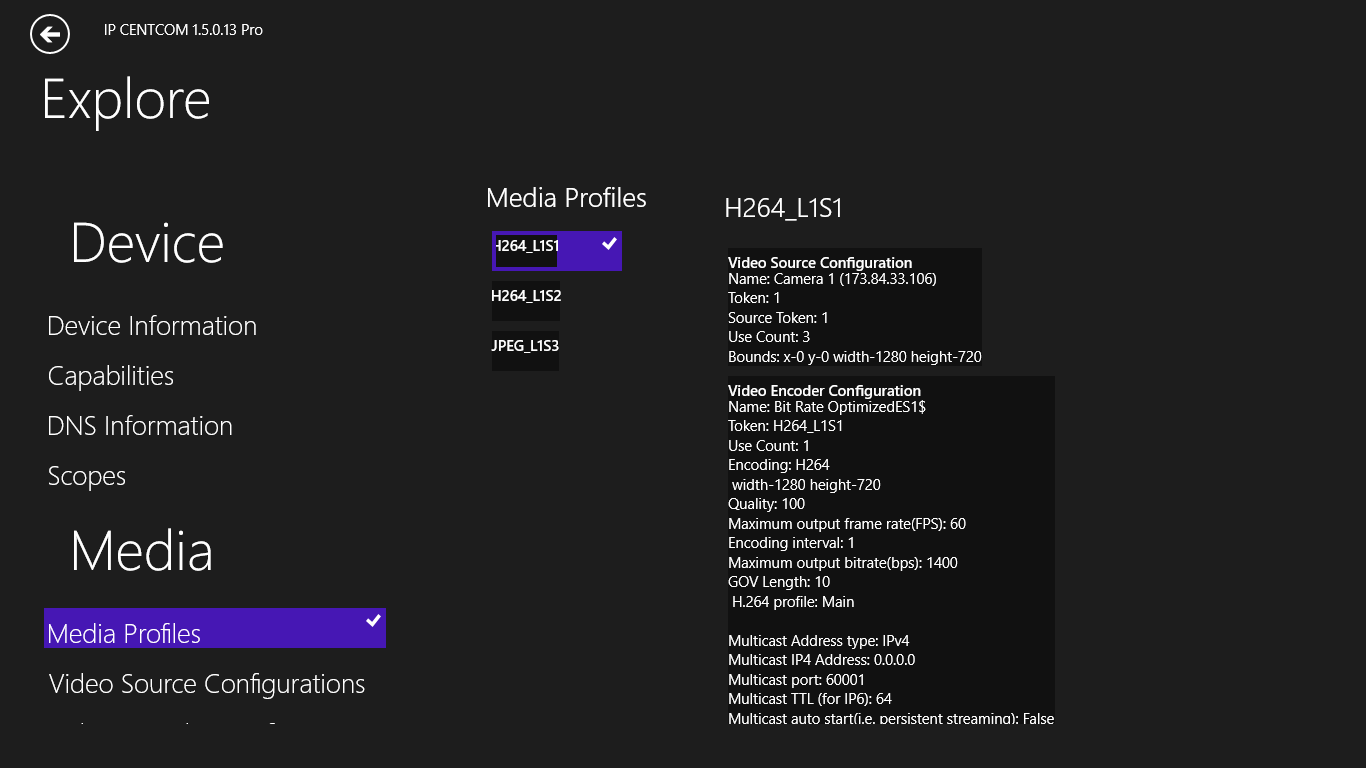
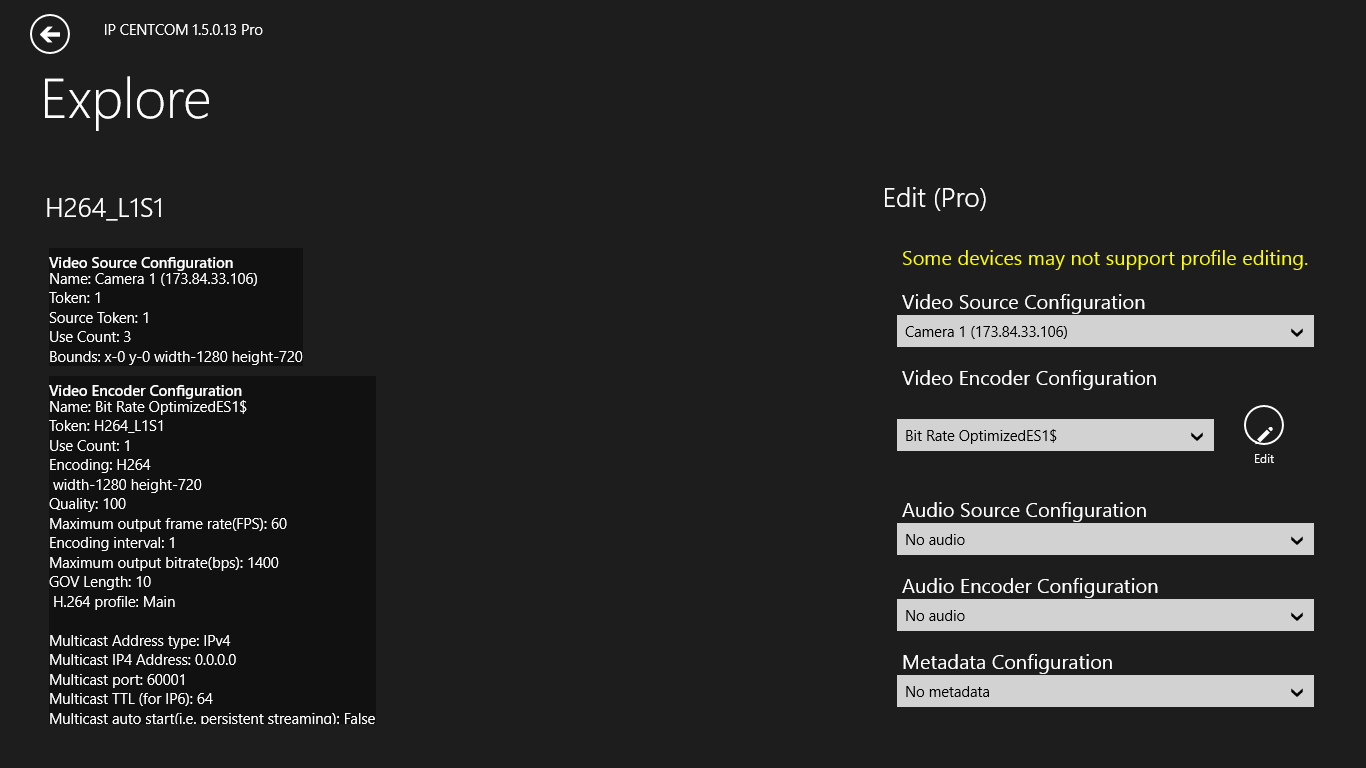
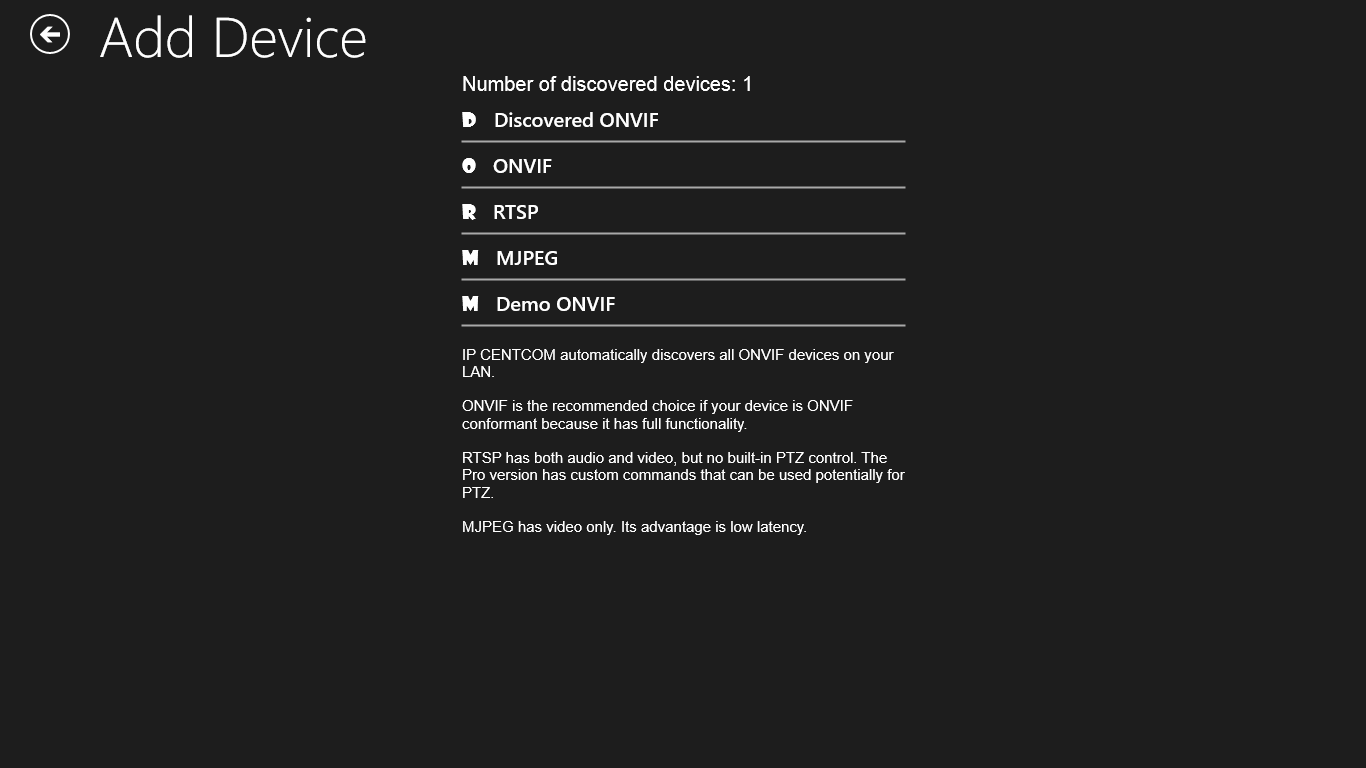
Screenshot appears after consentScreenshot appears after consentScreenshot appears after consentScreenshot appears after consentScreenshot appears after consentScreenshot appears after consentScreenshot appears after consentScreenshot appears after consentScreenshot appears after consent
Summary
IP CENTCOM is a monitoring app for IP cameras, supporting ONVIF, generic RTSP and MJPEG streaming. It discovers ONVIF devices instantly and allows configuration of their video and audio streams. It supports H.264 and H.265 video encoding along with AAC, G.711 μ-law and G.711 A-law audio, and can record video in standard MP4 format. It offers PTZ control through pan, tilt and zoom gestures, plus a multi-view mode for watching several cameras at once. Snapshots can be pinned to the start screen for quick access. The app is permanently free with basic features, with an optional purchase to unlock the Pro version, which can also be tried free without registration.
Show the developer's original descriptionHide the original description
Monitor and explorer for IP Cameras. Supporting ONVIF, generic RTSP, and MJPEG.
If you have a modern IP camera (i.e., a future-proof ONVIF-conformant one), IP CENTCOM helps you take full advantage of Windows's superb multimedia power to monitor and control your camera with rich features.
There are over 12,000 ONVIF-conformant Models of Network Video Transmitters (i.e., network cameras, servers, etc.) on the market.
IP CENTCOM also supports generic RTSP and MJPEG streaming, making it virtually compatible with all IP cameras; however, the functionality is limited compared to ONVIF Devices.
Xbox users, please contact us to obtain a special version.
This is a permanently free version with all basic features. You have the option to upgrade it to the Pro version via in-app purchase. The Pro version includes a long list of additional features, as described on the upgrade page. You also have the option to try the Pro version for a period of time, free, without any registration
Main Features:
ONVIF - Support over 12,000 NVT devices (e.g., network cameras, servers).
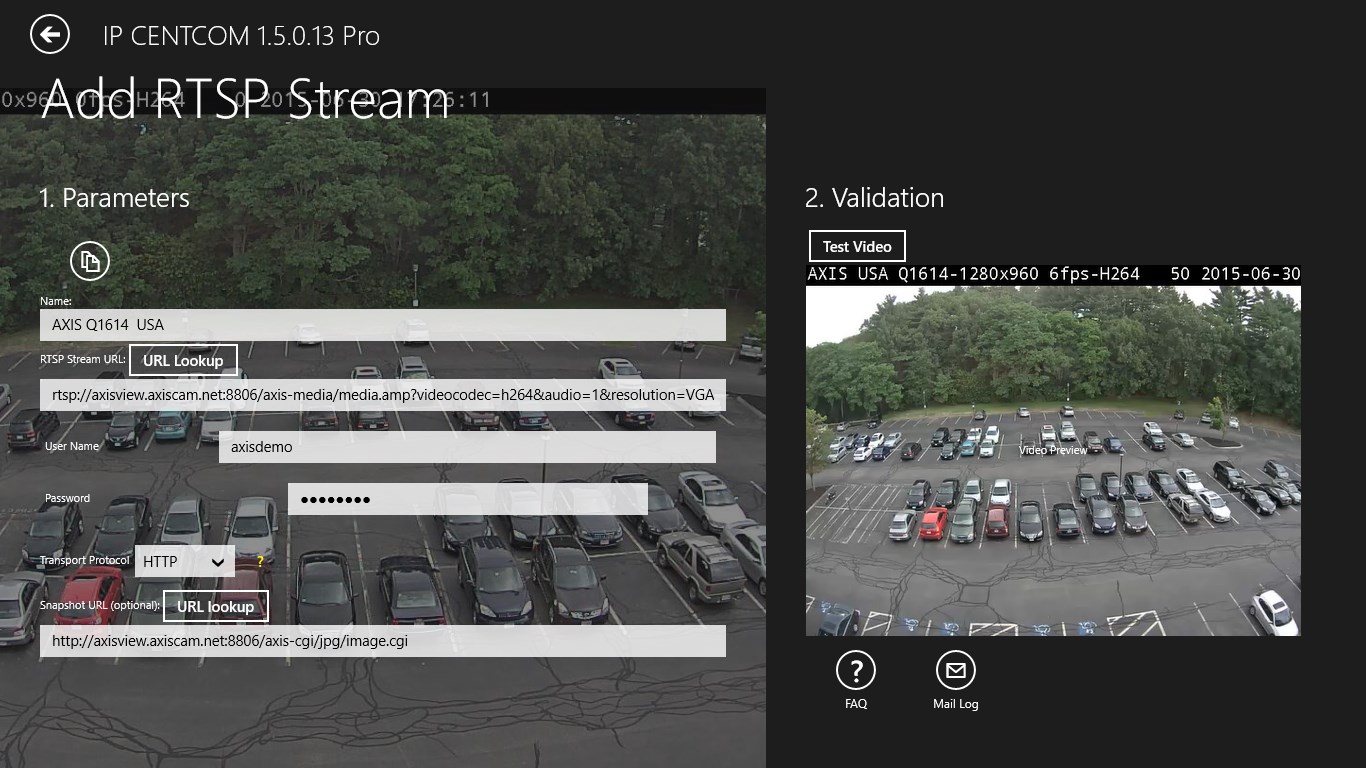
Generic RTSP/MJPEG - Support non-ONVIF IP cameras as generic RTSP or MJPEG streams.
RTSP over HTTP - The most robust video streaming method over the Internet. Simplify the router's port configuration.
H.264/H.265 - (a.k.a. Advanced Video Coding/High Efficiency Video Encoding ) The same format used by Blu-ray and YouTube. High compression allows smooth video for limited bandwidth.
Explore - In-depth exploration of extensive device properties.
Audio - Supports AAC, G.711 μ-law and G.711 A-law.
PTZ - Flick to pan/tilt, click to zoom.
MP4 - Recording in standard MP4 format with H.264/H.265 video encoding and AAC audio encoding for high quality and video viewer compatibility.
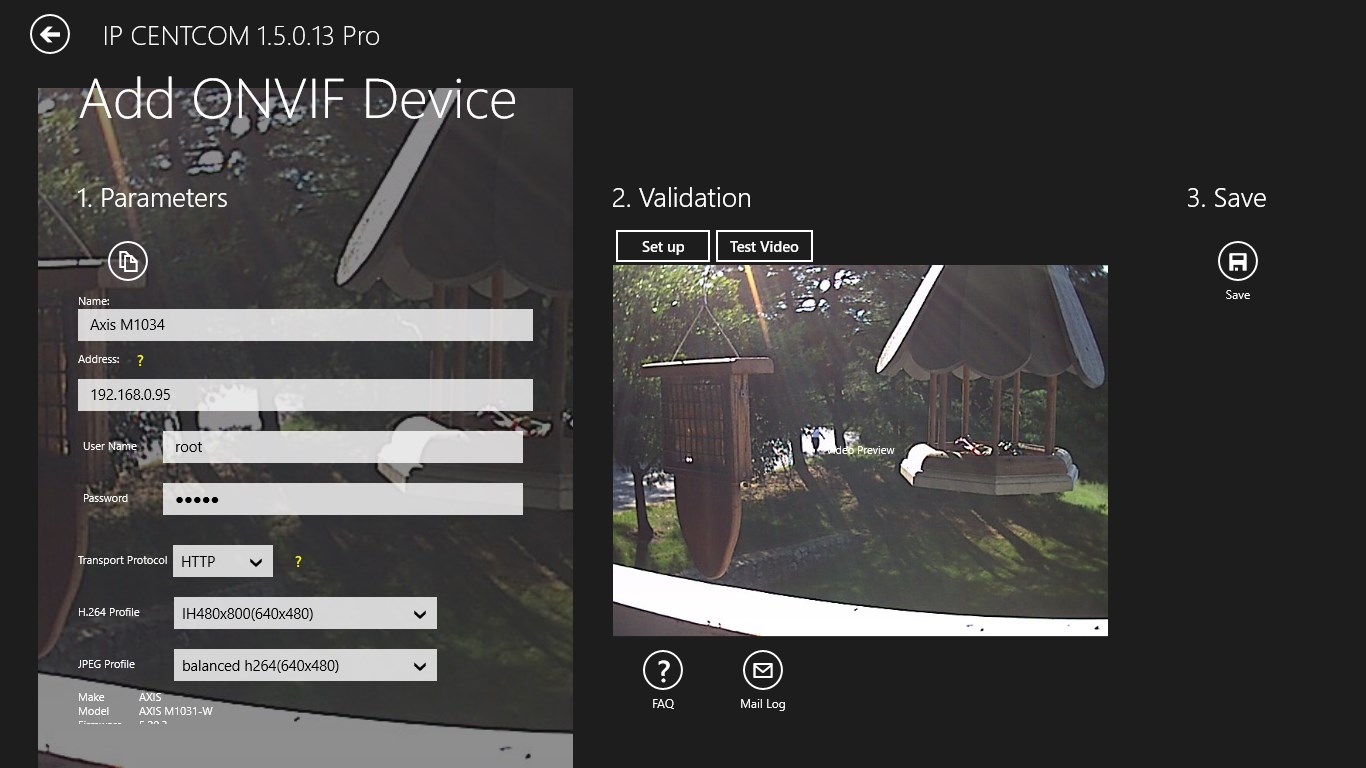
Discovery - Discover all ONVIF devices instantly. Adding a camera can be as simple as a few button clicks.
Configuration - Configure both video and audio streams of an ONVIF device.
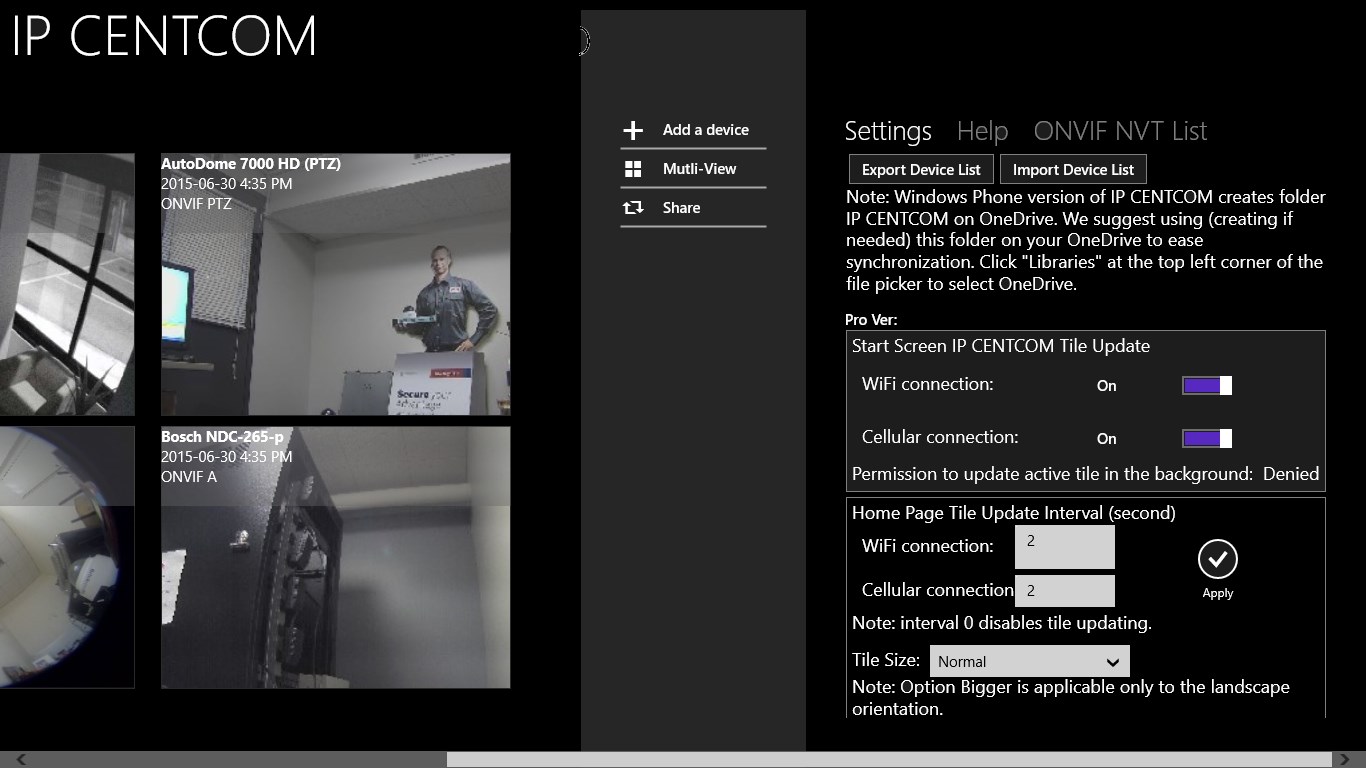
Live Tile - Pin a camera to the back of the app's Live Tile. Pin any number of cameras to the start screen for quick access and viewing their snapshots updated periodically.
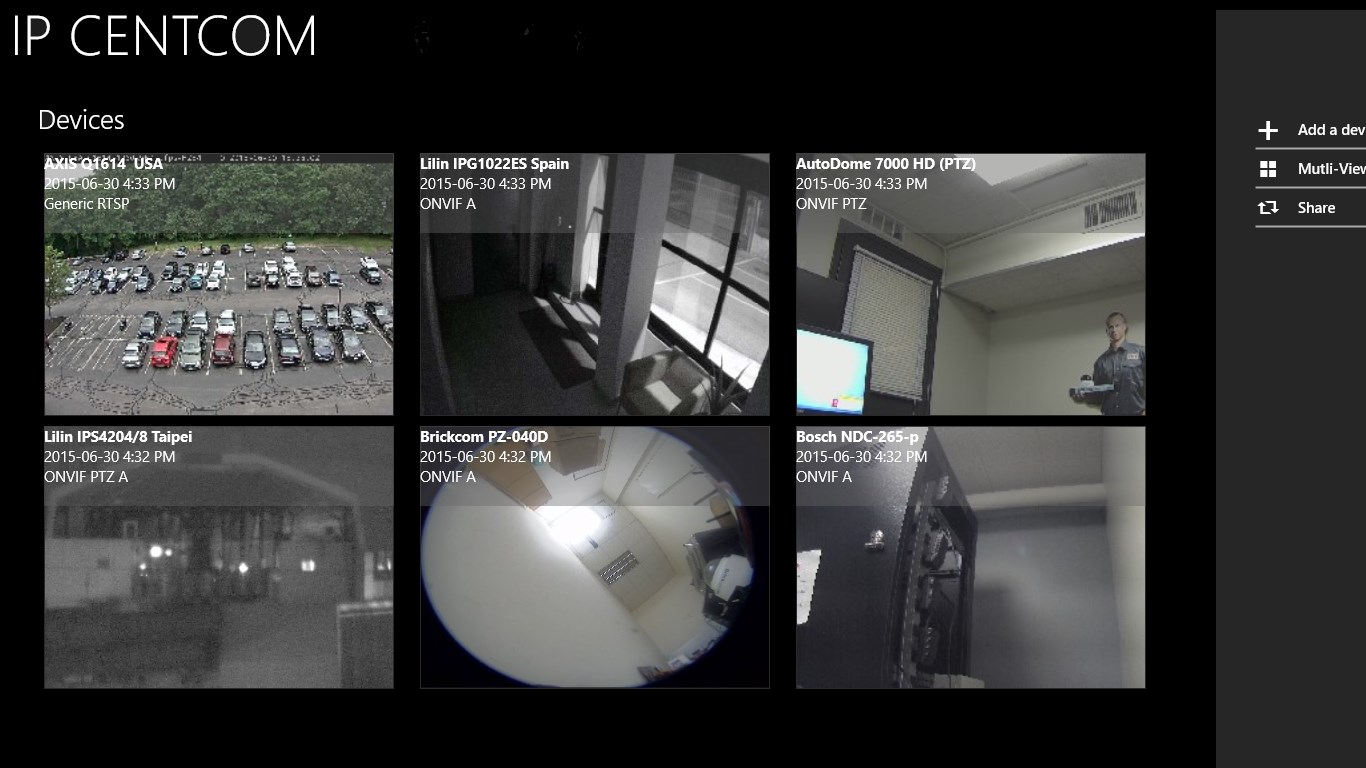
Snapshot Preview - App home screen with snapshots updated periodically.
Multi-view - Viewing multiple cameras simultaneously.
IP CENTCOM also has its Windows Phone version.
Its Android version is called Onvier.
ONVIF is a trademark of ONVIF, Inc.
If there is a version of this app for iOS/Mac or Windows we don't know about, paste the store link here — we'll auto-detect the store.
How to find the URL:1. Open the app in its store. 2.In the App Store app: tap the Share icon → “Copy Link”. In the browser: copy the URL from the address bar — it contains apps.apple.com/…/id… or apps.microsoft.com/detail/…. 3. Paste it here.
Paste the original link from the Apple App Store or Microsoft Store. We fetch all details automatically.
How to find the URL:
1. Open the app in its store. 2.In the App Store app: tap the Share icon → “Copy Link”. In the browser: copy the URL from the address bar — it contains apps.apple.com/…/id… or apps.microsoft.com/detail/…. 3. Paste it here.
Android apps can only be listed by their developer.