
Screenshot appears after consentScreenshot appears after consentScreenshot appears after consent
Summary
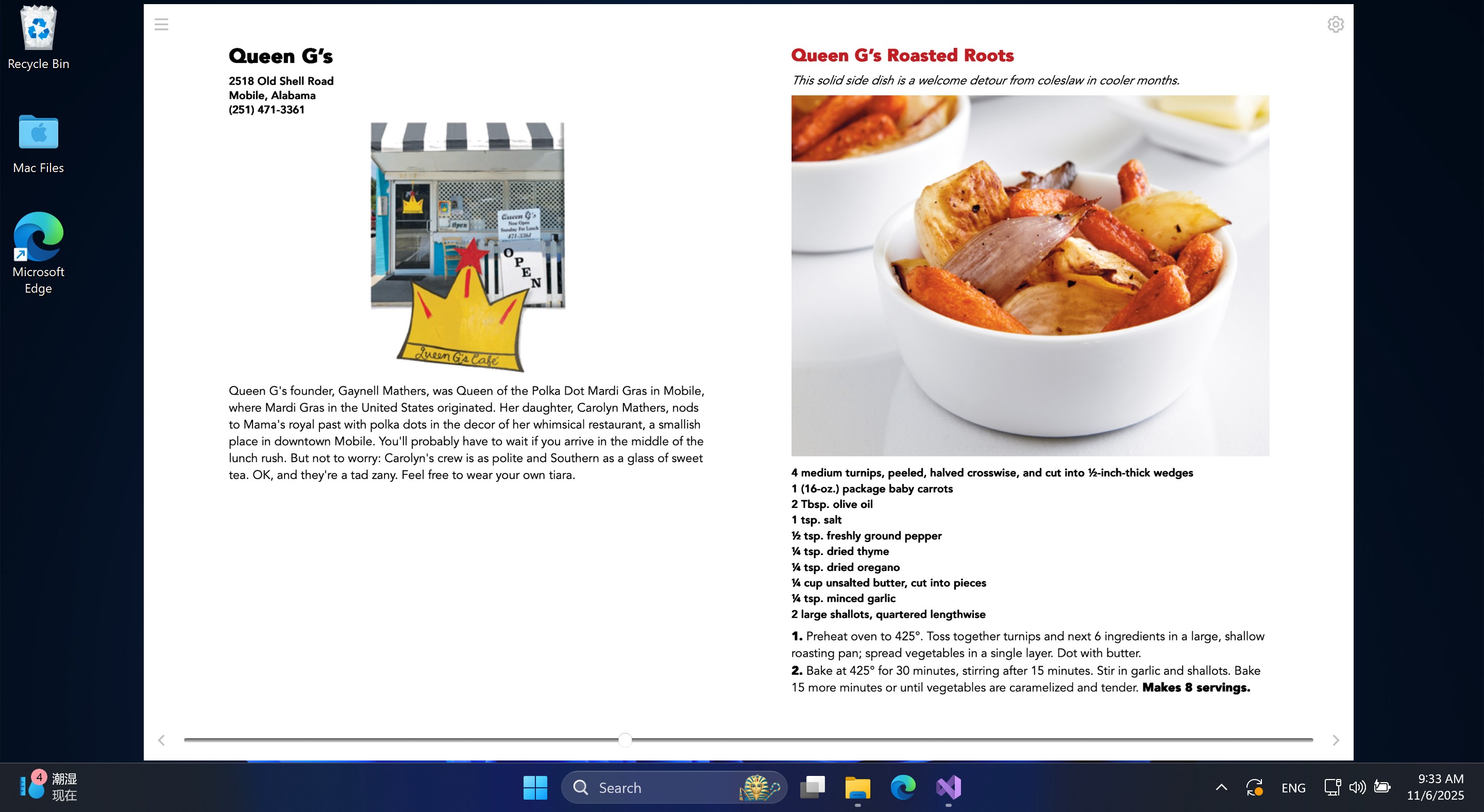
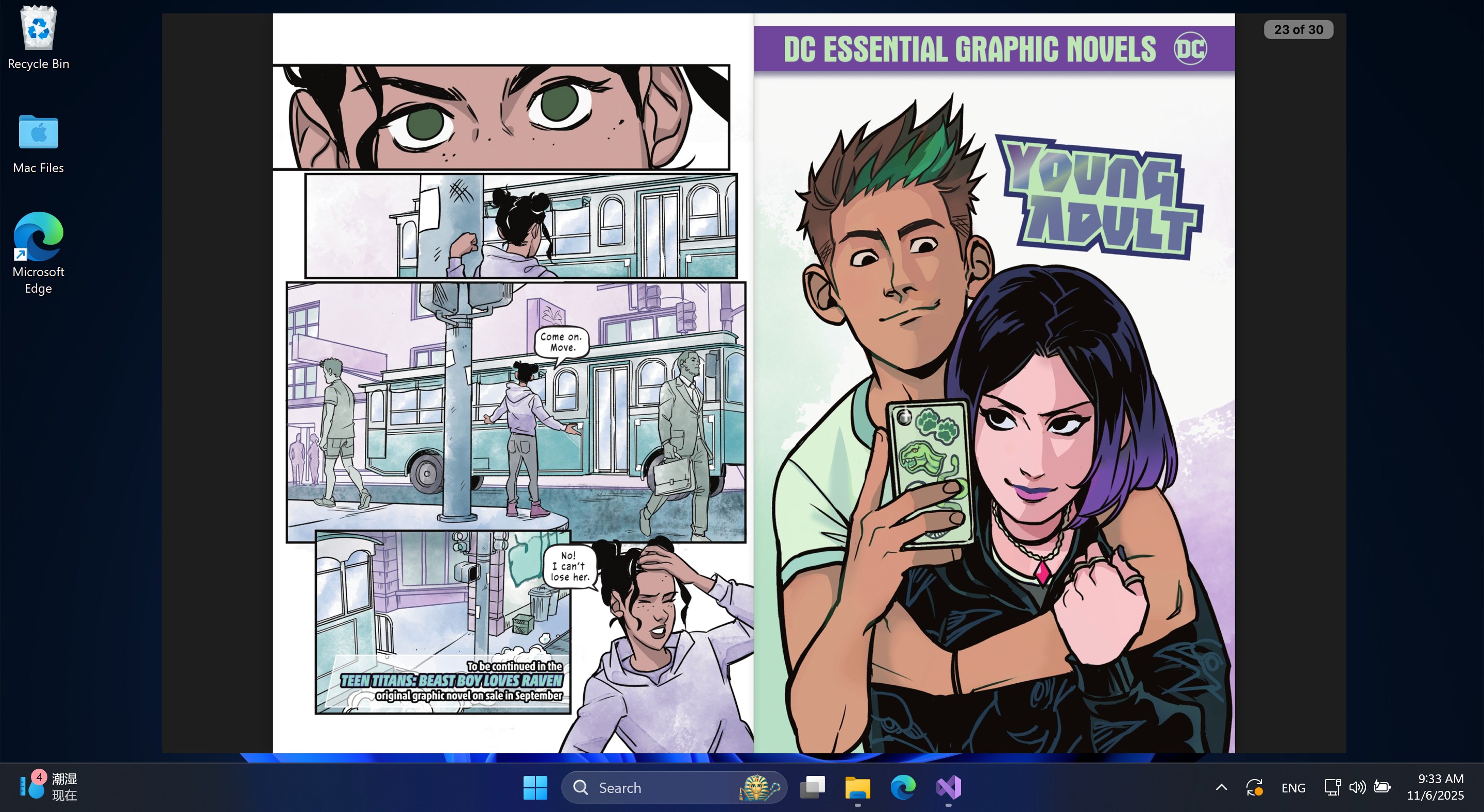
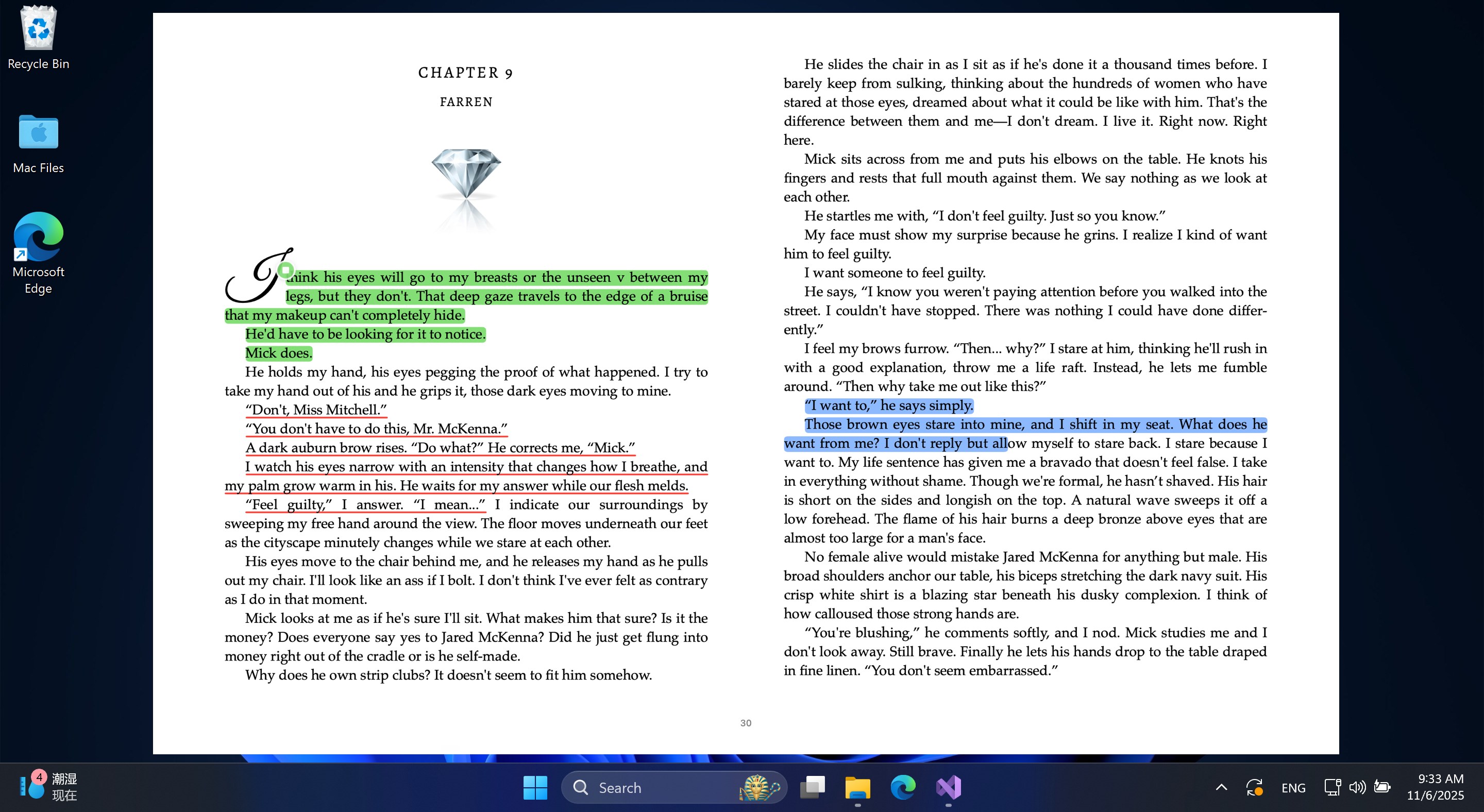
KDL E-reader is an ebook reader that supports major formats including EPUB, MOBI, AZW, KF8, FB2, CBZ and PDF. It uses advanced CSS multi-column layout technology for smooth rendering and displays a complete table of contents with quick navigation. Reading progress and location markers are shown in real time, and a full-text search allows quick access to content. The app includes a built-in text-to-speech function, offline dictionary support in StarDict and dictd formats, and tools for text highlighting and annotations. Ebooks can be opened by dragging and dropping files or using the selection button.
Show the developer's original descriptionHide the original description
KDL E-reader is an innovative ebook reader designed for passionate readers, allowing you to immerse yourself in books anytime, anywhere. Whether in a sunny park or a dimly lit bedroom, this reader provides a comfortable, paper-like reading experience.
Key Features
Multi-Format Support: Supports major ebook formats such as EPUB, MOBI, AZW, KF8 (AZW3), FB2, CBZ, and PDF.
Smart Rendering: Utilizes advanced CSS multi-column layout technology to provide a smooth reading experience.
Table of Contents: Displays a complete table of contents and allows for quick jumps.
Reading Progress: Displays reading progress and location markers in real time.
Search: Supports full-text search for quick access to content.
Text-to-Speech: Built-in TTS functionality allows for voice reading.
Offline Dictionary: Supports offline dictionaries in StarDict and dictd formats.
Annotation Highlighting: Supports text highlighting and annotations.
How to Use: Users can open ebooks by dragging and dropping files or clicking the selection button, then use various features to read, including table of contents navigation, jumps, and content search.
KDL E-reader is more than just a reader; it's your intellectual companion. Whether you're a fiction enthusiast, an academic researcher, or a casual reader, it takes you on a journey through the vast world of words and explores endless possibilities. Start your reading journey now!
If there is a version of this app for iOS/Mac or Windows we don't know about, paste the store link here — we'll auto-detect the store.
How to find the URL:1. Open the app in its store. 2.In the App Store app: tap the Share icon → “Copy Link”. In the browser: copy the URL from the address bar — it contains apps.apple.com/…/id… or apps.microsoft.com/detail/…. 3. Paste it here.
Paste the original link from the Apple App Store or Microsoft Store. We fetch all details automatically.
How to find the URL:
1. Open the app in its store. 2.In the App Store app: tap the Share icon → “Copy Link”. In the browser: copy the URL from the address bar — it contains apps.apple.com/…/id… or apps.microsoft.com/detail/…. 3. Paste it here.
Android apps can only be listed by their developer.